A Roku that crashes out of an app before playback is frustrating precisely because the job seems so small: open a channel, choose something, press play. When that basic chain breaks, it is tempting to assume the streaming service is down or the device is finished. Neither conclusion is guaranteed.
There are several layers involved in getting a stream on screen. The Roku operating system has to be stable, the app must be compatible and current, and the device needs enough room and resources to run them. A fault in any one of those places can make an app close unexpectedly or return to the Roku home screen before a video starts.
The practical order of operations matters. Begin with changes that preserve your installed apps and sign-ins: check for updates, restart the device, then remove apps you no longer use. A factory reset is a genuine last resort, not a routine maintenance step. If an older Roku cannot keep pace with current software, replacement may ultimately be the realistic answer.
Start by checking for Roku and app updates
Software bugs are one plausible cause of an app crash. Roku software and individual apps are built and tested across many hardware and software combinations, and no testing process catches every issue. An update can include a fix for an issue affecting an app, the operating system, or their interaction.
Roku devices normally update automatically after a cold boot or after being left on for roughly 24 to 36 hours. If crashes are happening now, there is no need to wait and hope that automatic behavior catches up. Use the remote and go to:
- Settings
- System
- Software update
- Check Now
This is the best first move because it is low-risk. It does not wipe the device, remove channels, or force you to enter account credentials again.
It is also worth setting expectations. Checking for updates cannot create a fix that has not been made yet. If the crash comes from a newly discovered bug, it may take days or weeks for a patch to be developed. In that situation, repeatedly checking the same menu may confirm whether something new has arrived, but it is not a cure on its own.
Why updates can matter even when the issue looks isolated
A crash in one app can feel like definitive proof that one app is at fault. Sometimes it is. But an app runs on top of Roku OS, uses the device’s available storage and memory, and has to work with current service-side requirements. Updating keeps those pieces as aligned as possible.
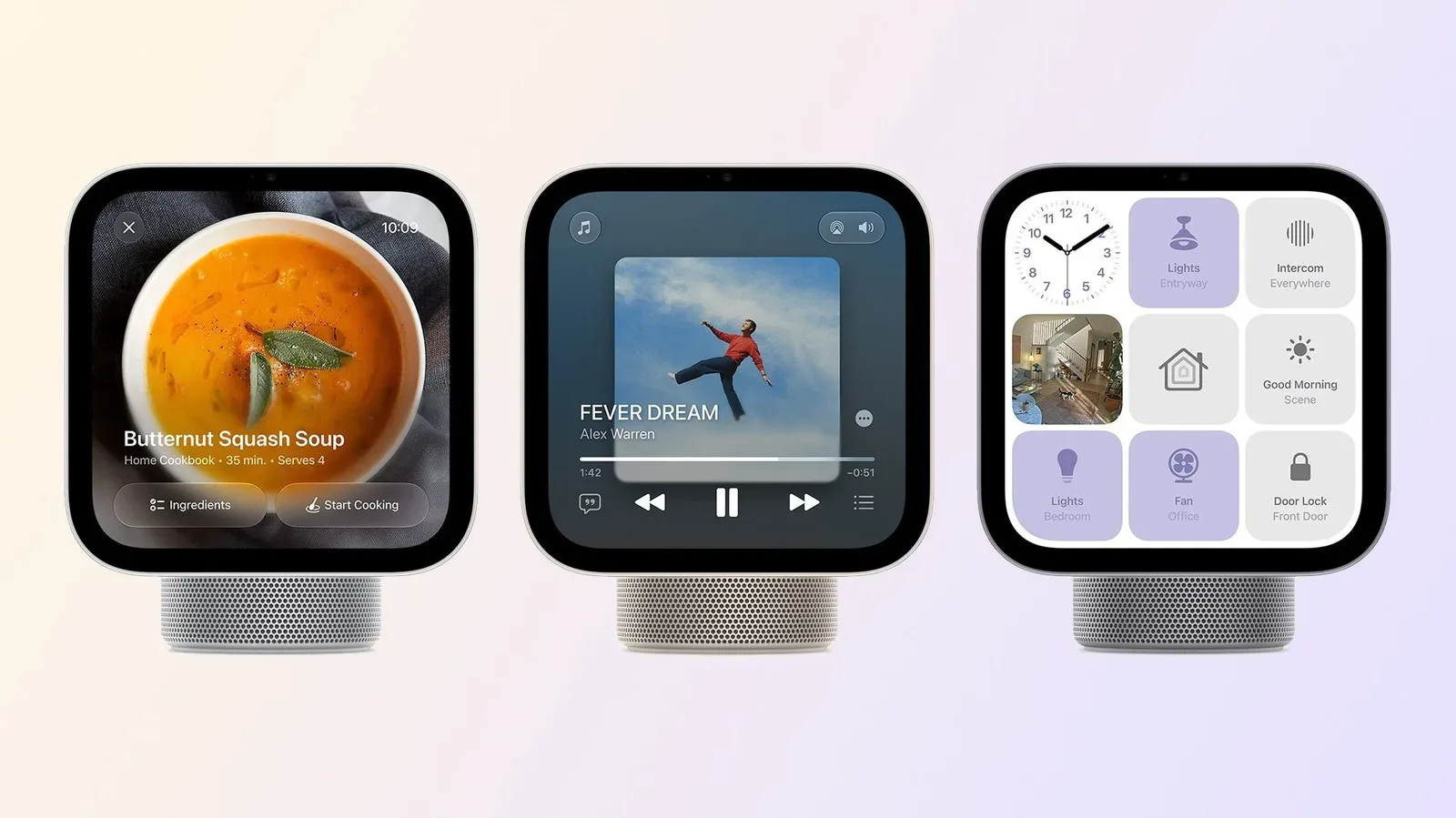
The same principle applies beyond streaming boxes. A living-room setup can include multiple connected devices with their own software and update schedules. That does not mean every device needs replacing when one app misbehaves; it does mean maintenance remains part of the experience. For a separate look at how a connected home hub might fit into familiar screen-based ecosystems, see this examination of Apple HomeView’s CarPlay app plan.
Restart the Roku to clear a temporary problem
If an update check does not resolve the crash, restart the Roku itself. Navigate to:
- Settings
- System
- Power
- System restart
Some Roku devices may not show the Power menu. In that case, look for the available route to System restart under System settings.
A restart is more meaningful than simply backing out of an app. It gives the operating system, its background processes and the system cache a fresh start. Background processes are tasks that can continue behind the screen you are currently looking at. A cache is temporary data retained to help software work more efficiently. Either can be involved when a minor glitch builds into behavior such as an app failing on launch.
This does not mean every crash is caused by cached data, nor does it diagnose a specific fault. It is a sensible general recovery action because it addresses transient problems without erasing your setup. Periodic restarts are also a reasonable maintenance habit for keeping a Roku running smoothly.
Remove unused apps to free limited storage
Storage is easy to overlook on a dedicated streamer. Roku apps are not especially large, but the capacity is still finite. Even the 2024 Roku Ultra has 4GB of storage, and less expensive or older Roku hardware may have less.
That capacity is shared by the operating system and the apps you have installed. When storage becomes tight, the device can run into pressure around the room the OS needs to operate. The relevant term here is swap space: storage that the system can use in support of active operations when needed. The key user-facing takeaway is simpler than the terminology: keeping channels you never open can make a constrained device less comfortable to run.
Take a quick inventory of the Roku home screen. If there are channels you no longer use, removing them is practical housekeeping before more disruptive troubleshooting. There is little advantage in reserving precious storage for an app that has become irrelevant to your viewing.
This step is especially worth considering on older hardware. It cannot solve every compatibility or software defect, but it reduces one avoidable source of pressure. It also does not demand that you reset settings across the entire device.
A sensible troubleshooting sequence
For most pre-playback crashes, work through these steps in order:
- Run Settings > System > Software update > Check Now.
- Restart the Roku through Settings > System > Power > System restart, if the Power menu is present.
- Delete unused channels to reclaim storage.
- Try the affected app again after each change.
Doing one action at a time has a practical benefit: if the failure stops, you have a better sense of which intervention helped. Jumping immediately to a wipe removes that clarity and creates a larger setup task.
Factory reset only after the lighter fixes fail
If updates, a restart and storage cleanup have not helped, a factory reset is the most drastic software option described here. It returns the Roku to an out-of-box state.
On a Roku that is still usable, the menu path is:
- Settings
- System
- Advanced system settings
- Factory reset
The consequence is substantial. You will need to download apps again, reconfigure device settings and sign back into your accounts. That makes a factory reset appropriate when less disruptive measures have been exhausted, not as the first response to a single crash.
There are also hardware-based reset commands for cases where the operating system is so unresponsive that normal navigation is not viable. That is a different situation from an otherwise functional Roku with one troublesome app. If menus still work, use the menu-based sequence and be certain you are ready to rebuild the device setup.
When an aging Roku may be the underlying limit
Older hardware can eventually reach a point where it struggles with newer software. Roku may continue supporting devices for a considerable time, but support does not eliminate physical limits. Newer features and graphics can make greater demands on a device’s processor and RAM.
RAM, or random-access memory, is working memory used while the device is operating. A processor handles the instructions needed to run software. When either becomes a constraint, an older Roku may have difficulty keeping up even if it still turns on, connects to the network and installs available updates.
There is a second compatibility limit outside Roku’s direct control. Streaming services can choose to stop supporting older app versions for security reasons or for other plans. Keeping apps updated as long as updates remain available is therefore worthwhile, but it cannot guarantee that an old software version will be accepted indefinitely.
Replacement should be considered only after the update, restart, storage and reset paths have been weighed, especially if the device is many years old and problems persist. The point is not that every crash signals failed hardware. It is that no amount of menu navigation can permanently overcome a processor, RAM or compatibility ceiling once that is the actual issue.
What not to assume from a crash
A crash before play does not automatically prove that your account is the problem, that every Roku service has failed, or that a factory reset is mandatory. It is a symptom with several possible explanations: a bug, a temporary operating-system glitch, limited free storage, aging hardware, or an older app version that a service no longer supports.
That uncertainty is why the lightest remedies come first. Check for current software, restart cleanly, and remove what you do not use. Those steps preserve the work already put into arranging channels and signing in. If they fail, a factory reset offers a clean slate; if that too changes nothing on a much older unit, the device itself may have reached its useful limit.