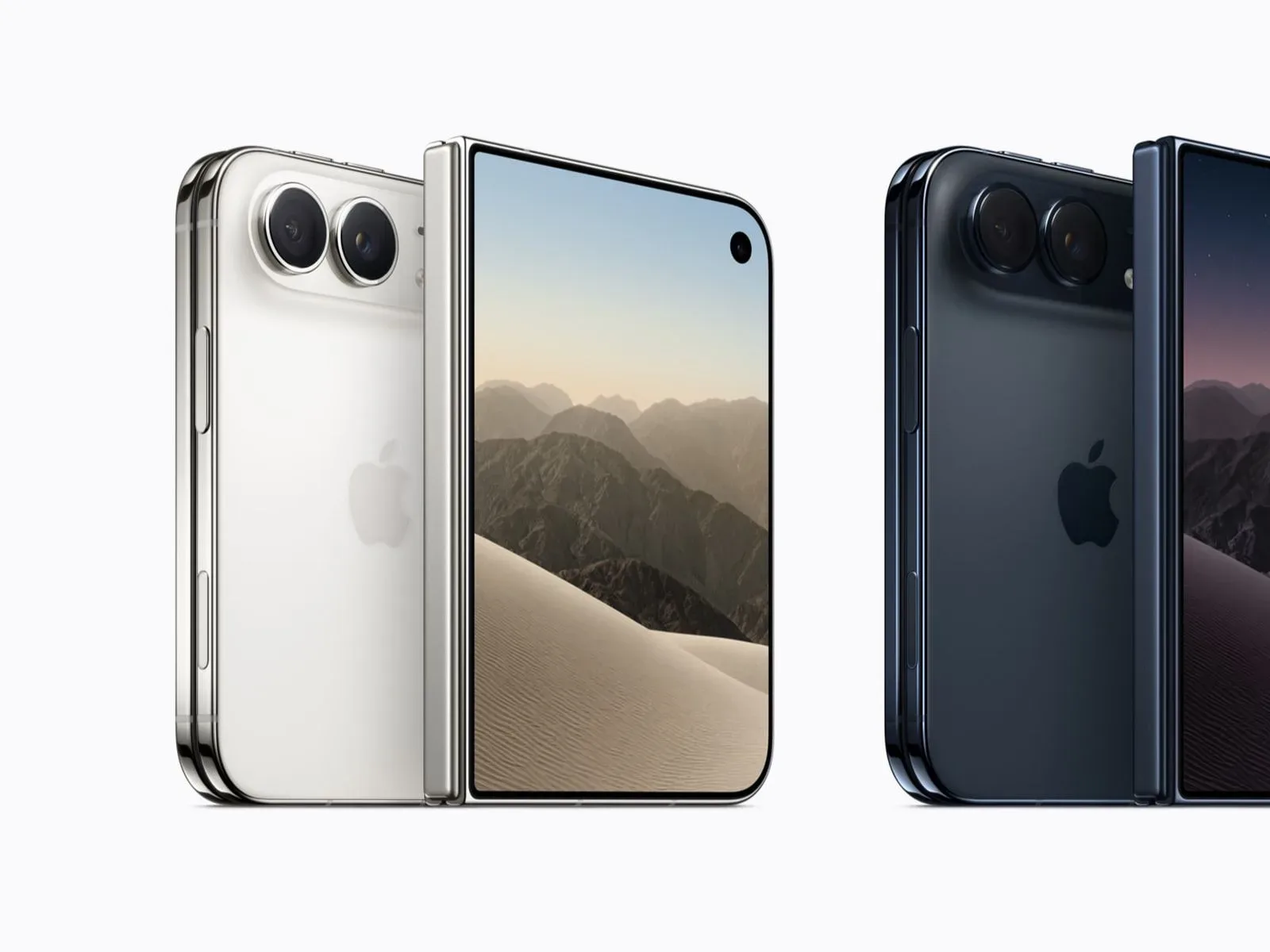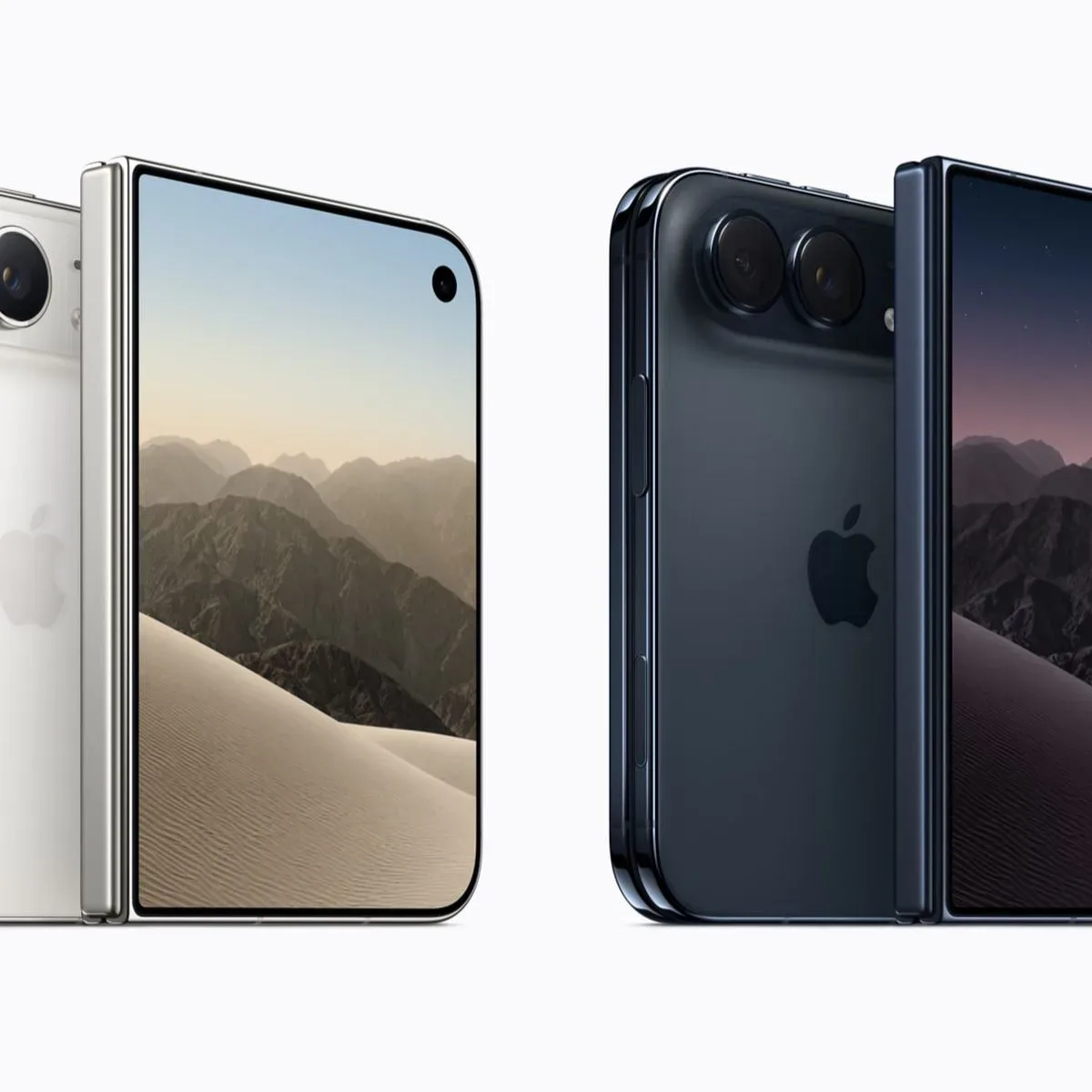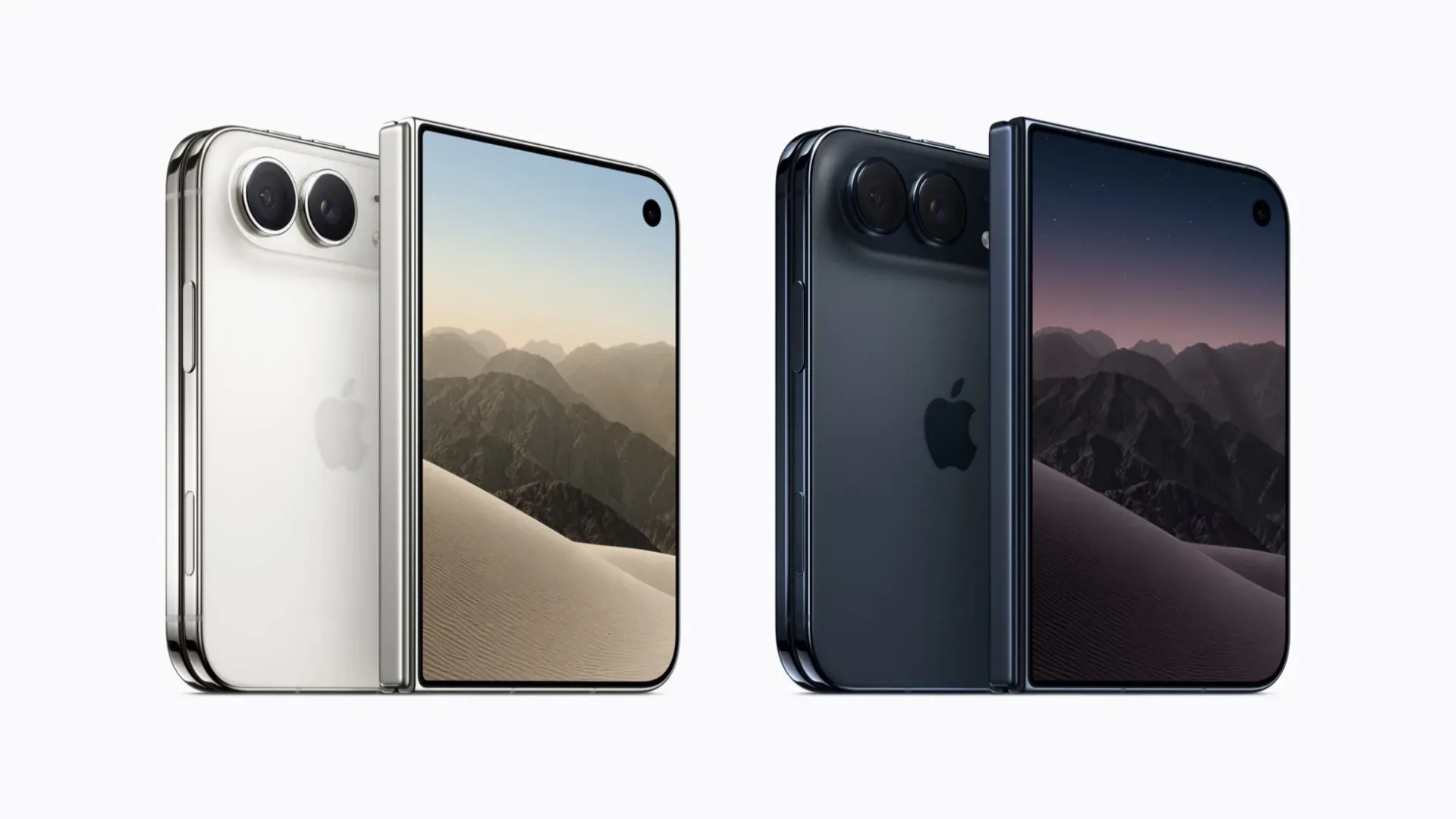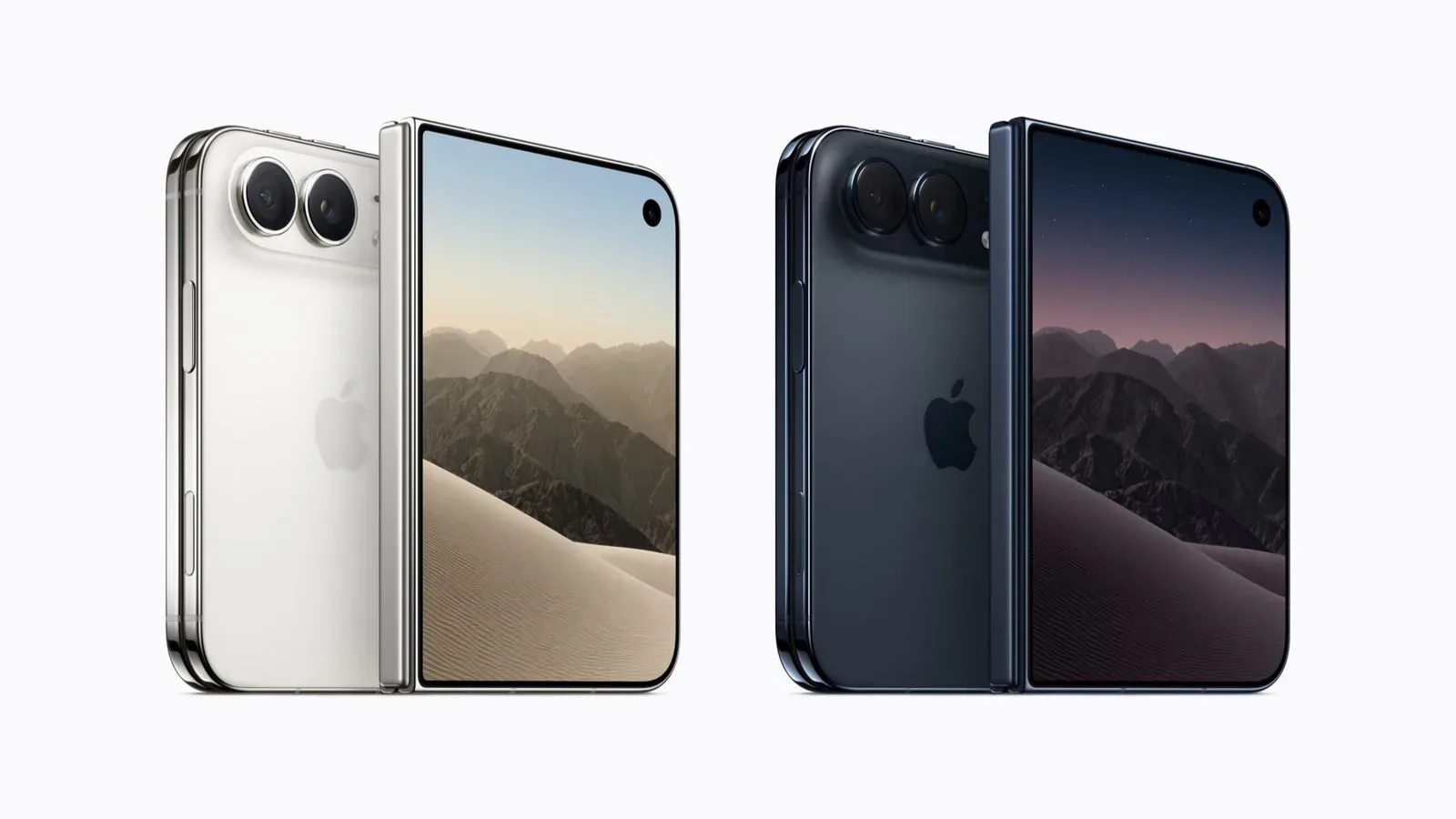
A small reported iPhone Duo interface detail could matter more than it first appears: Apple is said to be adding a dedicated Focus control to the Lock Screen. When a Focus mode is active, the button would appear above the Lock Screen’s bottom controls and let the owner turn that mode off or back on without unlocking the phone.
That is a modest change, but it targets a familiar moment of friction. Focus modes are meant to shape how and when a phone interrupts its owner. If someone needs to temporarily allow the usual flow of alerts again, moving that switch to the Lock Screen would mean fewer steps between noticing a need and changing the device’s behavior.
The same report says the currently active Focus would be shown in the status area above the clock after the iPhone has been unlocked. Taken together, those two details suggest an effort to make the device’s current notification state easier to see and easier to alter, rather than leaving it as a background setting users may forget is enabled.
What is reportedly changing
The proposed Lock Screen control is specifically tied to an active Focus. In practical terms, it is not described as a general settings shortcut or a full Focus-management screen. It is an on/off toggle that appears when a mode is already in use.
That distinction matters. A toggle is designed for a fast binary choice: keep the current Focus running or disable it. The reported feature does not establish that users will be able to pick a different Focus, edit a mode, or change notification rules from the Lock Screen. Those capabilities should not be assumed from the limited detail available.
Similarly, the status-bar indicator is described as appearing when the device is unlocked, above the clock. Its apparent purpose is awareness. A person who has deliberately enabled a mode can confirm that it remains active; someone wondering why their usual alerts seem quieter gets a visible clue before digging through menus.
Why Focus visibility is useful
Focus is Apple’s label for a set of modes that can control notifications and other behavior around a chosen context. The core idea is simple: a phone owner may want different levels of interruption at different times. The challenge is that systems which reduce distractions can themselves become confusing when their current state is not obvious.
For example, a person may turn on a Focus to limit interruptions, then later want normal communications to resume. A Lock Screen switch could make that handoff immediate. It also has a clear safety advantage over burying a frequently used state change in a deeper interface: the owner does not need to unlock the phone simply to verify that a Focus is active and turn it off.
There is a broader design lesson here. Context controls are most useful when the device makes their state legible. A feature intended to keep a person focused becomes counterproductive if it leaves them unsure whether important notifications are being filtered. An indicator above the clock is a small visual cue, but it can answer that question before the user starts troubleshooting.
Of course, convenience cuts both ways. A Lock Screen control also makes it easier to disable a Focus accidentally. The available information does not say whether the reported button would use a confirmation step, display the Focus name, or offer any protection against unintended taps. Those implementation details would determine how well Apple balances speed with confidence.
A foldable interface needs states users can read quickly
The iPhone Duo is described as Apple’s first foldable iPhone, with iOS 27 reportedly rebuilt to respond in real time as the hardware folds, unfolds, and moves between two displays. That makes persistent system information especially important.
A foldable device can present different amounts of screen space depending on how it is being held and which display is in use. An interface that changes shape needs to retain a few stable landmarks, so people can understand the device at a glance. The reported Lock Screen Focus button and unlocked status-bar marker fit that principle: they communicate one important system state without demanding a trip into a settings view.
The report does not explain where the control will sit across every device posture, nor does it describe how it will transition between the Duo’s displays. It would be premature to infer detailed layouts from the existence of a single Lock Screen button. Still, the stated direction of iOS 27—adapting dynamically to folds and display changes—provides useful context for why Apple might emphasize compact, immediately recognizable controls.
For people who use their phones as quick utility devices rather than as destinations for prolonged app sessions, this could be the more meaningful side of foldable software. Hardware flexibility is only helpful if routine actions remain predictable. A visible Focus state is the kind of small, repeatable interaction that can make a changing interface feel more dependable.
What prospective buyers should treat as confirmed—and what they should not
The Focus change remains a report, not a feature list confirmed by Apple. It should therefore be viewed as an early look at a possible software behavior rather than a promise of final iPhone Duo functionality.
- Reported: an active Focus may gain an on/off control above the Lock Screen’s bottom controls.
- Reported: the active Focus may be displayed in the status bar above the clock after unlocking.
- Reported: iOS 27 has been reworked to adapt as the foldable device folds, unfolds, and changes between two displays.
- Not established by the report: the exact design, whether multiple Focus modes can be selected from the Lock Screen, and how the control behaves in every folded or unfolded layout.
That uncertainty is important for anyone evaluating the device around launch. Software details can change before release, and a useful-looking interface adjustment should not be mistaken for a complete account of the Duo’s notification, display, or multitasking experience.
Apple is also reported to open iPhone Duo pre-orders at 5 a.m. Pacific Time on Friday, October 16, with availability beginning Friday, October 23. Those dates provide the practical timeline attached to the report, but they do not resolve the unanswered questions about the final Lock Screen design.
The practical value is in fewer detours
There is no dramatic new game mechanic hiding in this feature. Its appeal is more like a well-placed pause button: it puts a frequently needed control where the user is already looking. The Lock Screen is the natural place to check time, assess incoming information, and make a fast decision about whether it is time to be reachable again.
For someone using Focus to separate work, rest, gaming, or other personal routines, an immediate off switch could reduce the temptation to unlock the device and disappear into unrelated notifications or apps. That is an analysis of the reported placement, not evidence that the feature will change everyone’s habits. But it is a sensible goal for a system built around intentional interruptions.
Apple-related interface reporting is also worth considering alongside smaller account-management changes. For instance, Apple appears to have raised the iCloud Mail alias limit from three to nine, another example of how everyday platform experience can shift through options that look minor on a specification sheet.
For now, the iPhone Duo’s reported Focus toggle is best understood as a potentially practical refinement, not a defining reason to buy a foldable phone. If it arrives as described, it could help make the current notification mode visible at the moments users are most likely to need it—and make changing that mode a one-tap decision instead of a small navigation task.