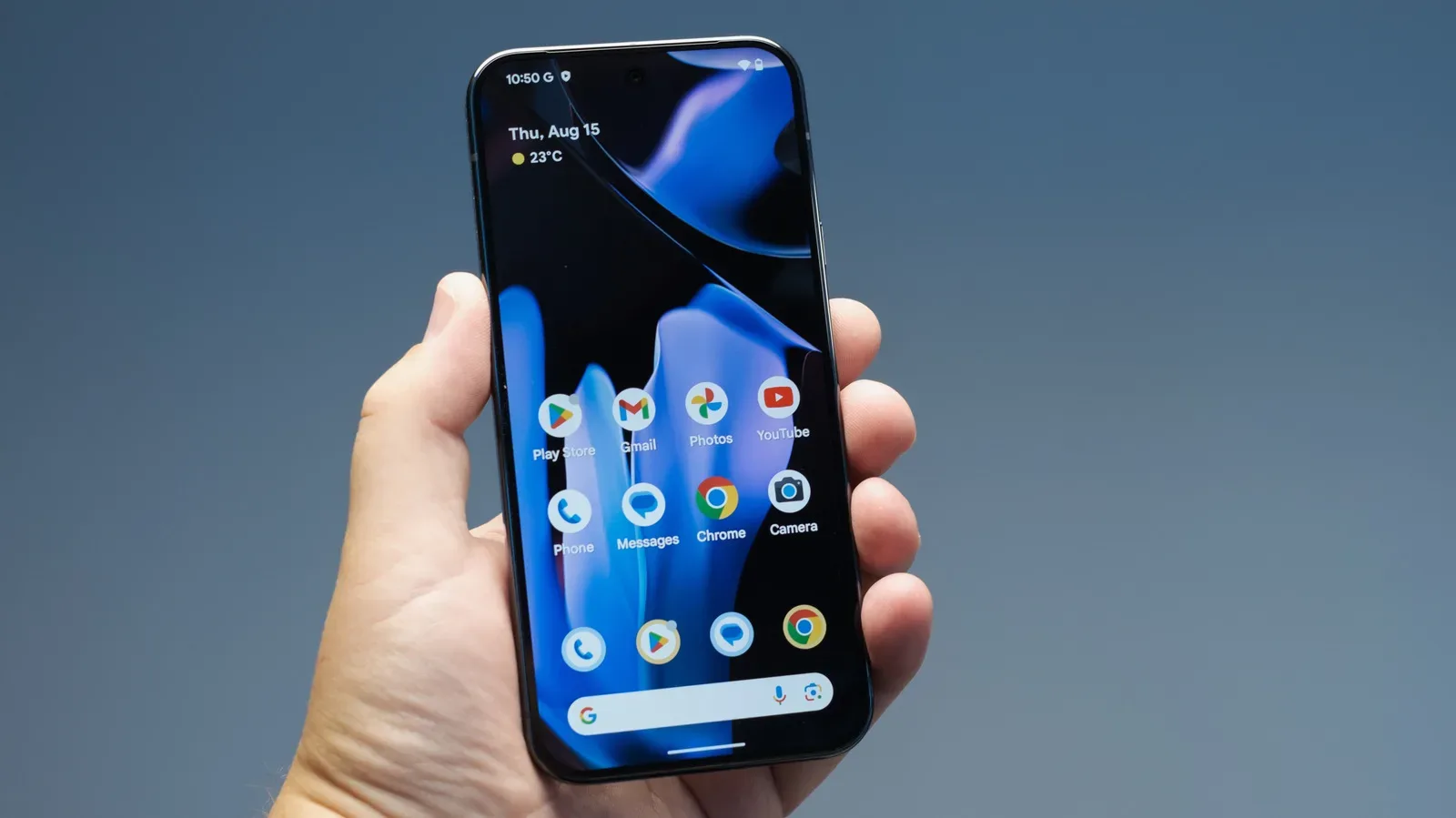
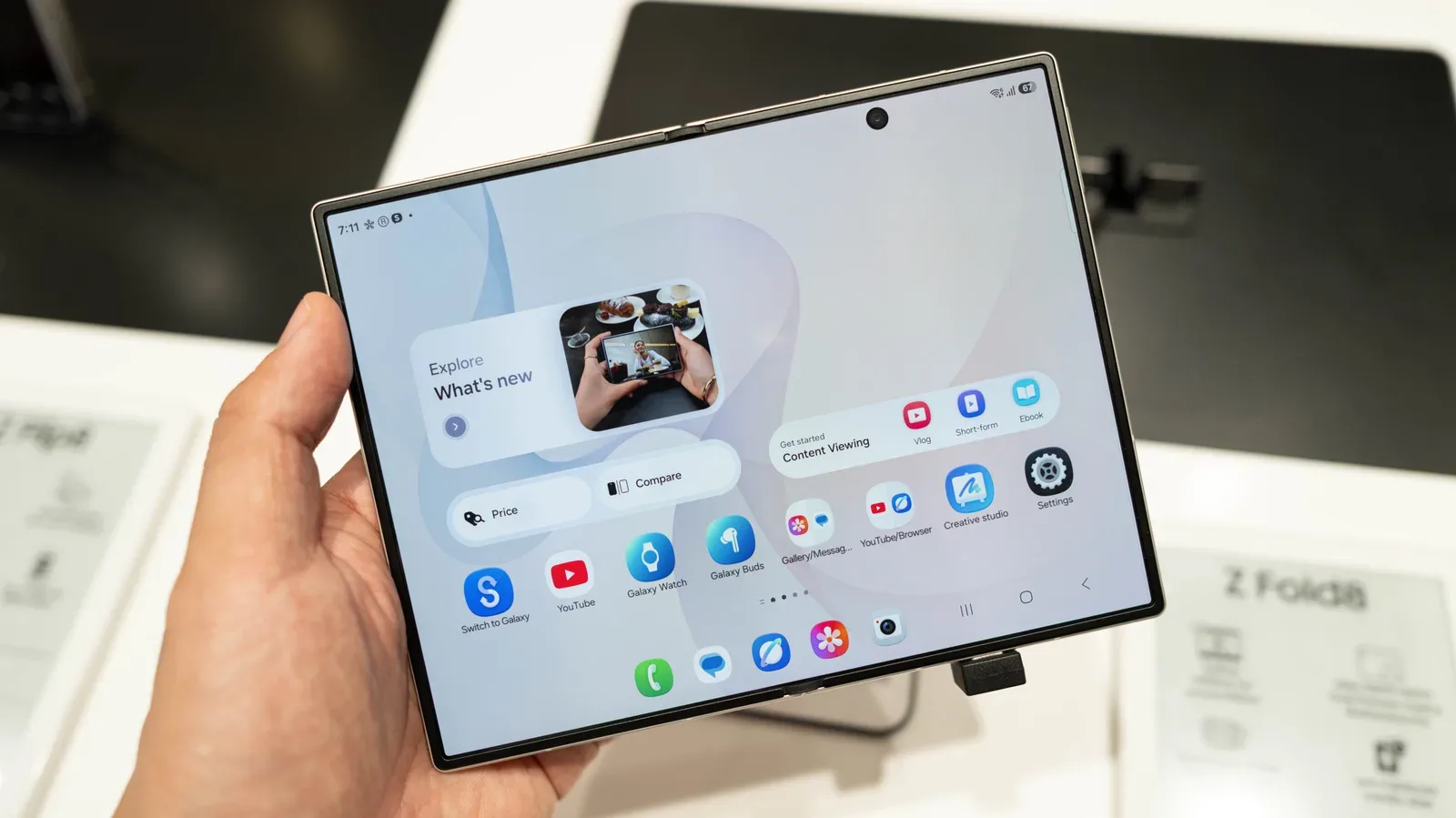
Switching from a Samsung Galaxy phone to a Google Pixel is less about fleeing one Android camp for another than choosing which compromises you actually notice every day. Google’s Pixel 11 family, revealed in August 2026, makes a strong case around software simplicity, early access to Android features, camera convenience and AI-assisted tools. Samsung’s Galaxy S26 lineup answers with more raw performance, stronger battery claims, deeper customization and a broader set of hardware formats.
That divide matters because “Android” is not one uniform experience. Both companies use the same underlying operating system, but they package it differently. Google controls Android itself and puts its own interpretation on Pixel phones. Samsung adds One UI, its own software layer, services and ecosystem integrations. A move between the two can therefore feel more substantial than a routine upgrade, even when both handsets run Android apps and share the same basic app store.
The short version: a Pixel 11 is a sensible destination for someone coming from an aging Galaxy who values uncluttered software, prompt updates, everyday photography and Google-led AI features. A recent Galaxy owner, particularly one who games heavily, uses a Galaxy Watch’s health features, depends on DeX, wants a stylus, or prefers a compact flip foldable, has less reason to jump ship.
The Pixel argument starts with software, not a spec-sheet knockout
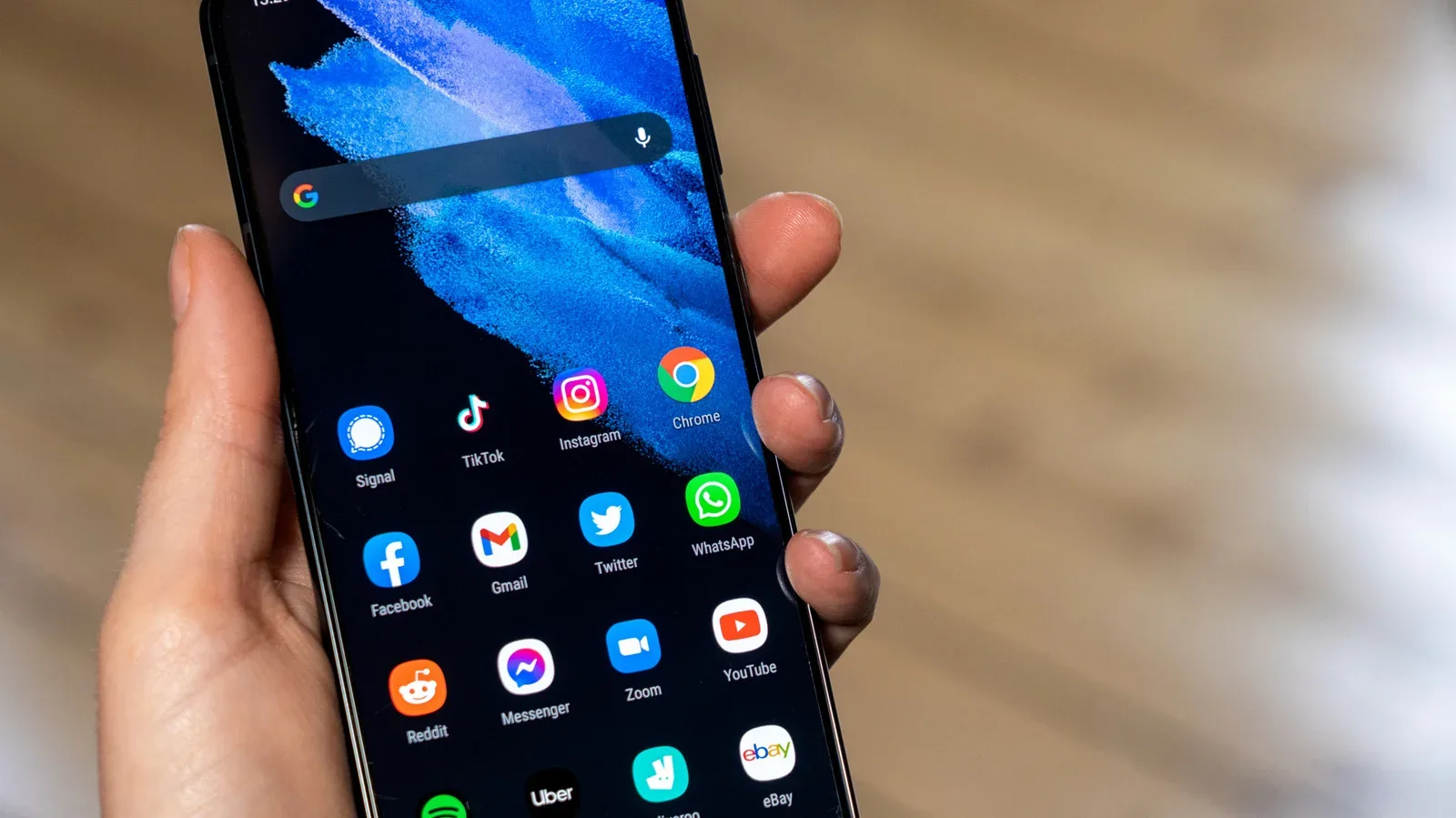
Pixel phones are not presented here as pure “stock Android” devices. They still carry Google’s own choices and feature set. The attraction is instead that they avoid much of the duplication that can make a new phone feel crowded. Samsung users may be accustomed to parallel apps and services, along with Bixby, Samsung’s voice assistant. Pixel ownership means fewer overlapping manufacturer apps to decide whether to keep, hide or uninstall.
That is what bloatware means in this context: extra preloaded software that a buyer may not want, especially where its role overlaps with Android or Google apps already on the phone. The term is subjective—one person’s unwanted duplicate may be another person’s preferred tool—but the practical difference is immediate. A cleaner default setup means fewer choices during initial configuration and less pressure to learn a second version of every basic app category.
Google also has a structural advantage on updates because its phones receive the newest Android changes first. The Pixel 11 family is promised seven years of Android updates, alongside quarterly Pixel Drops. Pixel Drops are periodic feature updates intended to add or expand capabilities outside the biggest annual Android version change. Samsung’s One UI updates remain frequent, but they arrive after Google’s own phones receive the new platform features.
The support comparison also extends beyond flagships. Samsung’s Galaxy A range has six years of OS updates, while the Pixel A-series has seven. For buyers who keep a phone for a long time, that extra year is not just a bullet point. It can affect how long the device continues to receive new Android versions, though an individual buyer should still consider how well the handset’s battery, storage and performance will suit their own needs over that period.
Google’s cameras prioritize speed and a more natural look
For many people, a phone camera is less a camera specification contest than a test of whether it catches an ordinary moment before it disappears. The Pixel 11 Pro XL is described as competitive with the Galaxy S26 Ultra, while Google’s approach emphasizes quick captures, almost no shutter delay and more natural color processing. Samsung’s output, by contrast, is characterized as more vivid.
Shutter lag is the delay between pressing the capture button and the phone recording the image. Very low lag is useful for children, pets, candid scenes and anything else that refuses to hold a pose. Color processing is equally personal. “Natural” typically means an image aims to look closer to the scene as perceived, whereas a more vivid treatment can make colors look punchier straight from the camera. Neither philosophy wins for every photograph. The meaningful question is whether you prefer images that look restrained at first glance or ones designed to make an immediate visual impression.
Google has added specific creative tools to the Pixel 11 mix, including Camera Looks filters and a built-in scrolling teleprompter. Camera Looks gives users preset styling options, while a teleprompter scrolls prepared text as someone speaks to camera. That could be useful for creators recording direct-to-camera clips, small business owners making a short message, or anyone who simply dislikes losing their place mid-sentence. It is a quality-of-life feature rather than an automatic reason to change platforms, but it shows where Google is concentrating its effort: removing friction from common capture and communication tasks.
There are limits to the Pixel camera case. The Galaxy S26 Ultra has better battery endurance and faster charging than the Pixel 11 Pro XL. That affects camera use as much as general phone use; a great camera is less helpful when a long day of photos, navigation and messaging has exhausted the battery. Samsung also has a substantial video-specification advantage. The S26 Ultra can record up to 8K at 30 frames per second and 4K at 120 fps. The Pixel 11 Pro reaches 4K at 60 fps directly, while its 8K processing depends on Video Boost and cloud computing.
Frame rate, measured in fps or frames per second, describes how many individual images make up one second of video. A 120-fps mode can support slow-motion playback. Cloud-based Video Boost means the phone sends processing work away from the device rather than completing all of it locally. That can enable an 8K result, but it is not equivalent to recording native 8K video on the phone at the moment of capture. Anyone for whom high-resolution or high-frame-rate video is a regular requirement should treat Samsung’s on-device recording options as a meaningful advantage.
Gaming and high-demand work favor the Galaxy S26
The clearest hardware split is processing power. Pixel 11 phones use Google’s Tensor G6, which is described as efficient for routine tasks. That matters for the overwhelmingly common smartphone workload: messaging, browsing, maps, photography, social apps and typical multitasking. But the Tensor G6 falls behind the Qualcomm Snapdragon 8 Elite Gen 5 in Samsung’s S26 range in demanding games and raw benchmark results.
A benchmark is a standardized performance test, useful for comparing components under a selected workload. It is not a perfect predictor of how every app feels, but it can reveal a difference in sustained or peak computing ability. High-demand games are among the places where that headroom becomes more tangible. For players, the Galaxy position is straightforward: the faster chip supplies a stronger basis for demanding titles than the Pixel’s day-to-day efficiency-first approach.
That distinction should prevent a common mistake in upgrade shopping. A phone that is excellent for everyday use is not automatically the best handset for every workload. Pixel buyers do not need maximum benchmark leadership to enjoy Android or play games casually. But gamers planning to push demanding titles, and buyers who care about the strongest available raw mobile performance, should not dismiss the S26’s Snapdragon advantage as a number that only matters on a comparison chart.
Samsung’s appeal for people who treat a phone as a flexible computing device goes beyond the processor. DeX, Samsung’s desktop experience, is unavailable on Pixels. DeX lets a compatible Samsung phone function in a desktop-style environment, a capability positioned ahead of Android’s still-developing desktop mode. For someone who uses a phone alongside a larger screen or needs a desktop-like setup away from a conventional computer, its absence is a material ecosystem trade-off, not a cosmetic software difference.
Samsung also has the broader hardware and customization toolkit
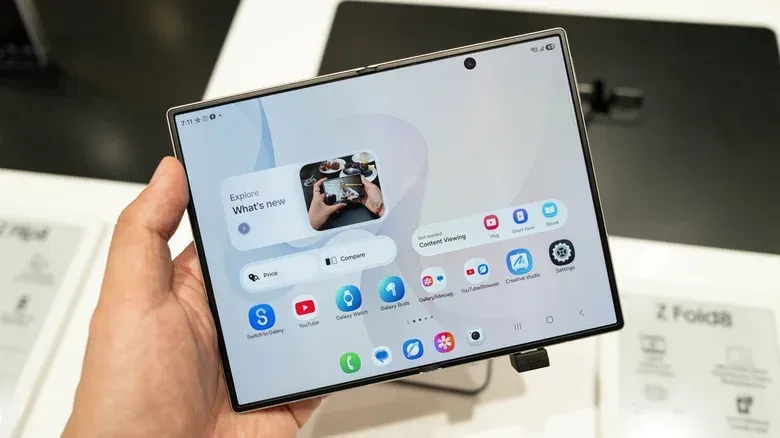
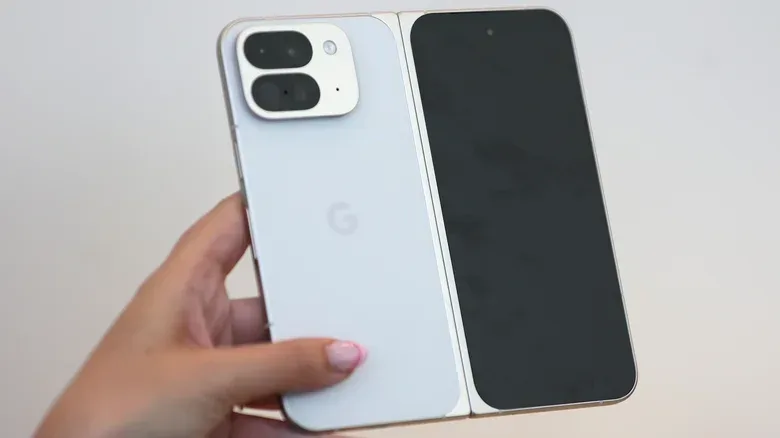
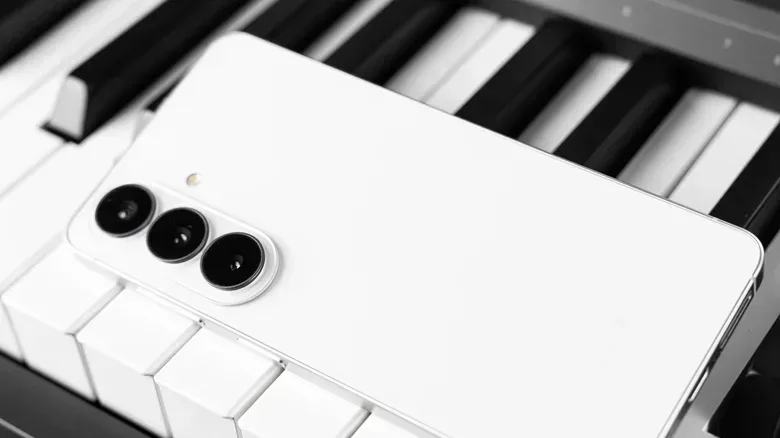
Google has no direct answer for every Samsung form factor. The Pixel 11 Fold is not considered as compelling in shape as the passport-style Galaxy Z Fold 8. Buyers seeking a Galaxy Z Flip-style phone, meanwhile, will find no Google equivalent. The same is true for stylus support. A shopper who wants one of those things should not frame the decision as a straight Pixel-versus-Galaxy flagship comparison; the relevant Pixel option simply may not exist.
One UI also gives Samsung users more customization through features such as Modes and Routines. These are conditional automations—the familiar “if this, then that” idea. A person might establish different behavior for driving, bedtime or a simple home-automation scenario. The value is not that every buyer must build elaborate rules. It is that the operating system offers a way to make repetitive context-based changes happen automatically.
This is the central personality difference between the brands. Pixel leans toward a curated experience: fewer duplicates, Google-first feature delivery and intelligent tools aimed at reducing effort. Samsung offers more knobs, switches and alternate ways to use the hardware. Power users often value the latter because it lets them shape the phone around a routine rather than accepting a more prescribed default.
Google’s AI tools should not be mistaken for a weakness, however. Gemini can take on tasks such as handling phone calls or hailing an Uber, and Magic Capture records video then selects the best photographs from it. These features aim to make the phone more proactive, particularly around communication and capturing a moment. Their appeal depends on whether the user wants that type of automated assistance, but they give the Pixel 11 line a differentiated set of conveniences rather than merely a cleaner home screen.
Existing devices may decide the question before the phones do
Platform compatibility is easy to overlook when comparing cameras and chips, but it can be the biggest practical reason to stay put. A Galaxy Watch 9 owner, for example, gets optimal Samsung integration on a Samsung phone. Samsung Health Monitor is exclusive to Samsung devices and enables the watch to monitor blood pressure levels and ECG signals. An ECG, or electrocardiogram, records electrical signals associated with the heart. Whatever a buyer thinks of Pixel hardware, losing access to a device feature they already rely on is a major consideration.
This is why a switch should begin with a personal inventory rather than a ranking table. Check the watch, earbuds, accessories and habits already in use. Consider whether DeX, the health functions, stylus support or a preferred foldable design are essential. Then weigh the things that may be more appealing on Pixel: the less cluttered setup, faster platform updates, Google AI functions and image processing tuned toward natural color and rapid capture.
Someone replacing an old Galaxy has the most freedom to choose the Pixel 11 on its own merits. Someone holding a recent Galaxy S26 is choosing between two current, capable flagship directions, and the case to abandon Samsung is much weaker. The Galaxy still competes well with Google’s best while retaining its advantages in battery life, charging, demanding-game performance, video capture, desktop mode and customization.
For a practical migration mindset, it can help to think of an older handset as useful equipment rather than instant e-waste; an old phone can still have an emergency or travel role. The bigger purchase decision, though, comes down to priorities rather than brand loyalty. Pick Pixel 11 for a streamlined Google experience and camera- and AI-led everyday utility. Pick Galaxy S26 if you want higher performance headroom, broader device choices and a system built for people who want to customize, automate and extend their phone further.