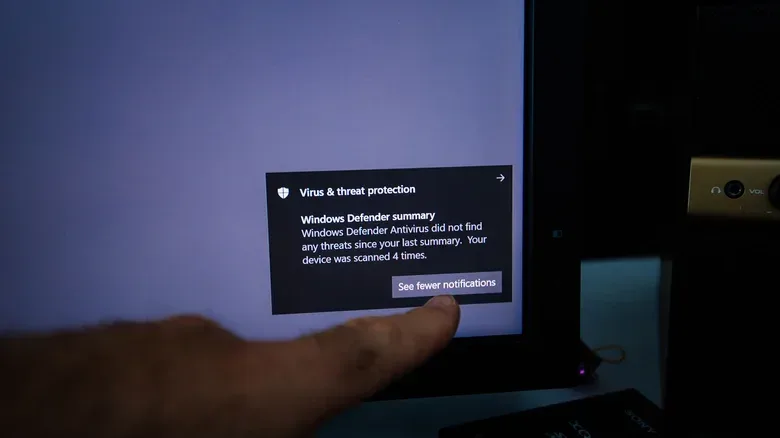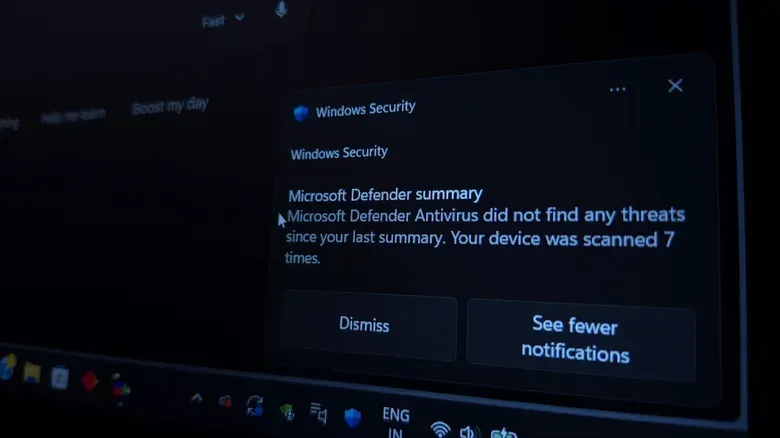
For years, installing a paid antivirus suite was treated as mandatory PC setup, right alongside graphics drivers and a game launcher. That habit made sense when Windows offered far less protection by default and malware was a more obvious everyday threat. In 2026, the calculation is different: Windows 11 already includes Microsoft Defender Antivirus as part of Windows Security, it updates automatically, and it checks files and applications as they are accessed.
That does not mean every paid security subscription is pointless. It means the value proposition has moved. The core question is no longer simply, “Will this stop a virus?” For many Windows users, built-in protection already covers that baseline. Instead, a subscription needs to earn its keep through features such as scam warnings, parental controls, cloud backup, password management, VPN access, or protection across several family devices.
For PC gamers in particular, there is another consideration: security software should protect the machine without becoming a noisy, resource-hungry passenger while a game is running.
Defender is no longer the weak link it once was
Windows has included built-in antivirus protection since Windows 8 arrived in 2012, but early versions of Microsoft’s tool did not have a strong reputation. Independent protection testing from May and June 2015 gave Defender just 0.5 out of six for protection quality.
The more recent picture is substantially better. In independent testing conducted in July and August 2026, Microsoft Defender Antivirus received the maximum six-point protection score. It detected 100% of threats in both real-world attack testing and widespread-malware testing. The industry averages in those two categories were 99.9% and 100%, respectively.
Those figures do not promise that every individual PC will be safe from every threat. Security testing measures controlled scenarios, while real attacks and user behavior vary. Still, the results matter because they show Defender operating at the same basic protection level as the wider field in the tested categories. For someone whose only reason to pay for a suite is fear that Windows is defenseless on its own, that assumption no longer holds up well.
Microsoft Defender works quietly in the background within Windows Security. It automatically scans files and apps, while security updates arrive without the user having to manually fetch new malware definitions. That automatic updating is important. An antivirus product depends on recognizing known threats and responding to emerging ones; outdated protection is a far less useful safety net.
Windows 11 also makes manual checks straightforward. A user can right-click a file, select Show more options where needed, then choose Scan with Microsoft Defender. Within Windows Security, Virus & threat protection includes a Quick scan and additional choices under Scan options. This is a practical middle ground for a downloaded mod, utility, save-file tool, or other item that raises concern before it is opened.
Antivirus is only one part of the problem
The word “virus” can make PC security sound like a single technical contest between a malicious file and a scanner. Modern risks are broader and often depend on persuading a person to act. A fake sign-in page can capture a password. A fraudulent invoice email can pressure someone into making a payment. A pop-up can falsely claim the computer is compromised and direct its target to call a phone number.
These are scams, phishing attempts, and social-engineering tactics: attacks that exploit trust, urgency, fear, or confusion rather than relying entirely on traditional malware. No antivirus can remove the need for caution when a message asks for money, credentials, or a sudden “fix” for an invented emergency.
Browsers also contribute to the free protection already present on a typical Windows PC. Microsoft Edge includes SmartScreen, which checks websites against reports of phishing and malware and can warn about potentially dangerous downloads. That matters when the threat begins with a link rather than an executable file.
The broader lesson is less glamorous than buying a security bundle: a safer PC comes from several layers working together. Built-in antivirus, browser warnings, current security updates, and careful decisions all have a role. A subscription may add more alerts, but more alerts are not automatically the same thing as better judgment or better security.
What a paid suite is actually selling now
Third-party antivirus companies still offer core malware protection, frequently through a free tier. Their paid plans generally concentrate on bundles. Depending on the product, those may include ransomware or anti-exploit tools, VPN access, password managers, parental controls, cloud storage, and coverage for multiple devices.
For example, Malwarebytes advertises additional ransomware and anti-exploit protection in its paid plan. Norton 360 Deluxe includes a VPN, parental controls, and 50GB of cloud backup storage. Family-wide plans can extend to phones and other devices, which may be a more meaningful benefit for a household than another antivirus engine on one Windows gaming machine.
Ransomware is malware that attempts to lock or encrypt files to extort its victim. Anti-exploit protection refers to defenses designed to prevent software vulnerabilities from being abused. A VPN, or virtual private network, routes internet traffic through another service to add a layer of privacy and security in some circumstances. None of these labels guarantees equal quality across every product. They are distinct tools with different jobs, and a large bundle can contain features a buyer never touches.
This is where a paid plan can be reasonable. It may suit someone managing protection for a relative who finds scam messages difficult to identify, or a household that will genuinely use parental controls, multi-device coverage, and backup storage. Extra warnings and blocks may offer useful friction before a costly mistake. Likewise, a quality VPN may be worth considering for people who specifically need one, rather than merely receiving one as a checkbox in a security bundle.
But the reverse is also true. A subscription should not be retained simply because it contains many features. A gamer who does not use the VPN, cloud storage, browser extensions, maintenance utilities, or parental controls is not receiving much practical value from their inclusion. Dedicated options for a password manager or VPN can also be more suitable than the bundled alternative, depending on the person’s needs.
Performance matters when the PC is also a console
Real-time protection is designed to operate in the background, and installing a third-party antivirus does not automatically ruin game performance. Full scans are a different situation. They can demand processor, storage, and memory resources while the PC is trying to run a game.
One test of full scans while playing Cyberpunk 2077 illustrated that the performance impact can vary by product. Malwarebytes Premium reduced frame rate from 87 fps to 75 fps on the tested machine, while Bitdefender moved it from 100 fps to 97 fps. Those figures are not universal benchmarks: hardware, game settings, scan settings, and other workloads affect results. They do show why it is sensible not to schedule a full system scan for the middle of a session.
For players, frames per second are not just a line on a chart. A drop can be noticeable in fast games, and unexpected background activity is especially unwelcome when a game is already pushing CPU or storage usage. Built-in Defender is not magically free of resource use, but adding a suite with extra background services, browser add-ons, prompts, and utilities can make the overall software footprint more complicated.
That point applies beyond performance. Some free antivirus applications use recurring upgrade prompts and warnings about minor issues to convert users into subscribers. Such interruptions can make a security tool feel like an ongoing advertisement. Defender’s advantage is simplicity: it is integrated into Windows and generally only calls attention to itself when there is something requiring attention.
Do not run two real-time antivirus products as a stack
A common mistake is assuming two antivirus programs provide twice the protection. In practice, Windows is designed to avoid that conflict. When a third-party antivirus with real-time protection is installed, Defender will usually switch itself off. The aim is to prevent competing security programs from scanning and intercepting the same activity at once.
This is also why a free second-opinion scanner can make more sense than two always-on security suites. Malwarebytes’ free application can be used as an additional scanner alongside Defender’s continuous protection, without turning a PC into a wrestling match between overlapping real-time engines. The important distinction is between a manual check and software that constantly monitors files and activity.
That approach is especially practical for users who want reassurance about a suspicious file but do not want to pay a recurring fee or change the Windows default. It also avoids buying security software out of habit, which is arguably the most common reason subscriptions persist.
A sensible decision checklist for a Windows gaming PC
For most people running a current Windows setup, Microsoft Defender and sensible browser habits provide a solid no-cost starting point. Before renewing or purchasing a suite, it is worth asking what problem the subscription will specifically solve.
- Keep built-in protection active: Windows Security and Microsoft Defender are the default baseline, not an empty slot waiting for paid software.
- Use browser warnings: Treat phishing alerts and dangerous-download warnings seriously, particularly when a page demands a sign-in, payment, or urgent action.
- Scan questionable files: Use Defender’s right-click scan or a second-opinion scanner before opening something that appears suspicious.
- Consider the actual extras: Pay only if features such as parental controls, backup, multi-device coverage, VPN service, or anti-scam help are needs rather than hypothetical bonuses.
- Avoid overlapping real-time products: Installing one full antivirus suite typically disables Defender’s real-time role; it does not create a permanent two-engine defense.
- Plan scans around play: If a full scan has a performance cost, schedule it away from demanding games.
PC players already contend with launchers, drivers, overlays, anti-cheat systems, mods, and background apps. As the separate story of a PC game’s regional availability illustrates, the platform experience can involve complications well beyond what happens after pressing Play. Security software should reduce risk without becoming another opaque layer demanding attention.
Paid antivirus has not become useless; it has become optional for a much larger group of Windows users. The strongest case for paying is not a belief that Windows lacks protection, but a clear need for the additional services a particular suite provides. If those extras do not matter, Defender’s current capabilities make a paid antivirus renewal difficult to justify.