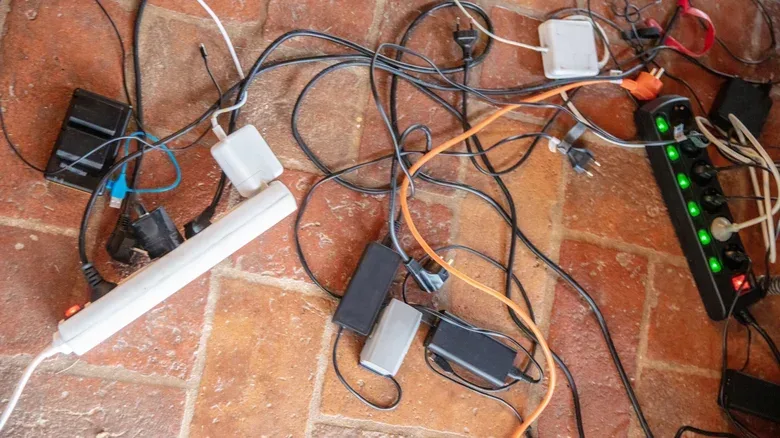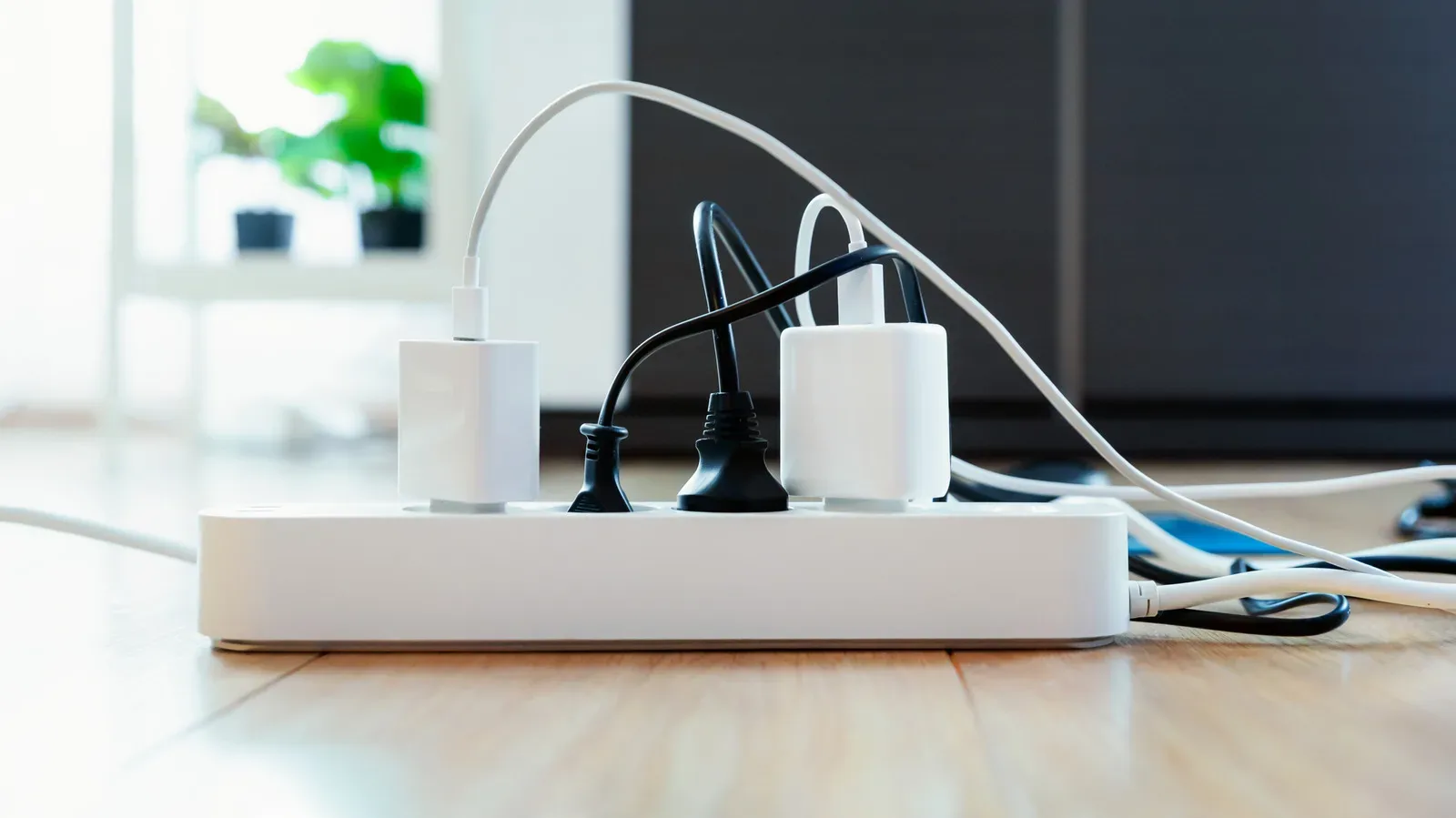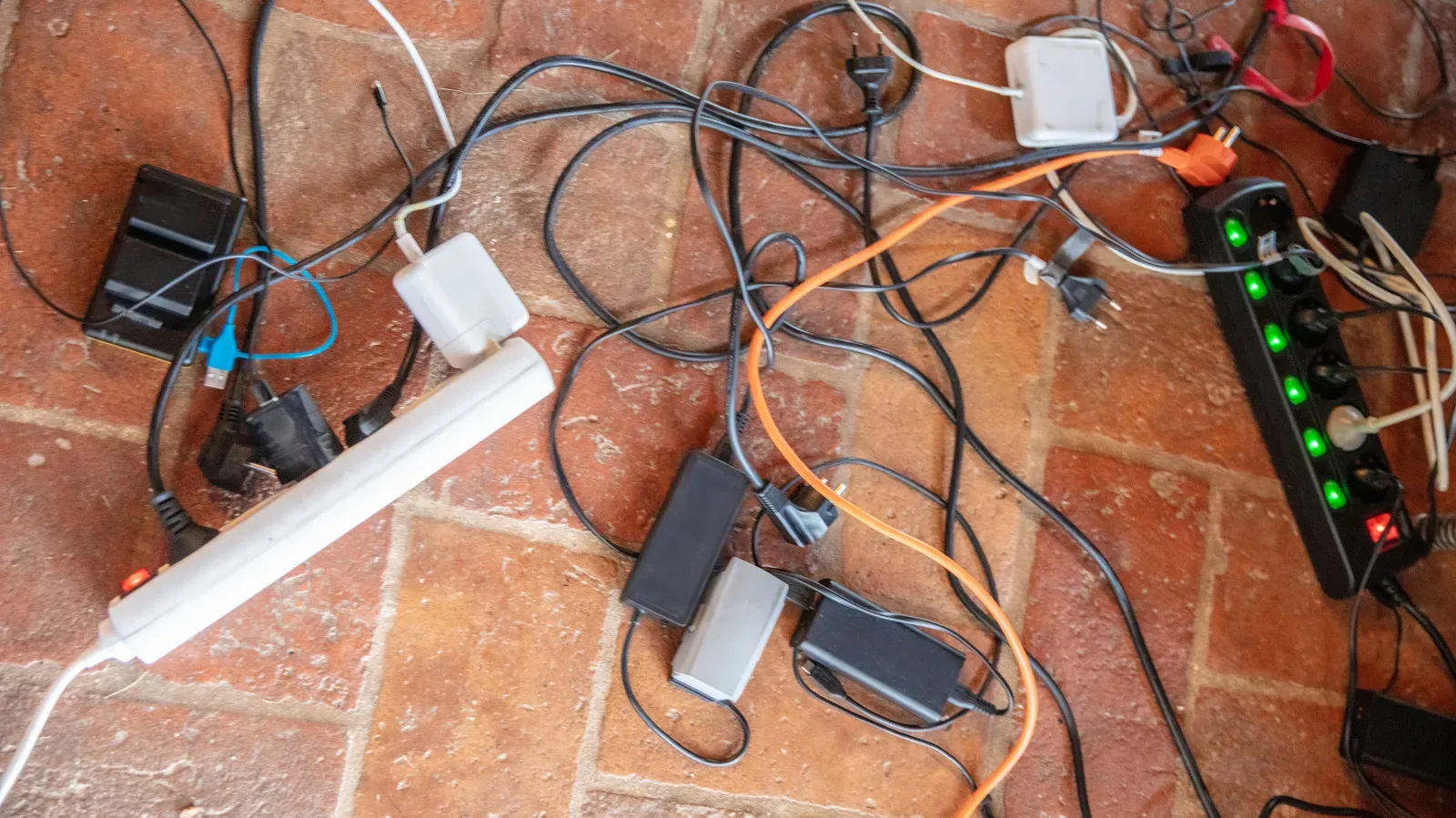
A crowded gaming desk creates a familiar temptation: the wall outlet is occupied, the power strip is full, and one extra strip seems like the quickest way to make room for a monitor, console, PC accessory, phone charger or printer. It may make cable management look more orderly, but plugging one power strip into another—often called daisy-chaining—does not create additional electrical capacity.
That distinction matters. A second strip can add places to plug things in, but every device connected to it still receives power through the first strip. The first strip’s plug, internal wiring and components therefore carry the combined load. If that load exceeds what the first strip is rated to handle, it can overheat. In a room full of desks, paper, fabric, plastic cable accessories and other everyday materials, that is a safety problem rather than a mere inconvenience.
The straightforward rule for a gaming station or home office is this: plug a power strip directly into a proper wall outlet, not into another power strip or surge protector. When the setup has outgrown its current power arrangement, the answer depends on whether the actual problem is outlet count, distance or electrical demand.
Why a second strip does not add power capacity
A power strip’s outlets can make it easy to confuse physical space with electrical capability. Six or eight sockets look like an invitation to connect six or eight devices. They are not a promise that every socket can be used at full load at the same time.
Each strip has a maximum rating, commonly expressed in amps. That rating is the limit to check against the total demand of the items connected to it. With daisy-chaining, the downstream strip does not operate as an independent source of power. Its devices add their draw to the load already travelling through the upstream strip.
For example, if the first strip already supports a gaming PC, display and other desk hardware, connecting another loaded strip to it makes the first strip responsible for both groups. The layout might look like two separate banks of outlets, but electrically the upstream strip remains the bottleneck.
This is also why moving a few plugs from one daisy-chained strip to another does not meaningfully solve an overload. The same first strip is still in the path. More sockets improve convenience; they do not change the rating of the first strip, its cord or its internal components.
Resistive heating is the risk behind the warning
The relevant technical term is resistive heating. When too much current passes through wiring and components, they generate heat. In this situation, the internal wiring and parts of the first strip are exposed to the combined current from devices connected directly to it and through the second strip.
Related coverage includes Why You Should Never Daisy-Chain Power Strips.
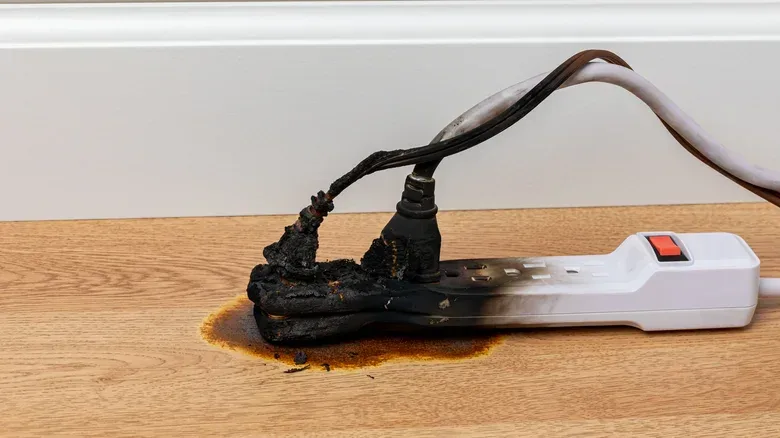
Over time, excessive heat can damage insulation and melt a strip’s casing. In a worst-case scenario, nearby materials can ignite. This is why daisy-chaining is not simply discouraged for neatness, warranty reasons or theoretical caution: it can create conditions that lead to serious damage and fire.
A breaker trip should not be treated as an annoyance to work around. It is a warning that needs attention. Adding another strip, or spreading devices across strips that ultimately feed through the same outlet path, does not make the underlying demand disappear.
Surge protection is not extra capacity
It is easy to assume a surge protector changes the calculation because it sounds more robust than an ordinary power strip. It does not solve an overload problem.
Surge protection addresses sudden voltage spikes. It does not magically increase the amount of power a strip can safely supply, and it does not make chaining units together safe. A surge protector still has a rating, still has internal components and still should not be daisy-chained with another strip or protector.
That difference is worth remembering when choosing desk hardware. A surge protector may be relevant to protection from spikes, while outlet count and electrical capacity are separate questions. One feature should not be mistaken for the other.
First identify what your setup actually lacks
Before buying another accessory or rerouting every cable, define the problem. The safe solution changes depending on the answer.
- Not enough sockets: Use one power strip with more outlets for appropriate low-power electronics, while keeping the total connected load within that strip’s rating.
- Not enough reach: Choose a strip with a longer cord rather than casually inserting an extension cord into the arrangement.
- Not enough electrical capacity: Do not attempt to solve it by chaining strips. Use another wall outlet for a separate strip, or reassess what is connected and where.
- A breaker trips: Stop treating the setup as normal. A second strip or a new distribution pattern will not fix the reason the breaker is tripping.
This approach avoids a common mistake: treating every desk-power issue as an outlet-count issue. Sometimes an eight-outlet strip is useful because it reduces clutter. It does not necessarily provide more capacity than a four-outlet model. The rating and the demand from connected devices remain the important parts of the decision.
Extension cords add another rating to track
When a desk is just a little too far from the outlet, it can be tempting to plug a power strip into an extension cord and move on. That is not a casual substitute for selecting the right equipment. Extension cords have ratings of their own, and connecting multiple devices can exceed those ratings.
The National Fire Protection Association advises avoiding this arrangement. While it may be possible to assess the ratings of the extension cord, strip and connected equipment, the setup asks the user to correctly account for several limits at once. That complexity is precisely why choosing a longer-corded power strip is the more practical route when extra reach is the only issue.
For a gaming or work area, a longer cable can also be a tidier fix than adding another connection point beneath a desk. Fewer links mean fewer places where an overlooked rating, loose connection or damaged component can turn a simple setup into a hazard.
What belongs on a typical desk strip—and what does not
Ordinary power strips are best reserved for ordinary, appropriate electronics: PCs, printers and phone charging are examples. Even then, the outlet count is not an instruction to fill every socket. Check the strip’s rating and match it against the devices being connected.
High-power appliances need more caution. Space heaters are a particularly important example because they draw substantial current and should be plugged directly into a proper wall outlet. Microwaves and refrigerators are other examples of equipment that can overload a power strip if the strip is not rated for the demand.
In practical terms, a gaming room should not turn a desk strip into the universal answer for whatever appliance happens to need electricity. A power strip is not an all-purpose power source. This is especially relevant during cold weather, when someone might be tempted to add a space heater to an already-busy PC setup because an open socket is visible.
A quick safety check for a gaming or home-office station
- Trace each strip back to its source. It should lead directly to a wall outlet, not another strip or surge protector.
- Read the strip’s rating and consider the total equipment connected to it. Count the demand, not merely the empty sockets.
- Separate the question of reach from the question of capacity. A longer-cord strip addresses distance; it does not increase capacity.
- Keep high-power appliances, including space heaters, off ordinary desk strips and connected to a proper wall outlet instead.
- Do not ignore a tripping breaker. Treat it as a prompt to inspect and change the setup rather than adding another distribution device.
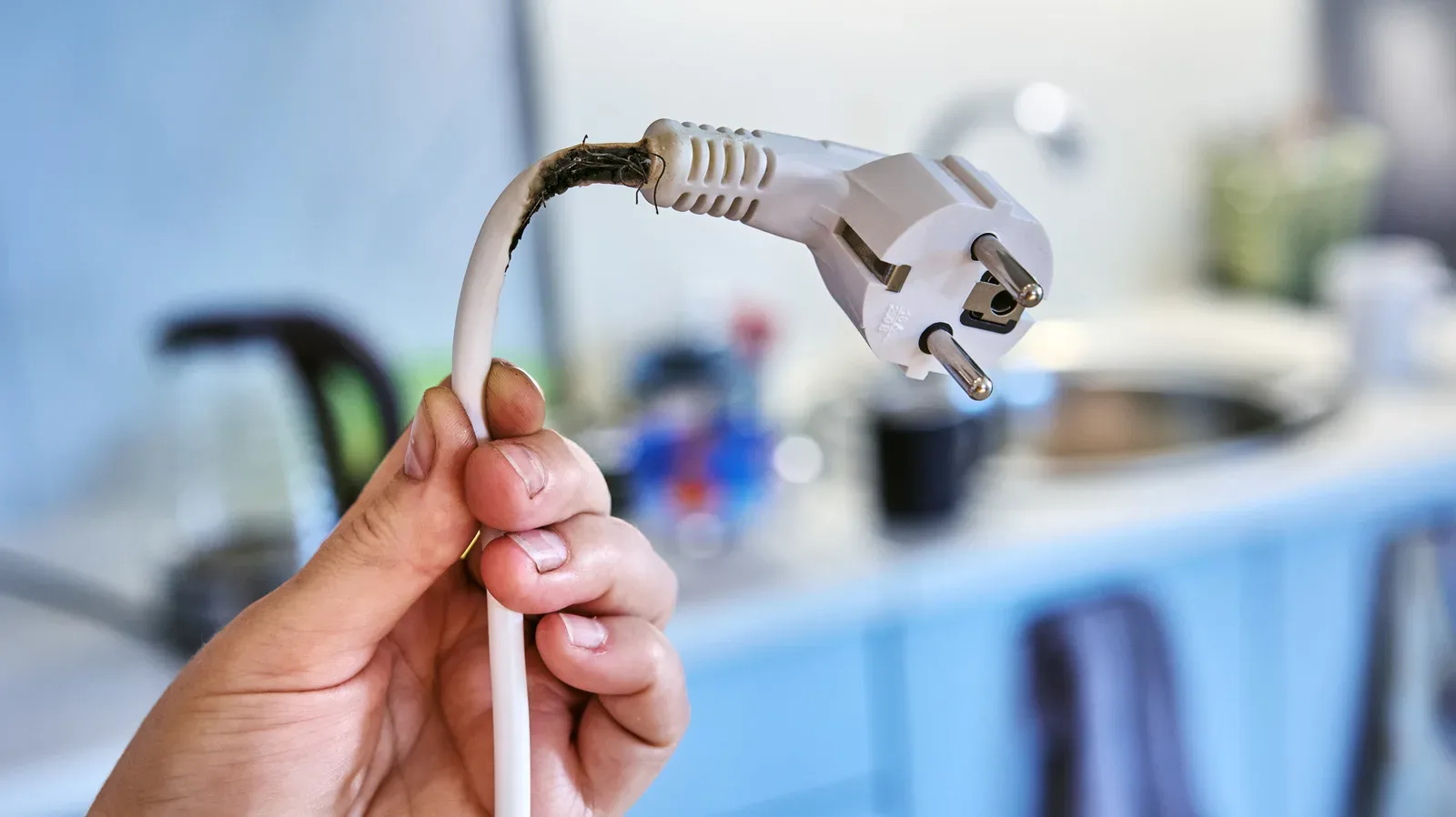
- Inspect strips and cords for damage. Do not use a unit with a damaged casing, scorch marks or loose connections.
The final point deserves emphasis. Electrical tape is not a real repair for a compromised strip. Scorching, looseness and casing damage are visible signals that the equipment should not remain in service.
Practical desk planning beats a last-minute outlet stack
The safest upgrade is often a small rethink of the desk’s power plan. Put a suitably rated single strip where it can serve the low-power electronics that genuinely belong there. If another group of equipment needs power, use a separate wall outlet for a separate strip rather than building a chain. If the cable cannot reach, select an appropriately longer strip rather than improvising with extra links.
This is similar to the broader rule behind everyday device setup: the convenient-looking option is not always the option that addresses the actual limitation. For another example of separating a device behavior from the feature people assume they are seeing, see our guide to why an iPhone may not show a Decline button.
At a desk filled with game hardware and charging cables, the goal is not to maximize the number of plugs that fit. It is to make sure the equipment is connected through a setup that stays within its ratings, remains in good condition and does not use one power strip as a stepping stone to another. More outlets are handy. More capacity requires the right outlet and the right equipment—not a chain.