A power outage does not have to mean an instant disconnect. A laptop, tablet or phone may have its own battery, but the equipment that actually brings internet into the home usually does not. When the router, modem, fiber terminal or mesh node loses electricity, a fully charged computer becomes an extremely capable offline machine.
That distinction matters for anyone in a work call, hosting a voice chat, downloading a game update, or nearing the end of an online match. The practical goal is not to power the whole entertainment setup during an outage. It is to preserve the small, essential chain of networking devices that sits between the incoming service line and the device in your hands.
For most homes, the simplest answer is an uninterruptible power supply, usually shortened to UPS. It is a battery-backed power unit that can take over automatically when utility power fails. The automatic handoff is the feature that makes it especially useful: your router does not need to be unplugged, moved or restarted after the lights go out.
First, map the connection you are trying to save
Before buying backup power, identify every powered device required for your internet connection. It is easy to look at a router’s blinking lights and assume that is the entire setup. Often, it is only one link.
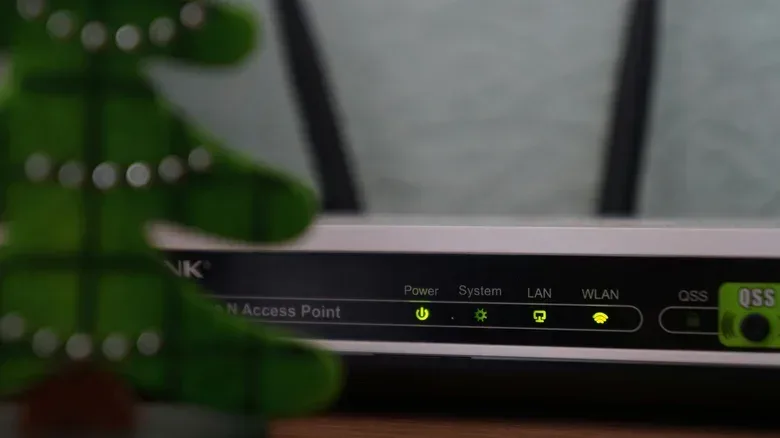
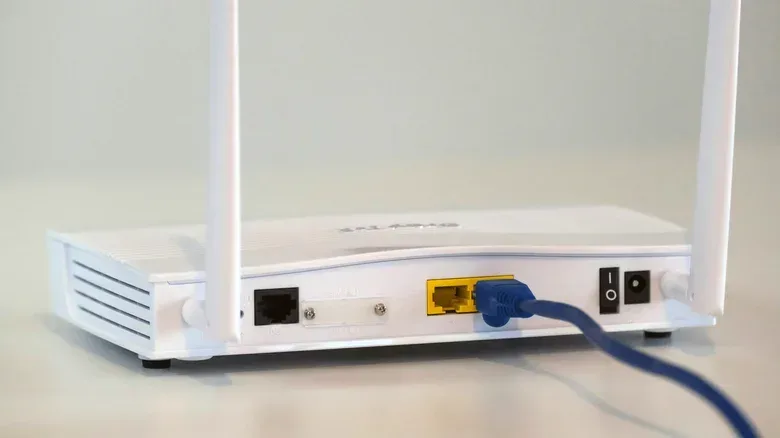
With cable service, the chain commonly includes a modem and a router. The modem connects to the provider’s line, while the router shares that connection with devices in the home, generally through Wi-Fi and sometimes Ethernet. Some households instead have one combined unit, often called a gateway, that performs both jobs.
With fiber service, the setup generally includes a router and an optical network terminal, or ONT. The ONT is the box where the fiber connection enters the home and is converted for the home network. It can be the easily missed component in an outage plan: if the router stays powered but the ONT does not, Wi-Fi may still appear available locally while the internet itself is gone.
That is why the right planning question is not “What does my laptop need?” It is “Which powered boxes must remain on before my laptop can reach the internet?” Follow the line from the wall connection to the device you use. Every necessary device in that route needs backup power.
- Cable connection: back up the modem and router, unless a single gateway handles both.
- Fiber connection: back up the router and ONT, unless the provider’s equipment arrangement combines their roles.
- Mesh Wi-Fi: prioritize the primary router or gateway and the incoming-service equipment. Additional mesh hardware may matter for coverage, but it should not displace the core connection on limited backup power.
Location complicates this more than the device count. A fiber ONT may be installed in one room while the router lives elsewhere. In that case, each location needs power: two separate battery backups are the cleanest route, while one unit would require a long extension cord. The important point is that the plan has to cover the physical layout actually in the home, rather than an idealized diagram.
Related coverage includes How to Keep Your Home Internet Running During a Power Outage.
Why a UPS is the least disruptive option
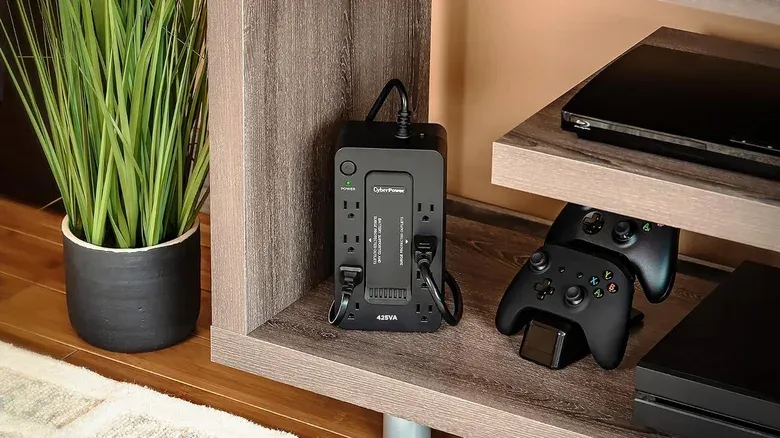
A UPS sits between a wall outlet and the networking equipment. Under normal conditions, it is powered from the wall. When the household electricity fails, it switches to its internal battery. That automated changeover separates it from a general-purpose battery solution: the network hardware can remain powered without someone being there to react.
For a router-and-modem or router-and-ONT setup, a modest UPS can keep the equipment working for an hour or longer and can cost well under $100. Higher-priced models can offer more runtime or support more demanding equipment, including a PC. But keeping a PC running is a very different objective from keeping a networking stack alive.
Routers, modems and ONTs are the efficient priority because they are the equipment that preserves the connection for devices that may already have their own batteries. A laptop can continue operating from its internal battery. A phone can do the same. Giving the backup unit the job of powering a TV or console, on the other hand, uses capacity that could have kept the network available longer.
For gaming, that creates a useful division of responsibilities. Put the network gear on the UPS. Let a laptop or handheld draw from its own battery if possible. A desktop PC or home console may need its own backup-power consideration, but connecting either one to the same small UPS intended for a router can undermine the entire plan. There is no value in preserving the screen for a few additional minutes if it drains the battery before the router can carry a call, message or hotspot-free connection through the outage.
Test the setup before it matters
Backup power is only reassuring if the actual connection survives the transition. Once the UPS is installed, test it at a time when nobody else needs the internet. Unplug the UPS from the wall, then check whether the router, modem or ONT stay powered and whether a connected device can still access the internet.
This test distinguishes two very different outcomes. If everything stays online, the setup has done its basic job. If Wi-Fi remains visible but internet access disappears, that strongly suggests a required upstream device is not receiving backup power, or that the provider connection is unavailable. Either way, it is much better to discover the limitation in a planned test than during a storm or an important match.
It is also worth checking the specific equipment provider installed. Some fiber providers fit a battery backup to an ONT, but that battery may be meant to maintain phone service rather than guarantee internet access. Do not assume the presence of a battery means the broadband connection has been covered; ask the provider if the ONT’s backup behavior is unclear.
A lower-cost alternative if you already own compatible batteries
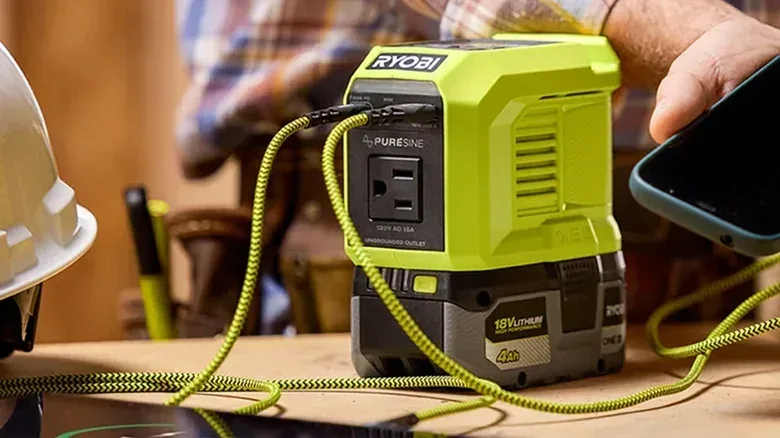
There is another route for people who already use removable batteries for power tools or cordless vacuums. Small inverters are available for battery ecosystems including DeWalt, Milwaukee and Ryobi. An inverter is a device that uses a compatible removable battery to provide power for other equipment.
The appeal is straightforward: the inverter itself can cost as little as $30 for a third-party option, provided the batteries are already on hand. It can also be more adaptable in a lengthy outage because depleted packs can be swapped for charged ones.
Its central drawback is timing. An inverter does not automatically take over when power fails. When the outage begins, networking gear must be plugged into it manually, after which the modem, router or ONT will need time to boot back up. That means it is useful for restoring a connection, but it cannot promise a seamless continuation of an online game, work call or voice session.
This is the practical difference between the two approaches:
- UPS: automatic battery changeover; best when avoiding interruption is the priority.
- Battery-compatible inverter: manual setup after the outage; potentially economical for people who already own compatible removable packs and useful when batteries can be exchanged.
Neither option changes the need to keep the load focused. The inverter’s swappable packs may be tempting for running entertainment hardware, but the networking devices are still the smarter first assignment when connectivity is the objective.
Do not confuse Wi-Fi with internet service
One of the most useful troubleshooting distinctions during an outage is the difference between a home Wi-Fi network and the broader internet. The router creates the local Wi-Fi connection inside the home. The modem or ONT connects that local network to the provider. A router can therefore be switched on and broadcasting normally even when an unpowered modem, unpowered ONT or provider-side problem prevents anything from reaching the wider internet.
That is also why no home battery plan can guarantee connectivity in every outage. The approach works only while the provider’s connection remains active. A neighborhood or provider failure can take the service offline independently of the electricity in the home. In that situation, a beautifully configured UPS is still useful for protecting the local equipment’s power, but it cannot create an upstream connection that is no longer there.
Keep a mobile fallback ready
When the fixed internet connection is unavailable, a phone’s mobile hotspot or a separate mobile-hotspot device is the practical fallback. A hotspot shares a cellular data connection with another device, allowing a laptop, tablet or other Wi-Fi-capable device to get online through the phone rather than through the home router.
This is particularly useful for essential communication. It also makes the phone itself more important during an outage, so conserve its battery and do not treat it as merely another screen to charge. A phone can supply a temporary internet route, handle messages and calls, and support navigation if travel is necessary. Its mapping role can remain valuable as well, including when using tools designed around quieter, clearer directions for drivers, as discussed in this look at Google Maps’ less stressful navigation approach.
A mobile hotspot is not presented here as a replacement for stable home service. It is a contingency path when the provider connection is down, the power outage exceeds the backup’s available runtime, or the network equipment cannot be kept powered. Thinking of it as the final layer of a small resilience plan helps set realistic expectations.
A focused outage checklist
- Identify whether the home uses cable or fiber service.
- Find every powered device between the incoming wall connection and the router: modem, gateway and/or ONT.
- Check whether these devices are in one location or separate rooms.
- Use a UPS if uninterrupted operation is the goal; consider a compatible battery inverter if manual recovery and battery swapping suit the situation.
- Connect only essential networking hardware to limited backup power.
- Perform a controlled unplug test when the network is not needed.
- Confirm with a fiber provider whether any ONT battery supports internet service or only phone lines.
- Keep a phone hotspot or dedicated mobile hotspot in reserve for a full provider outage.
The small amount of planning is the real advantage. Once the networking chain is understood and tested, a power cut no longer automatically means every battery-powered device becomes isolated. It may still be a reason to pause the big-screen session, but it does not have to be an immediate game over for the connection itself.