An Ethernet cable is easy to overlook until a Wi-Fi signal starts misbehaving, a console needs a stable wired connection, or a desktop is being moved to the other side of a room. Usually, Cat5e, Cat6 and similar “category” cables are treated as straightforward network plumbing: connect one end to a router or switch, connect the other to a device, and get online.
That is their familiar role, but it is not the only thing the physical cable can be used for. With the proper hardware at each end, category cable can help bridge a long video connection, carry several analog audio channels, or deliver both power and data to a compatible device. The important catch is that these are three very different jobs. A cable being shaped like Ethernet infrastructure does not mean every use is networking, nor does it mean category cable is automatically the best answer.
For a gaming room, streaming corner, home studio or wider home-network project, the sensible approach is to start with the problem rather than the cable already sitting in the wall. A long display run, a bundle of microphones and a ceiling-mounted Wi-Fi access point have different requirements. The adapters, endpoints and limitations matter as much as the cable itself.
First, separate the cable from the network
“Ethernet cable” is common shorthand for category cable, such as Cat5e or Cat6. In its ordinary networking role, the cable carries a data connection between devices. But category cable can also serve as the link between dedicated transmitter and receiver hardware.
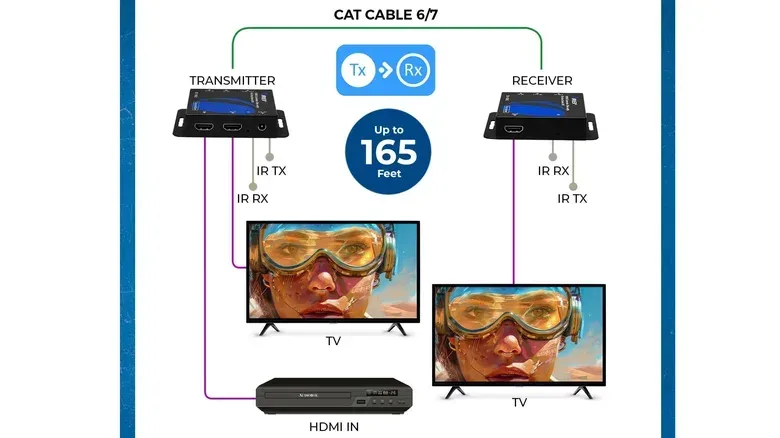
That distinction matters most for video. An HDMI extender setup uses a transmitter at one end of a category-cable run and a receiver at the other. The category cable is the physical route between those adapters, allowing a video signal to travel much farther than it normally would through a conventional HDMI cable.
It may look like Ethernet because the installation uses familiar cable, but it is not automatically Ethernet networking. The category cable in that arrangement is carrying a signal between the two extenders; it is not necessarily joining the devices to the home network.
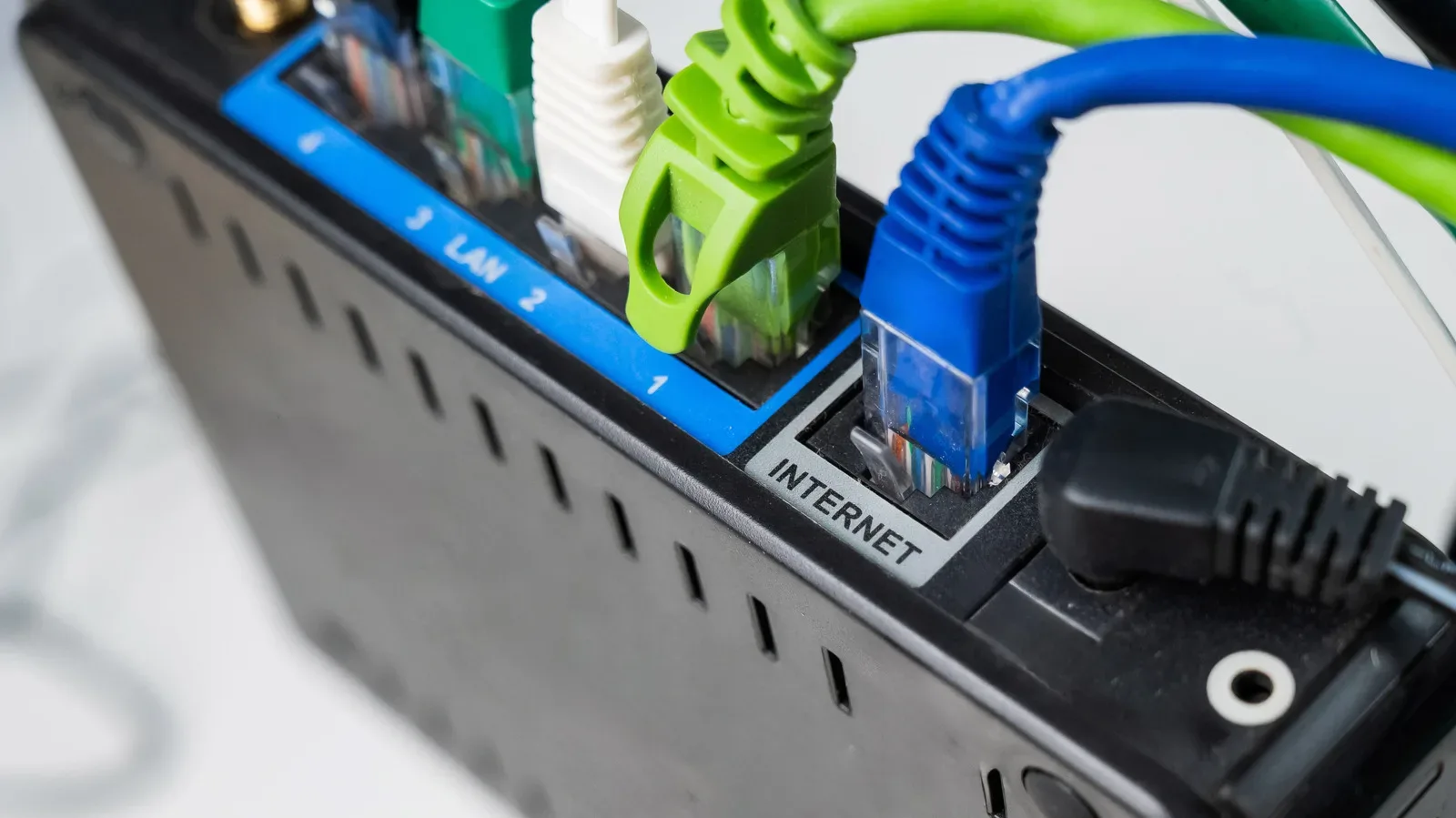
By contrast, AV over IP does use the local network to distribute audio and video. The difference is practical as well as technical: a point-to-point extender setup is built around a paired transmitter and receiver, while AV over IP relies on network-based transmission. Anyone planning an installation should not assume that a spare cable run, a network switch and a pair of display devices will form an interchangeable system. The method needs to match the hardware.
Long-distance HDMI is the clearest video use case
Most HDMI connections are short, simple runs between nearby equipment. A console beneath a TV, a PC beside a monitor or a media device in the same cabinet are typical examples. Longer-distance situations are where category cable paired with HDMI extenders becomes worth considering.
Related coverage includes Ethernet Cables Can Carry More Than Network Data.
A projector is an obvious example. It may be far from the playback device, potentially across a room or in a different part of a building. Existing in-wall category cable can make the installation more practical than trying to route a lengthy HDMI cable. The same basic idea can help when a display is intentionally located far from the PC, console, receiver or other video source.
What an HDMI extender actually adds
The cable alone does not turn into an HDMI connection. The transmitter accepts the HDMI feed at the source side, and the receiver provides the connection at the display side. The category cable is installed between those two boxes. Without that paired hardware, plugging an HDMI device into a Cat5e or Cat6 cable will not transmit video.
This is a useful clarification for DIY setups because it avoids a costly wrong turn: a spare wall jack may make a long run feasible, but the jack and cable are only part of the system. Both extender units are required, and their capabilities shape what the finished setup can deliver.
Why extenders are not the universal upgrade
Distance is not the only factor in a display connection. Video format support matters. Some active optical HDMI cables can also reach long distances, and some of those cables support formats including 4K at 120Hz that many HDMI extenders do not. That makes the category-cable path a situational tool rather than an automatic recommendation.
For games, that distinction can be especially important. A setup designed around a high-resolution, high-refresh-rate display should verify the capabilities of every component in the signal chain. It is not enough that a transmitter and receiver can produce a picture; the supported format must suit the display and intended use. A long-run solution that is fine for a basic distant screen may be less appropriate for a setup that prioritizes 4K at 120Hz.
In other words, existing category cable has real value when it solves a routing problem. It should not force a compromise simply because it is already installed. If active optical HDMI better meets the desired video format and distance, it remains a valid alternative.
Category cable can consolidate analog audio runs
Category cable can also be used to carry multiple channels of analog audio when paired with the appropriate adapters. This has a particularly clear application in spaces where several microphones need to connect back to recording equipment in another room.
Rather than routing many individual audio cables through a wall, one category-cable run can serve several channels. The appeal is not that it makes conventional audio cabling obsolete. It is that the cable can consolidate a complicated physical run, especially where wall wiring already exists.
Analog audio refers here to audio signals carried as electrical signals rather than a networked digital audio stream. The cable’s usefulness comes from pairing it with adapters made for that job; it does not mean a network port by itself becomes a ready-made microphone input.
When standard XLR remains the simpler choice
For many ordinary audio setups, traditional XLR cables are affordable and easier. A short microphone run to nearby recording gear does not need to become a category-cable project merely because it can. Dedicated XLR connections are the direct solution when the equipment is close enough and there is no need to reduce a cluster of cable runs.
The argument for using category cable becomes stronger when the hard part is the route, not the audio connection itself. If a suitable cable is already in the wall between a recording room and equipment location, adapters may let that route do more work without pulling several individual cables through the same space.
Shielding also deserves attention. Some installations need shielded category cable, particularly when microphones receive power through the connection. That is a compatibility and installation concern, not an optional detail to ignore. Before repurposing a run, identify the cable type and confirm that it suits the audio gear and adapters planned for both ends.
Power over Ethernet is the most broadly practical option
Of the three uses, Power over Ethernet, commonly shortened to PoE, is the one most likely to be a routine home or small-office improvement rather than a niche workaround. PoE lets one Ethernet cable carry network data and electrical power to a compatible device.
That single-cable approach is useful when a device belongs somewhere an outlet is inconvenient, unavailable or simply undesirable. A porch security camera can receive its network connection and power through one cable. A Wi-Fi access point mounted on a ceiling can do the same. In both examples, PoE reduces the need to position the device around a nearby power socket or run separate power wiring alongside the data connection.
For a home game setup, stronger and better-placed Wi-Fi can matter for handheld devices, phones, smart TVs and other gear that cannot conveniently use wired Ethernet. It will not change the fact that a wired PC or console has its own direct cable route, but it can improve the flexibility of the broader network. Those troubleshooting a desktop should also keep the basics in view: network connectivity is only one factor in system behavior, as covered in this guide on checking PC CPU temperatures and responding to heat issues.
The equipment still has to provide power
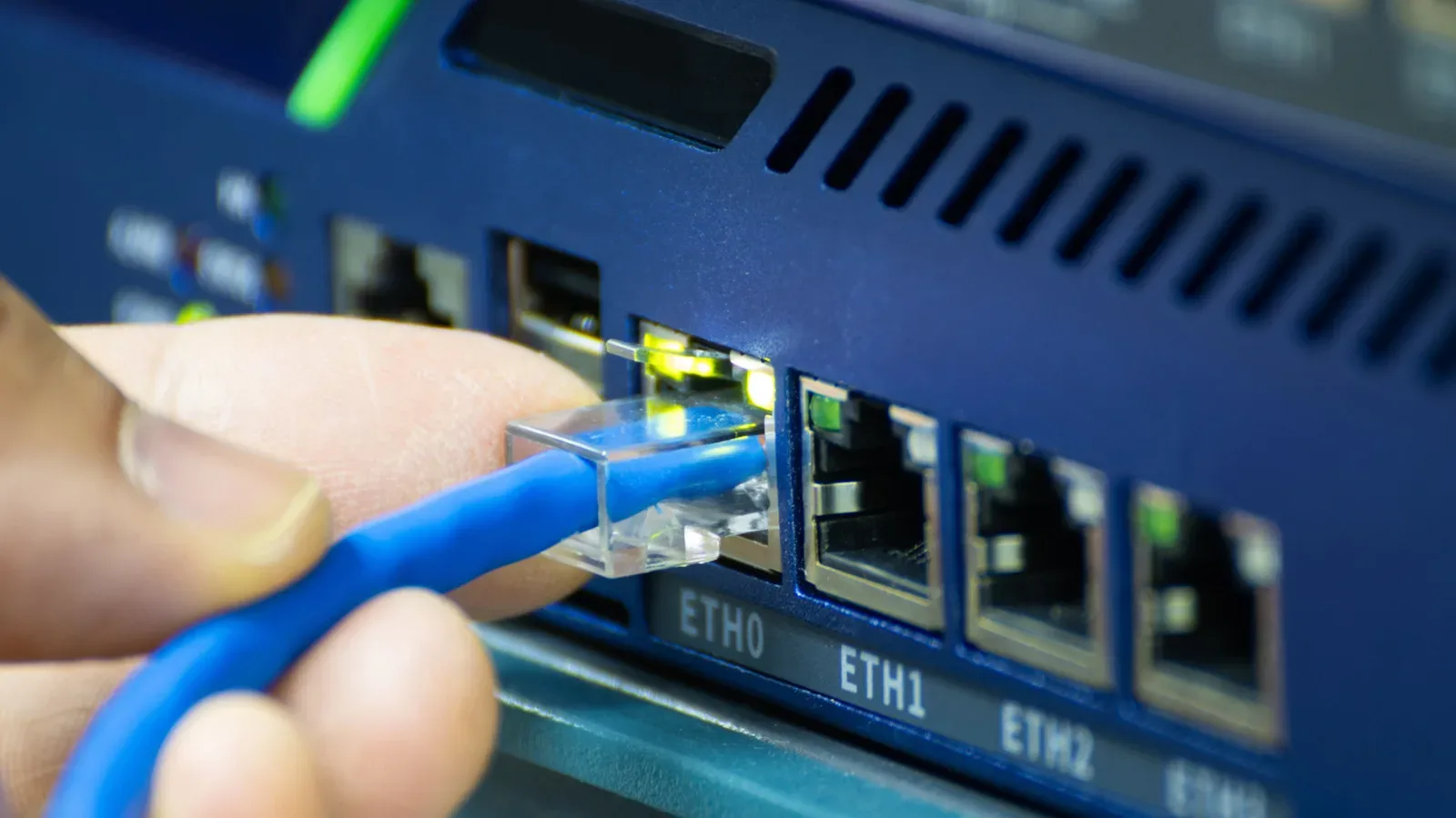
PoE is not achieved just by using an Ethernet cable. The cable must connect back to equipment that supplies PoE, such as a compatible switch or injector. The device at the far end must support PoE as well.
An injector is an accessory that adds PoE capability to the cable path. A compatible switch can provide it through its ports. The basic planning question is therefore simple: identify where power originates, confirm that the endpoint can accept it and make sure the supply is sufficient for the device.
The final point is critical. PoE hardware is not interchangeable solely because it uses the same cable type. The power-providing equipment needs to deliver enough power for the camera, access point or other endpoint. Treat that as a requirement to check before buying or installing hardware, rather than a detail to discover after mounting a device where access is awkward.
A practical decision checklist before reusing a cable run
Reusing existing wiring can be tidy and useful, but it rewards a deliberate plan. Before deciding that a spare category cable is the answer, work through the actual task.
- Define the goal: Is the problem long-distance video, multiple analog audio channels, network-plus-power, or ordinary networking?
- Identify required endpoint hardware: HDMI needs a matched extender transmitter and receiver; analog audio needs suitable adapters; PoE needs compatible power-supplying equipment and a compatible device.
- Check the installed cable: Determine whether it is Cat5e, Cat6 or another suitable category cable, and whether shielding is needed for the audio application.
- Verify the format or power requirement: Video hardware must support the display format you intend to use. PoE equipment must provide sufficient power for the endpoint.
- Compare alternatives: Active optical HDMI may be preferable for a long display connection, while ordinary XLR remains the easier choice for many straightforward audio runs.
- Do not confuse a cable route with a complete solution: The route may be reusable, but the correct adapters and compatible devices are what make the system function.
Category cable is not magic, and it is not limited to internet access. It is flexible infrastructure. Used with the right hardware, it can extend a video connection, simplify multi-channel analog audio routing or place a powered network device where a wall outlet would be impractical. Used without attention to compatibility, it can also become an expensive detour.
The most effective use is the one that solves a genuine routing or power problem while preserving the video format, audio needs or device requirements of the setup. That is a much better reason to repurpose a cable than simply finding out that it can do something surprising.