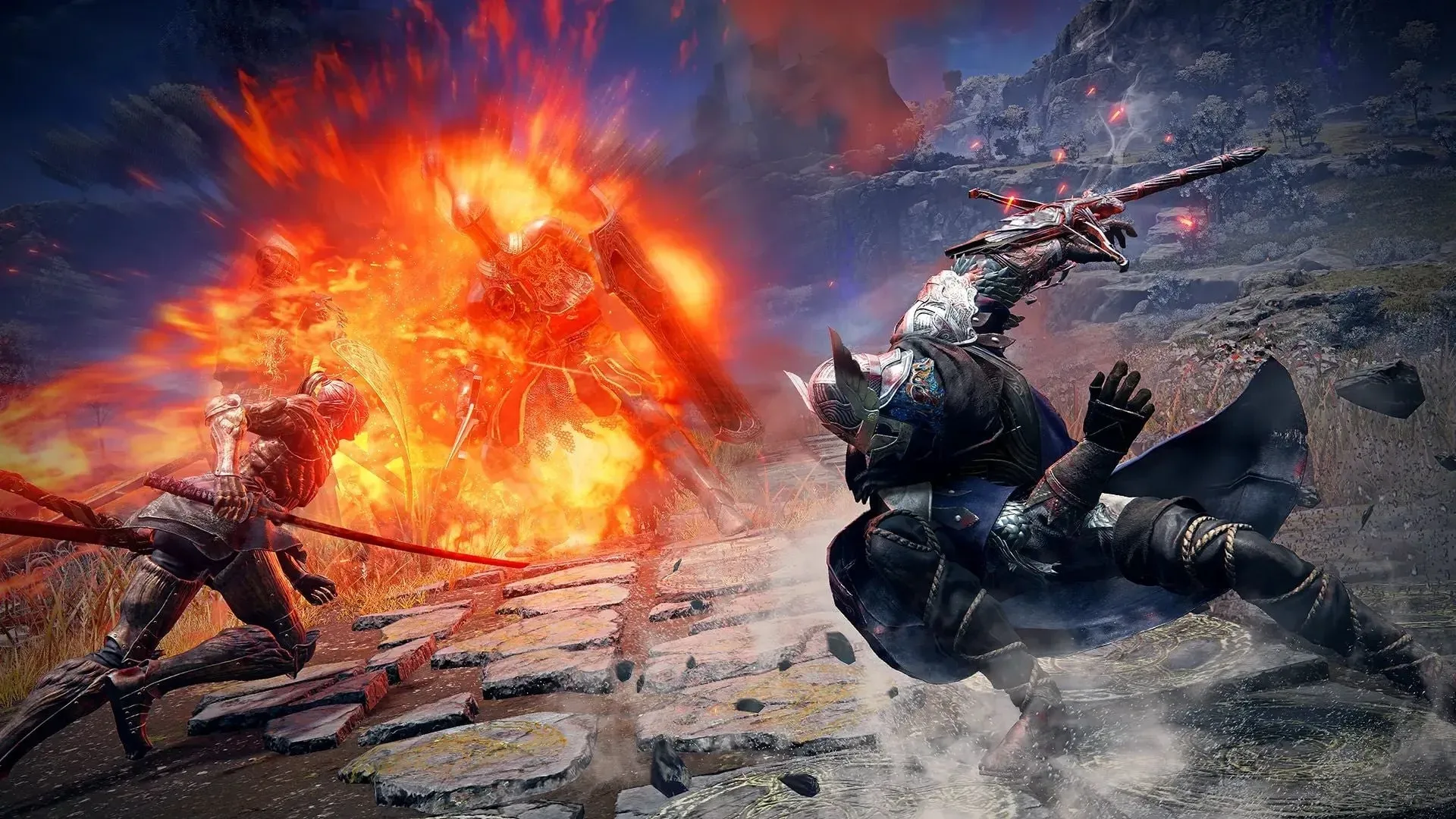
There are plenty of expected ways to lose an Elden Ring Nightreign run. A Night Boss can flatten the party. Someone can misjudge a dodge, wander too far from an ally, or temporarily forget every hard-earned lesson after a long break. These are the ordinary hazards of co-op play: embarrassing, sometimes hilarious, and generally part of the deal.
Then there is the defeat screen delivered by networking. No monster needed. No questionable build decision required. Just a character still apparently moving through the world while the game has quietly stopped allowing them to damage anything, interact with anything, or meaningfully participate. After roughly 20 seconds of that unnerving limbo, the disconnect arrives. The player is pushed through menus, has to reload, and returns to a run already moved on without them.
For one Xbox trio that had spent more than 150 hours making their way through Nightreign, recurring drops had become a major part of the challenge. Their group had gradually beaten nearly every standard Night Boss, with the DLC’s Dreglord still standing. But the party’s progress was repeatedly complicated by connections failing in match after match, even though the players had strong internet connections and had tried the usual basic fixes.
The eventual suspect was not a boss, a weapon, or a class choice. It was NAT Type: an obscure network label that many players only encounter when something has already gone wrong.
A disconnect is much worse in a timed co-op run
A dropped connection is irritating in any multiplayer game, but the structure of Elden Ring Nightreign makes it especially punishing. The lost time is not merely an interruption between rounds. A match continues while the disconnected player is trying to get back in. In a game shaped by pressure, routes, combat encounters, revives, and escalating threats, a minute spent navigating a recovery process is a meaningful cost.
When reconnecting, a player may reappear somewhere in the vicinity of their previous location while their runes are left elsewhere. Recovering those runes can take more time and can include the loss of a level. If the drop happens as a night ends, the returning player may instead come back dead. That leaves the teammate who remained connected to keep dealing with the boss while also finding an opening to reach and revive them.
It is a particularly cruel outcome for a group built around helping one another. In this case, the trio included a dependable Guardian player who was accustomed to protecting more fragile Recluse and Scholar characters, and getting allies back on their feet quickly. Yet even excellent rescue instincts have limits when a teammate vanishes from the encounter, reloads through the system, and returns as another emergency to manage.
The result is frustration that goes beyond losing. Co-op games ask participants to share responsibility, and a technical problem can make a player feel as though they are failing the group despite doing nothing wrong in the actual game. A death caused by a badly timed roll is one thing. Watching a friend fight a boss alone because the network has decided to become mysterious is another.
Related coverage includes Elden Ring Nightreign Disconnects Show Why NAT Type Is Still a Co-Op Nightmare.
The long list of obvious fixes did not solve it
Connection problems create a familiar ritual. Check the connection. Restart the router. Swap hosts. Change settings. Prefer wired connections. Repeat. Then repeat the repeats, because surely the sixth restart will be the one that convinces the internet to behave.
Those steps were tried here, without a lasting answer. The key discovery came only after more targeted research pointed toward NAT Type. Both affected Xbox systems were showing a Moderate NAT Type, a status that can create complications for online multiplayer connections. After switching the setting to Open, uninterrupted matches followed.
That is an important distinction: it is a reported fix for this specific situation, not a guarantee that every Nightreign disconnect has the same cause. Multiplayer instability can come from many places, including a home network, a router configuration, service conditions, platform-level issues, or circumstances beyond a player’s direct control. Still, for players trapped in a cycle where normal troubleshooting has accomplished nothing, NAT Type is a reasonable item to add to the checklist.
On Xbox, the workaround in this case involved repeatedly using the console’s Test NAT function until the displayed status changed from Moderate to Open. The result was not initially permanent. One player’s NAT Type later reverted to Moderate, while the other’s remained fixed. Testing again until it showed Open was followed by stable sessions.
The strange part is not that network configuration can matter. It is that a player may need to learn a miniature alphabet soup of router concepts just to reliably join two friends and fight a giant nightmare creature.
Why NAT Type feels like a terrible co-op mechanic
Most players do not begin an evening of Elden Ring Nightreign expecting to study NAT, UPnP, IPv6, or router settings. Nor should they have to become fluent in any of them to enjoy a normal three-player session. These terms are meaningful in networking, but they are not intuitive game options in the way that difficulty, matchmaking region, controller layout, or voice chat are.
NAT, short for Network Address Translation, broadly concerns how devices on a private home network communicate with the wider internet. The practical console-player version is simpler: NAT status can affect how easily a system establishes connections with other players. An Open result is generally the least restrictive option, while Moderate can sometimes mean more friction depending on the other players and the network setup. That simple explanation does not make the underlying problem any less aggravating, especially when the setting seems capable of changing back.
This is where technical advice often becomes unintentionally hostile. A player searching for help may find instructions that assume comfort with router administration pages, port rules, UPnP, and other settings that are neither self-explanatory nor identical across internet providers and hardware. Changing network settings without understanding their security implications is not a casual “click this for better loot” task.
There is value in a modest, low-risk first pass before anyone starts rewiring their digital life. On Xbox, that can mean checking the current NAT status and trying the built-in test. If it reads Moderate and repeated in-game disconnects have resisted ordinary fixes, seeing whether it can report Open may be useful. If the status will not change, repeatedly reverts, or the issue continues, it is sensible to consult the console maker, router maker, or internet provider’s support materials rather than blindly applying a pile of forum instructions.
A practical check before the next expedition
- Notice the pattern: are disconnects frequent, do they affect the same player, and do they happen across multiple sessions?
- Rule out the straightforward basics first, such as connection stability, router restarts, and using wired networking where possible.
- On Xbox, look at NAT status through the network settings and use the Test NAT option if appropriate.
- If a Moderate result changes to Open, check it again before a later session; the reported Xbox case saw one console revert.
- Treat an Open NAT result as one troubleshooting lead, not proof that every issue is solved forever.
- Avoid making advanced router changes unless you understand the instructions or are following reliable support guidance for your own equipment.
Co-op should test teamwork, not router literacy
There is an inherent absurdity to the situation. A party can coordinate roles, cover revives, learn boss patterns, make route decisions under pressure, and eventually overcome nearly every regular Night Boss. Yet the group can still be stopped by a setting many players did not know existed until a run began collapsing around them.
That does not erase the satisfaction of solving the issue. Being able to return to uninterrupted matches can transform an evening, particularly for players who simply want to spend their limited time chasing Dreglord rather than watching a teammate bear the entire fight for 60 seconds. But it does underline how brittle online co-op can feel when its invisible systems are poorly explained.
The contrast is especially funny beside the plainspoken social rules of local multiplayer. Nobody needs a networking glossary to understand that you should not block the screen, steal a controller, or claim the good seat forever. For a refresher on those far more relatable traditions, see The Unwritten Rules of Couch Multiplayer, Now Written Down.
Online play does not have the luxury of being that simple, of course. Connections pass through consoles, routers, providers, services, and other players’ homes. Some degree of complexity is unavoidable. What players reasonably expect, though, is a clearer path from “my game keeps dropping me” to “here is the specific setting worth checking, and here is what it means.”
Until that path becomes less obscure, NAT Type may remain one of the least charismatic enemies in Elden Ring Nightreign. It has no health bar, no readable wind-up, and no dramatic arena. It only waits until the party is committed, freezes a character in place, and turns a cooperative boss fight into an impromptu solo challenge. That is villain behavior.