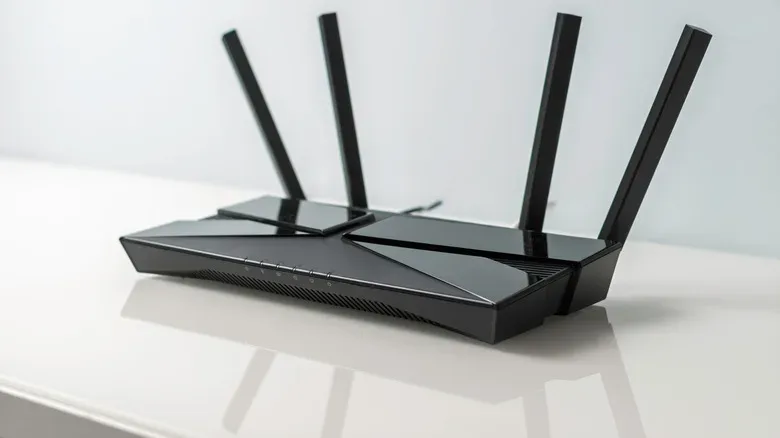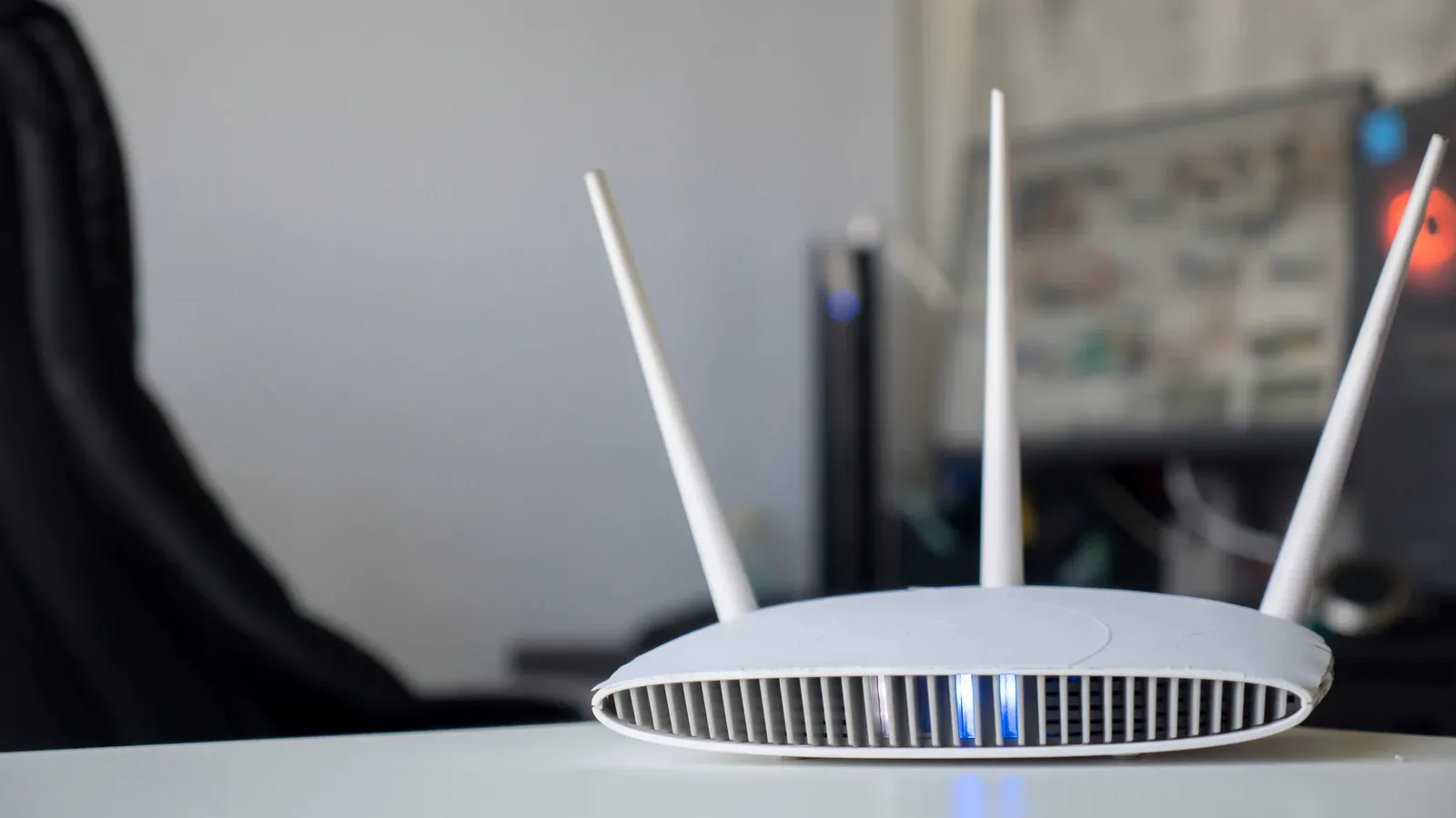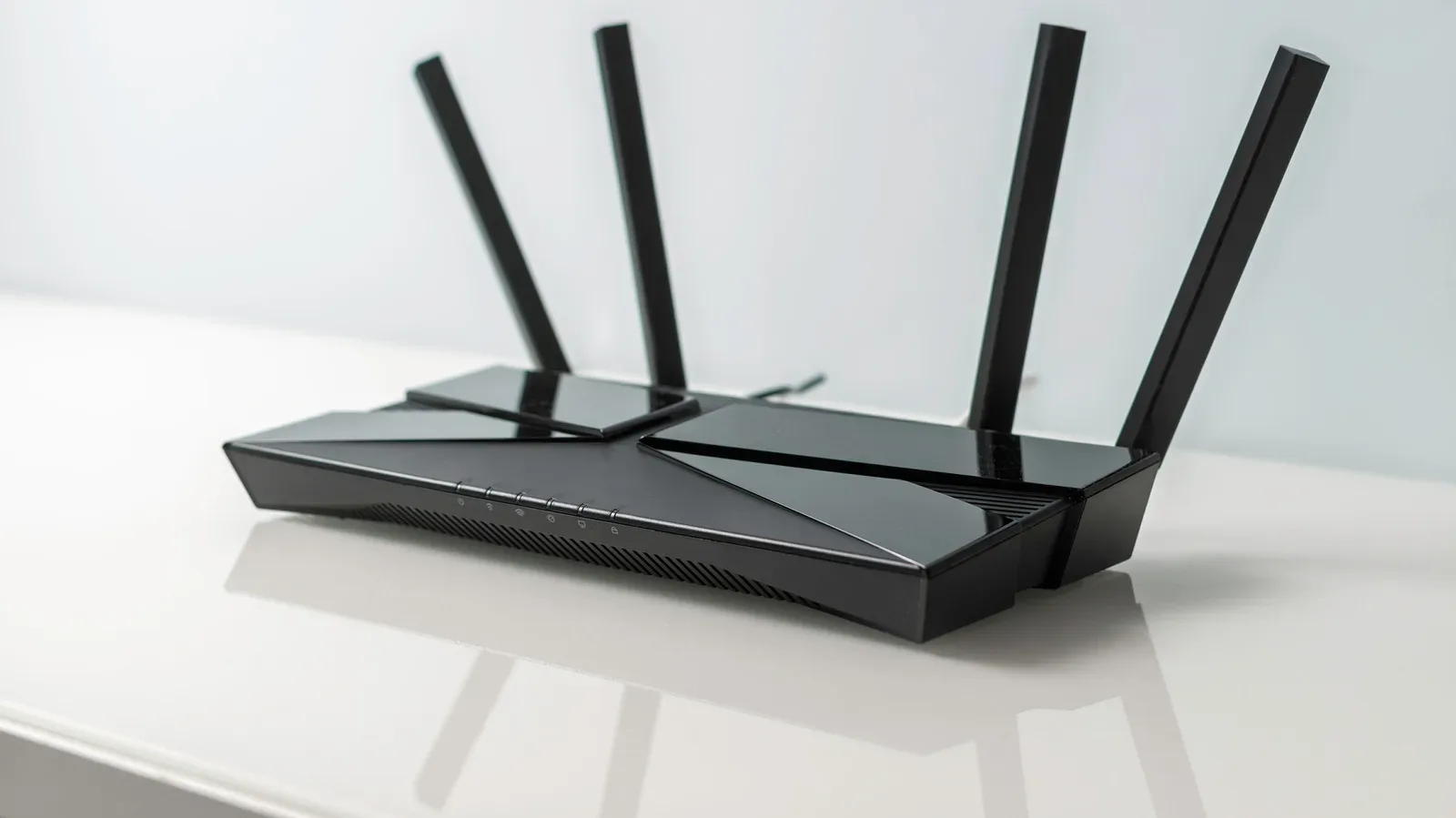
Router shopping has a special talent for turning a simple wish—“please stop buffering during the boss fight”—into a vocabulary exam. Dual-band, tri-band, Wi-Fi 6E, Wi-Fi 7, 6GHz: the labels can sound like every box is promising a different kind of internet wizardry. The useful distinction is less mystical. A router’s bands are separate chunks of wireless spectrum through which connected devices communicate.
A dual-band router uses two bands: 2.4GHz and 5GHz. A more traditional tri-band router uses 2.4GHz plus two separate 5GHz bands. Newer tri-band models built around Wi-Fi 6E or Wi-Fi 7 can instead use 2.4GHz, 5GHz, and 6GHz. That extra band can give a crowded network more room to operate, but it does not automatically make every home’s internet connection faster.
The key is to separate three ideas that listings often mash together: a router’s wireless capacity, the characteristics of each band, and the speed supplied by an internet plan. Gamers, streamers, smart-home owners, and anyone considering mesh Wi-Fi can make a much clearer choice once those pieces are treated separately.
The dual-band baseline: 2.4GHz and 5GHz
Dual-band routers are familiar because they cover the two bands most homes already use. They can broadcast both bands at the same time, allowing different devices to connect where they fit best. That does not mean a household must manually manage every connection forever, but knowing what each band does is helpful when diagnosing a weak signal or overcrowded network.
2.4GHz is the long-range specialist
The 2.4GHz band generally reaches farther and handles walls better than the higher-frequency options. That makes it practical for devices that sit far from the router or have to communicate through several rooms. Its trade-off is performance: it is slower than 5GHz and more likely to run into congestion and interference.
That crowding is not only about other people’s Wi-Fi. Bluetooth devices, microwave ovens, neighboring routers, and other common household technology can occupy or disrupt the same general territory. For a connected light, a sensor, or another device that sends only small bursts of data, that may be perfectly acceptable. For traffic that is more sensitive to speed and consistency, such as a high-resolution stream or online game, 2.4GHz may be less attractive when a dependable 5GHz connection is available.
5GHz favors speed over distance
The 5GHz band is faster and typically less congested than 2.4GHz. It is often the more appealing choice for a gaming PC, console, laptop, or streaming device located reasonably close to the router. The catch is range. A 5GHz signal does not travel as far as 2.4GHz and is less effective at pushing through walls.
In other words, a dual-band router already offers a sensible division of labor. The 2.4GHz band can serve longer-range and lower-demand connections, while 5GHz handles devices that benefit from stronger wireless performance. A household does not need a third band merely because it has many things connected; what matters is how intensely those things use the network at the same time.
What tri-band adds to the party
Tri-band routers add a third wireless lane. In older-style tri-band configurations, that means one 2.4GHz band and two 5GHz bands. The duplicate 5GHz capacity can help spread compatible devices across more wireless space rather than forcing all of them to contend with one another on a single 5GHz band.
On newer Wi-Fi 6E and Wi-Fi 7 tri-band routers, the third band is commonly 6GHz rather than a second 5GHz connection. The setup then becomes 2.4GHz, 5GHz, and 6GHz. The important detail is that “tri-band” identifies the number of bands, not one fixed trio of frequencies. Reading the exact configuration matters.
The primary benefit is capacity. When multiple people are uploading, downloading, streaming, making video calls, or gaming at the same time, an additional band gives the router another place to distribute that demand. Think of it as adding another route through an already hectic intersection, rather than raising the legal speed limit of the road.
A faster Wi-Fi band does not override the speed delivered by an internet plan. The router distributes the connection it receives; it cannot turn a limited plan into unlimited internet.
That distinction is especially useful during a gaming setup upgrade. If an online match is struggling because the home’s connection is already saturated or limited by the service plan, buying a tri-band router alone may not solve the underlying issue. Where tri-band can help is in reducing wireless competition inside the home, particularly when several high-demand activities overlap.
6GHz: fast, clean, and shorter-ranged
The 6GHz band is the newest of the three discussed here. It is the fastest option, usually faces less congestion, and rarely encounters the same kind of interference associated with the 2.4GHz band. That makes it potentially appealing for nearby, compatible devices that need substantial wireless performance.
It also has the shortest range. A 6GHz signal is not the band to choose simply because a spec sheet makes it sound like a universal upgrade; physical distance and walls still matter. Device support matters as well. Not every phone, laptop, console, or other piece of hardware can use 6GHz, so a home cannot assume that all its existing gear will suddenly move there.
This is why a 6GHz-equipped router should be viewed as extra capability rather than a blanket replacement for 2.4GHz and 5GHz. The older bands remain useful: 2.4GHz for reach, 5GHz for a widely useful balance of performance and coverage, and 6GHz for compatible devices close enough to benefit from its cleaner, faster connection.
Device count is not the same as network pressure
It is easy to look at a long device list and conclude that tri-band is mandatory. That is not necessarily true. A home with dozens of smart bulbs but only one person doing bandwidth-heavy work is not automatically a heavily loaded network. Many smart-home devices use modest amounts of data and spend much of their time doing very little.
A more demanding scenario is a household where five or more people are repeatedly streaming in 4K, playing online games, and joining video calls. In that case, the issue is concurrent use: several activities are asking for substantial, continuous traffic at once. That is where a tri-band router’s extra capacity becomes more meaningful.
Even then, a capable dual-band Wi-Fi 6 router paired with an adequately fast internet plan may still be enough. Putting devices sensibly across its two bands can reduce unnecessary contention. The goal is not to buy the router with the highest band count as a badge of honor. It is to match the equipment to the home’s actual habits—much like choosing storage by how a device will really be used rather than chasing the largest number on the box, a consideration explored in this gamer-focused guide to iPhone storage.
Mesh networks are tri-band’s strongest case
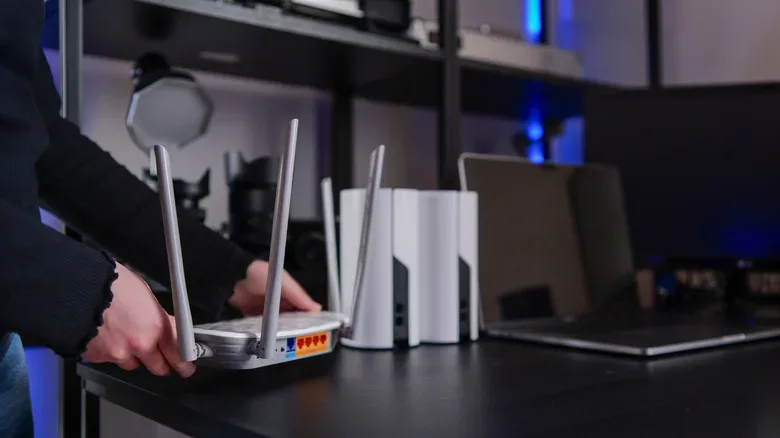
Tri-band hardware has a particularly clear advantage in a mesh system. Mesh Wi-Fi uses multiple units, often called nodes, to extend coverage through a larger space. Those nodes must communicate with each other to pass the internet connection along. That node-to-node communication is known as backhaul.
With a tri-band mesh setup, the third band can be dedicated to backhaul. The 2.4GHz and 5GHz bands can then remain available for phones, laptops, consoles, televisions, and other client devices. Keeping this internal mesh traffic separate can reduce the chance that the nodes and household devices will compete for the same wireless lane.
In a dual-band mesh system, the nodes have to use one of the same bands that client devices use. That shared arrangement can contribute to congestion because the mesh infrastructure is effectively joining the same queue as the devices it is supposed to serve. For a large home that needs multiple mesh nodes, the extra band is therefore not just a theoretical specification; it can have a defined role.
A practical router choice checklist
- Choose dual-band when the home has typical wireless demands, limited simultaneous high-bandwidth activity, and no particular need for a dedicated mesh backhaul.
- Consider tri-band with two 5GHz bands when many actively used devices need more room on the network at once.
- Consider 2.4GHz/5GHz/6GHz tri-band hardware when compatible 6GHz devices are part of the setup and can operate within its shorter range.
- Give tri-band extra weight for mesh Wi-Fi when multiple nodes are required and a dedicated backhaul band can keep node traffic away from everyday devices.
- Check the internet plan before blaming the router because wireless bands manage and distribute the available connection; they do not replace the service level coming into the home.
For the average gaming room, dual-band can remain a strong, sensible answer. For a home where streams, calls, downloads, matches, and mesh nodes are all competing at once, tri-band gives the network a valuable extra lane—and perhaps makes the next frozen cutscene a little less dramatic.