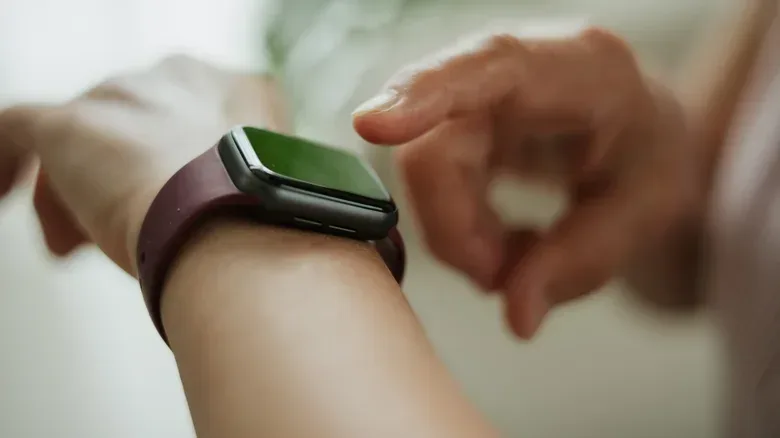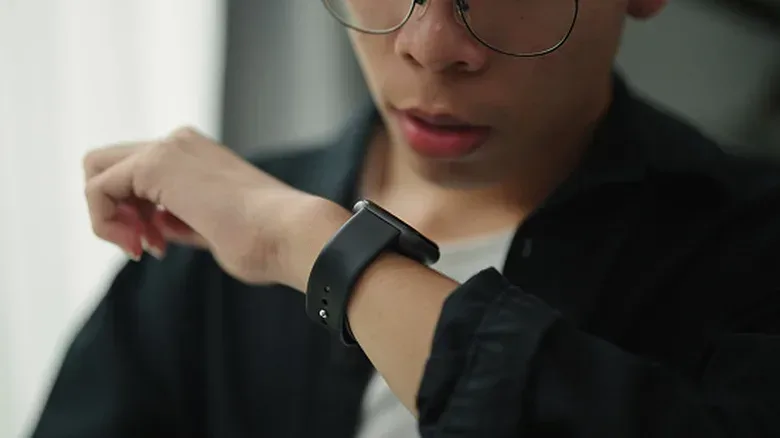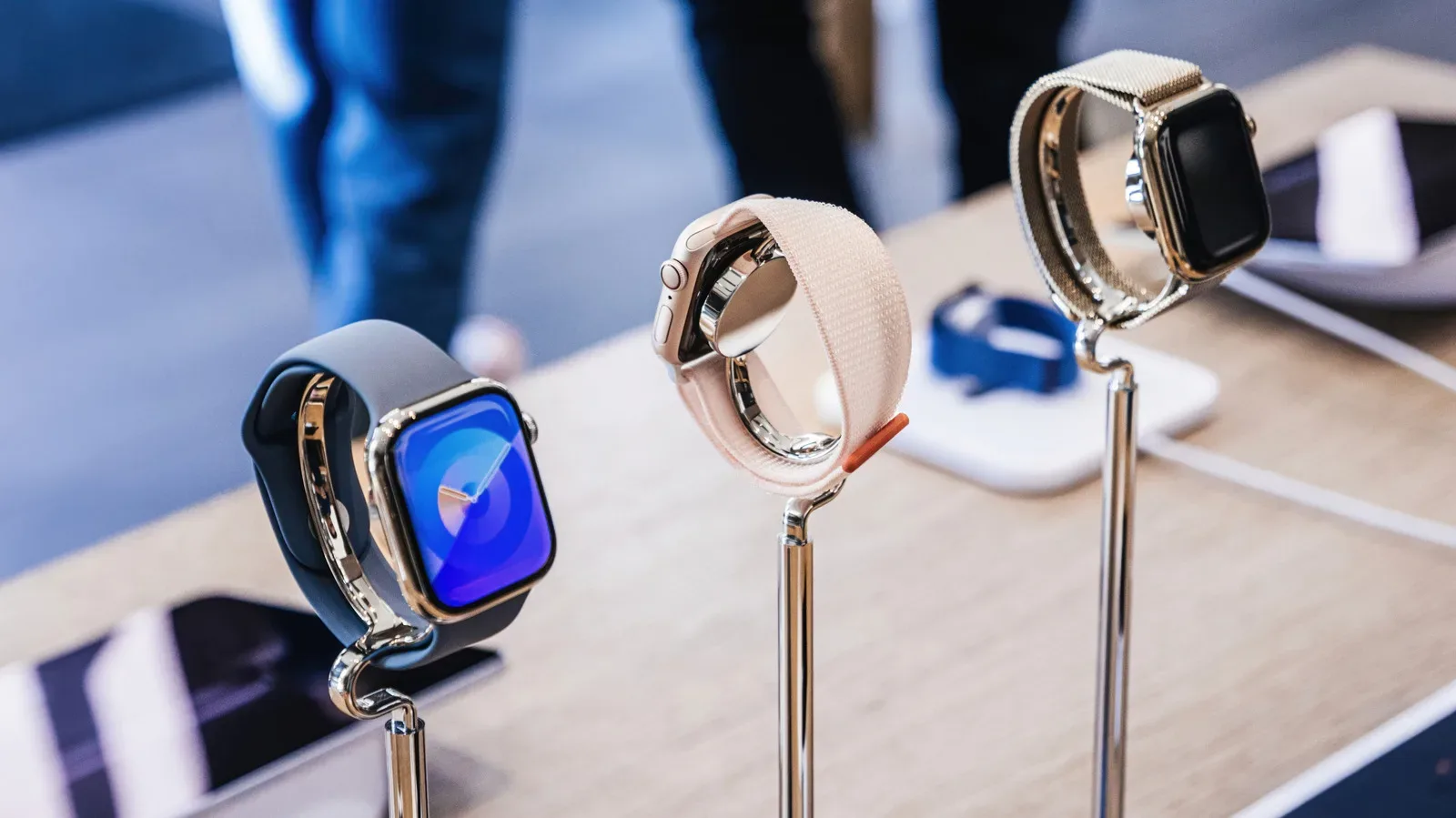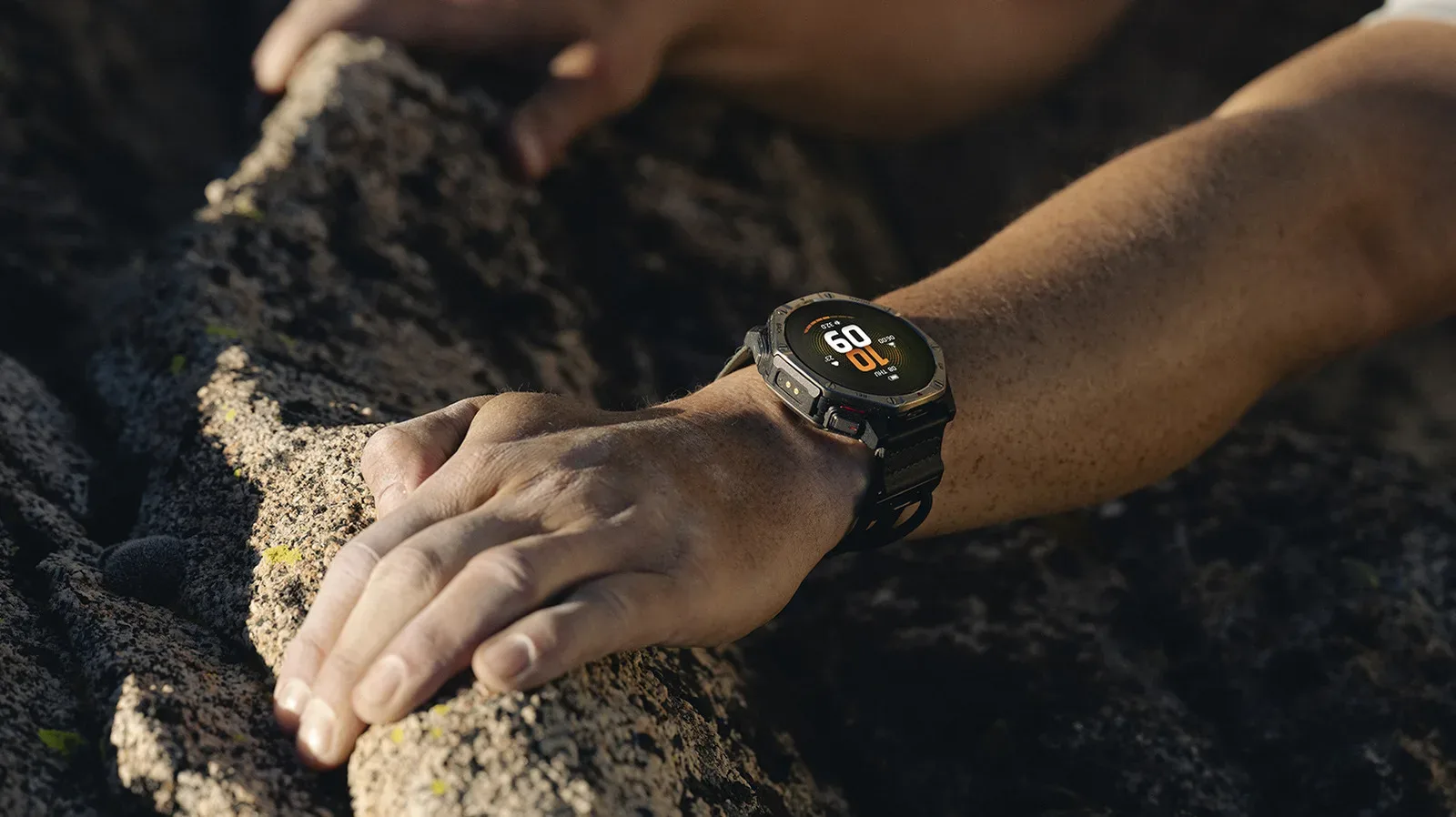
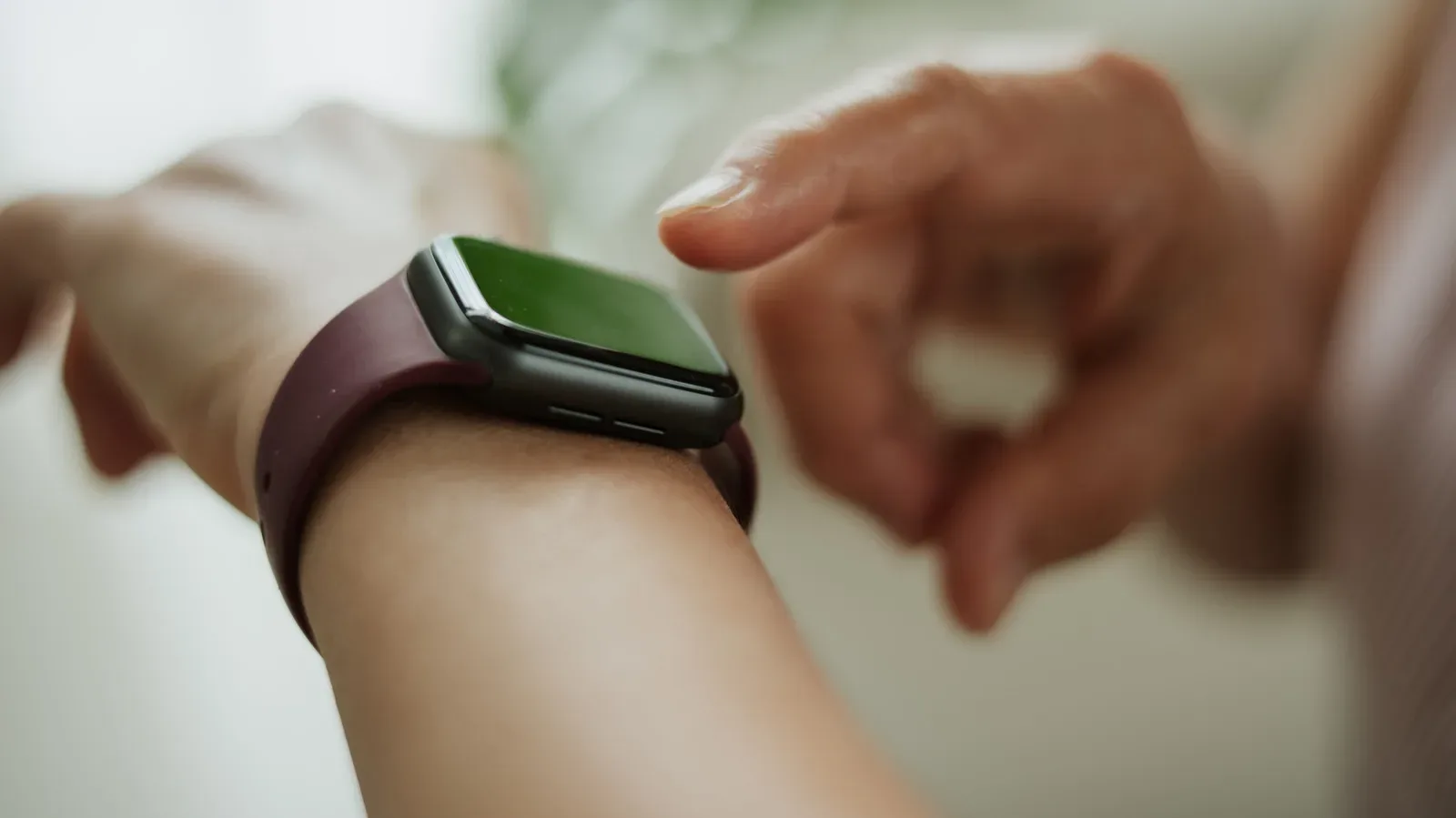
New smartwatch day has a familiar epilogue: the old one is unpaired, placed in a drawer and silently promoted to small rectangular archaeology. That may be the right ending for a damaged device, but an older wearable can remain useful long after it stops being the watch you reach for every morning.
The sensible question is not whether an old watch can do everything a new model can. It often cannot, particularly if it no longer receives major operating-system updates or lacks newer sensors. The better question is whether giving it one clear job makes the upgrade easier to live with. A watch devoted to sleep tracking, quick spoken notes or a child’s communication can remove a trade-off from the main device rather than merely duplicate it.
There are limits to check before repurposing anything. Feature support differs by model, operating system and cellular hardware. Some options need a paired phone; others require an active carrier plan. Third-party AI tools can bring limits, extra setup and potential usage charges. And health readings are data points, not medical verdicts. With those boundaries in place, here are five realistic directions for a retired smartwatch.
1. Make it a wrist-first AI voice assistant
A watch is already built around fast, low-friction interactions: raise a wrist, speak a request, get a response. That makes it a plausible dedicated access point for an AI assistant, especially for someone who wants to ask a quick question without first finding and unlocking a phone.
On Wear OS 4 or later, Gemini can be the primary route. The practical starting point is to ensure the Gemini app is installed and current, then enable voice activation if that is how you intend to invoke it. Saying “Hey Google” can trigger Gemini; pressing and holding the side button is an alternative for people who would rather not leave voice activation on.
Samsung watch owners can also map Gemini to a button shortcut. The relevant path is Settings > Button and gestures > Double press, then selecting Gemini from the available choices. A dedicated button assignment is useful because it gives the older watch a defined role rather than making it compete with the newer wearable’s default setup.
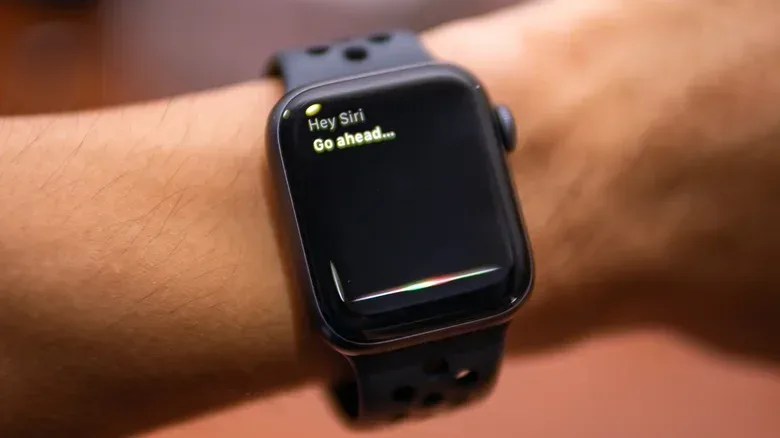
Apple Watch users can activate Siri by raising the wrist and saying “Hey Siri”, or by holding the Digital Crown. Siri is the native option, but Wrist AI can provide access to ChatGPT or Gemini on Apple Watch. Its free tier permits only a limited number of chats per day, and a Wrist AI complication—Apple’s term for a small interactive watch-face element—can put the app within a tap.
There is a more complicated ChatGPT path on Wear OS through WristAssist. It is no longer listed in the Play Store, which means installation requires sideloading: installing software from outside the usual app-store route. That extra step is inherently less convenient and should not be treated as casual setup. It also needs an OpenAI API key. Creating a key is free, but the use of the API is billed, so “free to install” is not the same as “free to use.”
Related coverage includes 5 Useful Ways to Put an Old Smartwatch Back to Work.
Practical implication: this is best for short questions and voice-led interactions, not as a reason to put sensitive information into a service without considering the account and billing involved. Give the retired watch this one purpose only if its battery, microphone and connection are still dependable enough to make it quicker than reaching for a phone.
2. Turn passing thoughts into spoken notes
The strongest case for an older smartwatch may be the least flashy: keep it available for ideas that would otherwise evaporate before a phone is unlocked. A voice memo is not a replacement for a full notes system; it is an inbox for a thought, reminder or phrase captured at the moment it appears.
Many watches already include a recorder or note function, so this task may require no new software. On Apple Watch, Siri can begin a recording with the command “Record a voice memo.” The appeal is not the complexity of the feature. It is the reduced friction between having an idea and preserving it.
Transcription can make these recordings more useful later, but there is an important distinction between making an audio note and turning it into searchable text. Wear OS and Apple Watch recordings can be transcribed with a phone involved. Samsung watches can use speech-to-text within the voice recorder app, with a 10-minute limit. Recordings made on the watch should sync across devices, allowing a note captured away from the phone to be available when you return to it.
What “AI transcription” means here: speech-to-text software converts spoken audio into written words. It can be more convenient than typing on a tiny screen, but it can still mishear names, jargon and incomplete sentences. Treat the resulting text as a draft worth checking, particularly for anything that must be accurate.
This role also pairs well with a deliberate notification strategy. An old watch used for capture does not need to reproduce every alert from a phone. Its value is in being ready when you want to record something, rather than becoming another screen demanding attention.
3. Let the older watch take the night shift
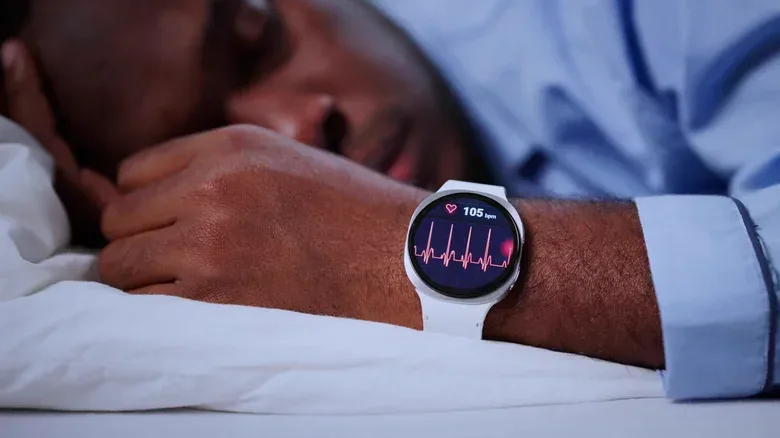
Charging is one of the everyday tensions of smartwatch ownership. If the main watch is on the wrist all day and a person wants it charged for tomorrow, overnight tracking can become inconvenient. A second watch offers a neat division of labor: charge the newer device overnight while the older one records sleep, then charge the older watch during the day.
For Apple Watch, sleep tracking is configured in the Health app on iPhone by setting up Sleep and enabling Track Sleep with Apple Watch. On a Galaxy Watch, connect it to the phone, open the Sleep tile on the watch and follow the prompts.
Not all old smartwatches will provide the same sleep information. The reason is hardware, not just software: models do not share identical sensors, and earlier hardware may track less than a newer watch. Before building a nightly habit around an older device, confirm the sleep feature is actually available on that specific model and make sure its remaining battery capacity can last through the night.
The data deserves careful interpretation. Wearable sensors can be inaccurate, and a sleep report is not a diagnosis. A concerning pattern can be a prompt to speak with a doctor, but it should not be treated as a substitute for medical advice. The practical benefit is continuity and convenience: the older watch can collect routine information while the primary watch is not sacrificed to the charger.
People refining a wider desk-and-device routine may also find it useful to consider the same trade-offs around screens, charging and placement that apply to other gear. A smarter desk setup is often about assigning each device a job instead of forcing one gadget to handle every task at once.
4. Repurpose a cellular model as a supervised kids’ watch
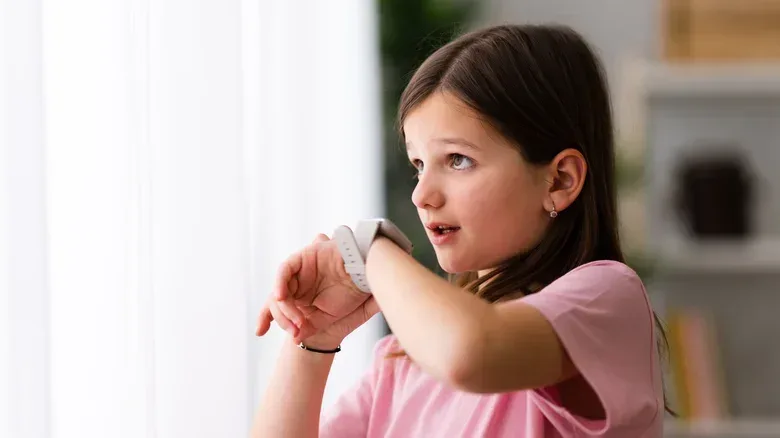
An old smartwatch may work as a child-focused communication device, but this is the option with the strictest eligibility requirements. It needs an LTE or cellular-capable watch. After configuration, a child can call, text and share their location without owning a smartphone, but the cellular service itself requires carrier support and an additional plan fee. Not every carrier supports standalone calling from a watch.
Samsung offers Kids mode on compatible hardware. It can support location monitoring, calling and texting, as well as app approval or blocking, School Time restrictions and management through Google Family Link. Compatibility matters: Kids mode is limited to LTE Galaxy Watch 6 models and newer, not every Samsung watch.
Apple’s equivalent is Apple Watch for Your Kids. It is supported on a cellular Apple Watch Series 4 or later, or a cellular Apple Watch SE running watchOS 7 or later. The arrangement includes calls, texts, location tracking, screen-time tools and Schooltime. Schooltime is designed to restrict the watch so it is less distracting during school hours.
Before choosing this use: verify the precise model, cellular status, software requirement and carrier support first. Then weigh the recurring plan cost against the convenience. A retired Bluetooth-only watch may be excellent for sleep or voice notes, but it cannot become a standalone kids’ communicator simply through an app setting.
5. Sell it—after clearing it properly
Repurposing is optional. If the old watch does not fit a real routine, selling it can be more useful than storing it indefinitely. There are two broad approaches, and the choice is usually between potential payout and effort.
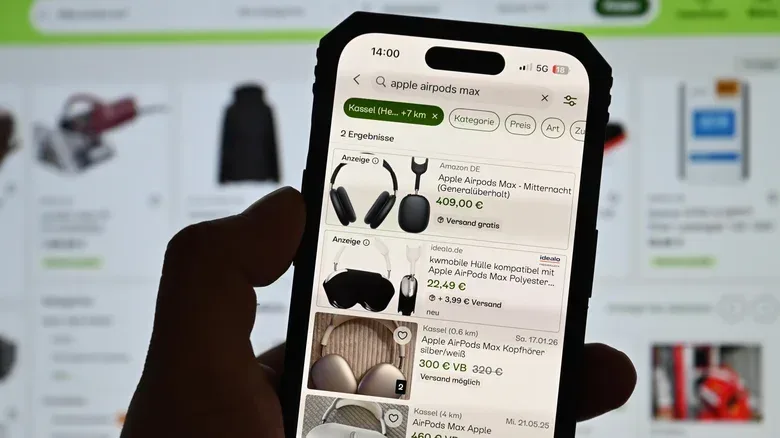
Direct marketplaces such as eBay may produce the higher return, but the seller handles the work: clear photos, an accurate description, pricing, questions, packing, shipping and platform fees. Accuracy matters because condition is central to buyer expectations. Describe what is actually included and avoid presenting a feature as available unless it works on that exact model.
A buyback company is the lower-effort alternative. Get a quote, ship the watch for inspection and receive payment if the condition matches the description. If it does not, a revised offer may follow. Timelines vary by program: some pay as soon as 24 business hours after receiving the watch, while others can take up to five business days.
Trade-in programs from retailers and manufacturers are another route for anyone willing to accept store credit and potentially less value. Convenience can be a valid return, particularly when the alternative is never listing the device at all.
Privacy checklist before a sale or trade-in
- Unpair the watch from the phone.
- On Apple Watch, unpairing erases the device.
- On Wear OS, sign out of accounts and perform a factory reset.
- Make the reset a requirement, not an afterthought: the watch may contain account access and personal data.
An old smartwatch does not have to impersonate the newer one. Its best second life is narrow and reliable: the bedside tracker, the one-button voice notebook, the child’s cellular contact point, or the device converted into cash. If none of those jobs fits, wiping and selling it is a cleaner outcome than turning a useful piece of hardware into drawer décor.