A USB extender can absolutely work in a gaming setup. The important caveat is that “works” may mean only that a device lights up or is recognized—not that it retains the data speed, stable connection, charging capability or display features expected from the original port.
That distinction matters little for a wired keyboard or mouse placed a few feet farther from a PC. It becomes far more important for an external SSD, high-resolution webcam, VR headset or USB-C dock. Those devices can require substantially more bandwidth, may need power as well as data, or may combine several functions through a single connection.
The sensible way to shop is not to begin with the matching connector. Start with the device being extended, the total distance required, and the capabilities that must remain available at the other end. A USB extender may be perfectly safe within its stated limits, but the wrong type can still leave a player with intermittent dropouts, a device negotiating down to a slower mode, or a missing feature such as video output.
“USB extender” describes several very different products
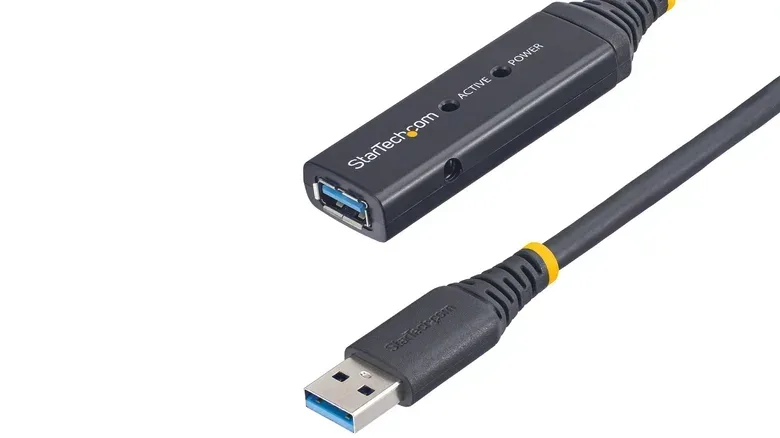
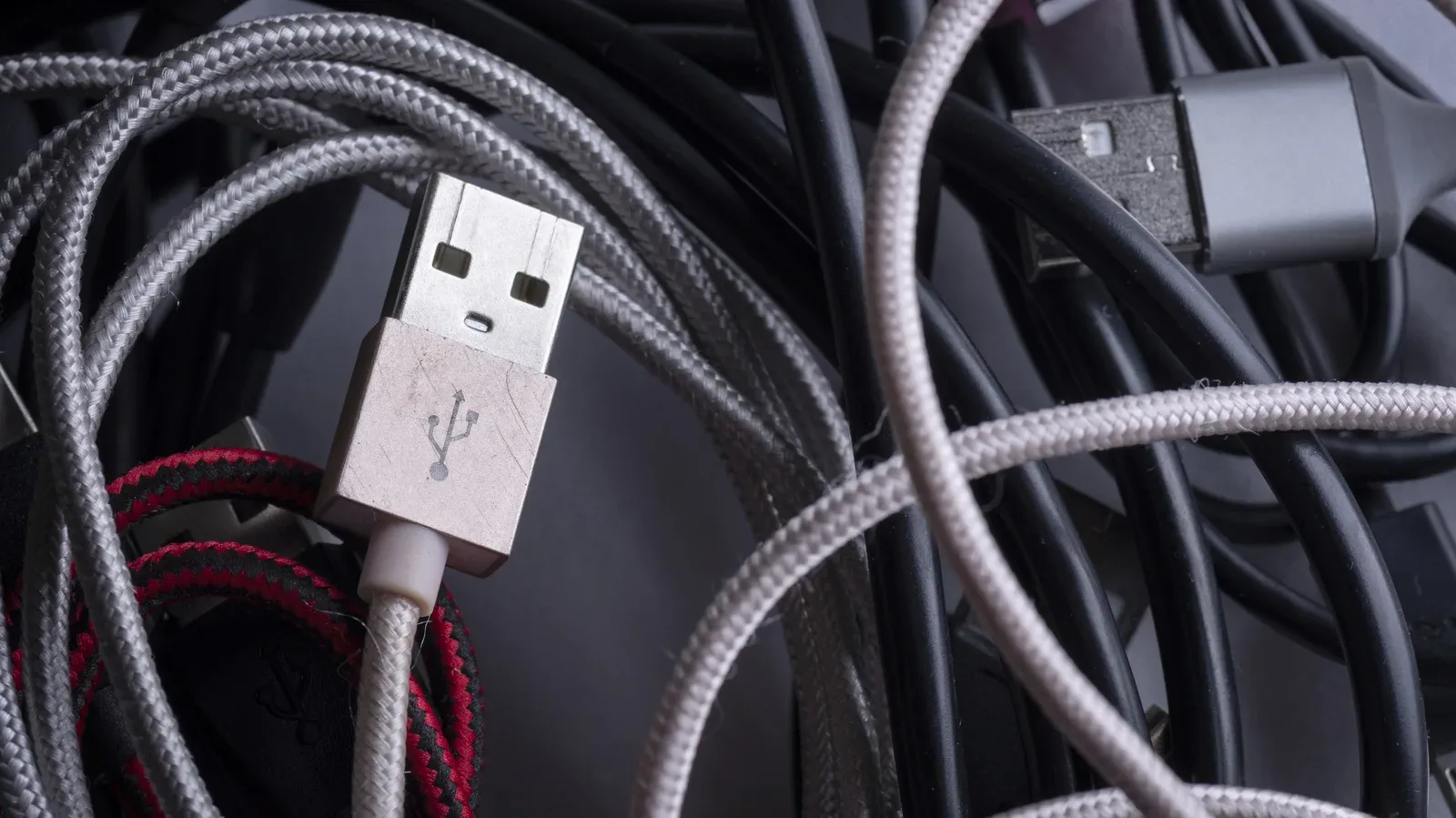
The phrase covers more than one kind of hardware. A passive extension cable is the simplest option: it adds cable length, without electronics that rebuild the signal. An active extender includes electronics that regenerate the signal across a longer run. More specialized extender systems can carry USB over network-style cabling such as CAT 6a or CAT 7, or over fiber.
Each approach serves the same broad purpose—moving a USB connection farther away—but they should not be treated as interchangeable.
- Passive extensions are best suited to short distances and modest requirements.
- Active cables are built for longer connections by refreshing the signal.
- CAT- or fiber-based systems are aimed at much longer installations, where a normal USB cable is no longer practical.
Signal integrity is the central technical issue. In plain language, the electrical signal becomes harder to interpret reliably as cable length rises. A passive cable is not automatically unsafe or defective because it is long, but its ability to maintain a dependable connection declines as distance and USB speed demands increase.
USB 2.0 is comparatively forgiving: passive runs are generally workable up to about 16 feet, or 5 meters. Passive USB 3.x runs are typically kept nearer 10 feet, or 3 meters, before active hardware becomes the smarter option. These are practical guidelines rather than permission to assume every cable at those lengths delivers every advertised capability in every setup.
Why a controller is easier than an SSD, webcam or dock
Not every peripheral puts equal pressure on the connection. A keyboard and mouse generally make modest demands, which is why a simple extension can often be an uncomplicated desk-management fix. That does not prove the same cable is appropriate for every USB device a gaming setup might include.
External storage, webcams, VR hardware and docks are more likely to expose weak links in an extended connection. An external SSD is useful precisely because fast transfers are expected. A webcam can require significant throughput, particularly at 4K. A dock may be doing several jobs at once: passing data, delivering power and potentially transmitting video.
This creates a frustrating but understandable outcome: a device may appear functional yet be operating below the capability a player bought it for. It can connect at a lower USB mode, disconnect occasionally, or lose a feature that depends on a more demanding signal path. Seeing power or an indicator light is therefore not proof that the connection is meeting the setup’s actual needs.
For a PC gaming station, this suggests a simple priority order. Determine the peripheral’s most important job first. If the purpose is to reach a gamepad receiver, basic USB functionality may be enough. If the purpose is to relocate fast storage, a webcam or a dock, preserving the right data rate and every required feature should take priority over the convenience of a cheap, long cable.
Distance should dictate the extender category
For a short reach behind a desk, a passive extension may be reasonable. Once the connection needs to cross a room, run to a TV-area PC, or reach a more distant play space, an active solution is worth considering.
There are concrete examples of the difference. StarTech offers a 33-foot active USB 3.2 Gen 1 cable rated for 5Gbps and states that two may be daisy-chained for a run of roughly 66 feet. Icron’s Raven 3104 is designed for far longer distances, supporting up to 5Gbps over as much as 328 feet by using CAT 6a or CAT 7 cable.
Those figures illustrate why “how far?” must come before “which USB plug?” A passive cable, an active cable and a CAT-based extender may all have a USB port at each end while targeting entirely different distances and technical requirements.
They also demonstrate that a long-distance data solution does not necessarily solve power needs. The Raven 3104 example supports up to 5Gbps but provides only 6W per remote USB port. That can be ample for some peripherals and plainly inadequate for others. Never infer power delivery merely from an extender’s data-speed rating.
Power and data speed are separate specifications
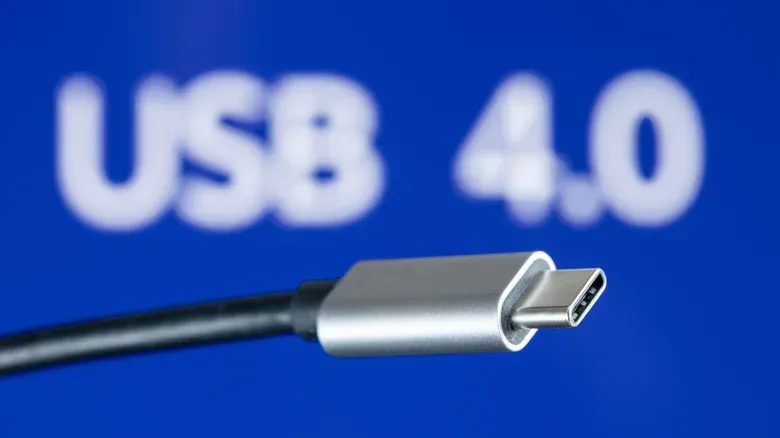
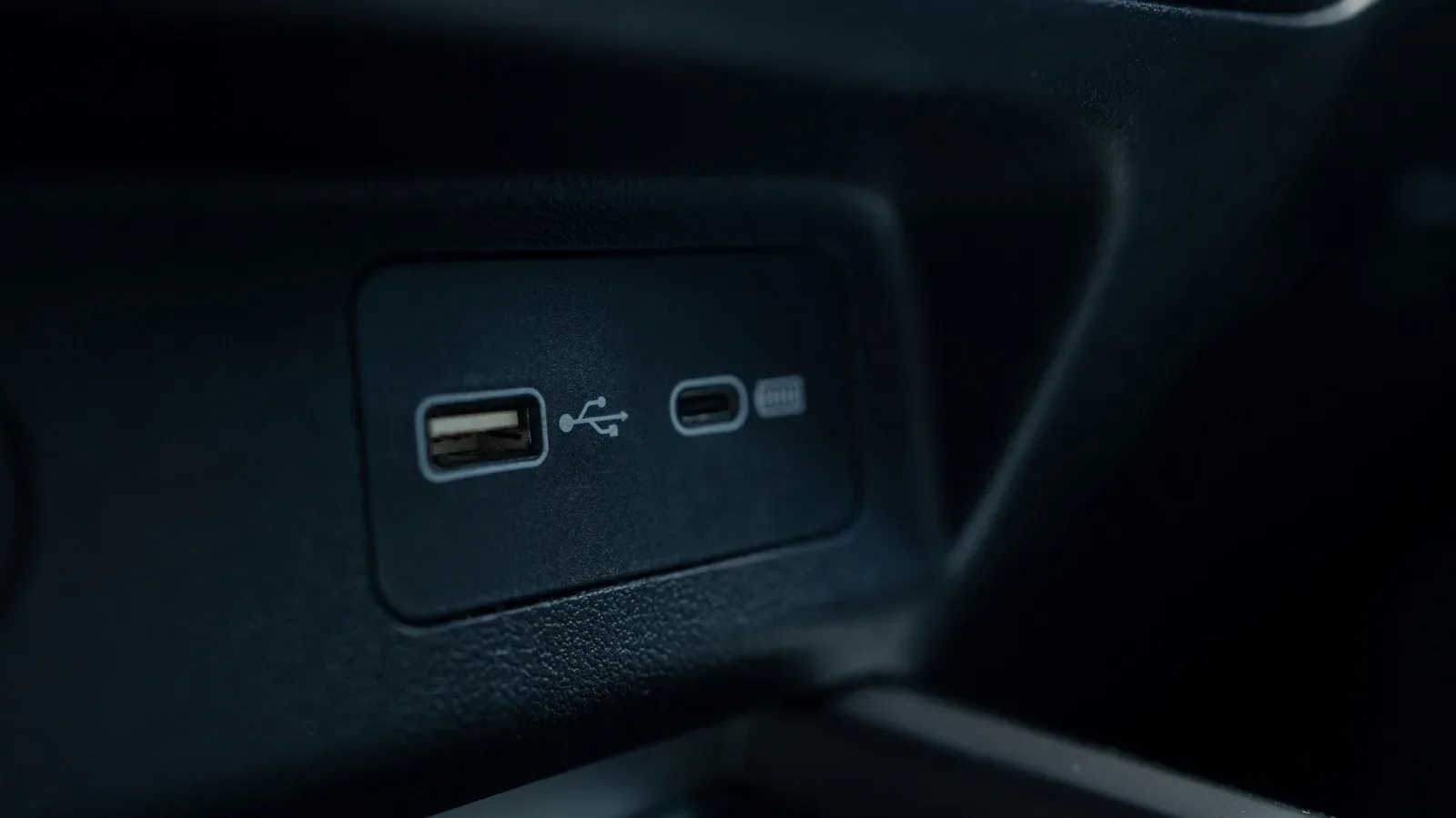
USB-C has made this distinction particularly easy to miss. The connector’s small reversible shape says very little on its own about what the cable or port can actually do. Two USB-C products can physically connect while offering sharply different combinations of charging, data and display capability.
USB Power Delivery can reach up to 240W, but that maximum requires compatible hardware throughout the chain: the power source, connected device and cable must all support the necessary level. Higher-power charging is not simply forced through the cable. The source advertises its available capabilities, and the connected device requests power before the higher-power arrangement is established.
USB-IF compliance markings can provide useful shopping information. USB-C-to-USB-C cables that pass its compliance program must carry a 60W or 240W power marking. Except for USB 2.0 cables, they must also indicate their supported data rate. Those markings matter because charging capacity and data speed do not automatically rise together.
A 10-foot Anker USB-C cable, for example, supports charging up to 240W but has data transfer capped at 480Mbps. That is a clear reminder that a cable can be excellent for charging while being a poor fit for a high-speed drive or a bandwidth-heavy dock. At the other extreme, a long-range extender can deliver 5Gbps data while offering modest remote-port power.
For players managing a living-room setup, it is often worth separating the problems rather than asking one extended USB connection to solve all of them. If the immediate issue is simply that a charger cannot reach a wall outlet, a properly rated AC extension cord can be cleaner for a temporary arrangement than extending the USB connection. That does not make it the answer for every situation, but it avoids adding USB signal and capability questions where they are unnecessary.
USB-C extensions need extra scrutiny
USB-C is convenient, but the connector is a poor shorthand for performance. A USB-C setup may involve high-speed data, USB4, display output or high-power charging. Connecting two USB-C ends only establishes physical fit; it does not guarantee that all of those features travel across an extension.
Passive male-to-female USB-C extension cables deserve particular caution. USB-IF’s passive Type-C compliance document lists C-to-C cables, Type-C-to-legacy cables and adapter assemblies, but generic male-to-female Type-C extension cables are not included. This does not mean that every USB extender is unlawful or inherently dangerous. It means the category needs closer checking, especially where the intended job includes high charging power, display output or USB4-level capability.
In practical terms, a product listing should be judged on its explicit specifications rather than its connector photo. Check whether it names the USB generation or rated data speed, the supported power level, the intended distance and any limits involving video or other features. “USB-C” alone is not a sufficiently detailed specification for a demanding setup.
A buying checklist for a safer, less frustrating setup
Before buying an extender, identify the feature that cannot be compromised. Then select hardware rated for that requirement instead of assuming a general-purpose extension will preserve it.
- Measure the full run. Include the distance from the computer to the peripheral, not merely the visible gap on the desk.
- Identify the USB generation or data demand. A low-demand input device and an external SSD should not be approached the same way.
- Check power independently. Confirm what the source, cable, extender and device each support. A high-wattage claim does not imply high-speed transfers, and a 5Gbps claim does not imply high charging power.
- Account for every feature. If a dock needs data, power and video, verify each one rather than treating successful charging as proof of full compatibility.
- Use active hardware as distance rises. Passive USB 3.x extensions are generally kept around 10 feet; longer projects call for products designed to regenerate or carry the signal over another medium.
- Stay within the manufacturer’s stated limits. Properly rated equipment used as intended is generally safe; pushing a cable beyond its stated role is where reliability and compatibility get murky.
These checks are especially useful when organizing a broader gaming space, where cable decisions overlap with display and network placement. For TV-side adjustments that affect the experience after the hardware is connected, see our guide to Roku TV picture settings worth changing before your next gaming session.
The practical answer: yes, with the right expectations
USB extenders are legitimate tools, not a guaranteed way to make any port work at any distance. A short passive extension can be an effective answer for simple peripherals. A longer run may call for an active cable, while installations stretching across much larger spaces may need a purpose-built CAT- or fiber-based system.
The safest, most useful purchase is the one that matches all three sides of the connection: distance, data requirements and power requirements. Treat those as separate questions, especially with USB-C, and an extender is much more likely to make a gaming setup cleaner without quietly sacrificing the performance it was supposed to preserve.