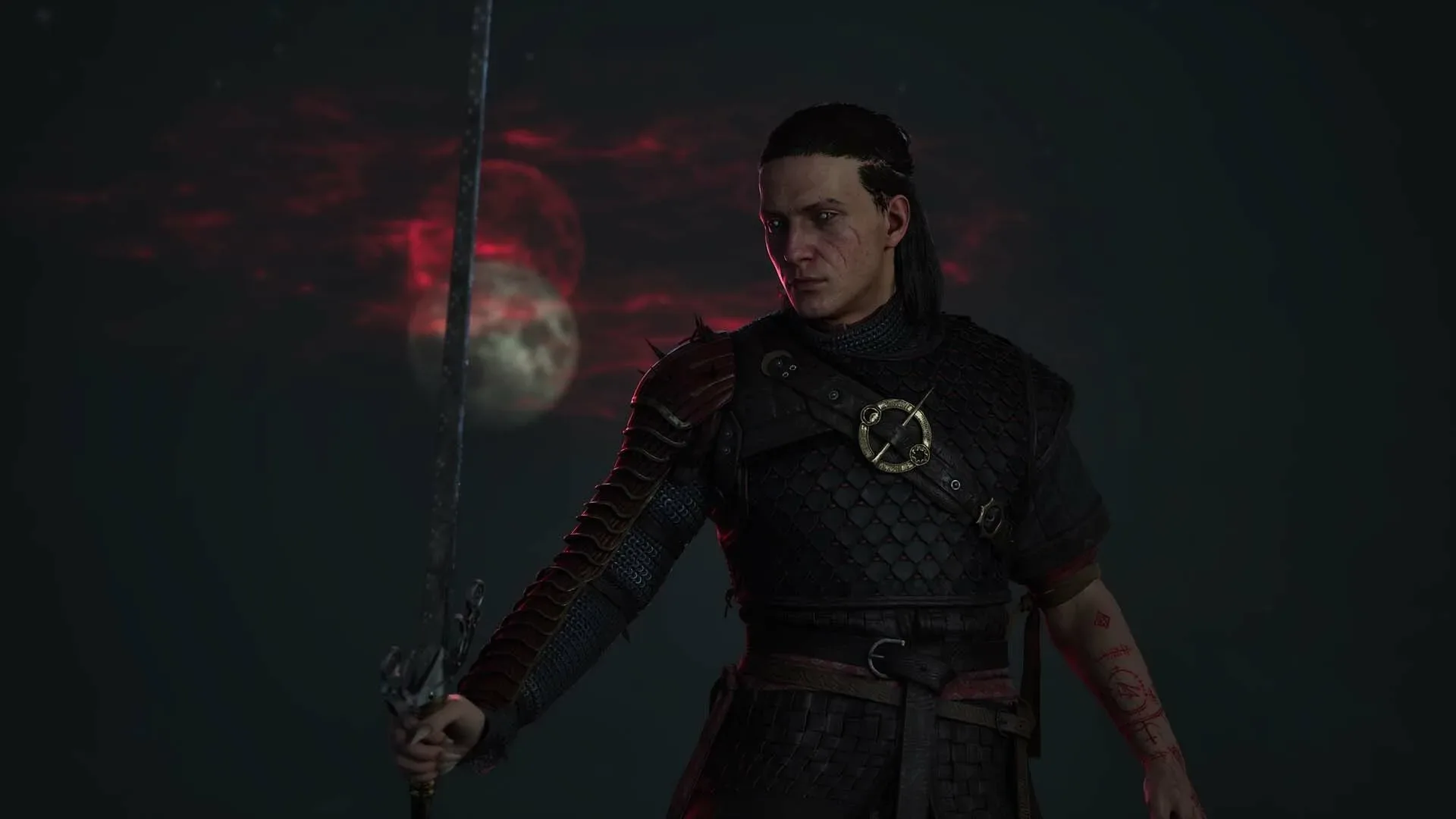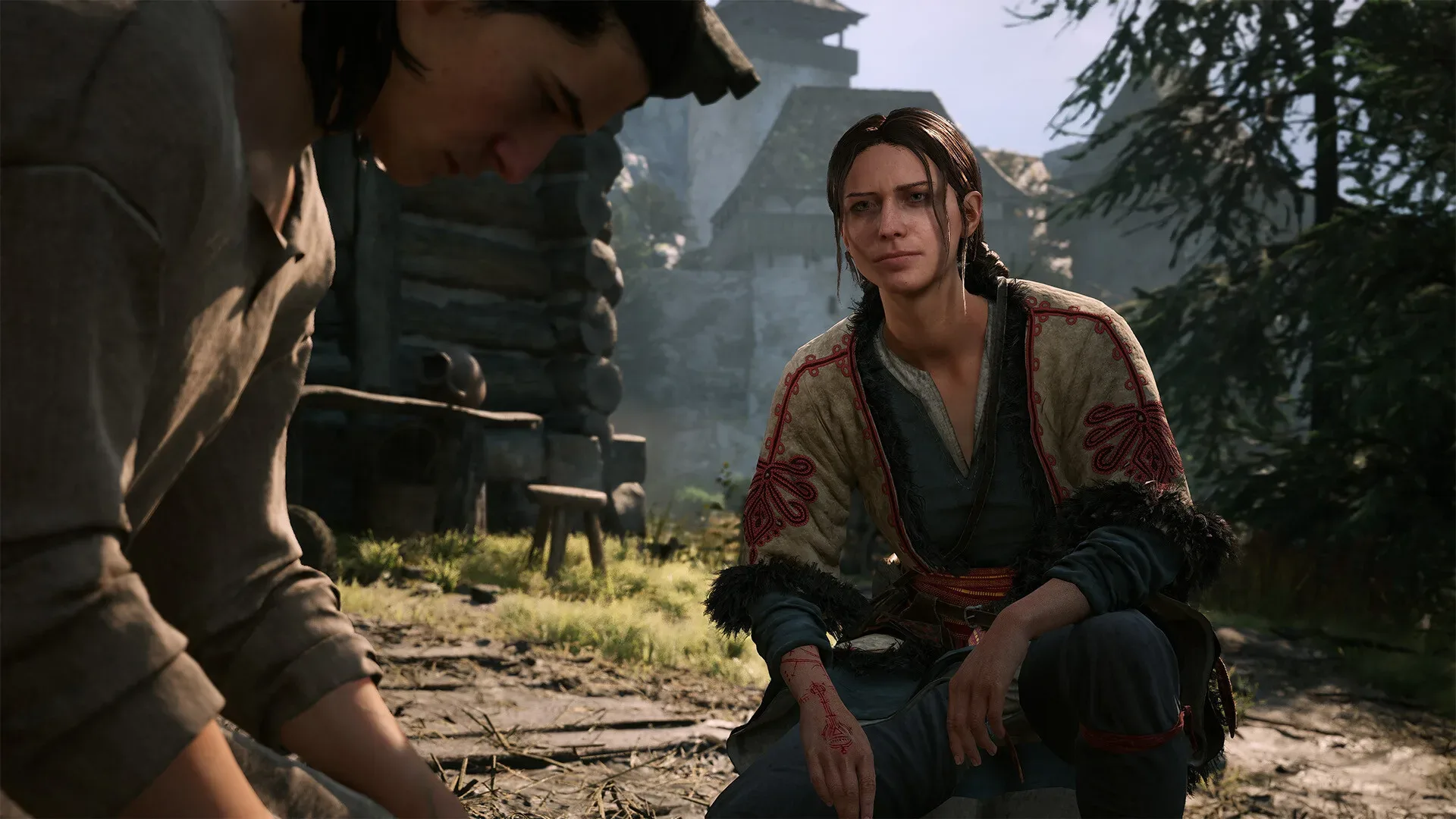
Blood of the Dawnwalker appears to understand a crucial truth about big fantasy games: the best plans are fragile. Set out for a quest marker, spot something strange beyond a ridge, take one small detour, then discover that the “small” detour has become an hour of fights, characters, discoveries, and several increasingly questionable decisions. That sense of being happily pulled off course is a major part of the appeal.
But there is a difference between being lost in an adventure and being lost because the game makes basic orientation laborious. For players who need frequent directional checks, Blood of the Dawnwalker’s clean presentation may have an awkward cost. The route back to a save point, a selected objective, or any familiar landmark can require a repeated ritual: open the map, inspect it, close it, walk briefly, doubt the chosen direction, and open the map again. Eventually, the most relentless monster in the world is not a sword-and-sorcery beast. It is the touchpad.
A gorgeous world can still need navigational mercy
The criticism here is not that Blood of the Dawnwalker should stop inviting distractions. Quite the opposite. A large world filled with opportunities is at its best when a trip from one task to another can naturally become something else. Unexpected encounters and tempting side paths are how open-world spaces gain personality. They make a journey feel less like commuting between icons and more like a story that is happening around the player.
Reports after roughly 20 hours with the game praise its characters, performances, combat, and story, while also highlighting an environment dense enough to redirect a player again and again. That is a favorable problem to have. It suggests a world worth wandering through rather than one players rush across with their eyes glued to a compass.
The snag is what happens after wandering succeeds. Once a player decides it is time to return to the original objective, find a nearby save point, or simply head east instead of west, the game’s lack of an immediate navigation aid can create a constant interruption. A menu-based map is useful for planning a broad route. It is much less graceful as something a player must consult every few seconds while moving.
That friction is especially noticeable on PlayStation 5, where checking the map involves using the DualSense touchpad and navigating out of the action before returning to the world. One individual sequence is minor. Do it repeatedly during combat-adjacent travel, after each turn, or whenever terrain blocks the view, and the accumulated hassle begins to chip away at the mood.
The minimap argument does not have to mean more clutter
“Add a minimap” is the obvious request, and it is understandable. On PC, players have access to a mod that adds one, while console players are left hoping for an official adjustment or hotfix. Yet a conventional permanent minimap is only one possible solution—and perhaps not the best match for Blood of the Dawnwalker’s uncluttered interface.
A busy corner display can be useful, but it also competes with the scenery, the combat space, and the atmosphere. In a game where several enemies may be attacking at once, readable screen space matters. The appeal of a restrained HUD is that it lets players appreciate the environments and better watch the immediate danger around them. Filling that clean space with a radar, icons, roads, markers, and assorted digital confetti would solve one problem by creating another.
Related coverage includes Blood of the Dawnwalker's Lack of Quick Navigation Is Turning Exploration Into Friction.
What players need is not necessarily a permanent floating GPS. They need a faster way to answer the simple question: “Which way am I supposed to be going?”
A few better-fit options
There are several navigation tools that could preserve the game’s visual priorities without forcing people to make the map menu their most-used spell.
- A hold-to-view transparent map: Rather than opening a separate screen, a button hold could place a semi-transparent local map over the current scene. The player could keep their bearing, confirm the route, and release the button to continue.
- A temporary compass or directional indicator: An on-demand compass that points toward a chosen objective would offer just enough information without permanently claiming part of the interface.
- A subtle pathfinding effect: A selected quest could produce a short-lived visual trail, magical guide, or other diegetic directional cue. This would suit the game’s fantasy setting more naturally than a modern-looking navigation widget.
- A dedicated map shortcut: Even if the full-screen map remains the intended solution, reducing the number of inputs necessary to reach it would soften the issue considerably.
- Accessibility toggles: Letting players choose among no aid, a temporary aid, and a permanent minimap would respect different play styles without declaring one navigation philosophy universally correct.
The important word is optional. Some players actively enjoy being asked to read landmarks, remember paths, and live with the occasional wrong turn. Others possess an internal compass that has apparently been cursed by a minor forest witch. A good accessibility-minded design can serve both groups. People who want pure exploration can keep the screen spare; people who want less menu friction can switch on an aid that suits them.
Exploration works best when the player chooses the uncertainty
There is a romantic idea in fantasy games that getting turned around is inherently immersive. A traveler should sometimes be unsure of the road. A distant tower, a river, or a dangerous ruin can become a meaningful landmark precisely because the game does not draw a glowing line on every blade of grass.
That idea has merit, but only up to a point. Deliberate uncertainty can create tension and discovery. Interface uncertainty often just creates repetition. If a player is trying to interpret the landscape, that is exploration. If they are repeatedly leaving the landscape to inspect a menu because they cannot retain the map’s orientation long enough to walk a few hundred meters, that is administration.
Blood of the Dawnwalker seems particularly vulnerable to this distinction because it is apparently so good at generating attractive diversions. The more often a game successfully pulls players away from their intended route, the more valuable a graceful reorientation tool becomes. Otherwise, its own best quality—an abundance of interesting things to do—feeds directly into its least elegant routine.
And this is not a demand that the game become an objective-marker treadmill. A navigation feature can be limited. It might only show the direction to the selected quest, the nearest save point, or a manually placed marker. It does not need to expose every secret, solve every route, or turn exploration into a list of errands. It only needs to reduce the gap between “I know where I want to go” and “I can resume enjoying the game.”
PC mods highlight what console players cannot easily fix
The availability of a minimap mod gives PC players a practical workaround, but it also sharpens the contrast for those playing on console. Modding can be a wonderful way for communities to tailor an experience, yet basic navigational comfort should not depend entirely on whether someone can install unofficial additions.
Console players, in particular, have no comparable easy answer in the situation described here. Their option is to accommodate the existing map flow and hope an official update eventually offers a less interruptive alternative. Blood of the Dawnwalker has already received attention through Hotfix 1.0.4, but there is no basis to assume a navigation change is planned. The sensible request is simply that the developers consider it.
Not every game needs a minimap, and not every player needs assistance finding north. But when a fantasy world is packed with compelling detours, returning from those detours should feel like part of the journey rather than a series of pause-menu checks. Blood of the Dawnwalker can keep its clean HUD, its wide horizons, and its invitation to get distracted. It just needs to give directionally challenged adventurers a kinder route back to the plot.