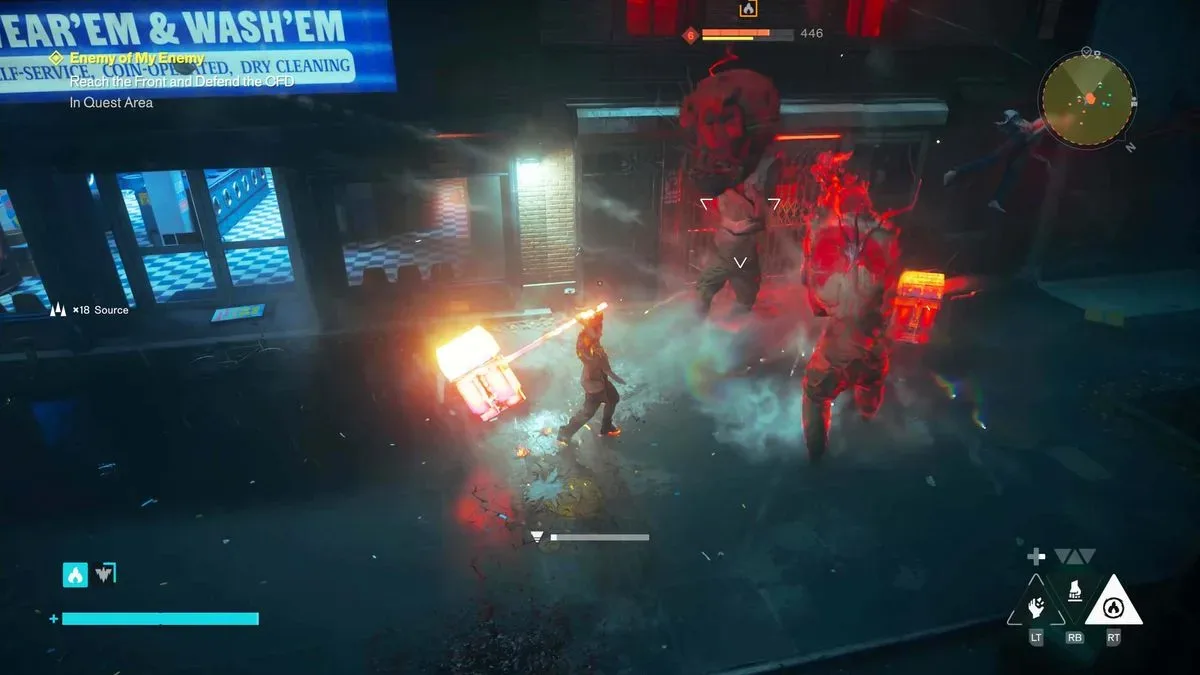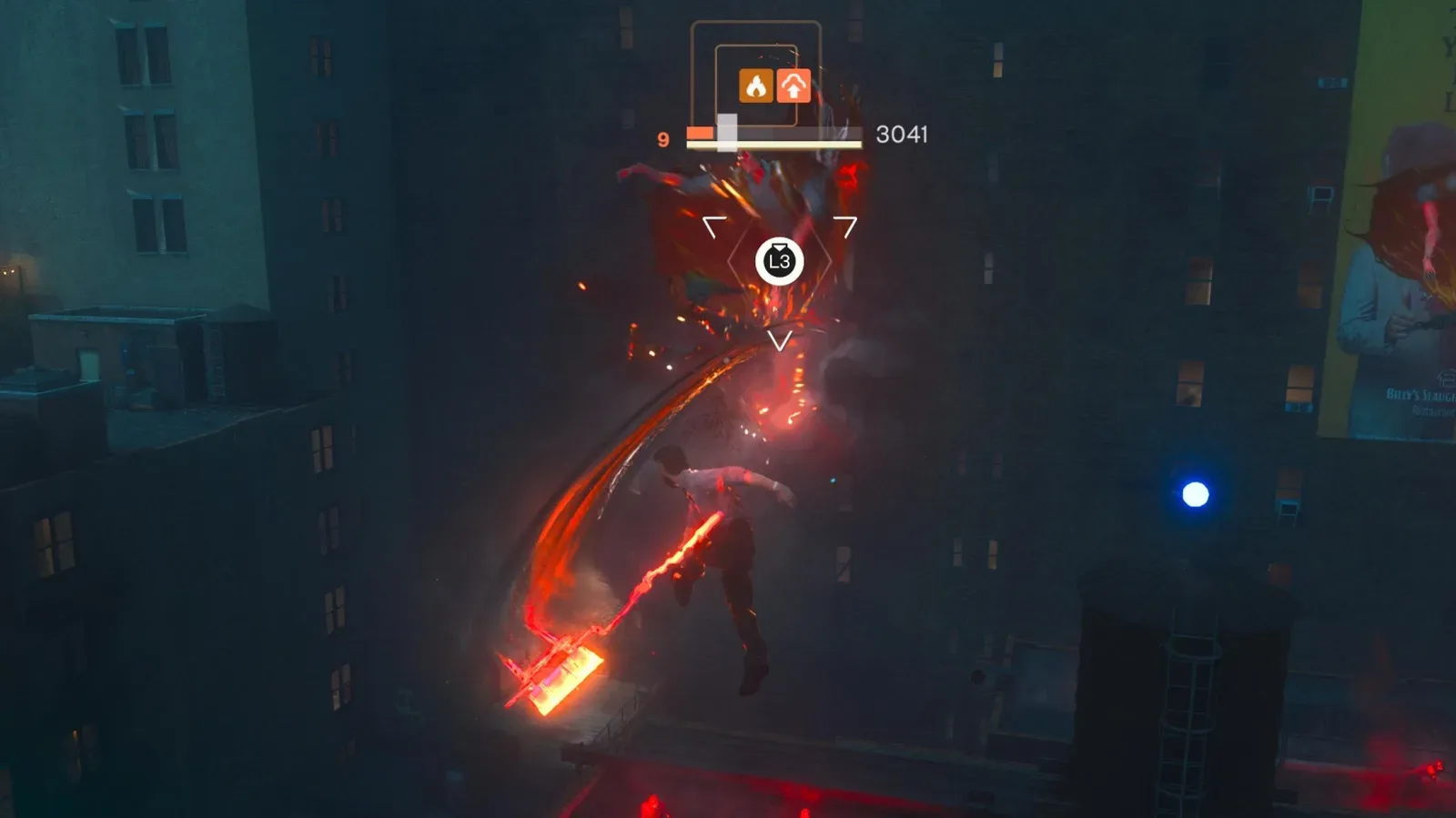
Control Resonant’s combat can be exhilarating without always being effortless on the hands. Its Hiss enemies can absorb enough damage to turn a tense encounter into a sustained run of attack presses, particularly during longer exploration sessions. That is not necessarily the same thing as a difficulty spike: a player may understand the fight, survive it, and still find its required input repetition tiring.
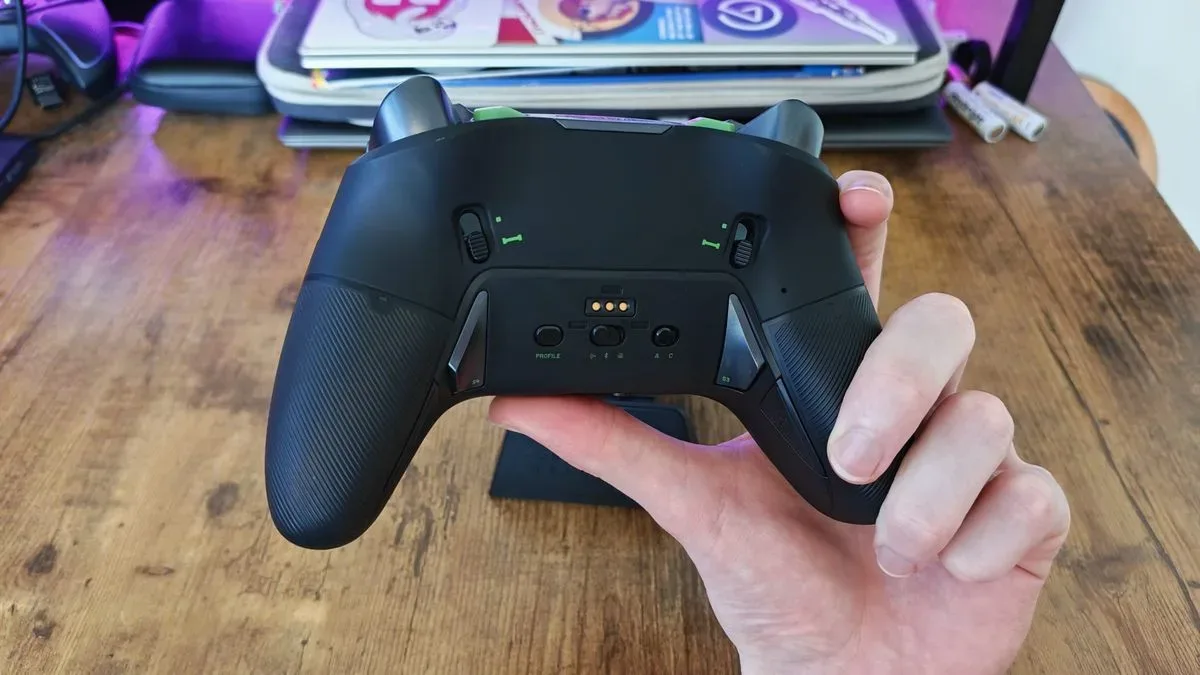
There is a practical controller-side response that does not require abandoning the game’s systems. Players on PS5, Xbox, and PC with a controller that has programmable rear inputs can map their ordinary attack command to an extra back button or paddle. The basic idea is modest: create a second physical way to perform an action you already use constantly, then alternate between the two inputs when combat becomes demanding.
It will not change an enemy’s health or solve every complaint about bullet-spongy opponents. It can, however, redistribute repetitive work away from one face button and one thumb. For a game where attention is also needed for camera control, Dylan’s movement, dodging, enemy positioning, the interface, and environmental opportunities, that small ergonomic change may be more useful than it initially sounds.
The simplest setup: duplicate the attack input
Start with a remap rather than a macro. Assign the normal attack button—described as Y or Triangle in the suggested example—to one available rear input. The face button should remain mapped as usual. You are not replacing the original command; you are adding a second route to it.
During an extended exchange, alternate presses between the standard attack button and the rear input. Some players may prefer an even rhythm, tapping one and then the other as an attack sequence continues. Others may simply switch to the rear button whenever their thumb starts to feel overworked. There is no evidence that either pattern improves damage; the point is comfort and input variety, not a combat exploit.
Rear buttons are particularly relevant here because they can be operated while the player’s thumbs continue to manage the sticks. That is the core ergonomic proposition of a “pro” controller: extra accessible controls can reduce the need to take a thumb off aiming, movement, or the camera. In a busy Hiss encounter, retaining that access could make defensive decisions feel less crowded even when the player is still manually making every tactical choice.
What “actuation” means in this context
Actuation is the force and movement required for a button press to register. A button with light actuation generally needs less effort to trigger than one with a firmer, deeper press. That does not automatically make it better—accidental inputs matter too—but it is relevant in an action game built around frequent attacks.
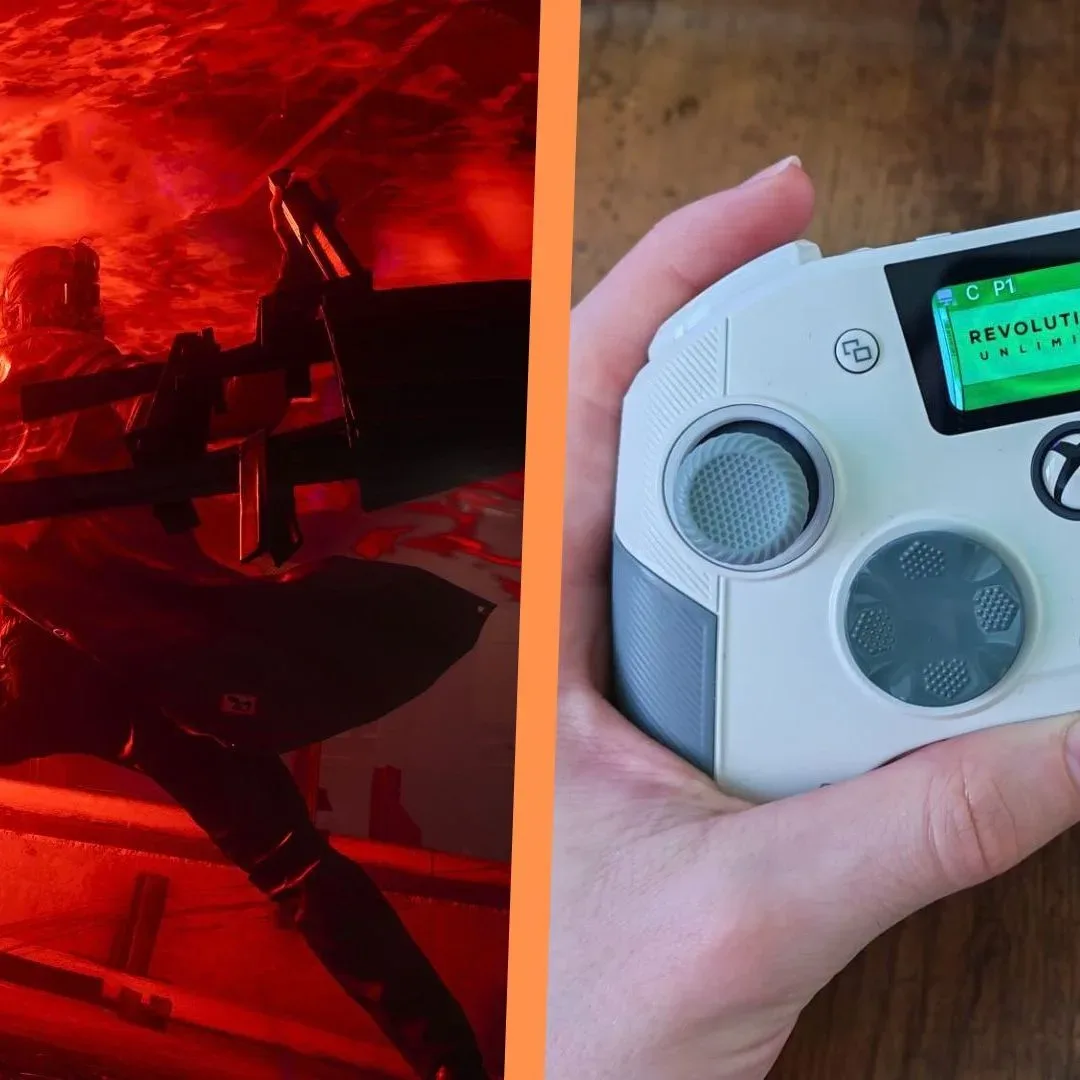
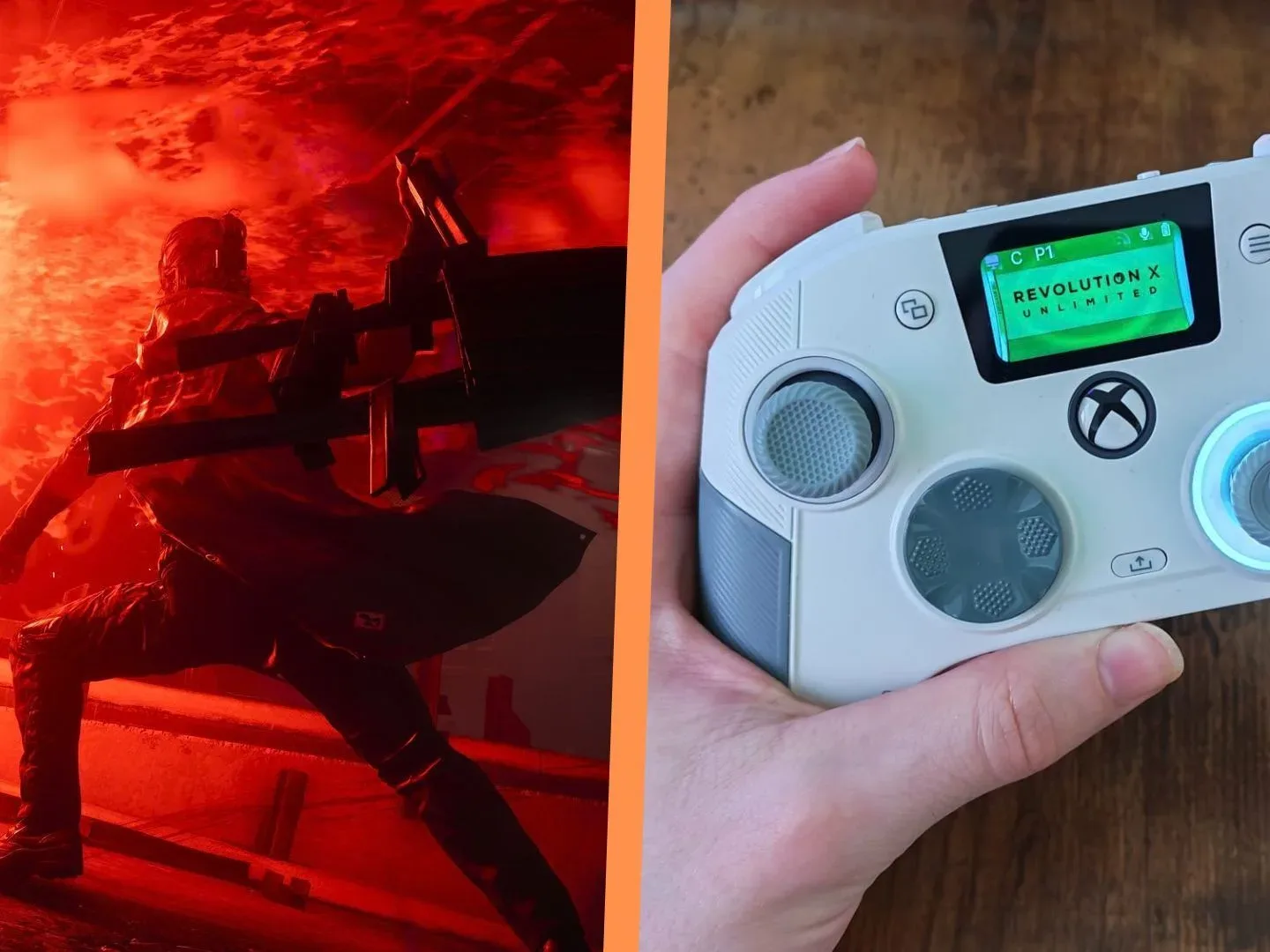
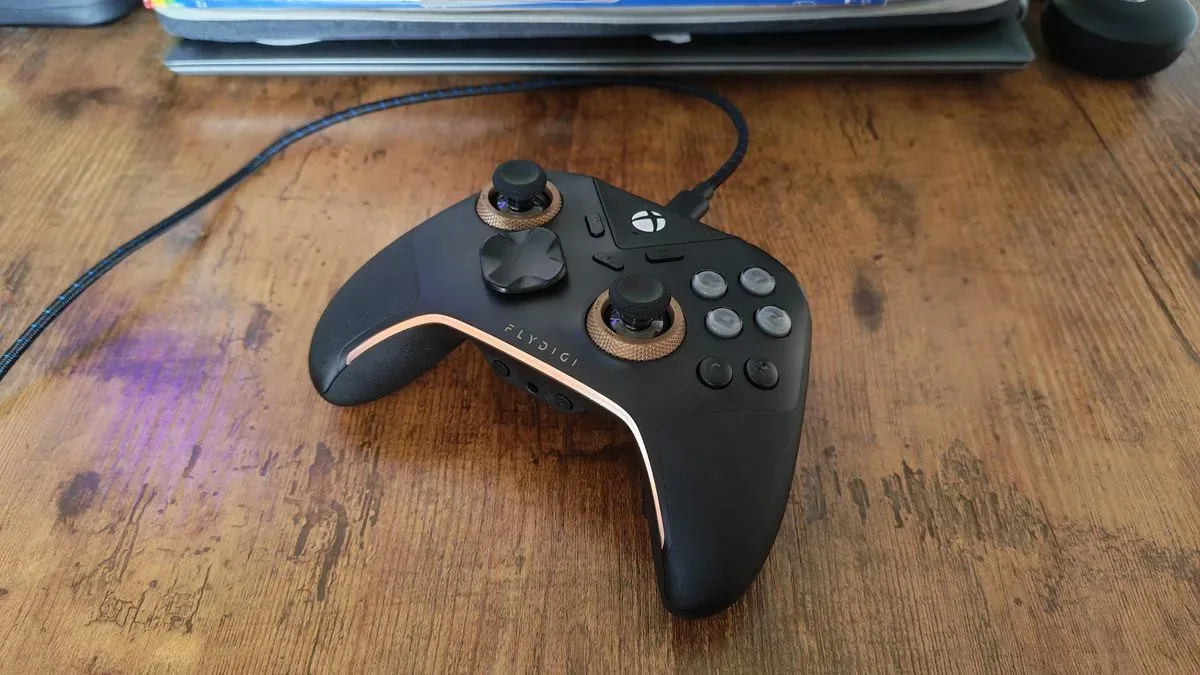
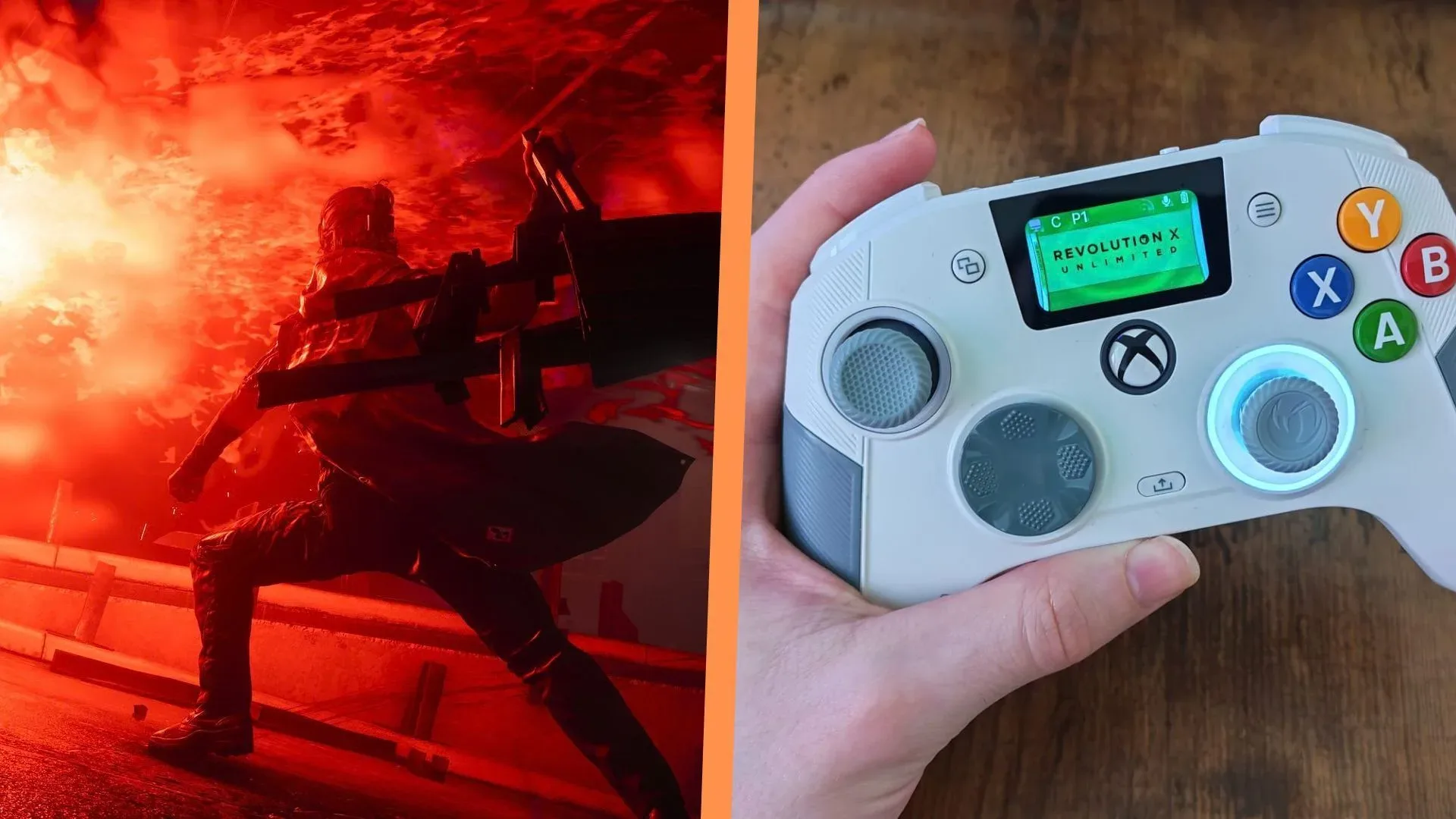
One of the controllers noted for this use case, the Nacon Revolution X Unlimited, has light-feeling buttons and a comfortable grip, characteristics that can make repeated inputs feel less taxing. The FlyDigi Apex 5 is another higher-end option used with Control Resonant. Both are more expensive approaches, so they are best understood as examples of the feature set rather than requirements for making a useful change.
Related coverage includes Control Resonant: How Back Buttons Can Ease Demanding Combat.
More budget-conscious PC and Xbox shoppers have options cited at lower price points, including the GameSir Cyclone 2, FlyDigi Vader 5S, GameSir G7 Pro, and Manba One. Prices listed for those models were $55.99, $59.99, $79.99, and $69.99 respectively at the time they were noted. Controller versions, platform compatibility, wireless support, software, and pricing can vary, so the important pre-purchase check is not simply whether a pad is marketed as “pro.” Confirm that it has remappable rear controls and that they work on the platform where you play.
Macros are a different tool, with a bigger trade-off
Programmable rear controls are often called macro buttons, but a remapped button and a macro are not the same thing. A remap assigns one existing game command to another physical button. A macro is a sequence: one press can be configured to send multiple commands in a chosen order.
For Control Resonant, that could mean recording a repeatable sequence such as Dylan’s Aberrant ability, a combat finisher, and then a stronger attack. In principle, placing that chain on a rear control could reduce the number of separate actions a player must execute while managing a crowded fight.
Its benefit is obvious in a high-pressure battle. If an entire familiar attack sequence comes from a single input, the player can devote more attention to dodging, steering Dylan, checking approaching enemies, watching the UI, and using the environment. A controller such as the GameSir Tarantula 8K is presented as one route to this kind of programmable setup.
But macros also carry a meaningful design trade-off. Control Resonant’s combat is engaging partly because timing, choice, and execution are active player responsibilities. Automating a go-to combo can make an encounter more manageable, yet it can also flatten the moment-to-moment interaction that makes the system satisfying. A macro is therefore best treated as an accessibility or difficulty-management option, not an automatic “best” configuration.
There is also a practical reason to be conservative. A fixed series of inputs is only ideal when the situation is predictable. If an enemy changes position, a dodge becomes urgent, or a finisher is unavailable, an automated sequence may be less helpful than direct control. Duplicating the attack button is the lower-commitment experiment because it leaves every individual decision in the player’s hands.
A sensible order for changing your setup
- Check the controller’s configuration tools. Look for rear-button remapping first. If the controller supports macros, identify whether it can save profiles and whether the mapping is active on your chosen platform.
- Duplicate only the frequent attack input. Preserve the normal face-button assignment so the new control is an alternative rather than a forced habit change.
- Use the alternate input only in sustained fights. This makes it easier to learn without reworking every menu interaction or low-stakes encounter.
- Keep dodge, movement, and camera control accessible. The whole value of a rear input is reduced if the new layout interferes with the actions that keep Dylan alive.
- Evaluate comfort, not just speed. The goal is to make longer sessions less repetitive. If a placement causes cramping, accidental presses, or more mental load, revise it.
- Consider a macro only after the simple remap. If a specific sequence is genuinely the barrier, use it thoughtfully rather than automating combat by default.
That progression matters because a controller remap is reversible and narrow. It asks little of the player beyond learning one additional button. A macro changes the rhythm of play more substantially, and it may be unnecessary when the issue is primarily repeated mashing rather than an inability to understand the combat system.
Assist Mode may address the problem more directly
Hardware is only one side of the equation. Control Resonant’s gameplay settings include Assist Mode, with controls for Dylan’s damage output, falter level, and other adjustments. Those options directly alter how punishing combat feels, whereas a back button changes how the player delivers the same commands.
This distinction is useful. If an encounter feels tiring because each Hiss enemy takes too long to defeat, raising damage output may be a more direct answer than buying a new controller. If the player enjoys the existing difficulty but dislikes concentrated thumb work, a duplicated rear-button attack is the more targeted adjustment. A player can also combine both approaches: use light assist changes to reduce the most punishing attrition while retaining a mostly manual combat flow.
There is no single “correct” way to use those settings. Accessibility tools and input customization exist to let people tailor a demanding game around their needs, rather than turn a preferred style of play into a test of endurance. Players who are struggling with fatigue or pain should avoid treating discomfort as a score to beat; stepping away and changing a configuration is more sensible than forcing another long session.
The larger issue is still encounter design
Rear buttons can make Control Resonant more comfortable, but they do not settle the criticism behind this discussion. When enemies feel excessively durable, players can come away feeling that their time is being spent proving they can repeat an input rather than making interesting combat decisions. Better hardware can lessen the friction. It cannot independently determine whether an encounter’s health, pacing, and feedback are satisfying.
That is why the best interpretation of these controller tips is not “buy a pro pad to fix the game.” It is: use the controls already available to reduce the least enjoyable part of an otherwise compelling combat system. Start with a duplicated attack button. Explore Assist Mode if enemy durability is the actual frustration. Reserve macros for circumstances where reducing input load outweighs the loss of hands-on execution.
It is also a reminder that platform ecosystems shape how easily players can experiment. Rear controls and macros are increasingly common across Xbox and PS5 controller options, while PC players can choose from wired and wireless alternatives. That wider hardware conversation sits alongside the continuing PlayStation action-game audience—also reflected in this Helldivers movie update—but Control Resonant’s immediate lesson is much simpler: a spare button can be a surprisingly useful pressure valve.
Shop the products
Check current price, model and availability at the retailer.