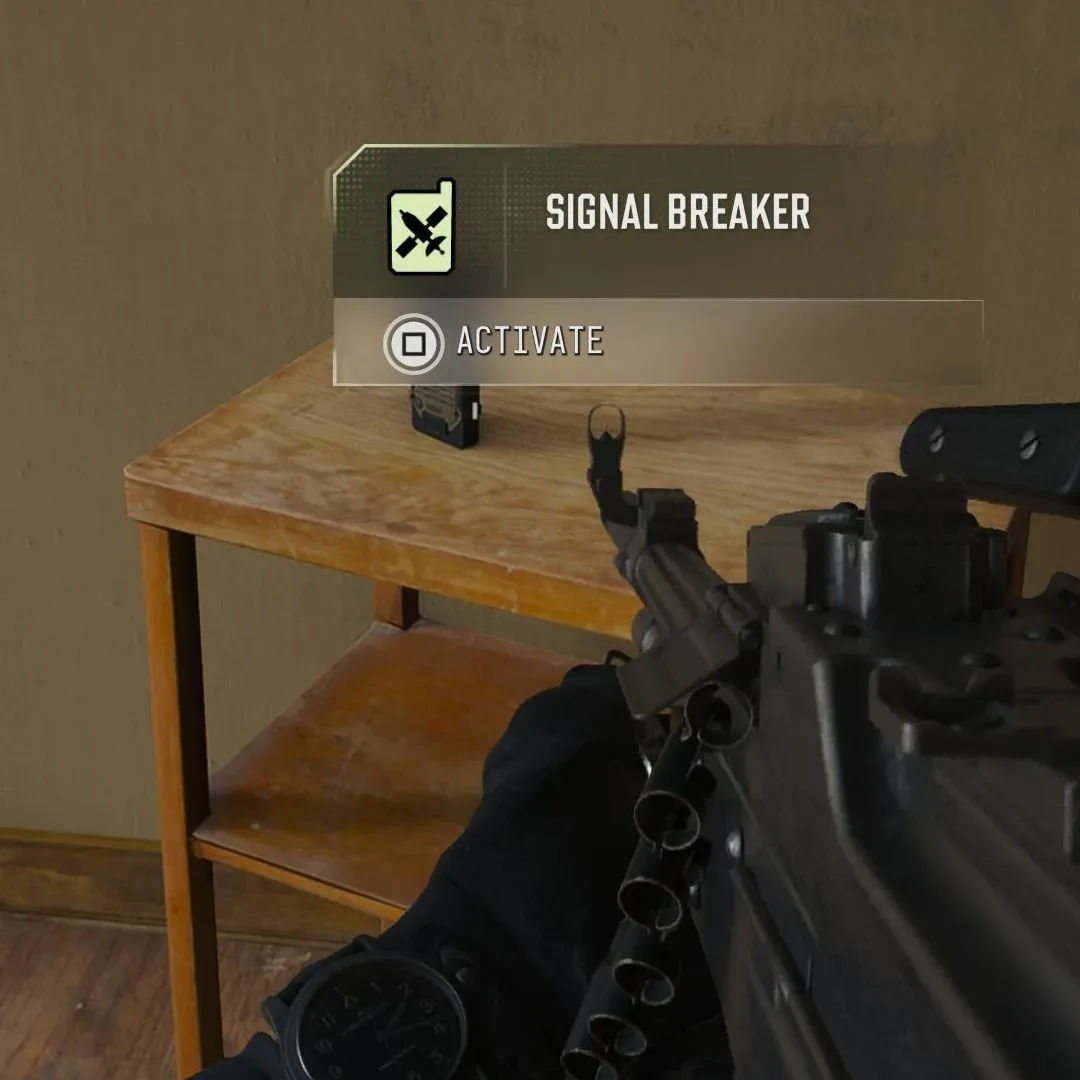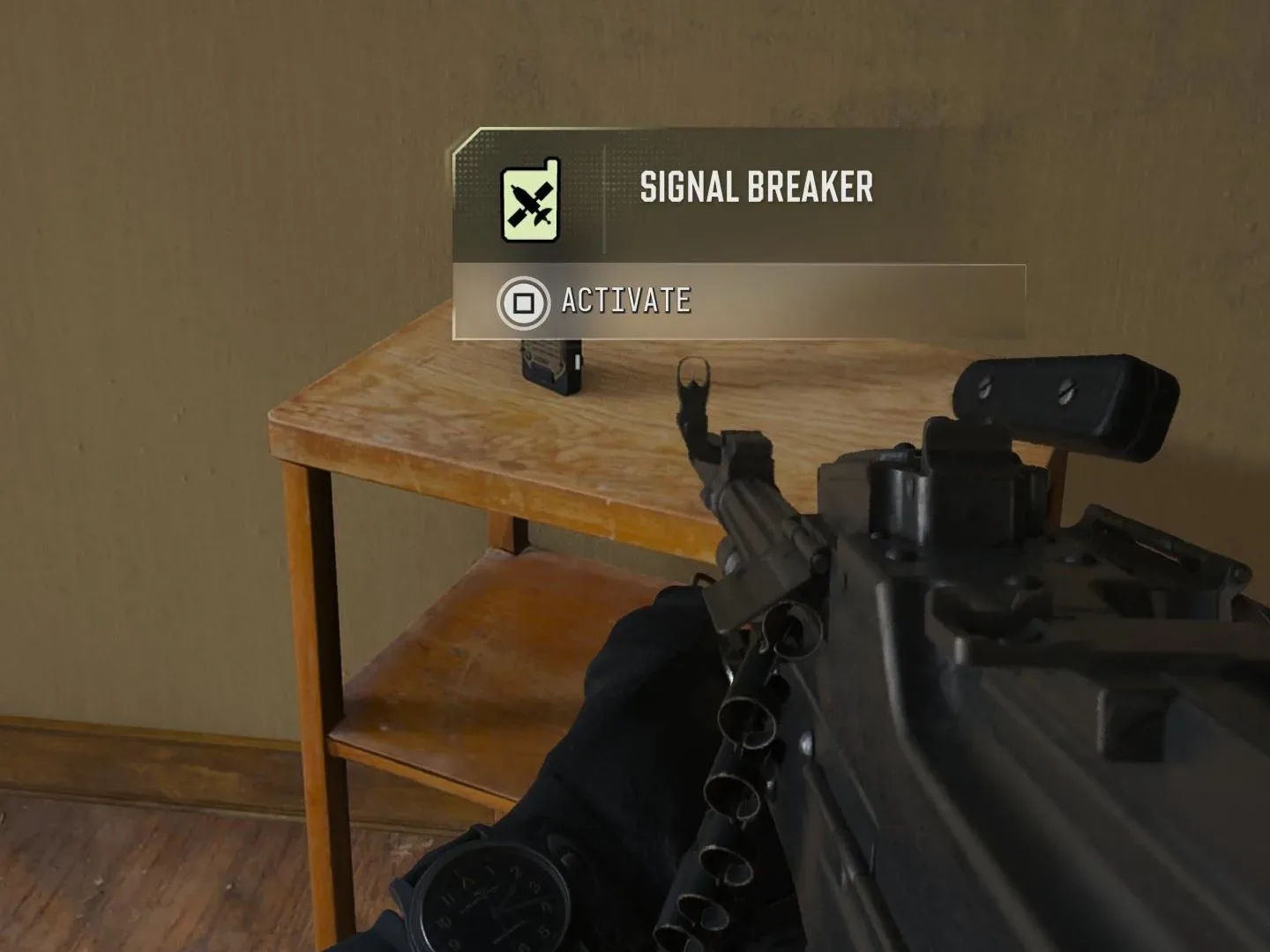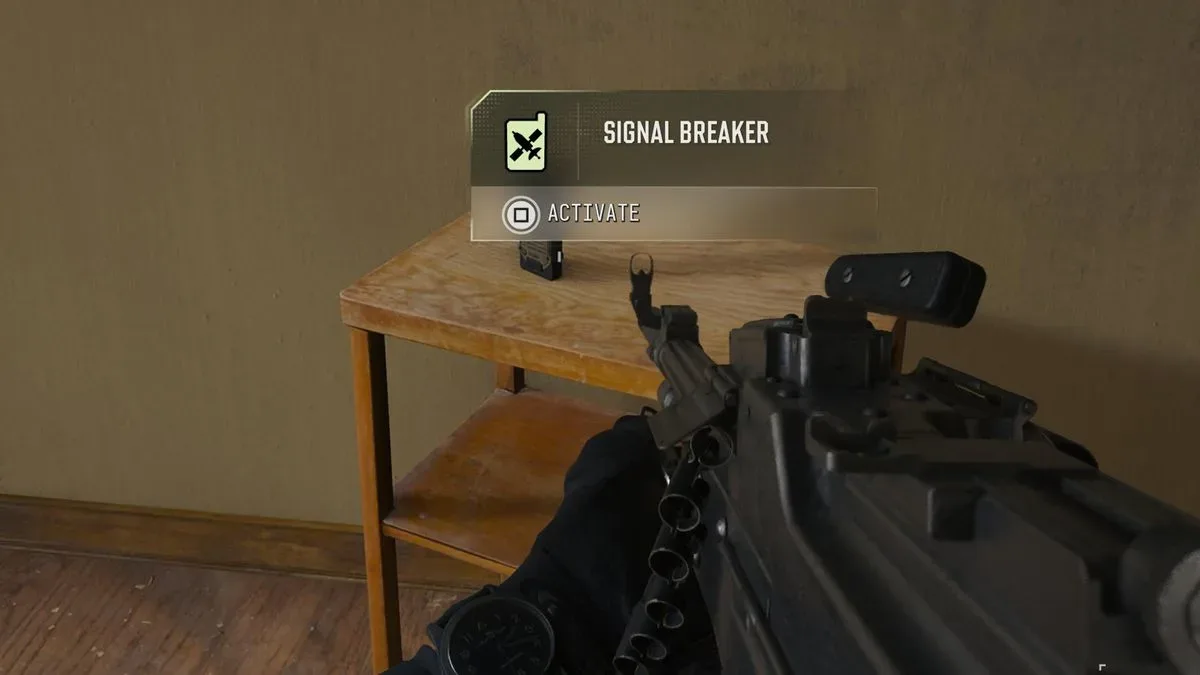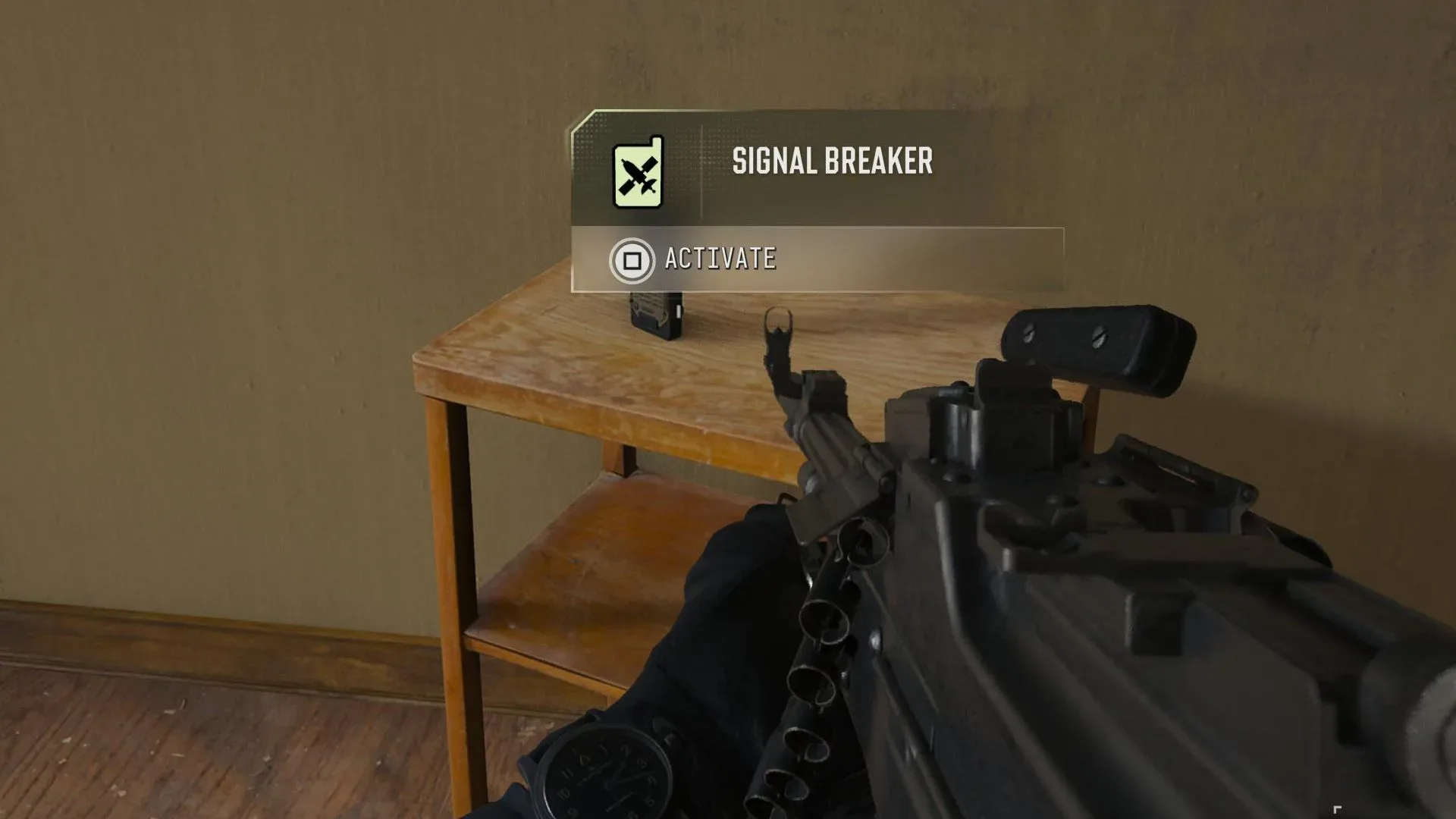
Modern Warfare 4’s DMZ mode introduces the Dynamic Op Phone early through the Payment Due orders, but the name can make the objective sound more complicated than it is. The phone is not a rare inventory item to search every building for, and it is not a single fixed pickup. It is the physical start point for an optional Dynamic Op: a short side mission that begins when you interact with a small radio/phone found at a marked location.
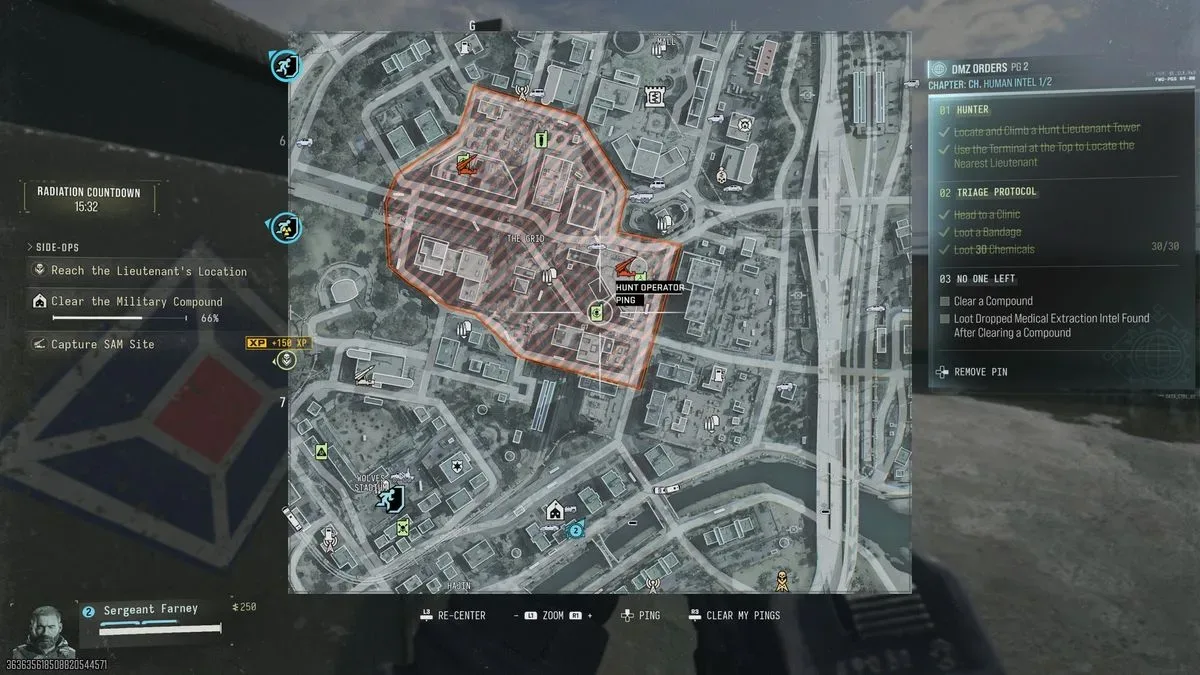
The key to completing the first part of Payment Due is therefore to read the tactical map correctly. Look for green icons shaped like radios. The symbol displayed within those icons can differ, but each green radio-style marker leads to a Dynamic Op Phone. Reach the marked spot, locate the radio/phone, and interact with it to collect it and activate the associated activity.
How to collect a Dynamic Op Phone in MW4 DMZ
- Open the map while in a DMZ deployment.
- Look for a green marker with a radio-like shape.
- Travel to that marker rather than searching random loot locations.
- Find the small radio/phone at the destination.
- Interact with it to trigger its optional Dynamic Op.
That interaction is the important step for the “collect a Dynamic Op Phone” portion of Payment Due. In practical terms, the map icon is the useful clue: the phone itself is a small object at the icon’s location, not an item whose appearance players must identify from ordinary loot.
What a Dynamic Op actually is
A Dynamic Op is an optional side mission activated from one of these phones. The phone does not guarantee one specific assignment. Its mission can vary, and the task receives its own objective marker after activation. That distinction matters because the first marker gets you to the phone, while the follow-up marker guides you through the actual operation.
Possible objectives include hunting another player, eliminating an NPC target, or planting explosives at a designated place. The exact goal depends on the phone used. Once the mission starts, follow the new icon rather than assuming every Dynamic Op has the same completion conditions.
Dynamic Op terms, explained
- Dynamic Op Phone: the small radio/phone at a marked map location. Interacting with it starts an optional activity.
- Dynamic Op: the mission that begins after the phone is activated. Its goal can differ from one phone to another.
- NPC target: a non-player-controlled target the game may ask you to eliminate.
- Extraction: leaving a deployment with the progress or earnings gained during that run. Payment Due’s cash requirement is accumulated across multiple excursions and extractions.
How the $11,500 Payment Due cash requirement works
Payment Due also asks for $11,500 earned from completing Dynamic Ops. This is not presented as a one-operation payout target. Dynamic Ops award different amounts of cash depending on the mission, so one completed Op may not provide the full amount required by the order.
The intended approach is cumulative: complete Dynamic Ops, extract, then repeat across later excursions until the total reaches $11,500. Do not treat a lower reward from one mission as evidence that the order has failed to track. The objective is built around adding earnings over time, not locating a special phone that always pays exactly $11,500.
This makes the Payment Due order a two-stage loop:
Related coverage includes MW4 DMZ Dynamic Op Phone Guide: How to Finish Payment Due.
- Use a green radio-shaped map icon to find and interact with a Dynamic Op Phone.
- Complete the operation it assigns, successfully extract, and continue building Dynamic Op earnings through later deployments.
Reading the map without getting tripped up
The potentially confusing detail is that the icon’s internal symbol can change. Players should focus on its shared identifying traits: it is green and radio-shaped. Any marker matching that description counts for locating a Dynamic Op Phone, even when the graphic inside it is different from another one seen on the map.
After interacting with a phone, expect the game to direct you toward the mission target with an icon. This is useful because the subsequent task may take a very different form from the phone interaction itself. A player hunt, an NPC elimination, and an explosives objective have different demands, but each begins from the same general process: find a green radio marker, use the phone, and follow the resulting objective indicator.
A practical plan for Payment Due
For players trying to progress efficiently without making assumptions about the next Op, keep the plan simple. Start each deployment by checking the map for green radio-shaped icons. Choose one, travel to it, interact with the small radio/phone, then let the mission marker tell you what that particular assignment requires.
When the Dynamic Op is complete, remember that its cash reward is only one contribution toward the $11,500 total. The order explicitly spans multiple excursions and extractions, so patience is part of the requirement. Continue accepting and finishing Dynamic Ops over subsequent runs until the accumulated earnings meet the target.
It is also worth separating the two objectives mentally. The phone requirement is solved by locating and interacting with a marked device. The money requirement is solved by completing the optional missions that device activates, then repeating the process as needed. Mixing those two ideas is where the wording of Payment Due can feel opaque.
Quick checklist
- Open the DMZ map.
- Find a green radio-shaped icon; the inner symbol may vary.
- Go to the icon and interact with the small radio/phone.
- Follow the new objective marker for the Dynamic Op.
- Complete the assignment, whether it involves another player, an NPC target, or explosives.
- Extract and retain the earned progress.
- Repeat over multiple excursions until Dynamic Op earnings total $11,500.
In short, Dynamic Op Phones are mission launch points, not conventional loot. The green radio-style icons are the route to them, and the missions they activate are the route to Payment Due’s cash total. Once that loop is clear, the order becomes less about guessing what the label means and more about steadily completing the marked work available in DMZ.
For another gaming-focused read outside the DMZ extraction loop, see this look at GuardianSoul’s PlayStation core for Analogue Pocket.