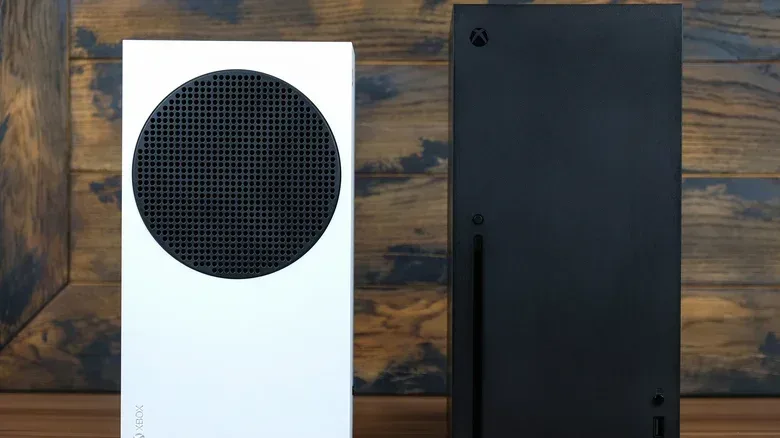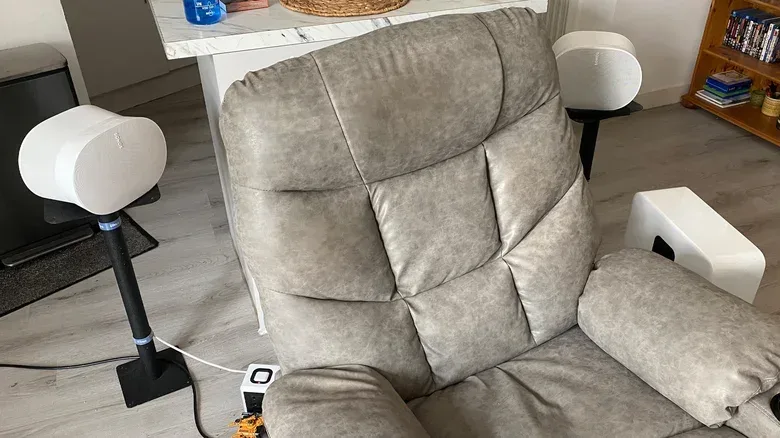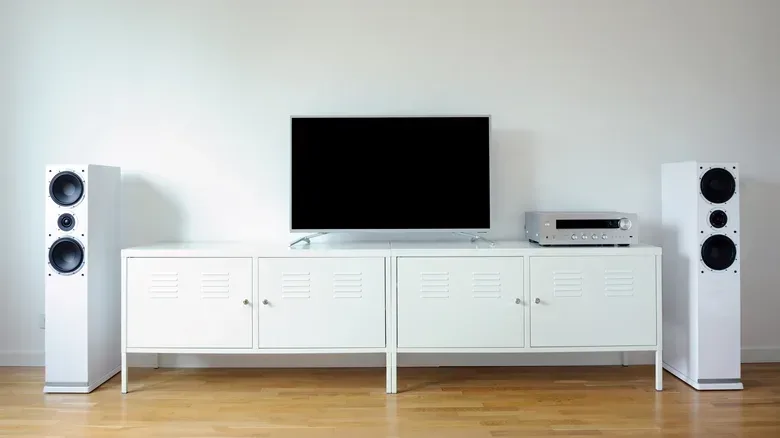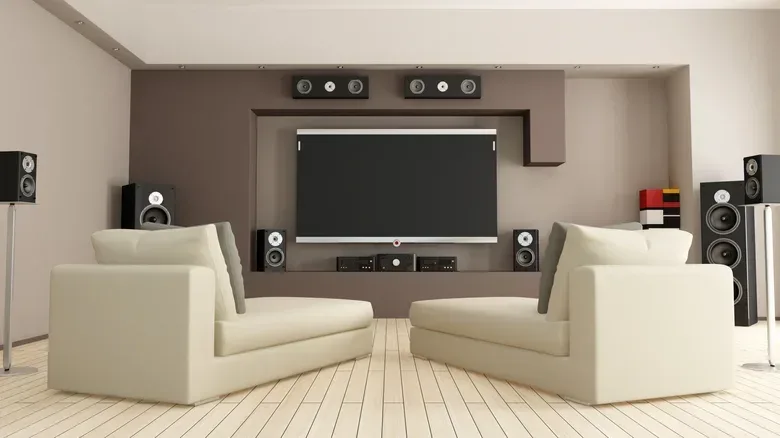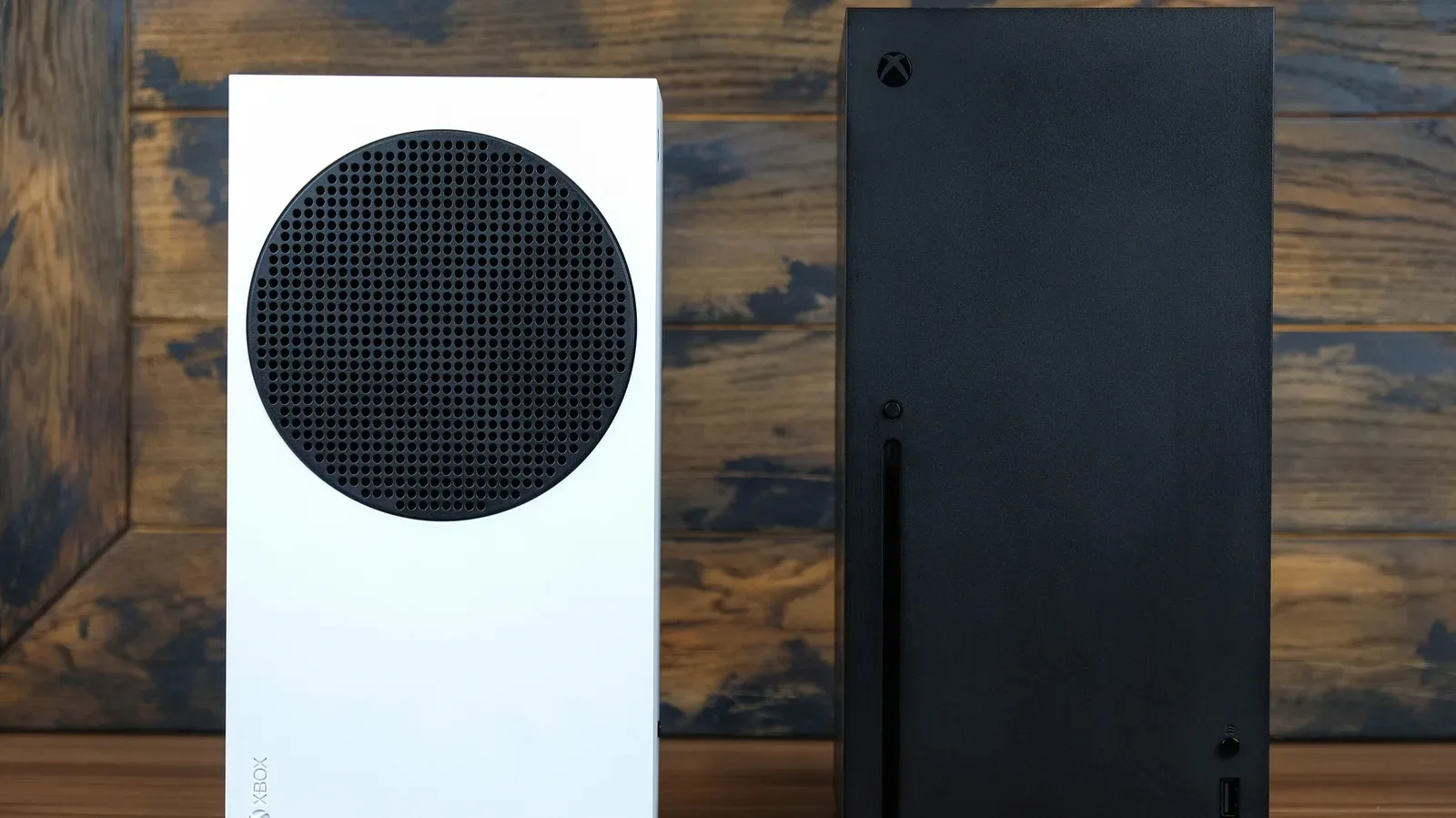
Big resolution numbers and high frame rates may win the settings-menu bragging rights, but multichannel audio is one of the more meaningful home-theater upgrades an Xbox Series X|S owner can make. A proper surround setup can place dialogue at the front, music and effects around the room, and directional sounds—such as an approaching vehicle or footsteps—away from the television itself. It is a practical upgrade as well as an atmospheric one.
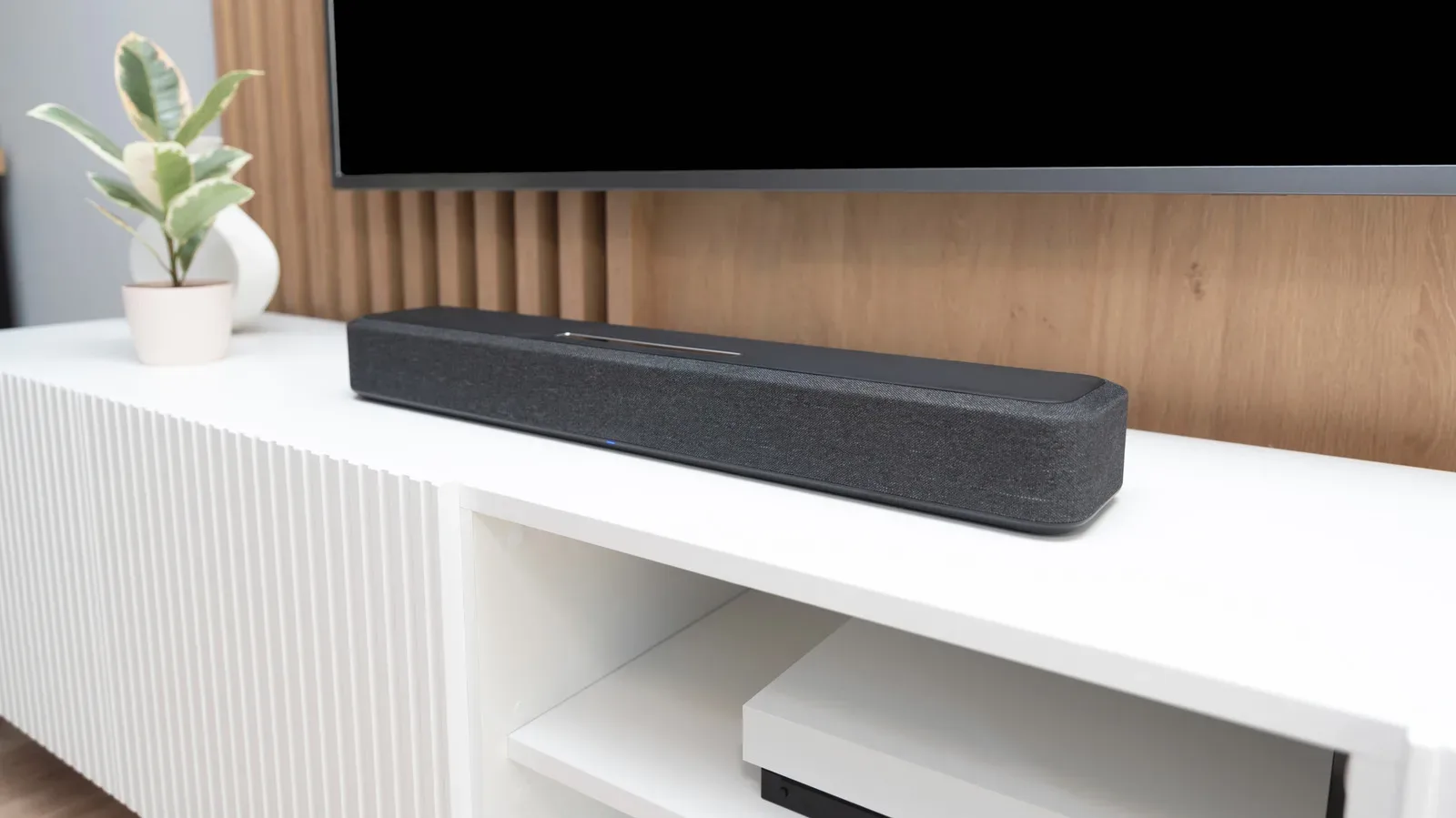
The good news is that an Xbox surround setup does not have to mean choosing between sound and picture quality. For most current televisions, the simplest route runs from the Xbox to the TV, then from the TV to a soundbar or AV receiver through an HDMI port marked eARC or ARC. Older displays require a little more planning, but they are not automatically confined to stereo. An HDMI audio extractor can split sound and video, while an AV receiver with HDMI inputs can serve as the middleman.
The important part is matching the connection method and Xbox output format to the hardware actually in the room. A 5.1 system, a 7.1 system, an optical input, eARC and Dolby Atmos are not interchangeable labels for the same thing. They describe speaker layouts, connections, and audio formats with different capabilities.
Start with the speaker layout: what 5.1 and 7.1 mean
The numbers in a surround label describe the channels available to the system. In a conventional 5.1 layout, the “5” means five main speakers: a center speaker, left and right front speakers, plus two surround speakers generally positioned behind the listener. The “.1” refers to the subwoofer.
A 7.1 system uses the same basic foundation but adds two more surround speakers. That added coverage can make movement through the rear and sides of a room more precise when a game’s sound design takes advantage of it. The potential benefit is especially clear with directional effects, where the intended location of a sound is part of the gameplay information.
Still, more channels are not a guaranteed better result. A well-arranged and properly calibrated 5.1 system can be more convincing than a low-cost 7.1 system that is squeezed into a room with insufficient space. The practical difference is simple: 7.1 requires room for two additional speakers. If the Xbox setup is in a compact lounge or other tight space, 5.1 remains the sensible target—and a substantial improvement over a TV’s stereo speakers.
Dolby Atmos is a separate consideration. Rather than simply being another name for 5.1 or 7.1, Atmos is intended to add a sense of height to compatible audio. An Atmos-capable system and the correct Xbox setting are required to use it. Games including Gears 5, Halo Infinite, and Forza Horizon 6 support Dolby Atmos, while a conventional 5.1 or 7.1 system can still provide multichannel playback without an Atmos setup.
The recommended route: Xbox to TV, TV to sound system via eARC or ARC
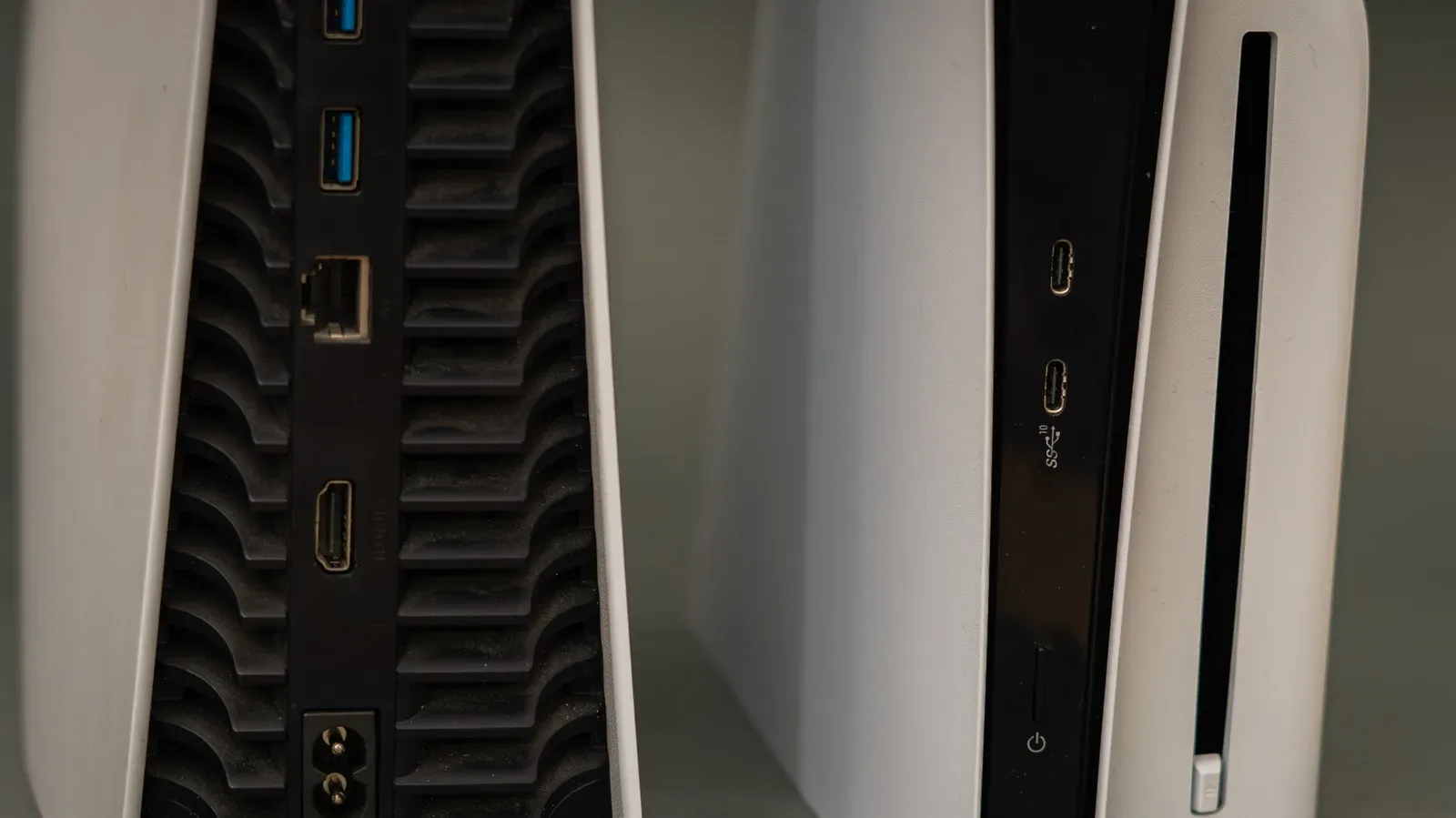
For a recent television with HDMI passthrough, the cleanest arrangement is to connect the Xbox Series X or Series S to the TV, then connect the soundbar or AV receiver to the television’s HDMI port labelled eARC/ARC. The exact location and numbering of that port varies by manufacturer, so do not assume any HDMI socket will do the same job. Look directly for the eARC/ARC label; if it is absent or unclear, consult the television manual or its official specifications.
ARC stands for Audio Return Channel. It enables audio received by the TV to travel back through HDMI to the sound system. eARC, or enhanced Audio Return Channel, is the newer version referenced for this kind of setup. In practical terms, the TV becomes the video hub while passing the console’s sound onward to the receiver or soundbar.
For players aiming to preserve current-generation display features, the Xbox should be connected to a TV with HDMI 2.1 support using an HDMI cable that also supports that standard. This matters because supported games can run at 4K and 120 frames per second, as with Ori and the Will of the Wisps and The Touryst, while the TV continues to route audio to the surround system. HDMI 2.1 is therefore relevant to picture capability, not merely a fancy cable label.
Basic connection checklist
- Connect the Xbox Series X|S to the TV with an HDMI cable.
- Locate the TV HDMI input labelled eARC/ARC.
- Connect that eARC/ARC port to the compatible HDMI connection on the soundbar or AV receiver.
- Confirm the speaker layout supported by the connected audio equipment: 5.1, 7.1, or an Atmos-capable home-theater system.
- Configure the Xbox output under its audio settings.
This arrangement is the least complicated because the television handles video from the console and sends the sound to the audio hardware. It also avoids routing the Xbox video signal through an older receiver that may lack the bandwidth needed for the console’s higher-end display options.
Choose the Xbox audio format carefully
Once the hardware is connected, open Settings > General > Volume and audio output on the Xbox. Under Speaker audio, select the option appropriate to the speaker system.
- Choose 5.1 uncompressed for a compatible 5.1 home-theater setup.
- Choose 7.1 uncompressed for a compatible 7.1 setup.
- If uncompressed output does not work with the connected chain, try Bitstream out instead. Uncompressed multichannel audio may demand more bandwidth than a particular setup can provide.
“Uncompressed” here refers to sending multichannel audio without the compression used by formats such as Dolby Digital. The availability of that choice does not mean every TV, soundbar, receiver, cable path, or older connection can carry it successfully. The setting has to fit the total route from Xbox to speakers, rather than just the number printed on the speaker package.
For a Dolby Atmos home-theater system, install the Dolby Access app and select Dolby Atmos for home theater. The app is free for this home-theater use, although headphone use is treated differently. On compatible games and equipment, Atmos is intended to provide a more convincing vertical dimension to the sound field.
That distinction is worth keeping in mind before chasing a particular logo. Dolby Digital, DTS, and Atmos are different audio technologies, while 5.1 and 7.1 identify speaker-channel configurations. A player who does not hear or value the differences among those formats may be better served by a solid, correctly configured 5.1 installation than by a more elaborate system chosen only for its specification sheet.
Older TV? An HDMI audio extractor can keep 5.1 alive
An older television without HDMI passthrough or eARC does not rule out surround sound, but the Xbox Series X and Series S add an important complication: neither console has an optical audio output. Optical can carry surround audio, but the console needs another device to create that optical connection.
The solution is an HDMI audio extractor. This accessory receives the Xbox’s HDMI signal and separates it into video and audio. Video continues to the television, while audio can be sent to the surround system through the extractor’s audio connection. It is a workaround rather than the elegance of eARC, but it can provide 5.1 audio for older equipment.
Do not treat every extractor as equal. Its supported refresh rate matters because a low-end model can impose a performance ceiling. Choose one that supports at least 60Hz, or 120Hz if the TV supports 120Hz. An extractor limited to 30Hz can artificially restrict the console’s video output, which defeats much of the point of connecting a current Xbox in the first place.
Xbox settings for the optical-extractor route
After connecting the extractor, go to Settings > General > Volume and audio output > Additional options/Audio setup. Select an audio format that the optical-linked surround system accepts, such as Dolby Digital.
Optical is not a route for every modern multichannel option. It does not support 7.1 output or lossless Dolby Atmos. It can, however, deliver 5.1 audio, which makes it a viable answer for a legacy receiver or surround system that accepts optical input. The limitation is one of the connection path, not a sign that 5.1 itself is obsolete.
Using an AV receiver as the direct hub
A second option for an older television is to connect the Xbox directly to an AV receiver, provided the receiver has HDMI inputs. The receiver can then pass video to the TV while handling audio itself. This can eliminate the need to depend on the television for passthrough.
There is a trade-off: older AV receivers are less likely to support HDMI 2.1. If the receiver is the bottleneck, the setup may not be able to deliver a 4K/120Hz signal. Variable refresh rate, often abbreviated as VRR, may also be unavailable in that path. VRR is a frame-smoothing feature, so losing it may matter to players who have a display and games that support it.
That makes the decision fairly straightforward. If audio is the priority and the receiver is the established center of the home theater, direct HDMI connection is an option. If maintaining 4K/120Hz and VRR is the priority, the TV’s HDMI 2.1 and eARC arrangement is more attractive when available.
Pick the setup that fits the room, not just the maximum spec
The best Xbox surround system is the one whose channels, connection standards, and physical footprint fit together. A 5.1 system has enough channels to provide a major sense of space, uses fewer speakers, and can work through optical in legacy setups. A 7.1 arrangement has a higher ceiling for positional detail but needs the room and supporting hardware. Dolby Atmos can add height for compatible content, but it requires an Atmos-capable home-theater system and the Dolby Access configuration.
There is a similar lesson in game design: sound can be every bit as important to tension and spatial awareness as visual effects. Games built around hostile, claustrophobic environments can make audio direction a core part of their atmosphere, as seen in this look at the climbing horror game White Knuckle. On Xbox, the practical first step is simpler: identify the ports on the TV and receiver, choose the correct route, then select the format that the entire chain supports.
For most players with modern equipment, that means Xbox to HDMI 2.1 TV, TV eARC/ARC to soundbar or receiver, and 5.1 or 7.1 uncompressed audio when the system accepts it. For older hardware, an HDMI audio extractor and Dolby Digital can preserve worthwhile 5.1 surround without pretending optical can deliver features it does not support.