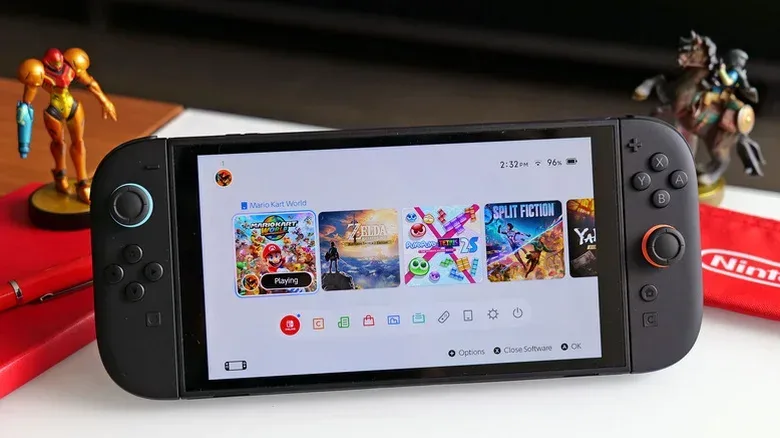
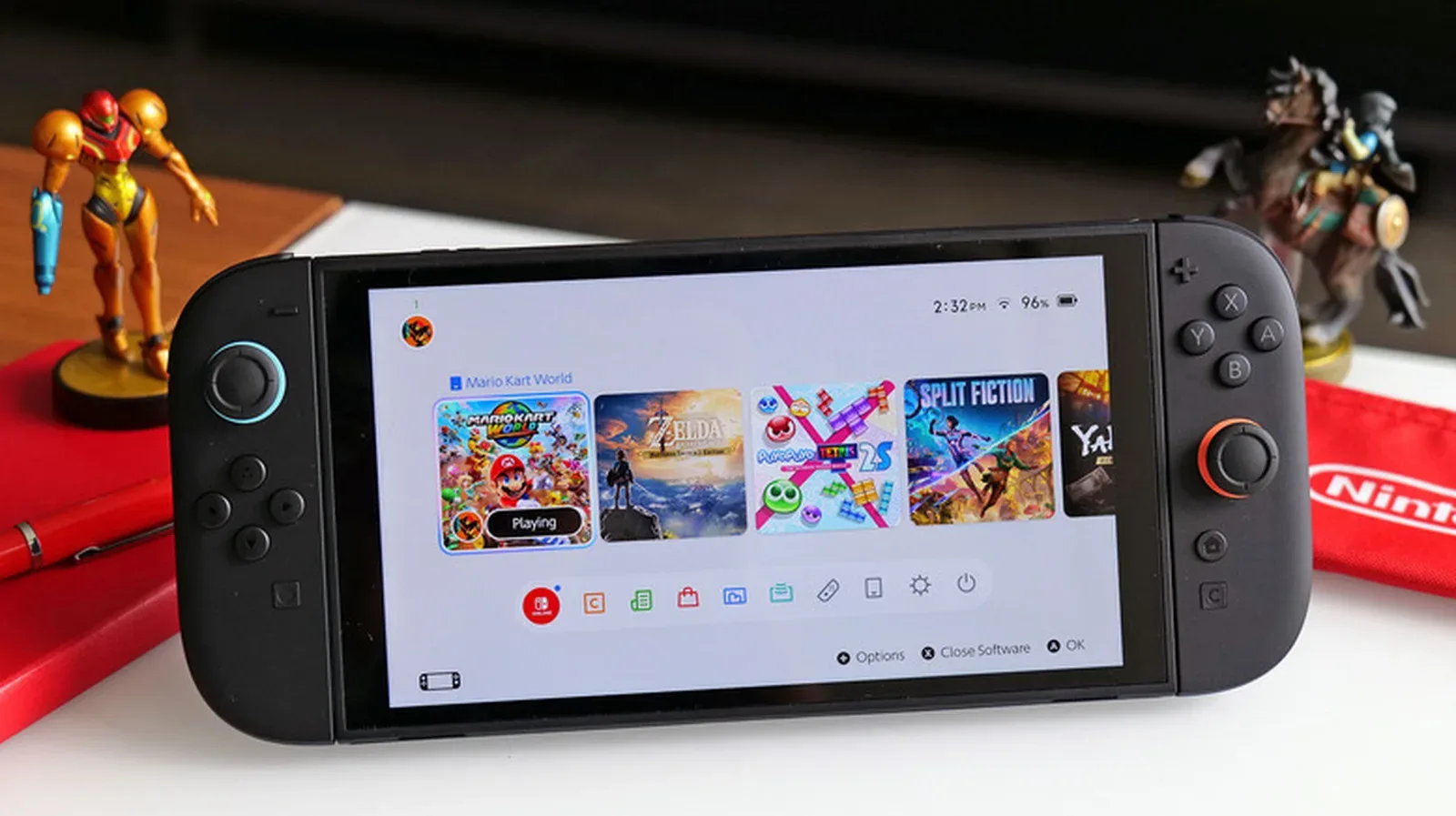
The Nintendo Switch 2 is built to run more demanding games than its predecessor, but portable performance comes with a familiar handheld compromise: battery life varies enormously with the game and settings in use. Nintendo rates the system for roughly 2 to 6.5 hours in handheld or tabletop play. That is a broad window, and it is best treated as a range rather than a promise for every game.
Demanding 3D releases can push a full charge toward the lower end. By contrast, less graphically intensive games, 2D platformers, puzzle games, and retro titles can be friendlier to the battery. The practical aim is not to turn every visual option off forever. It is to disable features that do not matter for the session ahead, reserve the most demanding games for the dock when possible, and use charging options that suit how the console is stored.
Start with screen brightness
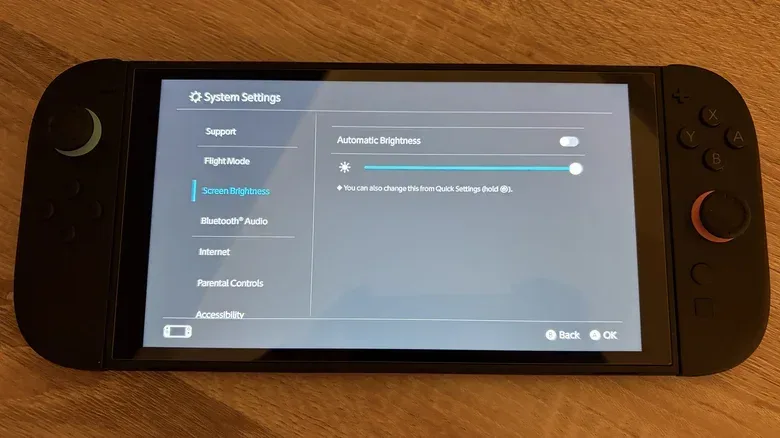
The display is one of the most direct settings under a player’s control. Keeping brightness at maximum when it is not needed is an avoidable source of power use, so reducing it to a comfortable level is usually the simplest first move.
Press and hold the Home button to open Quick Settings and adjust brightness there. The longer route is System Settings > Screen Brightness. Automatic brightness is also available, but it will not suit every game or environment. A dark game in particular may make automatic adjustments feel distracting or leave the image less clear than preferred.
A useful routine is to set brightness deliberately at the beginning of a play session. Indoors, a moderate setting may be enough. In conditions where the screen genuinely needs more light, readability should take priority. Battery-saving settings are only helpful if they do not make playing unpleasant or impractical.
Use Airplane Mode for offline sessions
Wireless functions serve important jobs: Wi-Fi supports game downloads and online play, while Bluetooth can connect accessories such as wireless headphones. But when an offline game is the plan, those connections can become background power use without offering much benefit.
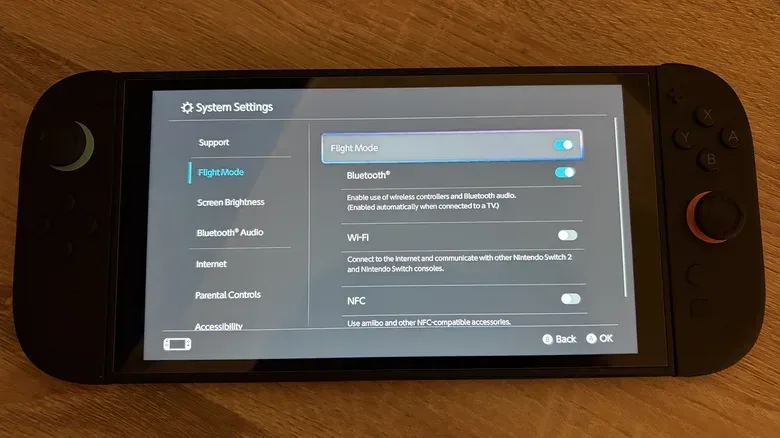
Enable Airplane Mode—called Flight Mode in some regions—through Quick Settings or at System Settings > Airplane Mode. The setting is not necessarily an all-or-nothing decision. Its controls allow players to decide which communications functions remain enabled.
For example, someone playing alone on a trip may be able to turn Wi-Fi off while retaining Bluetooth for wireless headphones. NFC, the wireless function used for Amiibo features, is another option that may not be needed during a battery-conscious session. The key is to match the console’s connectivity to what the session actually requires rather than leaving every radio active by default.
Related coverage includes Nintendo Switch 2 Battery Tips: Settings That Can Extend Handheld Play.
Trim the extras: vibration, volume, refresh rate, and HDR
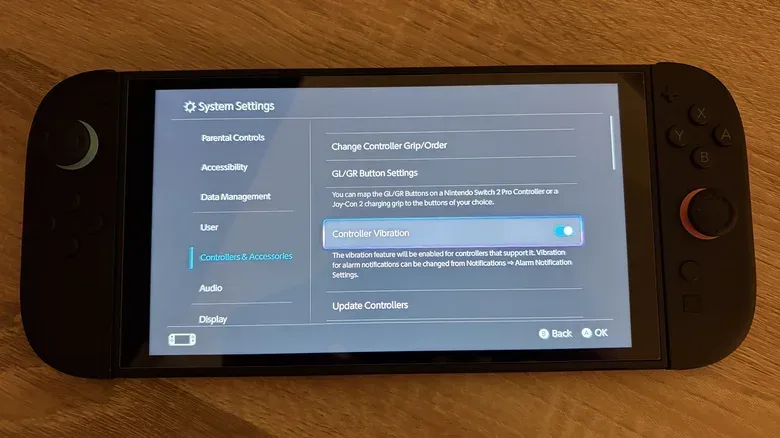
Several features contribute to the handheld experience but may not be essential every time. Controller vibration is one example. Switch 2’s HD Rumble 2 can be disabled at System Settings > Controllers & Accessories > Controller Vibration. That change will reduce tactile feedback, but it can recover some battery capacity for players who would rather have more time in a game than vibration effects.
Audio is another modest but straightforward adjustment. If headphones are not in use, lowering speaker volume somewhat can help. As with brightness, this is a tradeoff, not a rule: preserve the sound level necessary to enjoy a game and reduce the excess.
The larger display-related decisions are 120Hz Output and HDR output, both found under System Settings > Display. A 120Hz refresh rate means the display can update as many as 120 times per second. It is relevant to games that support 120 frames per second, and it can also give developers flexibility to target smooth 40 fps performance. However, relatively few Switch 2 games currently support 120 fps gameplay, meaning it may be a reasonable feature to switch off in games that do not gain a visible advantage from it.
HDR, or high dynamic range, is designed to widen the range between dark and bright parts of an image. It can improve presentation when the game and display make effective use of it, but it is also a setting worth evaluating per game when battery life matters. The Switch 2 display does not get bright enough to deliver the kind of HDR image quality some players may expect. Turning HDR output off may therefore be an easier visual compromise than expected in a portable session.
There is no universal “best” display preset. Try the options on and off in individual games, and check each game’s own display or performance settings as well. A feature is worth the battery cost only if it makes a meaningful difference to the way that particular game looks or feels.
Understand the difference between runtime and battery health
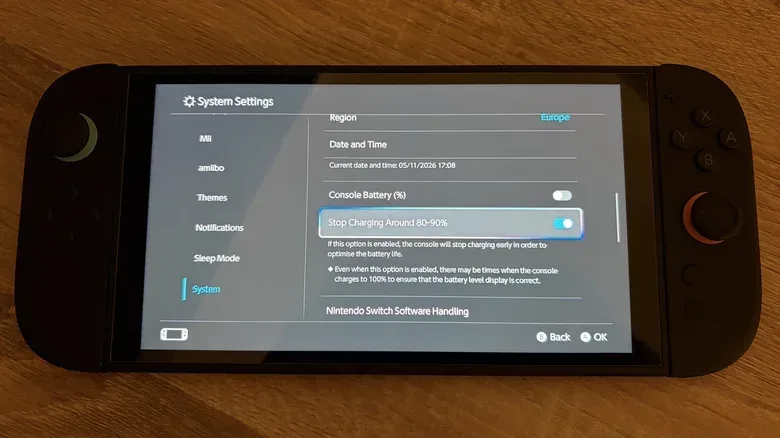
The Switch 2 includes a charge optimization setting that stops charging at around 90 percent. It can look counterintuitive: a lower charge means less immediate unplugged playtime. Its purpose is long-term battery care, since keeping a battery at 100 percent for extended periods can contribute to degradation.
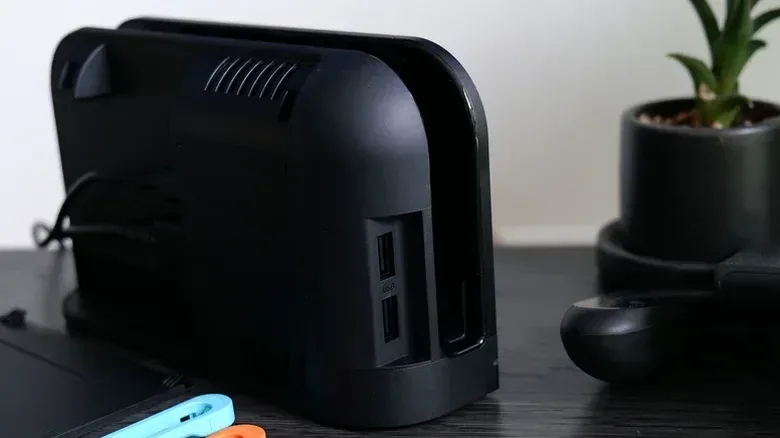
This option makes the most sense for players whose console spends much of its life docked. In that situation, sacrificing the final 10 percent for routine use can help reduce the wear associated with a device being held at a full charge for long stretches.
Players who mainly use the Switch 2 in handheld mode and store it in a case may reasonably make a different choice. They may prefer the full charge for the day’s portable play. The setting can still be useful as a day-to-day default, with a full 100 percent charge reserved for circumstances where every minute matters, such as a flight or another long period away from power.
That distinction is important. The 90 percent cap does not extend the duration of a current session; it reduces the starting charge in an effort to support the battery’s condition over time. Brightness, wireless settings, and display features are the tools aimed at stretching today’s charge.
Let the game determine the plan
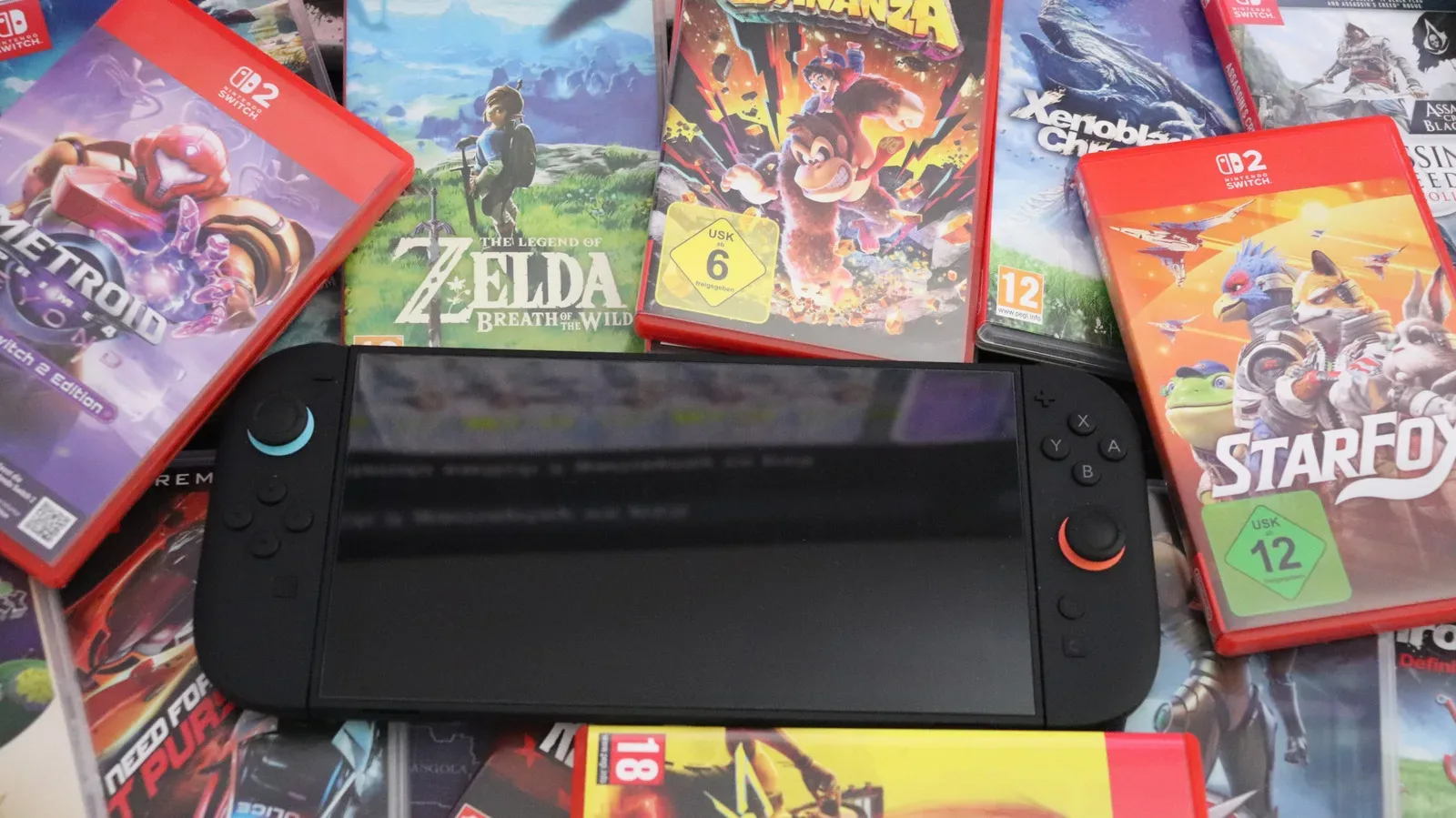
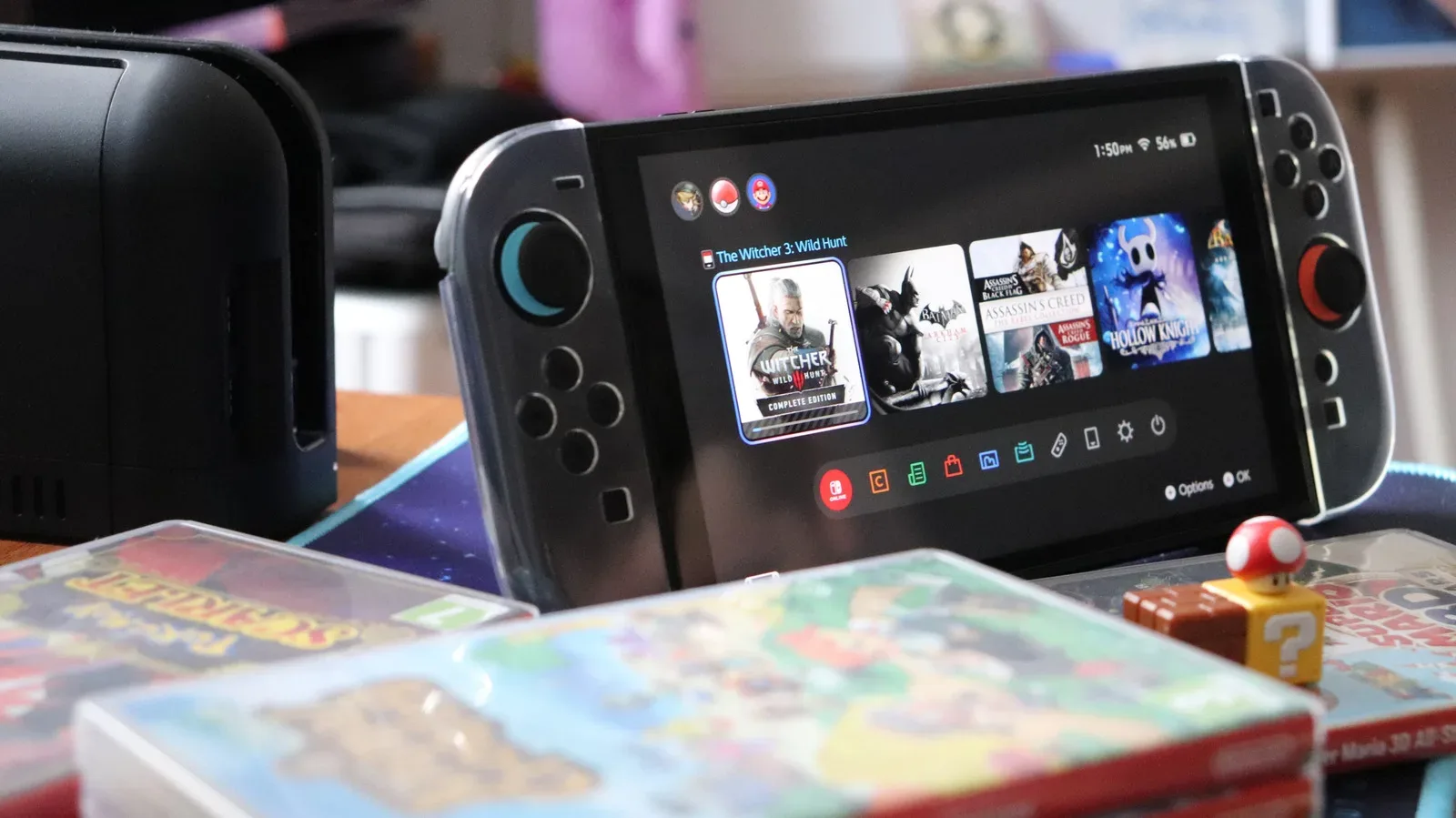
The most consequential battery setting may be the game itself. Processor-intensive 3D titles ask more from the hardware than simpler games. Playing games such as Cyberpunk 2077 or Elden Ring in handheld mode is therefore likely to drain power much faster than playing a static puzzle game or SNES titles through Switch Online.
That does not mean big games do not belong on a handheld. Portability is a central appeal of the Switch 2. It means that planning matters when there is no convenient socket nearby. A shorter outing may be the right time for the big, technically demanding game. A longer journey without charging could be an opportunity to work through a 2D platformer or an indie title instead.
This is also a useful way to frame Nintendo’s 2-to-6.5-hour estimate. Players should not expect to consistently reach the upper end with a high-demand game, maximum brightness, active wireless connections, vibration, 120Hz output, and HDR all enabled. Conversely, a lighter game paired with sensible brightness and only the necessary wireless functions has a much better chance of lasting.
A practical portable-play checklist
- Lower the display brightness before changing settings that noticeably affect visual presentation.
- Use Airplane Mode during offline sessions, then selectively re-enable Bluetooth if headphones are needed.
- Disable controller vibration if tactile feedback is not important for the game.
- Reduce speaker volume when headphones are not being used.
- Test 120Hz Output and HDR output per game rather than assuming they should always remain on.
- Use the approximately 90 percent charging limit if the console is commonly left docked for long periods.
- For long stretches without an outlet, consider choosing a less demanding game or bringing a power bank.
A power bank is the most direct answer for players who regularly need more time away from a wall socket. It does not change the Switch 2’s own power demands, but it can provide additional longevity when demanding handheld play is unavoidable.
For a change of pace on a long trip, a punishing 2D platformer may also be a more battery-conscious pick than a major 3D release. Super Meat Boy Again+’s return to 2D platforming is a reminder that technically lighter games can still be plenty intense.
Ultimately, extending Switch 2 battery life is about choosing the compromises that matter least to you. Start with brightness and unused wireless connectivity, then consider vibration, refresh rate, and HDR. Save the dock for the games that demand the most power when you can, and use the charge cap as a long-term care setting rather than a quick fix. Those small choices can make portable play more predictable without stripping the console of the features that make a game enjoyable.