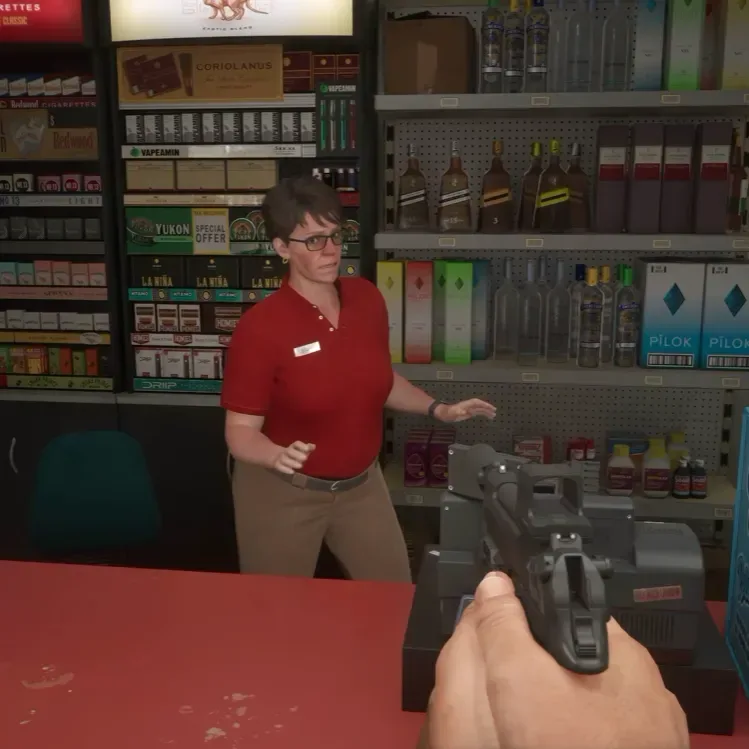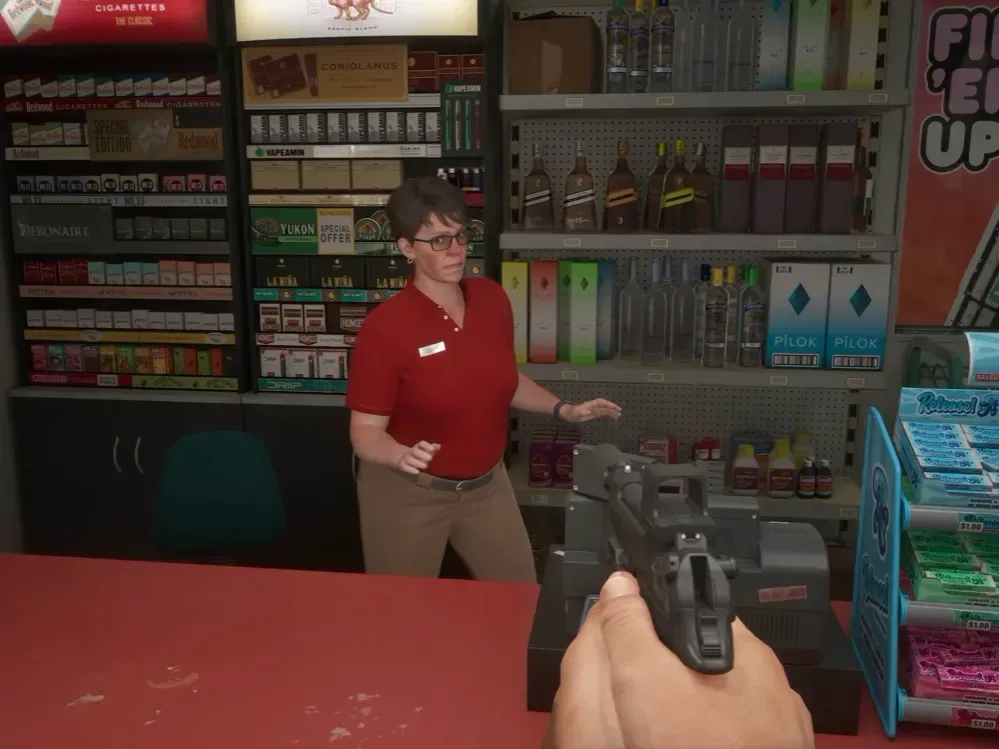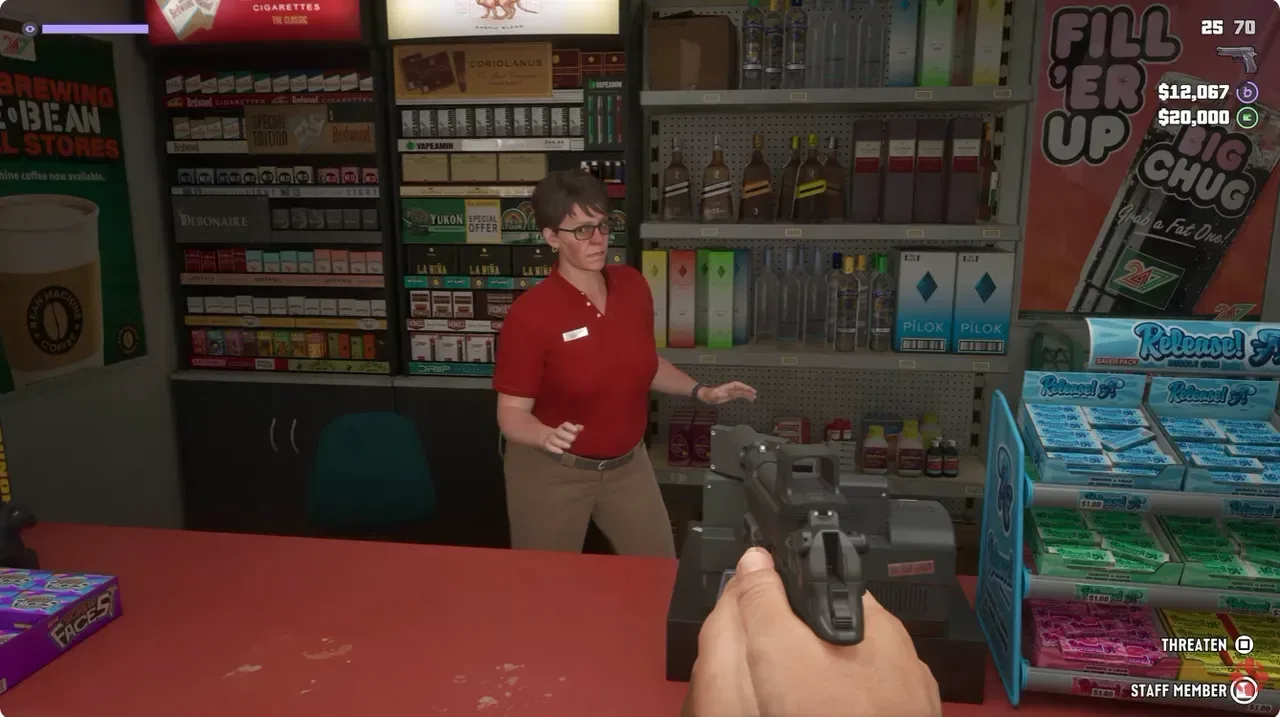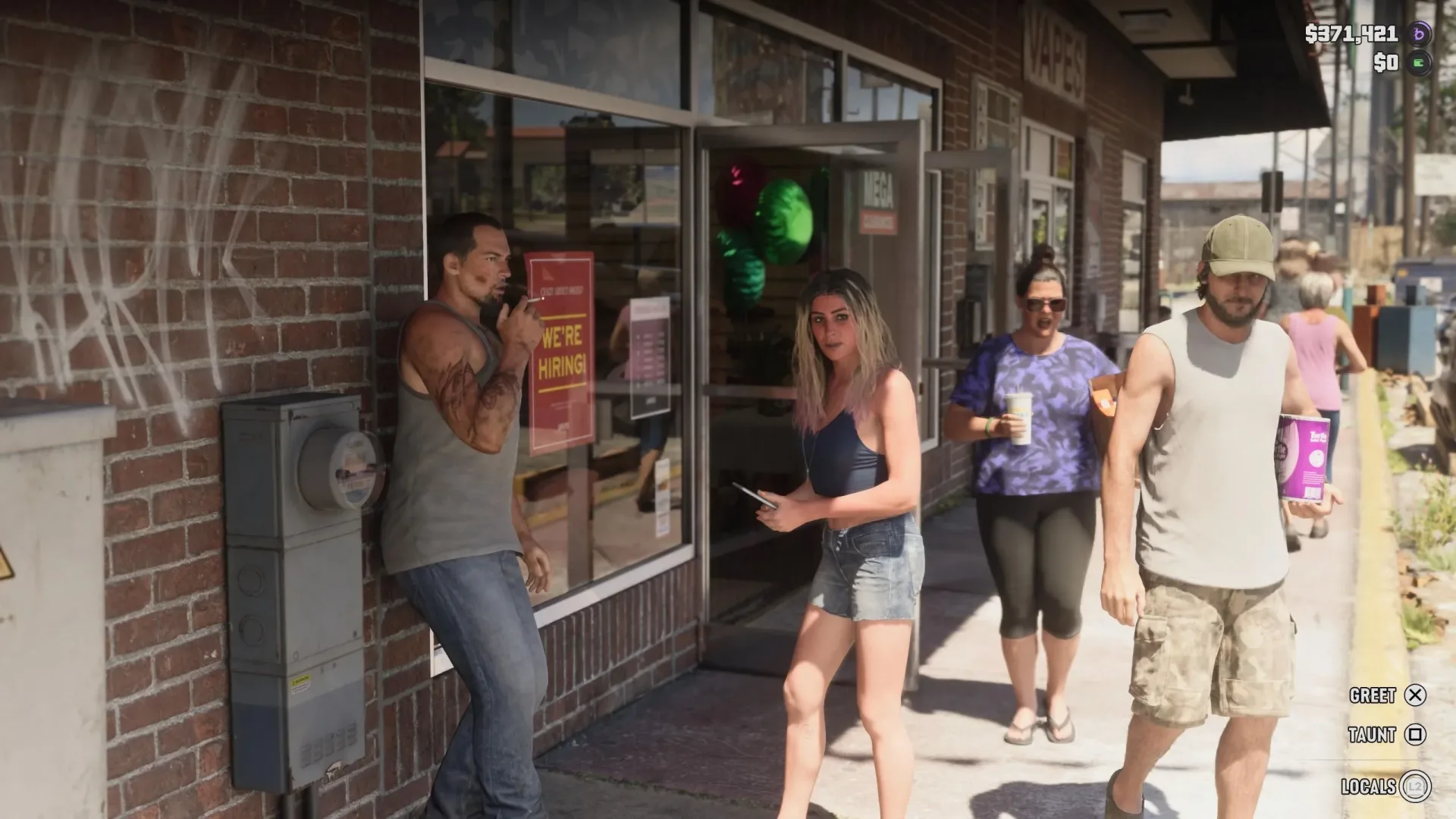
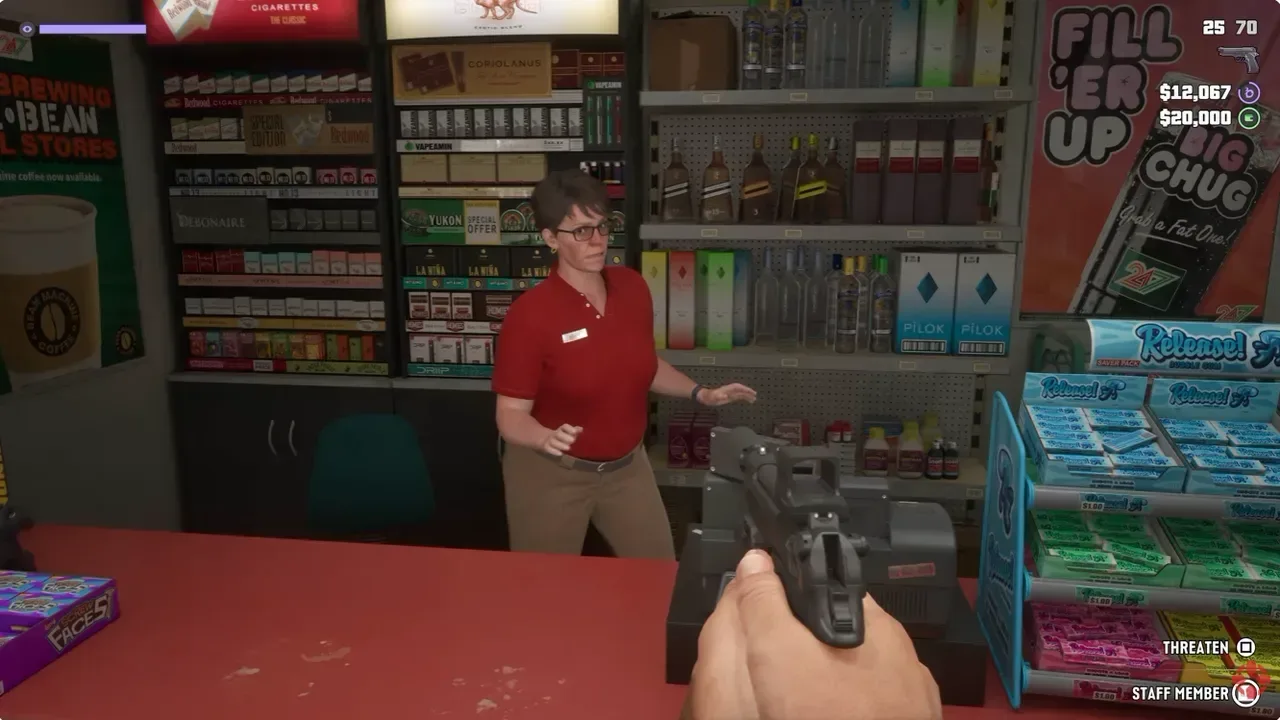
GTA 6 does not currently offer a full, official first-person mode, but players have found a camera glitch that can force the game into one for an entire play session. The workaround appears to function on both PlayStation 5 and Xbox Series X/S. It is not a clean substitute for a properly designed first-person option: aiming and animations can behave awkwardly, and the effect ends when the game is reloaded or closed. Still, it lets players explore Leonida, use weapons, and enter stores from a much closer camera position than GTA 6 normally permits.
The method relies on changing the controller shortcut normally assigned to the map, then combining the newly assigned camera button with the in-car phone interface. It can take repeated attempts to register, so patience—and a willingness to accept a little camera chaos—is part of the process.
How to force first-person in GTA 6
Before attempting the glitch, change the relevant controller-button assignment:
- Open Settings in GTA 6.
- Use the controller bumpers to navigate to the Controller tab.
- Find Touch Pad Button on PS5 or View Button on Xbox Series X/S.
- Change that assignment from Map to Camera.
With the shortcut changed, use the following sequence:
- Get into a car.
- Open the in-game phone with the directional pad.
- Put the phone away with Circle on PS5 or B on Xbox while repeatedly pressing the button now assigned to Camera.
The final input is deliberately imprecise because the glitch does not necessarily trigger on the first try. If nothing changes, bring up the phone again and repeat the phone-dismissal and camera-button presses. Once it works, the camera should remain in first-person for the rest of that session.
What the button remap is doing
A button remap changes which in-game action is attached to a physical controller input. In this case, the PS5 touch pad button or the Xbox View button starts out tied to the map. Reassigning it to Camera is required because the trigger sequence calls for rapid Camera presses while the phone is being dismissed.
This should not be confused with simply accessing the game’s existing camera-adjacent moments. GTA 6 already has limited situations that place the viewpoint closer to the character’s perspective. They are context-specific, however, rather than a universal player-selected camera mode.
- Inspect mode: With no weapon equipped, holding the left trigger and clicking the right analog stick can enter an inspection view while standing still. This is for examining nearby details, not for roaming the world in first-person.
- Phone use while driving: Opening the phone in a vehicle places the view behind the wheel. It makes steering more difficult while checking messages and does not turn the wider game into a dedicated first-person experience.
The newly found sequence is different because it can leave the player locked into the closer viewpoint after the phone interaction ends. In practical terms, it is an unintended persistent camera state rather than a menu-supported feature.
Related coverage includes GTA 6 Players Find a Bug That Forces a First-Person Camera.
What works after the glitch triggers
When successfully activated, the forced perspective can be used while moving around Leonida and during activities such as firing weapons and robbing stores. That makes it substantially broader than inspect mode or the temporary driving-phone view.
There is an important caveat in the word forced. The game was not presented as having a complete first-person setting at launch, and this method is exploiting an interaction between systems rather than enabling a polished option. Players should therefore approach it as an experimental novelty, not as the best way to play every mission, shootout, or drive.
For settings that can help with the game’s usual presentation, see our GTA 6 display settings guide, which covers options including motion blur, brightness reduction, and high contrast.
What resets the first-person camera?
The glitch remains active for the current session once it has been triggered. Notably, dying does not reset the first-person view. Reloading a save does reset it, as does quitting the game.
That distinction matters if you are trying the bug simply to explore or to take in a particular area at closer range. A death will not automatically undo the result, but a save reload or a full exit will. After either of those actions, expect to repeat the setup: remap the button if necessary, get into a vehicle, open the phone, dismiss it, and repeatedly press Camera.
Known rough edges: why this is not an official mode
The result is visibly unfinished. Weapon aiming can be awkward, and certain character animations do not align neatly with the forced camera angle. Those issues are what players often mean by jank: behavior that technically functions but lacks the smoothness, consistency, or visual fit expected of a finished feature.
First-person design generally needs more than moving the camera closer. Animations, weapon handling, movement, environmental visibility, and interface behavior all need to work naturally from that viewpoint. The reported roughness here suggests that some of those elements were not built around this camera state as a player-facing, always-on option.
As a result, the glitch may be most appealing to players who want a different way to look around the world rather than those seeking the most reliable way to handle combat. If aiming feels off or an animation becomes distracting, that is a limitation of the bug, not a setting to be tuned away.
Could the method disappear?
It could. Because this is a bug rather than an advertised setting, a future patch may remove or alter the sequence that causes it. There is no stated timetable for a fix, and there is no confirmation that GTA 6 will receive an official first-person mode through an update.
There is, however, a useful historical point of comparison within the series. GTA 5 did not receive an official first-person perspective until its PS4 and Xbox One release in 2014, one year after its original launch. That history shows that first-person play has arrived later in the franchise before, but it does not establish that the same outcome is planned for GTA 6.
For now, it is best to separate what is known from what is speculation: the current glitch can produce a session-long first-person view on PS5 and Xbox Series X/S; it has visual and control-related issues; and a reload or quit resets it. Whether Rockstar formalizes, fixes, or otherwise changes that behavior remains unknown.
Quick troubleshooting checklist
- Confirm that Touch Pad Button or View Button is assigned to Camera, not Map.
- Make sure the attempt begins while seated in a vehicle.
- Open the phone with the directional pad before trying the timing sequence.
- Dismiss the phone with Circle or B while repeatedly pressing the assigned Camera button.
- If it fails, repeat the phone-and-camera sequence. Multiple attempts may be necessary.
- If the view had worked but is gone, check whether the game was reloaded or closed; either action resets the effect.
The glitch is an intriguing glimpse at GTA 6 from another angle, even if it comes with enough rough edges to make it a curiosity rather than a replacement for the default third-person camera.