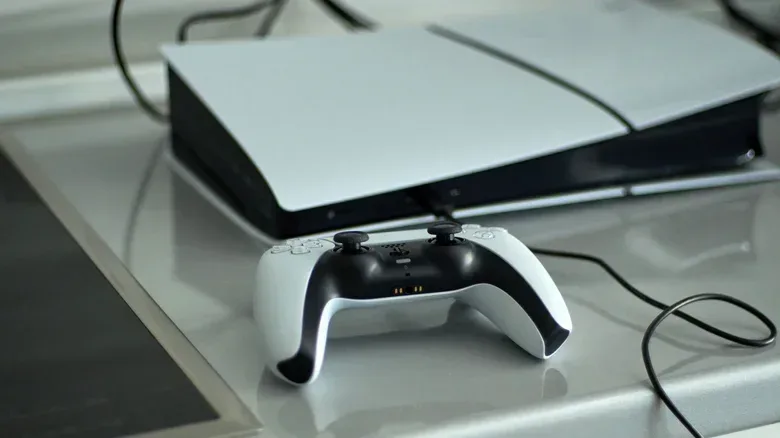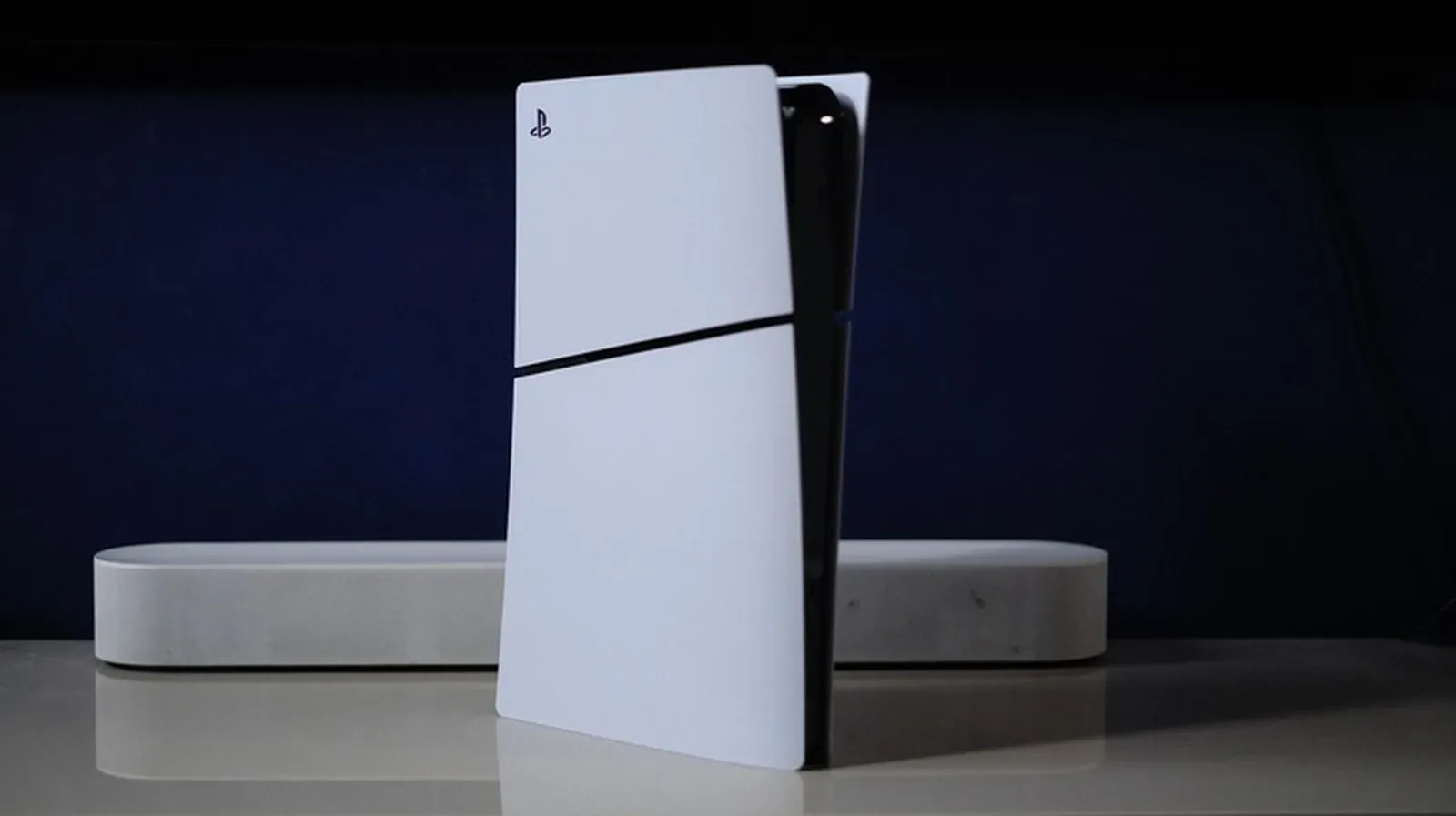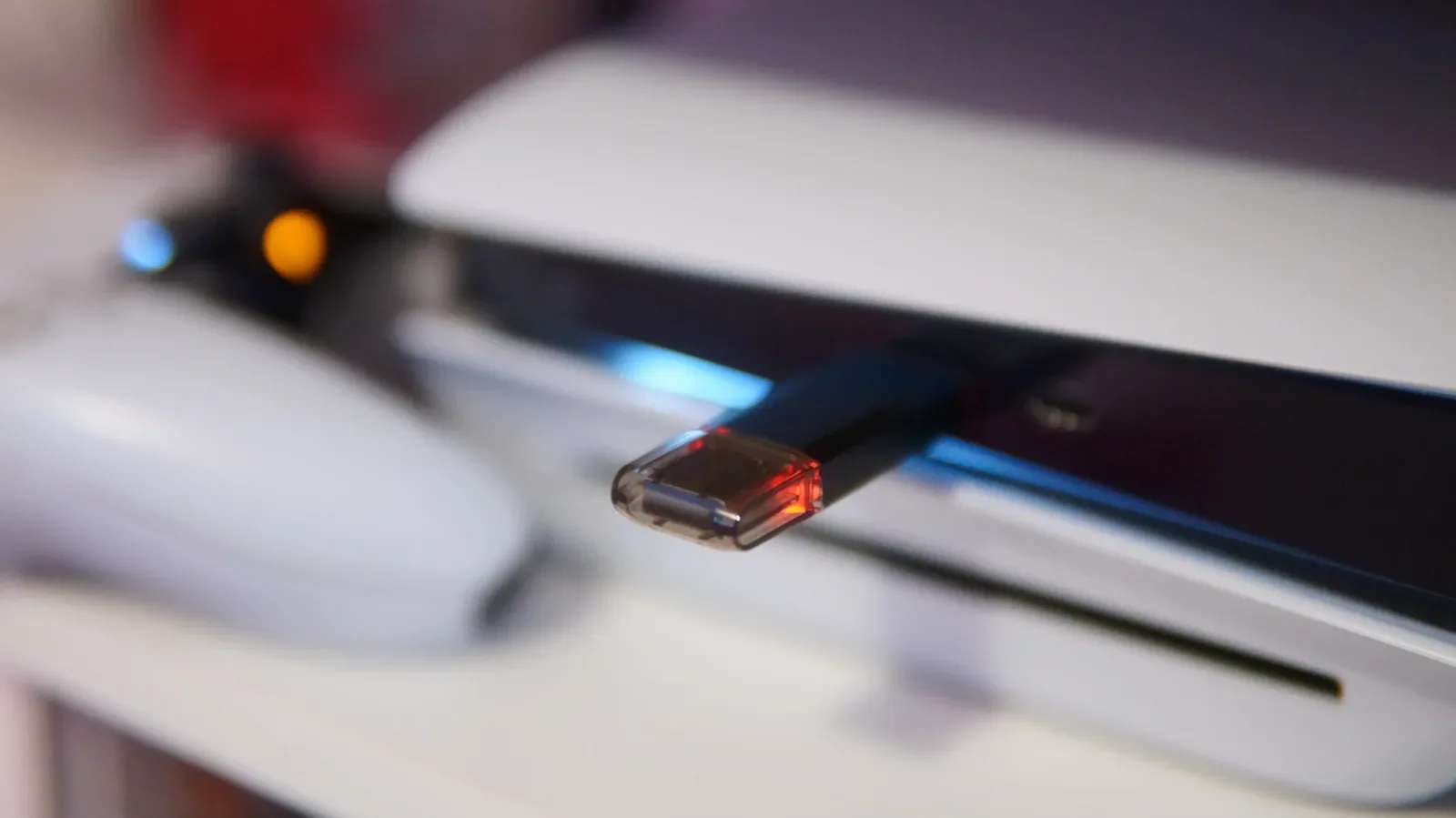
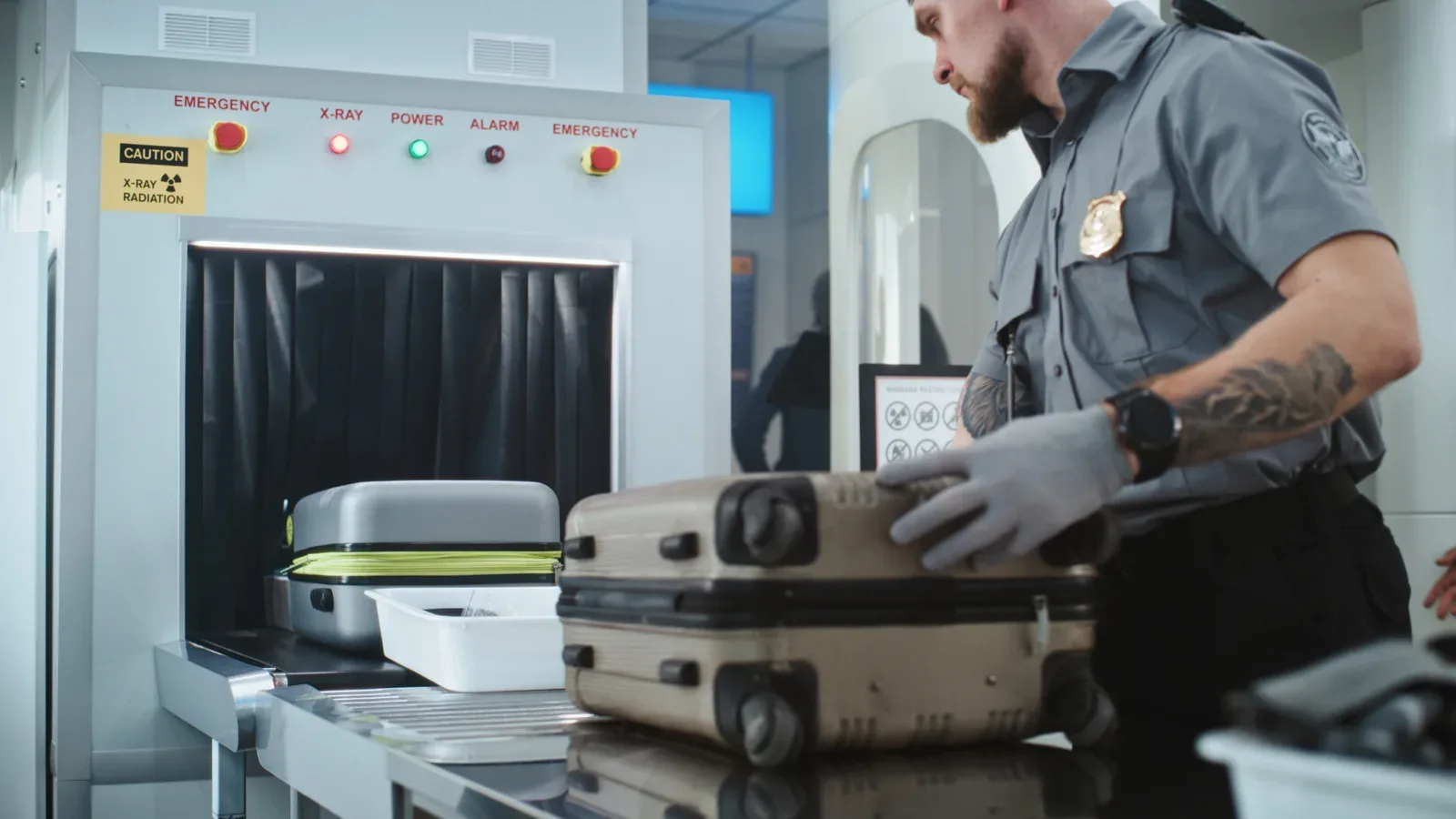
Taking a PlayStation 5 on a flight is possible, but the question is less “can it go?” than “what is the least stressful way to get it there intact?” The console is a large, fragile piece of electronics, while the DualSense controller contains a rechargeable lithium-ion battery. Those two facts shape almost every sensible packing decision.
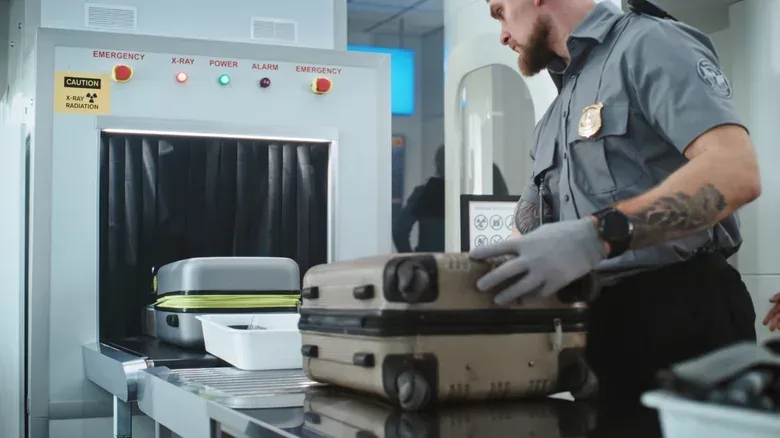
The Transportation Security Administration permits a PS5 in either carry-on or checked baggage, while recommending carry-on treatment for fragile electronics. That does not make checked luggage forbidden; it makes it the option that asks more of the luggage, the padding and one’s tolerance for having a valuable console out of sight. For many travellers, carrying the console in the cabin and keeping the controller there as well is the clearest route.
There is also a useful alternative: leave the hardware at home and use PlayStation Remote Play. It will not suit every situation, especially where hotel or public Wi-Fi is unreliable, but it can eliminate the security-line logistics entirely. For anyone travelling around the busy gaming calendar—including the November 2026 arrival of GTA VI—the right choice comes down to whether access to the local console matters more than traveling light.
Carry-on is generally the more protective PS5 plan
A carry-on keeps the PS5 under the owner’s control through the journey. It also avoids the risks inherent in checked baggage: rough handling, compression by other luggage, or the possibility that a bag is delayed or lost. The obvious cost is space. A PS5 occupies a meaningful portion of a cabin bag, and travellers should compare their airline’s carry-on size and weight rules with the console and the rest of the gear before committing to the plan.
If the console is traveling in the cabin, pad it well. A sweater or other soft clothing can provide a buffer around the system, while its power and HDMI cables can be packed alongside it. The goal is not merely to fill empty space; it is to stop the console from shifting against hard objects during movement.
Keeping that bag under the seat ahead, where practical, is preferable to relying on an overhead compartment. Overhead bins are convenient, but bags can be pushed, stacked and moved as passengers board and leave. Under-seat placement reduces the amount of uncontrolled jostling the console faces and makes it easier to monitor.
Checked baggage is allowed, but demands more padding
Checking a PS5 can make a flight more comfortable if the carry-on would otherwise be overloaded. The trade-off is that a checked bag needs to serve as a protective shipping container. The original retail packaging or a hard-shell case is the strongest option cited for the job. If neither is available, the next-best strategy is positioning the console in the centre of the suitcase and surrounding it completely with soft clothing.
That placement matters. The centre is farther from exterior impacts than the sides of the suitcase, and a full layer of soft material limits movement. A hard plastic suitcase is also preferable to a soft-sided one when checking the console, because the outside shell offers more resistance to crushing and knocks.
Related coverage includes How to Pack a PS5 Safely for a Flight.
This is risk management rather than a guarantee. Carry-on luggage can still get bumped, and checked luggage can still arrive safely. The practical distinction is control: cabin travel gives the owner more of it, while checked travel shifts more responsibility to careful packing and baggage handling.
The DualSense controller is the key battery consideration
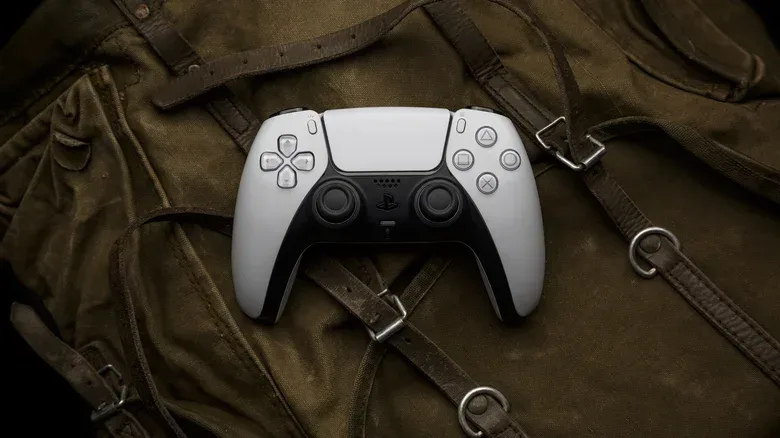
The PS5 console needs cushioning. The DualSense controller needs cushioning and attention to airline battery guidance. Its lithium-ion battery is rated at 3.65 volts and 1,560 milliamp hours, or roughly 5.7 watt hours. That sits far below the Federal Aviation Administration’s 100 watt-hour limit for lithium-ion batteries, so the controller is permitted on a plane.
Watt hours are a measurement of battery capacity: in simple terms, how much energy the battery stores. The 100 watt-hour figure is therefore relevant to whether this controller fits within the stated limit. The low capacity does not mean it should be treated carelessly, however. The FAA says devices containing lithium batteries should travel in the cabin.
The safety concern is thermal runaway, a failure condition in which a battery overheats and may catch fire. Passenger flights averaged 2.36 lithium-battery incidents per week in 2025. Cabin placement matters because flight crews are trained to identify and respond to these events. A device deep inside checked luggage is much harder to access quickly.
Keep the DualSense with you in the cabin, switch it off, and put it in a padded pouch or protective shell. If it must go in checked baggage, it needs to be fully powered down and protected against both damage and accidental activation. An official-style controller case, such as the type included with the DualSense Edge, is a logical protective format, though any appropriate padded protection addresses the same basic concern.
Prepare the console before it goes into a bag
Pre-flight preparation is a small task with an outsized payoff. First, back up save data and complete pending game or system updates. Travel can mean inconsistent connections, limited time, or a hotel television that is not immediately ready for play. Doing the housekeeping at home avoids turning the first part of a trip into an update screen.
Next, shut the PS5 down completely, disconnect every cable and remove any disc. A full shutdown is distinct from leaving the console in a powered state, and disconnecting accessories means fewer attached pieces that can snag or press against the hardware. Taking out the disc is another uncomplicated way to avoid carrying media inside the drive during travel.
Bundle the power and HDMI cables so they remain with the console. This is partly organization and partly practicality: arriving with the PS5 but without the cable required for power or television connection defeats the point of packing it. Wrap those cables so they do not become hard edges pressing directly into the console during transit.
A practical PS5 flight checklist
- Check cabin-bag limits. Confirm the airline’s size and weight rules before deciding that the console can be carried aboard.
- Back up saves and update at home. Handle unfinished downloads and updates before the trip.
- Fully shut down the PS5. Unplug its accessories and remove any disc from the console.
- Keep essential cables together. Pack the power and HDMI cables with the system after wrapping them.
- Pad the console heavily. Use its original packaging, a hard case or a full layer of soft clothes, particularly if it is going in checked baggage.
- Place a checked console centrally. A hard plastic suitcase and clothing on every side provide a better protective setup than leaving the PS5 near an outer wall.
- Bring the controller into the cabin. Turn it off and use a padded pouch or case to protect it from impact and unintended input.
- Check the destination display. Before settling in, make sure the hotel television has an available HDMI port.
Remote Play can make the console stay-at-home option viable
Remote Play provides a third route: games run through the home PS5 and stream to a phone, tablet or laptop. Rather than moving the console through airports, the traveller takes a compatible device and relies on network connectivity. Sony lists 5 Mbps as the minimum connection requirement and recommends 15 Mbps for a smoother image.
That distinction is important. A connection that meets the minimum may enable a session, while the recommended level is the better target for picture quality. Network performance is consequently the central practical limitation of Remote Play. It depends on the connection serving the home console and the connection available at the destination.
The home PS5 must be left in Rest Mode with two settings enabled: Stay Connected to the Internet and Enable Turning on PS5 from Network. Both are found in Settings > System > Power Saving > Features Available in Rest Mode. Those options allow the console to remain reachable rather than becoming unavailable the moment the owner leaves home.
PlayStation Portal is a dedicated handheld option for this type of streaming. It connects to the PS5 over Wi-Fi and can work on public networks after it has first been set up on the home network. A PlayStation Plus Premium subscription also gives Portal users another possibility: streaming select games from Sony’s servers without a console running at home.
Choose the approach that matches the trip
Bring the PS5 when having the actual console at the destination is worth the added luggage volume and the effort of protecting it. Carry-on packing offers the best oversight of the system, and the DualSense controller belongs in the cabin in any case. Checked baggage remains an allowed fallback, but only with a deliberate protective setup.
Choose Remote Play when the physical console would make travel cumbersome and dependable internet access is likely. It exchanges packing risk for network dependence, which is a very different trade. Neither option is automatically better; the important thing is recognizing what each one asks of the traveller.
Whichever route is selected, the core rules are uncomplicated: shut down and pad the PS5, avoid loose cables and discs, treat the controller’s battery responsibly, and verify the basics at the destination. That turns a bulky console into manageable travel gear rather than a very expensive object of airport anxiety.