A gaming VPN is not a magic “make internet good” button. It cannot move a game server closer to your house, repair unstable home broadband, or turn an overseas match into a local one. What it can do is put a protective layer between your connection and other people online, while ideally adding so little delay that it does not become its own problem.
That distinction matters. For most players, a VPN is a tool for IP-address privacy, DDoS resilience, and navigating restrictive networks, rather than a universal latency cure. The four services considered here—NordVPN, Proton VPN, ExpressVPN, and Surfshark—are all positioned as viable gaming choices, but their standout features serve very different situations.
NordVPN is the broad recommendation for players who prioritize minimal performance impact, particularly when connecting across long distances. Proton VPN is the more specialized choice for people hosting a game server. ExpressVPN focuses on simplicity and connections where VPN traffic may be blocked. Surfshark’s main appeal is covering a large number of devices without a per-device limit.
What a VPN changes when you play online
A virtual private network, or VPN, routes internet traffic through a server operated by the VPN provider before it reaches the game service. As a result, the game service, internet provider, and other players generally see the VPN server’s IP address rather than the player’s home IP address.
That can be important in peer-to-peer games and lobbies. In a peer-to-peer arrangement, players connect more directly to each other than they would in a fully centralized setup. If a malicious player learns a home IP address, they may attempt a distributed denial-of-service attack, commonly shortened to DDoS. That means swamping a target connection with traffic in an effort to disrupt it. With a VPN active, the visible address is the VPN’s, so the provider’s network is the target instead of the player’s home connection.
A VPN tunnel also conceals the type of traffic being sent from an internet provider. In the specific case where a provider is slowing or singling out gaming traffic, that concealment may help the connection avoid such treatment. It is not evidence that every bad match is caused by a provider, and it does not eliminate ordinary congestion, but it explains why some players may see a practical benefit.
Location is another use case. A connection through a VPN server in a different country can make a game see that server’s region. That may matter for games with region-limited servers or for releases that occur at different times by territory. Players should separate that use from regional-store purchasing, however. Buying games through a cheaper store in another region can breach the terms of Steam, PlayStation Network, and Xbox.
Will a VPN lower ping? Usually, no
Ping is the time it takes for data to travel between a player and a server and back, generally measured in milliseconds. A VPN adds an extra step to that journey: the data first travels to the VPN server, then continues to the game server. That additional routing normally adds latency rather than reducing it.
Related coverage includes Best Gaming VPNs in 2026: Low Ping, DDoS Protection, and Console Setup.
The goal is therefore not “lower ping at all costs,” but the smallest possible added ping. A nearby, well-chosen VPN server can add only a few milliseconds. The farther the route extends, the more the server locations and routing choices matter. Players joining a server on another continent will still contend with the realities of physical distance, but NordVPN is presented as the strongest of these four on those longer-distance connections.
Download speed matters as well, especially as game installations and patches grow. A gaming-friendly VPN should keep throughput close to the player’s normal connection so that an update does not turn into a second job. All four services are described as retaining high download speeds on nearby servers, with the gap between them less consequential for casual players than the choice of a nearby route.
Practical setup rule: pick the server near the game, not automatically near you
A common mistake is selecting the closest VPN location to the player without considering where the game is hosted. The more useful choice is usually a VPN server near the game’s data center. If the VPN server is near neither the player nor the game, the tunnel risks making an already long route even less efficient.
Protocol selection can also matter. WireGuard and protocols based on it, such as NordVPN’s NordLynx, are geared toward fast connection performance. ExpressVPN’s Lightway is its corresponding in-house option. OpenVPN is identified as the less suitable route for gaming because it can take longer to connect and add more delay.
NordVPN: the all-round pick for low added latency
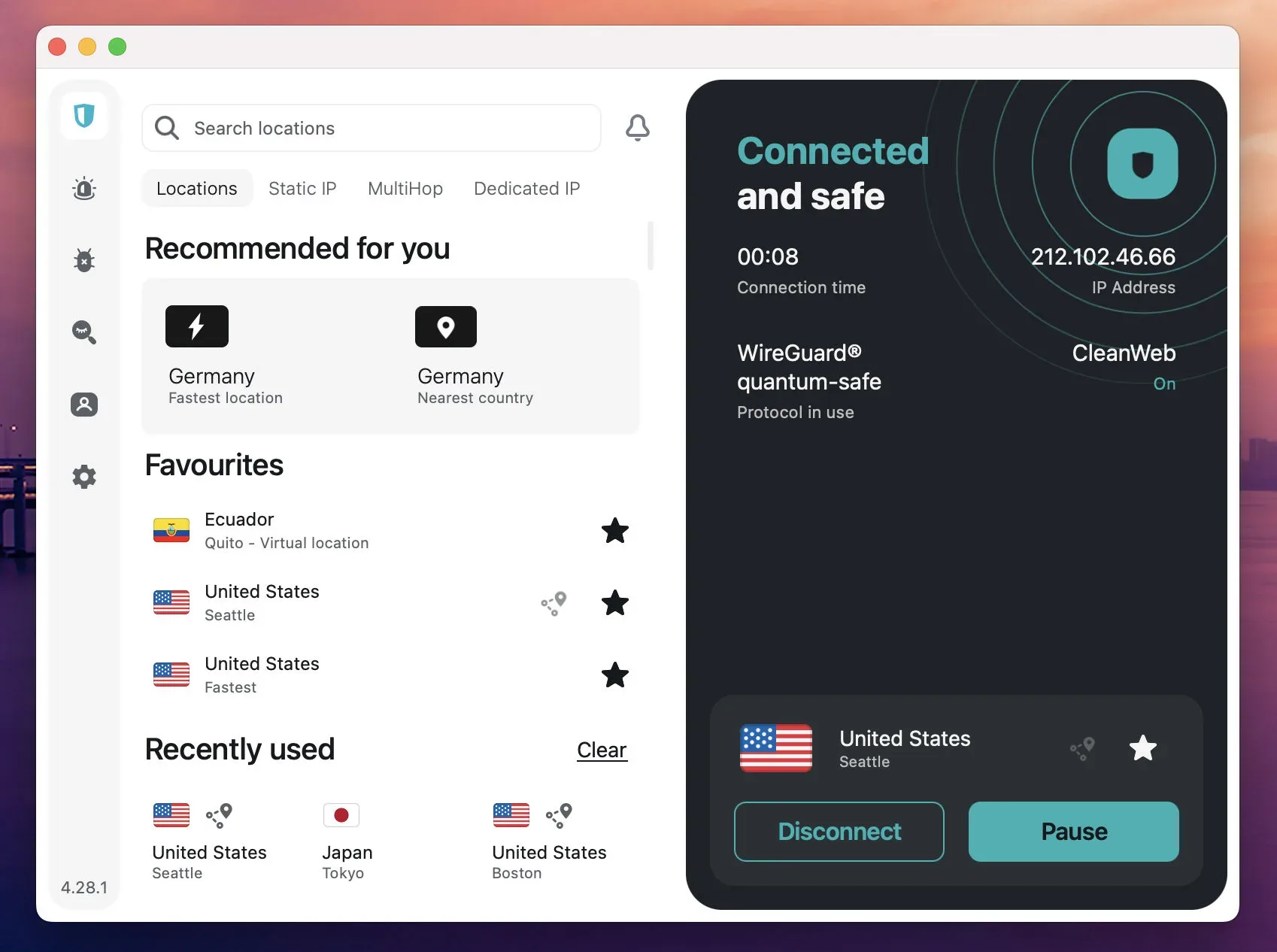
NordVPN is the strongest fit for players chiefly concerned with keeping a VPN out of the way. It is described as adding very little ping on nearby servers while preserving download speed, and as leading this group when the game server is far away. That makes it the general-purpose choice for someone who regularly plays with distant friends or on a different continent’s servers.
Its default NordLynx protocol is built on WireGuard. The service also has servers across many countries, which is useful in the practical search for a VPN location close to the game infrastructure.
Several features are directly relevant to gaming safety and convenience:
- Kill switch: This stops internet traffic if the VPN disconnects, reducing the chance that a player’s real IP address is exposed in the middle of a session.
- Split tunneling: This allows selected traffic to bypass the VPN. A player can keep the game inside the protected tunnel while letting a launcher download updates outside it.
- Threat Protection Pro: This blocks malware and malicious websites, which may be helpful for players downloading mods or community-made maps.
- Meshnet: This can link up to 60 devices in an encrypted network that games may treat as a local network, allowing LAN-focused games to work between separate homes without router port forwarding.
NordVPN supports 10 devices per subscription. Consoles can be covered through a VPN router, or through Smart DNS for region-related needs. Smart DNS is not a DDoS defense, though: it can change the region a console sees but does not conceal the player’s IP address. The Basic plan starts at $3.49 per month with a 30-day money-back guarantee, with a higher renewal price after the initial term.
Proton VPN: the specialist choice for hosting
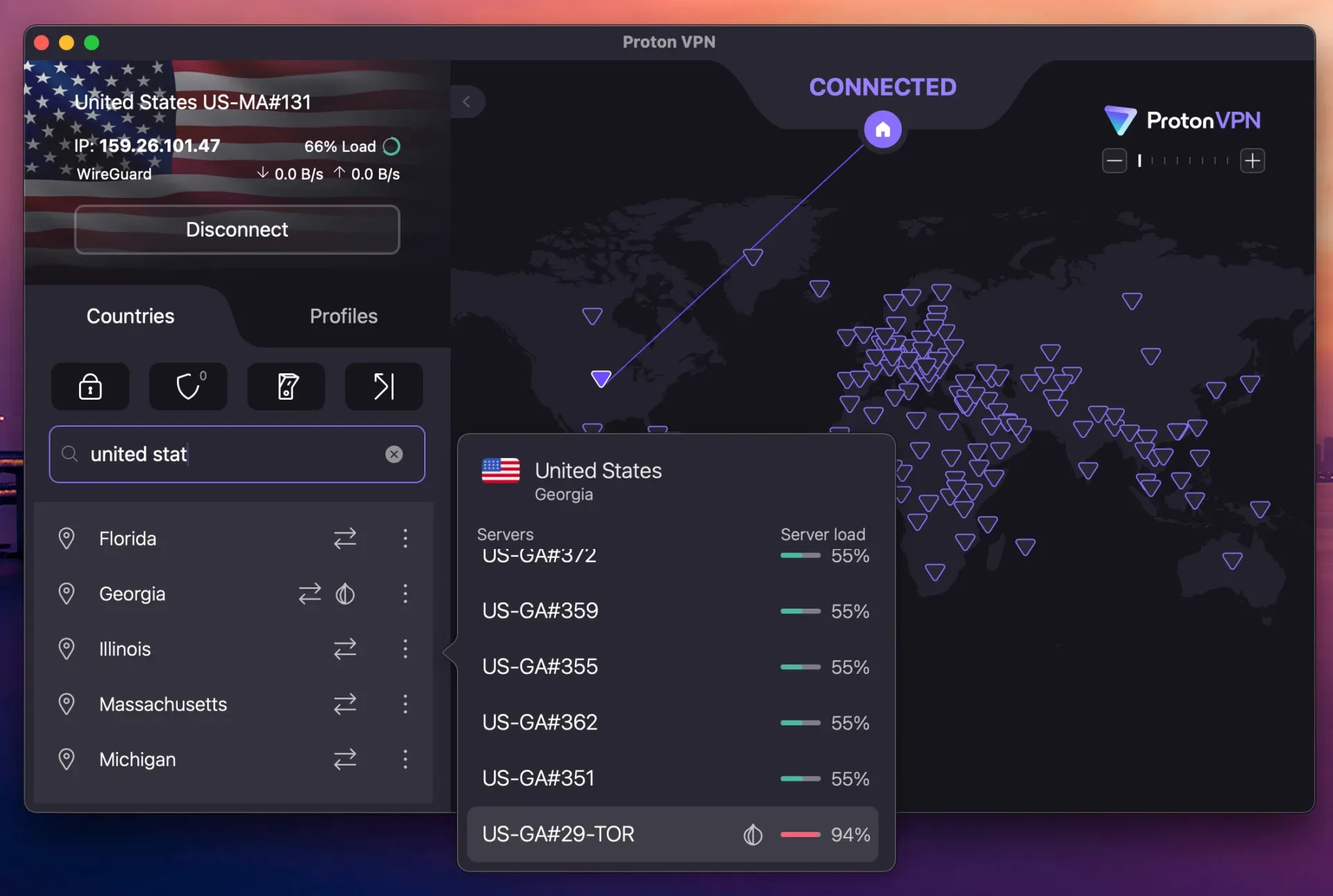
Proton VPN has the most distinct role in this comparison because it offers port forwarding. For a player hosting a Minecraft or Valheim server while keeping the VPN enabled, port forwarding gives other players a route to reach the host machine. Without it, incoming connections may not get through the VPN arrangement.
Among these four services, Proton VPN is the only one identified with this capability. Port forwarding works on its P2P servers and can be enabled in the app without router configuration. That is a meaningful difference for anyone who wants to host rather than merely join a multiplayer world.
It also includes Profiles, allowing users to save a preferred server-and-protocol pairing. For players who alternate between, for example, European and American game servers, this can make switching destinations quicker and reduce the chance of connecting through an unsuitable location.
Proton VPN’s apps are open source, the company is based in Switzerland, and its NetShield feature blocks ads and malware. Its free tier is notable because it has no data cap and no advertising. It still has an important gaming limitation: the free plan chooses the country for the user, which means the player cannot deliberately select a server close to a game’s host.
The paid plan costs $2.99 per month and covers 10 devices. There is no Smart DNS option, so PlayStation 5 and Xbox players would need to route their console through a VPN router instead.
ExpressVPN: the low-friction option on restrictive networks
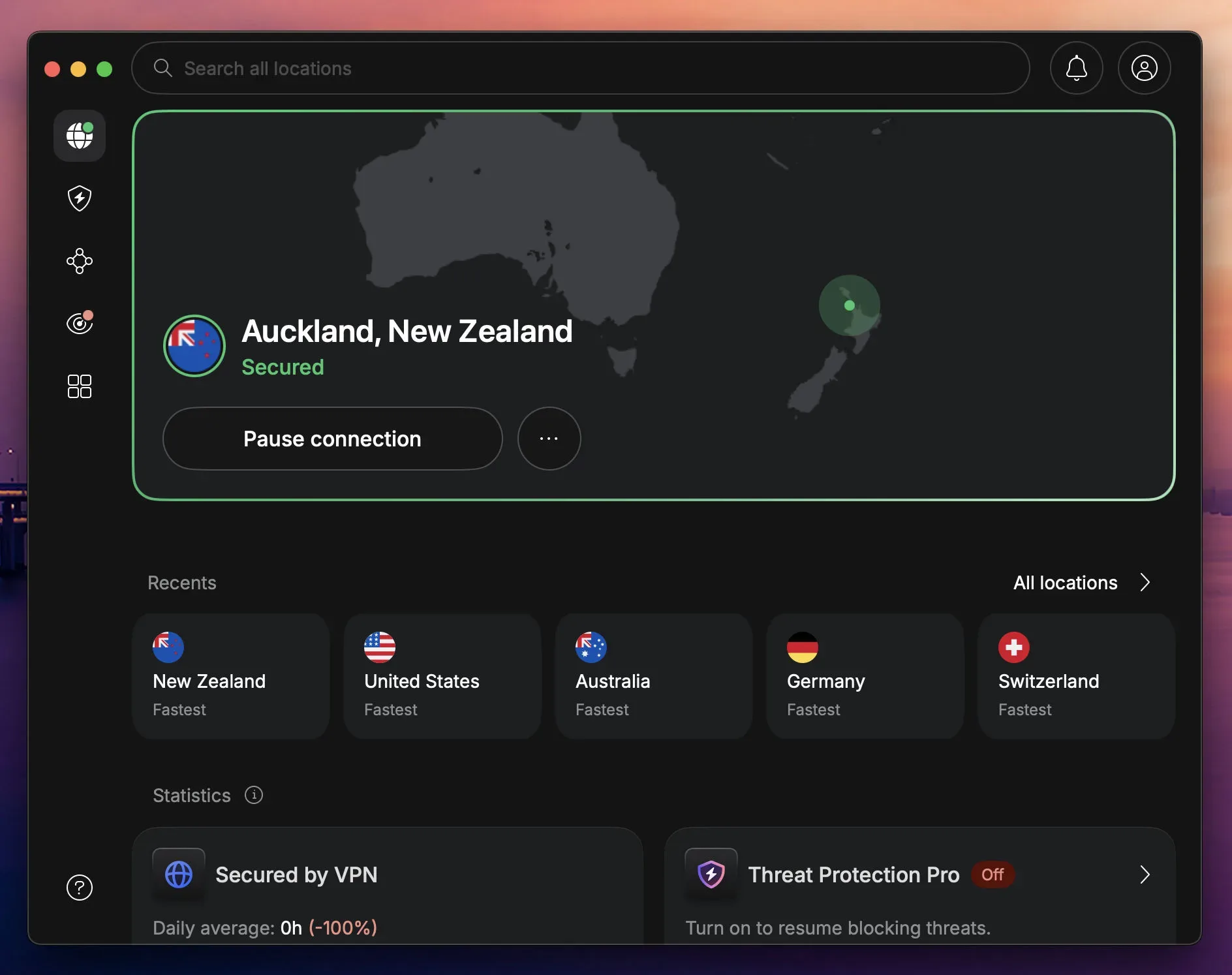
ExpressVPN is positioned around ease of use and steady performance. It matches NordVPN for low ping on nearby servers and is described as the most stable of the four when a connection is busy. Its Automatic setting chooses the connection protocol without asking the player to make that decision manually.
Its Lightway protocol uses obfuscation on every connection. Obfuscation disguises VPN traffic as normal web traffic. The practical value is on campus or office networks that may block VPN use: it can make a connection possible without requiring users to locate and enable a separate disguise mode.
Console players have several routes. ExpressVPN can be installed on a compatible router, used via its Aircove router, or paired with its MediaStreamer Smart DNS service. As with other Smart DNS services, MediaStreamer can be useful for regional visibility but does not mask the home IP address for DDoS protection.
The Basic plan supports 10 devices and is listed at $2.99 per month on a two-year plan with four additional months included, plus a 30-day refund window.
Surfshark: the household-scale subscription
Surfshark’s defining advantage is simple: it has no device limit on any plan. That matters less to a solo PC player than it does to a home with multiple gaming PCs, a console using a VPN router, a Steam Deck, phones, and other everyday devices. One subscription can cover all of them.
Its nearby-server download performance remains high, while its gaming ping is close to the other services. The competitive player trying to remove every possible millisecond may prefer NordVPN’s long-distance edge, but Surfshark is positioned as a practical compromise when device count is the priority.
Surfshark calls its split-tunneling feature Bypasser. It can route the game through the VPN while excluding launcher downloads, so a large patch does not compete with the gameplay traffic inside the tunnel. It also offers Smart DNS and VPN-router use for consoles. A Dedicated IP option is available to players encountering captchas from shared VPN addresses.
The Starter plan costs $2.49 per month, and that cost does not increase as more household devices are added. Surfshark One adds antivirus for roughly 30 cents more per month.
How PS5, Xbox, and Switch players can use a VPN
PlayStation 5, Xbox Series X|S, and Nintendo Switch do not run conventional VPN apps. That does not rule them out; it means the VPN connection must be set up elsewhere.
- Use a VPN router. A router configured with a VPN protects devices connected through it, including consoles. This is the more comprehensive option for a household.
- Share a PC connection. A Windows PC can share its VPN connection with a console via Ethernet or a mobile hotspot.
- Use Smart DNS where it is sufficient. NordVPN, ExpressVPN, and Surfshark offer Smart DNS options that can change the region seen by the console. This is simpler than a full VPN setup, but it does not hide the IP address and cannot provide VPN-style DDoS protection.
Region changes should not be confused with other platform questions. A VPN does not confirm a game’s platform entitlement or upgrade path; for example, GTA VI’s Xbox Smart Delivery support remains unconfirmed.
A sensible gaming VPN checklist
- Choose a modern, low-overhead protocol such as WireGuard, NordLynx, or Lightway.
- Pick a VPN server close to the game’s server location, not simply the closest dot on the VPN map.
- Enable the kill switch before joining exposed multiplayer sessions.
- Use split tunneling to keep game traffic in the VPN while sending launcher downloads outside it, if that suits the setup.
- Use a router or PC-sharing configuration for consoles; do not mistake Smart DNS for IP masking.
- Do not use regional stores to pursue lower prices if doing so conflicts with platform terms.
Are free VPNs viable for games?
Usually, no. Free services often have smaller, more crowded networks, and crowding can cause the latency spikes that are most noticeable during a match. Many also impose data caps, making them a poor fit for patches, downloads, or regular play.
Proton VPN’s free plan is the stated exception: it has no data cap and no ads. Yet its automatic country selection limits its usefulness for latency-sensitive play, because users cannot choose a location near the game server. It is a credible way to test whether a VPN works with a game or connection, but not necessarily the best permanent solution for region-specific multiplayer.
Which VPN fits which player?
Choose NordVPN if the priority is the lowest possible overhead, especially for distant game servers, alongside router and Smart DNS support.
Choose Proton VPN if hosting a server is central to the plan, because port forwarding is the key differentiator. Its no-cap free plan is also the most usable free option, with the caveat that the country is selected automatically.
Choose ExpressVPN if a simple app experience and obfuscation on networks that block VPNs matter most.
Choose Surfshark if one subscription needs to cover a very large number of devices in the same household.
The best outcome is not a VPN that promises impossible ping reductions. It is one that matches the player’s actual problem—whether that is exposure in peer-to-peer lobbies, a restrictive network, a home server, console routing, or too many devices for a limited subscription.