A separate launcher for each language
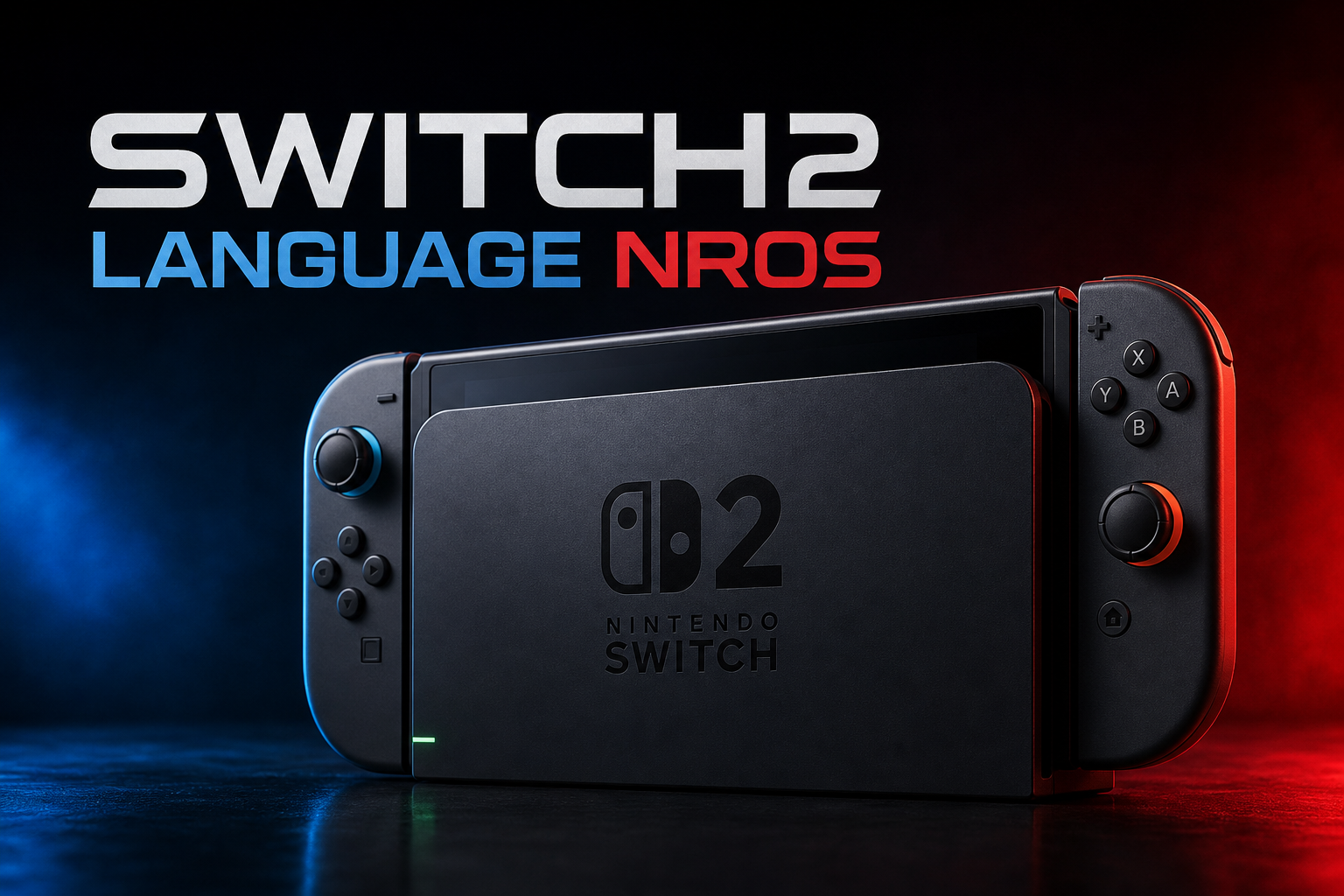
Switch 2 language NROs v1.0.0 includes 18 NRO files, one for each system language. Launching a file applies its language selection through the Switch 2 system settings service, making the filename and language-specific program the choice instead of an on-screen menu.
The release is intended for a Switch 2 running hbmenu through kaiHEN. It uses separate programs for each language rather than adding a permanent language picker to the console’s Settings interface.
How the release works
Each NRO writes a language code through the system settings service, reads the value back, and then exits automatically. The documentation gives examples including Japanese, Korean and English (United States), with each selection represented by the system’s language tag.
The programs do not need controller or touch input. Under the documented kaiHEN setup, those inputs are unavailable to an NRO for operating a conventional picker, so hbmenu’s alphabetical file list serves as the selection screen. Choosing a file is the entire interaction.
Installation and use
To use the packaged files, unzip the release archive into the console’s sdmc:/switch/ directory. hbmenu then lists the language programs alphabetically. Run the NRO matching the language you want to apply; no buttons are required after launch.
The release notes specify that hbmenu through kaiHEN is required on Switch 2. The archive is named switch2-languages-by-name.zip, and the published build is tagged v1.0.0.
The change is temporary
The applied language remains in effect until the console is rebooted. After a reboot, the system returns to Japanese, so the desired NRO must be launched again when another language is needed.
Japanese.nro is included as an explicit way to restore Japanese before a reboot. The documentation also warns that some regional configurations may not display a Language row in the console’s Settings application. The write can still apply in that situation, so the presence or absence of that row is not a reliable confirmation method.
What is included in v1.0.0
This tagged release provides the 18-language NRO collection and its source code. The release notes focus on the operating model rather than listing separate bug fixes: place the files in the switch folder, launch the required language, and let the program apply the setting before exiting.
The accompanying documentation says that every build performs its write immediately and exits on its own after 20 seconds. It also documents the Switch 2 development environment and the project references used for the language-setting experiment; those details are relevant to developers compiling the programs rather than users running the packaged archive.
A practical file-based language switcher
The project provides a file-based way to apply a language on Switch 2 when the console’s own Settings application does not expose a Language row in some regional configurations. Its approach avoids a controller-operated picker: the selected NRO writes one value, reads it back, and finishes.
Because the setting resets on reboot, the collection is a session-based language switcher rather than a permanent change. The file-per-language design makes the available choices visible directly in hbmenu, while Japanese remains available as a dedicated fallback.