A broad DuckStation development update
DuckStation’s latest rolling development build was published on September 12, 2026, under the tag latest. It is an experimental build from ongoing development rather than a stable release, so it has received less testing and may contain regressions.
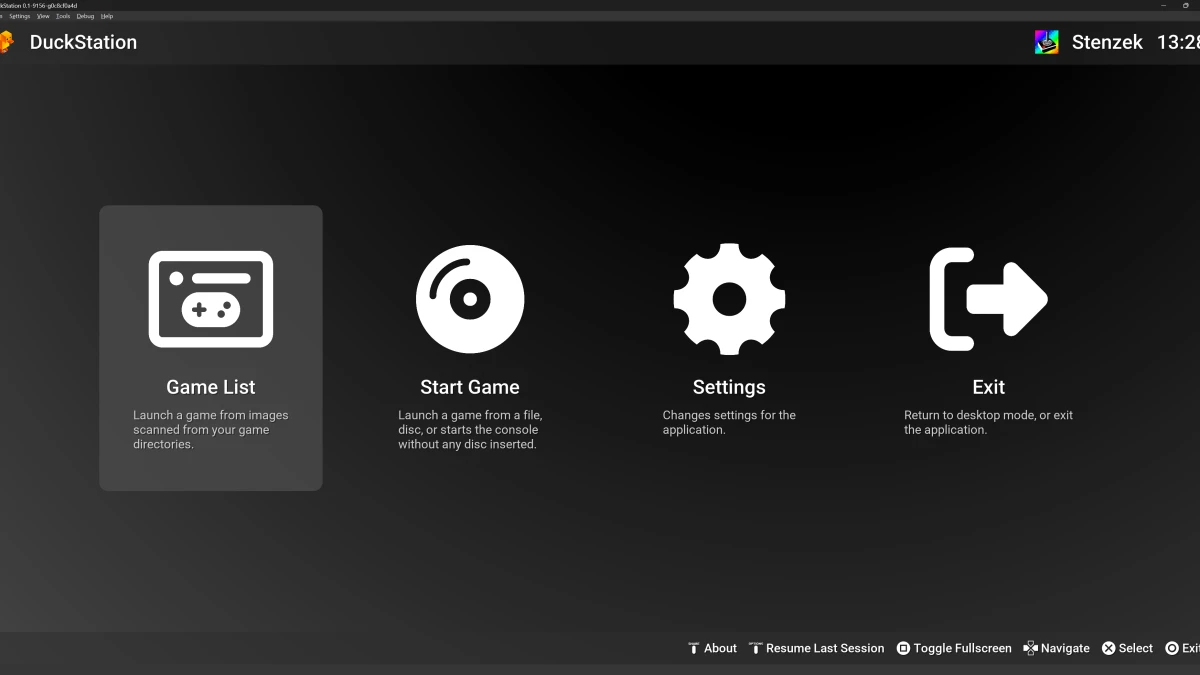
DuckStation emulates the Sony PlayStation on Windows, Linux, and macOS. Its documented features include hardware rendering through Direct3D, OpenGL, Vulkan, and Metal; resolution upscaling; save states; controller support; RetroAchievements; memory-card tools; and integrated and remote debugging. A PlayStation or PlayStation 2 BIOS image is required, and the emulator does not provide one.
Video rotation receives a focused fix
The build fixes prerotation handling when blur effects or transitions are active. This matters for vertically oriented games and other content using DuckStation’s screen-rotation feature, where display rotation interacts with additional visual effects.
The graphics code also changes how the blur pass uses GPU resources. The release notes record an adjustment to the layout used for applying blur, followed by removal of that layout in a later change in the same development cycle.
Debugger gains threads and call stacks
The Qt debugger gains a threads view and a call-stack view. These additions give advanced users more information when examining the emulator’s execution state, homebrew software, or game code.
The stack view is linked to the memory view, making it easier to move between execution information and related memory contents. Breakpoints can now be saved to INI files, allowing debugger configurations to persist between sessions.
These changes complement DuckStation’s existing integrated and remote debugging features. They are primarily useful for developers and users investigating software behavior rather than for routine gameplay.
Game lists, achievements, and settings get refinements
DuckStation can now identify Audio CD entries in the game list. The Qt interface makes game properties unavailable for Audio CDs and PSF files, where those options do not apply, and the list entry types have been reordered.
Game properties now show the RetroAchievements game ID. Achievement notifications and lists receive padding fixes, while achievement popups add a category badge. The track-summary list, disc-selection dialog, and dropdown controls also receive interface refinements.
A settings fix prevents an unwanted trailing slash from being added to game directories. Resetting settings now disables post-processing, and the application avoids copying non-sensitive user preferences into per-game settings. The emulated console region can also be changed while DuckStation is running.
In hardcore mode, DuckStation now disables the gpu_force_video_timing setting. The release notes identify this as a settings change for that mode without describing additional behavior.
Desktop library loading and packaging changes
A substantial group of changes reorganizes how optional desktop libraries are loaded. DuckStation centralizes dynamic-library handling and loads components including SDL, libzip, FreeType, PlutoSVG, libpng, libjpeg, and libwebp dynamically or on demand.
The update fixes libjpeg and libwebp loading regressions on Windows and adds Linux logging for loaded library paths. Linux users also receive a warning when LD_LIBRARY_PATH is overridden. These changes primarily affect packaging, startup behavior, and platform integration rather than adding emulation features.
The Windows build system now tracks Qt resource, translation, interface-header, and meta-object outputs more explicitly. Several Qt-related generation tasks can run in parallel, and plugins are listed explicitly for copying. macOS bundle creation is optional, and the application handles cases where it is not running from a bundle. These changes mainly concern developers and packagers; ordinary users should use the supplied desktop binaries.
Additional fixes and maintenance
The build updates its RetroAchievements dependency and other dependency snapshots. Spanish, Brazilian Portuguese, and Swedish Qt translations are also updated, and the README feature list has been revised.
The memory-card editor merges its import buttons. A rare crash during graphics-device initialization is fixed, and pcdrv_root is now handled as a native host path. The release also removes an unused CPU code-cache guard and cleans up several internal warnings.
Other maintenance changes adjust image-library and SDL input handling, improve the fullscreen interface, and add a single GPU resource layout before removing it again later in the same development sequence.
Downloads and supported desktop systems
The latest build provides Windows installers and portable archives for x64, ARM64, and SSE2-compatible x64 systems. Linux downloads are available as AppImages for x64, ARM64, and ARMHF. A macOS archive is provided as a universal build for Intel and Apple silicon Macs.
The normal Windows x64 build requires SSE4.1. The SSE2 build is intended for older x86 processors and may have lower performance. Windows requires version 1809 or newer of Windows 10 or Windows 11. The Linux AppImages require a distribution equivalent to Ubuntu 22.04 or newer, while the macOS build requires macOS 13.3 or later.
The documented emulator requirements cover x86_64, 32-bit ARM, 64-bit ARM, and RV64 processors, with graphics support for OpenGL 3.1, OpenGL ES 3.1, Direct3D 11 feature level 10.0, or Vulkan 1.0. The supplied downloads cover the Windows, Linux, and macOS desktop platforms listed for this build.