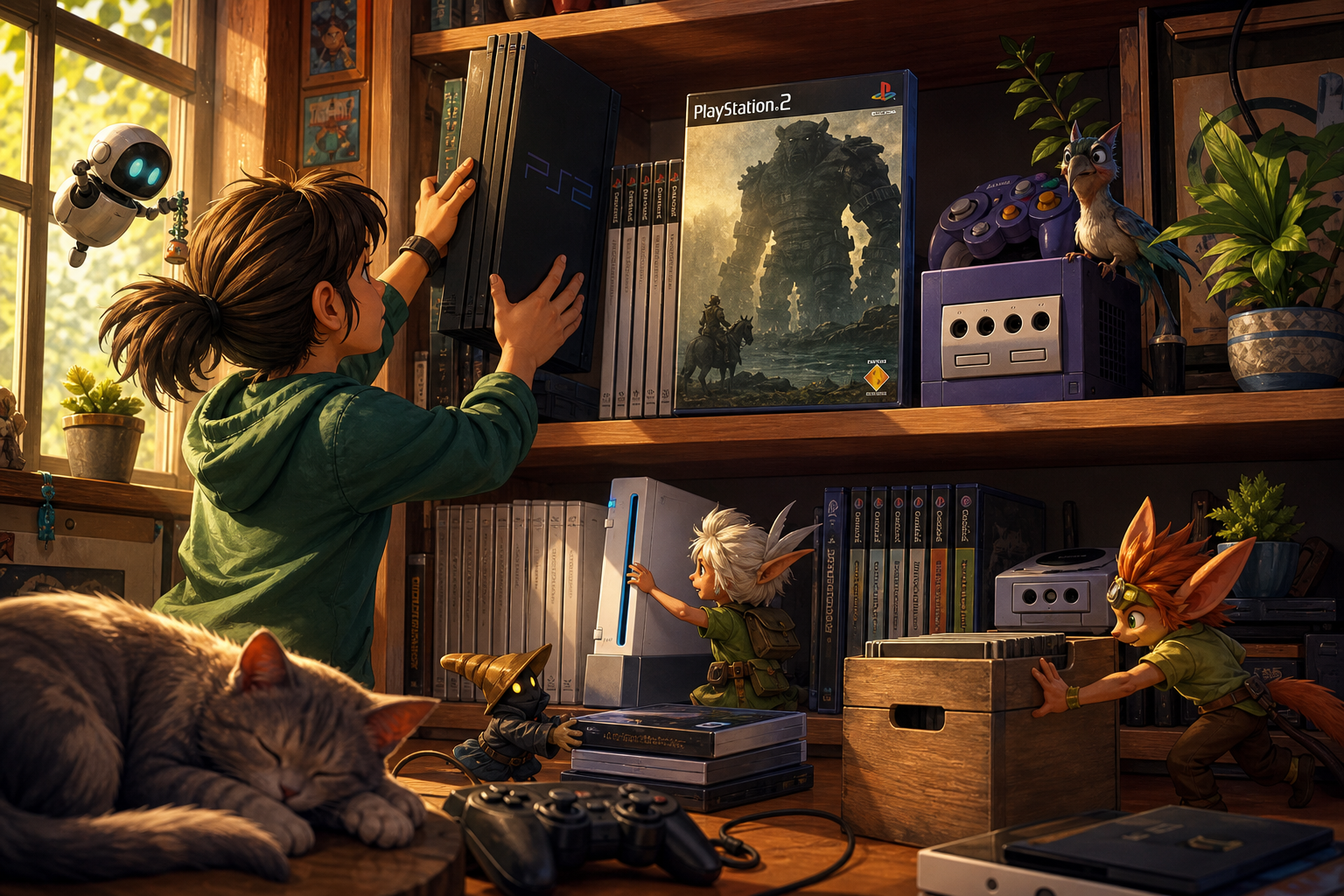
A shelf can look organized while quietly creating problems for the hardware on it. A console pushed against a divider, a cable pulled tight around a cabinet edge, or a game case leaning over a vent can restrict airflow and make routine dust inspection difficult. The goal is not to create a laboratory setup. It is to give each system a stable, accessible place where its exterior vents remain usable and its connections are not doing the work of holding it in position.
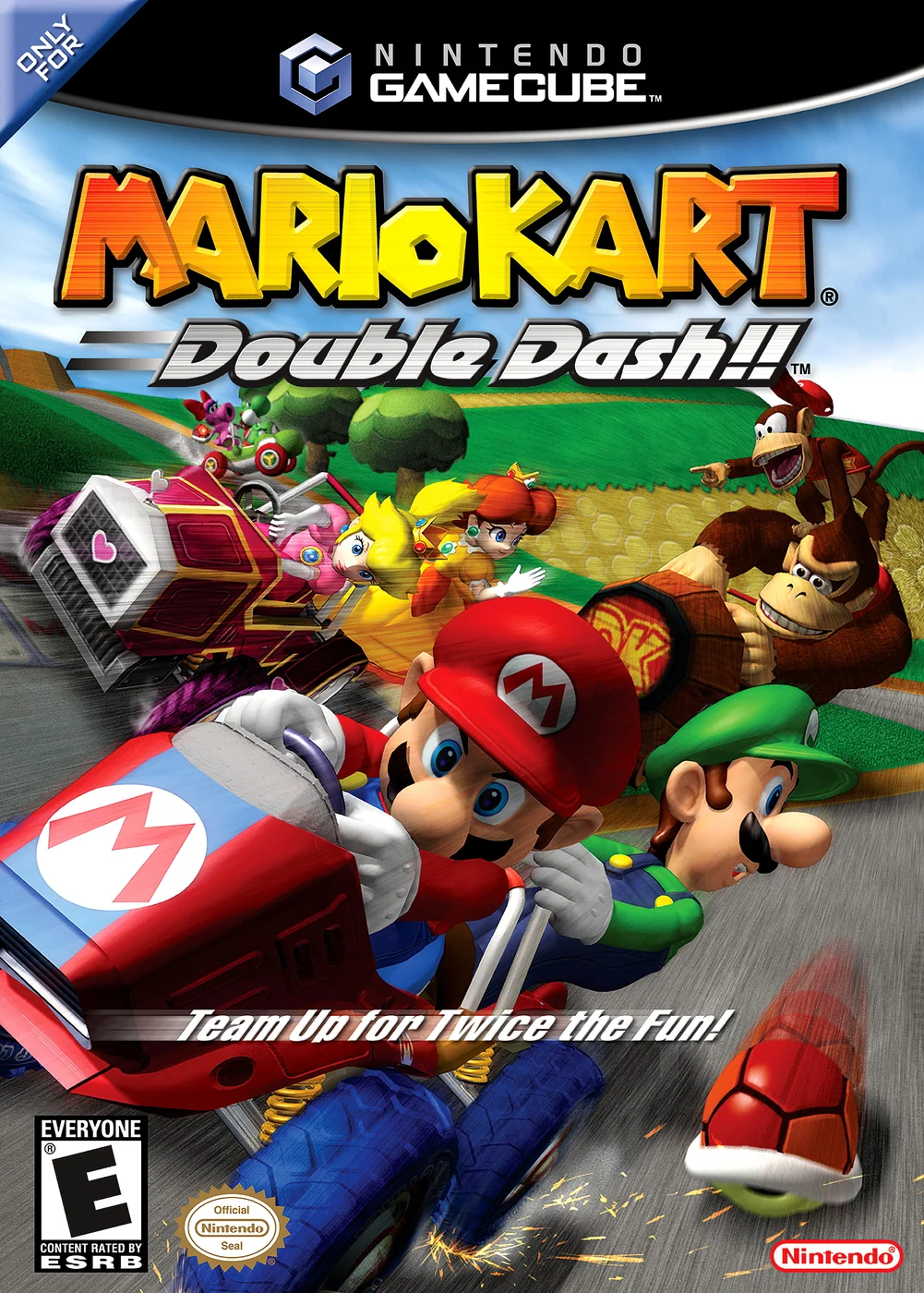
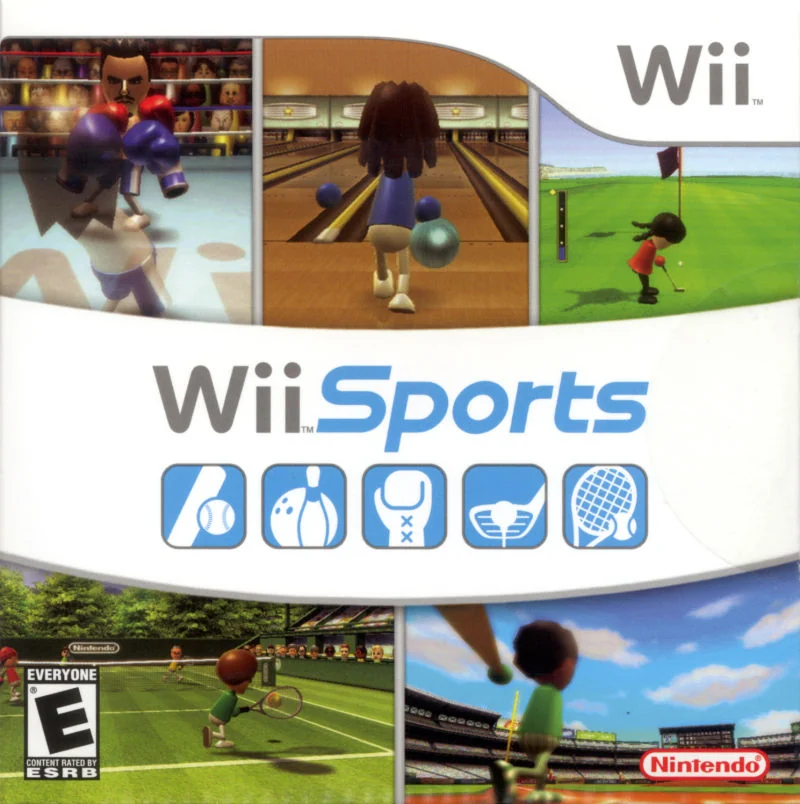
The three systems in this library have different placement concerns. Shadow of the Colossus represents an original PlayStation 2 setup, Mario Kart: Double Dash!! represents the Nintendo GameCube, and Wii Sports represents the Nintendo Wii. Their cases can identify the games on the shelf, but they do not tell you where a console should sit. Treat game storage and console ventilation as related but separate jobs.
The real problem is not a messy shelf
A crowded shelf creates several small risks at once. Cases and accessories can drift in front of vents, dust can become difficult to reach, and a console may need to be pulled forward by its cable whenever you want to use it. Repeated pulling puts unnecessary force on connectors and can make the system unstable. A tidy appearance is useful only when it leaves the hardware easy to inspect and operate.
Start by identifying four zones: the console and its vents, the power and audio-video cable path, the shelf or stand supporting the equipment, and the nearby game cases or discs. Inspect each zone independently. A shelf can protect cases from direct light yet still place the Wii on carpet, press against the GameCube’s side vents, or leave a PlayStation 2 in a cramped enclosure. Fix the physical arrangement before buying organizers or adding more storage.
- Can you see and reach the console’s accessible vents without moving a stack of cases?
- Can the system be removed after powering down without dragging connected cables?
- Is the shelf firm, clean and free from nearby heat, moisture and heavy vibration?
Separate game storage from console airflow
Game cases belong near the system for convenience, but they should not become a second shell around it. Keep cases upright and grouped beside or below the console rather than leaning across its top or sides. Do not use a console as a bookend, and do not let controllers, charging accessories or loose manuals accumulate over ventilation openings.
Disc preservation has its own requirements. The Library of Congress recommends a clean, stable, relatively cool and relatively dry home environment for audiovisual materials, with limited direct light. Optical discs are best stored upright and handled by their edges and center holes. Those principles apply to PS2, GameCube and Wii discs, but they do not replace the console manufacturer’s placement instructions.
This distinction also prevents a common mistake: moving the entire game library into a sealed plastic container and assuming the console is protected. A container may offer temporary secondary protection from a leak, but it cannot correct high humidity or poor airflow. Keep the playable console in an open, practical location and store cases where they remain protected without crowding the equipment.
- Keep cases out of the console’s top, side and rear airflow paths.
- Store discs by the edge and center hole rather than touching the playing surface.
- Keep the collection away from radiators, forced-air outlets, damp areas and direct strong light.

Choose a stable shelf position
Use a hard, level surface that does not wobble when a disc tray, lid or controller cable is handled. An open bookshelf or entertainment stand is generally easier to inspect than a tight cubby. Leave enough room to reach the rear connections without bending cables against the wall. The exact clearance required by a console can depend on its model and documentation, so use the relevant manual rather than applying one universal measurement to every system.
Avoid the floor when possible. It collects more dust, exposes equipment to kicks and spills, and makes cable routes harder to control. Avoid thick carpet under a console as well. Nintendo’s Wii guidance specifically calls for a hard, smooth surface and warns that carpet fibers can trap dust that may be drawn into the fan. GameCube safety guidance likewise warns against places where dirt, dust or lint can collect.
Do not place hardware beneath a leaking plant, near a humidifier, beside a kitchen cooking area or directly in the path of a heater or air conditioner. These are practical environmental precautions, not promises that a particular room will damage a console immediately. The aim is to reduce repeated exposure to dust, heat, moisture and vibration.
- Test the shelf for movement before placing the console on it.
- Keep the hardware off the floor and away from thick carpet.
- Leave the rear connections accessible without forcing the system against a wall.
Place the PlayStation 2 according to its model
PlayStation 2 manuals allow the console to be placed horizontally or vertically, but vertical use requires the applicable official stand. Stand compatibility is model-specific, so do not assume that a generic stand or a stand made for another PS2 revision is suitable. If you do not have the correct stand and documentation, horizontal placement on a stable surface is the simpler reversible choice.
Sony documentation warns against small enclosed spaces, direct contact with a wall, thick carpet, bedding and objects placed on top of the console. The SCPH-50000 documentation includes a 10-centimeter wall clearance instruction, but that figure should not be presented as a universal rule for every PlayStation 2. Shell design, model number and regional manuals differ. Locate the model label on your system and consult the matching documentation before changing orientation or applying a precise clearance.
For a horizontal PS2, keep the top clear so the disc cover and accessible controls remain usable. Do not stack another console on it. If the system is vertical, make sure the stand supports it securely and that the orientation does not leave the vents pressed against a cabinet side. A safe placement is one you can reverse without moving the entire library.
- Record the PS2 model number before selecting a stand or applying manual-specific spacing.
- Use only the orientation supported by the matching documentation.
- Keep the top clear and avoid enclosed furniture that prevents inspection.
Keep GameCube side vents clear
The Nintendo GameCube has intake and exhaust vents on its right and left sides. That makes side clearance especially important. Do not press either side against a shelf divider, wall, storage box or neighboring console. A narrow slot may hold the cube neatly while hiding the very openings it needs for airflow.
The original GameCube operations guidance calls for unrestricted airflow and says not to cover or obstruct the side vents. Place the system where both sides can be visually checked. Leave space for the lid to open and for a disc to be removed without knocking into a case stack. Keep the disc cover closed when the console is not being used, and remove the disc after a session when practical, as Nintendo’s safety guidance recommends.
Nintendo also advises against storing the GameCube in a humid place, on the floor or where it can collect dirt, dust or lint. These warnings make an open middle shelf preferable to a floor-level cubby. If the system has been sitting in a crowded arrangement, the first correction is simply to move the neighboring objects away; do not open the console to pursue routine dust removal.
- Check both side vents rather than inspecting only the front and top.
- Keep the lid opening clear of cases, shelves and decorations.
- Disconnect the power adapter before cleaning, and do not disassemble the console.
Give the Wii a hard, clean and open surface
Nintendo says the Wii should sit in a well-ventilated area on a hard, smooth surface such as an entertainment center, TV stand or open bookshelf. Carpet is specifically discouraged because fibers can trap dust that may be pulled into the fan. This is a placement and maintenance concern, not a reason to panic about every soft surface in a home; the practical response is to move the console to a suitable hard platform.
Keep the Wii away from smoke, air freshener, cooking oils and other airborne contaminants. Nintendo notes that the fan can draw these substances into the system. A shelf beside a kitchen, smoking area or heavily scented diffuser is therefore a poor long-term location even if it looks open.
Check the vents regularly. When dust is present, Nintendo recommends using the soft-brush attachment of a vacuum cleaner gently on the vents. Keep the cleaning external and avoid turning a simple dust check into an unverified repair project. If the system needs work beyond accessible exterior cleaning, use the model’s official support information or a qualified service option.
- Place the Wii on a hard, smooth surface rather than carpet.
- Keep it away from cooking vapors, smoke and air fresheners.
- Inspect and gently clean accessible vents according to Nintendo’s guidance.
Route cables without pulling on ports
Cable strain is easy to overlook because it does not always change the shelf’s appearance. A cable that reaches only by pulling sideways can place force on the console’s connector every time the system is moved. A cable should reach its port with some slack, follow a gentle route and avoid a sharp bend immediately at the plug. Do not use a cable to stop a console from sliding or to suspend part of its weight.
Separate power cables from the game cases so a case cannot snag the route when removed. If several systems share a display, label the console end or group cables by system rather than forcing every lead into one tight bundle. Leave enough room to unplug safely when cleaning. A neat bundle is not helpful if it must be pulled across the back of the shelf to reach an outlet.
Power down before moving any console. Disconnect it first, then reposition the hardware and route the cables again. This reversible approach is safer than twisting a connected system into a new orientation or dragging it forward while plugs remain attached.
- Confirm that cables have slack at both the console and display ends.
- Avoid sharp bends, sideways pulls and bundles that lift or restrain hardware.
- Power down and disconnect before moving a system or changing its cable route.
Clean accessible exterior surfaces safely
Routine cleaning should stay at the exterior level. Power down the console and disconnect it before cleaning. Remove nearby cases and accessories so dust is not pushed into a vent path. Use a clean, soft cloth for accessible surfaces. The PlayStation 2 guidance allows a soft cloth with a mild detergent solution for dirty exterior surfaces, followed by a dry cloth, while warning against solvents and other chemicals that can damage the finish.
Do not spray liquid directly onto a console, vent, connector or disc drive. Put no wet material into an opening. For the PS2, Sony documentation describes using a low-powered vacuum cleaner to remove dust from vents and warns against touching the lens inside the disc cover. Nintendo’s Wii guidance calls for the soft-brush attachment of a vacuum used gently on dusty vents. Nintendo’s GameCube guidance specifies a soft, slightly damp cloth using water only and says the component should dry completely before use.
Do not open a power supply, console or disc drive for a routine shelf clean. GameCube safety guidance says not to disassemble or attempt to repair the console, accessories or components. If dust is inaccessible or a hardware fault remains after exterior cleaning, stop at the reversible steps and consult the exact model’s support information.
- Power down and disconnect before wiping or vacuuming accessible exterior areas.
- Use no solvents and never spray liquid directly onto hardware.
- Do not touch an optical lens or open the console for ordinary dust removal.
Protect discs and cases from the room
A well-ventilated console shelf can still be a poor game-storage environment. Keep cases out of direct sun and away from radiators, damp walls and active air vents. Large temperature or humidity swings are more concerning for a collection than a single warm afternoon. Basements, attics and garages can present leak, mold and unstable-environment risks, so use them cautiously rather than treating them as automatic storage solutions.
For PS2, GameCube and Wii discs, return each disc to its case when finished and handle it by the edge or center hole. Keep the case closed when it is not in use. Do not stack loose discs beneath the console or place cases where they can fall into ventilation openings. If a case is warped, damp or dirty, separate it from the main shelf until it can be assessed.
This article complements broader collection organization advice rather than replacing it. Once the console has breathing room, you can inventory games and group accessories using a separate storage plan. The priority here is the physical relationship between the collection and the equipment that plays it.
- Keep cases and discs upright, clean and away from direct heat or strong light.
- Separate damp or damaged cases instead of placing them beside the console.
- Do not use the game collection as a support, spacer or cover for hardware.
Build a spring and autumn inspection routine
A seasonal inspection is useful because room conditions and shelf contents change. Perform it at the start of warmer weather and again before the heating season, or choose two recurring dates that fit your home. Power down and unplug each system before moving it. You do not need to dismantle anything: the purpose is to catch blocked vents, stressed cables, dust buildup and environmental changes while the corrections are still simple.
Inspect the console first, then the cable path, shelf and collection. Look for new lint, a case that has migrated against a vent, moisture marks, sunlight reaching a previously shaded area or a new heat source nearby. Check that the shelf remains level and that cables still have slack. Confirm that the PS2 orientation and stand, if used, still match the model documentation.
Finish by restoring the setup without compressing everything into the smallest space. If the same area repeatedly collects dust or heat, change the location rather than relying on increasingly frequent cleaning. Stop and seek model-specific help if you find liquid intrusion, damaged insulation, a loose power connection or a problem that exterior care cannot address.
- Console: inspect vents, exterior dust, moisture signs and blocked openings.
- Cables: check slack, connector strain, sharp bends and safe unplugging access.
- Shelf: check stability, heat and light sources, nearby clutter and floor or carpet exposure.
- Library: check upright cases, closed covers, dampness and objects leaning into the hardware.
- Documentation: recheck the exact PS2 model and current Nintendo guidance before changing placement.
The safest retro console shelf is not the one with the most equipment packed into the smallest footprint. It is the one that leaves vents visible, surfaces stable, cables relaxed and cleaning access uncomplicated. Give the PS2 model-specific attention, keep both GameCube side vents open, and place the Wii on a hard, clean surface away from airborne contaminants.
Make seasonal inspection part of using the collection. A few minutes spent moving cases away from vents, checking cable slack and looking for dust or moisture can preserve a practical setup without opening hardware or making risky modifications.