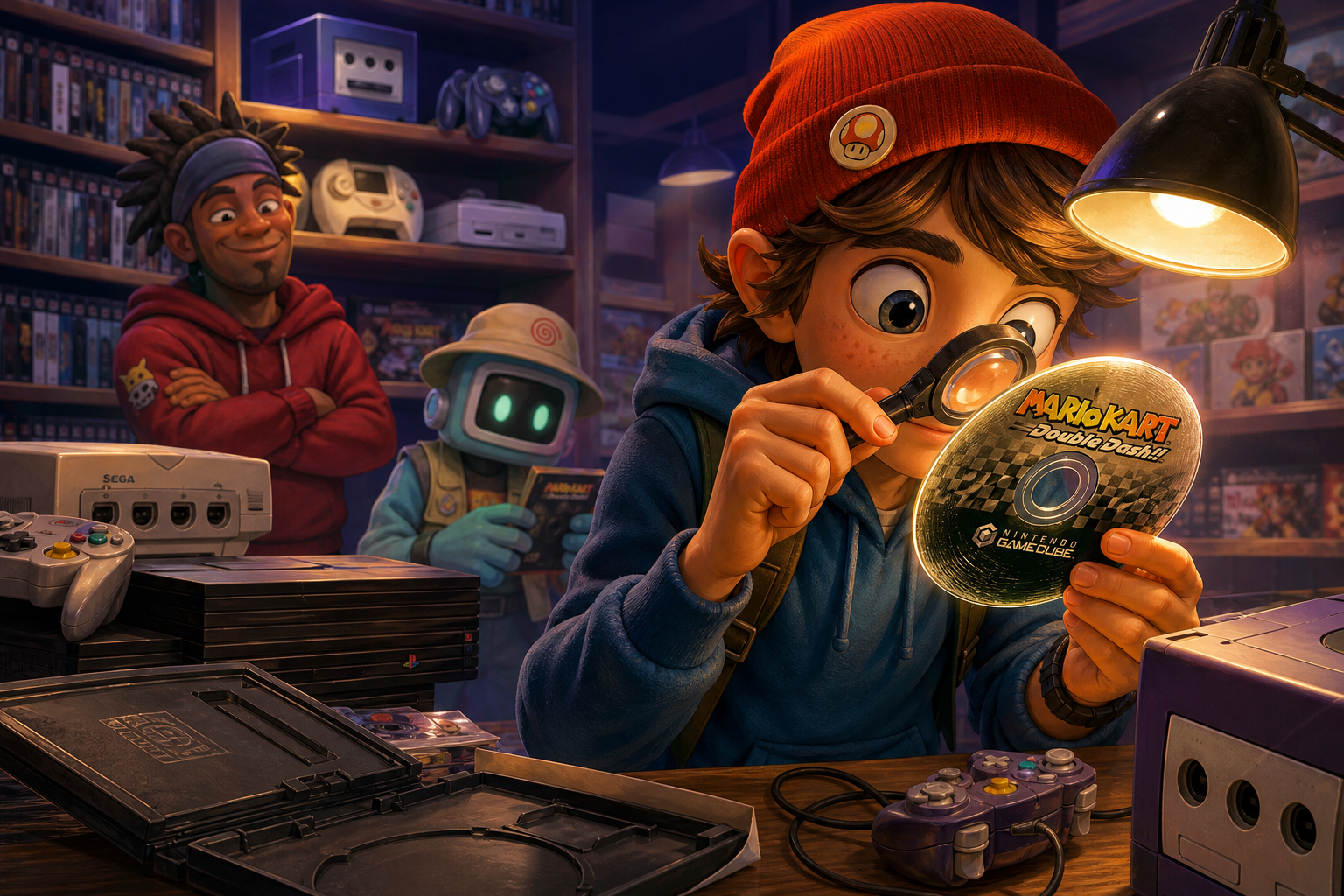
Buying a used disc is not a beauty contest. A few visible lines do not automatically make Mario Kart: Double Dash!!, Metroid Prime, Shadow of the Colossus, God of War, Sonic Adventure or Shenmue unusable. Conversely, a disc that looks clean in one photograph may still have damage, contamination or a weak test history that the listing does not reveal.
Your job is to answer several separate questions: Is this the correct game and edition? What physical damage is visible? Is the damage likely to affect reading? Has the seller provided meaningful evidence of operation? Can you return the item if the claim does not hold up? Appearance can inform those decisions, but it cannot guarantee playability.
Start with the use case, not the scratch count
A collector seeking a display-complete copy may reject a disc with heavy label wear even if it plays. A player who wants to finish Shadow of the Colossus may accept ordinary surface scuffs if the exact disc has a useful return window and credible testing evidence. Someone replacing one missing Dreamcast disc in Shenmue has a different risk from someone buying a cheap mixed lot with no item-level photos.
Set your priority before comparing listings. Decide whether you need a playable disc only, a matching case and manual, a particular region, or a specific release variant. Then compare like with like. A clean North American copy, a replacement disc in a generic case and an imported edition are not interchangeable simply because all display the same title.
The six example games span different media contexts. Mario Kart: Double Dash!! and Metroid Prime use Nintendo’s GameCube optical-disc format. Shadow of the Colossus and God of War are PlayStation 2 DVD software. Sonic Adventure and Shenmue use Sega Dreamcast GD-ROM discs. These formats should not be judged with identical label-side assumptions.
- Name the exact platform, region and edition you need.
- Confirm the number of discs, especially for multi-disc Dreamcast releases.
- Separate display condition from playability and completeness.
- Decide what evidence would make you walk away before contacting the seller.

The first listing inspection: identify what is actually being sold
Begin with the listing itself. Confirm that the title, platform, region markings and disc count match the item you want. A stock cover image may show the game but prove nothing about the disc in the seller’s possession. The useful photographs are clear images of the actual front and rear of every disc, preferably without glare and at an angle that reveals surface texture.
Look for the disc label, inner hub, outer edge and any printed identifiers. These details can help you compare the item with known releases, but they do not authenticate it on their own. A familiar label, intact center ring, matching artwork or apparently correct case cannot establish originality without broader evidence. Do not treat a missing manual or a replacement case as proof that the disc is counterfeit either.
Ask whether the photo is of the exact copy. If a seller uses one image for several identical listings, assume the pictured condition is not guaranteed until the seller confirms otherwise. A photograph also cannot establish future reliability, hidden delamination, data-layer condition or successful loading beyond the portions actually tested.
- Request current photographs of both sides of the actual disc.
- Ask for a straight-on image and a second image under angled light.
- Confirm region, edition, disc number and included case or manual.
- Treat words such as tested, mint and excellent as claims requiring detail.
How to separate residue, haze and light scuffs
A disc may show fingerprints, dust, oily residue or a cloudy film that looks worse than it is. These contaminants can interfere with laser focus over a broad area, so they should be distinguished from permanent damage. A hazy line visible only under angled light may be residue or a shallow scuff rather than a deep groove. That is a reason to request better evidence, not a reason to declare the disc safe.
Fine, isolated marks on the transparent reading side may have little practical effect. The laser focuses below the outer plastic surface, and optical drives use error correction. That does not make all scratches harmless: wide, deep or densely grouped marks can exceed what the drive can correct. The number of lines matters less than their depth, width, concentration and location.
For an item that arrives, document its condition before cleaning. If a return claim becomes necessary, photographs of the received disc are more useful than evidence created after an attempted restoration. Nintendo recommends water, a clean soft cotton cloth and straight strokes from the inside rim outward for GameCube discs. Do not use circular wiping motions, solvents, abrasive cleaners, household paper products or unverified scratch-removal machines.
- Photograph fingerprints, haze and scratches before touching the disc.
- Use angled light to see whether a mark has a defined groove or only surface clouding.
- If cleaning is appropriate, use a gentle center-to-edge motion and follow platform guidance.
- Never use toothpaste, polish, solvent or an abrasive machine as a first response.
Radial scratches versus circular scratches
Scratch direction changes the risk because optical data follows a track around the disc. A radial mark runs from the center toward the outer edge and crosses tracks rather than following one track for a long distance. Comparable radial damage is generally easier for error correction to handle, although a deep radial groove can still be serious.
A circular or concentric scratch follows the data track for a longer distance. It can affect a continuous run of information and is therefore more concerning than a similar-looking radial scuff. Concentrated rings near the inner or outer areas deserve particular attention because they may coincide with areas the drive needs to read during startup, navigation or later loading.
Do not turn this into a simple safe-versus-fatal rule. A shallow circular haze may be less dangerous than one deep radial gouge. Direction is one part of the assessment; depth, width, clustering, cracks, warping and the disc format also matter. A photograph that shows only a bright reflection may conceal the relevant shape, so ask for a glare-controlled image rather than guessing.
- Classify each prominent mark as radial, circular, irregular or uncertain.
- Give greater concern to deep, wide or tightly grouped circular damage.
- Do not dismiss a severe radial groove merely because it crosses the tracks.
- Ask for a better photograph when glare prevents you from seeing direction.
Depth, clustering and hub damage matter more than appearance
Run a visual inspection from the center hub to the outer edge. A scratch that catches a fingernail is evidence of a physical groove, but it does not prove unreadability. It does mean the listing should not be described as lightly scratched, and it raises the value of an actual test with a return option. Multiple grooves in one small area may create a more difficult read than many faint marks spread across the disc.
Inspect the transparent reading side for cracks extending from the center, chips at the edge, a warped profile or signs that layers are separating. A crack around the hub can grow when the disc spins and is a sensible stop condition. Warping and delamination are not ordinary dirt problems. Do not flex the disc to investigate them, and do not attempt invasive repair.
Resurfacing history adds another uncertainty. Material may have been removed during a previous process, and a seller’s claim that a disc was resurfaced does not prove that the result is good or that the remaining protective layer is adequate. Ask whether it was resurfaced, why, by whom and whether the seller tested it afterward, but treat an unknown process as risk rather than reassurance.
- Look for hub cracks, edge chips, warping and layer separation.
- Treat a fingernail-catching groove as significant evidence, not an automatic failure verdict.
- Ask directly whether the disc was resurfaced or polished.
- Stop when a crack reaches the hub, the disc is visibly warped or layers are separating.
Label-side loss is especially important on Dreamcast discs
A printed label can be scratched without the data layer being damaged. Ink loss, discoloration or a shallow mark through the printing is not automatically fatal. The important question is whether the reflective layer beneath the label appears interrupted. Bright pinholes, dark gaps, transparent spots or areas where reflective material seems missing deserve much more caution than ordinary print wear.
This distinction matters because disc construction differs. Single-sided DVD media, including the general format family used by PlayStation 2 software, places the metal and data layers nearer the middle of the disc. Ordinary label-side scuffs on a PlayStation 2 disc are therefore not automatically fatal, although deep damage, delamination, cracking and warping can still make it unreadable.
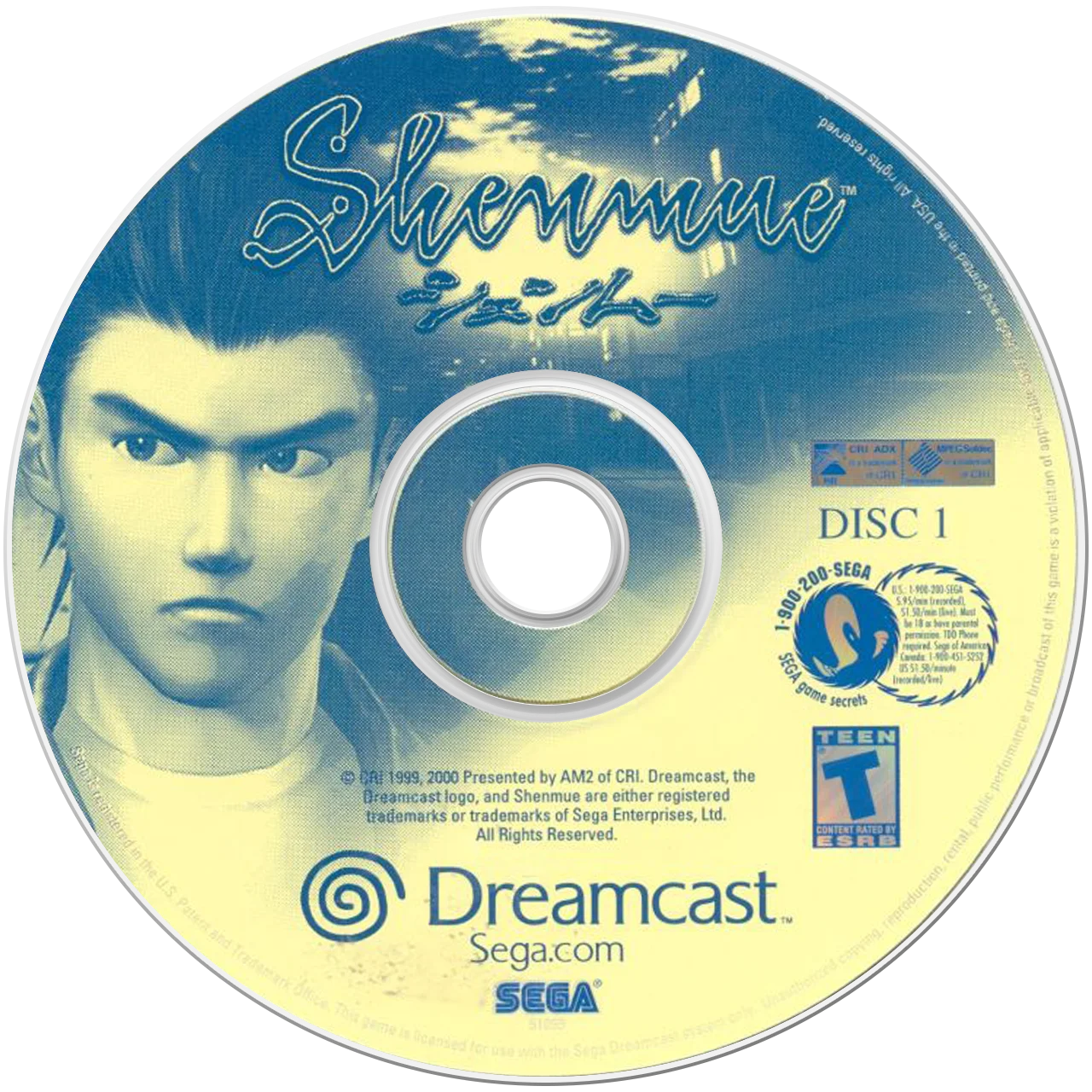
Dreamcast GD-ROMs are CD-family optical media, so label-side damage deserves extra scrutiny. For Sonic Adventure or Shenmue, a deep label-side gouge, puncture or exposed reflective area is a serious warning. Cleaning cannot restore missing reflective material. If the photograph cannot distinguish ink wear from layer loss, ask for a higher-resolution image or choose a listing with clearer evidence.
- Inspect both sides of every Dreamcast disc.
- Distinguish scratched ink from a pinhole, transparent spot or missing reflective area.
- Do not apply ordinary DVD label-side assumptions to GD-ROM media.
- Treat visible reflective-layer loss as a stop condition unless a qualified specialist has assessed it.

Platform-specific checks for GameCube and PlayStation 2
GameCube discs are smaller than standard full-size DVDs and can be mishandled in cases designed for larger discs. Check for hub cracks, edge damage and a disc that sits correctly in its case rather than rattling against the artwork. For Mario Kart: Double Dash!! or Metroid Prime, a seller’s photograph of the label does not show whether the reading side has a deep ring or concentrated scuffing. Request both sides.
PlayStation 2 DVDs can have visible label wear without the same immediate concern as a CD-family disc, but the reading side remains important. Shadow of the Colossus and God of War may boot successfully and still encounter trouble during later loading, streamed video, music playback, level transitions or save-data access. A title-screen photograph is not a meaningful substitute for a described test.
Compatibility also includes the console used for testing. A regional disc may not behave identically across hardware, and an emulator or computer drive is not evidence that an original console will read the item. Ask whether the seller used an original GameCube, a compatible Wii with GameCube support, or an original PlayStation 2, and whether the tested copy matches the photographed edition.
- Confirm the exact console and region used for testing.
- Ask whether the seller tested beyond the title screen.
- Check the full reading side, hub and edge of GameCube discs.
- Do not treat an emulator, computer drive or stock gameplay image as console proof.
Dreamcast questions for Sonic Adventure and Shenmue
Dreamcast listings need an especially careful disc count and test description. Shenmue commonly involves multiple discs, while Sonic Adventure is a single-disc title in many releases; the listing must identify exactly what is included rather than relying on a complete-case photograph. Confirm that the disc shown is the disc being shipped and that any replacement artwork is disclosed.
Ask whether testing occurred in an original Dreamcast and whether the seller allowed the game to progress beyond its opening screen. Useful details include whether the system recognized the disc consistently, whether later areas or video sequences loaded, and whether the seller observed skipping, retrying or unusual drive noise. None of this guarantees future operation, but it is stronger than a bare works statement.
Do not infer authenticity from a readable title screen. A reproduction or altered disc may still display software, and a genuine GD-ROM with hidden physical damage may fail later. If the seller cannot show the label side clearly, will not identify the console used, or describes the item as untested while presenting it as a reliable player copy, price it as uncertain or stop.
- Confirm every included Shenmue disc and its disc number.
- Ask for original-Dreamcast testing details, not only a boot claim.
- Inspect the GD-ROM label side for pinholes and reflective-layer loss.
- Treat untested Dreamcast discs as uncertain, regardless of attractive artwork.
Turn a seller’s test claim into usable evidence
A seller’s statement that a disc was tested is incomplete without context. Ask which console and region were used, whether the console itself is known to read other discs, whether the disc was cleaned or resurfaced first, and how far the test progressed. For a multi-disc game, ask about each disc rather than accepting one statement for the set.
A strong answer still is not a warranty. Drives vary in optical strength, alignment and wear, and a disc may pass one session but fail during a later loading sequence. The goal is to reduce uncertainty and preserve a remedy. Ask the seller to confirm that the photographed disc is the tested disc, especially when several copies are listed.
If buying through a marketplace, keep checkout and communication on that platform. Save the listing, photographs, condition text, messages and tracking details. Platform policies can change, and eligibility requirements apply, so read the current return and buyer-protection terms before paying. Never let a seller replace a protected transaction with an informal off-platform payment.
- Ask what console, region and edition were used.
- Ask how long and how far the game was tested.
- Ask whether cleaning or resurfacing occurred before testing.
- Keep payment, messages and evidence inside the marketplace system.
Compare total cost and set clear stop conditions
The cheapest listing is not necessarily the lowest-cost purchase. Add shipping, tax, replacement case or manual costs, possible professional resurfacing, return shipping risk and the value of your time. A disc with uncertain testing may require a second purchase if it fails. Compare that complete risk with a better-documented copy rather than comparing item prices alone.
Do not invent a current fair price from a handful of listings. Instead, compare completed sales or current comparable offers that match platform, region, edition, disc count and completeness. Remove listings with stock photos, undisclosed replacements or obviously different conditions. Your limit should reflect the probability of receiving a usable, correctly identified item, not just the seller’s headline number.
Stop before checkout when the disc has a hub crack, severe warp, visible delamination, label-side hole, missing reflective area or no meaningful return protection. Also stop when the seller refuses actual-item photos, cannot identify the tested console, changes the item description in messages, or pressures you to pay outside the platform. Uncertainty is a valid reason not to buy.
- Calculate item cost, shipping, tax, restoration and return-risk categories.
- Compare only matching platform, region, edition and completeness.
- Walk away from cracks, warping, delamination and visible reflective-layer loss.
- Walk away from off-platform payment requests or evasive seller answers.
Arrival-day inspection and reversible testing
When the package arrives, photograph the unopened parcel, the packing and the disc before cleaning. Compare the received item with the listing and save the evidence. Inspect the label side, reading side, hub and edge under angled light. If the disc is materially different from the listing, use the platform’s documented return or dispute process rather than trying to repair it first.
For ordinary dirt, use only a safe, reversible cleaning approach appropriate to the format. Nintendo’s GameCube guidance calls for water and a clean soft cotton cloth with straight strokes from the inner rim outward. Sega’s Dreamcast handling precautions likewise emphasize avoiding contact, smudges and scratches. Do not scrape a label, polish a groove or place a questionable disc into a console if it is cracked or visibly coming apart.
Test within the return period using the correct original hardware when possible. Check recognition, startup, a save or load operation, a later transition and any supplied discs. Record failure behavior without repeatedly forcing a damaged disc to spin. If the game fails or differs from the listing, preserve the item and evidence and follow the marketplace process.
- Photograph the parcel, packing and disc before cleaning.
- Inspect both sides and compare the item with the listing.
- Use only gentle, manufacturer-compatible cleaning methods.
- Test promptly and document failures before the return window closes.
Scratch direction is useful evidence, not a verdict. Radial marks may be more tolerable than comparable circular grooves, but depth, clustering, hub damage, reflective-layer loss and format construction can change the risk. GameCube and PlayStation 2 discs should not be judged exactly like Dreamcast GD-ROMs, particularly when damage appears on the label side.
Buy the evidence you need: actual photographs, a precise test description, a matching edition and a protected return path. If the seller cannot provide those basics, the safest decision is to keep looking rather than converting an uncertain disc into an expensive restoration project.