A return window is not a repair project or an authenticity laboratory. Its purpose is to give you enough evidence to decide whether the delivered item matches the listing, works safely in the equipment you actually own and is worth keeping under the seller’s documented terms.
Test in an order that protects your options: save the listing and policy first, photograph the shipment, inspect without forcing anything, confirm compatibility, then perform short reversible checks. A game that boots may still have incomplete packaging, unreliable saving, a damaged shell or the wrong regional edition. Conversely, a scratched case or faded label may be a cosmetic issue rather than a functional failure. Record those differences separately.
1. Capture the return terms before opening or testing
Start by recording the order number, delivery date, seller name, listing address, stated condition, included items and the final date for requesting a return. Do not assume that every marketplace uses the same deadline or reason categories. Confirm whether the period starts at delivery, whether the seller requires a particular request method, who pays return shipping, whether restocking deductions apply and whether the original packaging must be retained.
Some platforms distinguish an item that simply does not suit you from one that is damaged, faulty, incomplete or materially different from the listing. If you later need to open a case, your notes should identify the actual problem rather than a convenient but inaccurate category. On eBay, for example, the selected return reason cannot be changed after the request is opened, so document the fault first and choose carefully. Keep all communication on the platform and do not surrender buyer protection for a private arrangement. eBay’s protections also depend on eligibility, checkout method and applicable deadlines, so treat its policy as an example rather than a universal rule.
- Save screenshots or a PDF of the complete listing, including photos, title, condition statement, item specifics and included-accessory claims.
- Write down the return deadline, eligible reasons, shipping instructions, refund conditions and any seller-specific requirements.
- Preserve order records, tracking information, seller messages and delivery packaging until the decision is complete.
- Ask the seller, through the marketplace, whether any pictured case, manual, controller, stylus or accessory is included.
- Do not open a return request based only on suspicion. First separate a verified mismatch from an unresolved question.
2. Photograph and inventory the delivery before connecting it
Photograph the unopened parcel, shipping label, packaging damage and every item as removed. Use a simple inventory rather than relying on memory. For a loose Nintendo 64 cartridge, the game itself may be the entire listed item. A complete PlayStation 2 copy might include a disc, case, artwork and manual, while a Nintendo DS listing may promise a case, inserts or stylus even though the Game Card is the only part required to play.
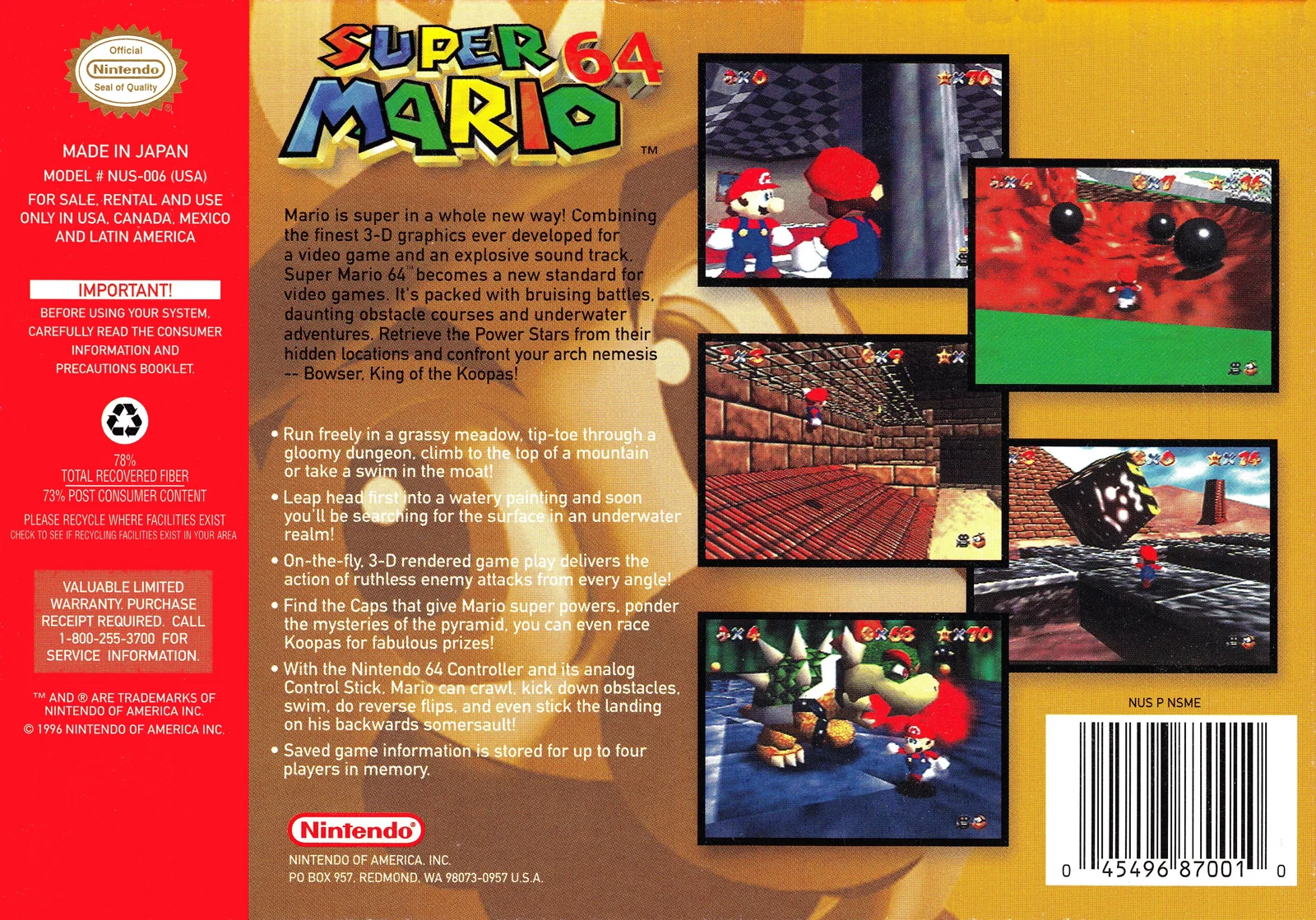
Compare only with the specific edition described. A box shown in a listing may be a background image, a stock photograph or an illustration of the release rather than a promise that the box, manual and inserts are included. Packaging can establish what was delivered when matched against the listing; it cannot prove that the cartridge or disc inside is original. Record missing components as a completeness issue, not as an automatic authenticity verdict.
- Take timestamped photographs of the front, back, sides, labels, connectors, disc surfaces, cases, manuals and inserts.
- List every promised component and mark it present, absent, substituted or damaged.
- Compare region, language, rating marks, catalog identifiers and edition names against the listing.
- Photograph crushed corners, cracked cases, loose disc hubs, water marks, torn labels and separated seams before handling further.
- Keep original packaging if a return may be necessary.
3. Treat identity and authenticity as separate questions
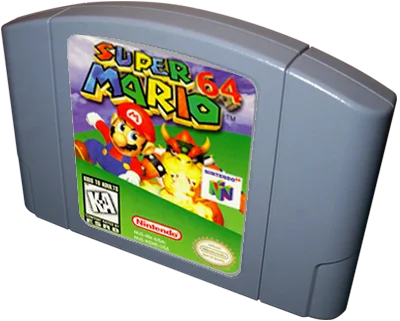
For Super Mario 64 and The Legend of Zelda: Ocarina of Time, begin with the platform, title, region and release variant. The cartridge label, shell, screws, board visibility, molded details and box artwork are separate observations. For Shadow of the Colossus and God of War, compare the disc face, case artwork, catalog information and any regional markings. Phoenix Wright: Ace Attorney and Final Fantasy III require the same approach on Nintendo DS: inspect the Game Card, label, shell and packaging without treating one matching image as conclusive.
A seal, label, screw, board or software screen cannot authenticate a used game by itself. A Nintendo seal indicates licensing in the original product context, but a surviving seal or convincing label does not establish that a used item is complete, functional or untouched. Catalog images are useful comparison references, not proof that a seller’s item is genuine. If the evidence conflicts or the item has been altered, describe the uncertainty and consider a qualified specialist before making a keep decision.
- Record the stated region and compare it with the delivered cartridge, disc or Game Card.
- Note replacement labels, unusual fonts, lifted artwork, mismatched case inserts, fresh-looking shells or visible modifications without declaring a final diagnosis.
- Do not open a cartridge, console or disc drive during the return period merely to search for proof.
- Ask the seller whether the item has replacement artwork, a reproduction shell, repaired media or a region conversion, and retain the answer.
- Stop and seek qualified authentication if the item’s identity affects the purchase decision and the available evidence remains contradictory.
4. Inspect for damage before any power-up
A first inspection should be external, well lit and gentle. Look for cracks, warping, corrosion, liquid residue, lifted labels, bent cartridge contacts, damaged disc hubs, deep scratches, broken hinges, crushed cases and exposed conductors. Cosmetic wear can be acceptable for a loose copy, but corrosion, liquid damage or a cracked media surface can create a functional and safety concern.
Do not insert media that appears bent, cracked, contaminated or structurally damaged. Nintendo warns that contaminated or bent Game Card connector pins can prevent operation and may damage the system. Sony documentation likewise cautions against damaged, reshaped or repaired discs and irregularly shaped discs. These are sensible stop conditions, not invitations to polish, scrape or reshape the item.
If a shipment is extremely cold and condensation seems plausible, allow it to reach room temperature before testing. Nintendo’s DS safety guidance warns against exposing the system, Game Cards or accessories to extreme temperatures. Keep the item dry and do not use solvents, abrasive compounds or improvised electrical fixes.
- Stop before power-up for smoke residue, liquid evidence, corrosion, exposed wires, cracked media or a deformed cartridge or disc.
- Photograph bent pins, rust-colored deposits, label lifting and damage to disc hubs or case hinges.
- Handle discs by their edges and store them in a proper case when not testing.
- Do not open the PlayStation 2 or attempt laser adjustment; Sony identifies the console as containing no user-serviceable components and warns against disassembly.
- Treat a cosmetic defect and a safety defect as different findings in your notes.
5. Confirm the equipment and compatibility chain
A failed test does not automatically identify a bad game. Confirm that you have the correct console, power supply, video connection, controller and display before assigning blame. The Nintendo 64 test requires a functioning Nintendo 64-compatible setup and controller. A PlayStation 2 game requires a compatible PS2 console, power and video arrangement, and a controller that can navigate software. A Nintendo DS Game Card requires a DS-family system with a working SLOT-1 Game Card slot.
Model differences matter. The original Nintendo DS and Nintendo DS Lite include a Game Boy Advance slot, while Nintendo DSi and DSi XL do not support Game Boy Advance games, accessories or software requiring that slot. That limitation does not make a DS Game Card faulty, but it does make the buyer’s exact console model important. Nintendo also instructs users to turn the DS off before inserting or removing a Game Card and not to force a card into the slot.
For PS2 discs, a console that cannot read any suitable game may have a broader drive, cable or system problem. Test the purchased disc only after confirming the setup with another known-compatible item that you are entitled to use. Do not buy substantial equipment merely to make an ambiguous listing testable unless that total cost was part of your plan.
- Write down the exact console model used for each test.
- Confirm the power supply, video cable, controller and display are appropriate before inserting media.
- Turn a Nintendo DS off before inserting or removing a Game Card, and never force the card.
- Use a known-compatible comparison item when available, while keeping the purchased item’s test brief and controlled.
- Add required equipment, replacement controllers and adapters to the total cost rather than treating them as free.
6. Run the Nintendo 64 cartridge check
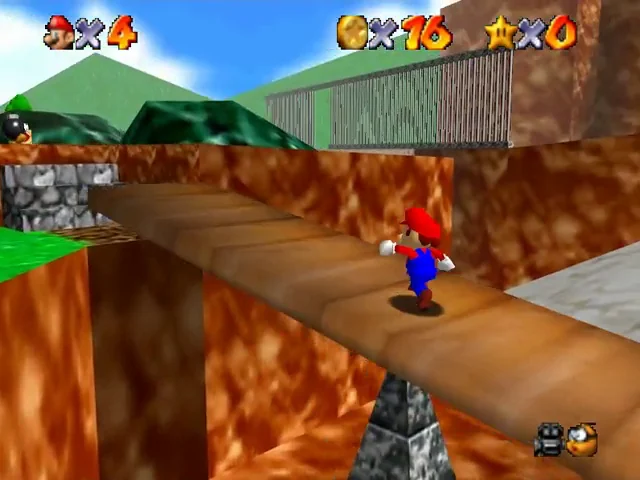
Use Super Mario 64 or The Legend of Zelda: Ocarina of Time as a short, controlled checkpoint rather than beginning a long playthrough. With the console off, insert the cartridge normally and power on. Look for a stable boot, readable title screen, consistent video and normal response to the controller. Navigate menus, move through a small area and use several relevant inputs. A game that starts only after repeated resets, unusual pressure or careful positioning is not equivalent to a reliably working cartridge.
Check whether the console returns to its menu or resets normally. If the game supports saving, create a small test save, power down through the normal procedure, restart and verify it once more. That observation can reveal an obvious save problem, but it cannot prove long-term retention. Do not complete substantial progress before deciding whether the item matches the listing.
If the cartridge does not boot, first record the exact behavior: blank screen, intermittent start, graphical corruption, reset, freezing or failure to save. Check the console setup and inspect externally, but do not scrape contacts, open the shell or use invasive cleaning while the return option is active.
- Test seating without force and photograph the cartridge before and after insertion if needed.
- Confirm the title screen, stable video, menu navigation, movement, buttons, reset behavior and normal shutdown.
- Create and reload one test save when practical; record that this is evidence, not a lifetime guarantee.
- Stop if the cartridge requires force, causes unusual behavior or repeatedly fails after a compatible setup check.
- Compare any failure with the listing’s claim of tested, working or complete.
7. Run the PlayStation 2 disc and controller check
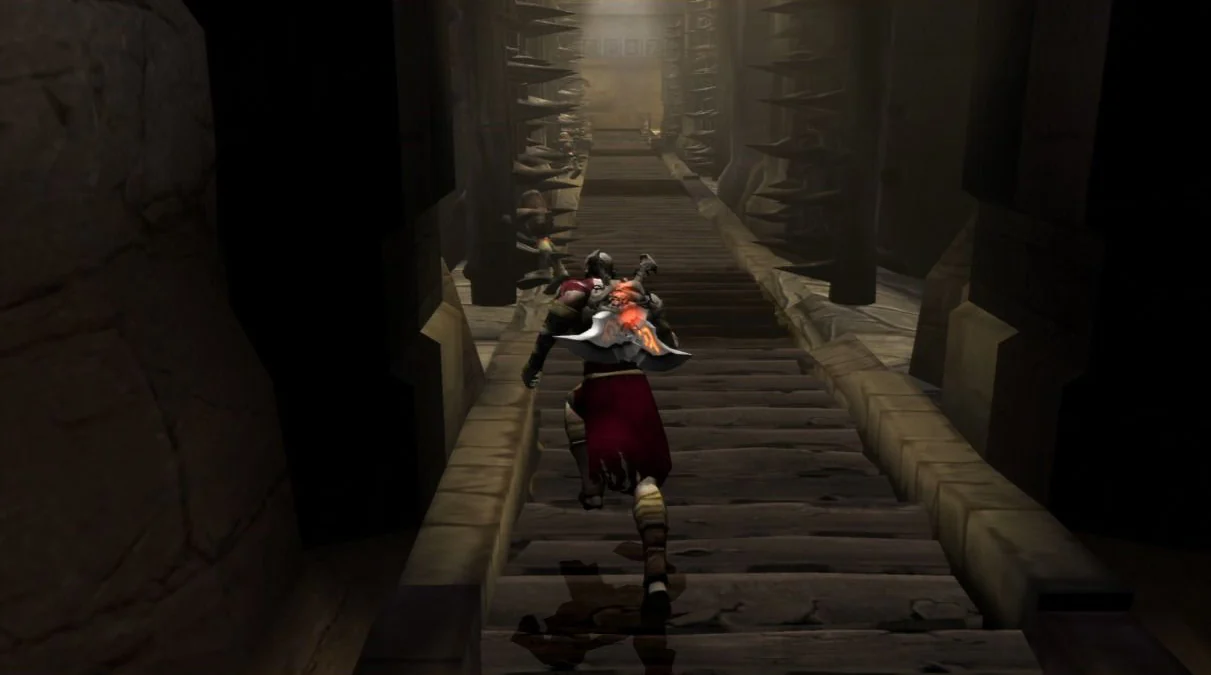
For Shadow of the Colossus and God of War, inspect the readable side of the disc under angled light without touching the surface unnecessarily. A few superficial marks do not establish failure, while cracks, a damaged center hub, warping or deep continuous scratches justify stopping. Sony recommends handling discs by their edges, storing them in cases and cleaning with a soft cloth from the center outward. Do not use abrasive polishing, solvents or a repair machine during the return decision.
After confirming the PS2 setup, check whether the console recognizes the disc, reaches the game, loads a short section and produces stable audio and video. Test every face button, both shoulder buttons, the D-pad, Start, Select and both analog sticks. A menu response may leave some controls untested. Check vibration only if the software and controller support it. Return to the console menu and shut down normally rather than pulling power during activity.
A single successful load does not prove the console’s optical drive is healthy for every disc, nor does it prove the purchased disc will remain readable. Record loading failures, grinding, repeated retries or freezes. Stop immediately for unusual smells, smoke, sparks, abnormal heat or exposed conductors, then unplug without opening the system.
- Photograph the disc face and hub before testing.
- Test recognition, loading, audio, video, controls, analog movement, normal menu return and shutdown.
- Use a known-compatible comparison disc if the console’s general behavior is uncertain.
- Stop for cracks, warping, exposed conductors, smoke, sparks, burning smells or repeated mechanical grinding.
- Do not resurface the disc or disassemble the console before the return decision.
8. Run the Nintendo DS Game Card and system check
Phoenix Wright: Ace Attorney and Final Fantasy III can confirm that a Game Card is recognized and that basic buttons respond, but a successful boot is only one result. Check both screens for missing image areas, lines or unstable brightness. Test the touch panel across different areas, the face and shoulder buttons, volume controls, speakers, charging behavior and the hinge. Confirm the stylus is present only if the listing promised it; it is not automatically included with every loose Game Card.
Record the DS model because the original DS, DS Lite, DSi and DSi XL do not offer identical accessory and software compatibility. Use the Game Card slot without force and remove the card only after powering down. A card that works in one compatible DS-family system may not reveal a weak battery, loose hinge, damaged touchscreen or intermittent speaker in the buyer’s own unit, so test the system separately from the game’s identity.
Create a short save where the title supports it, shut down normally and check it once again. Do not treat a successful save as proof that every future save will remain intact. If the Game Card has bent or contaminated connector pins, stop rather than risking the system.
- Record the exact DS-family model used.
- Check Game Card recognition, both screens, touch input, buttons, shoulder controls, audio, volume, charging and hinge stability.
- Verify the stylus, case and manuals only against the listing’s included-items claim.
- Power off before inserting or removing the Game Card.
- Stop for bent contacts, forced insertion, liquid damage, battery swelling signs or a hinge that cannot hold its position safely.
9. Ask focused seller questions before deciding
Questions are most useful when they resolve a documented discrepancy rather than replace inspection. Ask whether the delivered item is the exact copy shown, whether any label, shell, disc artwork, case insert or manual has been replaced, whether the game was tested on the same platform model described in the listing and whether the seller knew of intermittent boot, save, loading or control problems.
Keep the questions specific and on-platform. A vague reply such as tested or working does not explain whether the seller tested the actual cartridge, disc or Game Card, whether the included case is original, or whether the console used for testing had a different regional or video configuration. Save the replies with the listing and photographs.
- Was the exact delivered item tested, or was the listing based on a stock photograph?
- Are the label, shell, disc artwork, case, manual and inserts original to this edition?
- What console model, controller and video setup were used for the seller’s test?
- Were saving, loading, touch input, audio, vibration or other claimed functions checked?
- Was any component repaired, replaced, resurfaced or modified?
10. Make the keep, question or return decision
Sort your findings into three groups: confirmed match, cosmetic discrepancy and functional or safety problem. Minor shelf wear may be acceptable when the listing described a used loose copy. A missing manual, wrong region, substituted case, absent promised accessory, repeated boot failure or unsafe media is more significant. Do not let a game’s desirability persuade you to overlook a problem that would have changed your buying decision.
Calculate the cost of keeping it: item price, tax, shipping, compatible controller, power or video equipment, required accessory, replacement case or manual, cleaning supplies and any qualified inspection. If the item cannot be tested without substantial additional spending, that uncertainty belongs in the decision. A partial refund may be reasonable for a clearly documented minor omission when you genuinely want to keep the item, but do not accept one in exchange for abandoning marketplace protections.
If you return the item, preserve the listing, photographs, test notes and messages. Describe the observable mismatch accurately, follow the platform’s request method and package the item securely. If the seller’s terms are unclear, ask through the platform before the deadline; silence should not be treated as an extension.
- Keep when the item matches the listing, passes safe basic checks and remaining uncertainty is acceptable for the stated condition.
- Ask a seller about a minor, documented discrepancy only when you would knowingly keep the item at the revised total cost.
- Return when the item is materially different, incomplete, unsafe, repeatedly faulty or untestable without major additional purchases.
- Do not open the console, modify the media or remove labels while a return may be needed.
- Keep evidence until the refund or final decision is complete.
The most useful first-day test is not the longest one. It is a documented sequence that establishes what arrived, what it is, whether it is safe to use and whether it performs the basic functions promised by the listing. Identity, completeness, compatibility and function should remain separate findings so that a faded label does not become an unsupported authenticity claim and a booting game does not conceal missing parts.
When a stop condition appears, preserve the evidence and protect the return option before attempting troubleshooting. Used games can be enjoyable at different cosmetic grades, but a buyer should knowingly accept uncertainty rather than inherit a hidden repair project after the seller’s documented return period has expired.