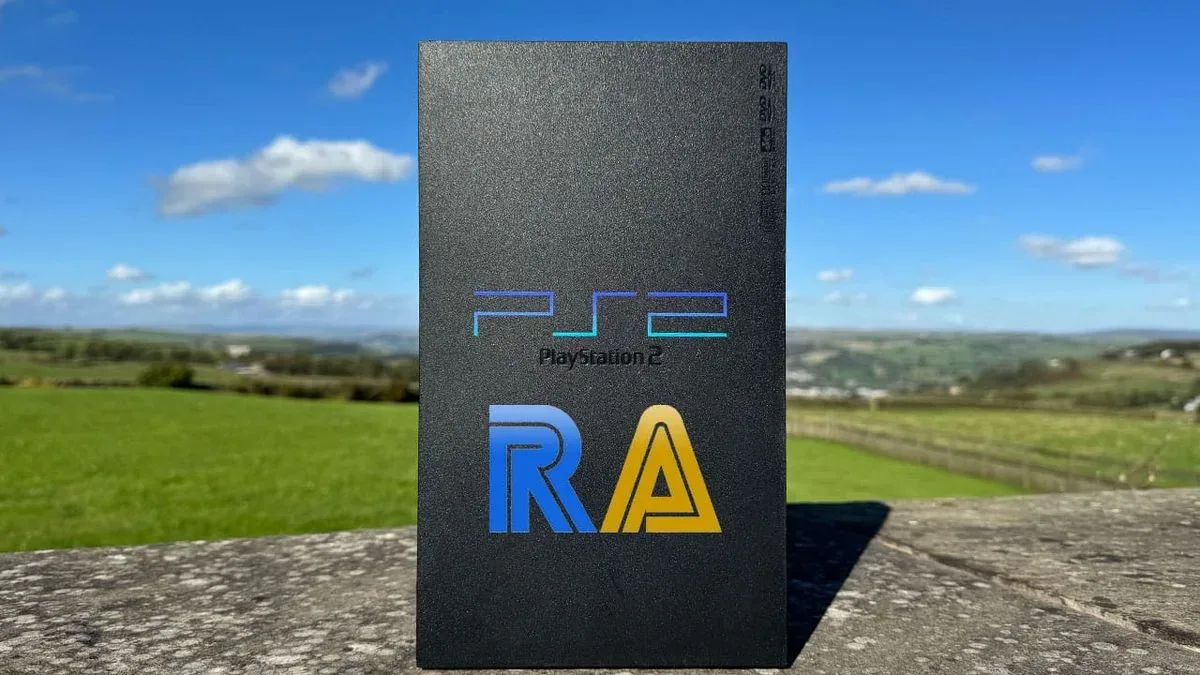
Achievement hunting has spent years making old games feel newly mischievous. A familiar platformer, racer, RPG or action game can become a fresh checklist of risky side objectives, obscure milestones and reasons to play in a way that the original designers may never have anticipated. The usual catch is that RetroAchievements has generally lived alongside emulation. Now, xeRAbora aims to move that tracking setup into a much stranger and more appealing place: beside a real PlayStation 2.
Created by hacan359, xeRAbora is an alpha-stage program designed to work with Open PS2 Loader (OPL) and a companion computer client. The important distinction is that the PS2 remains the machine running the game. The PC is not replacing the console; it watches game memory over the network, communicates with RetroAchievements, and records achievement progress. In practical terms, this is a bridge between original hardware and a modern, profile-based challenge system.
That means a PS2 player with the required setup can pursue RetroAchievements without making an emulator the place where the game is played. It is a delightfully elaborate arrangement: the old console does the playing, the computer does the observing, and an achievement service keeps score. Retro gaming has always been good at finding twenty-first-century jobs for spare computers, but this may be one of the more persuasive ones.
What xeRAbora actually adds to a PS2 setup
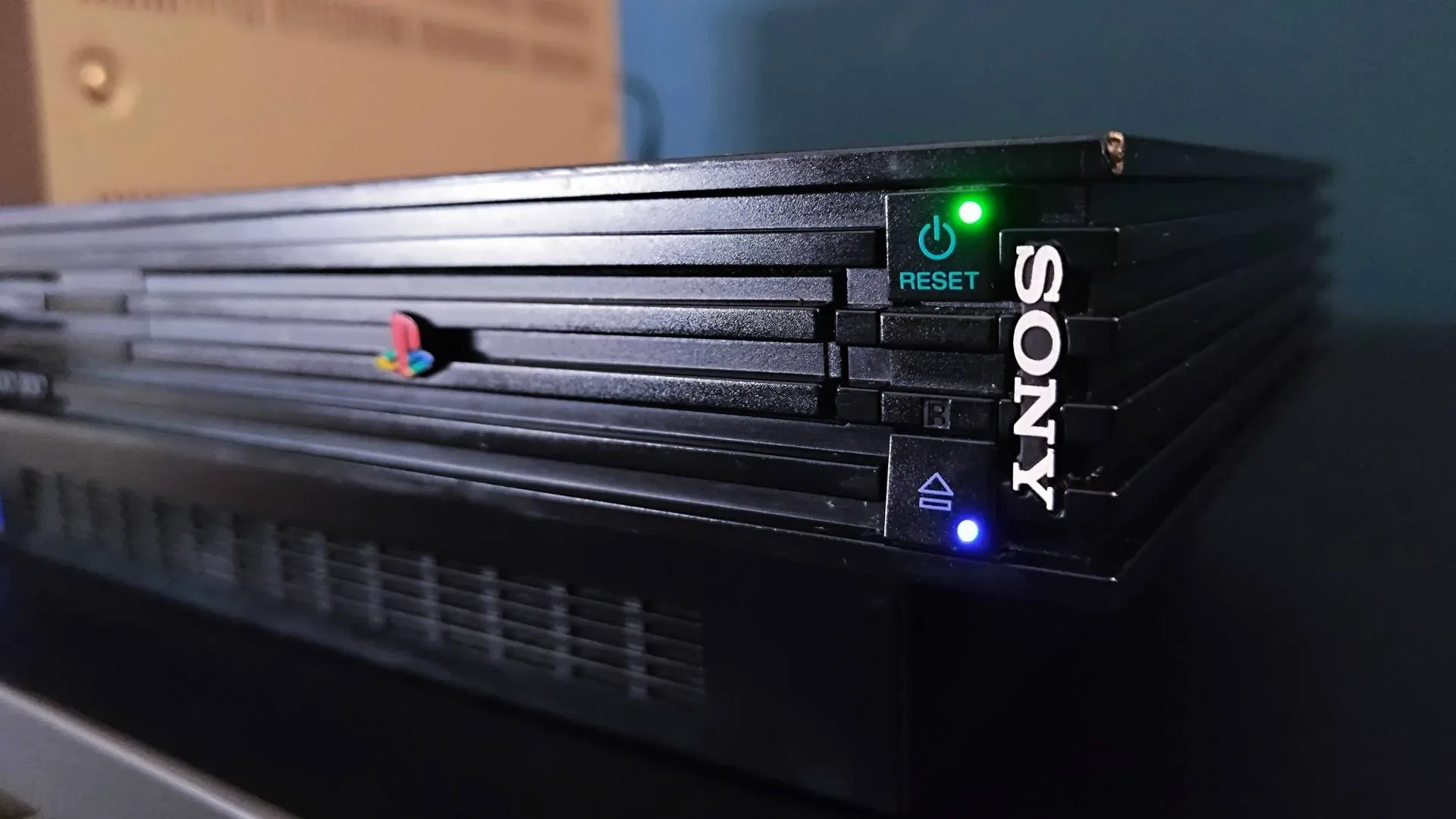
xeRAbora works alongside OPL, software used to launch PS2 games. The modified launcher component is named OPL-RA.ELF. It behaves as OPL 1.2.0 with two additional options in each game’s menu: one to test the PC connection and another to check whether the selected game is supported by RetroAchievements.
The PC application, xeRAbora, handles the network-facing part of the system. When a game starts, the application receives memory snapshots and uses them to track the achievements associated with that game. Unlocks can appear in the desktop application and on the player’s RetroAchievements profile. The setup can also trigger a gold flash on the TV when an achievement unlocks, giving an old display the kind of celebratory interruption normally associated with newer platforms.
This technical split matters. The PS2 itself is not being asked to run a modern achievement client. Instead, the console and PC divide the work. The console runs the game through OPL; the computer monitors the relevant data and relays it to the achievement system. That makes the project a practical workaround for hardware that predates contemporary account services and built-in achievement infrastructure by a wide margin.
A quick explanation of the jargon
RetroAchievements is a system that assigns achievements to supported older games and logs completed challenges to a player profile. An achievement can turn an ordinary action into a target, ask for a specific feat, or encourage a less conventional route through a game.
OPL, or Open PS2 Loader, is the PS2-side launcher required by this arrangement. xeRAbora’s supplied OPL-RA.ELF build adds RetroAchievements-related menu controls.
Related coverage includes RetroAchievements Can Now Be Tracked on an Original PlayStation 2.
Hashing is the identity check used when the console asks whether a game is supported. The console calculates a hash of the disc image. A hash is a compact identifying value derived from data; here, it allows the PC client to check whether RetroAchievements recognizes that particular game image rather than simply taking a title at face value.
UDP 18194 is the inbound network port the PC firewall needs to allow for the console-to-PC connection described by the project. A port can be thought of as a designated network doorway used by a particular service. If that doorway is blocked, the PS2 can play a game but cannot reach xeRAbora for achievement tracking.
What players need to know before treating it like a plug-and-play feature
The headline is exciting, but the current reality is appropriately nerdy. xeRAbora is in alpha testing, which means it is still under active development rather than presented as a fully finalized release. Prospective users should expect a setup process, networking checks and the possibility that issues remain to be resolved. This is a project for people comfortable configuring OPL and connecting their console and computer to the same network, not a retail accessory that works after one button press.
The project supports Windows, macOS and Linux, although the supplied setup instructions specifically name a Windows executable and a Linux x86_64 build. It is intended for network-connected PS2 systems using OPL. xeRAbora also offers emulator support for users who do not have a PS2, but the project’s particular novelty is its ability to monitor play happening on the real console.
Compatibility is not universal merely because the tool itself is installed. Before play, users can select RA: check game support from a game’s OPL menu. The system checks the image hash and returns the recognized game title along with achievement information: total achievements, unlocked achievements and whether support is unavailable. Supported games receive an RA prefix in the game list and a badge on the cover art. That is useful feedback before someone begins an enthusiastic three-hour session only to discover that the game has no achievement set to track.
This distinction between the tool working and a particular game being supported is essential. xeRAbora provides the connection and monitoring path; RetroAchievements support for a title determines whether there are achievements to pursue once that path is open.
How the connection process works
The project’s basic workflow is fairly clear, even if it involves more moving parts than a standard console feature. First, download the appropriate xeRAbora client and OPL-RA.ELF from the project releases. Place OPL-RA.ELF alongside the existing OPL installation and launch it in place of the standard OPL application.
Next, turn on notifications in OPL through Settings → Notifications, save the change, then cold-boot the PS2. This is not a cosmetic suggestion. Notifications are disabled by default, and the additional RetroAchievements menu items report their results through on-screen notices. Leaving notifications off can make the new options appear to do nothing when they are actually trying to report back quietly.
- Install the OPL-RA.ELF launcher alongside OPL and start that build instead.
- Enable OPL notifications, save the setting and cold-boot the console.
- Launch xeRAbora on the computer and sign in with a RetroAchievements account.
- Keep the PC and PS2 on the same network.
- On the PS2, open a selected game’s menu with the triangle button and run RA: test PC connection.
- Use RA: check game support to see whether the game image is recognized and has an achievement set.
- Start the game and allow time for the client to receive its first snapshot and begin tracking.
The PC client asks for a RetroAchievements username and password on its initial login. It saves a login token in the user profile rather than storing the password itself. On Windows, that configuration location is %LOCALAPPDATA%\xerabora; on Linux, it is ~/.config/xerabora.
The connection test is especially valuable as a troubleshooting step. It reports whether xeRAbora responded, which address replied and how quickly. If no response appears, the stated checks are straightforward: confirm the computer is on the same network as the PS2 and confirm that its firewall permits inbound UDP traffic on port 18194. This is the point at which the project politely reveals that it is not magic, despite having a name that sounds like an ancient spell used to unlock every alternate costume.
Once the game is launched, xeRAbora should display its first snapshot and the number of achievements it is tracking within roughly 30 seconds. An achievement unlock appears in the PC window and is logged to the user’s profile. The on-TV notification provides the immediate reward; the profile record gives longer-term progress tracking.
Why this is more than a novelty overlay
Achievements can change the rhythm of replaying a game. They introduce goals beyond simply reaching the ending: complete an encounter under particular conditions, seek out unusual interactions, or prove mastery of a familiar system. For players returning to a PS2 library they already know well, that can create a reason to look at a game differently without changing the console or abandoning the physical feel of the original hardware.
There is also a preservation-minded appeal in keeping the gameplay on the intended machine while layering in a modern community feature externally. xeRAbora does not claim to turn a PS2 into a modern online console. It does something more narrowly focused: it makes achievement tracking possible through a networked companion. That restraint is part of why the concept is compelling. The console stays a PS2; it simply gains an unusually attentive sidekick.
The approach also underscores how flexible accessibility and optional systems can be in games. A modern feature does not need to dictate how someone plays; it can be an additional lens. That idea is echoed in this look at assist modes as player-controlled tools. Achievements are not an accessibility setting, of course, but both approaches can give players another way to shape their relationship with a game rather than insisting that one route is the only valid one.
The sensible expectations for alpha testers
For now, xeRAbora should be approached as a promising enthusiast project rather than a blanket promise that every PS2 game and every home network will behave perfectly. Its alpha status is important context. Users will need OPL, a network-connected console, a separate PC running the client, and a supported game image if they want achievements to appear. They will also need to pay attention to notification settings, account login and firewall configuration.
But none of that diminishes the core accomplishment. The PS2 can remain the place where the game is executed while achievement progress is recognized externally in near real time. For a generation of games that originally arrived without platform-level trophies or achievements, that is a clever new reason to return to old saves—or, perhaps more dangerously, to start all over again because a shiny badge insists there is one more challenge left unfinished.