Subscription fatigue is real, but a smart TV can still deliver a substantial amount of legal entertainment without adding another monthly bill. The most useful places to start are services generally described as FAST: free ad-supported streaming television. In simple terms, FAST platforms trade a subscription fee for advertising, and commonly combine an on-demand catalog with a guide of always-running channels.
That channel guide is the important distinction. On-demand viewing means choosing a particular film or episode and starting it when you want. A linear or live-style channel runs a programmed feed, much like conventional television, so viewers can browse rather than make a decision from a giant library. Neither model guarantees the newest films or major live sports, but together they make free services much more flexible than the old idea of a limited free trial.
Most of the options below are available as apps on major smart-TV platforms, removing the need to cast video from a phone. Catalogs, channels and eligibility can vary, so it makes sense to keep more than one installed and use each for what it does best. The tradeoff is ads on most services; library-supported platforms are the notable exception.
Start with the free hub already on the television
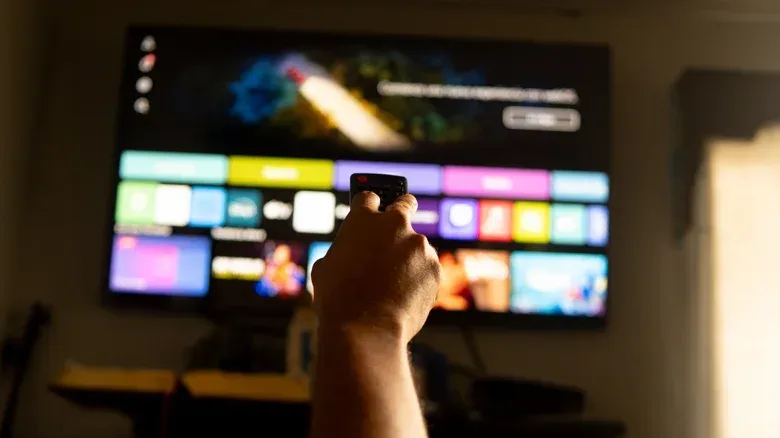
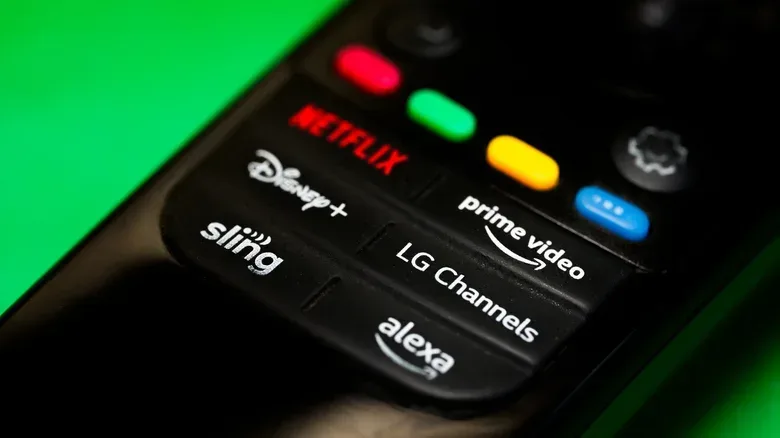
The easiest option may be hiding in plain sight. Many smart-TV makers include a FAST app as part of the television’s software. Depending on the set, that could be LG Channels, Samsung TV Plus, The Roku Channel, Google TV Freeplay or Vizio’s WatchFree+.
The interfaces vary, but the basic split is familiar: a section for films and shows available to select directly, plus a grid of continuously running channels. The programming can include game shows, home-renovation series, news, sports, cooking programs and genre movies. This is not the place to assume a current blockbuster will appear, nor is it a replacement for popular live-sports packages. It is, however, the lowest-friction way to see whether free streaming suits your household, because the service is already integrated into the screen.
There is a practical benefit to beginning here: it separates the question of “Do I want more apps?” from “Can I find anything free to watch?” Browse the guide for a few minutes, then examine the on-demand categories. If neither fits, the TV’s app store provides the route to the broader services.
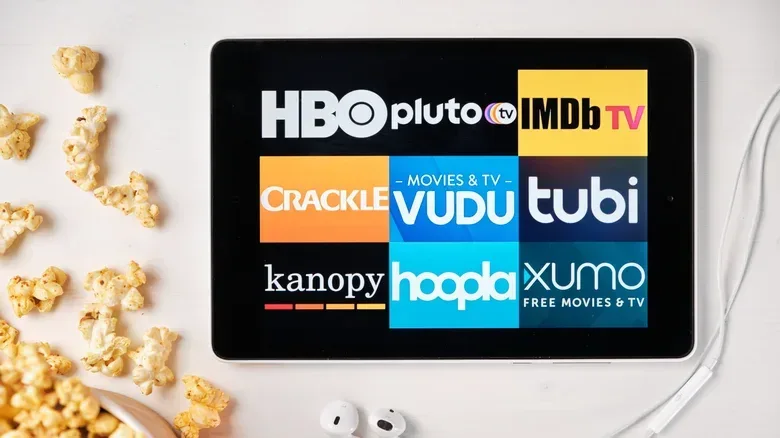
Tubi: broad browsing, live TV and no required subscription
Tubi is a fully free service with no paid subscription tier required for its core use. An account is not necessary for most content, although registering can help someone keep track of titles and organize what they want to watch.
Its layout goes beyond a basic movie-and-TV genre menu. Tubi has seasonal collections, network-based groupings for viewers looking for material from a particular station, Tubi Originals, live TV, a kids area and Spanish-language programming. That variety matters because a service’s raw catalog size is less useful if it is difficult to find a fitting title. Curated lanes can make casual browsing faster, whether the goal is family viewing, a particular type of show or simply a seasonal movie choice.
Advertising remains the cost of entry. Tubi says viewers can expect roughly four to six minutes of ads per hour, which it positions below traditional broadcasting. Actual tolerance will naturally depend on the viewer, but it is worth treating ad breaks as part of the viewing format rather than an error or a prompt to subscribe. For people who want an expansive mix of on-demand choices and live-style channels with little setup, Tubi is one of the clearest first downloads.
Pluto: a stronger fit for channel surfing
Pluto also combines on-demand movies and series with free channels, but its strongest appeal is the latter. It is designed for the person who misses flipping through cable rather than selecting a title from a watchlist. A free account is optional; creating one enables favorite-channel tracking and syncing viewing across devices.
Some Pluto channels are especially straightforward, airing a single familiar program around the clock, including feeds built around Law & Order or CSI: Miami. Other channels are organized by mood or category. Pluto TV Reaction, for example, centers on action, thriller and science-fiction movies. The guide also includes daytime television, local news, anime and music-video programming.
The implication is simple: Pluto is particularly useful when choosing feels like work. Put on a themed feed, browse for a few minutes, or leave it running in the background. On-demand content is there when a specific choice is preferable, but the channel grid is the defining reason to try it.
Hoopla and Kanopy: library-card access without ad breaks
Free does not always mean advertising. Hoopla and Kanopy are accessed through participating libraries, using a library card. The library covers the service cost, so viewers do not have to sit through ads. Participation is the key qualification: a card alone is not a guarantee that both services are available.
Hoopla offers movies and television, including significant television material from British broadcasters such as the BBC. Its wider catalog also extends beyond video to comics, music and ebooks. One unusual feature is BingePasses, which let patrons check out time-limited access to paid services including Hallmark+.
Kanopy leans more toward documentaries and films in languages other than English. That makes it a particularly useful complement to the more general-interest FAST services: rather than trying to mimic cable, it can support viewers seeking nonfiction or international cinema. Library platforms also frame access more like borrowing than endlessly scrolling, which may suit people who want a more intentional selection process.
The useful first step is checking the digital-services page for a local library or asking library staff whether Hoopla or Kanopy is supported. For eligible viewers, this pair provides a distinct no-ad alternative rather than just another collection of repeat channels.
YouTube: use the official routes, not random uploads
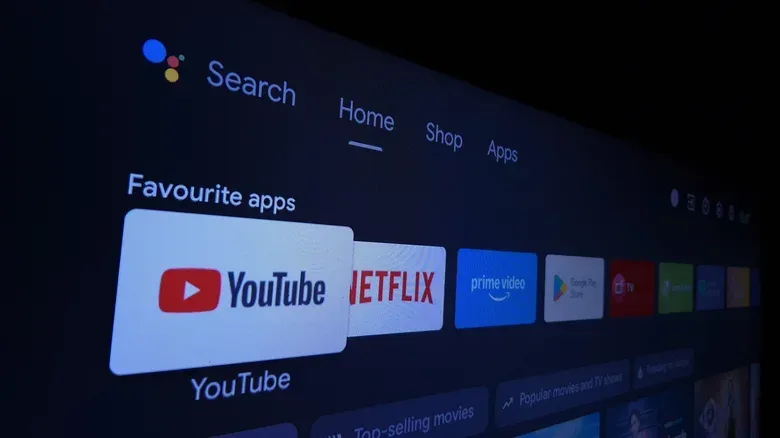
YouTube can be a legitimate smart-TV movie source, but it rewards a little care. Within YouTube, the Movies & TV area includes a Free category containing official ad-supported films and television shows. These play in the familiar YouTube interface, which can be convenient for anyone already comfortable navigating the app on a television.
There are also legal sources outside that dedicated free section. Public-domain films have expired copyrights and are widely available; David Daniel Ducker’s Public Domain Films playlist is one route into that material. Official studio and distributor channels provide another route. Warner Bros. Classics offers episodes of Tom & Jerry and Looney Tunes, while Shout! Studios is oriented toward retro movies, cult titles and other offbeat programming.
The key distinction is the uploader. A recognizable title appearing in a search does not itself establish that an upload is authorized. Using YouTube’s official Free hub, public-domain collections and verified studio or distributor channels is a much safer approach to finding lawful viewing options.
Prime Video’s free area is still there after Freevee
Prime Video is easy to overlook if there is no Prime membership, because its app prominently contains titles for subscribers as well as movies and shows available to rent or buy. But it also has a free, ad-supported section with films, television, sports highlights, news stations and live channels across many genres.
This arrangement followed the retirement of the separate Freevee FAST app in 2025, when its free catalog was folded into Prime Video. The practical catch is navigation: the free choices live next to paid options. Look specifically for free categories rather than assuming every attractive tile is included at no cost.
That distinction is useful for subscription-cutters. Keeping Prime Video installed does not require treating it as a paid service; it can function as another no-fee catalog as long as the free labeling is checked before playback. It is also worth remembering that Prime Video access through a subscription and standalone access are separate from the free catalog, and the paid packages charge extra for 4K quality.
Sling Freestream adds a guide and optional DVR
Sling Freestream is the no-payment, no-account-required FAST offering associated with Sling. It provides both on-demand entertainment and a live-channel guide. Its selections include local-news affiliates from major U.S. cities, dedicated channels for shows such as Duck Dynasty, and theme feeds including Non-Stop ’90s.
As with Prime Video, users should expect paid-service promotion within the experience. Sections encouraging viewers to explore Sling’s paid options are separate from Freestream’s free material, so it pays to remain in the free guide and on-demand areas.
Creating a free account adds an important convenience feature: up to 10 hours of DVR recording for channel content. DVR, or digital video recorder, means the ability to save a program for later instead of watching at its scheduled time. That makes Freestream stand out for someone who prefers the live-guide format but cannot always watch at the moment something airs. Sling also offers a mobile-app prize wheel for users who watch 30 minutes in a day, though that is an extra rather than a reason to choose a streaming platform.
Build a free-TV setup around viewing habits
There is no need to choose only one platform. A sensible mix would be the television’s built-in service for immediate browsing, Tubi for broad free on-demand discovery, Pluto for a cable-like guide, and Hoopla or Kanopy where a participating library provides access. YouTube can fill the niche for official free movies, public-domain cinema and studio channels, while Prime Video and Sling Freestream add further free catalog and guide choices.
For viewers who stream games as well as television, reliable home connectivity still affects the experience even when the content costs nothing. Our guide to wired versus 5G home internet for gaming explains the connection considerations that can matter before choosing a setup.
The best approach is to judge these apps by their formats, not only by individual titles that may move in and out of catalogs. Want a specific film? Search the on-demand sections. Want something effortless in the background? Open a channel guide. Want ad-free access? Check library eligibility. Those choices turn a crowded free-streaming landscape into a useful set of tools instead of another pile of apps.