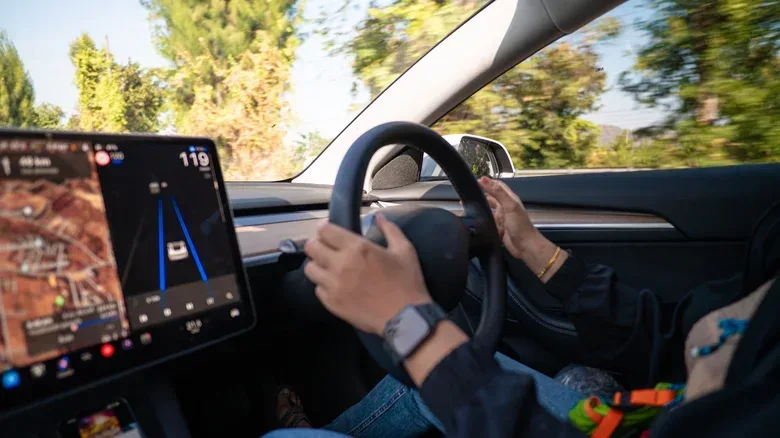
Modern cars are increasingly connected devices as well as transportation. GPS navigation, telematics hardware, connected-services subscriptions and manufacturer phone apps can all collect information while a vehicle is in use. That can include location data such as routes and destinations, alongside driving information including hard braking or potential crash-related events.
The privacy issue is not simply that a dashboard can show a map. In a connected vehicle, separate systems may contribute data, and controls in one place may not apply everywhere. A setting in the infotainment display, for example, may not match the choices selected in the manufacturer’s companion app. The practical answer is an audit: identify the services attached to the vehicle, inspect the available sharing controls, and decide which conveniences are worth retaining.
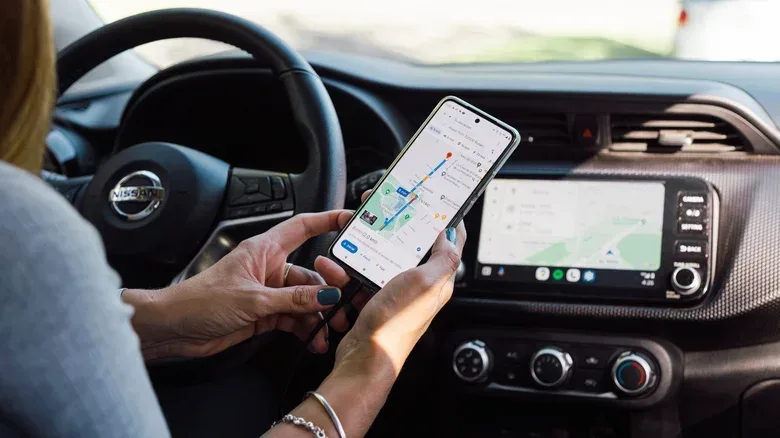
That is especially important for people who use their car as an extension of their phone. Linking a phone can enable useful Android Auto or Apple CarPlay functions, but it can also give the vehicle access to information such as contacts, call logs, music and location. Disconnecting a phone may reduce that exposure, though it also means giving up the connected features that made the pairing attractive.
Why location data can come from more than navigation
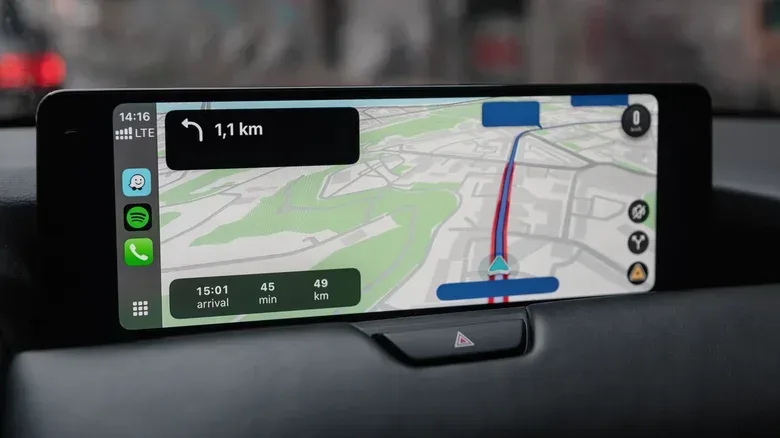
GPS navigation is the easiest system to spot because destinations and routes appear directly on the screen. It is not the only possible collection point. Connected services can operate in the background, while telematics modules and brand-specific apps may log location and driving behavior as a car is used.
Telematics is the broad term for technology that gathers and transmits information from a vehicle. In this context, that can encompass location, routes, destinations and behavior behind the wheel. The exact data available will depend on the make, model, year and sensors in a particular vehicle, so there is no universal menu path or single master switch that can be assumed to work for every driver.
That variation matters. One manufacturer may offer a relatively simple opt-out, while another may provide separate choices for analytics, diagnostics, personalization, insurance-related sharing and location services. A car can therefore appear to have tracking “off” in one category while another connected feature still has its own data setting.
The implications go beyond tailored recommendations or app notifications. Vehicle data may be shared with insurers, marketing firms and data brokers, potentially without explicit consent from the driver. Information about hard braking or a near collision could be relevant to an insurer and, in turn, could affect what a driver pays.
There is also a regulatory reason not to treat this as merely theoretical. In January 2026, the Federal Trade Commission barred General Motors from sharing driver location data with consumer reporting agencies after finding that the company had violated its privacy commitments. The episode is a reminder that location data can travel beyond the car itself, and that the terms attached to a connected service deserve the same attention people might give to permissions on a phone.
Related coverage includes How to Check Whether Your Car Tracks Location Data—and Limit It.
Start with an inventory, not random switches
A useful first step is to make a short list of every service connected to the car. That can include the in-dash navigation system, a manufacturer account, the manufacturer app, a phone linked through Android Auto or CarPlay, and any connected-services package enabled when the vehicle was purchased.
Next, check the documentation that describes those services. The vehicle manual, connected-services terms and the manufacturer’s privacy policy can help establish what categories of information are collected, shared or sold. This is a better foundation than assuming every GPS-equipped car behaves in the same way.
Drivers who want a more focused overview can request a free Vehicle Privacy Report from Privacy4Cars. The service uses the vehicle’s 17-character Vehicle Identification Number, or VIN, to report what the automaker and its service providers collect, share and sell. A VIN can generally be found on the dashboard or door jamb.
A report does not itself change a vehicle setting, but it can make the following review less of a scavenger hunt. It gives an owner a clearer idea of which questions to ask before they begin turning off options that might be tied to safety, convenience or remote access.
Where to look in the car and the companion app
Check both the dashboard infotainment menus and the associated mobile app. Settings are not necessarily mirrored between them, which means reviewing only one can leave an important choice untouched. The labels differ by manufacturer, but common terms to look for include:
- Data sharing
- Connected services
- Analytics
- Diagnostics
- Location services
- Personalization
- Voice assistant
- Insurance sharing
- Driver monitoring
Do not assume an unfamiliar label is harmless. “Diagnostics,” for instance, describes data connected with the vehicle’s operation; “personalization” may govern data used to tailor services; and “connected services” can be a wider umbrella for features controlled through the manufacturer. The point is not that every such category necessarily shares the same information, but that owners should inspect the description and choices attached to each one.
Take note of whether a screen offers a full opt-out or granular controls. Granular controls let drivers keep selected functions while limiting other forms of sharing. That can be a better fit than an all-or-nothing decision, particularly for households that depend on one connected feature but do not want optional analytics or personalization enabled.
A practical privacy checkup
- Find the car’s VIN and review the available privacy information for its particular make, model and year.
- Read the vehicle manual, connected-services terms and privacy policy for the systems actually activated on the car.
- Open the manufacturer app and inspect its privacy, data-sharing and location-related settings.
- Repeat the process on the vehicle’s infotainment screen rather than assuming app choices carry over.
- Review the phone connection. If the data access trade-off is not worthwhile, avoid pairing the phone or remove an existing pairing.
- Record which services you have kept, disabled or limited, so future account or ownership changes are easier to manage.
The approach resembles basic device maintenance: understand what a reset or setting really changes before pressing it. For a related example of why a reset is not always the first or only technical remedy, see this guide to clearing an Xbox Series X cache and deciding when a reset makes sense. Cars are not game consoles, of course, but both require owners to distinguish between a local setting, an account-level change and a more consequential wipe.
Privacy choices come with feature trade-offs
Disabling tracking or connected data collection can affect other functions. Depending on the vehicle and service, a driver may lose roadside assistance, remote start, smartphone integration or other location-dependent capabilities. That is why the best decision is usually deliberate rather than reflexive.
Remote start illustrates the trade-off neatly. It can be genuinely useful for warming a vehicle before a winter drive, yet it is part of a connected experience that may depend on location-aware services and a manufacturer account. Likewise, someone may decide that Android Auto or CarPlay is valuable enough to keep, even while recognizing that pairing a phone grants access to more personal information.
The key question is not whether every connected feature is inherently unacceptable. It is whether the owner has made an informed choice about it. A driver who values navigation, remote functions and roadside support may elect to retain them. Another may choose fewer connected features in exchange for less sharing. Neither result should be accidental.
Check what the car collects, where the setting lives, and which features depend on it before switching anything off.
Do not forget the car when ownership changes
Privacy work should not end when the vehicle leaves the driveway. When selling or trading in a car, drivers should erase their personal data because it will not necessarily disappear automatically. A factory reset of the infotainment system is part of the process, but it is not the whole process.
Owners should also remove their account and vehicle from the manufacturer app, then notify the manufacturer about the ownership change. These steps matter because connected services can outlast possession of the physical vehicle. Leaving an account attached creates the risk that a former owner and a new driver remain entangled through the same service.
That overlap is more than awkward. If driving behavior can be connected to insurance-related information, failing to separate old and new ownership could create problems for both parties. The prior owner does not want a stranger’s driving activity associated with their profile, and the new owner should not inherit an account relationship that belongs to someone else.
Connected-car privacy is therefore less about finding one magical “do not track” button and more about managing a set of systems. Review the in-car settings and app independently, read the service terms for the vehicle in front of you, consider the cost of disabling useful features, and perform a full account cleanup when ownership changes. The car may be a computer on wheels, but its owner should still be the one deciding how much of the journey is shared.