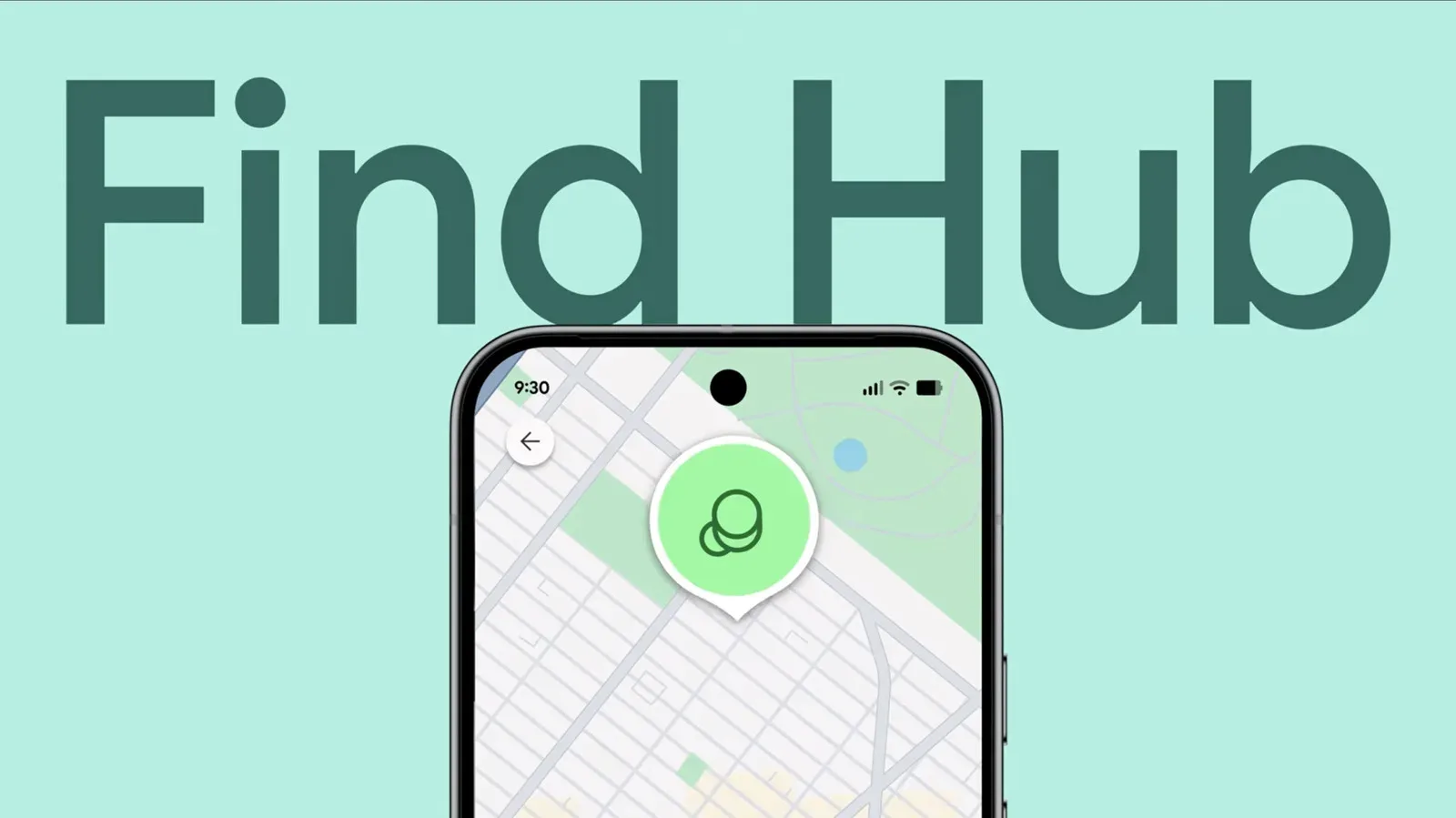

Android tracker owners are beginning to get a feature that has long felt like an obvious missing safety net: an alert for when a tagged item is no longer with them. Google is rolling out “Notify when left behind” in Find Hub, allowing users to switch on a separation alert for an individual location tracker.
The purpose is simple, even if the moments it is meant to save are not. A tracker is most useful after an item has vanished, but an early notification can turn a lost bag, keys, case or other tagged possession into a quick walk back to a café table, car seat or airport gate. Rather than discovering the problem at the next stop—or after boarding a flight—the owner can be told that their phone and tracker have separated by enough distance.
The setting appears to be rolling out in the US and parts of Europe, so it should not be assumed to be available on every Android phone, account or tracker immediately. It also appears to work across brands: Moto and Chipolo trackers paired with an Android phone have been able to access it. That cross-brand aspect matters because Find Hub is a platform service, not merely a control panel for one manufacturer’s tags.
What a left-behind alert actually does
A separation alert is a notification triggered when a phone has gone sufficiently far away from a paired tracking device. It is not the same thing as locating an item after the fact.
Location tracking helps answer, “Where might my item be now?” A left-behind notification instead tries to answer the more urgent question, “Did I just walk away from it?” The distinction has practical consequences. A tracker can still be valuable once an item is missing, but recovery becomes more difficult as time and distance mount. A prompt alert can give someone the chance to correct a mistake while they are still nearby.
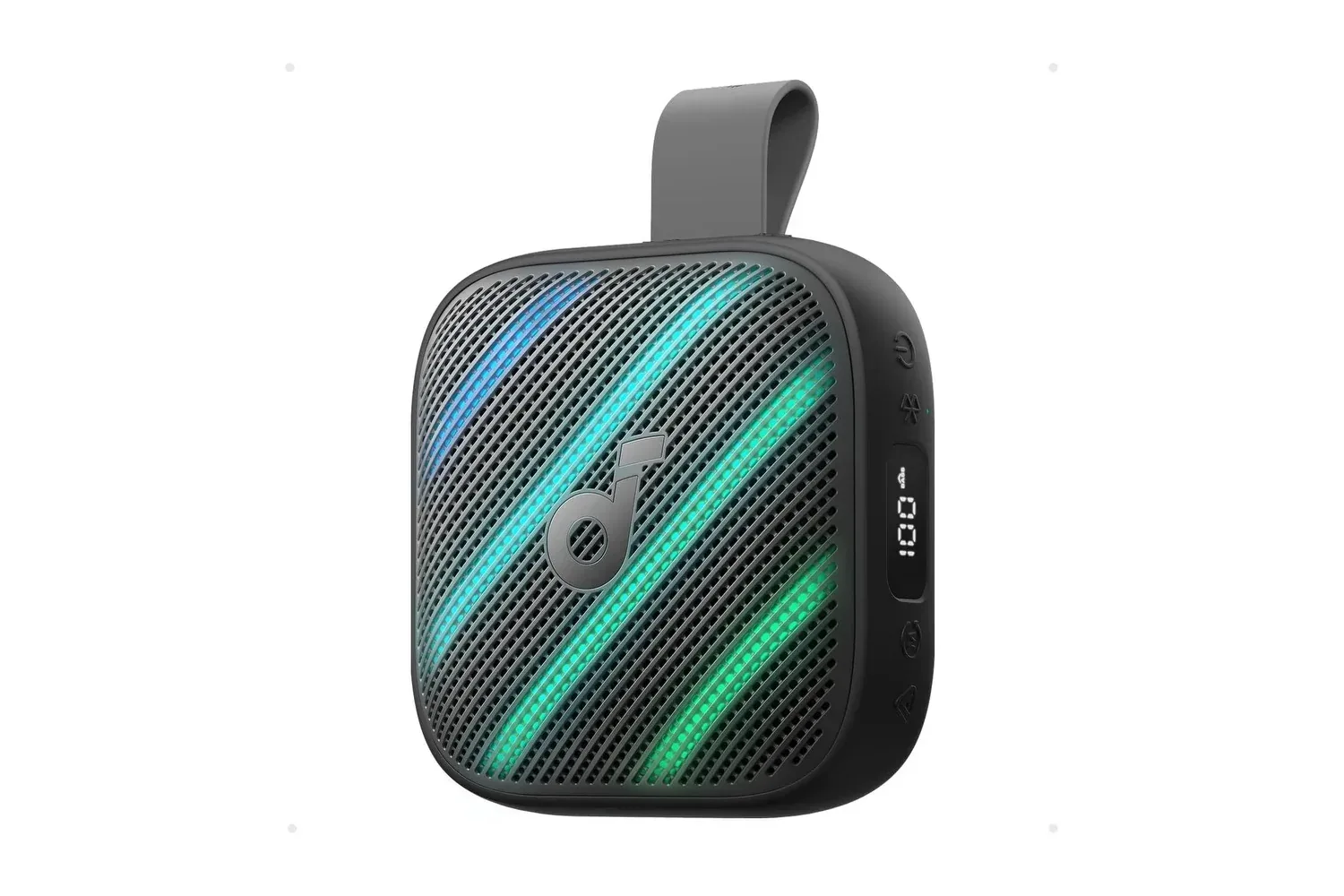
Find Hub’s wording also makes clear that the alert is tied to the tracker or the item attached to it. The tag is the device visible in the app, but the useful protection is for the object it travels with: perhaps a set of keys, a bag or a piece of travel gear. A compact Bluetooth speaker, for instance, is precisely the kind of portable item that could be tagged before a trip; Joking Joystick recently covered the Soundcore Boom Go 3i, another product built around being taken from place to place.
The rollout does not establish a fixed distance at which an alert will arrive. The available description says the phone must get “far away enough” from the tracker. Users should therefore view the feature as an early-warning tool, not a guarantee that an alert will always appear at the same doorway, parking space or number of steps from an item.
How to enable the setting in Find Hub
For trackers that have received the option, the path is per device rather than a single blanket switch for every tag. On an Android phone:
Related coverage includes Google Find Hub Begins Rolling Out Left-Behind Alerts for Trackers.
- Open the Find Hub app.
- Select the tracker from the device list.
- Tap the Settings gear icon.
- Look for the new left-behind notification section on that tracker’s page.
- Enable Notify when left behind.
Because the toggle is configured for a specific device, it gives owners some useful discretion. A person may want alerts for a bag or keys that should accompany them every day, while leaving the setting off for a tracker on an item that routinely stays elsewhere. The supplied information does not indicate whether Find Hub offers a universal control to enable the feature for all trackers at once, so users should expect to check each tag they want covered.
Home is the built-in exception
Find Hub will not send the notification when the tracker has been left at the designated Home address in Google Maps. This is an important detail, because an alert that fired whenever someone left a tagged object at home would quickly become noise rather than protection.
In plain terms, the Home exception is intended to distinguish a deliberate decision—leaving a tagged item where it belongs—from an accidental separation somewhere else. It can make a tracker more suitable for belongings that do not always leave the house, provided the Google Maps Home address is correct.
That convenience also means the address deserves a quick check before relying on the feature. The available details specify that Find Hub uses the designated Home address; they do not describe additional custom safe places, temporary exceptions or scheduling rules. Users should avoid assuming those controls exist merely because similar systems may have broader options.
Why this fills a notable gap for Android users
Apple has offered separation alerts for Find My-compatible tracking devices for years. Samsung also added comparable protection in SmartThings for products including Galaxy SmartTags and Galaxy Buds several years ago. Google’s arrival is therefore not a new category of tracker function, but it closes a meaningful gap within its own Android-oriented tracker experience.
That history is useful context for expectations. Separation alerts are a familiar convenience feature, not a substitute for keeping possessions secure. They may help when an object has been dropped or forgotten, but they cannot ensure that a user sees an alert instantly, turns around immediately or is able to retrieve the item. Their real strength is reducing the time between separation and awareness.
For Android users with trackers from more than one maker, compatibility may be the bigger story than novelty. The feature appears accessible with both Moto and Chipolo tags linked to Android, suggesting that the Find Hub setting is not restricted to a single branded accessory. Still, availability currently appears limited by rollout region, and users will need to look in the tracker’s own settings page to verify support for their device.
Practical setup considerations
Once the option reaches a user’s devices, the most sensible first step is to enable it on possessions whose loss would cause immediate disruption. Keys and a daily bag are obvious candidates because they tend to travel with their owner and are painful to replace or recover. Travel items are another logical use, especially where the opportunity to retrace a route shrinks quickly.
- Confirm the right tracker: Give each tag a name that makes it unmistakable in the device list, then activate the alert on the intended one.
- Check the Home designation: The supplied behavior depends on Google Maps’ designated Home address, so an incorrect address can undermine the exception.
- Enable selectively: The setting is per tracker, allowing people to avoid alerts for tags attached to belongings they intentionally leave behind.
- Expect phased availability: If the section is absent, that may reflect the staged rollout rather than a setup error.
There is one final limitation worth keeping in mind: no feature details provided here establish precise timing, distance thresholds, a complete country list, or support for every tracker model. Google has started the rollout, and the feature seems live in the US and certain European areas, but the exact boundaries remain uncertain. The reliable check is the Find Hub app itself: select the tracker, open its settings, and see whether the new notification section is present.
For those who have been waiting for Android’s tracker ecosystem to gain this basic preventive feature, that check may now be worth making. Finding an item after it is gone is useful. Being told to turn around before it is truly gone is better.