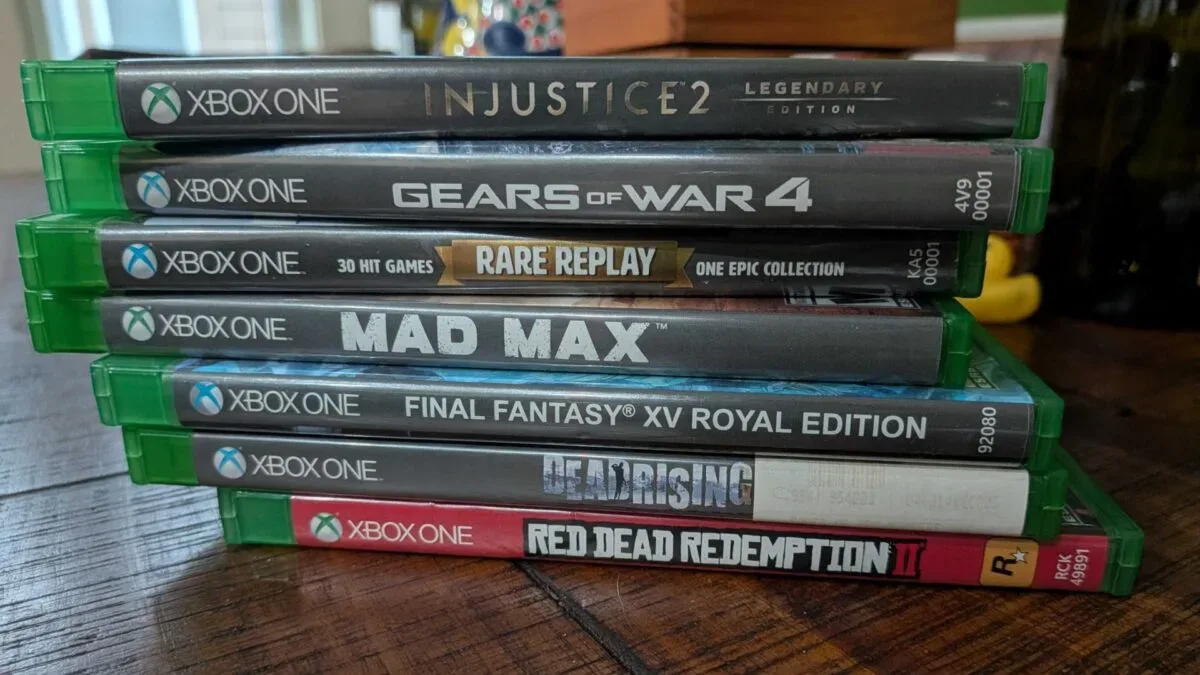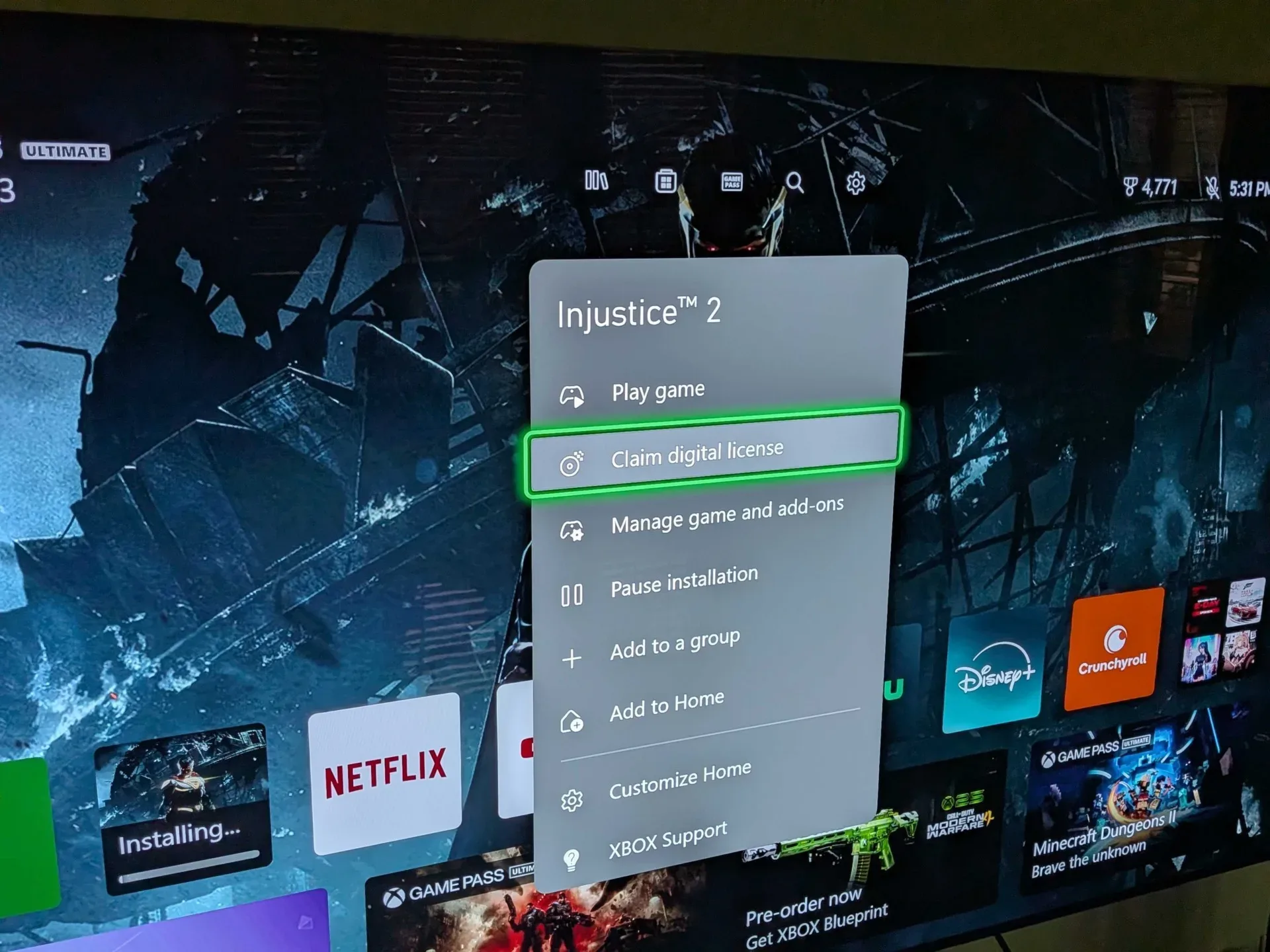
Xbox’s disc-to-digital program is now rolling out to all users after an earlier Insider testing period. For owners of supported physical Xbox games, the feature creates a digital license tied to the game without requiring the disc every time they want to play. It is a meaningful convenience for players with shelves of Xbox One and newer-era discs—but it is not a universal conversion system, and it absolutely is not a reason to clear out a collection.
The essential rule is simple: a successful claim can make a supported game playable digitally, but the physical disc still matters. Owners are advised to retain it rather than sell, trade, give away, lose, or discard it. If somebody else redeems that copy, the original owner could lose the digital license. The feature reduces the inconvenience of using a disc; it does not turn every eligible disc into a consequence-free disposable item.
How Xbox disc-to-digital works
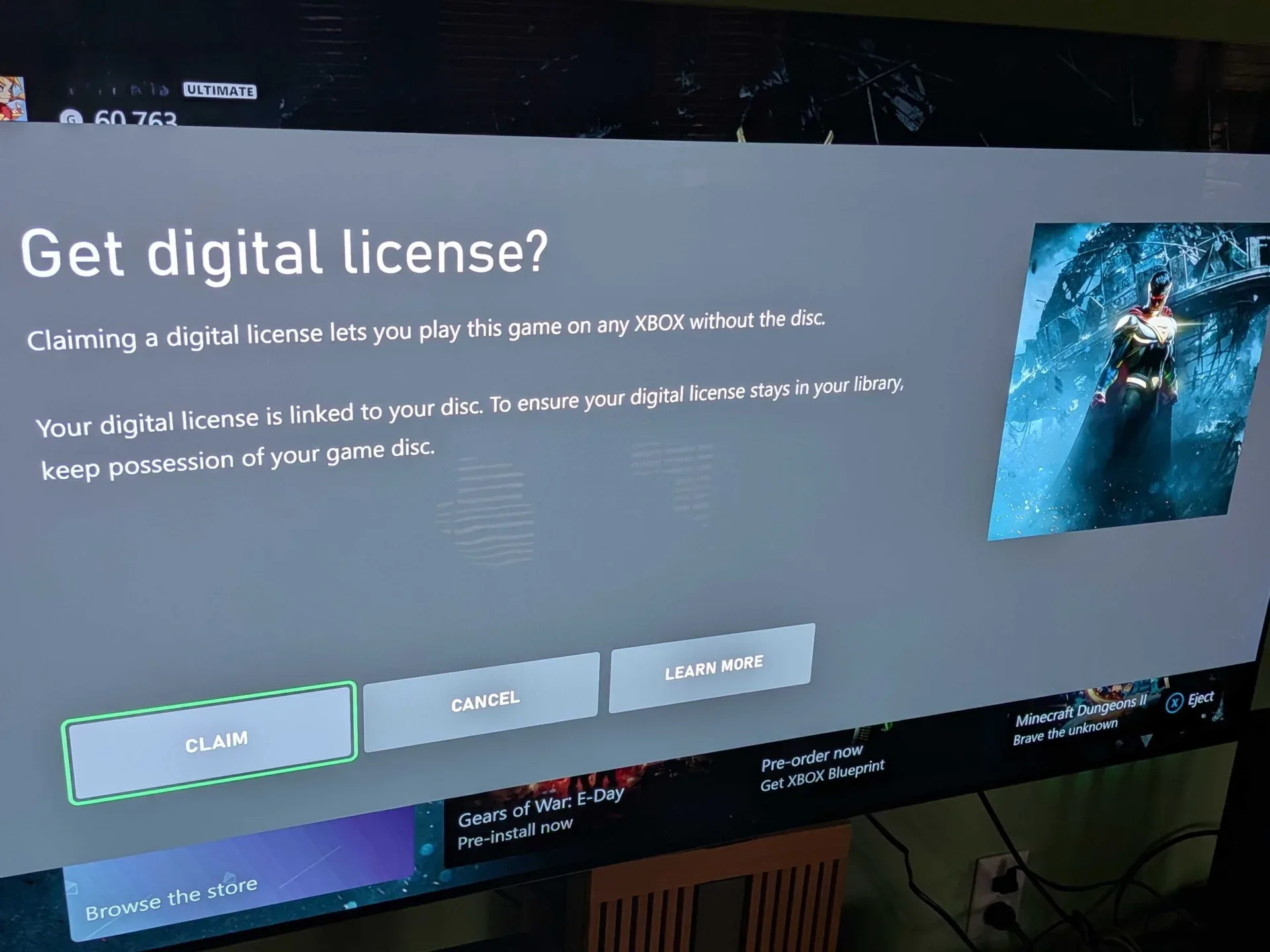
On an Xbox Series X, inserting an eligible disc can reveal a Claim digital license option in the game’s app menu on the home screen. Selecting it completes the claim process, after which the game can be played without inserting that disc. The license can also be claimed automatically by playing the game.
In practical terms, a digital license is the account entitlement that tells Xbox a player has the right to access a game digitally. It is not the same thing as merely having game files installed on a console. A disc can trigger an installation, but ordinarily remains necessary for ownership verification when playing a disc-based copy. The new option changes that arrangement for participating titles by registering a digital entitlement instead.
That distinction matters for people who have installed games from physical media in the past. Installed data alone has never meant a player owned a digital version. With disc-to-digital, the license claim is the key step, and it is available only where Xbox and the relevant publisher support the program.
A quick way to claim a supported game
- Insert the physical game disc into an Xbox Series X.
- Find the game on the home screen and open its app menu.
- Look for Claim digital license.
- Complete the claim if the option is present.
- Keep the disc safely stored after the claim rather than treating it as surplus.
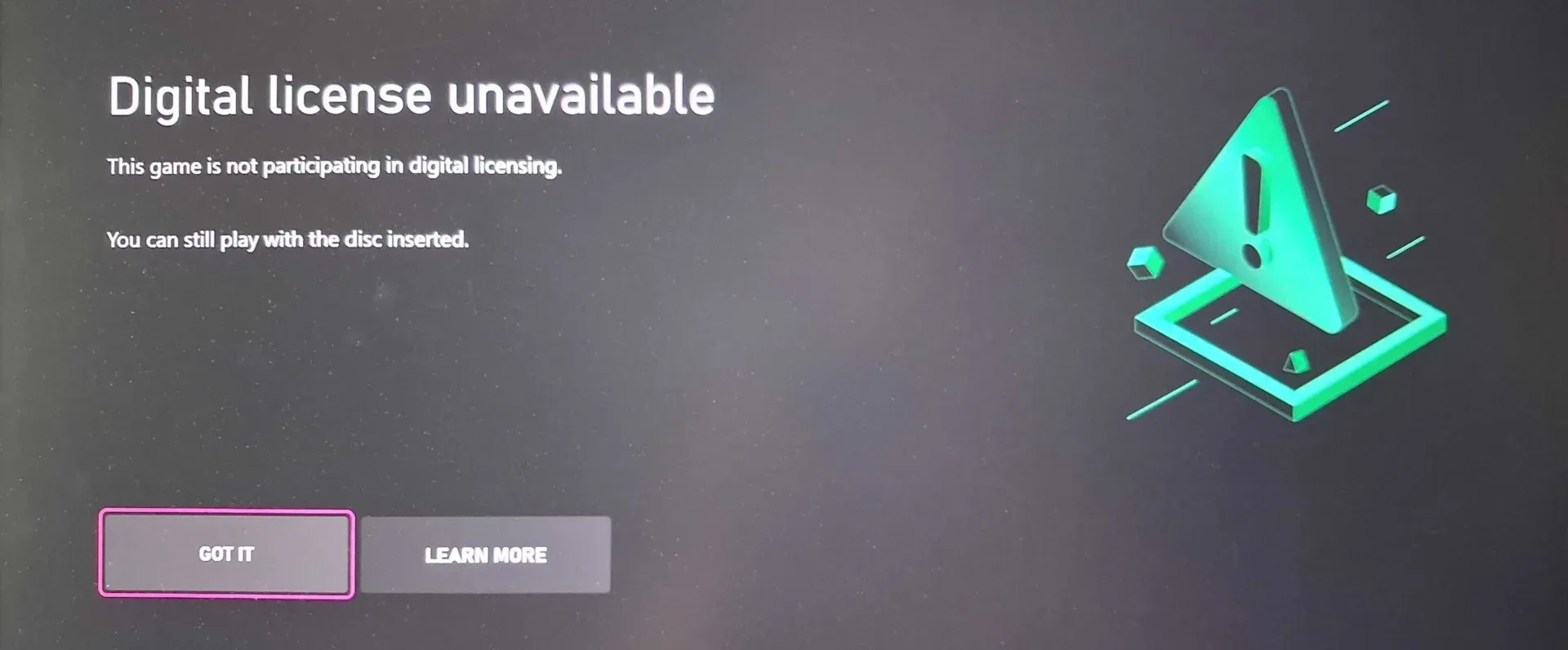
The absence of the option should not be interpreted as a console fault. It may simply mean the particular game is not compatible, the publisher has not opted in, or the disc belongs to a generation outside the program’s current scope.
Preventing unwanted installs while checking discs
There is one small friction point for anyone planning to work through a pile of games: inserting a disc may start installing the title immediately. That behavior can be annoying when the goal is only to check eligibility and claim licenses, particularly when console storage is limited.
Xbox’s support guidance is to go to Settings > Devices & connections > Disc and uncheck Play disc automatically. Turning that setting off should make it easier to inspect a game and use the app menu without automatically beginning an installation. It is a sensible housekeeping step before bringing a box of discs to the console.
Related coverage includes Xbox Disc-to-Digital Rolls Out to All Users, With Major Collection Caveats.
That does not change which titles qualify, nor does it create extra storage. It simply gives players more control over what happens when a disc is inserted. Players who want to preserve free space can claim eligible licenses first and decide later which games are worth downloading.
Compatibility is substantial, not complete
Not every Xbox disc is included. Original Xbox and Xbox 360 games are currently excluded, which is a major limitation for players hoping to convert older libraries. A large legacy collection may still be valuable and playable in the ways Xbox already supports, but it should not be treated as eligible for this specific disc-to-digital program.
Publisher participation is another boundary. Sega has joined the initiative, and Ubisoft had already joined earlier in September. Square Enix remains among the notable publishers not participating at present. Because participating publishers have been added after the initial Insider rollout, the current list should be viewed as changeable rather than permanent—but prospective users should not assume a future addition until it actually happens.
A fan-maintained compatibility list indicates that at least 1,400 games currently work with the system. That number gives the feature real scale, although it should not replace checking an individual game directly on the console. Catalogs can evolve, titles with similar names can span several generations, and a player’s own disc is the relevant item to test.
- Included in the current rollout: supported games from participating publishers.
- Not currently included: Xbox 360 and original Xbox games.
- Potentially variable: support for individual games as publishers join or remain outside the program.
- Not a safe assumption: that every disc in a physical library can be converted.
Why keeping the disc is the most important advice
The feature’s convenience can obscure its most consequential caveat. A digital claim does not make the original disc irrelevant. Xbox users are specifically cautioned that selling or losing a disc can result in loss of the associated digital license, with an added risk if another person redeems it.
For collectors and ordinary players alike, the practical answer is modest but important: separate “claimed” discs from “unwanted” discs. Store claimed copies in a labeled box, shelf, or protective case and do not mix them into a trade-in pile. A simple inventory noting the title and whether it has been claimed could prevent an expensive mistake months later.
This is also why disc-to-digital should not be confused with a blanket preservation solution. The program can lower the day-to-day need to handle a disc, but it leaves the owner with a reason to protect that object. Anyone who values resale, lending flexibility, packaging, or a curated physical library may decide that the digital convenience is an addition to ownership rather than a replacement for it.
What the rollout suggests about Xbox’s physical-to-digital transition
The expansion arrives amid continuing concern over a more digital-focused console future. Physical discs have been outsold by digital purchases on major consoles in recent years, while many longtime players still hold collections built before digital storefronts became the default buying route. A tool that converts supported discs into account licenses addresses a practical tension between those two realities.
It could be especially useful to players who keep older purchases but dislike swapping discs, who want less wear from frequent handling, or who have moved their regular play to a console setup where physical media is less convenient. At the same time, the unsupported Xbox 360 and original Xbox libraries underline that the transition is incomplete. For legacy collectors, the physical archive remains essential.
There is broader uncertainty around how physical media will fit into future hardware plans. Sony is preparing to end physical disc production in 2028, and expectations of a similarly digital direction for Xbox in a future console generation have helped make services such as this one feel consequential. Those expectations are not a substitute for a confirmed hardware roadmap, however. The immediate, concrete change is narrower: supported physical Xbox games can now be claimed digitally by all users.
For Xbox players, the best approach is deliberately unglamorous: check a few games at a time, disable automatic disc play if unwanted installs are a problem, verify compatibility title by title, and retain every disc after a successful claim. The new license can make a library easier to use. The disc remains part of keeping that access secure.
Xbox’s wider platform strategy has remained a central point of discussion, including questions around the future of major franchises such as Halo. Disc-to-digital adds a practical ownership wrinkle to that larger conversation: digital convenience may be expanding, but physical copies still carry responsibilities that owners should not ignore.