Xbox’s disc-to-digital licensing feature has moved beyond its earlier Insider-only phase and is now rolling out to all users. The system is intended to make supported physical Xbox Series X and Xbox One games more convenient to use in an ecosystem increasingly shaped by downloads and account libraries.
The important qualifier is in the name: this is a licensing system, not a blanket conversion of every physical game into a permanent account-owned digital purchase. For eligible titles, inserting the disc while signed in can create a digital license that lets the player launch the game without leaving that disc in the console. But the license remains associated with the particular disc rather than permanently attaching to the first account that activates it.
That distinction will define how useful the feature is for different kinds of Xbox owners. It can eliminate the daily ritual of finding and inserting a familiar disc, make a shelf-heavy library easier to navigate, and potentially help physical purchases fit into future Xbox hardware plans. It does not, however, turn a disc into an unrestricted digital code that can be retained after the game is sold, traded, or loaned out.
How Xbox disc-to-digital licensing works
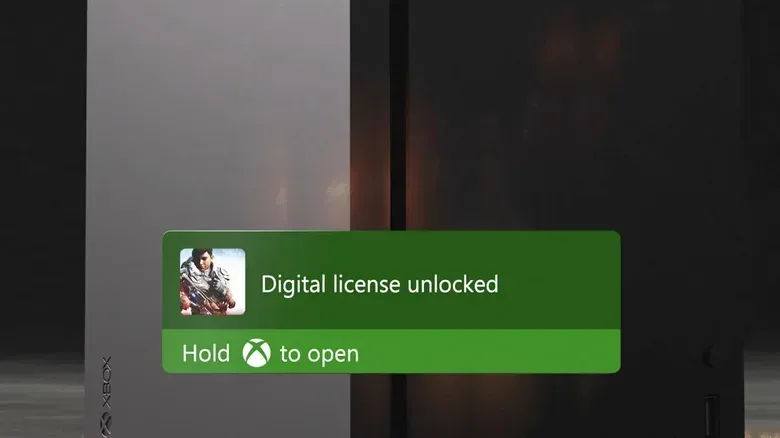
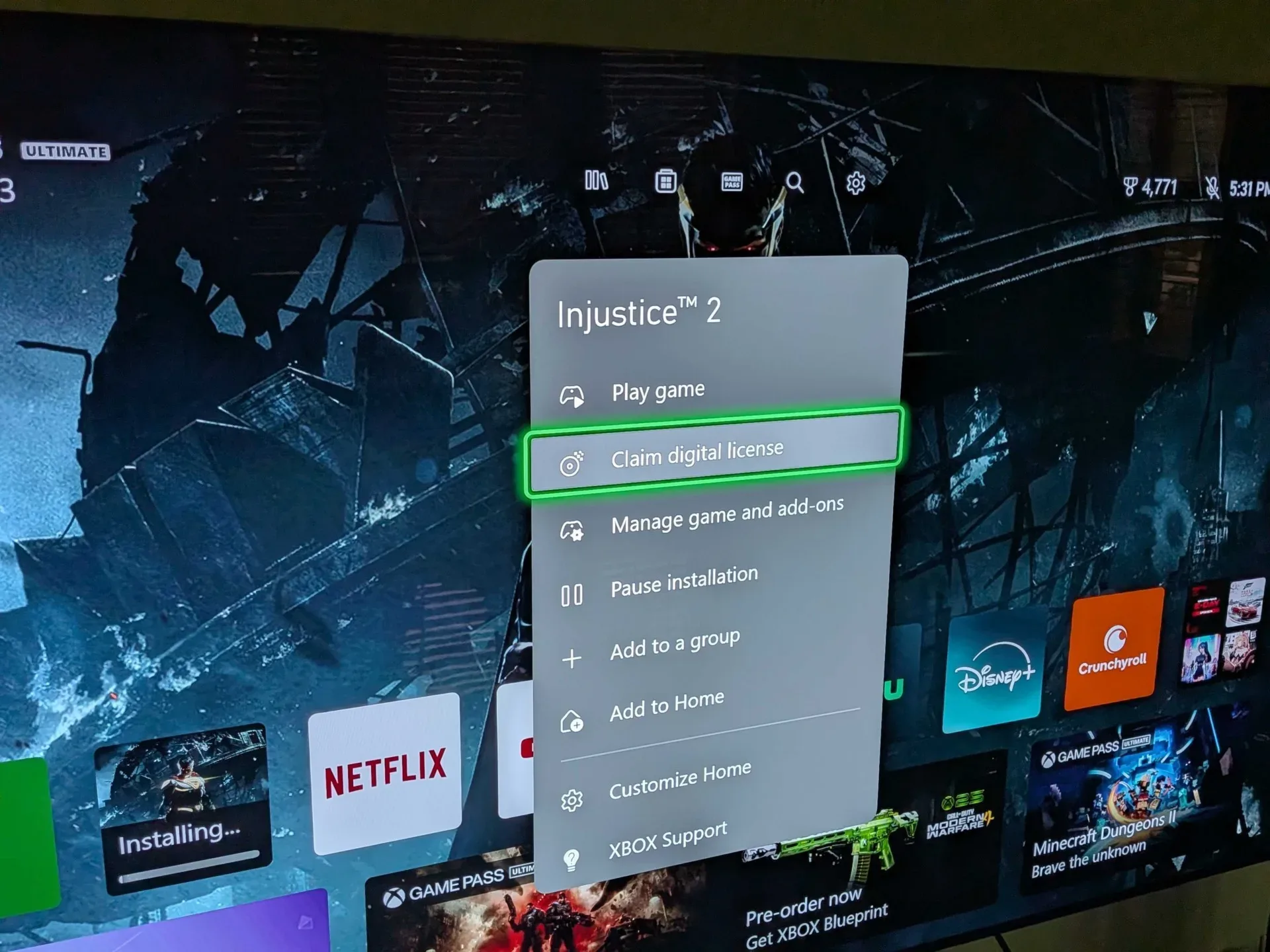
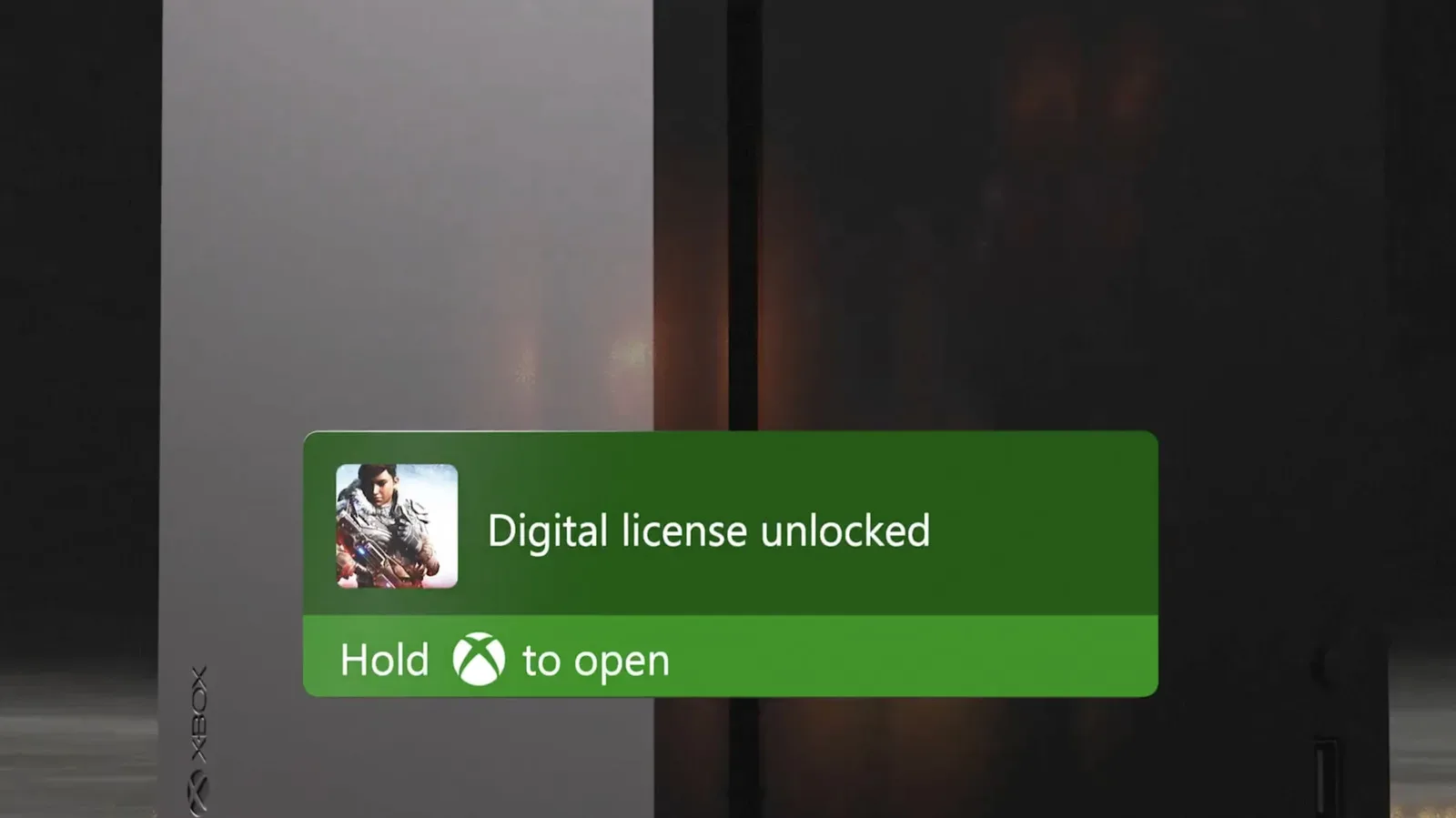
The basic process is straightforward. A player signs in to their Xbox account, inserts a supported Xbox One or Xbox Series X disc, and waits for a confirmation message that the digital license has been created. Once it has, the game can be played without that physical disc being in the drive.
In practical terms, a digital license is permission for an account or device ecosystem to access a game. The useful change here is that eligible disc owners do not need the disc for routine launch checks after claiming the license. Players who keep a console in an entertainment center, rotate among several games, or simply dislike swapping media should see the immediate appeal.
Xbox also marks converted titles with a badge in the game library. That should give collectors and long-time users a quick way to distinguish which supported games have already been processed and which physical games are still waiting.
Those preparing to activate a large stack of games should consider one practical setting before starting. Xbox recommends disabling play disc automatically. With that option off, inserting each disc does not immediately launch its game, which makes it easier to move through a batch of cases and claim licenses without repeatedly backing out of title screens.
Supported games: Xbox One and Xbox Series X only, for now
The program currently applies to Xbox One and Xbox Series X games. Support is not universal: not every game across those two generations is eligible, and the total number of participating games at launch has not been specified. A disc that does not produce the license confirmation may therefore be unsupported, unless the license for that copy has already been generated.
Older backward-compatible disc collections have a clear limitation at present. Original Xbox and Xbox 360 games do not support disc-to-digital licensing. That means an owner with a mixed shelf should not assume that a game being playable on newer hardware makes it eligible for this separate entitlement system. Backward compatibility and disc-to-digital licensing address different issues: one concerns whether software can run on newer hardware, while the other changes how ownership verification works for selected physical releases.
The hardware requirement is just as direct. Xbox Series S owners cannot use the feature because that console has no disc drive. The system begins with the console reading an eligible physical disc, so a drive-equipped Xbox is essential for activation.
Special releases may require extra care. Xbox has published additional guidance for cases such as Ultimate Edition releases and multi-disc games. Those editions can include content structures that are less simple than a standard single-disc game, so owners should check the relevant instructions rather than assuming every included component behaves in the same way.
The crucial catch: selling or lending the disc changes who can use the license
The headline benefit is freedom from inserting a disc before playing. The major limitation is that the right to use the game is still anchored to the disc itself. If that disc is sold or lent to another person, the license can transfer when the recipient inserts it into their console.
This is not the same model as redeeming a one-time digital store code. With a conventional code redemption, the purchaser generally expects the entitlement to become part of their account. Here, the disc remains an active part of the ownership chain even after it has enabled disc-free play for the current user.
That approach has an important consumer-facing effect: it preserves the ordinary logic of physical ownership. A used copy can continue to be sold, traded, or loaned instead of being rendered functionally stranded after its first owner claims a digital license. The same property that prevents a seller from keeping a lasting digital copy also helps ensure the recipient receives a meaningful license rather than merely a piece of inert plastic.
For players deciding whether to activate a game, the practical question is simple. If the game is staying in the collection, disc-to-digital licensing can reduce friction. If it is likely to be traded in, sold, or lent soon, owners should understand that passing along the disc also passes along the access associated with it. This is less a loophole than a deliberate balance between convenience and the continued usefulness of the second-hand market.
What Play Anywhere can add
Some supported games may carry an additional benefit through Xbox Play Anywhere. When a title is part of that program, it can also be installed and played on PC. That makes eligibility particularly meaningful for people who use both a console and a Windows gaming PC, though players should confirm whether each individual game participates rather than treating Play Anywhere as automatic.
Play Anywhere and disc-to-digital licensing solve separate problems that can overlap neatly. The first concerns playing an eligible purchase across Xbox and PC; the second lets a supported physical game be launched on console without its disc remaining in the drive. Together, they could make certain physical purchases feel more flexible than their packaging alone suggests.
They do not erase the program’s boundaries. A game must still be supported by disc-to-digital licensing, and PC access depends on its own Play Anywhere participation. Neither label should be read as a promise that every Xbox One or Xbox Series X disc will work everywhere or be transformed into a permanently account-bound digital item.
Why this rollout matters for physical libraries
The rollout arrives as disc drives and physical media are becoming a larger strategic question for console platforms. Disc-to-digital licensing gives Xbox a way to acknowledge that users may have years of boxed games while still reducing reliance on inserting those discs for ordinary play. It is a bridge rather than a full migration: the physical object retains a role, but less of a day-to-day one.
That could be especially valuable for owners who have retained Xbox One and Series X games because they prefer shelves, used buying, lending, or the option to resell. Rather than asking those players to abandon physical purchases in favor of a separate download purchase, the system makes qualifying discs more compatible with a library-first interface.
It also suggests an effort to prepare existing libraries for an Xbox future in which disc drives may be less central. The next Xbox has been referred to under the codename Project Helix, and there is no confirmed final hardware design in the information available here. It would be premature to treat the licensing rollout as proof of any particular console feature. Still, a system designed to reduce routine disc dependence makes clear sense if Xbox wants older physical libraries to remain relevant across changing hardware expectations.
The wider console market is moving through the same tension between downloads and ownership. PlayStation has not announced an equivalent disc-to-digital system. Its plans to cease physical production for new PS5 games in 2028 make the question of how existing physical libraries retain convenience and value more visible. For a look at the digital-subscription side of that competing ecosystem, see the latest PS Plus game lineup.
A sensible checklist before converting a shelf
- Use a console with a disc drive. Xbox Series S cannot activate physical discs.
- Sign in first. The license-creation process occurs while using an Xbox account.
- Check the generation. The feature currently covers supported Xbox One and Xbox Series X games, not original Xbox or Xbox 360 discs.
- Look for confirmation. If no message appears, the title may be ineligible or the token may already have been created.
- Disable automatic disc play for a large batch. It avoids having every newly inserted game launch while you are trying to process the next one.
- Review special-edition guidance. Multi-disc and Ultimate Edition releases may need title-specific attention.
- Remember the resale consequence. Selling or lending the disc means the associated access can move to its next user.
For now, the feature is best understood as a convenience upgrade for supported physical games, with physical ownership rules still intact. It reduces disc swapping without pretending that the disc no longer matters. For players who want both a usable boxed-game library and a less cluttered routine, that may be exactly the compromise Xbox needs.