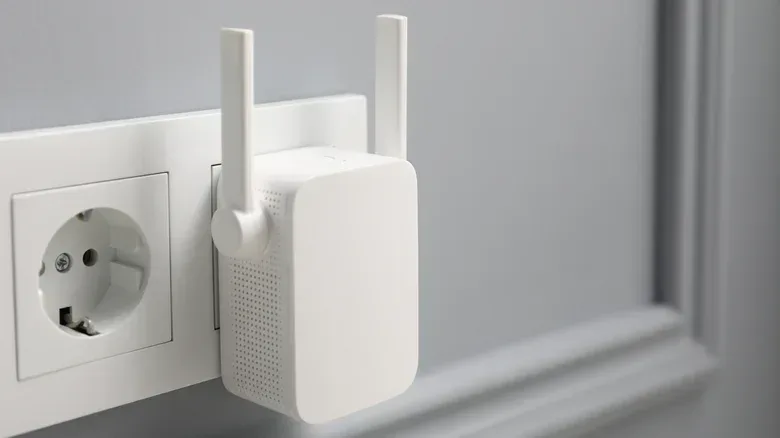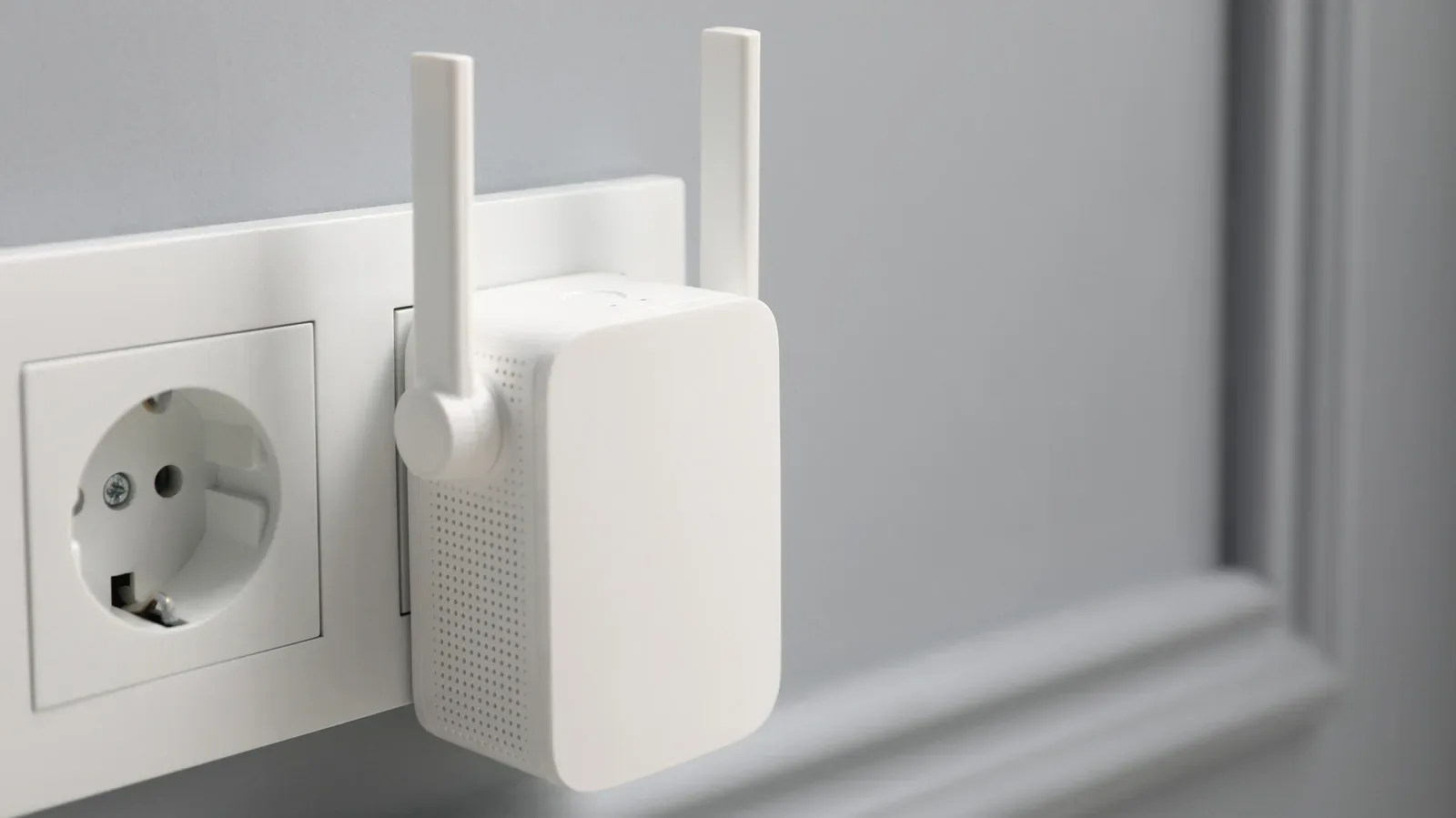
A Wi-Fi extender can be an appealing little box of hope: plug it in, push coverage toward the room where a game download crawls or a video call drops, and declare victory over the household’s networking gremlins. In a narrow set of circumstances, that is exactly what it can do. But an extender is not a signal factory. It relays the Wi-Fi it can already receive, which means every weak point between the router and extender is inherited by the connection it passes on.
That basic limitation explains why extenders are often a disappointing answer to a bigger coverage problem. They are inexpensive, compact and relatively easy to set up, but they demand a compromise on placement and commonly impose a speed penalty. For one small room that is reasonably near the router, an extender can be worthwhile. For multiple rooms, challenging building materials, or an outbuilding used as an office, it is usually better to examine the router, a mesh setup or a wired connection first.
The extender paradox: it cannot live in the dead zone
The obvious place to install an extender seems to be the place with no signal. It is also the least useful place for one. An extender must first maintain a good connection with the main router, then relay that connection to phones, consoles, PCs and other devices farther away. If it has only a feeble link back to the router, a strong-looking connection between a device and the extender does not repair the underlying bottleneck.
Think of it as a relay runner who has to receive the baton before moving it onward. A device may report a full Wi-Fi indicator because it is close to the extender, while the extender itself is struggling to get data from the router. The first leg still controls the result.
The practical placement target is therefore usually somewhere between the router and the problem area, where the extender can still receive a solid signal. In an ideal layout, that might be a hallway outlet with an unobstructed route toward the router and useful reach into nearby rooms. Real homes rarely offer that perfect outlet, however. The only available socket may be behind an appliance, near metal, or separated from the router by a thick wall. That is when the low purchase price begins to look less like a solution and more like a gamble.
Why speed often falls on an extender
Throughput is the amount of data a network connection can actually move over time. It is the figure that matters when a game patch takes forever, a cloud save hangs, or several people are streaming and playing online at once. Range and throughput are related but not interchangeable: a device can connect from farther away yet have considerably less usable speed.
Many basic extenders rely on one wireless band for both sides of their job. They use it to receive data from the router and to transmit data to the connected device. Since the extender cannot perform both jobs at the same instant on that band, usable speed can be reduced by as much as half before accounting for distance, walls and interference.
Models with separate bands can send and receive simultaneously, avoiding that particular constraint. They still are not guaranteed to approach the performance available beside the main router. Every wireless hop has to contend with the quality of its signal path, and barriers in the home can further degrade it. An extender is consequently best understood as a coverage compromise, not a performance upgrade.
That distinction is especially important for gaming spaces. A room can become reachable enough to browse or watch a lower-demand stream, yet still be a poor place for a PC or console that needs consistent network capacity. The extender is not necessarily defective; it may simply be doing the limited job that its placement and wireless connection allow.
Start by fixing the router you already own
Before adding any network hardware, assess the router. Its location can make a meaningful difference. A router positioned nearer the center of the home has a better chance of serving more rooms than one tucked away at an edge. Keeping it out of a cabinet and away from objects that obstruct signals also gives the existing network a fairer shot. Antenna orientation can matter as well.
This is not an instruction to expect miracles from rearranging furniture. Thick walls, concrete and a detached office create genuine obstacles. Still, it is a sensible first step because it addresses the point where every connection begins. A relatively new, capable standalone router may already be sufficient for a home that is not especially large, provided it is placed intelligently.
An old router is a different proposition. Replacing it may accomplish more than attaching an extender to it, because the new device becomes a stronger primary source rather than a relay dependent on a weak source. It also avoids the situation where the home gains another Wi-Fi box without solving the limitations of the original one.
Mesh Wi-Fi is similar-looking hardware with a different goal
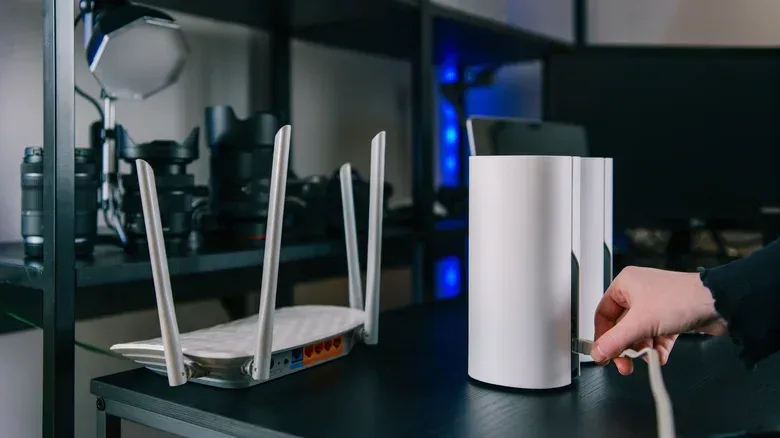
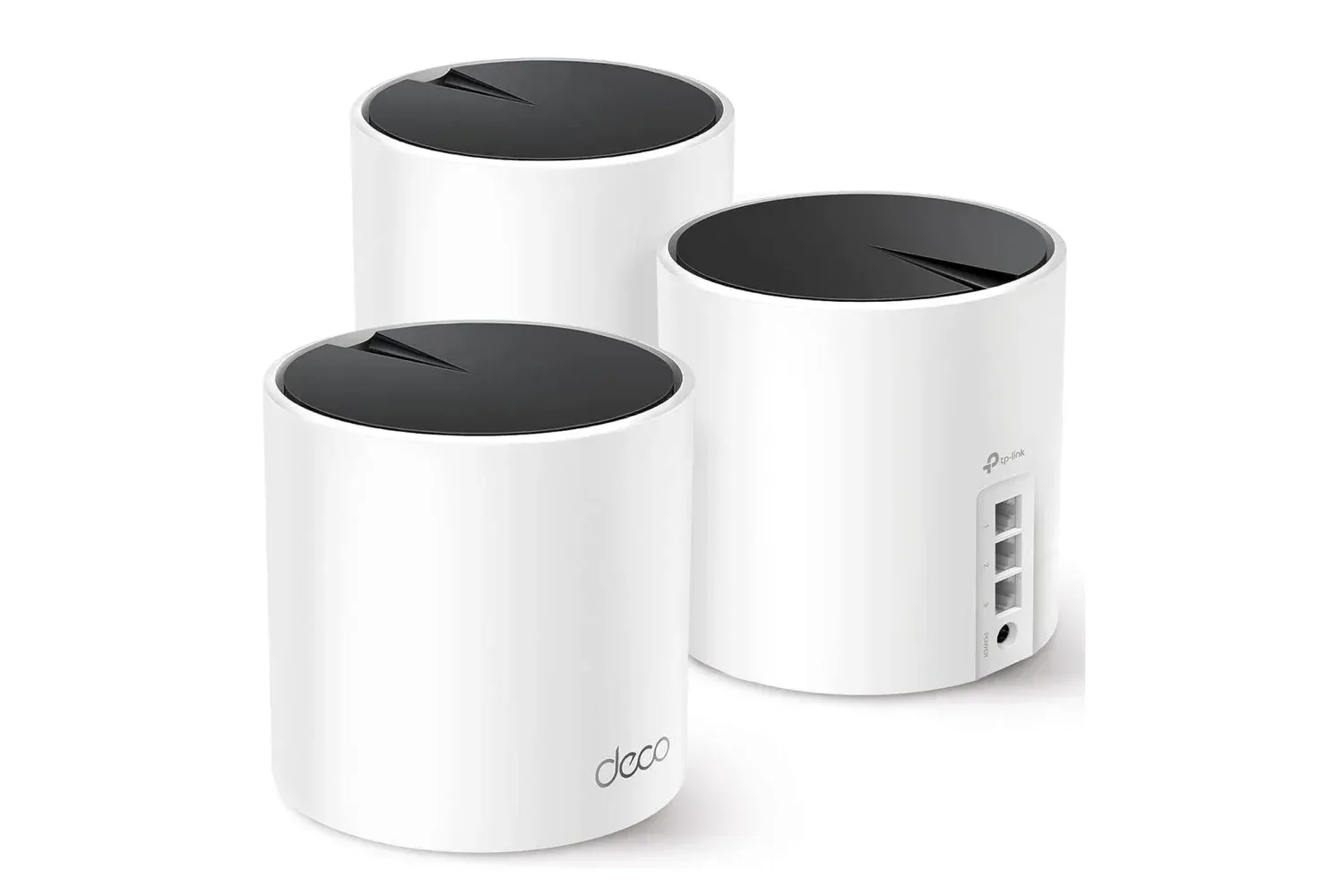
A mesh Wi-Fi system can resemble an extender arrangement at a glance: there is a main router and additional units placed around the home. The important difference is how those units are designed to operate. Mesh systems use satellite nodes as a coordinated network, typically under one network name, known technically as an SSID or Service Set Identifier.
One SSID lets devices move around the house and connect to the most appropriate node without asking the owner to choose a new network manually. That is the promise of seamless coverage. It is a better fit for a home with several troublesome areas than treating every weak room as an individual extender project.
Extenders can create roaming complications. Using the same SSID can leave devices bouncing between the router and extender rather than consistently choosing the useful connection. Giving the extender a separate name avoids some ambiguity, but then a person may need to manually swap networks while walking through the home. Neither experience is ideal when the purpose was to make the network fade into the background.
Mesh is not magic, and it should not be bought on the assumption that extra nodes automatically solve every coverage issue. The nodes still need a reliable connection to one another. In a wireless mesh, that inter-node link is called the backhaul. If it is weak, the mesh inherits a version of the same fundamental problem that affects an extender.
Lower-cost mesh systems can also use one wireless band both for client devices and for that backhaul traffic, producing a familiar throughput trade-off. A tri-band mesh system has a separate band dedicated to the backhaul, which can improve this arrangement. The useful lesson is to consider how nodes communicate, not merely how many are included in a box.
Ethernet is the unglamorous answer with the clearest payoff
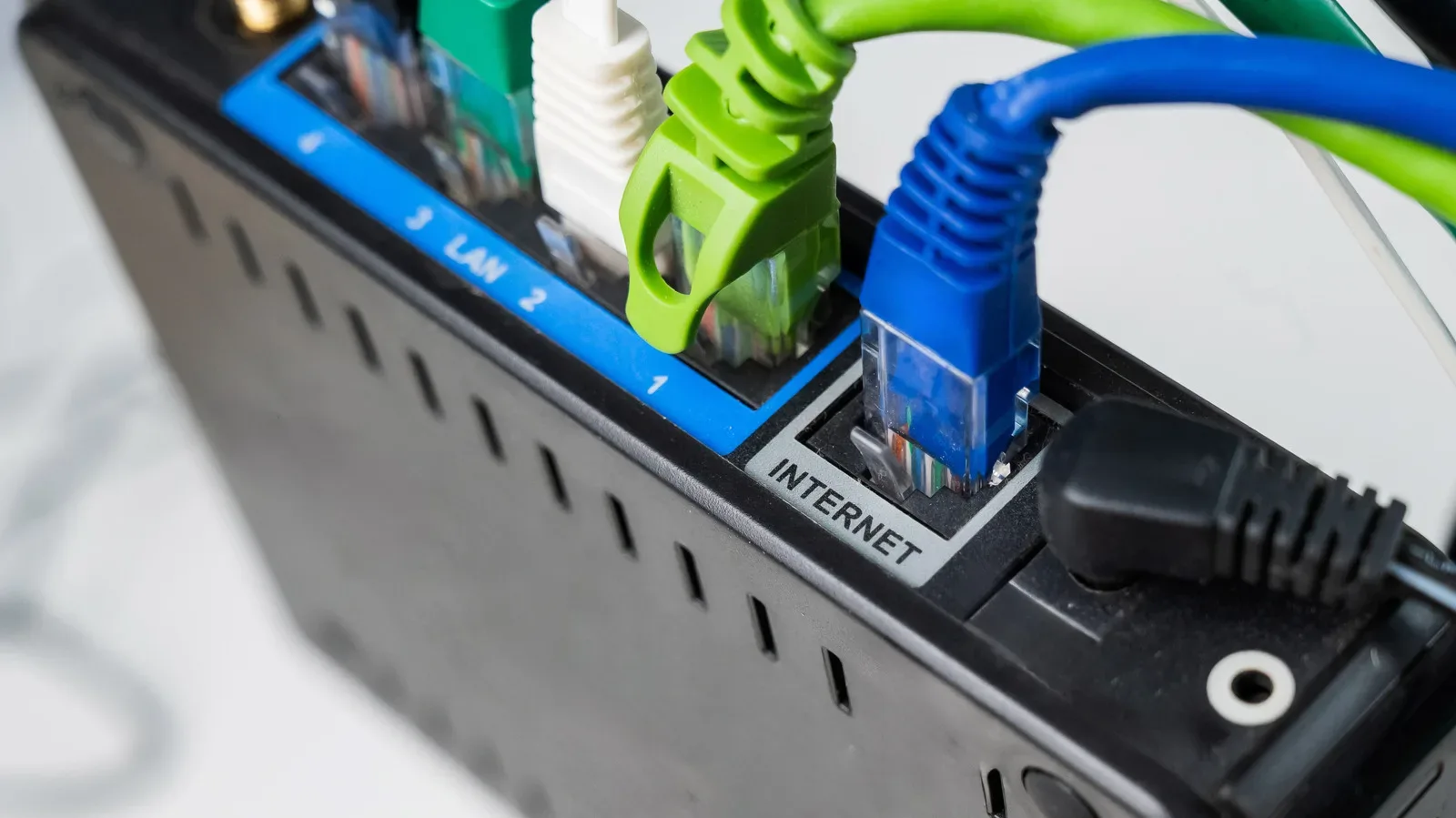
Where it is practical and visually acceptable, Ethernet between mesh nodes improves capacity and speed by replacing the wireless inter-node link with a cable. It is a direct way to remove a major source of uncertainty from the setup. A detached or outdoor office is an especially strong case for considering Ethernet rather than expecting Wi-Fi to cross difficult construction or open distance reliably.
An extender that can operate in access-point mode can also benefit from Ethernet. In that mode, the unit is no longer attempting to repeat a wireless signal; the cable supplies its network connection. That can be useful, although it also raises the obvious question of whether an extender was really the best purchase if a cable was available in the first place.
For a look at the practical purchasing angle, see our guide to why a gaming Ethernet cable does not need to cost a fortune. The relevant point is not that every room must be wired, but that a cable is often the more decisive solution when a reliable stationary connection matters.
Placement mistakes that can sink an otherwise reasonable extender
Extenders have one genuine advantage: their small size gives them more placement flexibility than a router. That advantage disappears if the chosen location is hostile to Wi-Fi. Clean, open air is preferable. Cabinets, TVs, mirrors and metal objects or surfaces are all poor companions for a wireless relay.
- Do not plug it into the dead zone. Put it where it has a good link to the router, not merely where coverage is wanted.
- Avoid concealment behind electronics or furniture. Behind a TV or inside a cabinet may look tidy while undermining the signal path.
- Stay clear of metal and major obstructions. A socket behind a refrigerator or across a thick wall can make the extender a bad investment.
- Use sightlines where possible. A visible hallway between the router and extender can offer a more promising route to adjacent rooms.
- Match the tool to the scale of the problem. One nearby weak room is an extender scenario; multiple rooms or a separate office point more strongly toward mesh or Ethernet.
The sensible buying rule
Wi-Fi extenders are not universally worthless. They are a conditional purchase: a reasonable, inexpensive attempt to improve one limited area when the router is already sensibly placed and there is a location where the extender receives a strong signal. That can be enough for a small room close to the router.
They are a poor default remedy for whole-home coverage. A home facing thick walls, concrete, several weak rooms or an exterior workspace needs a broader plan. Begin with the main router and its location. Consider mesh for coordinated multi-room coverage, while remembering that its nodes need a strong backhaul. Use Ethernet where feasible, particularly for a fixed office or for connecting mesh nodes.
The most frustrating networking purchases are often the ones that solve the visible symptom while leaving the route to the router unchanged. An extender can extend a good connection. It cannot turn a bad one into a great one.