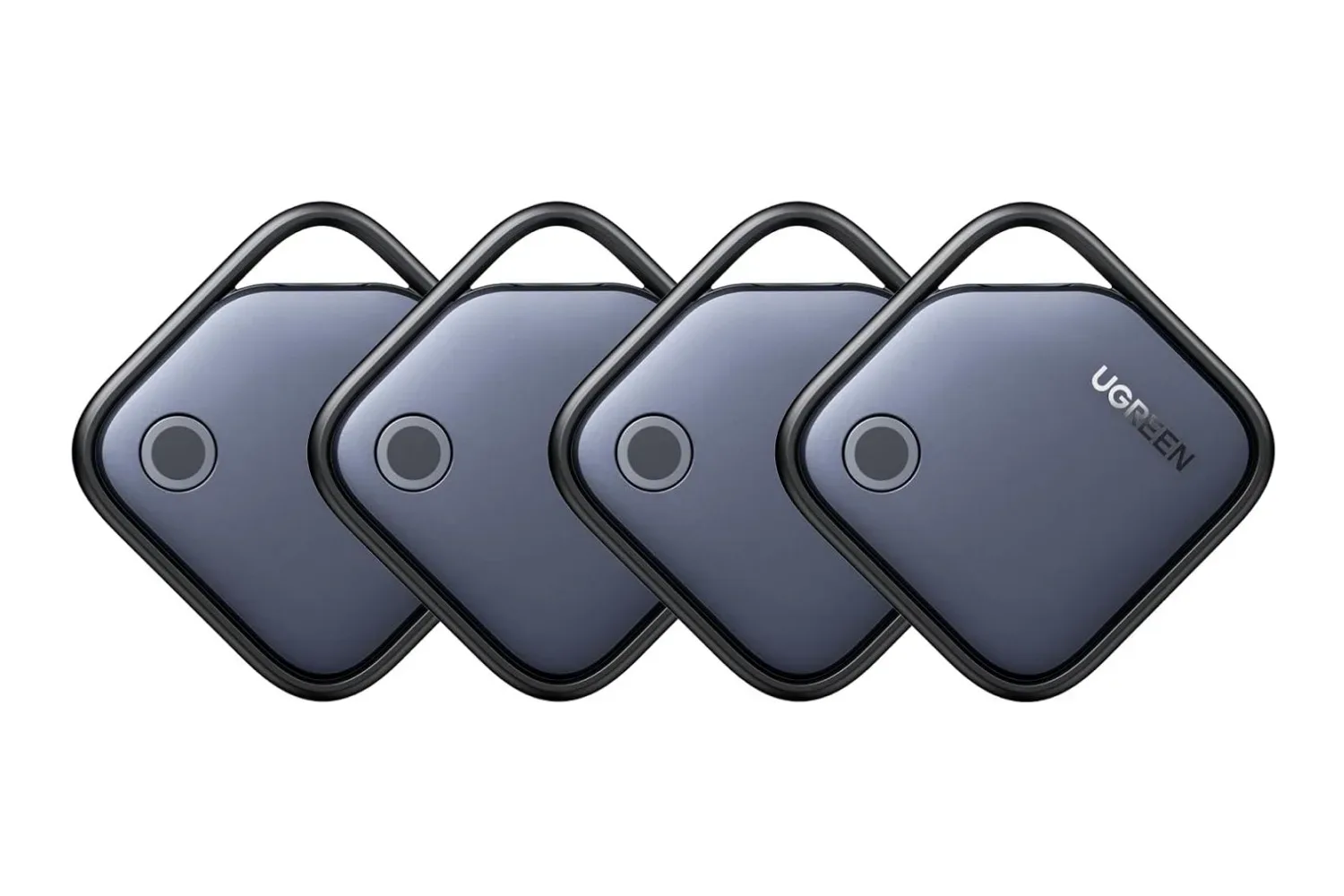
Keeping tabs on the small but important bits of a gaming routine can become surprisingly expensive. Keys, a backpack carrying a handheld, a luggage case headed to an event, or the wallet that somehow disappears exactly when it is time to leave: each is a natural candidate for a tracker. Ugreen’s FineTrack Air Tracker Tags for iOS are currently listed in a four-pack for $20, reduced from $24. That puts the stated deal at $5 per tag before any applicable shipping or membership considerations.
The headline is less about one exceptionally cheap tag than the practicality of receiving four at once. A single tracker solves one problem; a multipack gives an owner room to cover the items most likely to wander off in different directions. The FineTrack tags are intended for use with an iPhone or iPad through Apple’s pre-installed Find My app, where they are added through the Items tab.
What the FineTrack tags are designed to do
FineTrack Air Tracker Tags are Bluetooth item trackers, not standalone GPS devices. Bluetooth is the short-range wireless connection used to pair the tag with a compatible Apple device and to handle nearby finding. In ordinary terms, that means the tag can assist in locating an item around the home, in a room, or nearby—rather than independently broadcasting a live location everywhere it travels.
The tags have a built-in loop, allowing them to be attached to a keyring or strap. They can also be placed in a backpack, purse, wallet, or luggage. That flexible placement is the central appeal of a four-pack: a player could reserve one for keys and another for a carry bag, while leaving the remaining pair for travel luggage or other daily essentials.
Once paired, the Find My app provides several ways to respond depending on whether the missing item is close by or has gone farther away. That distinction matters, because “finding” is not one feature but a collection of related tools with different limits.
Nearby finding: make the tag audible
When the tracked item is nearby, Find My can trigger the tag’s alarm through the app’s Play Sound control. Ugreen specifies a 100dB alarm. The practical idea is straightforward: listen for the sound and narrow down the search. This is especially useful for familiar lost-item situations, such as a bag left in another room or keys swallowed by sofa cushions.
An audible alert does not replace remembering where an item was set down, but it can convert a broad visual search into a much quicker listen-and-follow task. For a tag buried in a packed bag, the sound feature may be more immediately useful than a map pin.
When the item is no longer in Bluetooth range
For items that move outside Bluetooth range, the app can show a last known location and provide directions to reach it. The system can also issue a Left Behind notification, which alerts the owner that they have separated from the tagged belonging and records its last known location.
“Last known location” is an important term. It means the most recent location available to the app, not a promise that the item remains there. If someone picks up the bag after that point, or if circumstances prevent a newer detection, the pin may simply identify the last place the system had information. It is still useful as a starting point, particularly when the alternative is no clue at all.
If the item cannot be recovered at that location, the tag supports Lost Mode. The owner can leave contact information, and an alert is sent when another Apple device detects the tag anonymously. A person who finds the tracker can scan it to see the message left by its owner and use that information to get in touch.
That setup describes a network-assisted recovery process rather than a direct, always-on tracking feed. It depends on detection by another Apple device after the tracker is out of its owner’s Bluetooth range. As a result, recovery can depend on where an item is lost and whether it is detected. Owners should treat the feature as a recovery aid, not a guarantee that every lost item will immediately appear on a map.
Battery and day-to-day ownership
Ugreen rates each tag’s battery life at up to two years, and the batteries are replaceable. For a tracker that may spend most of its life quietly attached to a keyring or tucked inside a bag, replaceability is a meaningful practical detail. When power eventually runs down, the tag does not need to be discarded solely because its battery is depleted.
The “up to” wording is equally worth keeping in mind. It is a maximum claim, not a certainty for every use case. The supplied information does not specify the battery type, environmental conditions, or usage patterns behind that estimate. Buyers planning to assign all four trackers at once may want to note when each was activated so replacements are less likely to become a surprise later.
Who this bundle fits
The strongest fit is an iPhone or iPad owner who has several everyday possessions worth monitoring and wants to use the Find My app already on those devices. It is also a practical option for someone who does not need four trackers immediately but can foresee using them over time: one on keys, one in a backpack, one in luggage, and one held back for another item.
For gaming-focused travel, the sensible target is the thing that carries the gear rather than individual devices. A tracker in a backpack or travel case can help identify the last known location of the bag containing a handheld, cables, headphones, or controllers. It cannot, on the information available, establish the contents of that bag, prevent loss, or serve as proof of what was inside. The value is in helping recover the tagged container.
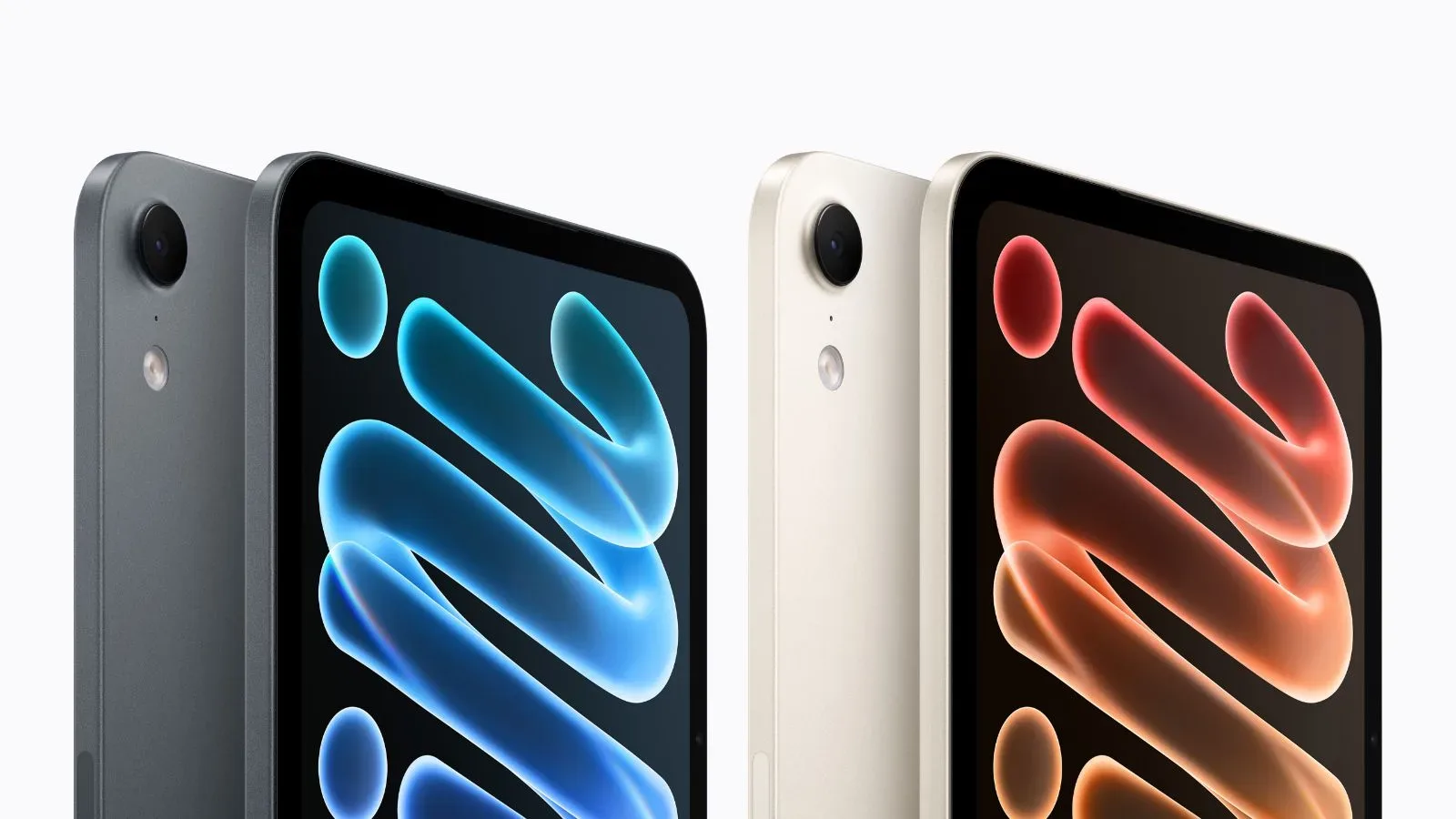
Compatibility should be the first check. These are explicitly presented as trackers for iOS and pair through the Find My app on an iPhone or iPad. That makes them unsuitable for anyone seeking a tracker managed through a different mobile ecosystem. Apple device owners can also keep an eye on the company’s tablet range through our coverage of the new iPad mini’s Midnight and Starlight color options, but the relevant point here is simply that FineTrack’s setup is built around Apple’s Find My experience.
Price context and what is actually included
The listed promotion brings the four-pack from $24 to $20, a reduction of 17%. At the sale price, the arithmetic works out to $5 per tracker. The package contains four trackers, and each is described as having its own built-in attachment loop. Prime members may receive free shipping with their purchase.
That cost is the bundle’s main argument. Buyers should still evaluate it based on the features they will actually use: sound-based local searching, last-location information, Left Behind notifications, Lost Mode and a replaceable battery with a claimed lifespan of up to two years. Those are the supported capabilities to weigh against an owner’s device compatibility and the number of belongings they genuinely want to tag.
For Apple-device households that keep losing track of keys, bags, wallets, and luggage, four tags at $20 could be a low-cost way to add a layer of recovery help across several essentials. The limitations are as important as the convenience: nearby location relies on Bluetooth, farther-away updates rely on detection through Apple devices, and a last known position is not necessarily a live one. Used with those expectations, the FineTrack four-pack offers a straightforward item-finding setup rather than a miracle map for everything that vanishes between the couch and the front door.
Shop the products
Check current price, model and availability at the retailer.