Productivity apps are often judged by an unglamorous but important question: how many steps stand between remembering something and making sure it does not disappear into the void? Things 3.24 aims to shorten that path on iOS 27. The update from Cultured Code adds support for the operating system’s new Siri AI, system-wide Spotlight discovery, more notification snooze intervals, and a larger widget intended for checking longer task lists from the Home Screen.
The timing is deliberate. Things 3.24 arrives alongside the launch of iOS 27 on September 14, 2026, and its biggest changes lean heavily on the new system features. Rather than presenting a broad redesign of Things, the release appears focused on making the established task manager easier to reach from the places iPhone users already use: voice input, search, notifications, and widgets.
Siri AI can create tasks through a continuing conversation
The headline feature is full Siri AI support. Users can speak naturally to create a to-do in Things, then continue the same conversation to add more detail after the item exists. That follow-up information can include notes, a start date, and an alert.
That distinction matters because task capture is rarely a one-sentence affair. Someone may first remember a basic errand, then immediately remember the context that turns it into a useful reminder: a deadline, an associated detail, or the time when the task should become actionable. Things 3.24 is designed to let those additions happen without requiring the user to open the app and manually find the newly created item.
The practical promise is not that every task becomes effortless or that a voice assistant can solve the age-old problem of actually doing the laundry. It is that the capture stage can be less interruptive. A user can record the task while occupied, then preserve the supporting details before attention moves on to something else.
For people whose lists contain a mixture of quick reminders and multi-step personal projects, being able to append notes and scheduling information in the same Siri AI exchange could help prevent the common “I will add the specifics later” failure state. In productivity terms, later is a notoriously unreliable calendar date.
Spotlight turns Things data into system-wide results
Things 3.24 also indexes a user’s entire Things database in Spotlight. To-dos and projects can therefore surface in iOS system search, instead of being visible only after launching Things and navigating through its own interface. Siri AI can use that same Spotlight index when handling requests.
This change makes search a more direct route into an existing list. A person trying to recall a project, a particular to-do, or an item with a distinctive keyword may be able to find it through Spotlight as part of their normal phone search routine. It also gives Siri AI a shared pool of indexed information for requests that depend on locating task data rather than merely adding a fresh item.
There is an important user-control component: Spotlight indexing can be disabled in Things’ settings. Anyone who prefers not to have their task and project data appear in system-wide search can opt out. That choice is especially relevant for lists that may contain sensitive work reminders, personal obligations, health-related errands, financial admin, or simply notes a user would rather keep behind the app’s own boundaries.
Search integration tends to be most valuable when it is invisible until needed. The goal is not necessarily to make a task manager feel like a giant searchable archive. Instead, it is to reduce the friction of that moment when a name, project, or errand is on the tip of someone’s tongue and they need an answer without first deciding which app holds it.
Convenience and visibility are now a setting, not a trade-off
The optional nature of the feature is worth emphasizing. A task app can contain a surprisingly detailed snapshot of a person’s routine: unfinished projects, appointments to arrange, people to contact, deadlines, and reminders of chores that would be happier living off the main stage. Things 3.24 offers the convenience of broader indexing while leaving the decision with the user.
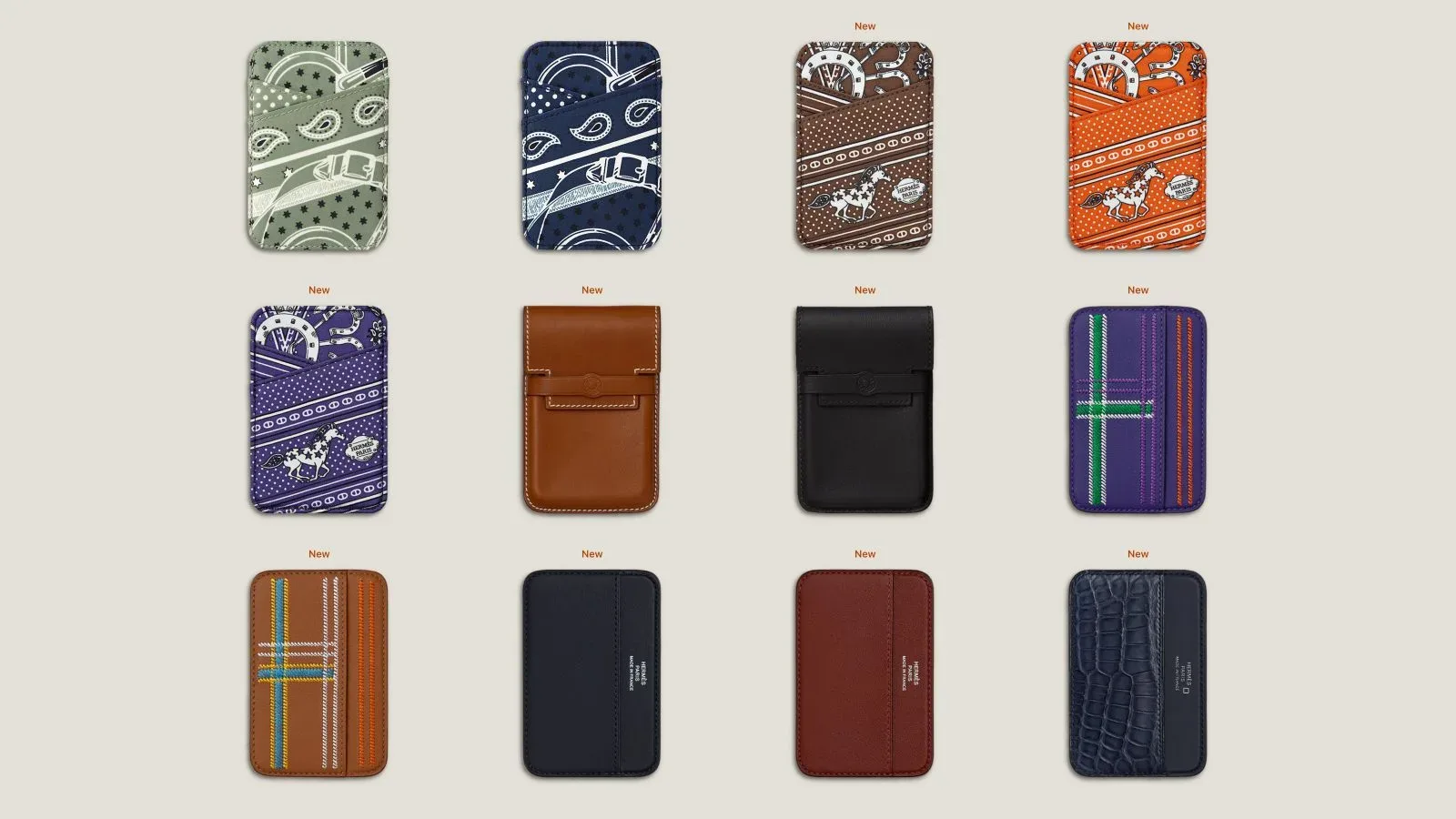
That approach fits the broader iOS 27 moment, where system-level intelligence and discovery features can make apps more useful precisely because they connect to more information. For another sign of how deeply the platform update is reaching into device behavior and accessories, see our coverage of iOS 27 code pointing to new Hermès MagSafe Wallet styles and an attachment animation.
More ways to postpone a reminder—responsibly, perhaps
Things 3.24 broadens the notification snooze menu with several new intervals. Users now have 15-minute, one-hour, and three-hour options, plus a new choice to snooze a notification until tomorrow.
These additions are modest on paper, but they address the highly specific reality of reminders arriving at the wrong moment. A task may be valid and urgent enough to retain, yet impossible to deal with during a meeting, commute, workout, meal, or 2 a.m. burst of noble intentions. More defined intervals make it easier to delay the prompt by an amount that matches the interruption rather than forcing a user into an overly short delay, an overly long one, or dismissal.
- 15 minutes suits brief interruptions when the task can be resumed soon.
- One hour offers breathing room without pushing the reminder deep into the day.
- Three hours is useful when a current block of work or travel needs to finish first.
- Until tomorrow provides a cleaner option when today is simply no longer realistic.
Of course, a snooze button is productivity’s most charmingly dangerous tool. It can protect focus by moving an interruption to a better time, or become a small digital catapult that launches responsibility into the future. The new selection does not decide that balance for anyone, but it gives Things users more precise control over it.
An XL Portrait widget for longer lists at a glance
The release also introduces an XL Portrait widget. The larger Home Screen widget is meant to show longer lists directly on the Home Screen, reducing the need to enter the app simply to see what is next.
Widgets are most helpful when they deliver enough information to support a quick decision rather than acting as decorative shortcuts. A bigger portrait-oriented layout potentially gives Things more room to display a meaningful slice of a list, which can be useful for users who organize their day around visible task queues. It may also suit people who prefer a glanceable overview instead of receiving every bit of task information as a notification.
The update includes other compatibility improvements for iOS 27 as well. Specifics for those additional changes were not detailed, but their inclusion underscores that Things 3.24 is positioned as an operating-system transition release as much as an individual feature drop.
What Things 3.24 changes in the daily routine
None of the announced additions alters the basic purpose of Things: it remains a place to manage to-dos and projects. What changes is the number of entry points around it. Siri AI can serve as a conversational inbox for new work. Spotlight can become a system-level lookup tool for existing work. Notifications receive more tailored deferral options. The XL Portrait widget gives the Home Screen a broader window into the day’s list.
Together, those pieces suggest a task manager that is less dependent on the ritual of opening an app, tapping into an inbox, and carefully editing fields one by one. That ritual still has value for planning and review, especially with larger projects. But quick capture, retrieval, and triage are the moments where system integrations can have the biggest impact.
For existing Things users moving to iOS 27, the key decisions will likely be whether to enable Spotlight indexing and how heavily to rely on Siri AI for task creation and follow-up details. Users who value speed may welcome both integrations. Users with more private lists can keep Spotlight visibility disabled while still using the app in its more contained form.
Things 3.24 is now released in tandem with iOS 27. Its feature list is a concise one, yet it targets the ordinary points of friction that decide whether a reminder is captured, found, postponed sensibly, or silently lost beneath everything else on a busy phone.