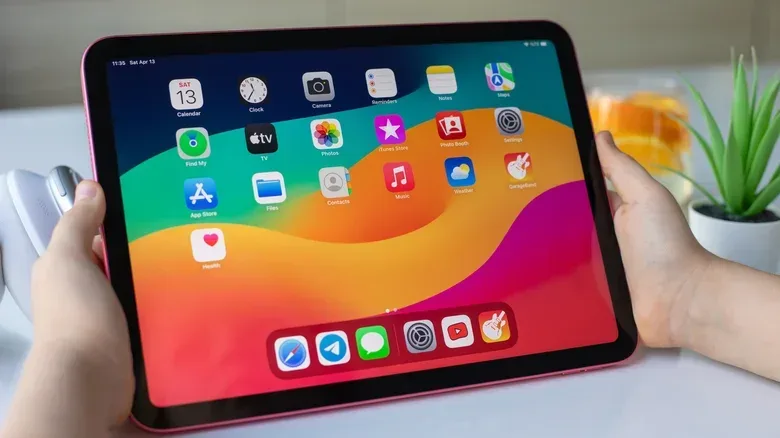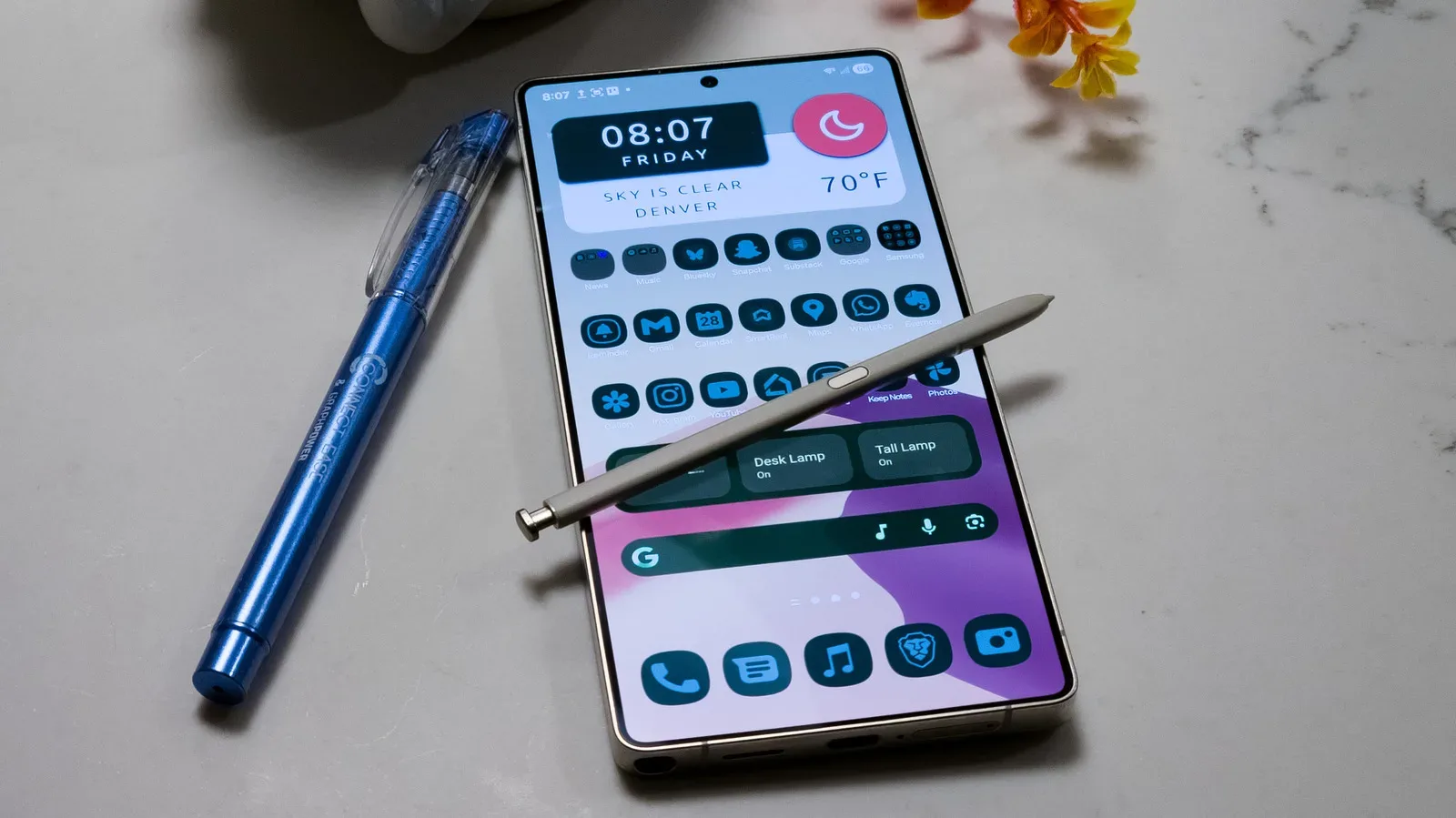
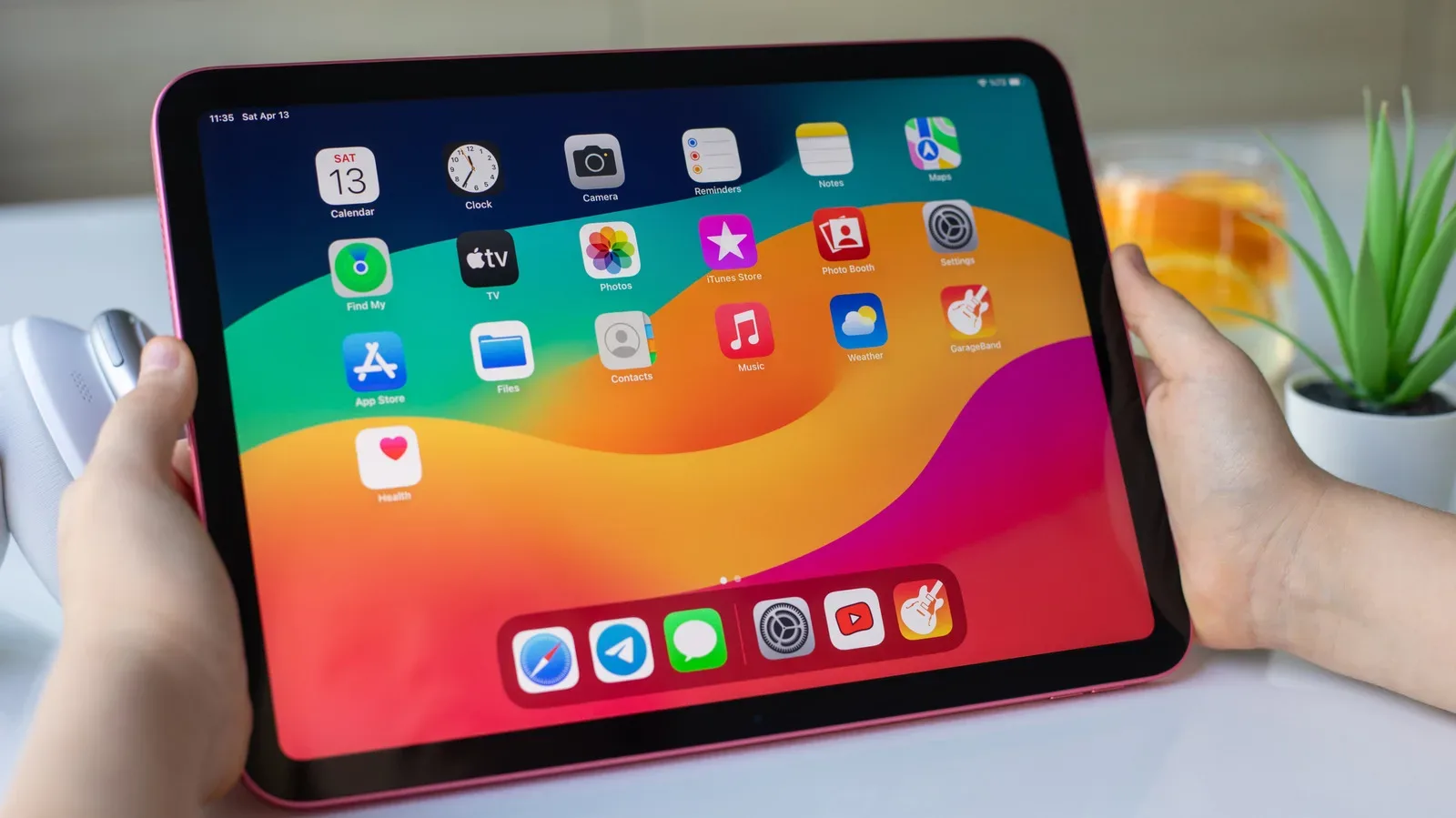
A tablet that suddenly sounds quiet, muddy or oddly distant can make a game’s dialogue, a streamed film or a video call far more frustrating than it should be. The obvious assumption is that the speakers have worn out. That may eventually prove true, but it is not the first explanation worth acting on.
Audio has to travel through small speaker openings in the tablet’s body. A poorly aligned case, a misplaced screen protector, lint in the grille or a software sound setting can interfere with what reaches the room. Those are comparatively simple possibilities to test, and testing them in a sensible order can help separate an external obstruction from a setting issue or a potential hardware fault.
The key is not to make several changes at once. Remove one possible cause, play the same familiar audio, and listen again. That makes the result meaningful: if the sound clears up only when a case is removed, the case deserves the blame; if headphones sound normal while the tablet’s own speakers do not, the diagnosis narrows considerably.
Start with what is physically covering the tablet
Take off the case and inspect whether it lines up cleanly with every speaker opening. A case can shift over time, fit imperfectly, or simply have cutouts that do not leave enough room for sound to travel freely. When the openings are partly covered, the result can seem like audio is playing from behind a wall.
It is also worth checking the screen protector. A protector installed out of position may overlap an opening, while one that has started lifting can create a rattle against the tablet’s body. Neither issue necessarily means the internal speaker has failed. They are removable variables, which is exactly why they should be checked before spending money on a repair or a replacement device.
Use a simple before-and-after test
- Choose a familiar clip, song or game sequence with speech and a range of sounds.
- Play it at the same volume with the case and screen protector in place.
- Remove the case and, where practical, the screen protector, then replay the same material.
- If the sound improves, refit the case and test once more.
That final step matters. A one-off improvement could be caused by how the tablet is being held or positioned. If the audio becomes muffled again immediately after the case goes back on, the case fit is a much stronger suspect. Leave it off while deciding whether it can be repositioned or should be replaced.
This is also a useful reminder that accessories are part of the practical audio path, even though they are not part of the tablet’s speaker hardware. A protective cover that obstructs a grille can turn an otherwise healthy device into a tiny, expensive-sounding pillow.
Clean speaker grilles with restraint, not force
If the openings are clear of accessories, look closely for dust and lint around the speaker grilles. Debris can limit the path for sound, producing the same muted effect that a badly positioned case can. Cleaning may help, but this is the stage where an aggressive fix can create a new problem.
First, turn the tablet off and unplug any cables. Then use a clean, small, nonmetallic, soft-bristled dry brush to loosen debris at the grille. Brush gently away from the openings rather than trying to drive material inward. A microfiber cloth can pick up what has been loosened from the surrounding surface.
What to avoid
- Do not blow into the speaker openings. A strong breath or compressed air can push debris deeper rather than removing it.
- Do not rely on breath to clean the grille. Breath contains moisture, which makes it a poor match for a delicate electronic opening.
- Do not use a metal tool. The safer approach described here is a nonmetallic, soft-bristled brush, used dry and with a light touch.
The aim is not to excavate the inside of the tablet. It is to clear loose dust and lint that are visibly or plausibly sitting at the opening. If gentle brushing does not change the sound, escalating to force is not a useful diagnostic step. Move on to settings and output comparisons instead.
Why equalizer settings can make healthy speakers sound wrong
An equalizer, usually shortened to EQ, is a sound control that changes the balance of different parts of audio. EQ presets can alter how a track comes across through a tablet’s speakers, including whether speech is easy to make out or whether the overall result seems boomy, thin or muffled.
That does not mean EQ is bad. It means it is another variable that should be returned to a neutral starting point while troubleshooting. If the sound improves after doing so, the speaker may have been working normally all along while an audio preset was shaping the output in an unhelpful way.
On Samsung Galaxy tablets, the relevant route is Settings > Sounds and vibration > Sound quality and effects > Equalizer. Set the equalizer to Normal as a baseline, because alternate presets intentionally change the sound.
For playback in the Music app on an iPad, open Settings > Apps > Music > EQ and turn EQ off to compare the result. This is a focused test: it checks whether the Music app’s EQ setting is contributing to the issue. It should not be treated as proof that every app or every audio source will behave identically.
Settings checks are especially useful when the problem seems to have appeared around a software change. Timing can make an update look guilty, but a changed sound setting or preset is worth ruling out before concluding that an update damaged the speakers.
For more device-setting context, see Samsung Galaxy display settings worth changing for smoother gaming, better battery control and more comfortable viewing.
Compare built-in audio with Bluetooth speakers or earphones
Connecting a Bluetooth speaker or a pair of earphones provides a useful split test. It is not a repair, but it can make the next decision clearer.
If the same audio is clear through Bluetooth while remaining muffled through the tablet’s built-in speakers, the issue is more likely to be local to the tablet’s speaker openings or built-in speaker system than to the audio itself. That result gives extra weight to the earlier case and cleaning checks. If external audio also sounds wrong, revisit the source material and the tablet’s audio settings, because the internal speakers are no longer the only plausible explanation.
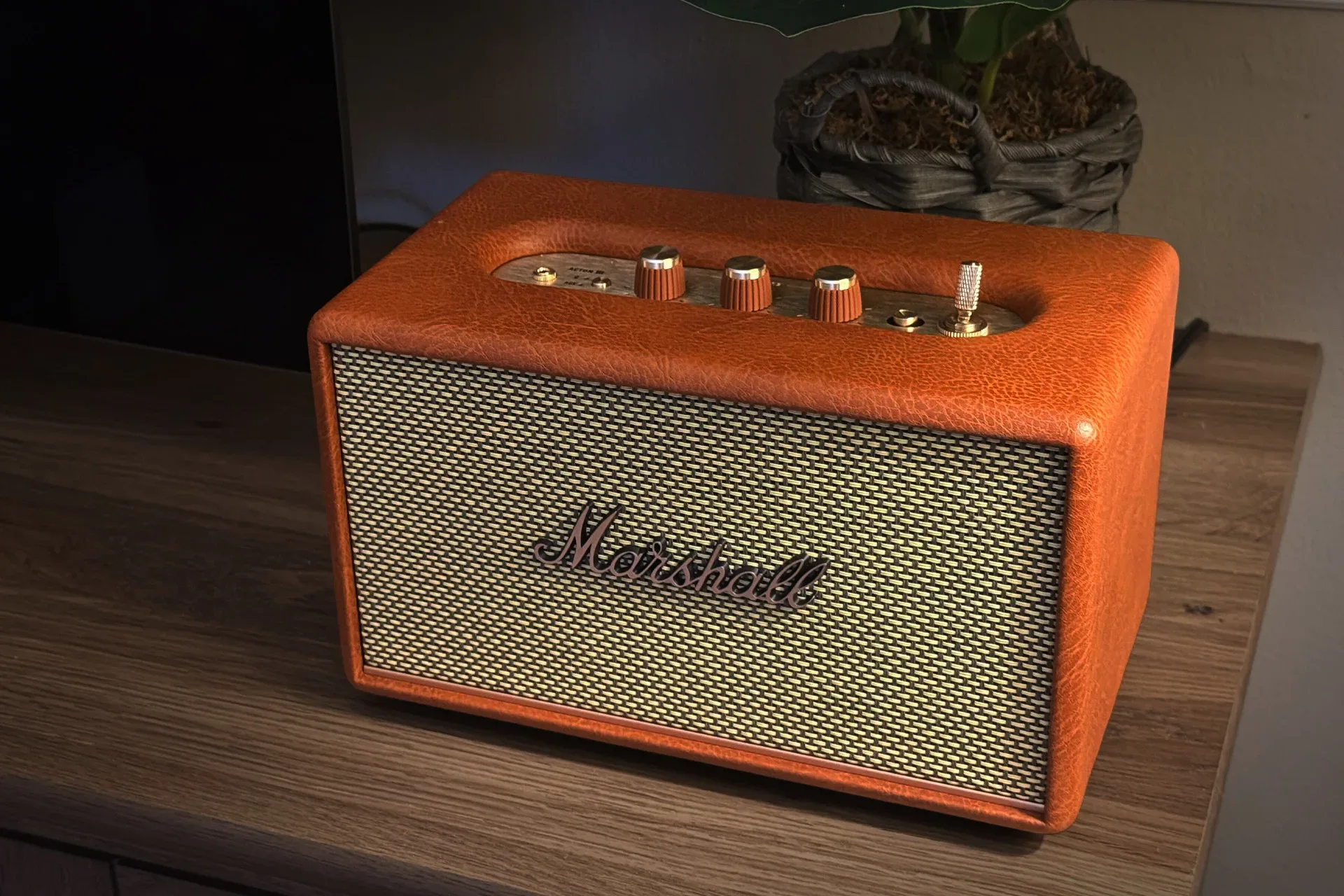
External audio can also be a practical stopgap if the built-in output remains unsatisfactory. Portable Bluetooth speakers named as options include the JBL Charge 6 and Beats Pill. But the comparison matters more than the product choice: use the same content at a sensible level and note whether dialogue, music and effects become clearer when the tablet’s own speakers are bypassed.
A low-risk troubleshooting order
For a tablet whose audio has become muffled, work from the reversible checks to the more consequential decision of seeking repair or replacement:
- Remove the case and inspect the screen protector for misalignment, lifting or rattling.
- Play familiar audio before and after removing the accessory, then retest after refitting it.
- Power down and unplug the tablet.
- Gently brush the speaker grilles with a clean, dry, nonmetallic soft-bristled brush, then wipe away loosened debris with a microfiber cloth.
- Do not use breath or compressed air to blast the openings.
- Return EQ to a neutral state: Normal on a Samsung Galaxy tablet, or off in the iPad Music app’s EQ setting.
- Compare the same audio through Bluetooth speakers or earphones.
This sequence is practical because each step provides information. An accessory test checks for obstruction. Cleaning checks for buildup. EQ checks whether sound processing is changing the character of the audio. Bluetooth comparison checks whether the problem follows the tablet’s built-in speakers.
When the checks point back to the tablet
Not every muffled speaker is caused by a case, dust or a preset. If the openings are unobstructed and gently cleaned, EQ has been neutralized, and Bluetooth audio remains clear while the built-in output does not, it is reasonable to suspect the built-in speaker system.
That is the point at which a repair or replacement decision becomes more defensible. The earlier steps have not guaranteed a fix; they have removed straightforward causes and prevented a premature purchase based on an assumption. Until those possibilities are eliminated, a tablet that sounds underwater may simply be wearing the wrong case or carrying a little too much lint in the wrong place.