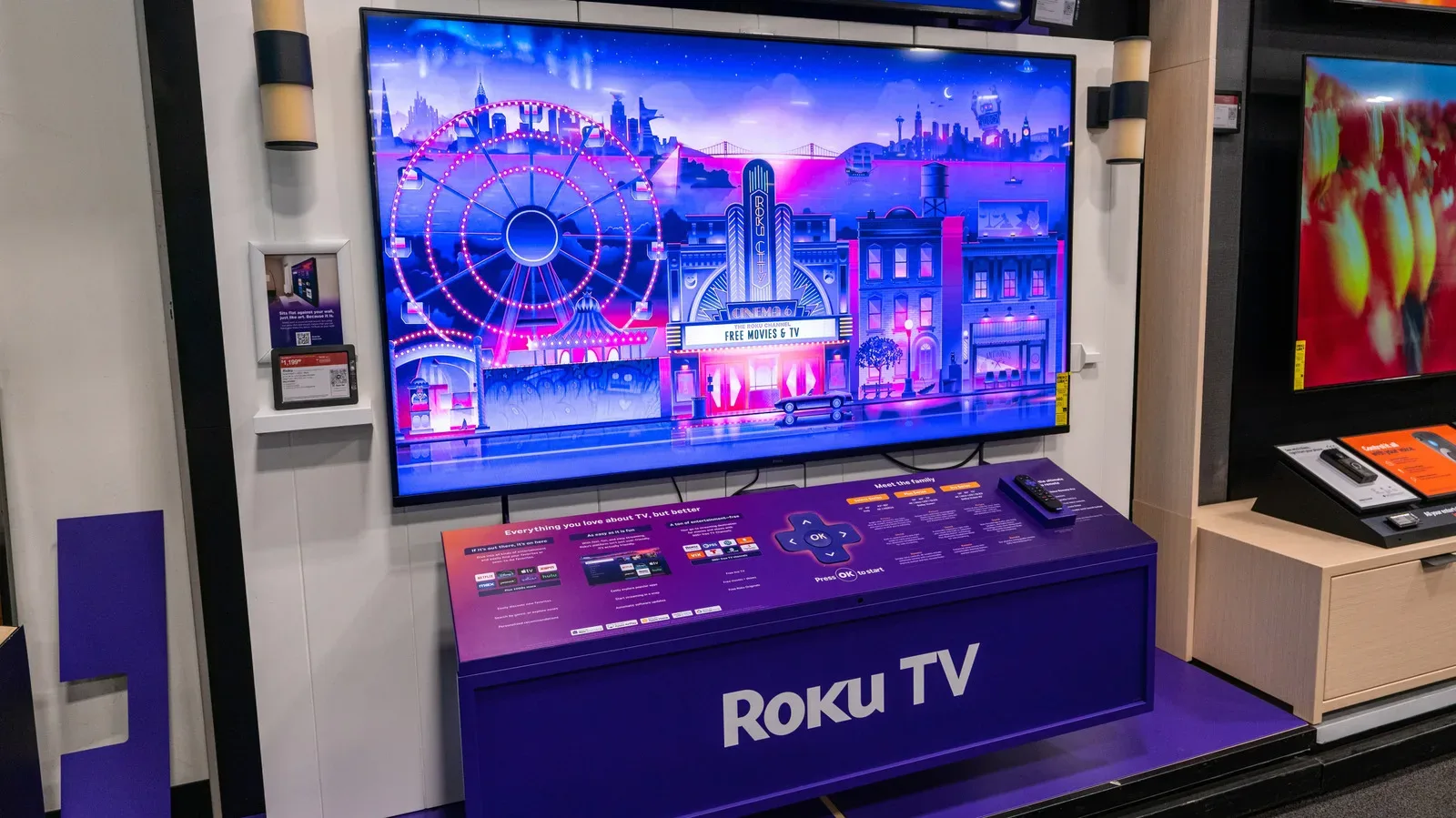
A TV switching itself on in the middle of the night is an unusually effective way to make ordinary home electronics feel deeply suspicious. For some Roku TV and Roku streaming-device owners, though, unexplained power-ons have become a real troubleshooting problem rather than a ghost story.
The important point is that there is not yet a confirmed, universal cause. Reports began to surface after Roku OS 15.3 arrived in August 2026, but not every Roku TV or streaming player appears affected, and the update notes did not point to an obvious change involving automatic playback or power management. That makes a software bug plausible, not proven.
There are also two local settings worth investigating before assuming the television itself has failed: HDMI-CEC, called 1-Touch Play on Roku hardware, and Fast TV Start. Both are designed to make a living-room setup more convenient. Both can also create conditions in which a device wakes when the owner did not expect it to.
Start with the distinction: TV, Roku player, or connected device?
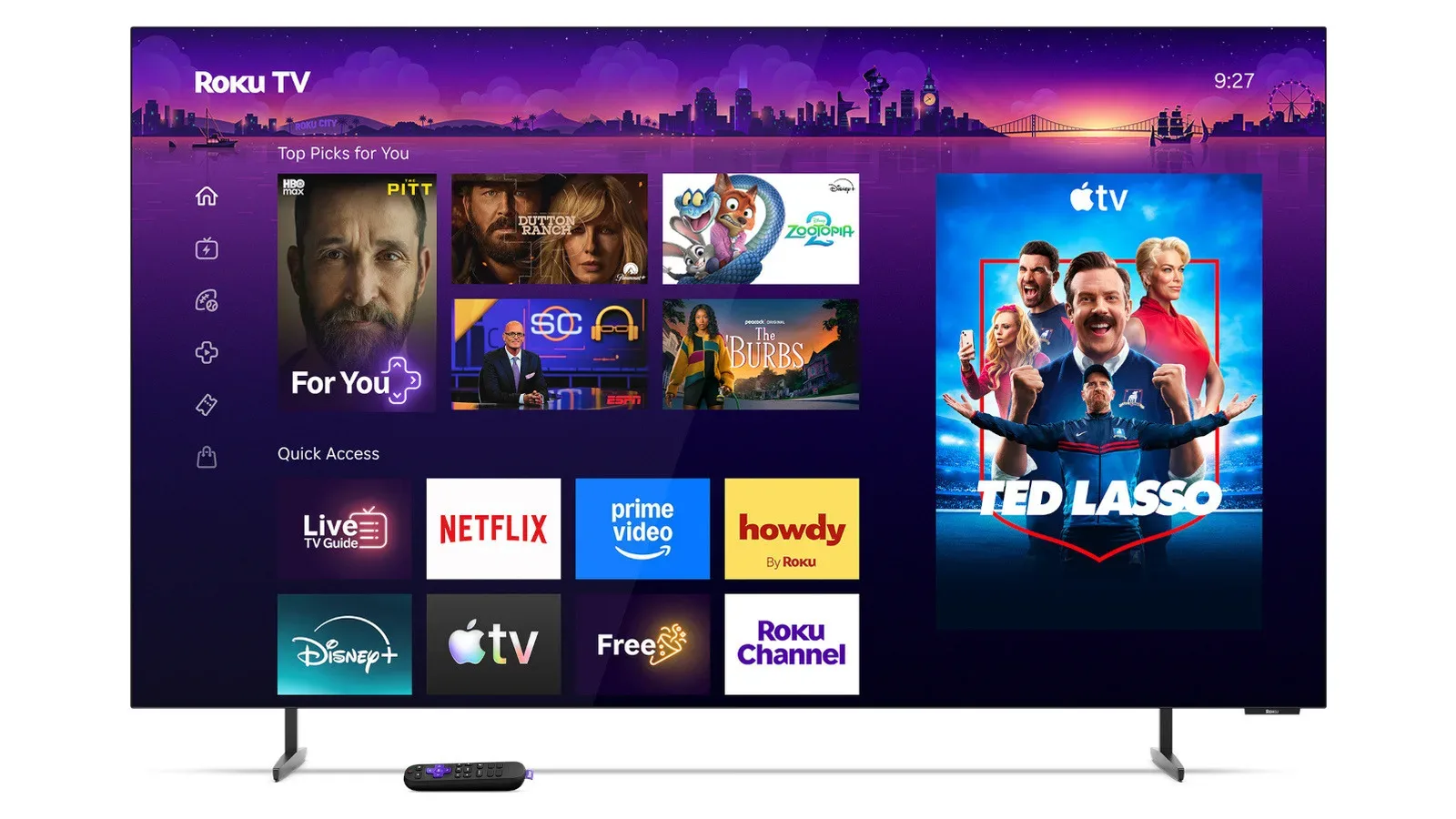
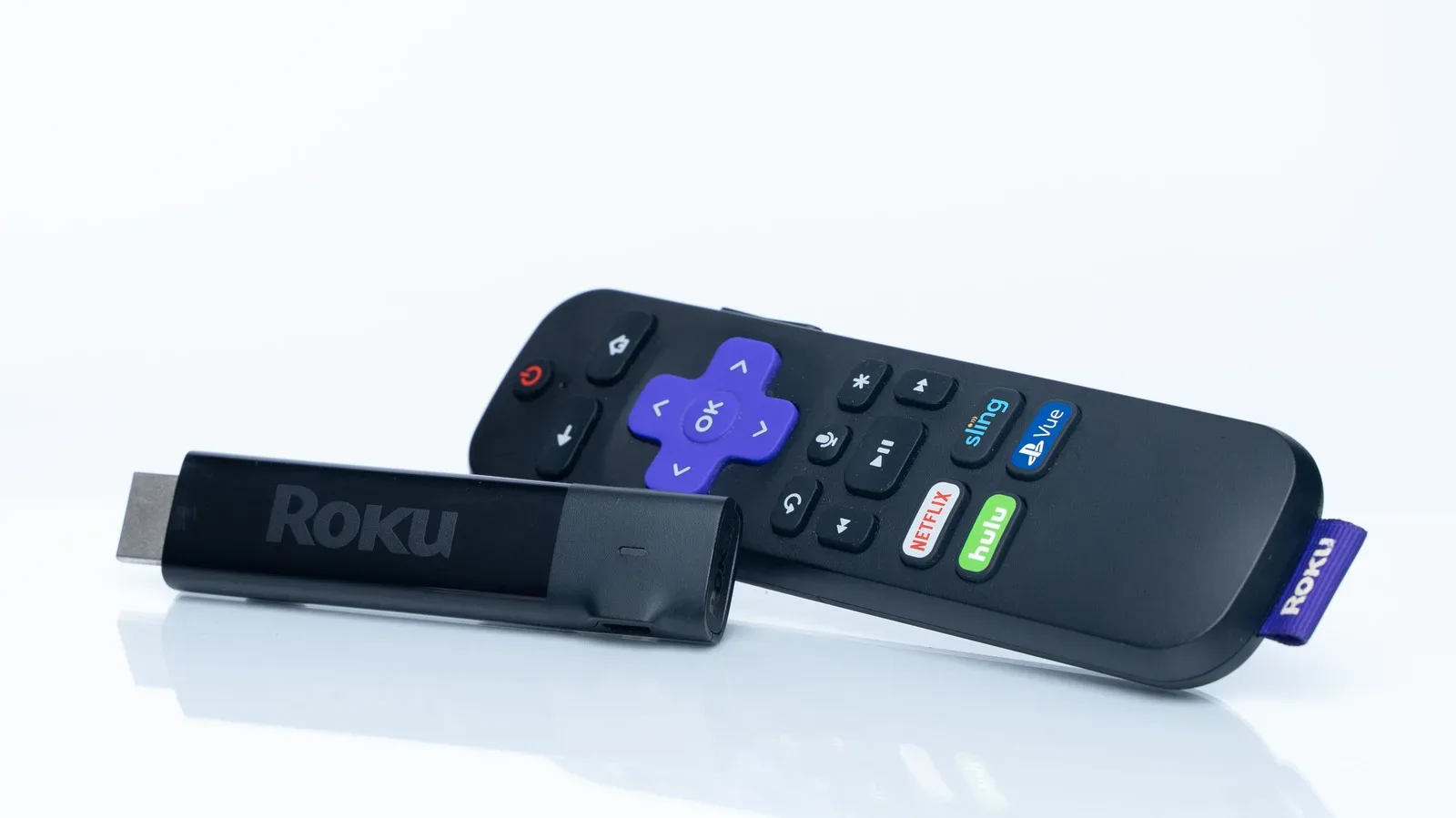
A Roku-branded TV combines the display and Roku operating system in one set. A separate Roku streaming player is connected to a television through HDMI. That difference matters when diagnosing a phantom power-on.
If a Roku TV turns on, the set itself has woken. If a standalone Roku player is in use, an HDMI control signal may be waking the television, the player, or both. A soundbar, A/V receiver, speakers with HDMI switching, or a game console may also be part of the chain. The visible symptom is one screen coming alive, but the initiating event may have started elsewhere.
That is why changing one setting at a time is more useful than turning off everything at once. It preserves a clearer path to identifying which convenience feature or connected component is involved.
Why Roku OS 15.3 is a reasonable suspect, but not a diagnosis
The timing of the reports has put Roku OS 15.3 under scrutiny. The version launched in August 2026, and owners subsequently described Roku TVs and streaming players waking and, in some cases, beginning to play shows or movies without anyone deliberately turning them on.
Software problems do not always appear in the part of a product that was visibly changed. A release can affect interactions between networking, connected hardware and background services even when the listed changes are unrelated to autoplay or TV power. Still, timing alone cannot establish that 15.3 is responsible for every case. Different televisions, accessories and home-theater configurations can produce the same apparent behavior for different reasons.
Related coverage includes Why a Roku TV May Turn On by Itself—and Steps to Stop It.
Roku OS 16 was released in October. Updating to it is a sensible first maintenance step, even though there is no confirmation that it specifically resolves the unexpected-power-on reports. Keeping the software current may help, but it should not be presented as a guaranteed fix.
Update first, then observe
After installing the latest available system version, leave the rest of the setup unchanged briefly if possible. If the behavior stops, that is encouraging, but it still does not prove exactly what changed. If it continues, move to the HDMI and power-management checks below. This measured approach avoids losing track of what altered the outcome.
HDMI-CEC: the convenience feature most worth testing
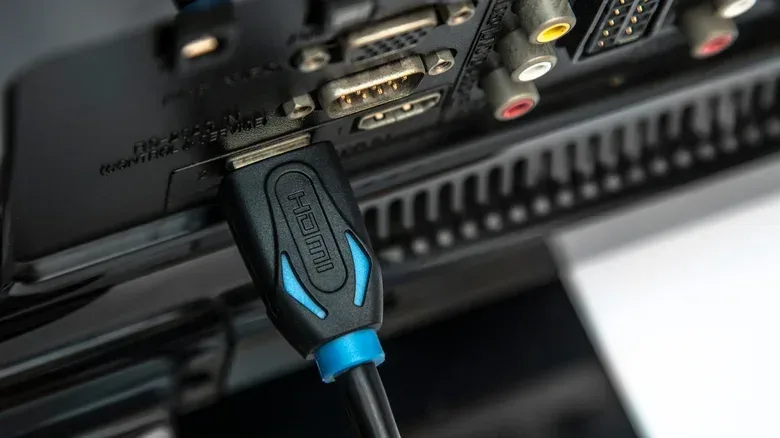
HDMI-CEC stands for Consumer Electronics Control. It is an HDMI feature that lets compatible equipment send basic control commands through HDMI connections. In practical terms, it can allow a single remote action to wake a TV, switch inputs, or turn on associated equipment.
On Roku, the related setting is called 1-Touch Play. Other brands use their own labels for the same HDMI-CEC standard, including Samsung Anynet+, Sony BRAVIA Sync and LG SimpLink. The branding differs, and each manufacturer layers its own software behavior around the shared standard.
That is convenient until one item in the setup sends a mistaken or poorly timed signal. A console, receiver, soundbar or another HDMI-connected component can potentially cause the rest of the control chain to respond. HDMI-CEC has a history of producing unexpected input switching, devices waking together and phantom power behavior when hardware does not communicate cleanly.
Mixed-brand systems can make this more likely, although using products from one company is not a promise of trouble-free operation. The key idea is simple: the television may be responding to a command rather than independently deciding to wake up.
Disable 1-Touch Play on the Roku TV
On a Roku TV, navigate to:
- Settings
- System
- Control other devices
- Uncheck 1-Touch Play
For a meaningful test, disable the HDMI-CEC function on the other connected devices as well. This includes game consoles and A/V equipment. Their menu names will vary by manufacturer, so look for the brand-specific CEC label rather than expecting the words “1-Touch Play.”
The trade-off is that a single remote may no longer turn on or coordinate every component. That inconvenience is temporary if the test isolates the problem, and it is preferable to repeatedly waking to a television that has decided it is showtime.
Game-console owners should especially keep this relationship in mind. Consoles are common HDMI-CEC participants, because the feature is intended to streamline switching into play sessions. If HDMI control is not the culprit, console maintenance remains a separate issue; Joking Joystick’s guide on clearing Xbox Series X cache safely explains that troubleshooting process without treating unrelated symptoms as the same problem.
Fast TV Start keeps part of the television ready
Fast TV Start is Roku’s power-management option for reducing the delay between pressing power and seeing the TV come on. Rather than completely shutting down the operating system, it keeps Roku OS active in the background. It also allows the TV to remain ready for voice commands that can turn it back on.
The feature is built around responsiveness, not energy-saving minimalism. That always-ready state and continuing network connection may also create an opening for an overnight glitch. Fast TV Start has been discussed alongside the OS 15.3 reports as another possible contributor to phantom wake-ups, but it is not a confirmed root cause.
Disabling it is a clean test because it changes how fully the TV settles down after it is switched off. Expect a less immediate startup afterward; that is the intended compromise.
Turn off Fast TV Start
On a Roku TV, go to:
- Settings
- System
- Power
- Fast TV Start
- Clear Enable Fast TV Start, or choose Off, depending on the menu shown.
Use the TV normally after making the change. If the unexpected wake-ups cease, Fast TV Start was at least involved in the circumstances that allowed them. If they do not, leave it disabled while testing HDMI-CEC so that the two variables are not being reintroduced at once.
A practical order of operations
Because no official root cause has been identified, this is a process of narrowing possibilities rather than applying one authoritative cure. A sensible order is:
- Update the Roku operating system to the latest available version, including Roku OS 16 where it is offered.
- Disable 1-Touch Play on the Roku TV.
- Disable HDMI-CEC on every connected console and A/V component.
- Disable Fast TV Start.
- Watch for repeat incidents before re-enabling any convenience feature.
This sequence has a practical benefit: it starts with routine upkeep, then removes the cross-device control pathway most likely to make a TV appear to wake on its own, then changes Roku’s always-ready behavior. It also avoids a factory-reset-style response that would be disproportionate to the evidence currently available.
If the TV still wakes up
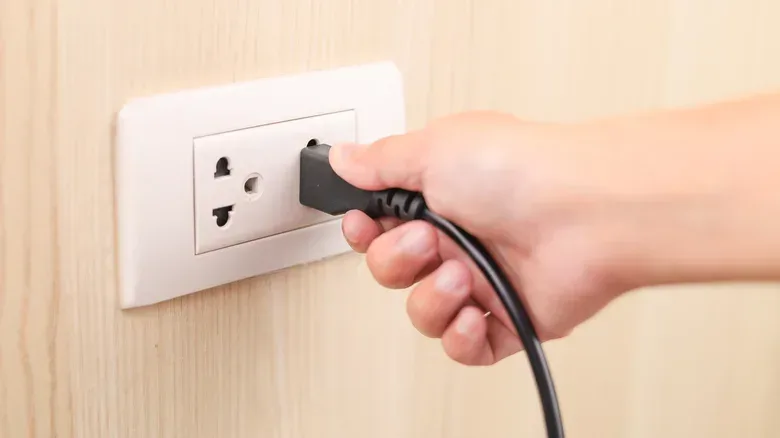
If the problem persists after the software, CEC and Fast TV Start checks, the available options become less elegant but more decisive. Unplugging the television after use removes standby power entirely. A smart plug can automate that step on a schedule, cutting power overnight without requiring a nightly trip behind the TV stand.
Those measures also come with a practical limitation: the set cannot receive network activity or respond to remote or voice wake commands while power is cut. They are therefore best viewed as containment, not proof of why the issue began.
For unresolved cases, Roku’s support portal at support.roku.com is the appropriate escalation route. Record the Roku model, OS version, the time of any unexpected power-on, and every HDMI-connected device before seeking assistance. That information is more useful than a general report that the TV “turned on by itself,” particularly where a software issue and a device-control conflict remain competing explanations.
For now, the evidence supports caution rather than certainty: update Roku OS, test HDMI-CEC/1-Touch Play, turn off Fast TV Start, and isolate connected components methodically. The midnight screening is far more likely to be a technology handshake gone wrong than anything supernatural.