DigiBitPlay V4 is expanding the scope of its library-focused emulation frontend with support for Super Nintendo, Nintendo 64 and Xbox 360 collections, plus an initial Steam Deck build. The update also concentrates on the part of retro-game software that is often treated as an afterthought: browsing a personal library in a way that makes box art, discs, cartridges and manuals feel like objects rather than a plain list of files.
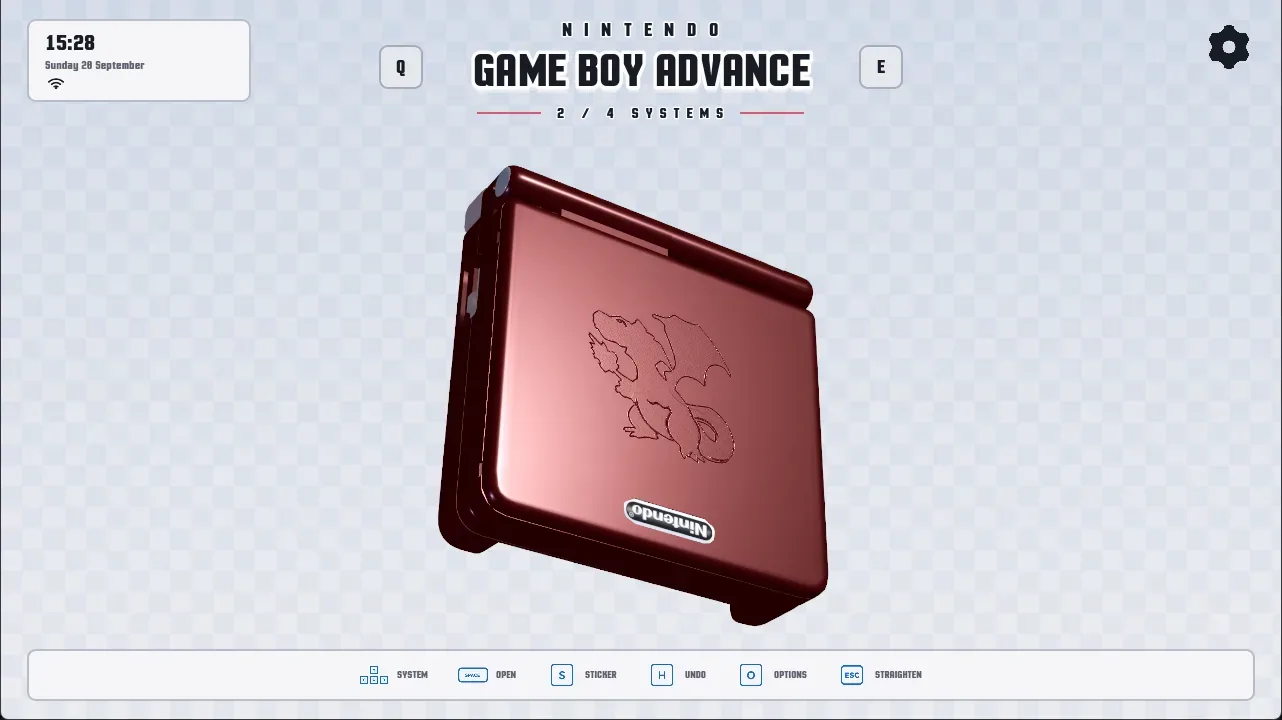
That distinction is central to DigiBitPlay’s approach. Its interface can organize ROM libraries through lists, box art and disc art, while newer presentation options place boxes on virtual shelves or show cartridges in foam-lined cases. It also uses console customization imagery to frame the act of launching a game, including the look of inserting a disc into a personalized or limited-edition console. V4 adds practical organizational controls alongside those visual touches, rather than treating the interface solely as a digital display cabinet.
New platforms broaden the library
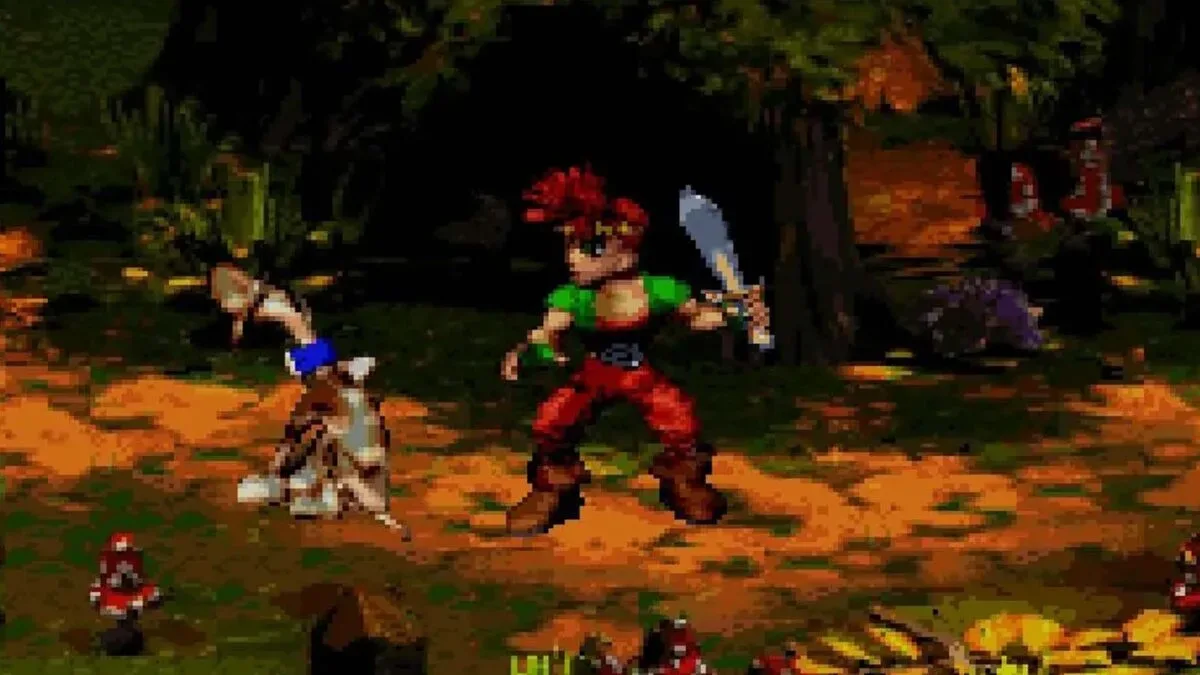
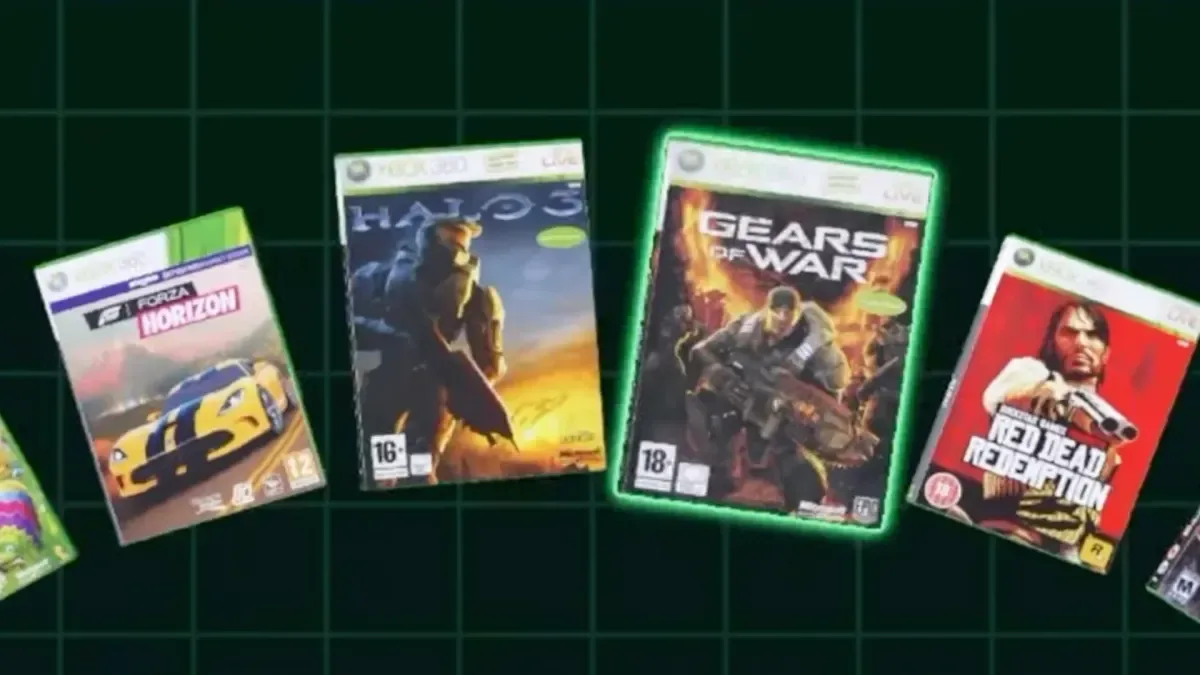
The marquee additions are SNES and Nintendo 64, two systems that substantially widen the range of classic libraries users can manage inside the frontend. Xbox 360 is also now supported, with 3D game-box and manual presentation included. That is an ambitious addition visually, but the update comes with an important limitation: Xbox 360 emulation on Android remains inconsistent. Frontend support means DigiBitPlay can organize and launch a supported title through an appropriate emulator setup; it should not be read as a promise that every Xbox 360 game will run well on every Android device.
For people building a mixed-era library, the benefit is less about declaring one universal emulator and more about keeping several platforms under a consistent visual interface. The newly added 3D boxes and manuals also reinforce the software’s collecting-style presentation without confusing a digital ROM library with a physical collection.
The Xbox 360 addition arrives at a moment when the platform’s wider gaming legacy remains a subject of attention, including Rare’s move under Activision. DigiBitPlay’s role, however, is narrower: it is a frontend designed to organize and launch a user’s own library rather than a replacement for games, emulators or the technical work those emulators require.
Per-game emulator settings are a meaningful quality-of-life change
V4 introduces per-game emulator specifications, allowing users to select different emulation programs for individual titles. In plain terms, an emulator is software that reproduces the behavior of a game system so software made for that system can run elsewhere. A frontend sits above that layer: it provides the library, artwork, navigation and launch controls that point a game to the chosen emulator.
Giving users a choice on a game-by-game basis is useful because one global emulator choice may not be ideal for an entire library. The update does not make performance claims for particular games or emulators, but the option gives users more control over how each entry is launched. It also means a carefully arranged library does not have to be reorganized merely because a user wants one title to open with a different emulation program.
Another functional fix concerns RetroArch. RetroArch is a multi-system emulation application that can retain configuration details such as controller mappings and save-related settings. DigiBitPlay previously had an issue in which opening RetroArch could create a fresh configuration rather than loading the user’s existing one. V4 is intended to load earlier saves and controller setups correctly. For an established library, that fix matters far more than a cosmetic flourish: controls and saved progress are part of the continuity users expect when returning to older games.
Related coverage includes DigiBitPlay V4 Adds SNES, Nintendo 64, Xbox 360 and Steam Deck Support.
Steam Deck support starts with a first build
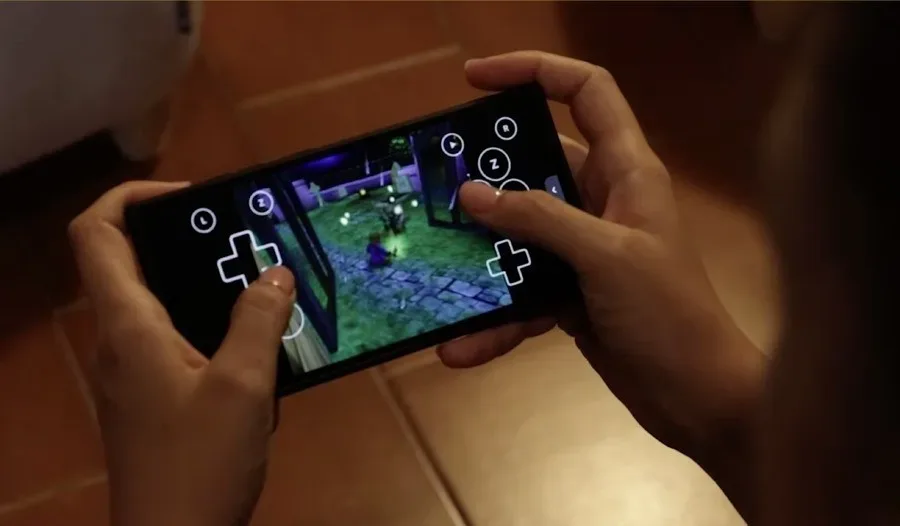
Steam Deck support is now available through the project’s first build for the handheld PC. The wording is significant. This is an initial implementation, not a broad promise of polished feature parity across every device or setup. Still, it extends DigiBitPlay’s physical-library-inspired interface beyond Android and toward a device frequently used to manage PC and emulation libraries on the go.
Potential users should separate three related but different questions: whether the frontend runs on their device, whether their selected emulator is configured, and whether an individual game performs satisfactorily. V4 addresses the first of those for Steam Deck with its debut build and offers more flexible launching options through per-game emulator selection. The remaining variables depend on a user’s own hardware, emulator choices and library setup.
A faster, more configurable way to browse
Several changes target the experience of moving around a large library. DigiBitPlay now includes an option to build a shader cache. A shader is a small program used to help render graphics; caching means preparing and storing work so it does not need to be completed from scratch every time. In this case, the stated purpose is faster loading for 3D models as users navigate the frontend.
That is particularly relevant to an interface that displays modeled cases, discs and shelves. The update does not claim to improve game emulation performance; it specifically concerns the frontend’s own 3D presentation while browsing. The shelf carousel has also been adjusted with smoother animation and improved organization.
Users can now reorder game positions manually, deciding which titles sit beside one another in the layout. A batch-collection tool allows multiple games to be searched for and added to collections at once, while a new “game safe case” provides a place to group and display favorite games. Together, these features make the interface more useful for curation as well as browsing: a user can shape a collection around personal themes and reorder it without relying solely on automated sorting.
Manuals, cases and audiovisual detail receive attention
V4 includes fully modeled Nintendo DS cases and more realistic-looking disc refraction and reflections. It adds glow highlights around the game currently in focus, animated backgrounds and two new ambience soundtracks created by PLUNE that are intended to evoke classic Nintendo-menu moods.
The manual features go beyond simply showing an image file. The revised layout lets users assign front and back covers manually, with those covers displayed individually as they would be on a physical manual. Pages can be dragged with a finger or mouse to turn them at different speeds. There is also a page-splitting tool for manual images where two pages have been scanned or stored together in one image, allowing them to be divided and formatted properly.
Handheld-specific audio has been added for 3DS, Game Boy Advance and Nintendo DS lid opening and closing. These effects, like the animated backgrounds and focused-game glow, are not necessary to launch software. Their purpose is to make navigation feel more tactile and deliberate, matching DigiBitPlay’s broader effort to recreate some of the rituals associated with shelves, cases, cartridges and discs.
What V4 means in practice
DigiBitPlay V4 is a substantial update because it combines platform expansion, setup improvements and a stronger presentation layer. SNES, Nintendo 64 and Xbox 360 support will attract attention, while Steam Deck support opens a new path for the frontend. But the update’s most durable changes may be the less flashy ones: per-game emulator selection, the RetroArch configuration fix, batch collection tools, manual handling and shader-cache building.
For Android users with large ROM libraries, the result is a more customizable method of deciding what appears together, how it looks and which emulation program launches each game. The Xbox 360 option should be approached with realistic expectations due to the variable state of Android emulation, and the Steam Deck version remains an early build. Even with those caveats, V4 makes a clear case for the frontend as more than an artwork browser: it is becoming a configurable library layer built around the presentation and organization of a user’s games.