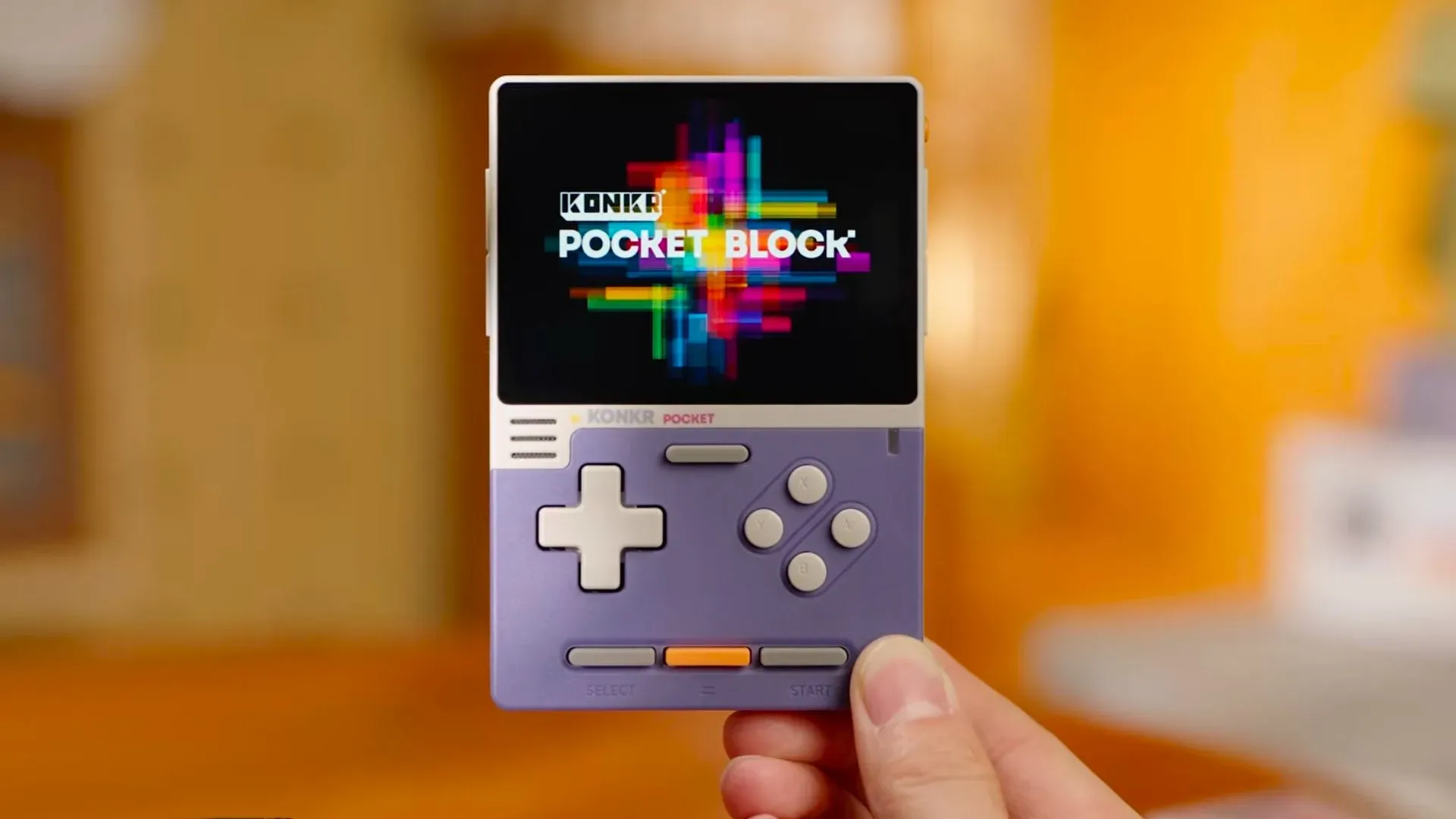
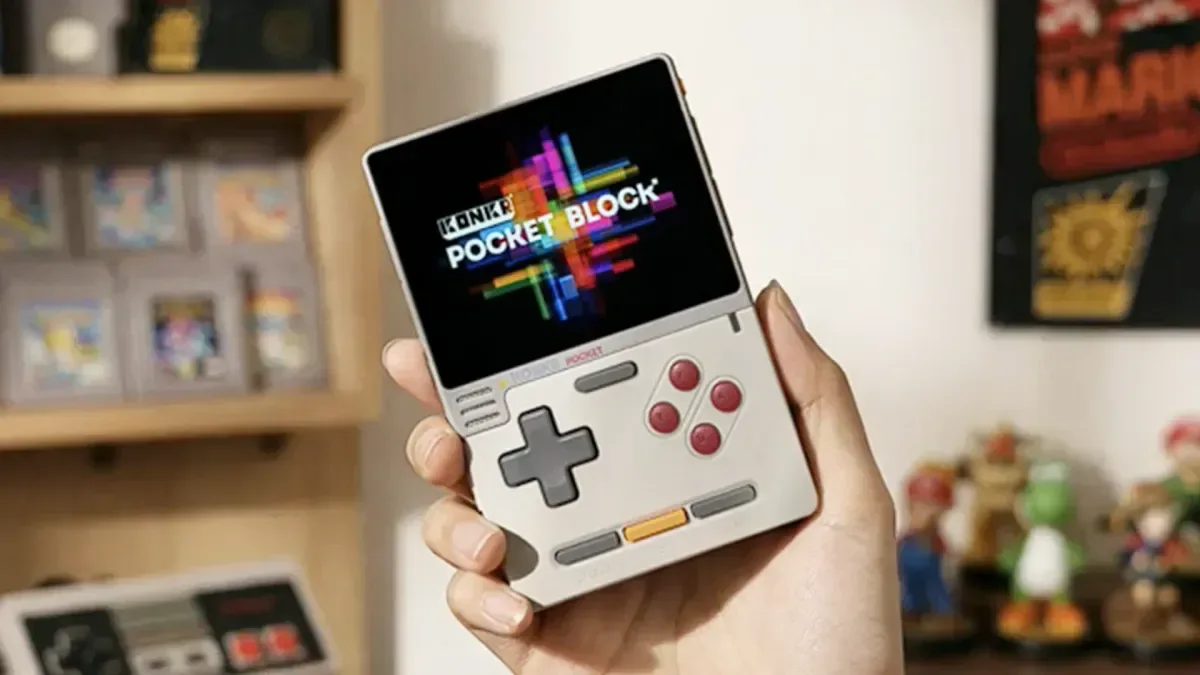
AYANEO has released AYASPACE 2, a new Android frontend intended to make its handheld software feel less like a loose pile of apps and more like a carefully arranged game collection. Its central idea is called “Pocket Museum”: a visual library that presents games through cartridge art, box art, display stands, lighting effects and plaque-like labels rather than a conventional list of filenames.
For now, AYASPACE 2 can be downloaded for the KONKR Pocket Advance, KONKR Pocket Block and AYANEO Pocket Micro 2. The currently demonstrated focus is Game Boy Advance, and AYANEO has not provided a schedule for support for additional consoles.
That limited first rollout is important. The presentation makes a case for an ambitious, unified Android software layer, but prospective users should view the initial version as a Game Boy Advance-focused launch rather than assume that every system and every AYANEO handheld is supported immediately.
A frontend is the layer between a library and a game
An Android handheld can contain emulators, game files and numerous system-level options, but those pieces do not automatically form a pleasant handheld experience. A frontend is the interface that organizes the library, shows metadata and art, launches titles, and ideally brings frequently used actions into one consistent menu.
That is the task AYASPACE 2 is trying to tackle. Rather than requiring users to bounce from a library app into a separate emulator interface for routine controls, AYANEO says the emulators are integrated into the software experience. Settings made through AYASPACE are intended to correspond with the emulator, including options for saving, loading, fast-forwarding and rewinding.
Those terms carry practical meaning for retro players:
- Save and load refers to recording progress and returning to it later through the frontend’s available controls.
- Fast forward accelerates gameplay, which can be useful when revisiting slow sections or dialogue-heavy moments.
- Rewind moves play backward, allowing a player to retry a mistake without beginning a section again.
The value is not merely that these functions exist, but that AYANEO is pitching them as part of the same handheld-facing interface used to choose a game. A frontend becomes more useful when it reduces interface hopping, particularly on compact devices where menus can become cramped and touch navigation can be less convenient.
The Pocket Museum look is built around physical game imagery
AYASPACE 2’s defining feature is its presentation. The showcased layouts frame game libraries with cartridge, disc and box imagery, plus a museum-inspired arrangement of stands, warm top lighting, gold-toned plaques and restrained type. It is a deliberately curated look: the point is to make a digital list evoke the experience of browsing a personal shelf.
Related coverage includes AYANEO Releases AYASPACE 2 Android Frontend With a 'Pocket Museum' Approach.
For Game Boy Advance software, the cartridge itself is especially central to that idea. Rather than treating every title as identical cover tiles, the interface can emphasize the physical form associated with the platform. AYANEO also showed a display-box-style view that gathers a console’s cartridges together. This could be especially helpful for larger libraries, where a standard grid can turn into a wall of nearly indistinguishable artwork.
The design does more than decorate a launcher. It creates a browsing hierarchy. First, players move among console sections; then they examine a set of games within that system; finally, they select a title. AYANEO says the shoulder buttons can be used to explore the designated console sections, an appropriate choice for a handheld because it keeps primary navigation on physical controls instead of making the touchscreen essential.
There is also a considerable degree of promised customization. Users can choose box art, cartridge art, layouts and styles. Individual games may receive database-provided details, and AYANEO has shown the option to obtain 3D display assets for boxes. In other words, Pocket Museum is not being positioned as one fixed visual theme, but as a collection-oriented framework that users can tune to their preferences.
Automatic art matching is useful, but filenames may still matter
AYANEO says AYASPACE 2 uses an asset database and “smart recognition” to identify games and sync their presentation materials. If that system works reliably, it could remove one of the most repetitive parts of setting up an emulation library: locating, assigning and correcting art and metadata title by title.
There is an unavoidable practical caveat, however. Automatic matching generally depends on the software being able to recognize the game file accurately. Clear and correctly titled files are likely to make identification easier, while unusual naming, incomplete labels or mismatched versions could complicate the process. AYANEO’s claims describe an automated workflow, but the consistency of matching across real libraries remains something users will need to evaluate for themselves.
That distinction is worth making because a visually driven frontend depends heavily on good matching. If a game has the wrong art or no metadata, the museum metaphor loses some of its appeal. Conversely, when a library is recognized cleanly, the approach could make even a substantial collection more approachable: a player can browse the thing they remember, such as a cartridge shape or cover image, rather than decode a technical filename.
Cross-device syncing could be the feature with the biggest everyday payoff
AYASPACE 2 also includes cross-device syncing. AYANEO says owners with more than one of its handhelds can sign in and use a pairing code to connect devices. Save data is included in that sync promise.
In straightforward terms, the feature is designed to let a player move between compatible AYANEO devices without manually copying saves from one machine to another. Someone might prefer one handheld’s portability and another device’s screen or controls, then continue the same game after pairing them. That is a stronger use case than a cosmetic library upgrade, because it addresses the friction created by owning hardware with overlapping roles.
The pairing-code approach also signals that AYANEO is treating the handhelds as part of an ecosystem rather than isolated products. How broad that ecosystem becomes will depend on future device support and console support, neither of which has been detailed beyond the initial compatible hardware and Game Boy Advance emphasis.
For now, the sensible expectation is specific: syncing is a headline feature of AYASPACE 2 for the supported handhelds, not a reason to presume compatibility with every Android device or every AYANEO model.
Small screens make interface adaptation a meaningful claim
AYANEO says the software adapts not only to each handheld’s screen size but also to its button layout. That matters because the KONKR line includes devices with displays in the three- to four-inch range. A museum-style layout can look elegant in promotional images, but small screens leave little room for large 3D box renders, labels and multi-column navigation.
Good adaptation would mean the software preserves the visual identity without asking users to squint, scroll excessively or fight controls that do not suit a particular device. The shoulder-button navigation described for system browsing is one example of an interaction designed around handheld controls. Whether every information-rich museum element remains readable on the smallest supported screens is a question that the launch materials alone cannot settle.
Still, the emphasis on different screen and control configurations is a welcome sign. Android handheld software often has to accommodate sharply different physical designs, and the best interface on a larger device may not be the best interface on a pocket-sized model. AYASPACE 2 is at least explicitly framing adaptation as part of the product rather than an afterthought.
Why this matters in a crowded Android handheld landscape
AYANEO is entering a space where independent Android frontends already compete on presentation, library management and support for unconventional screens, including dual-screen setups. That makes a polished first-party option more significant than a simple reskin. Hardware makers can no longer rely solely on powerful components or stylish shells when the first interface a player sees may determine how finished the device feels.
AYASPACE 2’s particular answer is to lean into the romance of organized physical media. The cartridge cases, display furniture and archival styling are not subtle, but that is the point. They give the launcher a personality, and they may help distinguish one system’s library from another in a way a plain app grid cannot.
It also aligns naturally with the Game Boy Advance-led opening. For readers looking for more GBA-era context beyond handheld interfaces, our guide to the best Wii puzzle games explores another generation of Nintendo hardware through the practical qualities that make a library worth revisiting: mechanical variety, control design and replay value.
AYASPACE 2 will ultimately be judged on less glamorous fundamentals as well: accurate recognition, readable layouts, smooth launching, dependable saves and syncing that behaves predictably. The Pocket Museum presentation is a compelling identity, but a frontend earns its place through the time and steps it saves every time a player picks up a handheld.
What AYANEO owners can expect right now
The immediate release is a meaningful software upgrade for owners of the KONKR Pocket Advance, KONKR Pocket Block and AYANEO Pocket Micro 2 who want a more cohesive Game Boy Advance library experience. It offers a collection-first visual approach, selectable art and layouts, integrated emulator-facing controls, and a pairing-based route to sync across supported AYANEO devices.
There are also clear unknowns. No timing has been provided for consoles beyond Game Boy Advance, and further device compatibility has not been outlined. The effectiveness of automatic asset recognition and the usability of the detailed visual layouts on the smallest screens will become especially important as the software reaches more players and potentially more systems.
For a first release, though, AYASPACE 2 has a focused proposition: turn a supported Android handheld’s Game Boy Advance library into something closer to a displayable, navigable collection than a folder of files. If AYANEO can carry that attention to organization and control consistency into broader platform support, the software could become a notable reason to stay inside its handheld ecosystem.