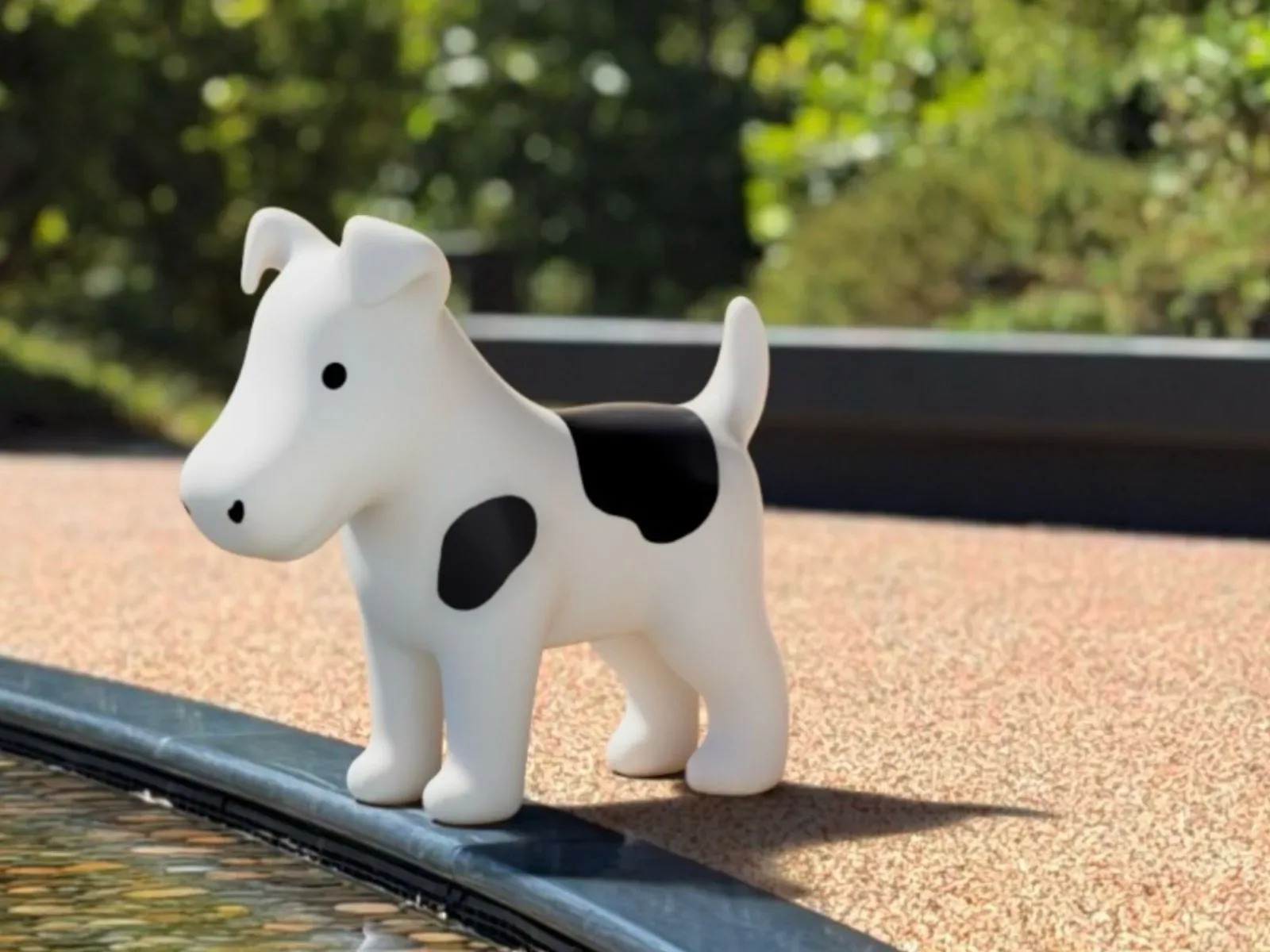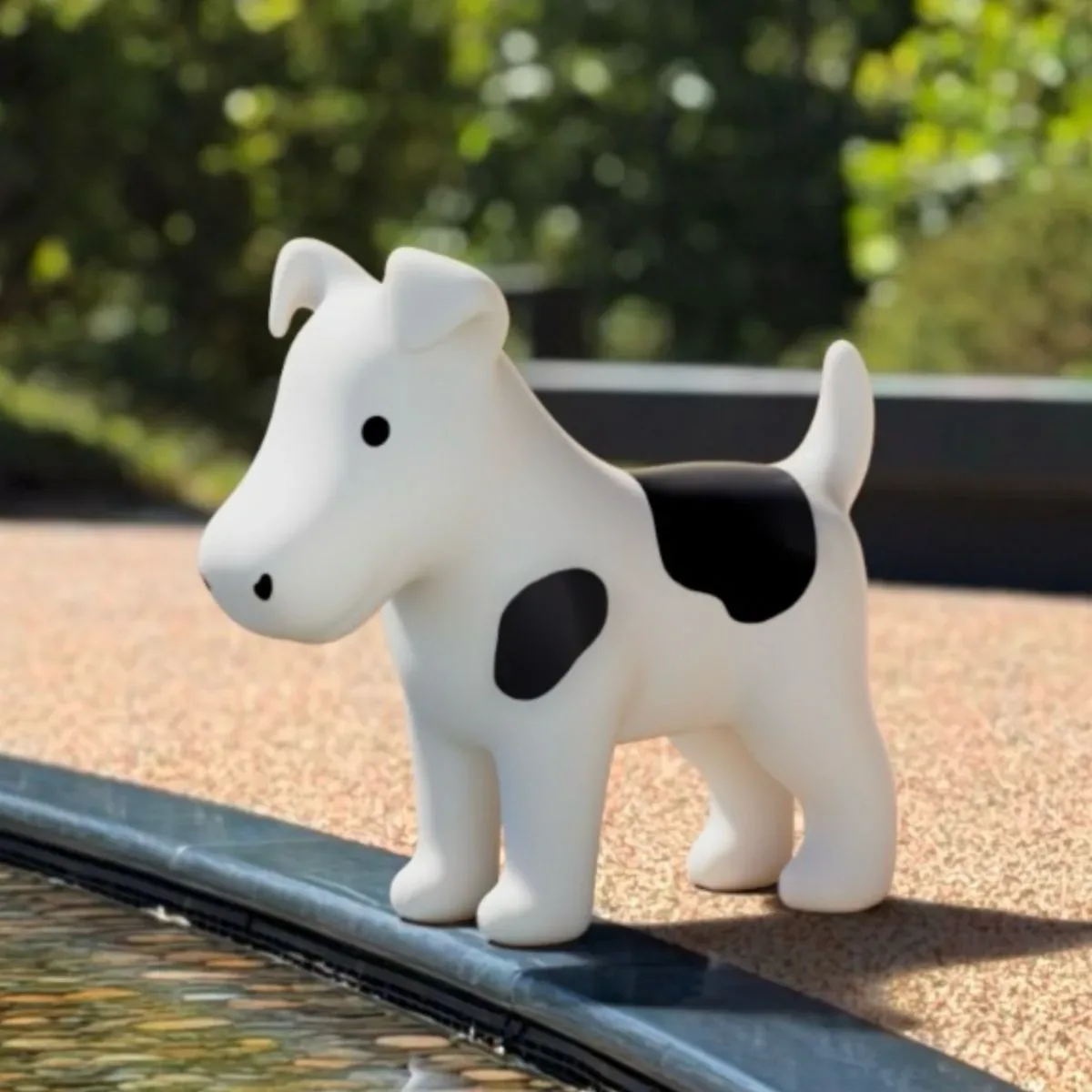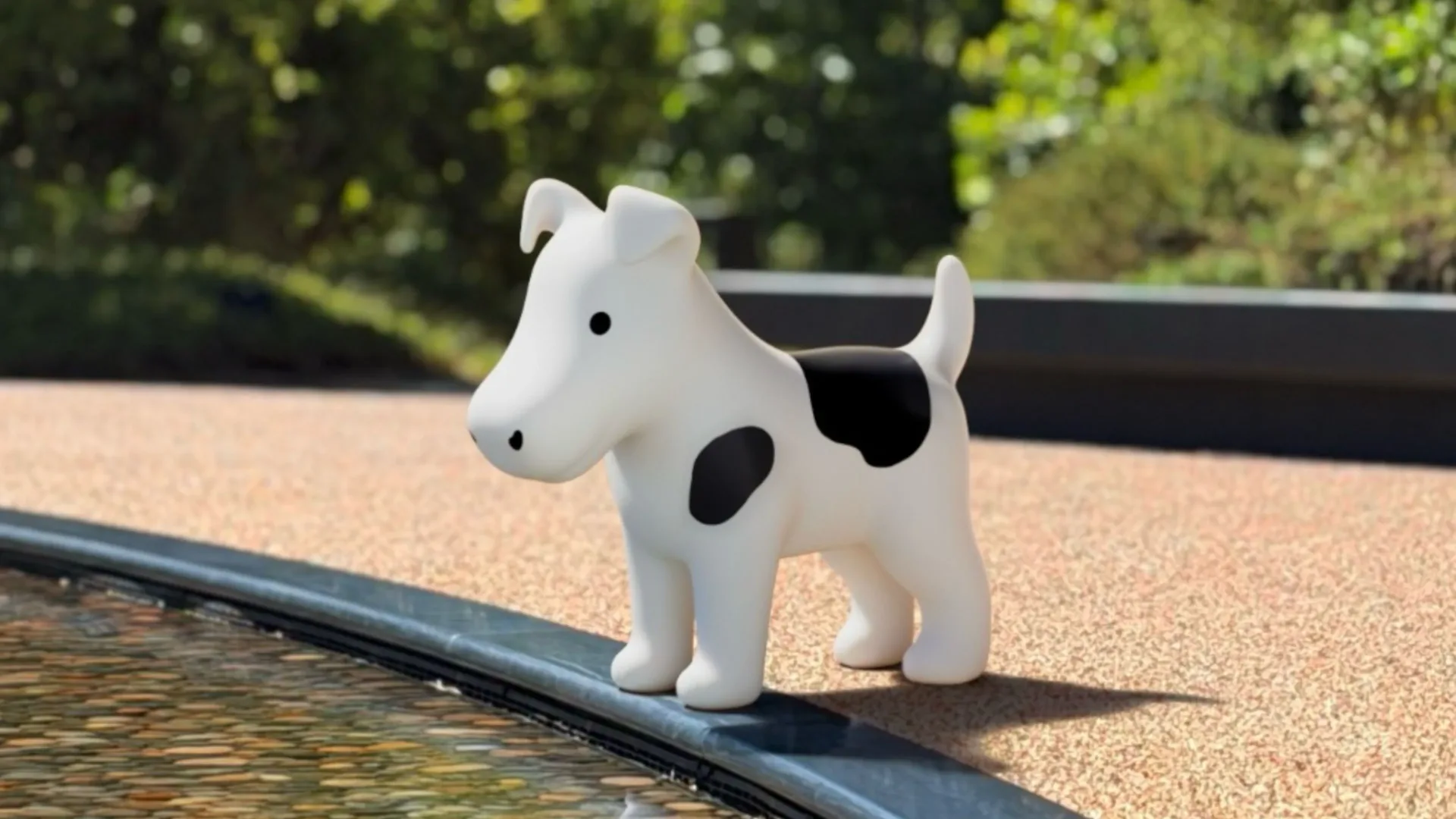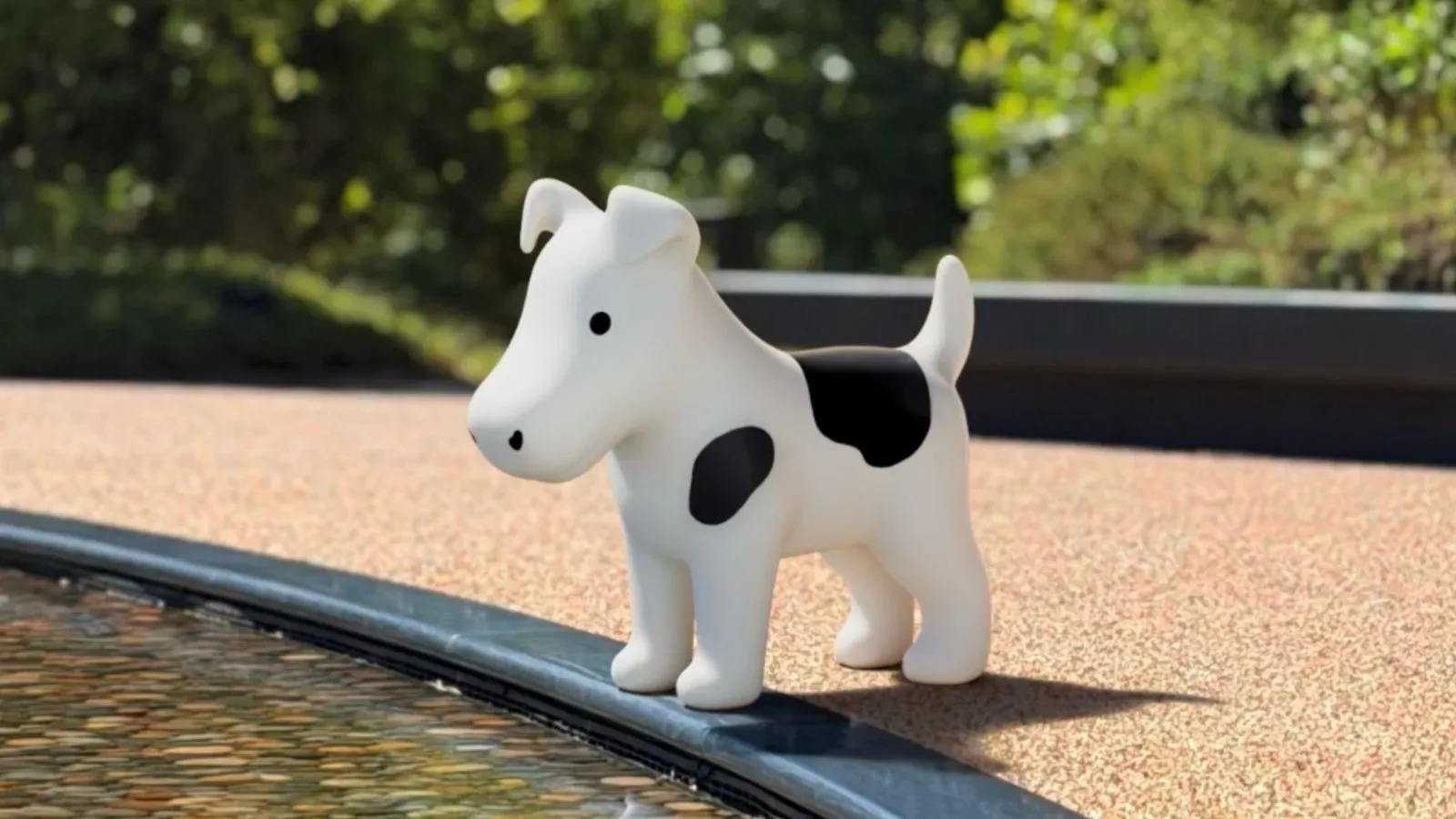
Apple has tucked a particularly deep-cut bit of company folklore into iOS 27 and iPadOS 27. Hidden at the end of the sample-image sequence in the Liquid Glass section of Settings is Clarus, the famous Apple “dogcow,” accompanied by its traditional greeting: “Moof!”
It is a small visual gag rather than a new feature, but it is also an unusually direct connection between current Apple software and the earliest Macintosh era. Clarus began as a compact black-and-white bitmap used in classic Mac OS printing and page-layout contexts. Decades later, the character has resurfaced in a gesture-driven corner of an iPhone or iPad settings screen—an appropriately quiet hiding place for a mascot whose status has always depended on people being in on the joke.
How to find Clarus in iOS 27 or iPadOS 27
The Easter egg is available after installing iOS 27 on an iPhone or iPadOS 27 on an iPad. Software updates are accessed through Settings > General > Software Update.
- Open Settings.
- Go to Appearance.
- Select Liquid Glass.
- Scroll through the “Welcome to Apple Park” sample images until reaching the final image.
- Keep dragging upward after the last image rather than stopping at the end of the sequence.
Continuing the upward drag changes the image and makes “Moof!” appear in the search-bar overlay. That is the cue that Clarus has appeared.
The detail worth stressing is that this is not a standard menu destination or a clearly labelled preference. The extra drag beyond the final sample is the whole trick. It fits the basic idea of an Easter egg: something deliberately placed for discovery, not something required to use the product.
Who—or what—is the dogcow?
Clarus is Apple’s dogcow: an intentionally strange creature with characteristics of both a dog and a cow. Its name is Clarus, while “Moof!” is its familiar sound. The character became recognizable to longtime Macintosh users through a bitmap image used to demonstrate page layout in classic Mac OS.
A bitmap is an image assembled from a grid of individual pixels. In the early Macintosh environment, such compact monochrome graphics were a practical way to make symbols legible on screens and in printed documentation. Clarus served an equally practical purpose: it showed which way a sheet of paper would be oriented when a document was printed. In other words, this odd little animal was a visual orientation marker, helping users understand page layout at a glance.
The dogcow’s visual ancestry reaches back to the original Macintosh. The glyph on which it was based was created by Susan Kare for the Cairo dingbat font included with the original Mac in 1984. A glyph is a visual representation of a character or symbol; a dingbat font is a font made up largely of decorative symbols rather than conventional letters and numbers. That lineage makes the iOS 27 reference more than a random animal image. It points to a recognizable piece of Apple’s earliest visual language.
Clarus later became the official mascot of Apple’s Developer Technical Support. That context helps explain why the dogcow developed such a devoted following among Mac developers and historically minded Apple fans. It was never simply a decorative logo. It was tied to the tools, documentation and problem-solving culture surrounding the Mac platform.
A tiny callback to a more mischievous software culture
Easter eggs were once a more conspicuous part of software culture, including on the Mac. Developers would sometimes conceal playful credits, animations or other surprises in applications. The dogcow’s renewed appearance does not turn iOS 27 into that earlier environment, but it does acknowledge the tradition in a controlled and very Apple-like form.
That distinction matters. Modern operating systems are more tightly managed than the hobbyist-friendly computing environments that helped popularize hidden software jokes. Settings screens affect devices people rely on for communication, work, accessibility and security. A hidden visual change at the end of an image sample is a low-risk place for personality: it does not interfere with the ordinary path through the menu, change a setting, or demand that users understand an obscure reference to continue.
There is also a tonal contrast that makes the placement amusing. Liquid Glass is a contemporary interface and appearance concept, while the dogcow is rooted in a much earlier Macintosh graphic tradition. One is part of a modern touchscreen operating system; the other comes from an era when a simple bitmap could help explain how a page would emerge from a printer. The joke works because both belong to the same long-running design lineage, even if they come from radically different kinds of computing.
Why “Moof!” is the important part
Without “Moof!,” the image could look like an unexplained animal illustration. The word identifies the character for people who know the reference and gives newcomers a useful lead for understanding why it is there. It is also part of the dogcow’s long-established identity, rather than a new catchphrase created for iOS 27.
That makes the hidden interaction feel more like a preservation-minded callback than an attempt to remake an old joke for a new audience. Apple has not presented Clarus as a mascot for Liquid Glass or as a product feature. Instead, it appears for the people who scroll past the intended endpoint and keep going. Newer users can enjoy the absurdity on its own terms; longtime Mac fans get the added payoff of recognizing a piece of classic Macintosh iconography.
For a technology company with a long public history, these moments can work like small archival exhibits. They do not require a museum mode, an explanatory panel or a formal anniversary. The reference is embedded directly in a living interface, but kept unobtrusive enough that it does not ask every user to care about it.
What this does—and does not—tell users about Liquid Glass
The dogcow discovery is best understood as an Easter egg within the Liquid Glass sample images, not as documentation of the feature itself. It does not establish a new device capability, a broader change to printing tools, or a return of classic Mac OS behavior. Its significance is cultural and visual: an old Apple symbol has been placed in a new Apple interface.
That is useful context for anyone exploring iOS 27 settings. The hidden image is not something users need to activate, and it should not be confused with an appearance option that needs to be configured. If the goal is simply to see the reference, follow the image sequence to its end and continue dragging. Once it appears, the discovery is complete.
The restraint is arguably the point. A full-fledged retro theme would be a much larger statement and could feel disconnected from the rest of the operating system. Clarus, by contrast, occupies only a brief moment at the edge of a sample gallery. It rewards curiosity without turning nostalgia into a requirement.
A fitting revival for a character built for visual communication
Clarus originally helped communicate something mundane but essential: how a printed page would be laid out. The iOS 27 appearance changes the purpose from instruction to tribute, but it still relies on visual recognition. The dogcow is a compact symbol that can carry history even when the interface offers almost no exposition beyond “Moof!”
For people who remember classic Macintosh software, the sight of Clarus is an immediate wink toward developer culture, early interface design and the era of playful software secrets. For everyone else, it is a peculiar dog-cow hiding at the bottom of a settings screen. Both readings are valid, and that dual appeal is why the Easter egg lands so neatly.
It also makes a useful companion piece to Apple’s occasional reminders that the company’s relationship with users has not always been entirely straight-faced. As Apple’s U2 album removal tool showed, even seemingly small software decisions can become memorable parts of the broader Apple story—though Clarus is a considerably less divisive visitor.
For now, the dogcow’s iOS 27 cameo is simply a compact reward for reaching the bottom, then deciding the bottom might not really be the bottom after all. Moof.