A dedicated graphics card can be the most expensive part of a desktop PC, particularly in a gaming build. That makes it tempting to treat one as mandatory equipment: no card, no “real” PC. Modern integrated graphics processors make that assumption far less useful than it once was.
For browsing, office-style work, streaming, media playback, light productivity and casual games, a capable integrated GPU can deliver a comfortable desktop experience without the cost and installation considerations of a separate card. For high-fidelity games, high-resolution editing, 3D rendering and substantial local AI workloads, however, a discrete GPU remains the more appropriate tool.
The sensible question is not whether a dedicated graphics card is inherently better. It is. The practical question is whether its extra graphics performance, dedicated memory and supporting hardware requirements solve a problem the PC owner genuinely has today.
Integrated and dedicated graphics: the important difference
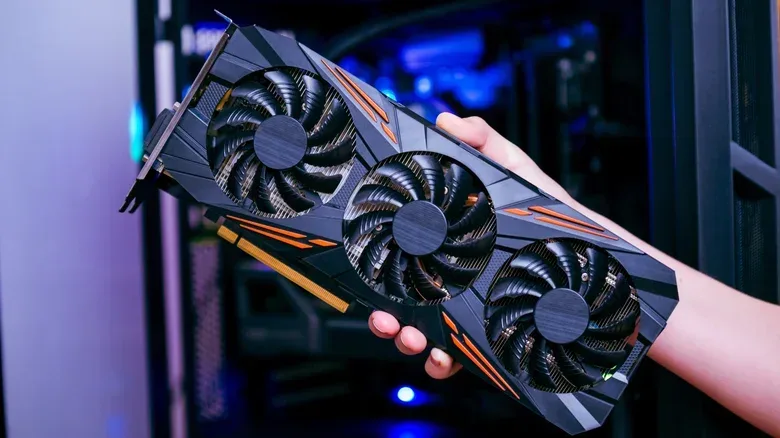
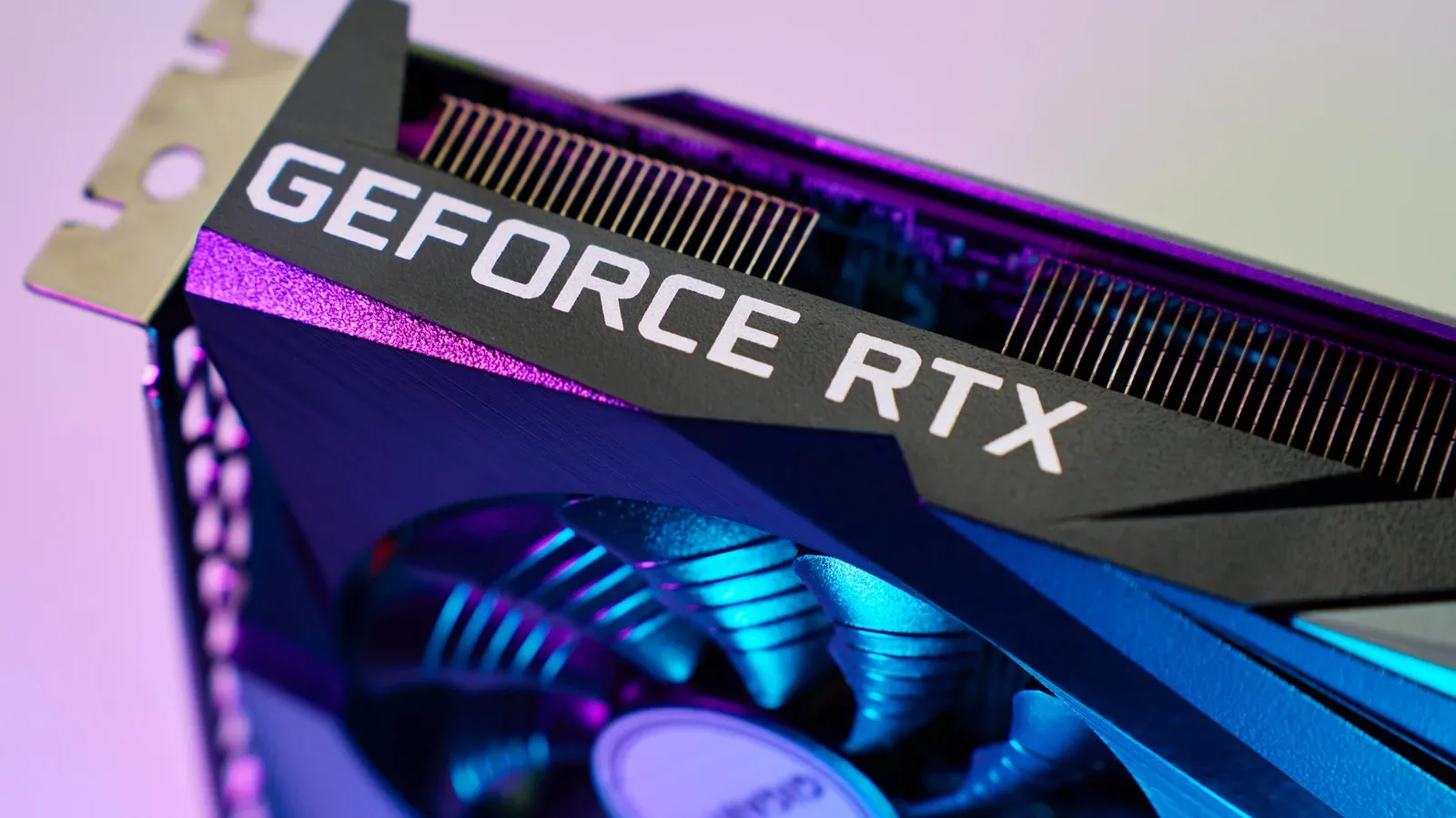
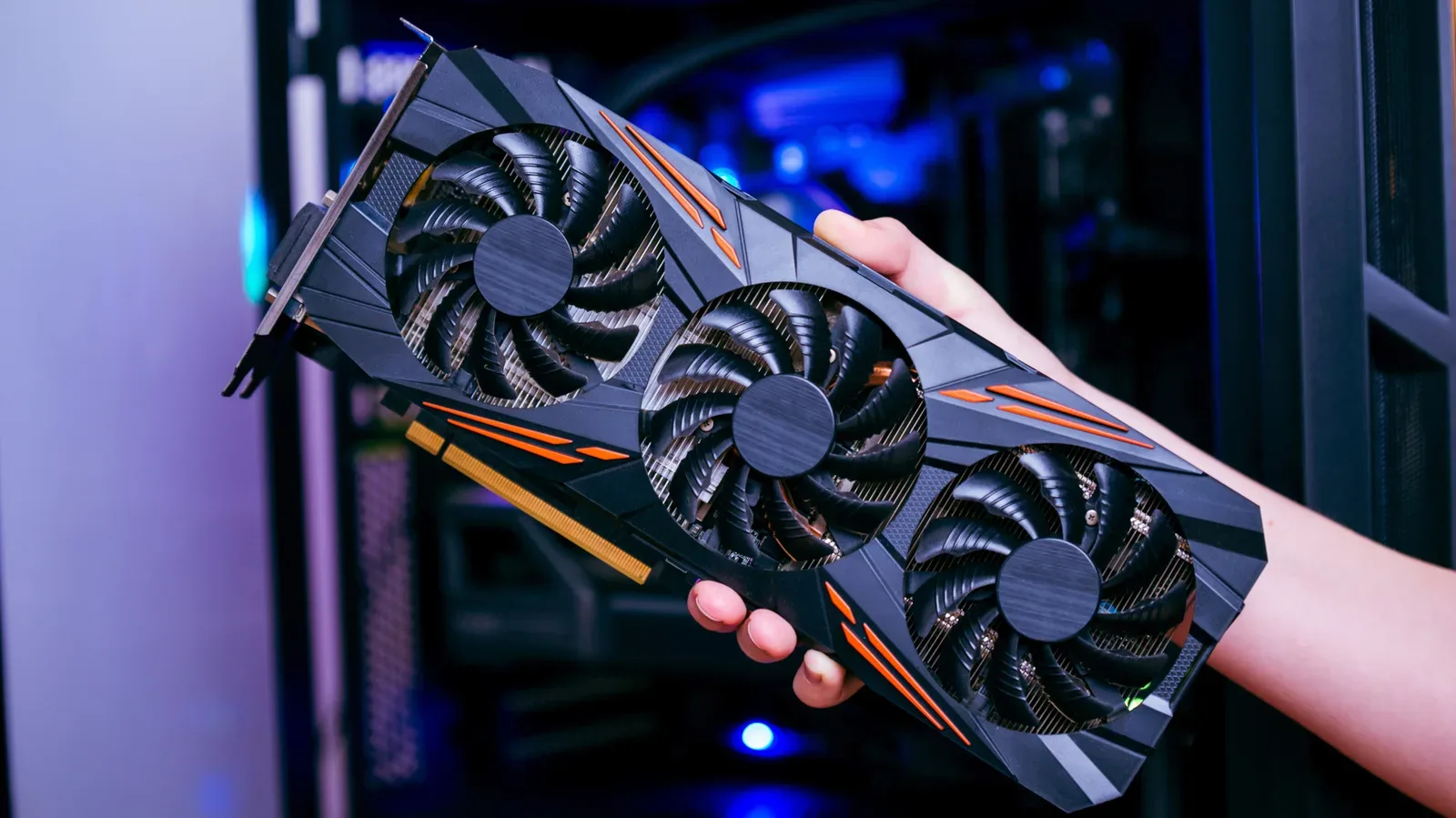
An integrated GPU, or iGPU, is graphics hardware included in the processor package. Rather than carrying its own memory, it uses the computer’s regular system memory alongside the CPU. A dedicated or discrete GPU is a separate expansion card. It has its own video memory, generally called VRAM, and is installed in the desktop through a PCIe slot.
That distinction has consequences beyond a simple performance ranking. A discrete card’s VRAM is a separate, higher-bandwidth memory pool for graphics tasks. Games, 3D software, video workflows and local large language models can benefit from having that resource available rather than competing for system RAM. The dedicated card is also considerably more powerful in demanding graphics work.
An iGPU is more constrained because its graphics engine, CPU and the rest of the system share the same memory resources. It can still be extremely useful. Modern integrated graphics can handle media encoding and decoding, drive desktop displays, support light graphics-intensive work and run casual games. But workloads that put persistent pressure on graphics processing and memory bandwidth expose the gap much more quickly.
For gaming readers, that means an iGPU should not be judged as a failed version of a graphics card. It is a different class of solution. It can be a practical choice for a machine whose main jobs are everyday computing and lighter play. It is not the ideal foundation for someone targeting demanding games at high visual settings or for a creator planning regular high-resolution exports.
Do not treat every iGPU as the same product
“Integrated graphics” is a category, not a performance guarantee. Some processors include graphics mainly to provide display output. Others have substantially more graphics hardware and can do more with casual games, higher-resolution displays, higher display refresh rates and light accelerated workloads.
Related coverage includes When an Integrated GPU Is Enough—and When a Dedicated Graphics Card Makes Sense.
Display refresh rate and game frame rate are worth separating here. A display operating at a higher refresh rate can update its image more often. That does not mean the PC can render a demanding game at a matching number of frames per second. An iGPU may be capable of driving a high-resolution, high-refresh desktop display while still being limited in graphics-heavy games.
The contrast between AMD’s Ryzen 7 8700G and Ryzen 7 9800X3D illustrates why the CPU name alone is not enough to predict graphics performance. The Ryzen 7 8700G includes Radeon 780M graphics with 12 compute units. The Ryzen 7 9800X3D includes basic Radeon Graphics with two compute units. The 9800X3D is much faster in CPU-focused work, yet the 8700G is substantially stronger in GPU-intensive scenarios.
Compute units are groups of graphics processing resources. They are not a universal score across every architecture or product, but within this comparison they help explain why one processor’s built-in graphics capability is so different from the other’s. A buyer choosing an iGPU-based desktop should look at the actual integrated graphics implementation, not just assume that a higher-end CPU must also contain stronger graphics.
AMD currently has an advantage in conventional desktop integrated graphics performance. Intel and AMD both offer CPUs with iGPUs at different budgets, but the available information points to AMD’s desktop iGPU options supplying more substantial graphics-processing capacity than Intel’s conventional integrated solutions. That does not turn every AMD chip into a gaming replacement for a graphics card; it simply makes the exact CPU selection particularly significant when no discrete GPU is planned.
System RAM is part of iGPU performance
With a separate graphics card, VRAM is on the card. With integrated graphics, the PC’s main RAM matters directly to graphics performance because the iGPU shares it with the CPU. RAM capacity, configuration and speed can therefore become part of the graphics decision rather than a background specification.
Memory bandwidth is the amount of data memory can move in a given period. Graphics workloads move a great deal of data, so bandwidth can become a limiting factor. If the iGPU cannot access data quickly enough, adding more CPU capability does not necessarily eliminate the graphics bottleneck.
One comparison using the Ryzen 7 8700G found meaningful game-performance declines when moving from DDR5-6400 memory to DDR5-5200. The broad lesson is more useful than any single result: an integrated-graphics build should not be planned as though system memory has no effect on gaming or GPU-accelerated tasks. Selecting weaker memory may undercut the potential of the processor’s built-in graphics.
This is also why two PCs described vaguely as “iGPU systems” can behave very differently. Their processors may have very different graphics portions, and their RAM setups may not provide the same bandwidth. Buyers comparing prebuilt desktops or planning their own machine should consider the graphics implementation and memory specifications together.
When skipping the graphics card makes sense
A dedicated GPU is not automatically the responsible upgrade. It adds cost, and a desktop may need a suitable power supply unit, or PSU, to support it. For the following use cases, integrated graphics can be a rational endpoint rather than a compromise waiting to be fixed:
- Web browsing, streaming and ordinary desktop use.
- Light productivity tasks.
- Media encoding and decoding.
- Casual gaming.
- A desktop intended to drive displays without frequent GPU-heavy workloads.
A system based around an integrated GPU can therefore be a clean way to avoid spending on performance that will remain unused. The AMD Radeon 780M is one example of a modern iGPU capable of meeting daily computing demands when those demands are not especially demanding.
That matters because the cost of a graphics card is not always isolated to the card itself. A builder may also have to account for the PSU and confirm that the rest of the system can physically and electrically accommodate the upgrade. Avoiding that chain of purchases can be a better fit for a desktop whose work is mostly browsers, video and lighter software.
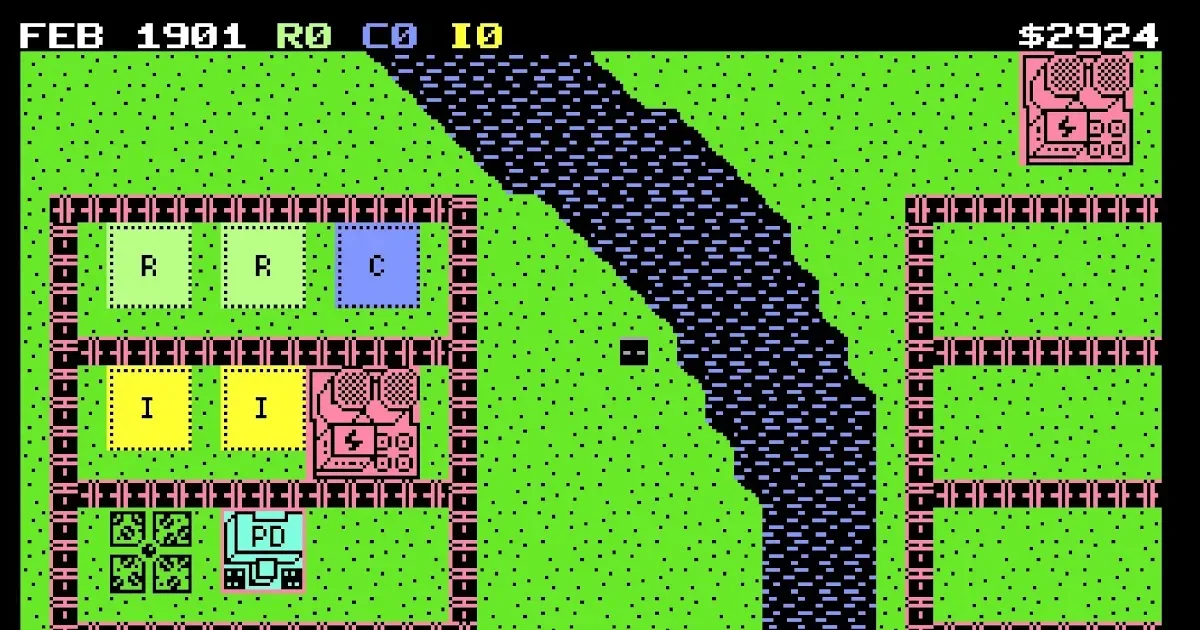
There is a gaming angle here as well. PC gaming is not one workload. A player returning to smaller, older or less demanding games has different needs from someone building specifically for technically demanding releases. Even a modest retro-minded setup can have plenty to do; a new Commodore 64 city-building challenge is a useful reminder that the hobby’s hardware demands vary wildly.
When a dedicated GPU earns its place
The case for a discrete graphics card becomes much clearer when the PC’s regular workload includes high-fidelity games, high-resolution video editing, high-resolution photo editing, 3D rendering or loading and running heavy local LLMs. These are tasks where both raw graphics processing power and dedicated VRAM can address limitations inherent to an iGPU design.
A local LLM is a large language model run on the user’s own machine rather than solely through a remote service. The relevant point for prospective hardware buyers is that heavy local models belong among the workloads that can benefit from the additional graphics capability and dedicated memory of a discrete GPU.
For gamers, “high fidelity” is a useful shorthand for games that ask more of both the graphics processor and available graphics memory. An iGPU may launch and run some games, but that does not mean it will deliver the visual settings, performance level or consistency a player wants. A separate GPU offers far more headroom for these intensive scenarios.
For creators, the decision should follow the workload rather than the prestige of the parts list. A person who occasionally trims a clip does not necessarily need the same hardware as someone regularly working with high-resolution video. Similarly, a desktop used for occasional image adjustments has different needs from one used to process high-resolution visual work as a routine task. A dedicated card is valuable when accelerated work is frequent enough that the time saved and smoother workflow matter.
Build for current needs, leave a path for later
One of the better arguments for starting with integrated graphics is that a desktop can be upgraded later. A PC built around an iGPU is not permanently locked into that setup. If its role changes from ordinary desktop work to demanding games, heavy local AI use, 3D rendering or high-resolution editing, a discrete card can be added to supply the missing graphics horsepower.
That upgrade path only works if the physical details are checked before buying a card. Builders should verify three things:
- Power supply capacity: confirm the PSU can support the graphics card.
- PCIe compatibility: make sure the card can be installed in the system’s expansion setup.
- Case clearance: make sure the card physically fits inside the case.
Those checks are not glamorous, but they turn “I can always upgrade later” into a practical plan rather than an assumption. They also underline the real trade-off: a discrete GPU is not merely a faster display connector. It is a major component with power, space and system-compatibility implications.
A practical buying rule
Choose integrated graphics when the computer’s routine work is browsing, streaming, light productivity, media tasks and casual gaming—and choose a processor with an iGPU that is genuinely capable of those goals. Pay attention to the RAM configuration because shared memory affects iGPU results.
Choose a dedicated GPU when demanding graphics work is already part of the plan: high-fidelity games, substantial high-resolution editing, 3D rendering or heavy local LLM use. The card’s greater compute resources and dedicated VRAM are relevant precisely because those tasks can push an iGPU into bandwidth and memory-related limits.
For everyone in between, starting with a capable iGPU and retaining the option to add a card later is a defensible desktop strategy. It avoids buying graphics power on speculation, while preserving a clear route to more performance should the PC’s job list change.