PC graphics-card shopping has always invited an unhealthy fixation on the biggest headline number: a faster chip, more cores, a higher clock speed. But the capacity of a card’s dedicated video memory—VRAM—has become one of the clearest dividing lines between a purchase that fits today’s settings and one that may remain comfortable for years.
The awkward part is that more VRAM is increasingly expensive precisely as it is becoming more useful. Demand from AI infrastructure has constrained the broader memory supply, affecting the components used in graphics cards as well as RAM and SSDs. Higher-capacity cards have been particularly exposed. Reports indicate that AMD has increased what board partners pay for GPU-and-memory kits by $10 per 8GB, followed by further percentage-based increases. More increases remain possible.
That does not make every 8GB graphics card a bad purchase, and it certainly does not mean every player needs 16GB. Resolution, the games being played, and the quality settings a player actually intends to use all matter. Still, two otherwise matching versions of the same GPU can behave very differently once a game’s memory requirements rise. For shoppers trying to stretch an upgrade over a long period, VRAM deserves a place near the top of the spec sheet rather than at the bottom of it.
What VRAM does, in plain English
VRAM, short for video random-access memory, is the dedicated memory attached to a graphics card. The GPU uses it to hold data it needs while rendering a game. Texture data is a major part of that workload, but it is not the only one. Higher resolutions, more demanding visual presets, ray tracing, and large or detailed game environments can all increase the amount of data a card needs ready to access.
Capacity is not the same thing as raw GPU speed. A card may have the horsepower to render a scene quickly, yet run into a problem because it cannot keep enough required assets in its own memory. Once demand exceeds the available VRAM, the system may move assets over the PCIe connection instead. PCIe is the interface connecting the graphics card to the rest of the PC. That fallback can produce the familiar unpleasant symptoms of a memory limit: stutter, textures arriving late or appearing at lower detail, and substantially worse minimum frame rates. In the most severe cases, a game may fail to run at a chosen setting.
This is why an average frames-per-second result alone can hide a meaningful difference. A game can look acceptably fast on a benchmark graph while still feeling rough during traversal or busy scenes. Minimum frame rates are useful because they help show those bad moments. They are not a perfect description of every player’s experience, but they make it harder for a respectable average to obscure a sharp capacity shortfall.
A controlled example: 8GB versus 16GB on the same GPU
NVIDIA’s RTX 5060 Ti is a particularly straightforward example because it exists in 8GB and 16GB versions sharing the same chip, core count, and clock speeds. That removes many of the usual variables. When their results differ, memory capacity is the key distinction.
Across 21 games, the 8GB version was found to be 2.3% slower on average at 1080p using medium settings. At an ultra preset, that gap expanded to 12%. Its minimum frame rates were 16% lower, and the separation became larger again in ray-traced games. The results underline an important purchasing lesson: an 8GB card can look close to its 16GB counterpart under moderate settings, but that does not mean the two cards retain the same headroom as visual demands rise.
Specific games can expose the difference much more dramatically than a broad average. In The Last of Us Part II, testing at 1080p on very high settings recorded 67 frames per second for the 8GB RTX 5060 Ti and 109 fps for the 16GB model. Indiana Jones and the Great Circle, released in 2024, was reported to crash at 1080p using ultra settings on the 8GB card.
Those figures should not be treated as a promise that every game will create the same gap. They are evidence of the conditions under which capacity becomes a bottleneck. A buyer comparing two versions of the same GPU should therefore ask more than, “What is the average fps?” The practical question is whether the less expensive version will still permit the desired texture, ray-tracing, and general quality settings in the games they care about.
How much VRAM makes sense for 1080p, 1440p and 4K?
Resolution is the strongest starting point because it frames the likely memory demand. It is also worth separating a sensible baseline from a future-facing target. A baseline is what can play many games competently now; a target is what creates more room for settings and newer releases.
- 8GB: Still workable for most games at 1080p with medium and high settings. It remains relevant for esports games and older titles in particular. The compromise becomes more apparent when pushing ultra texture options, ray tracing, or demanding newer releases.
- 12GB: A reasonable fit for 1440p gaming in many cases. It also offers extra flexibility to a 1080p player who prefers higher settings and wants fewer immediate compromises.
- 16GB: The stated minimum for 4K and the more future-proof option at present. It is also the capacity with the greatest margin for players who use demanding presets or want to delay another graphics-card purchase.
These are guidelines rather than immutable rules. “1080p” does not automatically mean low memory use, just as “4K” does not make every game impossible on a lower-capacity card. Quality settings have a material effect. Earlier testing found that 8GB models could produce decent frame rates at 1080p, while 16GB versions were faster by a more noticeable margin. The larger issues began appearing as settings such as ultra textures and ray tracing were enabled.
Ray tracing is a rendering technique that models light behavior more extensively than traditional approaches, often improving reflections, shadows, or illumination. In this context, its relevance is simple: it can make a card’s VRAM limitations show up sooner. Buyers who view ray tracing as optional can make a different calculation from buyers who expect to enable it whenever a game offers it.
The price problem behind the capacity problem
The ordinary advice would be to buy the card that suits a current budget and upgrade later. Current memory conditions complicate that logic. Manufacturers of memory including Samsung, SK hynix, and Micron can earn more by supplying high-bandwidth memory for AI data centers than by supplying GDDR6 and GDDR7 for consumer graphics cards. GDDR is the type of graphics memory used by these cards, distinct from the system RAM elsewhere in a PC.
That incentive does not guarantee that every 16GB card will vanish or that every price will rise at the same pace. It does mean affordable high-capacity options can become more difficult to find. Reports also indicate NVIDIA reduced production of 16GB RTX 5060 Ti and RTX 5070 Ti models while prioritizing 8GB products for mainstream GeForce supply. An 8GB card uses half as much memory as a 16GB version, allowing more units to be produced from the same memory allocation.
For consumers, the result is a frustrating inversion: the version with the better chance of lasting longer can carry a premium that is driven not just by gaming performance, but by competing demand for memory. Waiting for a lower price is not necessarily an obviously safer strategy when memory costs are projected to keep climbing.
Practical buying questions before paying for more memory
A bigger VRAM number is valuable only if it matches the way the PC will be used. Before choosing between 8GB, 12GB, and 16GB, it helps to work through a short set of questions.
- What resolution will the monitor actually run? Someone committed to 1080p medium or high settings has a different requirement from someone planning around 1440p or 4K.
- Are ultra textures and ray tracing priorities? If the answer is yes, the argument for additional memory is substantially stronger, even at 1080p.
- Is this an upgrade intended to last? The longer the expected ownership period, the more useful capacity headroom becomes. Current 8GB cards should handle many 1080p games for a while, but the settings available to them are likely to narrow as games increasingly target systems with more VRAM.
- Is the comparison genuinely like for like? When two cards use the same GPU with different memory capacities, as with the RTX 5060 Ti examples, the VRAM decision is unusually clear. Comparisons between entirely different GPUs require more care because speed, architecture, and memory capacity all change together.
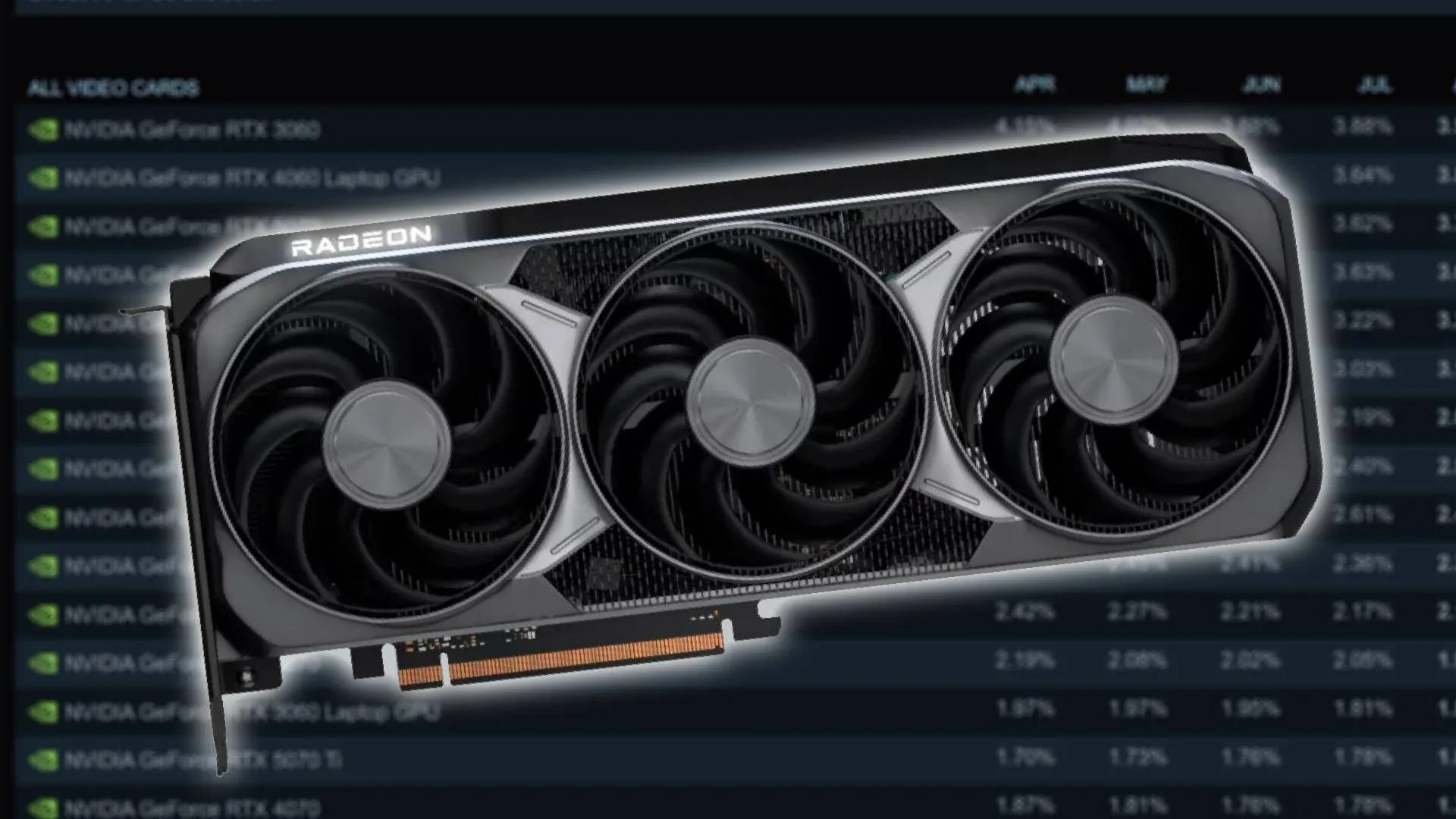
There is also a useful reality check in the continuing popularity of older hardware. The RTX 3060, released in 2021, remains the most common GPU in Steam’s hardware survey at 3.76% of systems. That is a reminder that many people keep graphics cards for several years, not a single release cycle. For that kind of buyer, paying more for 12GB or 16GB is less about winning a settings argument today and more about preserving options later.
There is no universal mandate to abandon 8GB. It remains a practical route to 1080p gaming when budgets are firm and settings expectations are sensible. But an 8GB card should be bought with a clear understanding of its limits, not because two cards happen to share the same GPU name. Where the budget can absorb it, 12GB offers more breathing room, while 16GB is the more durable choice for 4K, demanding settings, or an upgrade intended to survive roughly the next five years. For related PC-buying perspective, see our guide to Cat6 versus Cat7 for home gaming: as with networking, the biggest number only matters when it supports the way you actually play.