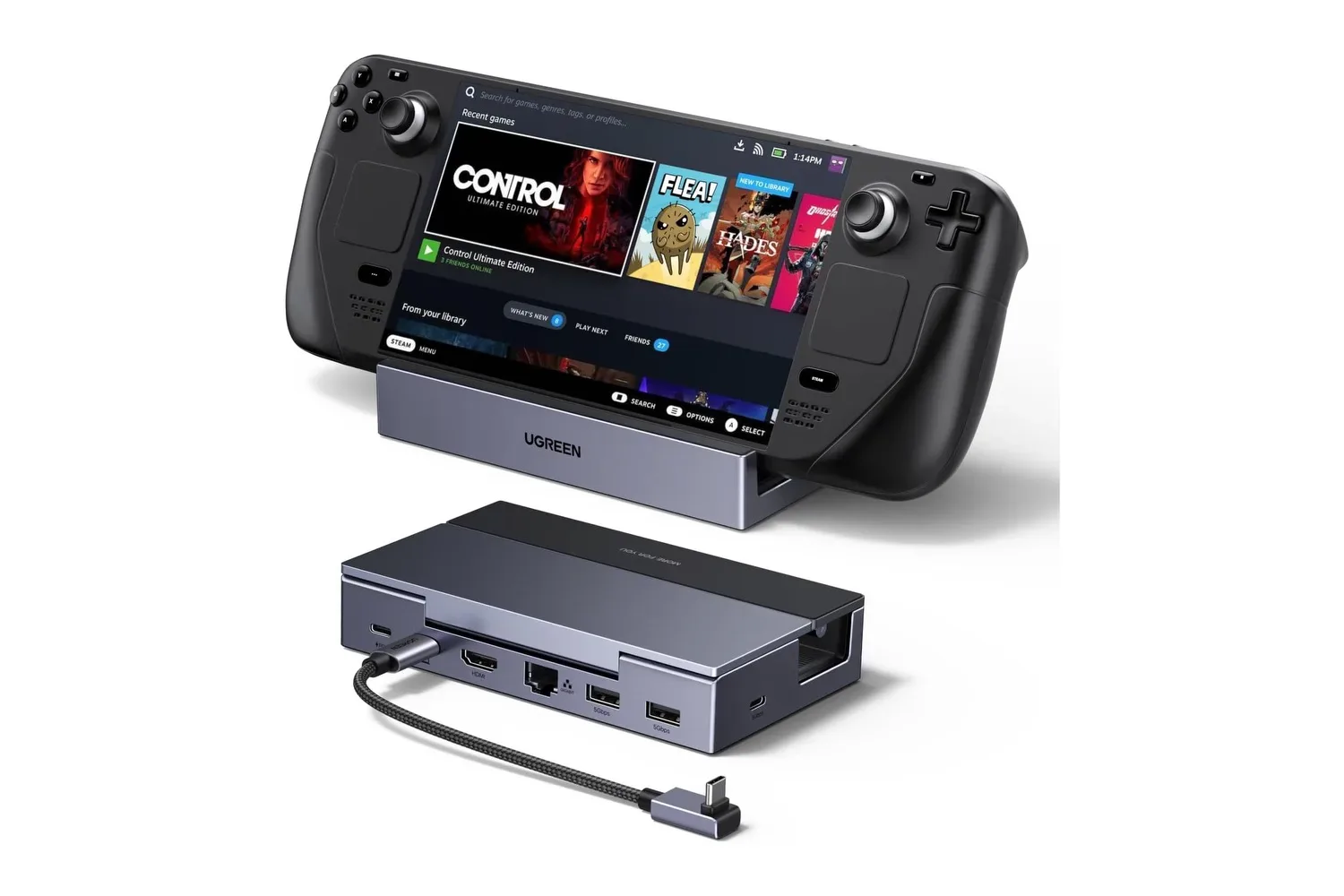
UGREEN’s 6-in-1 Steam Deck Dock is listed at $32, a $14 reduction from its stated $46 regular price. The dock is intended to turn a USB-C gaming handheld into a more fixed living-room or desk setup through one connection, combining video output, wired networking, USB expansion and charging pass-through in a folding aluminum stand.
The price is the immediate hook, but the useful question is whether its connections fit a particular setup. On paper, the dock supplies HDMI 2.1 video up to 4K at 120Hz, Gigabit Ethernet, two 5Gbps USB-A ports, one 5Gbps USB-C data port, and USB-C Power Delivery input. It also has an adjustable two-position base and a removable 25cm USB-C cable. UGREEN says it supports the Steam Deck, Steam Deck OLED, ROG Ally, ROG Xbox Ally, Legion Go, MSI Claw and other handhelds that support USB-C.
A single-cable route from handheld to screen
A dock like this is primarily about reducing the number of separate accessories needed to use a handheld at a television or monitor. Rather than connect a display adapter, charger, controller receiver and network adapter independently, users connect those peripherals to the dock and attach its USB-C lead to the handheld.
That can make a meaningful difference in a setup that moves often between portable play and a desk. The folding base holds the handheld upright, while the dock’s HDMI output carries video to the larger display. The three USB data connections leave room for peripherals such as a wired controller, keyboard, mouse or external SSD. Ethernet supplies a wired alternative to Wi-Fi for downloads and online play.
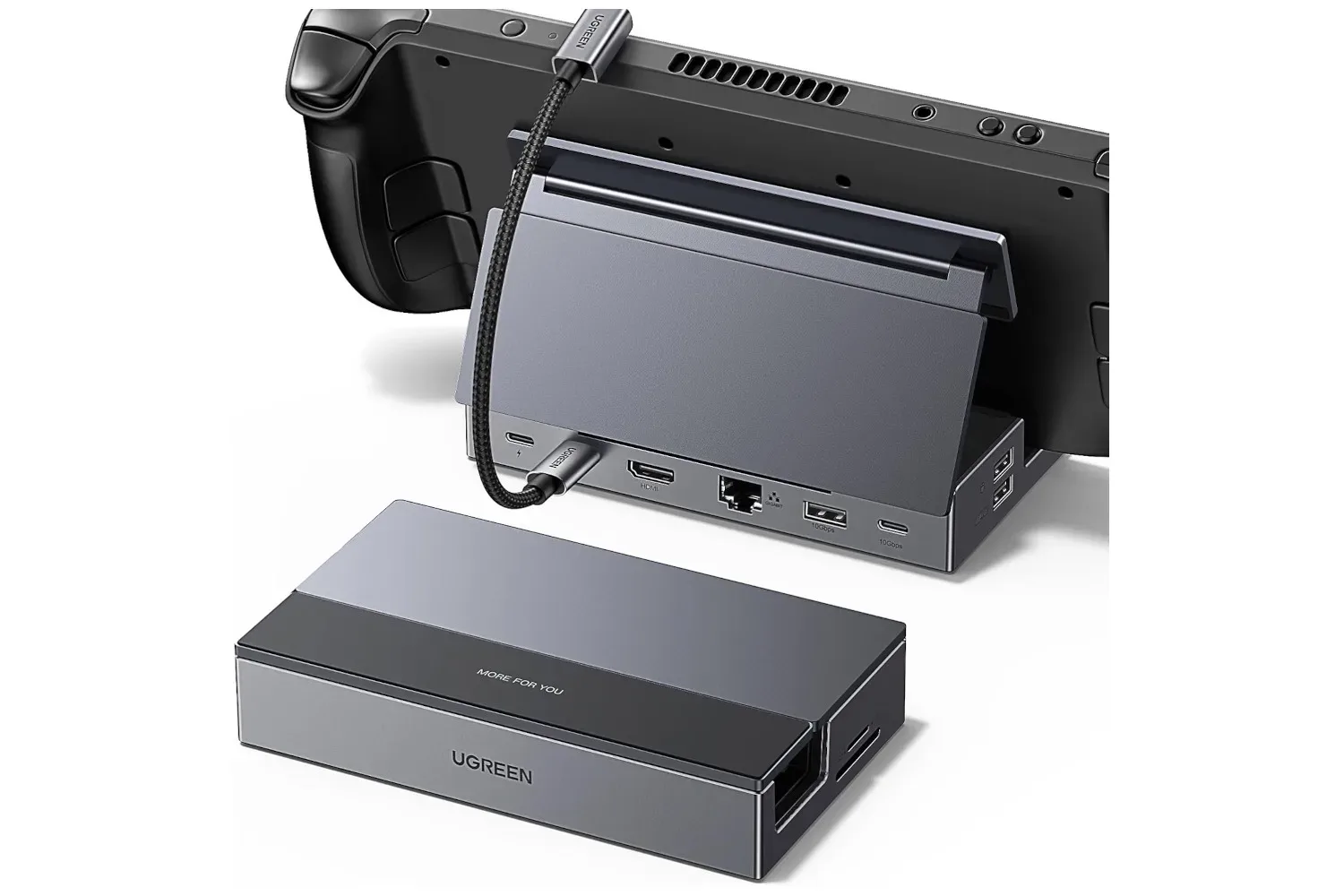
The stand design deserves as much attention as the port list. UGREEN says the aluminum base has two positions and is sized to accommodate handhelds of different dimensions without blocking cooling airflow. That last point matters because a dock is not helpful if its cradle covers the vents a handheld needs during a longer gaming session. The base collapses for transport, so the product is not restricted to a permanent TV cabinet or desktop.
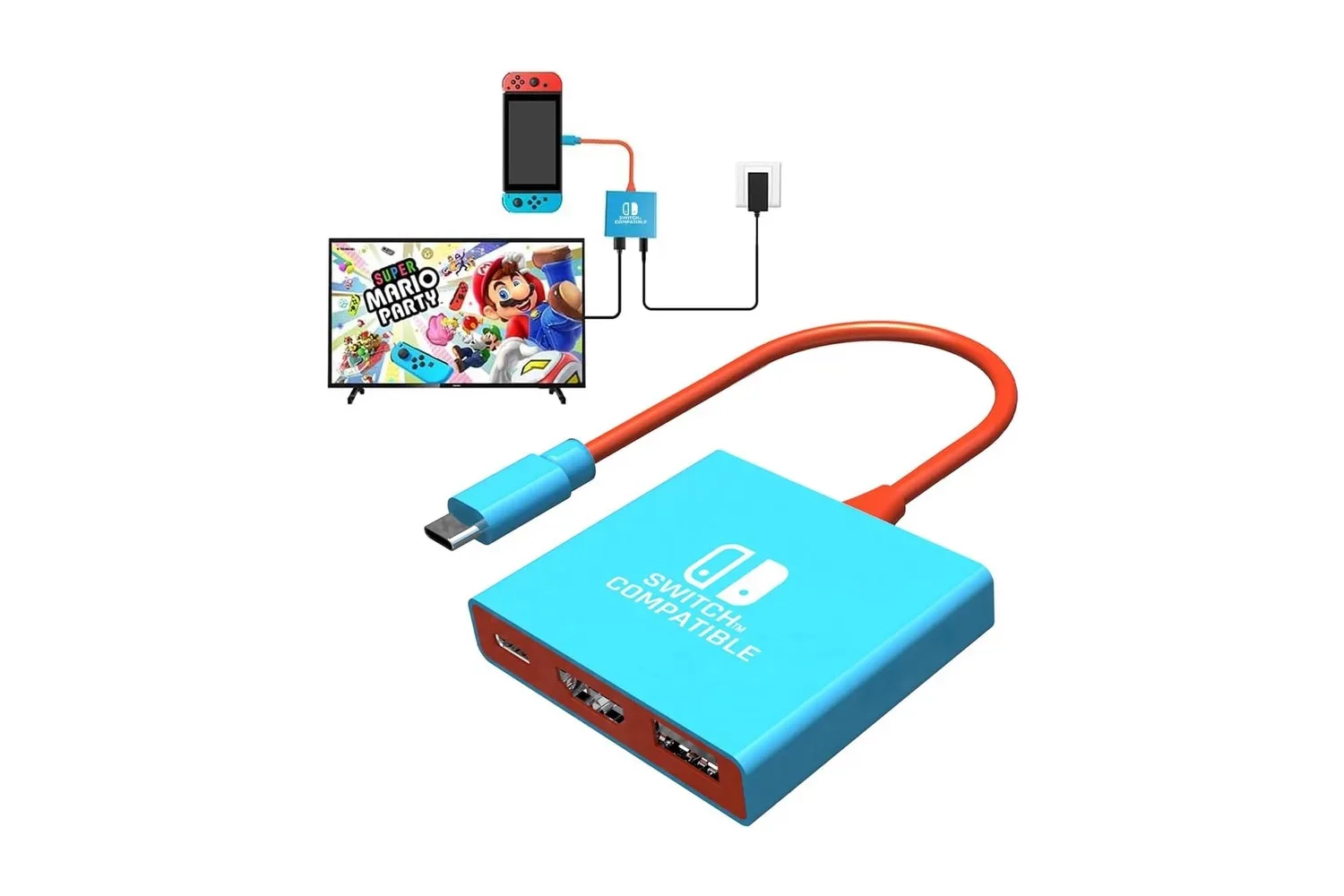
There is a similar setup concept in the compact-console space: a recently listed portable Switch dock also targets a second-screen arrangement. UGREEN’s model is positioned more broadly around USB-C handhelds and adds the particular combination of a folding stand, Ethernet and three data ports.
What HDMI 2.1, 4K/120Hz and VRR mean here
The headline video specification is HDMI 2.1, with support stated for output up to 4K at 120Hz. Resolution describes how much image detail a display can show; 4K is a higher-resolution image than 1080p. Refresh rate, measured in hertz (Hz), describes how often the screen can update each second. A 120Hz display can refresh up to 120 times per second.
Those figures describe the dock’s video-output capability, not a promise that every handheld game will render at 4K and 120 frames per second. Actual results depend on the handheld, the game, its settings and the connected display. This distinction is especially important when shopping by a dock’s maximum specification: a dock can provide a high-bandwidth pathway to a compatible screen without creating extra game performance on the handheld itself.
Related coverage includes UGREEN 6-in-1 Steam Deck Dock Falls to $32 for Early Holiday Deal.
UGREEN also lists 2K at 144Hz and 1080p at higher refresh rates. For someone connecting to a high-refresh monitor, those lower-resolution modes may be more pertinent than 4K/120Hz. The practical choice will hinge on what the display accepts and what a game can maintain, rather than on selecting the largest number printed on the box.
The dock additionally supports Variable Refresh Rate, or VRR, along with FreeSync and G-Sync. VRR is a display feature that allows the refresh timing of a compatible screen to vary alongside the frame delivery of a game. When game performance changes from moment to moment, fixed screen updates can produce visual mismatches called screen tearing, where portions of different frames appear at once. They can also contribute to uneven motion or stutter.
Compatibility remains essential. The handheld, cable path and display need to support the relevant features for VRR to be useful. UGREEN identifies racing games, shooters and platformers as genres where reduced tearing or stuttering could be noticeable on a larger screen. That is a sensible focus: fast motion can make inconsistent frame pacing and image splits easier to spot. Still, support is not the same thing as a guarantee that every game or display configuration will behave identically.
Power input versus charging delivered to the handheld
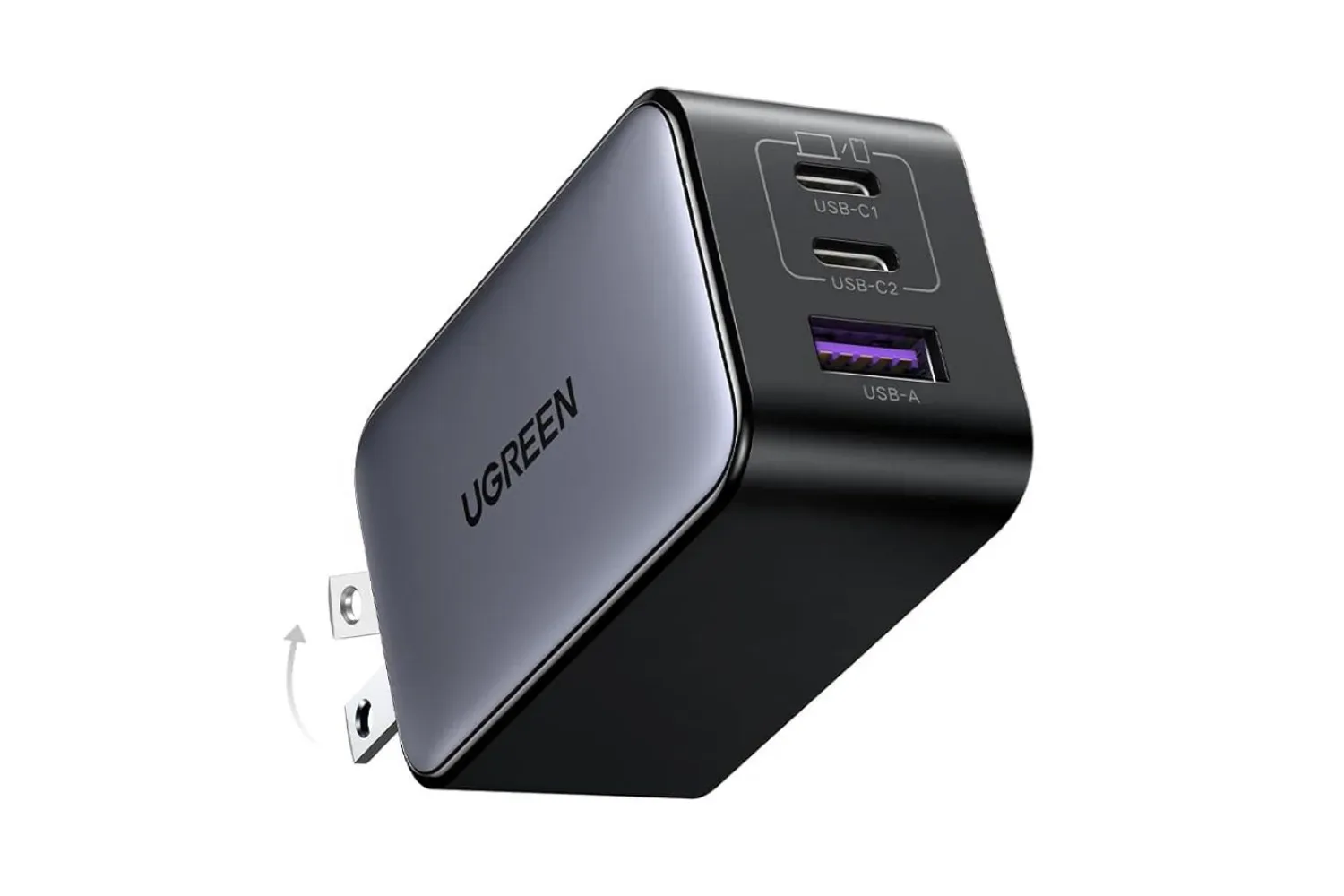
The power specifications need a little unpacking. UGREEN lists a 100W USB-C Power Delivery input, while the dock can provide up to 85W of power delivery for charging a connected handheld. These are related but different figures.
The 100W number refers to the maximum power accepted at the dock’s USB-C PD input from a charger. The up-to-85W figure describes the maximum charging power available through the dock to the handheld. In plain terms, the dock is designed to take power from a separate USB-C charger and pass charging on while it is also handling display output and peripherals.
“Up to” is important. Charging behavior can depend on the charger connected to the dock and the requirements of the handheld. The supplied information says users can plug an existing USB-C charger into the dock, allowing the dock and handheld to be powered together, but it does not establish the charging result for every charger-and-device pairing. Buyers who need a specific charging level should therefore match their charger and handheld requirements before treating 85W as an assured outcome.
The advantage of power pass-through is convenience rather than merely speed. A handheld can remain charged during extended docked sessions without sacrificing its only USB-C connection to a standalone charger. That makes the arrangement more viable for a display-and-controller setup than an unpowered video adapter would be.
Ethernet and USB ports serve the less glamorous parts of docked play
Gigabit Ethernet is another functional addition. It is a wired networking connection intended to provide a steadier alternative to Wi-Fi, particularly for large downloads and online games. A wired connection does not eliminate every cause of a poor online experience—performance can still be influenced by the wider internet connection and the game’s servers—but it avoids dependence on a handheld’s wireless link between the dock and router.
The three data ports all offer speeds up to 5Gbps: two USB-A connections and one USB-C connection. USB-A is the familiar rectangular plug used by many wired controllers, keyboards, mice and storage devices. USB-C is the smaller reversible connector increasingly common on newer peripherals and external storage. The mix gives users options without forcing them to rely on adapters simply because their controller or drive has one connector rather than the other.
For an external SSD, 5Gbps is the stated ceiling for the dock’s data connection. That makes port speed an important technical limit to understand. A faster external drive can still be used if its connection is compatible, but it cannot transfer data through this dock faster than the port path allows. The same is true of any dock: the effective result is constrained by the slowest relevant portion of the chain.
UGREEN also says the dock requires no extra drivers. That means the intended setup is straightforward: connect a display, charger and any peripherals to the dock, then attach the dock’s cable to the handheld. Its detachable 25cm cable may also be useful if it wears out or if a different cable length is needed, though the supplied information does not specify replacement-cable requirements.
Who the $32 listing makes sense for
At the listed $32 price, the dock is most clearly relevant to a handheld owner who already has a compatible USB-C charger and wants a repeatable TV or monitor setup. Its feature set is more substantial than a bare display adapter because it adds charging pass-through, Ethernet, a stand and three ports for accessories. It is also potentially suited to someone who alternates between a desk and another room, since the stand folds down for travel.
It may be less necessary for players who exclusively use their handheld’s own display, do not need wired networking and already own separate adapters that meet their needs. Likewise, users buying specifically for 4K/120Hz should verify their screen and handheld configuration instead of assuming the dock’s maximum output will be their everyday operating mode.
The stated $14 discount represents 30% off the $46 usual price. That makes the decision less about whether a dock can improve docked play—it plainly adds several connections—and more about whether those particular connections solve an existing inconvenience. For Steam Deck and other compatible USB-C handheld owners who want one compact hub between portable hardware and a larger-screen setup, UGREEN’s $32 listing puts a capable-looking option well below its stated normal price.
UGREEN 6-in-1 dock specifications at a glance
- Listed price: $32, down from a stated $46
- Video: HDMI 2.1; up to 4K at 120Hz, plus 2K at 144Hz and higher-refresh 1080p modes
- Display technologies: VRR, FreeSync and G-Sync support listed
- Network: Gigabit Ethernet
- Data: Two USB-A ports and one USB-C data port, each up to 5Gbps
- Power: 100W USB-C PD input; up to 85W charging delivery stated
- Design: Adjustable two-position folding aluminum base, airflow clearance and detachable 25cm USB-C cable
- Compatibility listed: Steam Deck, Steam Deck OLED, ROG Ally, ROG Xbox Ally, Legion Go, MSI Claw and other USB-C handhelds
Shop the products
Check current price, model and availability at the retailer.