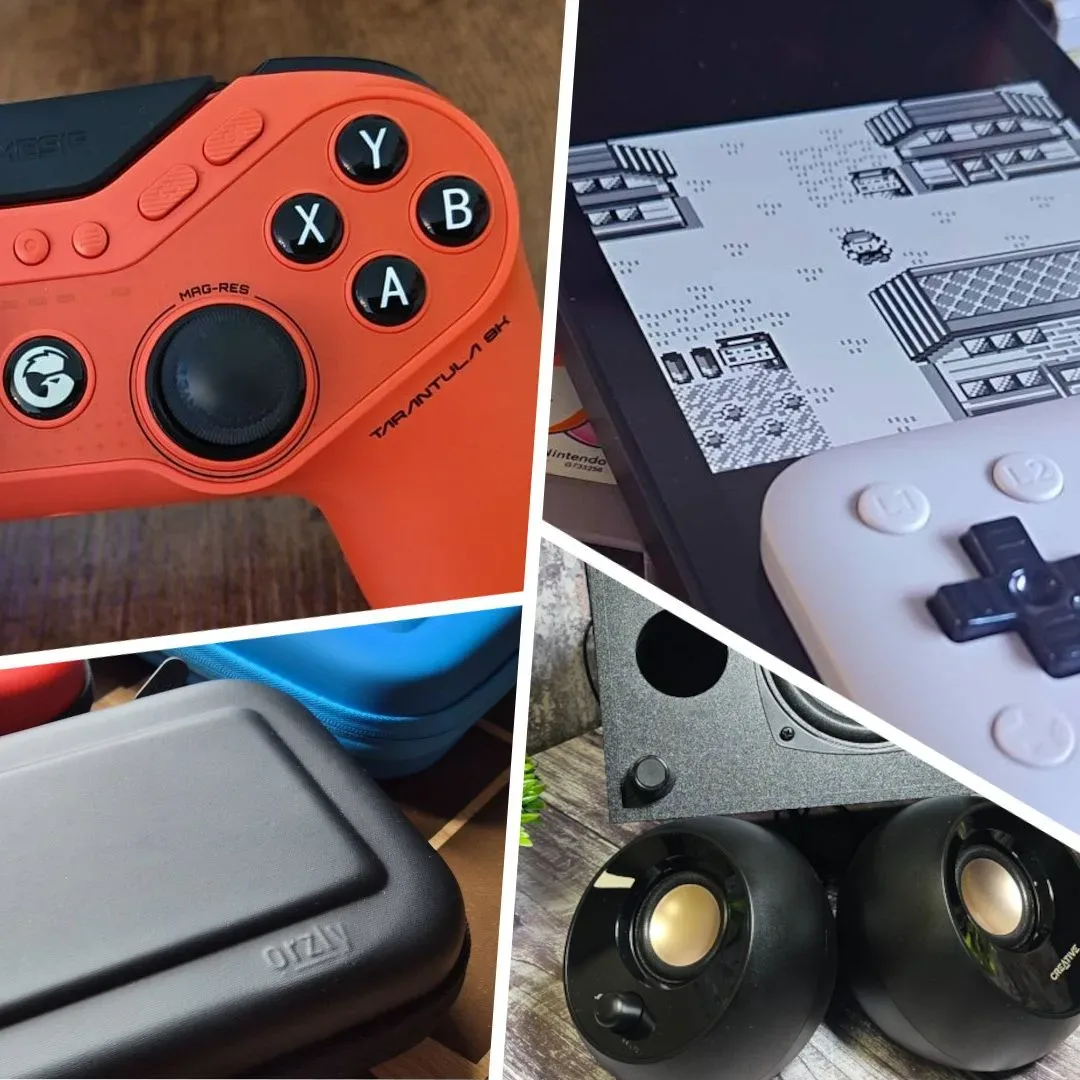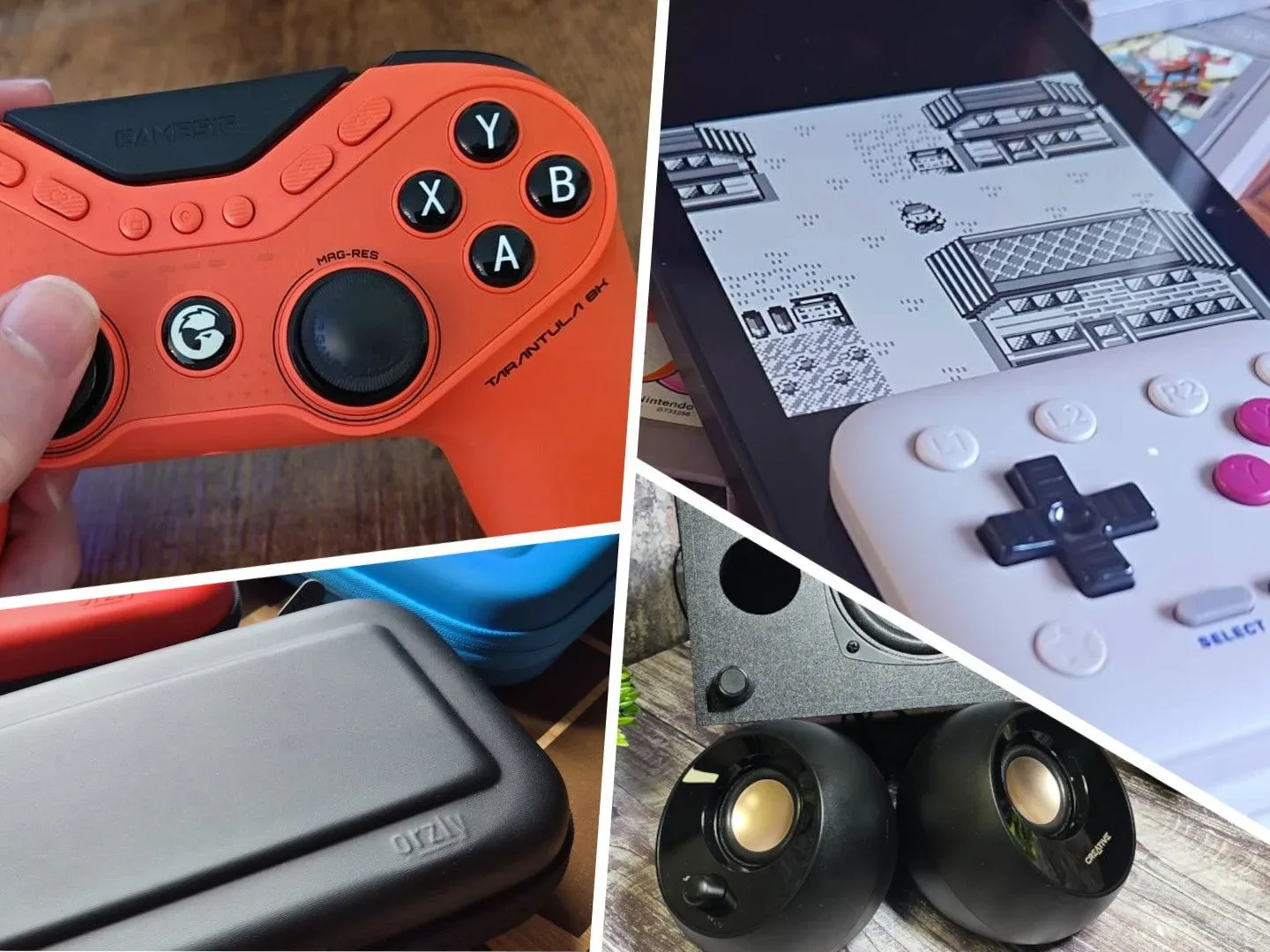
September’s gaming-hardware picture is not dominated by one miraculous box that does everything. It is a more useful, slightly less glamorous mix: a Nintendo Switch 2 carrying case that earned a five-star result, laptops positioned around display quality and screen size, and controllers that illustrate how a single everyday usability snag can matter as much as a clever design.
The products in the month’s selection span the parts of gaming setup that are easiest to overlook until they become annoying: getting a handheld safely from place to place, looking at a laptop screen for hours, waking a controller quickly, or simply choosing a pad that makes playing feel distinct from scrolling through a phone. That breadth makes this less of a single shopping list than a reminder to define the job a peripheral must do before comparing specifications.
A carrying case is not a minor purchase if a Switch 2 travels often
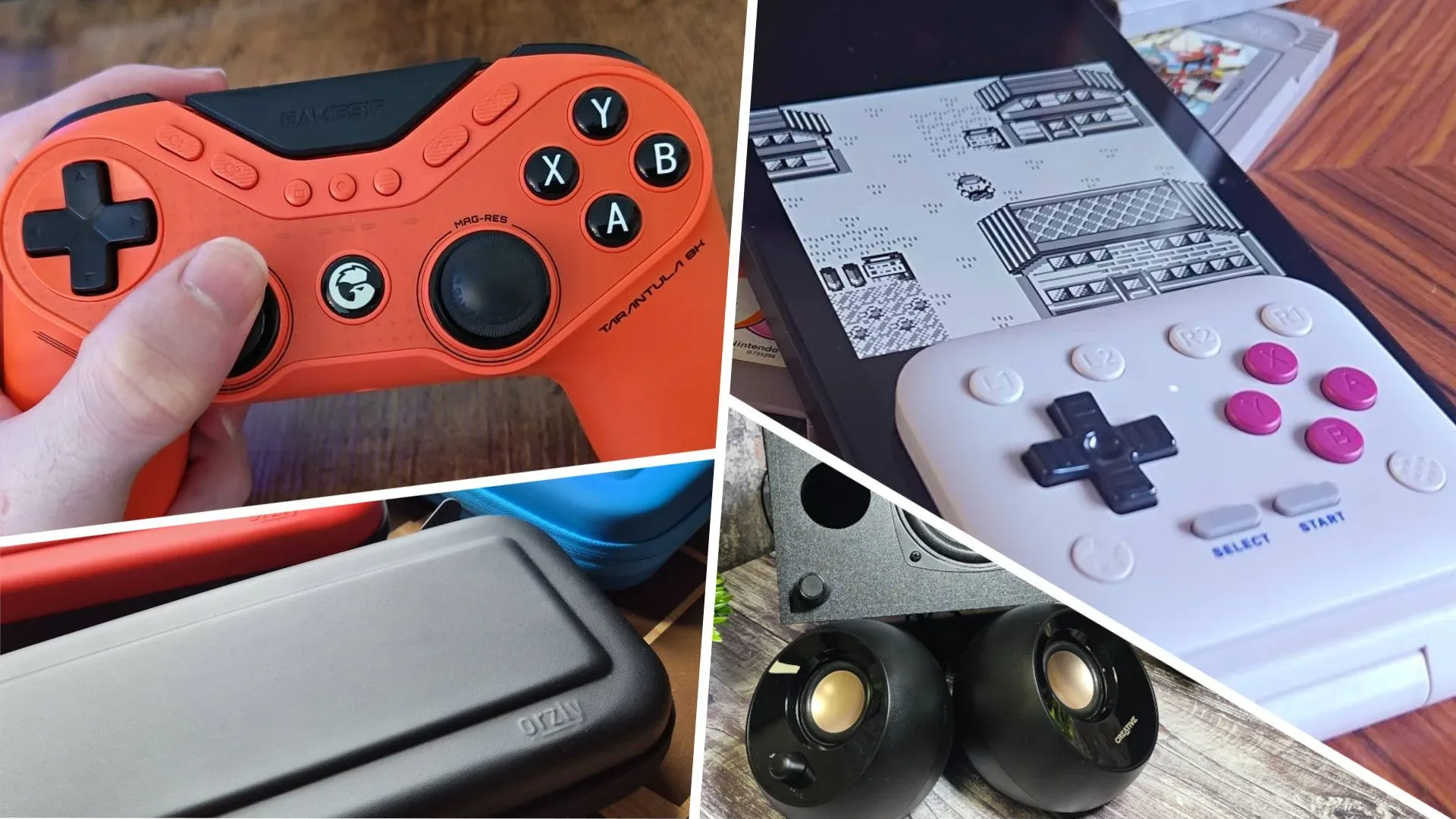
The standout on the practical-accessory side is the Orzly Carrying Case for Nintendo Switch 2, which received full marks. A case may not create new graphics settings or reduce loading times, but it occupies an unusually clear role: it protects the machine and keeps transport less chaotic. That is especially meaningful for a handheld that moves between rooms, commutes, holidays and other people’s homes.
The listed price was $26.91. Prices can change, so that figure should be treated as a snapshot rather than a promise. More important than a small difference at checkout is whether a case suits a buyer’s own routine. Someone who primarily keeps a Switch 2 near a television needs something different from someone who carries it daily. The five-star assessment establishes that this particular case was regarded very highly; it does not mean every player needs a case, or that the most protective option is automatically the best fit for every bag and trip.
For a prospective buyer, the sensible question is not “is a case exciting?” It is “what problem am I avoiding?” If the answer is loose accessories, worry about knocks in transit, or a console that is frequently carried outside the home, a well-regarded dedicated case can be a proportionate upgrade. If the console rarely moves, the purchase becomes easier to defer.
Two laptops, two different ways to frame premium gaming
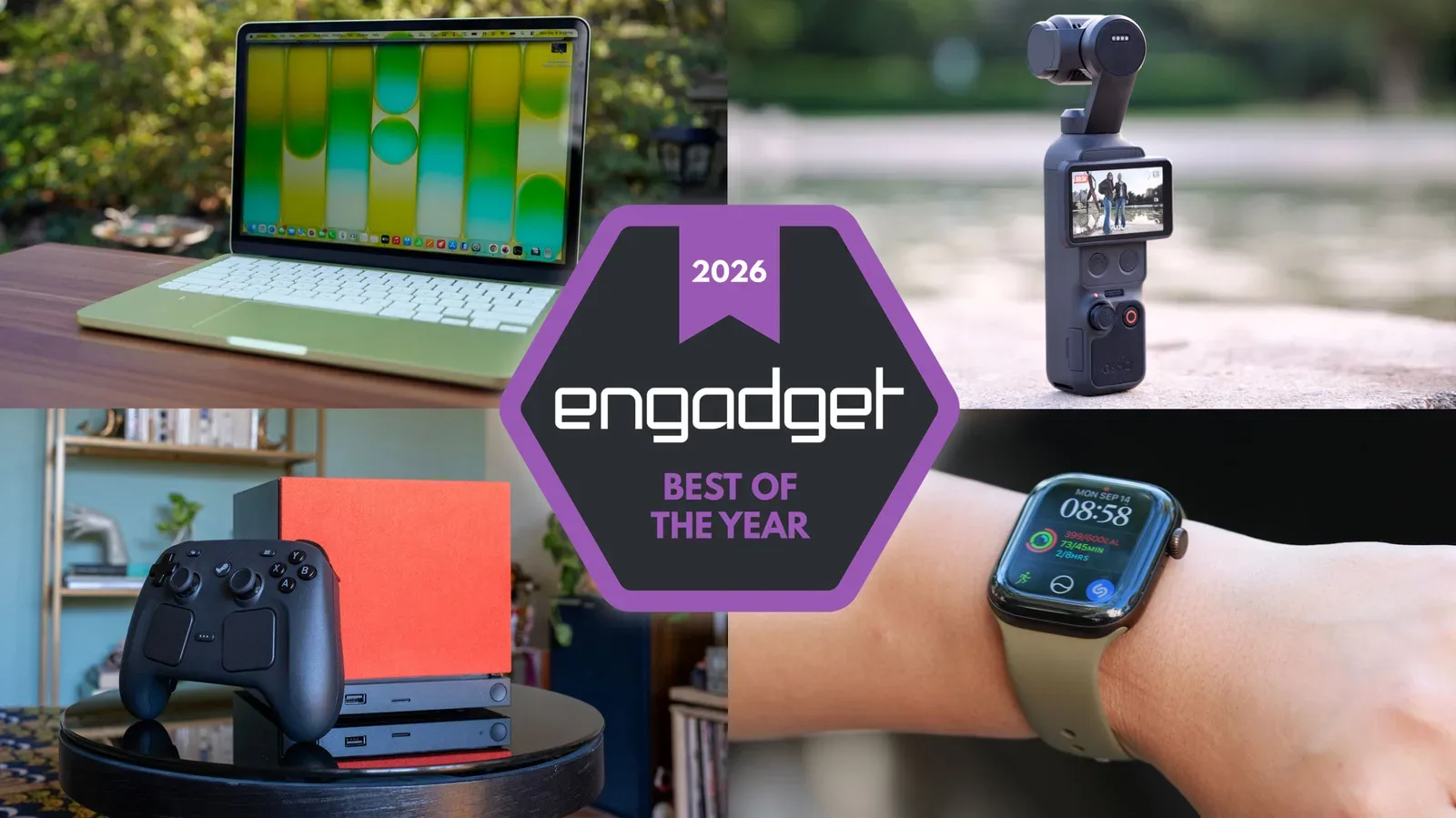
The month also included two gaming laptops: the Alienware 16X Aurora and the Asus ROG Strix Scar 18 (2026). The Alienware is highlighted for an updated OLED display, while the 18-inch Asus retained its position as a leading large-screen option for another year.
OLED, or organic light-emitting diode, refers to a display technology in which pixels produce their own light. In the context of the Alienware 16X Aurora, the meaningful reported point is that its updated OLED panel is central to why the laptop stands out. Buyers should separate that screen-focused appeal from claims the available information does not make: an excellent display alone does not tell us the precise configuration, battery behavior, port selection, cooling characteristics or performance of every model.
The Asus ROG Strix Scar 18’s appeal is more immediately legible from its name and positioning: it is an 18-inch gaming laptop. Screen size is a buying decision with consequences beyond immersion. A larger panel can make interface-heavy games, strategy titles and desktop multitasking feel less cramped, but it also changes the physical proposition of the machine. The question is not whether 18 inches is “better” in the abstract; it is whether the buyer wants a laptop that leans toward a more expansive screen-first experience.
Related coverage includes September 2026 Gaming Tech Roundup: Switch 2 Cases, OLED Laptops and New Controllers.
That distinction helps avoid a common hardware-shopping trap: treating every laptop as though it competes on the same single axis. The 16X Aurora’s reported strength is its refreshed OLED display. The Scar 18’s noted status is as an 18-inch choice. Both may belong on a premium gaming shortlist, yet they address different priorities. A shopper should establish whether display technology, screen dimensions, portability, desktop-like use, or another requirement is non-negotiable before asking which name wins.
That broader trade-off is also central to the current PC accessory conversation. PC gaming hardware is increasingly being defined by big trade-offs rather than one universal “best” choice, and September’s laptop pair is a compact example of the principle.
Controller convenience can outweigh novelty
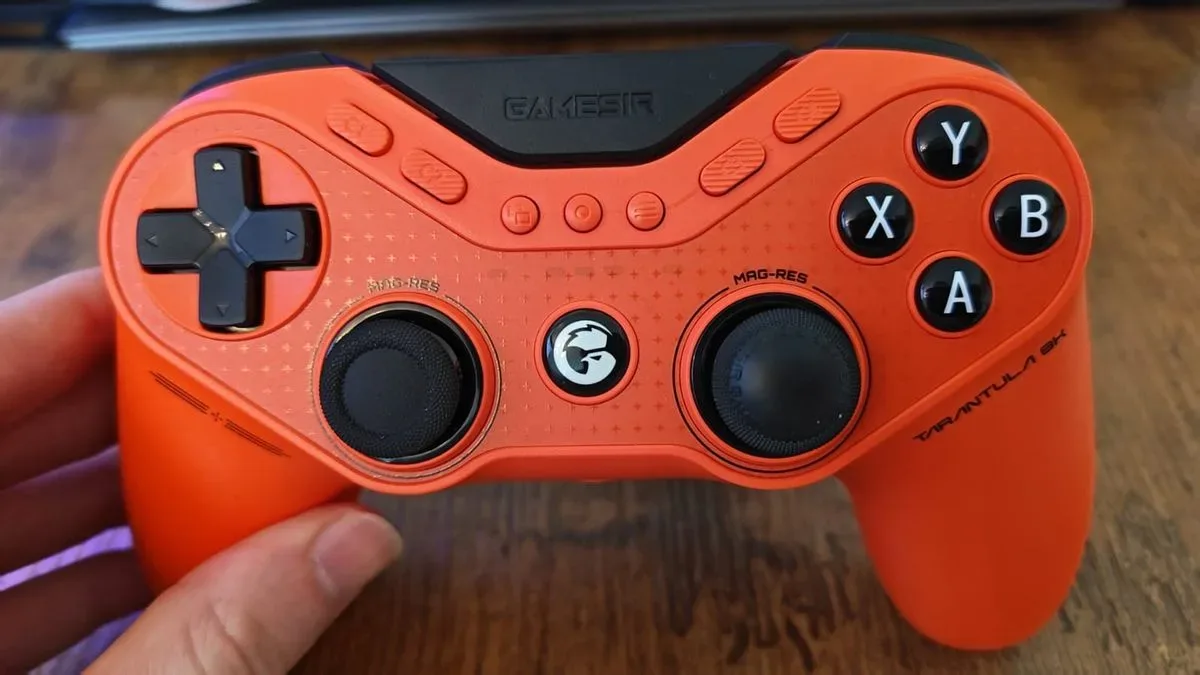
Four controllers were part of the September test group. The two specifically identified are the 8BitDo FlipPad, described as retro-styled and as a welcome alternative to doomscrolling, and the GameSir Super Nova, which narrowly missed a top score because of difficult wake functionality.
The Super Nova point deserves attention because it is more revealing than a long feature list. Wake functionality is the process of bringing a console or connected device out of its low-power or sleep state so play can begin. When that process is awkward, it adds friction at the exact moment a controller should be at its most effortless. It is the kind of drawback that might sound small in isolation but repeat every time someone sits down for a short session.
This does not make the Super Nova a bad controller. The information available instead indicates a strong overall showing that fell just short of full marks because waking it was tricky. For a buyer, the practical implication is to think about session length and habits. A person who plays for long planned stretches may tolerate a minor startup complication differently from someone who values immediate access for brief bursts of play. Convenience is a feature, even when it does not arrive in a dramatic bullet point.
The FlipPad represents a different value proposition. Its retro presentation is framed as a break from phone-first routine: an object made for pressing buttons and playing rather than endlessly refreshing a feed. That is a cultural appeal, not a technical performance claim, and it should be read that way. Nostalgic styling can be a valid reason to choose a controller, particularly when the physical ritual of playing is part of what someone wants from a gaming setup.
The listed price for the 8BitDo FlipPad was $29.99. The GameSir Tarantula 8K, also included in the shopping selection, was listed at $69.99. No performance details or score for the Tarantula 8K are established here, so its price and inclusion should not be mistaken for a verdict that it is superior to the other pads. A useful comparison requires more than names and current-looking price tags.
Small peripherals still shape the everyday setup
The round-up’s shopping selection also includes Creative Pebble Plus speakers, listed at $52.24 against a stated $54.99 price. Beyond their inclusion and the price information, no review findings are provided here. That limitation is worth stating plainly. Speakers cannot responsibly be judged from a sale figure, and prospective buyers should not infer unreported details about sound, connectivity, power or compatibility.
Still, the product’s presence usefully broadens the definition of gaming tech. A gaming setup is not just the PC, console or controller. It includes the physical and audio environment around them. Cases affect transport, displays affect how games are viewed, controllers affect input, and speakers affect the room. The best upgrade is often the one that improves the weakest part of an existing routine rather than the one with the flashiest name.
How to turn a monthly hardware list into a better buying decision
The September selection supports a straightforward hierarchy for shoppers:
- Identify the recurring irritation. Is it moving a Switch 2 safely, staring at a screen for long sessions, wanting a larger laptop display, or reaching for a controller instead of a phone?
- Prioritize the evidence that matches that irritation. The Orzly case’s full-mark result is directly relevant to protection and transport. The Alienware’s updated OLED display is relevant to screen quality. The Super Nova’s wake issue is relevant to effortless start-up.
- Do not fill in missing specifications. A listed price or a product name does not establish compatibility, performance, quality or a review score.
- Treat prices as time-sensitive. The figures attached to the Tarantula 8K, Orzly case, FlipPad and Pebble Plus are snapshots, not permanent market facts.
- Match the hardware to the play pattern. An 18-inch laptop makes the most sense for someone who values that larger format; a travel case makes the most sense for a handheld that actually travels.
The clearest September winners are therefore not all chasing the same audience. The Orzly carrying case appears to be the strongest simple recommendation where Switch 2 protection is the need. The Alienware 16X Aurora and ROG Strix Scar 18 point buyers toward different laptop priorities. And the controller entries underline a welcome truth about peripherals: design personality matters, but reliable everyday behavior matters too.
Shop the products
Check current price, model and availability at the retailer.