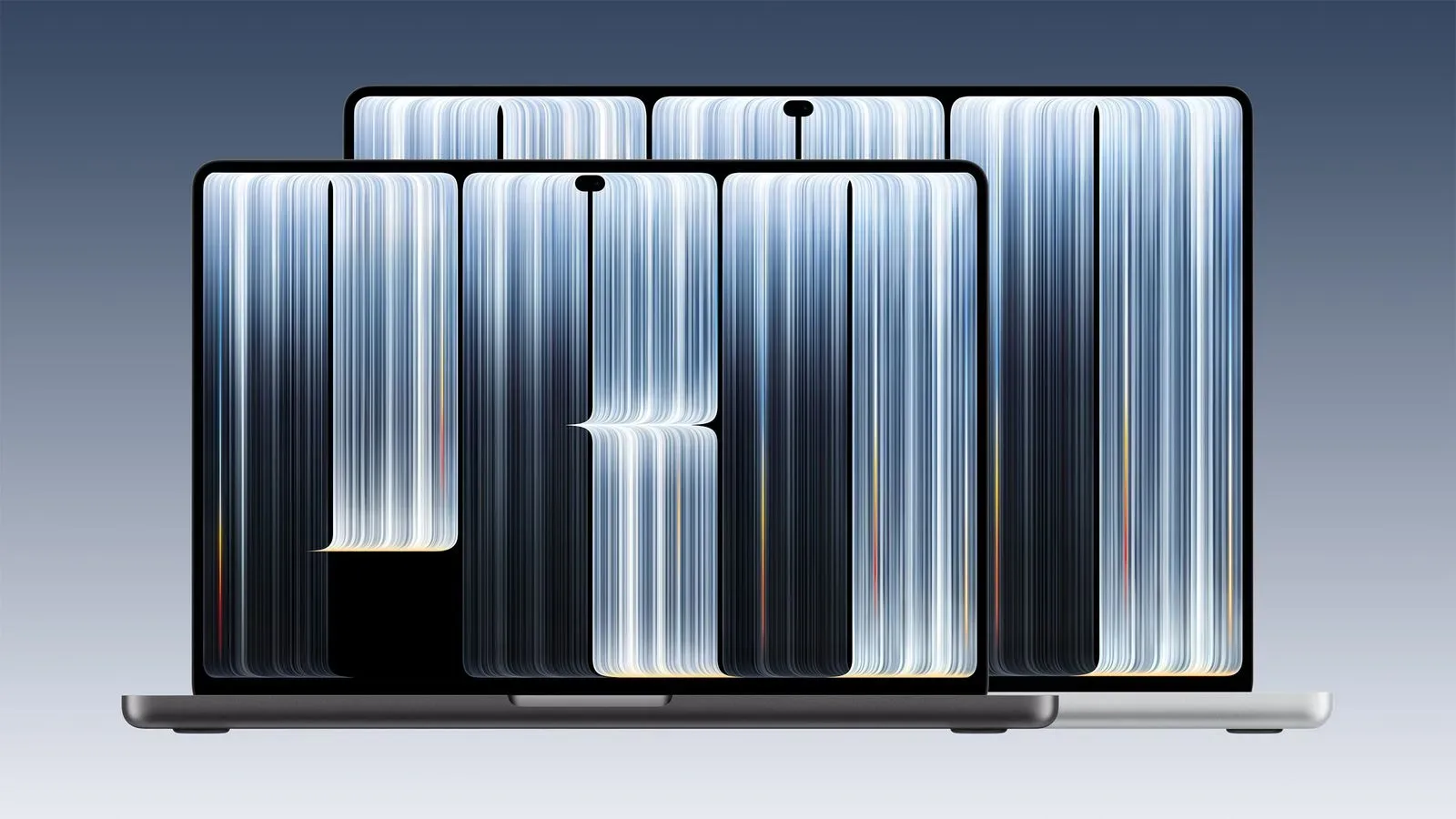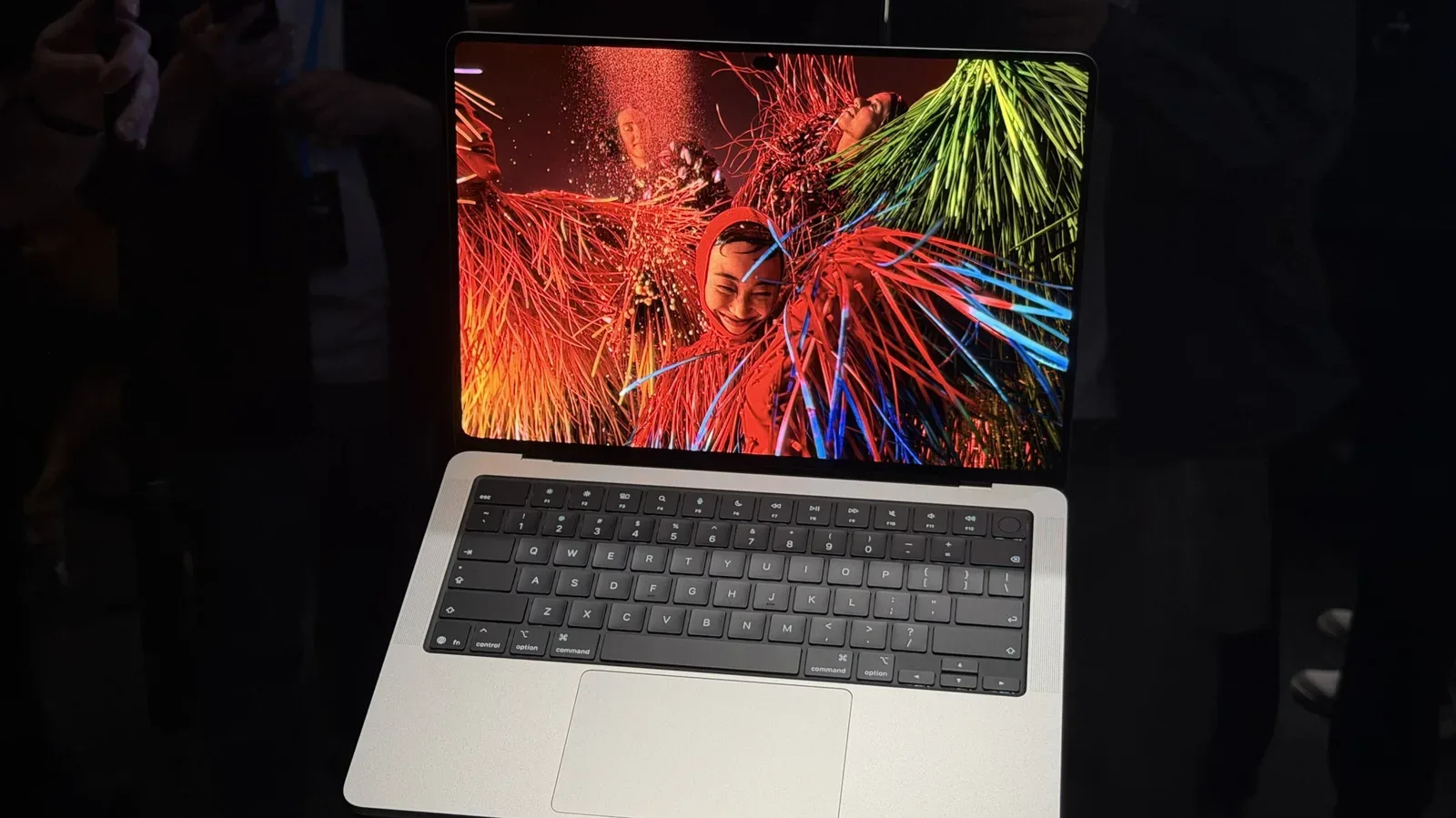
Apple’s touchscreen PROLED MacBook Pro appears to make a very deliberate engineering trade: it trims mass from major assemblies while retaining a largely familiar internal layout—and it puts one of its most eye-catching new details, the glowing Apple logo, in a position that is particularly awkward to repair.
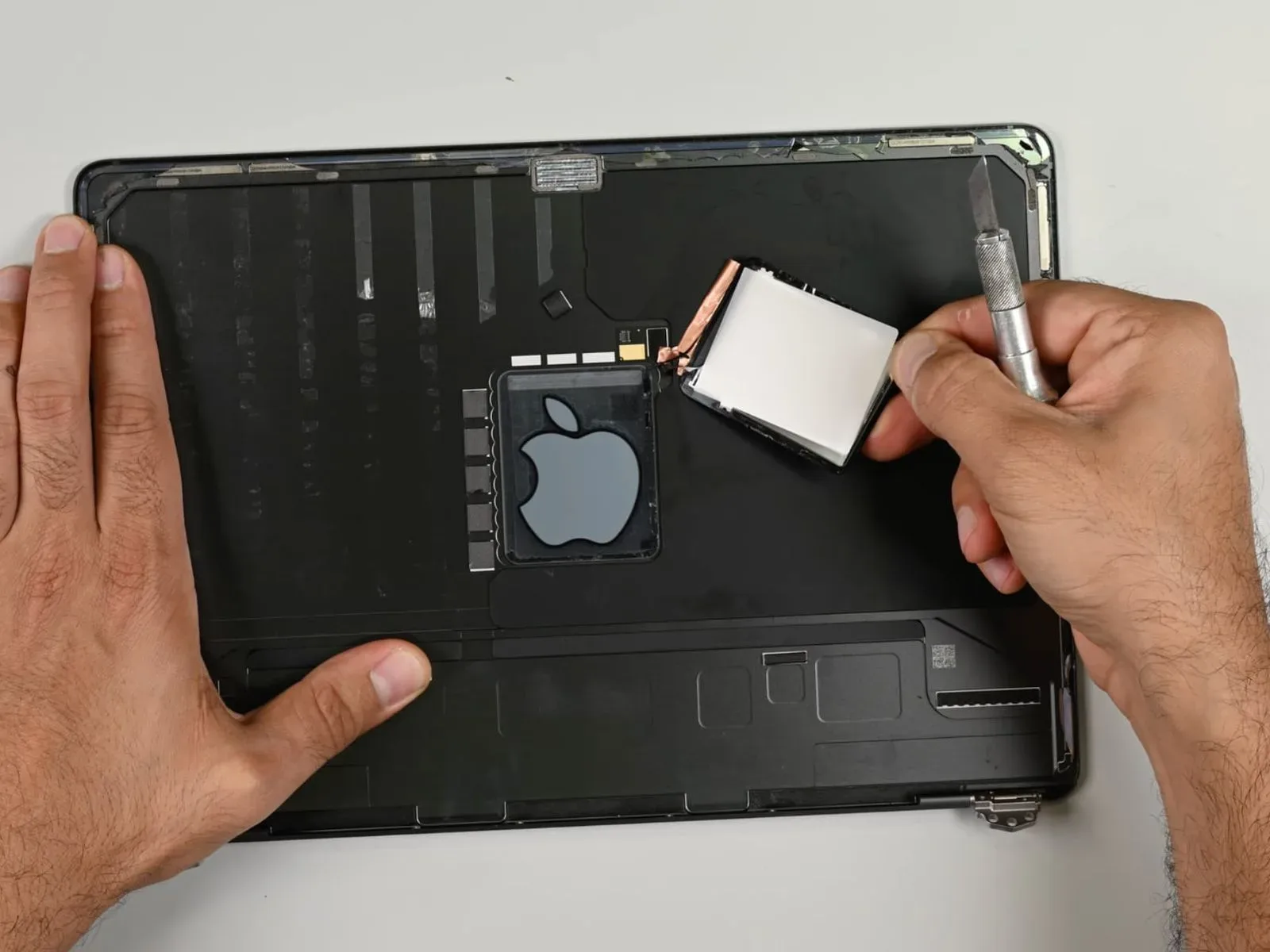
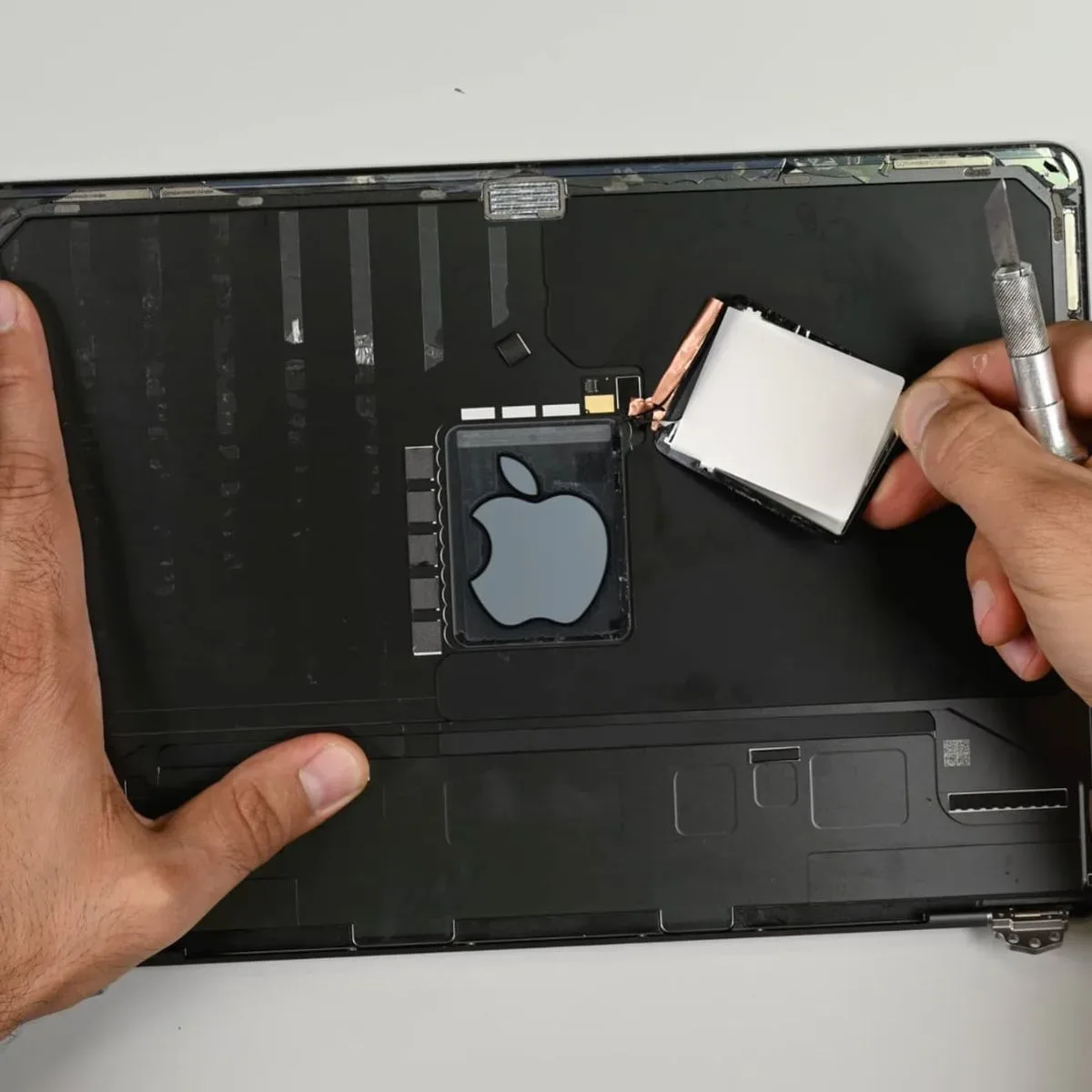
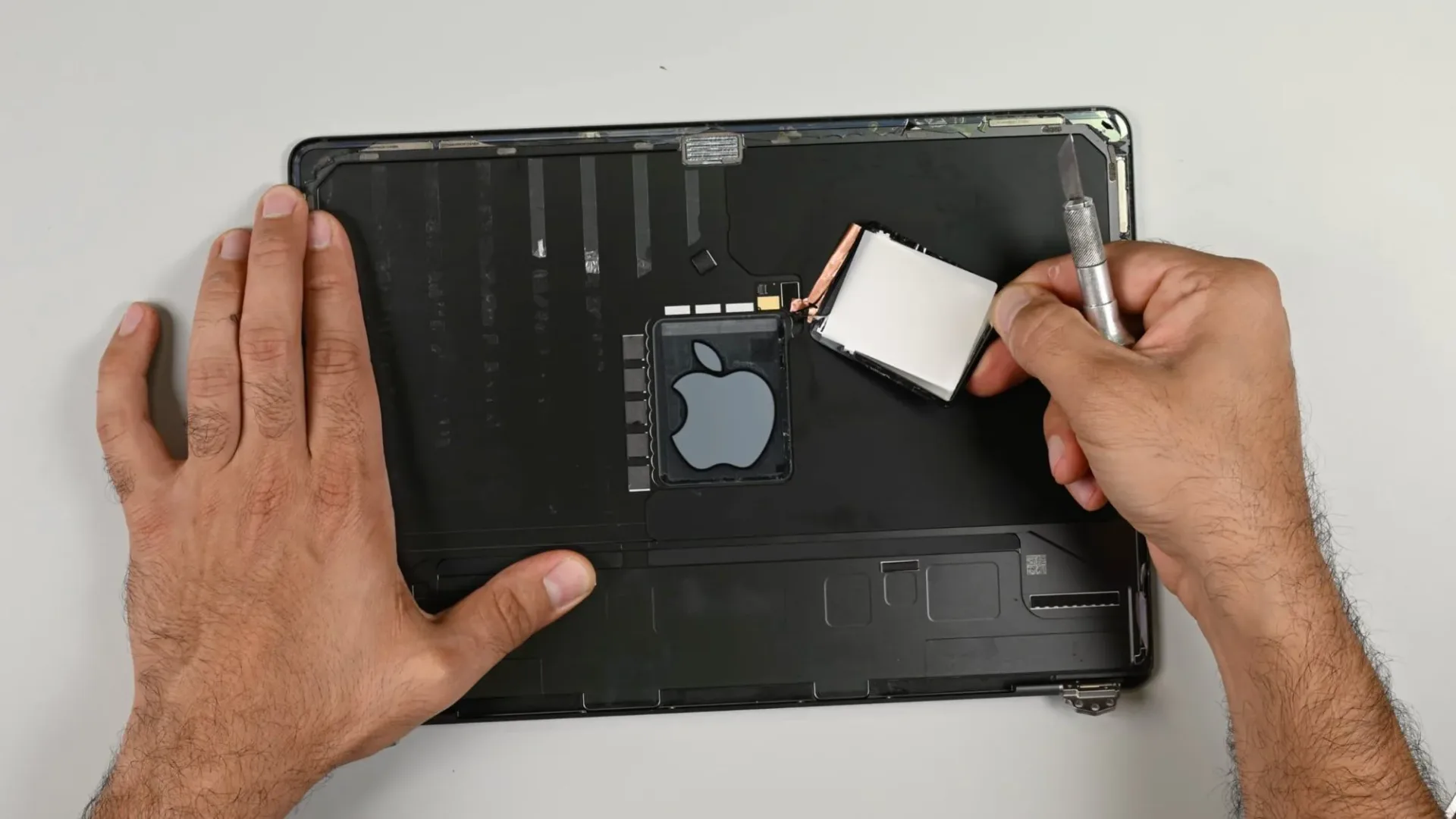
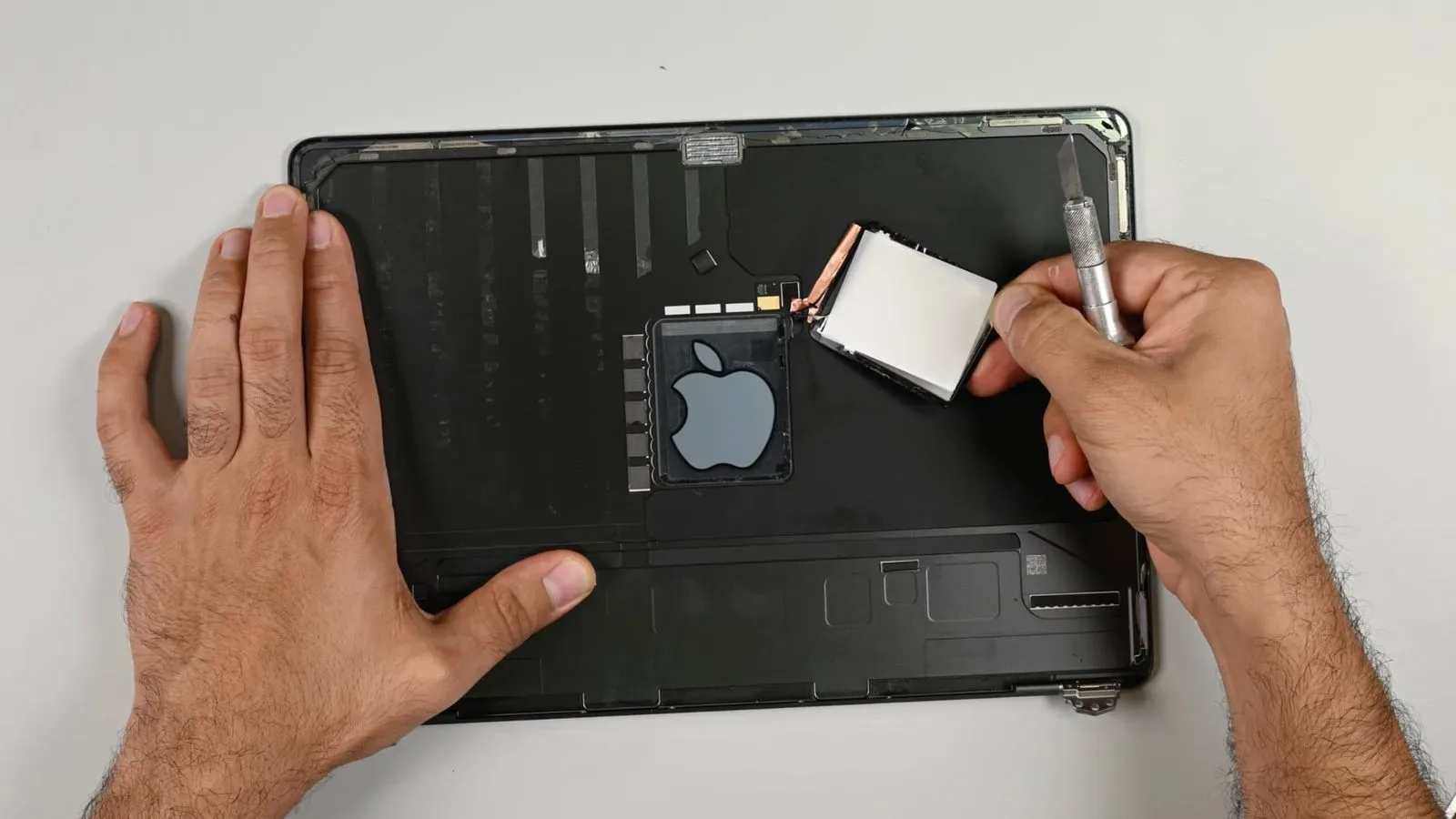
A teardown of the machine shows that the logo illumination is located behind the display. That means accessing it requires removing the screen assembly rather than opening only the lower chassis. In the course of attempting that work, the display glass separated from the layers beneath it, destroying the OLED panel. It is a vivid illustration of the practical risk involved: a fault with the logo’s lighting could demand intervention in one of the laptop’s most fragile and expensive-looking assemblies.
The PROLED model is also lighter in several concrete places when compared with the 14-inch M6 MacBook Pro. Its lower case weighs 364 grams, versus 456 grams for the M6 model. The display assembly is 101 grams lighter even though it now includes touch input and the illuminated logo, while the battery is two grams lighter. The teardown also notes that the trackpad is slightly smaller than the one in the M6 model.
For owners weighing the model as a long-term work machine, the core picture is mixed. Certain frequently stressed components can be replaced, and a logic-board swap did not trigger new touchscreen pairing trouble after Apple’s Repair Assistant process. Yet the SSD, memory, HDMI port and SDXC card slot remain attached to the logic board, limiting the number of repairs or upgrades that can be handled as isolated part replacements.
The logo is clever, but its location matters
A glowing logo is an outward-facing feature: it is most visible to people looking at the rear of the lid, rather than to the person using the computer. The teardown establishes that its supporting hardware sits behind the display, not in an easy-access area of the machine. That placement has a direct repair consequence. Reaching the light requires display removal.
Display work is inherently different from replacing a port, fan or lower-case component. The OLED panel is a layered assembly, and the attempt to gain access resulted in the glass separating from the layers underneath. The panel was destroyed as a result. That does not prove every repair attempt will end in panel damage, but it shows the margin for error is narrow and makes clear why the logo is not a simple cosmetic part to service on its own.
OLED, short for organic light-emitting diode, is a display technology in which individual pixels emit their own light. In this case, the important point is not a general claim about image quality; it is that the panel’s construction proved vulnerable when its layers were disturbed. Anyone evaluating the machine’s repair prospects should therefore treat the illuminated logo as tightly bound to display work rather than as a separate, convenient replacement item.
A touch-ready hinge that is mostly a firmer version of the old one
Apple describes the PROLED MacBook Pro hinge as designed for touch use. The teardown’s finding is more restrained: it is essentially the same as the hinge in the M6 MacBook Pro, but stiffer. That added resistance is intended to help the display hold its position when someone taps the upper area of the screen.
This distinction is useful because “designed for touch” can suggest a wholly new mechanical structure. The evidence instead points to an adjusted version of a familiar approach. The physical goal is straightforward: touching a laptop panel creates force that can make a looser display tilt backwards. A stiffer hinge counteracts that movement and helps retain the chosen viewing angle.
That does not establish how every user will feel about the hinge, nor does it offer a broad durability verdict. It does clarify the change identified internally: Apple’s touch accommodation appears to be primarily a matter of greater hinge stiffness, rather than a radically redesigned hinge mechanism.
What can be replaced—and what remains tied to the logic board
The laptop does offer some component-level repair opportunities. Its Thunderbolt/USB-C ports and fans are replaceable. However, doing so requires removing the logic board first. Replaceable does not necessarily mean quick or low-risk; it means the part is not permanently integrated in the same way as a soldered component. The need to pull the board remains a significant procedural hurdle.
By contrast, the HDMI port and SDXC card slot are soldered to the logic board. Soldering joins a component directly to the board’s electrical connections. When a port is attached this way, replacement is not the same task as unfastening a modular port and installing another; it is tied to board-level work or, potentially, replacement of the larger board assembly.
The same integration applies to the SSD and memory. Neither is presented as a user-swappable module. That has obvious practical implications for buyers who normally extend a computer’s useful life through storage or RAM upgrades: the provided evidence does not support treating this machine as upgradeable in either of those areas.
For people planning a demanding creative or game-development workflow, configuration choices at purchase remain consequential. A laptop used for editing, compiling, asset work or a large media library may be asked to serve changing needs over time, but soldered storage and memory constrain post-purchase flexibility. Creators following tools such as Adobe Premiere’s evolving mobile video workflow may especially recognize why a machine’s longer-term configuration can matter as much as its headline features.
Logic-board swapping did not create a touchscreen barrier
One encouraging result came from exchanging logic boards between two PROLED MacBook Pro units. After Repair Assistant was run, the tested components worked, including both the touchscreen and Touch ID. The teardown found that the touchscreen did not introduce new parts-pairing problems.
Parts pairing refers to a device checking replacement components or assemblies through its software and service processes. It can influence whether replaced hardware functions normally after repair. Here, the relevant finding is narrow but valuable: changing the logic board between two examples of the same PROLED model did not leave touch input or fingerprint authentication unusable once the repair procedure was completed.
That should not be overstated as an assurance about every possible repair combination. The reported test concerned two PROLED units and a logic-board exchange, followed by Repair Assistant. Still, it means the new touchscreen is not shown to impose an extra pairing obstacle in that scenario. Given the model’s other highly integrated parts, avoiding a new restriction around touch functionality is a meaningful positive.
Where the weight savings came from
The lower chassis is a major part of the PROLED model’s weight reduction. At 364 grams, it is 92 grams lighter than the 456-gram lower case in the M6 MacBook Pro. The investigation attributes that saving to removing some aluminum from the lower chassis.
The display is another notable contributor. Despite adding touch capability and a glowing logo, the display assembly is 101 grams lighter than its M6 counterpart. Meanwhile, the battery sheds only two grams. Taken together, those figures indicate that the most substantial reported reductions are in the enclosure and display rather than the battery.
The slightly smaller trackpad provides another visible indication that the design was reshaped rather than merely fitted with a new screen. The teardown does not assign a precise weight contribution to the trackpad, and it would be speculation to do so. What it does establish is that Apple’s lighter package involves several changes across the chassis, display and input surface.
A middling repairability score with clear strengths and limits
The PROLED MacBook Pro received a repairability score of 5 out of 10. That places it one point above the M5 MacBook Pro and one point below the MacBook Neo.
A five-point result is best read as a mixed score rather than a clean endorsement or dismissal. On the favorable side, the fans and Thunderbolt/USB-C ports can be replaced, even with logic-board removal required. The logic-board swap result also suggests the touchscreen does not add a newly documented pairing hurdle. On the limiting side are the soldered SSD, memory, HDMI port and SDXC slot, plus the difficult display access needed to reach the logo lighting.
The PROLED MacBook Pro’s internal story is therefore more nuanced than “lighter” or “touchscreen.” It is a machine with significant reductions in the lower chassis and display assembly, a stiffer hinge to stabilize touch interaction, and at least some serviceable components. But its brightest visual flourish is embedded behind a delicate display assembly, while several important connectivity and performance-related parts remain tied to the logic board. For buyers who keep laptops for years, that balance may be as important as the touch panel itself.