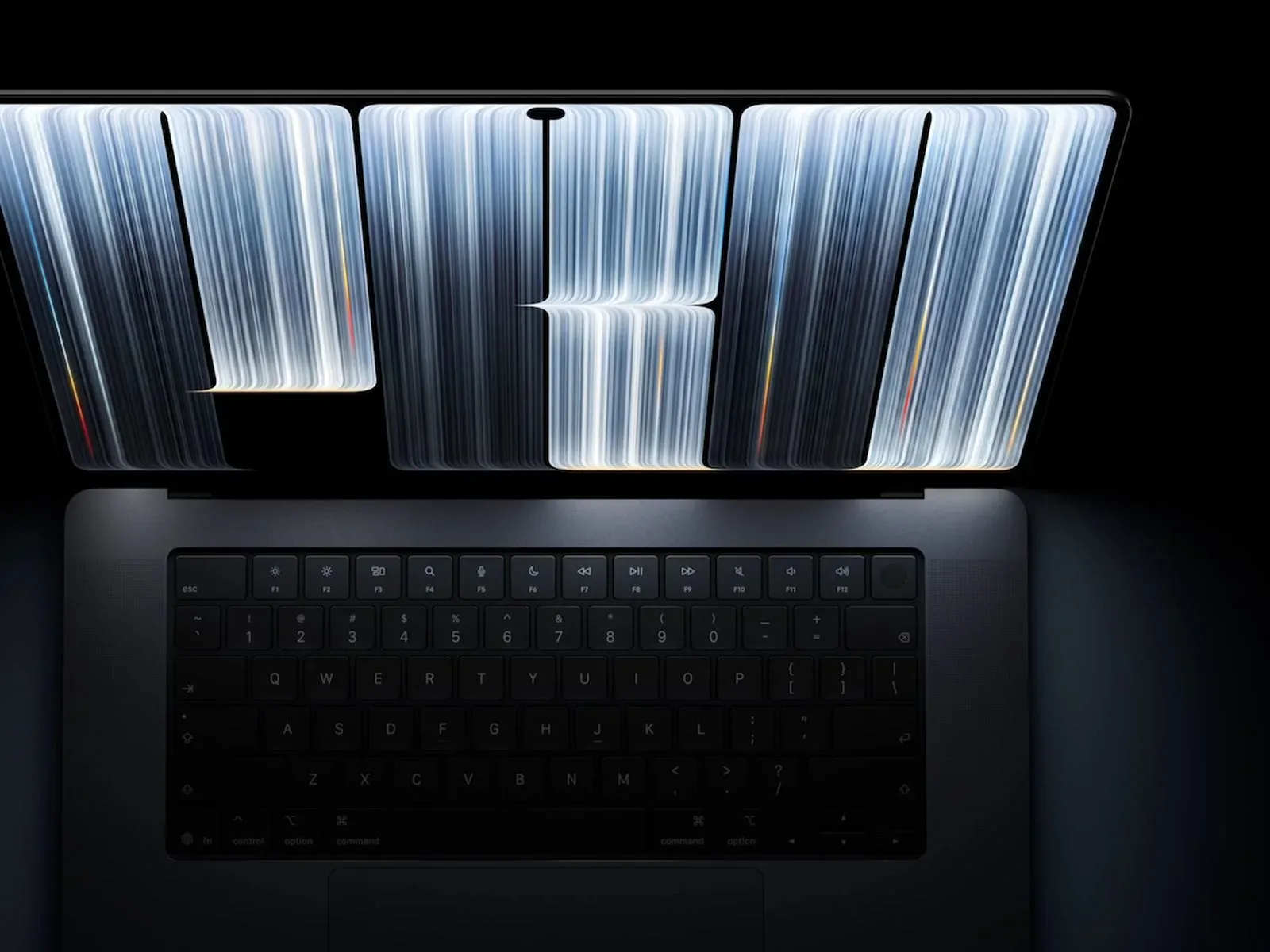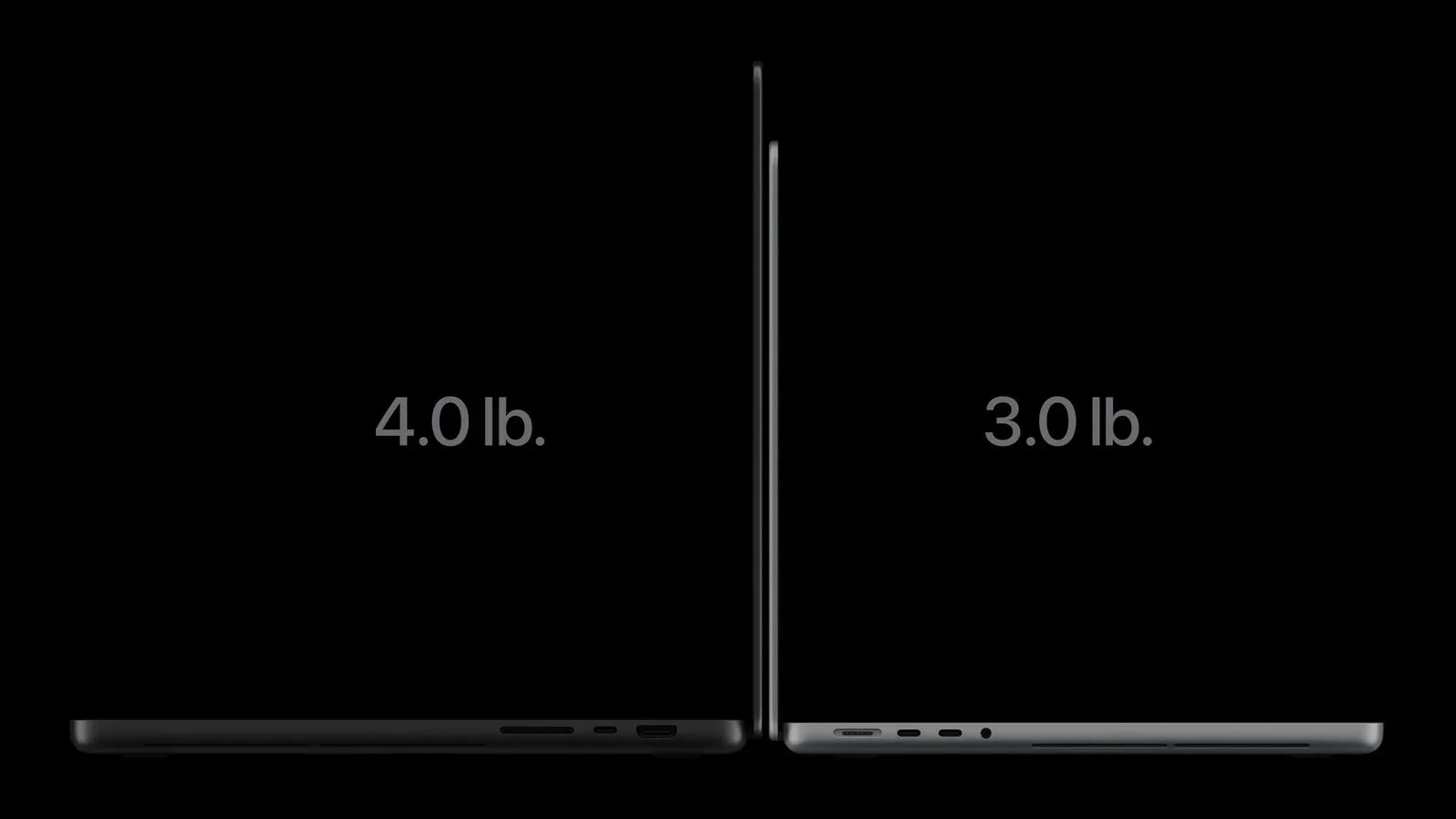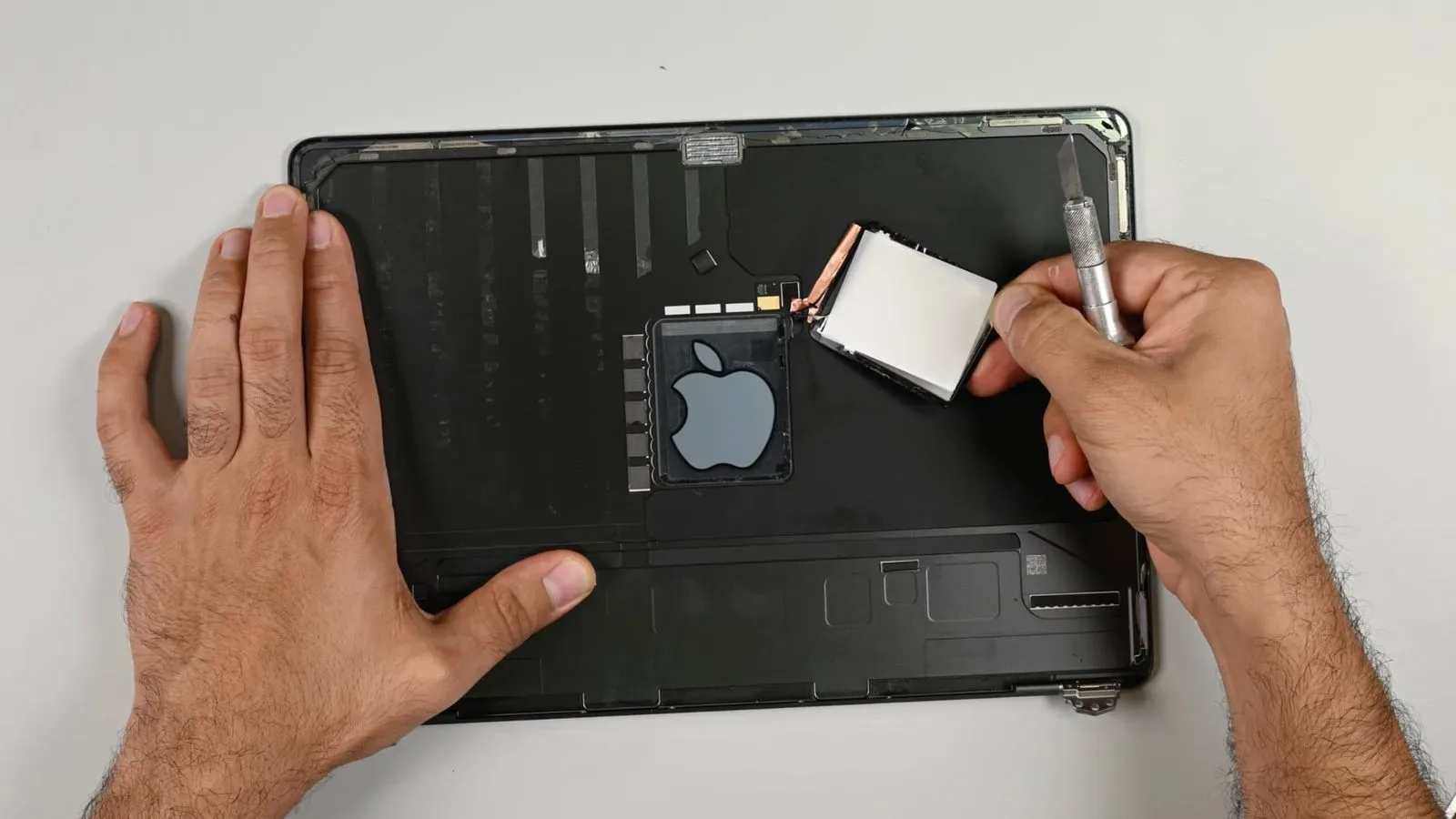
Some owners of Apple’s new OLED MacBook Pro models with PROLED XDR displays are reporting eye strain, headaches, dizziness and nausea after using the machines. The accounts are not evidence that every OLED MacBook Pro has a defect, nor do they establish a medical cause for any individual’s symptoms. They do, however, highlight an important display-accessibility question for anyone who knows they are sensitive to pulse width modulation, or PWM.
The central concern is not the laptops’ 120Hz ProMotion refresh rate. It is the way display brightness appears to be controlled at nearly every setting below maximum brightness. Independent measurements of the 14-inch PROLED MacBook Pro found flickering at 240Hz from 99% brightness and below, with a measured amplitude of 56%. For a portion of users, that combination may make a premium screen difficult or impossible to use comfortably.
That is especially consequential for a computer intended for long sessions of writing, editing, programming, design work and gaming. Unlike a phone that may be checked in short bursts, a MacBook screen can stay directly in front of someone for hours. Reports describe problems appearing while reading text, including text displayed on a black background.
What owners are reporting
Discussion has emerged across social platforms and Apple-focused community forums following the launch of the new models earlier this month. A dedicated PWM discussion, an owner poll and wider display conversations have collected accounts from people who say the new panel has caused discomfort.
One person said that roughly 30 minutes with a PROLED MacBook Pro in an Apple Store resulted in a severe headache. They described prior problems with OLED screens, though newer OLED implementations had been tolerable for them, and called for a way to alter the Mac’s dimming behavior.
Another owner said reading on the laptop, particularly light text against a dark background, caused dizziness and nausea. That person said an OLED iPad Pro did not produce the same reaction. In a separate account, a 16-inch PROLED MacBook Pro owner reported headache and mild nausea that subsided after returning to a mini-LED MacBook Pro. Another person said they planned to return the OLED laptop after similar symptoms despite previously getting along with OLED devices.
These anecdotes matter as user experience reports, but they need careful interpretation. Sensitivity is personal, symptoms can have many causes, and tolerance for one OLED product does not guarantee tolerance for another. Differences in panel behavior, brightness level, viewing duration, text and background choices, ambient light and an individual’s sensitivity can all change the experience. A person who is comfortable with an OLED phone or tablet may therefore still find a particular laptop panel uncomfortable.
PWM, explained without the marketing fog
OLED screens generate light at the pixel level. To lower the apparent brightness, a display can use pulse width modulation. Rather than simply lowering light output continuously, the display cycles between brighter and darker states at high speed. Reducing the amount of time spent in the brighter state lowers the average light reaching the viewer, so the screen looks dimmer.
The word pulse describes the repeating brightness cycle; width refers to how long a brighter portion of that cycle lasts. The cycling can be too rapid to look like an obvious blinking display. Yet some people say that exposure to such fluctuations triggers eye strain, headaches, nausea or dizziness.
Two figures are useful when discussing PWM:
- Frequency: how many times the brightness cycle repeats each second, measured in hertz (Hz).
- Amplitude: the size of the light-output change during that cycle.
The 14-inch PROLED MacBook Pro measurement of 240Hz means its light output was found to fluctuate 240 times a second when brightness was at 99% or lower. The reported 56% amplitude describes a substantial size to the measured fluctuation. The testing cautioned that people sensitive to PWM could experience headaches or eye strain.
It is vital not to confuse PWM frequency with a display’s refresh rate. Refresh rate is how often the visual image itself updates. A 120Hz ProMotion label describes image-refresh capability; it does not reveal the panel’s PWM frequency. Someone looking only at a 120Hz specification cannot use it to determine whether a display will be comfortable for them.
Why the mini-LED alternative is part of the story
Apple continues to sell mini-LED MacBook Pro models alongside the new OLED versions, and that choice may be meaningful for PWM-sensitive buyers. Mini-LED screens also use brightness modulation, so they are not automatically flicker-free. But testing of a 14-inch M4 Pro mini-LED MacBook Pro measured a far higher 14,880Hz frequency.
Higher-frequency modulation is generally considered less likely to produce discomfort for people who react badly to lower-frequency PWM. That does not make a mini-LED MacBook a universal answer: individual sensitivity remains the deciding factor. Still, the gap between 240Hz and 14,880Hz gives shoppers a concrete technical distinction to investigate rather than treating “OLED” and “mini-LED” as interchangeable labels.
For buyers who need a machine for extended desk use, panel behavior can outweigh broad image-quality claims. OLED’s pixel-level lighting has obvious appeal, but display comfort is a baseline requirement, not an optional luxury. A screen with excellent contrast is of limited value if it cannot be used through a normal workday.
There is an iPhone accessibility precedent, but no Mac control
Apple already offers a relevant accessibility setting on supported iPhones: Display Pulse Smoothing. It provides another method of dimming an OLED screen at low brightness. Apple notes that the setting can affect display performance in some circumstances, but its existence acknowledges that brightness-control behavior can be a usability issue for some people.
macOS currently has no equivalent control. The reported complaints therefore leave affected MacBook users with less room to experiment inside the operating system. Apple could theoretically add a comparable option in the future, but no such Mac feature has been announced in the material available here.
A software setting would not necessarily be a perfect cure. Any alternative dimming method may involve trade-offs, as Apple’s caution on iPhone performance indicates. But a choice is still meaningful: users who are comfortable accepting a possible display-performance compromise may prefer that option to a screen they cannot use at lower brightness.
Practical buying implications
The OLED MacBook Pro starts at $2,899 for the 14-inch model and $3,399 for the 16-inch version. At those prices, prospective buyers with known OLED or PWM sensitivity should treat a brief specification check as insufficient. Comfort is best assessed by spending meaningful time reading, working with the sort of documents and apps used every day, and testing the brightness range likely to be used in practice.
The evidence here suggests that maximum brightness deserves particular attention. The reported 240Hz behavior began at 99% brightness or lower, meaning a short in-store look at full brightness might not reflect the setting someone later uses at home, in an office or at night. This is an explanation of why a trial should cover multiple brightness levels, not a guarantee that any particular setting will be comfortable.
Buyers who already know they react poorly to flickering displays may wish to consider the mini-LED MacBook Pro range still on sale, given its much higher measured modulation frequency. Those shopping for a wider gaming setup can also consider the display questions covered in this guide to checking a console and display setup; refresh specifications and personal visual comfort are separate considerations.
For everyone else, the key point is proportionate caution. The reports should not be turned into a claim that OLED MacBook Pros will cause symptoms for all owners. They do show that panel technology, dimming implementation and accessibility controls are purchase-critical details for a meaningful group of users. Until macOS offers an equivalent to Display Pulse Smoothing, the choice between OLED and mini-LED may be more than a preference over blacks, contrast or color. For PWM-sensitive users, it may decide whether the laptop is viable at all.