With Grand Theft Auto 6 positioned for a November 19 launch, attention is naturally turning from trailers and speculation to the more practical question: is the living-room setup ready for a long return to Rockstar’s open-world crime drama?
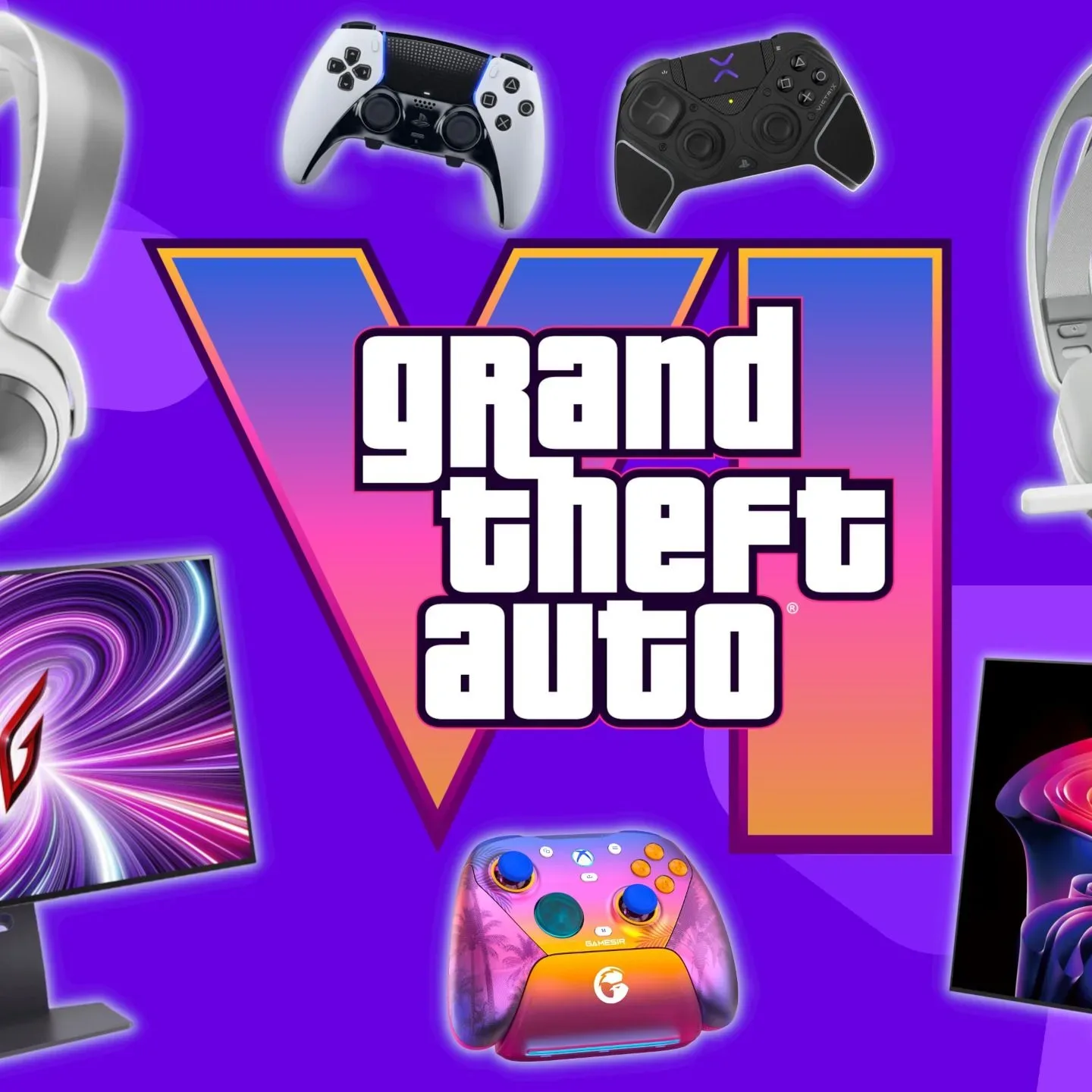
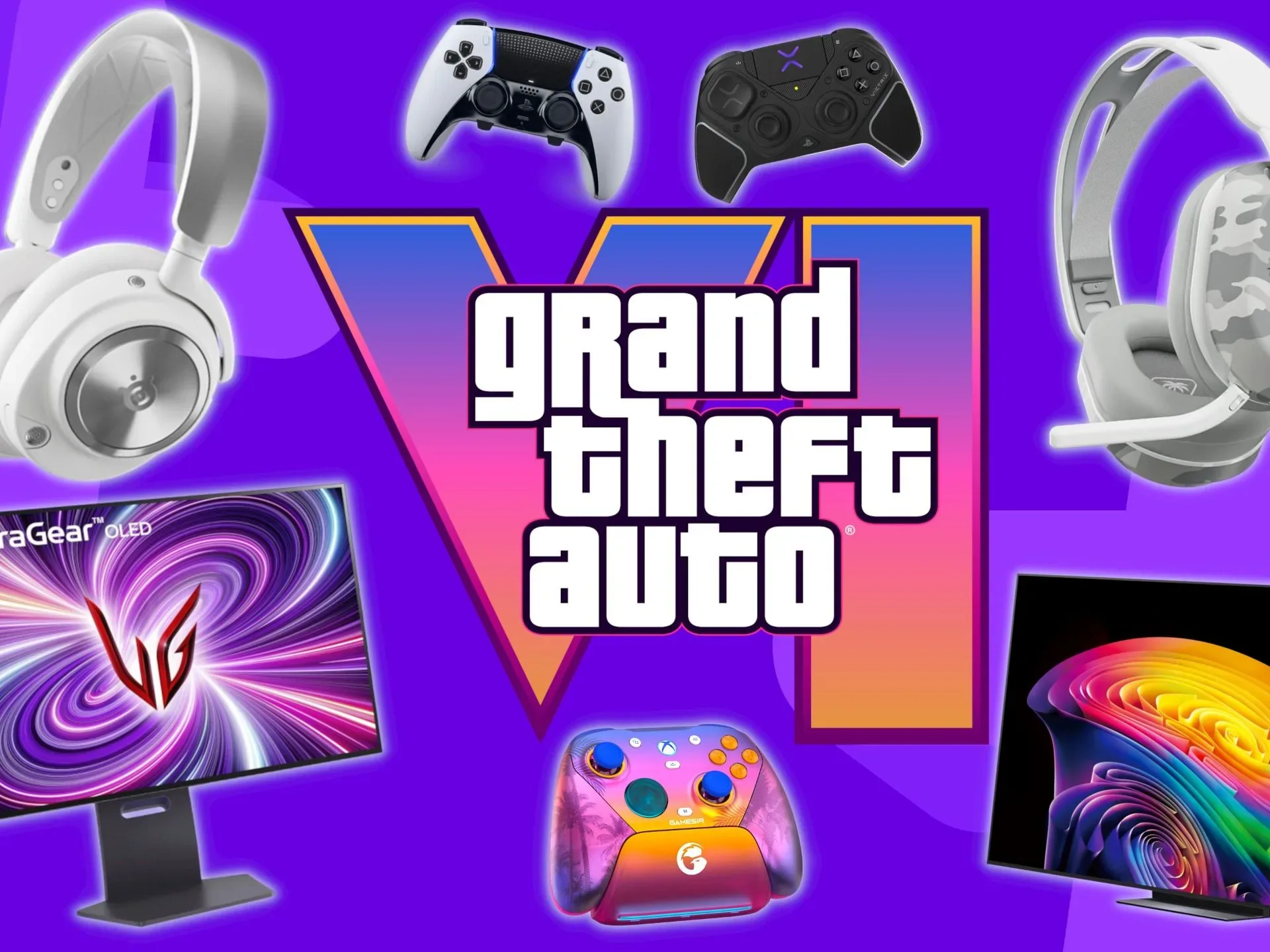
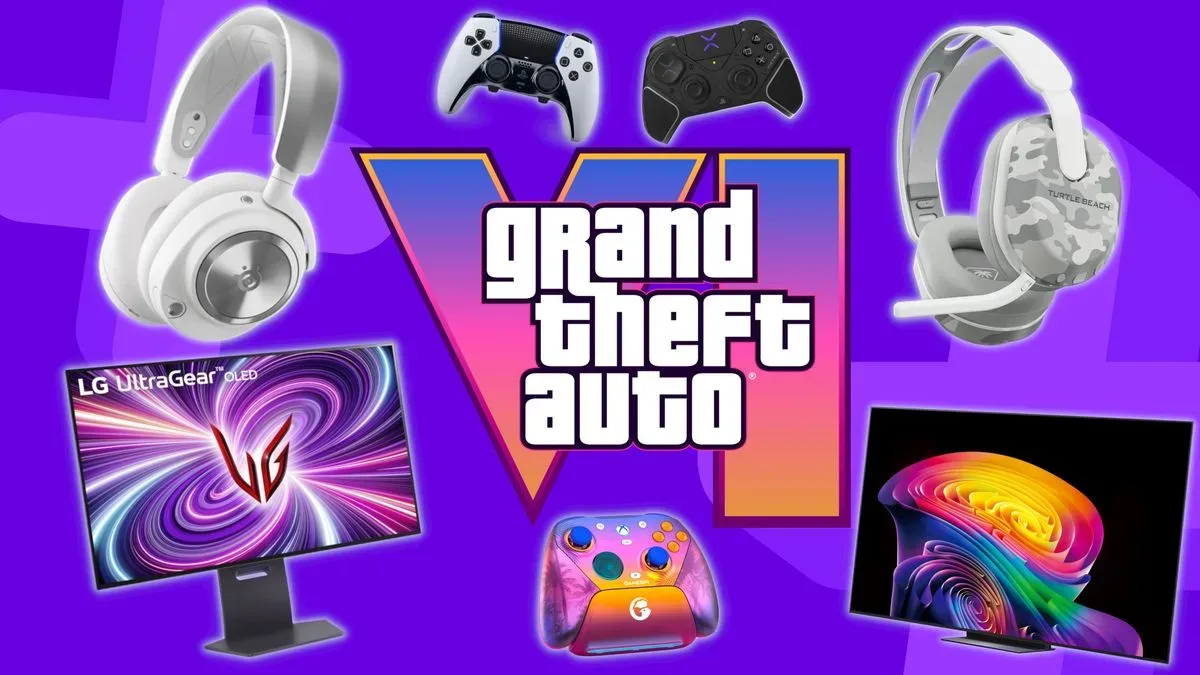
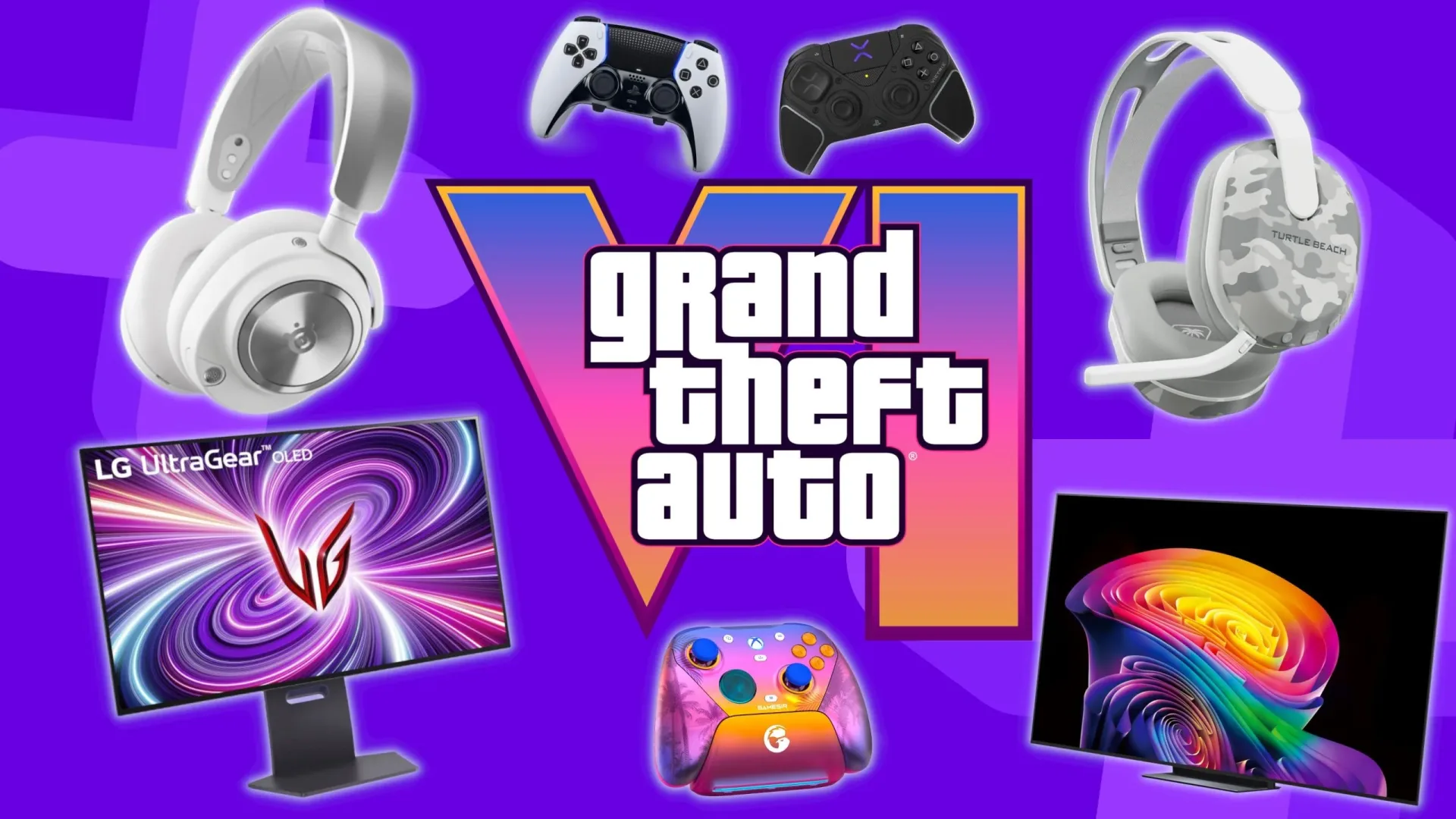
A recent roundup brings PS5 and Xbox Series X controllers, gaming headsets, TVs and gaming monitors into one GTA 6-focused shopping conversation. That does not mean everyone needs a wholesale hardware replacement before heading to Leonida. The useful takeaway is simpler: players considering an upgrade can identify the part of their setup that will make the clearest difference for the way they actually play.
For one person, that might be a worn controller whose sticks no longer feel reliable. For another, it may be the display settings on a TV already sitting in the living room. Someone playing with household noise, late at night, may get more practical value from headphones than from a premium controller. A focused plan matters more than treating a release of this scale as an obligation to buy everything at once.
Start with the platform, then identify the weakest link
The available setup discussion is centered on PS5 and Xbox Series X, with separate controller consideration for each platform and display and headset choices that can fit around either. Compatibility should therefore be the first filter. A controller is not a general-purpose accessory simply because it looks appealing; it needs to work with the console on which the game will be played. The same basic check applies to any headset connection and to the inputs available on a display.
It is also worth separating a game’s expected visual ambition from its confirmed technical details. GTA 6 is anticipated as a major release and is set in Leonida, but this setup conversation does not establish a required TV specification, a required monitor specification, a particular performance mode, or a required peripheral. Buyers should be wary of treating broad terms such as “best” or “ultimate” as a universal technical checklist.
A practical order of operations is:
- Confirm the console plan. Decide whether GTA 6 will be played on PS5 or Xbox Series X before comparing console-specific controllers.
- Inspect existing gear. Look for drift, poor battery behavior, damaged cables, uncomfortable headphones, inconsistent TV settings, or connection limitations.
- Choose the one upgrade that addresses a real friction point. Comfort, audio isolation and a dependable input device are all different needs.
- Check connections and placement. A promising screen or headset is only useful if it works cleanly within the room and with the console.
- Set a budget before sales messaging appears. A discount can be useful, but it should not define the need.
Controllers: prioritize comfort and reliability over a feature race
Controllers are the most direct point of contact with a game. In a large open-world experience, players may spend extended sessions alternating among driving, on-foot movement, camera control and menu navigation. That makes ergonomics—the practical fit of a device in someone’s hands—more valuable than an impressive feature list that goes unused.
The important questions are personal ones: Are the sticks accurate and comfortable? Are the triggers and face buttons easy to reach? Does the controller feel tiring after an hour? Is battery behavior a concern? Does the player prefer the standard layout supplied with their console, or are they specifically seeking a more configurable option?
Related coverage includes GTA 6 Setup Guide: How to Prepare Your PS5 or Xbox for Leonida.
There is no evidence here that GTA 6 requires a premium controller. Standard hardware remains the sensible baseline for many players, especially when it is in good condition. Premium options may be relevant for people who value customization or want a replacement that feels more tailored, but “more expensive” and “more suitable” are not interchangeable ideas.
For PlayStation players who are already considering a high-end alternative, Joking Joystick has separately covered a reported price movement for the DualSense Edge as GTA 6 nears console availability. That is useful purchase context, but it still does not turn an optional controller into a GTA 6 necessity.
Headsets: the most situational upgrade
Audio equipment can change the day-to-day experience more than its place on a product-spec sheet suggests. A headset is particularly useful when players need to keep sound contained, communicate with friends, or avoid competing with activity elsewhere in the home. Conversely, a TV’s existing speakers or a current audio arrangement may already suit someone who plays alone in a quiet room.
Two terms often get mixed together. Audio quality concerns how clear and balanced game sound is. Comfort concerns the headset’s fit, weight and pressure over time. Both matter, but comfort is often the deciding factor for a long session. A technically capable headset that becomes unpleasant after a short period is a poor match for a game expected to command serious playtime.
Before buying, players should establish whether they need voice chat, whether a microphone matters, and whether a wired or wireless arrangement best suits their space. Those are usage decisions, not GTA 6-specific requirements. The roundup points to headset options across the price range, which is a healthier framing than assuming a major release demands the top-priced audio gear.
TV or monitor: understand the room before chasing a screen
The display decision starts with where the console lives. A TV commonly suits a shared lounge and couch-distance play, while a gaming monitor may fit a desk setup where the player sits much closer. Neither format is automatically superior; viewing distance, available space and who shares the screen are more important than a label on the box.
Screen shopping also benefits from a little vocabulary discipline. Resolution refers to the amount of picture detail a screen can show. Refresh rate describes how often a display can update the image. Input lag is the delay between pressing a button and seeing the response onscreen. These are real display concepts, but they should not be mistaken for confirmed GTA 6 requirements based on the information available.
For a player using an existing TV, a no-cost check comes first: make sure the console is using the preferred input, review picture settings, and ensure the game-oriented display mode is selected if the TV provides one. This is not a promise of a particular GTA 6 result; it is simply sensible setup hygiene. A screen can only present the signal it receives, and misconfigured settings can undermine an otherwise capable display.
Prospective buyers should also consider basic practicalities that spec comparisons often bury: the number of available ports, cable reach, desk or wall placement, screen size for the viewing distance, and whether a brighter or darker room affects visibility. These constraints are often more decisive than marginal differences on a product page.
Sale season is a reason to compare, not a reason to panic-buy
The roundup also points readers toward early Black Friday gaming and PS5 deals. Seasonal promotions can make a planned purchase less costly, but launch anticipation is exactly when marketing pressure can make a nonessential upgrade feel urgent.
A better approach is to make a short list with a firm spending ceiling, then compare only items that solve the identified problem. If the existing controller is fine, the headset is comfortable and the display works well in the room, the smartest GTA 6 preparation may be doing nothing beyond ensuring the console setup is ready.
GTA 6’s November 19 date creates a clear moment for players to assess their hardware. The strongest kit list, however, will look different in every home: one reliable console, one comfortable method of control, sound that fits the environment and a display configured for the space. That is a more useful target than an expensive, one-size-fits-all “ultimate” setup.
Shop the products
Check current price, model and availability at the retailer.