A GeForce graphics card does not come with a neat expiration date, and NVIDIA does not promise one fixed number of support years for every GPU generation. That can make upgrade decisions frustratingly murky: a card may be old but still receive regular gaming-driver releases, while a more powerful-looking model with a larger number may already be outside its security window.
The useful way to read NVIDIA support is to separate three different questions that are often blended together: whether a GPU is receiving Game Ready Drivers, whether it is still receiving critical security updates, and whether the operating system remains on the full driver track. These clocks can stop at different times.
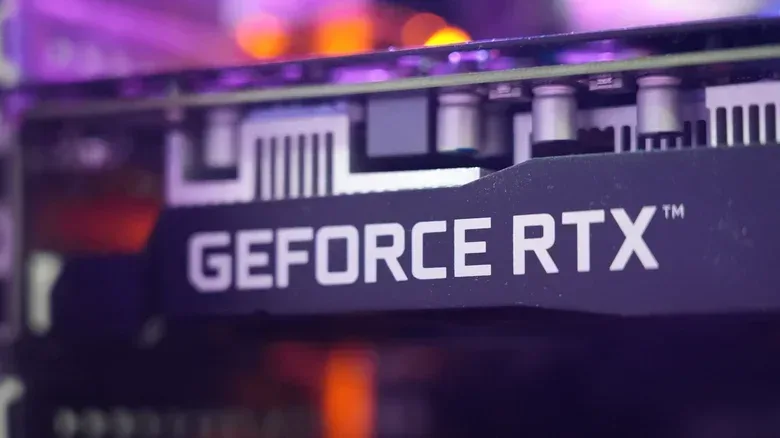
At present, Turing, Ampere, Ada and Blackwell GeForce architectures remain on the standard Game Ready Driver branch. That includes the RTX 2060, released in 2019. Meanwhile, Maxwell, Pascal and Volta stopped getting Game Ready updates in October 2025, but are set to receive critical security updates through October 2028. The important takeaway is simple: leaving the main Game Ready branch is a reduction in ongoing support, not an instant death sentence for a PC.
Game Ready support is the main stream of gaming updates
For a GeForce owner, the normal Game Ready Driver track is the most complete form of routine support. It can include game-specific optimizations, performance improvements, bug fixes and new features. A driver is the software layer that lets Windows, games and applications communicate effectively with the graphics hardware. As games and PC software change, driver work can address issues and improve how a GPU behaves with new releases.
That does not mean every Game Ready update transforms performance in every game, nor does it mean a GPU without one can no longer run its existing library. It means the card is still in the regular update cycle where NVIDIA is delivering the broadest set of improvements.
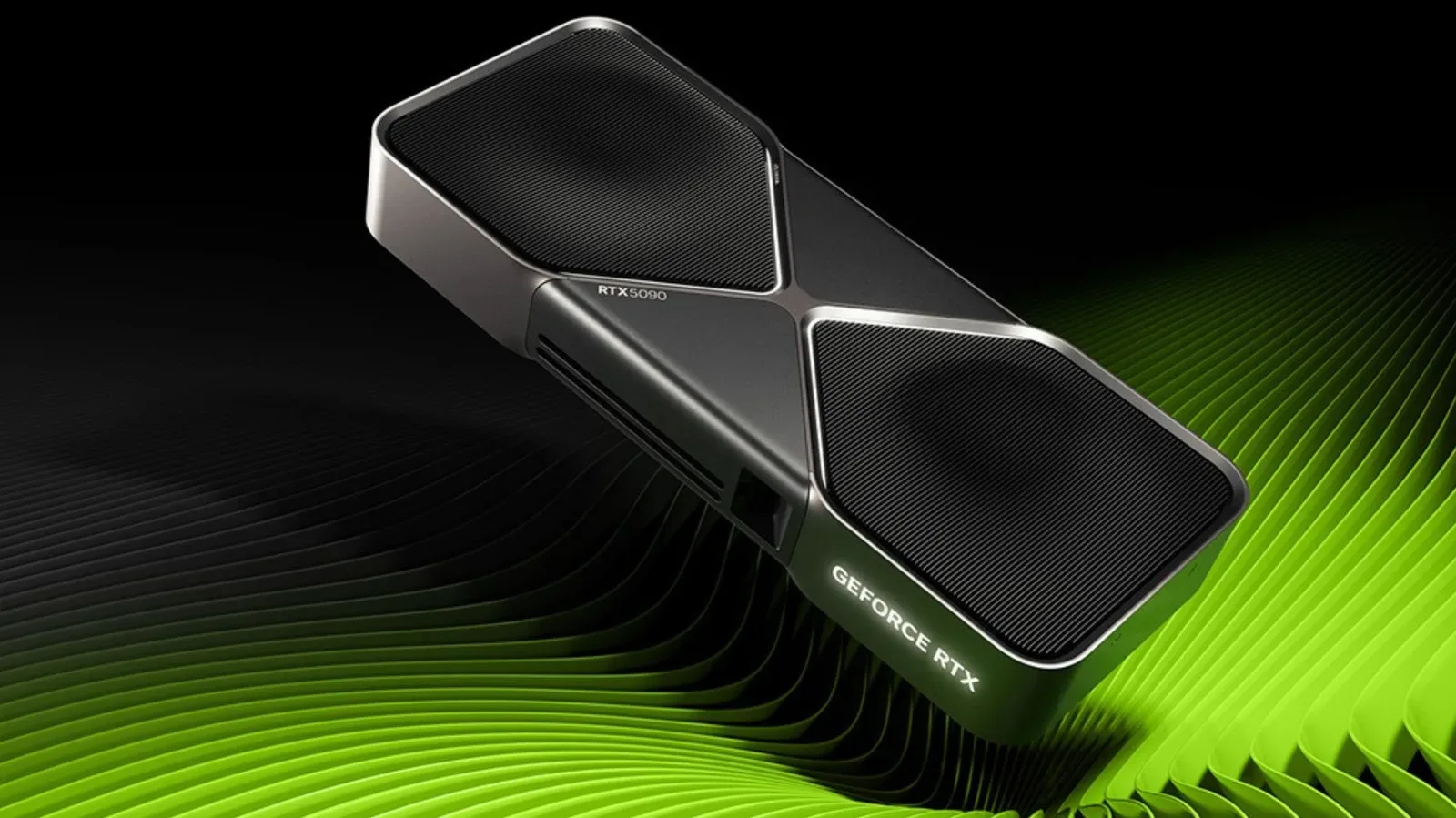
Architecture, rather than an individual product’s place in a model-number hierarchy, is the major dividing line. Turing, Ampere, Ada and Blackwell are the currently supported GeForce architecture families on the normal Game Ready path. This is why a 2019-era RTX 2060 can still receive regular drivers: its Turing architecture remains part of that group.
For someone weighing an upgrade, that distinction matters. An RTX 2060 owner may find that driver longevity alone is not a compelling reason to replace the card. The more practical pressures can be the GPU’s performance in desired games, its available VRAM, or access to newer features. VRAM, or video memory, is memory located on the graphics card and used for graphics-related data. If a game’s demands exceed what a card can comfortably handle, a newer driver cannot automatically solve that hardware limit.
Security-only support is narrower, but it still matters
Maxwell, Pascal and Volta GeForce GPUs exited Game Ready support in October 2025. Their situation is not the same as receiving no updates whatsoever. NVIDIA plans to continue critical security updates for those architectures until October 2028, and dedicated security drivers for Maxwell, Pascal and Volta have already appeared during 2026.
Related coverage includes NVIDIA GPU Driver Support: What Changes When Game Ready Updates End.
A security driver is not equivalent to a full Game Ready release. It is not the regular channel for fresh game tuning, expanding features or the normal cadence of broad performance refinements. Its purpose is more limited: addressing critical security concerns and relevant issues rather than keeping the card current in every sense.
That narrower role is still meaningful for a machine that remains connected to the internet and used day to day. It also gives owners of older hardware a longer runway than the phrase “Game Ready support has ended” can initially suggest. Existing drivers remain installed and usable; a card does not suddenly stop booting Windows or lose the ability to play every game already on the drive.
The likely impact appears gradually. Newer games may increasingly benefit from driver work that older architectures no longer receive. New bugs may not be addressed in the usual way, new features may not arrive, and future software can become less accommodating of older driver branches. None of that automatically makes a card unusable today. It means owners should judge their hardware by its actual workload and its support status instead of treating a support transition as an emergency replacement notice.
Architecture can matter more than the bigger model number
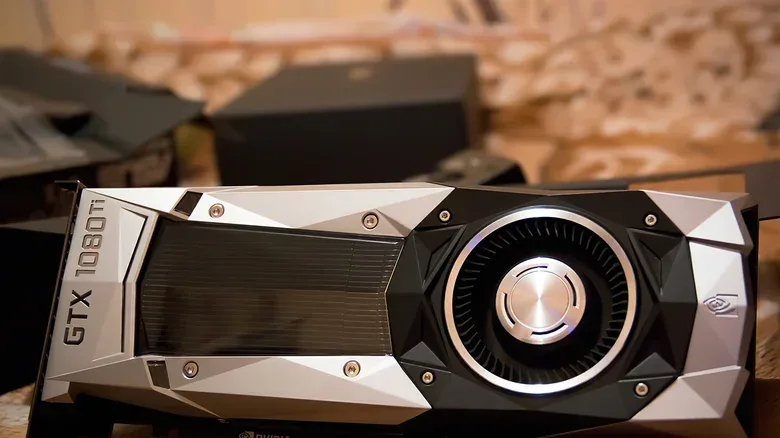
NVIDIA’s naming can create an especially unintuitive comparison. The GTX 750 Ti uses the Maxwell architecture and remains eligible for critical security updates through October 2028. The GTX 780 Ti is more powerful by its product positioning, but it is built on the older Kepler architecture, whose published security-update window ended in September 2024.
That example is a useful warning against judging support purely by the number printed on the card. A higher-tier product from an earlier architecture can have a shorter remaining driver horizon than a lower-tier product introduced with a newer architecture. Before making any assumption about support, identify the GPU model and the architecture behind it.
The historical spans also show why a universal promise would be misleading. Pascal and Volta received nine years of Game Ready support, while Maxwell received 11 years. Those are substantial runs, but they are not a formal guarantee that every future GeForce architecture will receive the same duration.
Do not apply NVIDIA vGPU lifecycle rules to a gaming PC
Some confusion comes from NVIDIA’s clearly defined three-phase lifecycle for NVIDIA vGPU software. vGPU is a virtualization technology aimed largely at enterprise scenarios such as data centers and professional deployments. It uses software or support subscriptions, and its lifecycle is not a published GeForce gaming-card promise.
In that vGPU framework, Phase I is Full Support, with features, performance enhancements, security patches and bug fixes. Phase II is Extended Full Support for a further three years with the same general coverage. Phase III is Maintenance Support for the final three years; the GPU stays on its last supported software branch and receives maintenance, security fixes and bug fixes as NVIDIA determines appropriate.
That structure is tidy, but it should not be used to calculate an expected retirement date for an RTX or GTX card in a home gaming PC. GeForce support is less formalized publicly. NVIDIA has moved older architectures off the main Game Ready branch, yet it does not provide a single, universal lifespan for each generation in the way a prospective buyer might want.
In practical terms, a GeForce owner should avoid taking an enterprise support chart and assuming it establishes a contract for their gaming hardware. The more reliable questions are: Which architecture is my card? Is that architecture still receiving Game Ready releases? If not, is it in a security-update period? And which version of Windows is the PC using?
Windows can end full driver updates before the GPU does
The operating system introduces a separate support deadline. NVIDIA says that the last full Game Ready and Studio driver for Windows 10 will arrive in October 2026. Windows 10 systems will then receive quarterly security updates and critical bug fixes through October 2029.
Studio drivers are another NVIDIA driver track referenced alongside Game Ready Drivers in this transition. The central point for gamers is not to assume their GPU architecture is the only thing governing driver availability. A newer RTX card paired with Windows 10 can lose the normal Game Ready update stream because of the operating system, even while that GPU family remains supported elsewhere.
This is a useful distinction when diagnosing a PC that feels dated. The graphics card, Windows version, game requirements and background system behavior can all influence the experience. Excessive fan noise, for example, can have causes beyond a game itself; our guide to what to check when a laptop fan gets loud while doing nothing covers a separate but related PC-maintenance question.
How to interpret your own upgrade decision
Driver status is valuable information, but it is only one factor in deciding whether a GPU still fits your needs. A card on the Game Ready track has a clearer path for ongoing game-specific fixes and enhancements. A card in the security-only period still has meaningful protection coverage, but owners should expect fewer improvements for new games. A card beyond both forms of support can still function with its last available driver, though its long-term compatibility outlook is naturally less certain.
- If your GPU is Turing, Ampere, Ada or Blackwell: it remains on the regular Game Ready Driver track.
- If it is Maxwell, Pascal or Volta: Game Ready updates ended in October 2025, while critical security updates are planned through October 2028.
- If it is Kepler: its published security-update window ended in September 2024.
- If the system uses Windows 10: the final full Game Ready and Studio driver is scheduled for October 2026, followed by quarterly security updates and critical bug fixes through October 2029.
The sensible approach is to separate a support milestone from a hardware failure. Losing Game Ready releases does not erase the usefulness of a graphics card overnight. If current games run as desired and the system remains within the relevant security-support window, there may be no immediate reason to change hardware. Conversely, a GPU may still be on the main driver branch but no longer deliver the performance, VRAM capacity or features a player wants.
NVIDIA has not confirmed a new GeForce generation for 2027. That uncertainty makes it even more important not to treat speculation about future products as a reason to rush a decision. Evaluate the GPU currently in the PC, the operating system it runs, the software and games that matter, and the particular kind of driver support still available. Those details provide a much clearer answer than a single model number ever could.