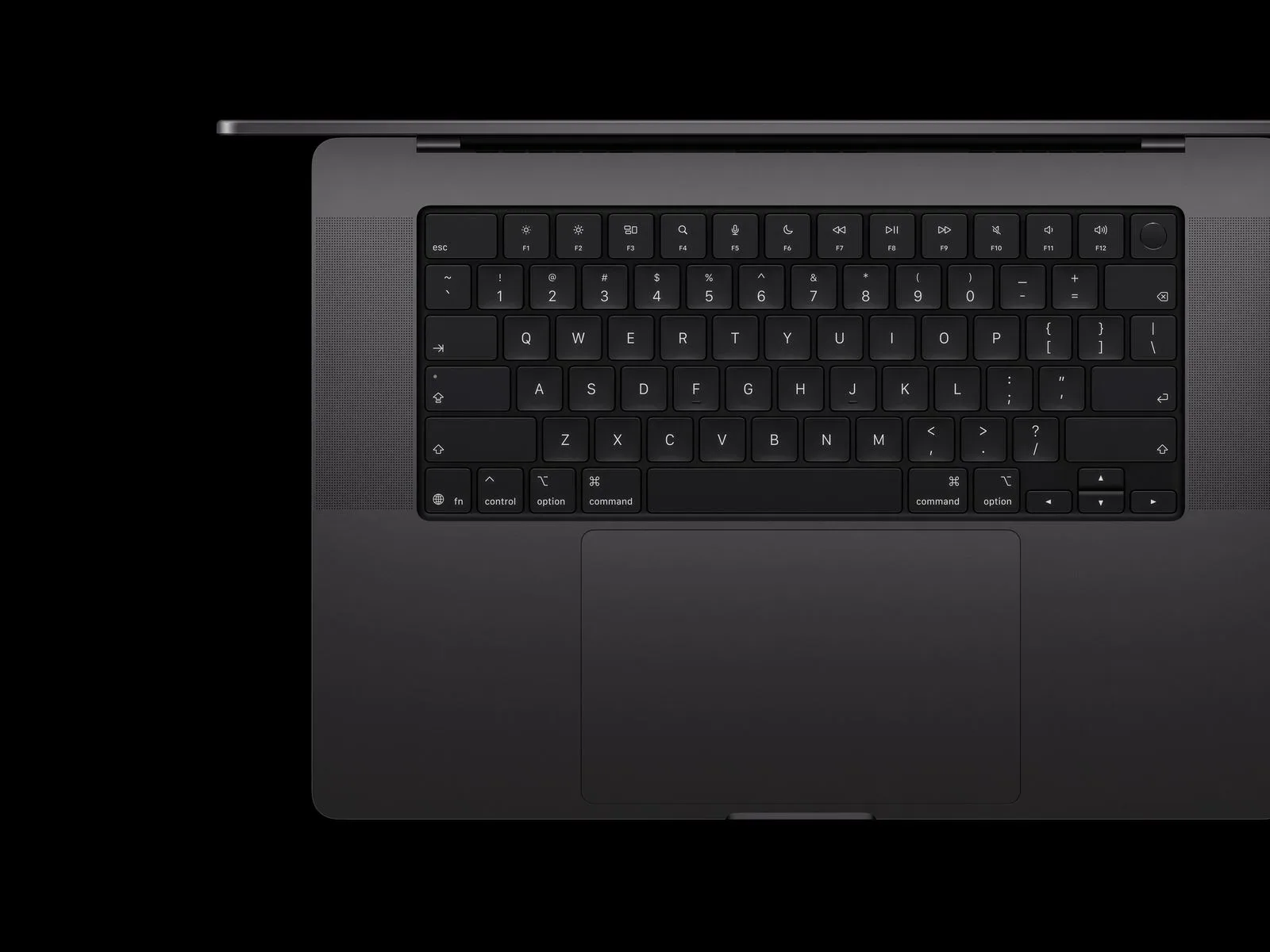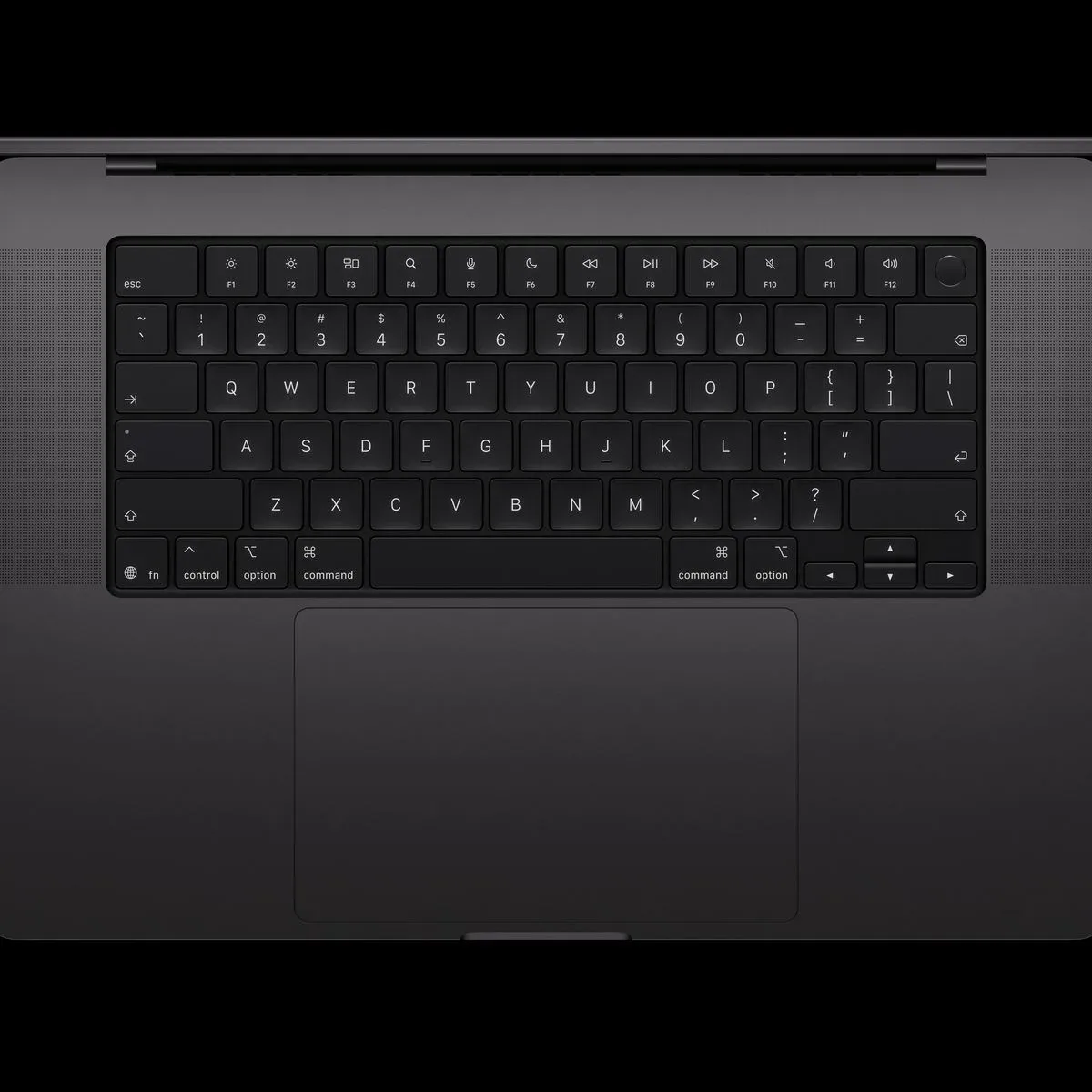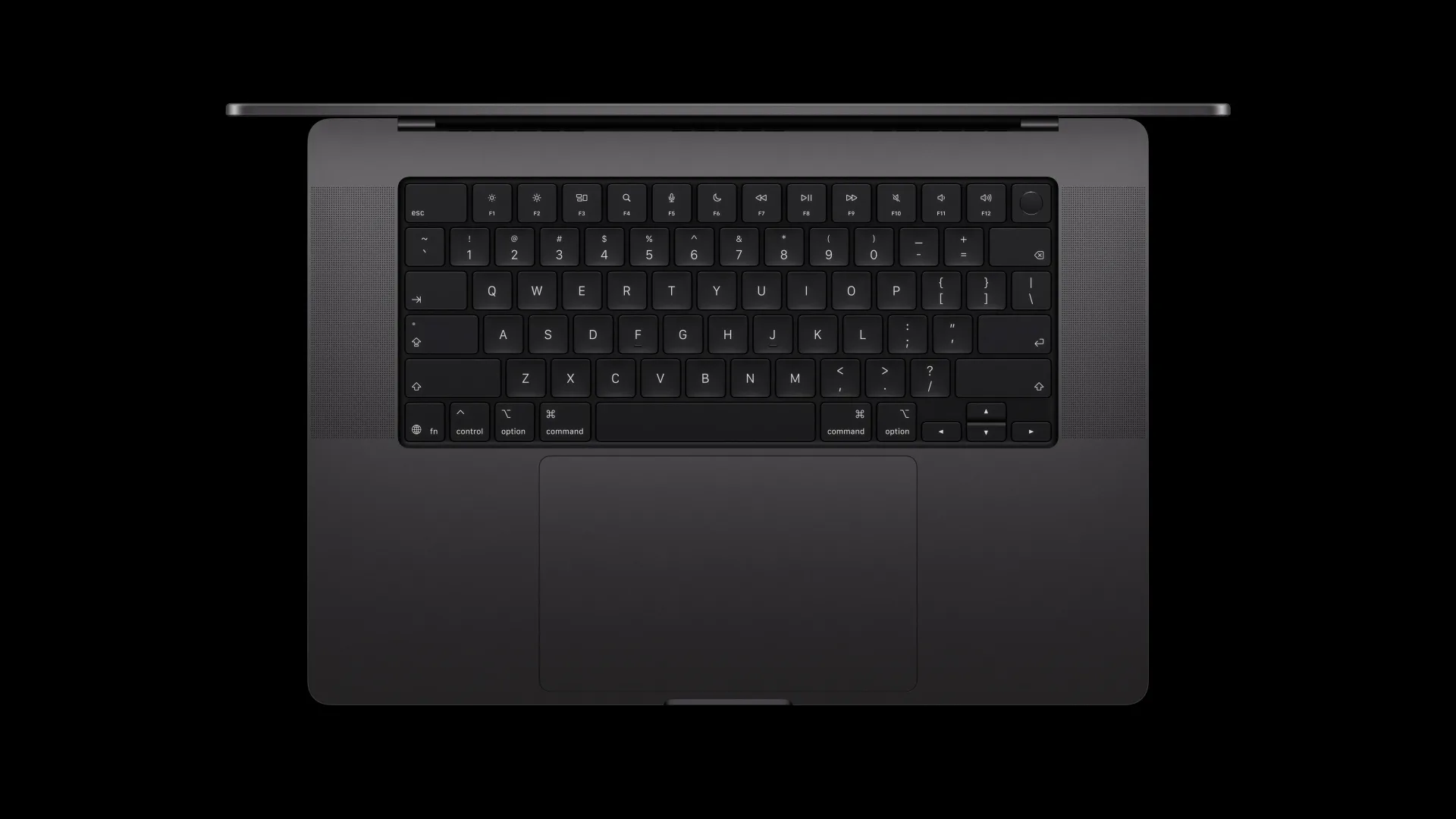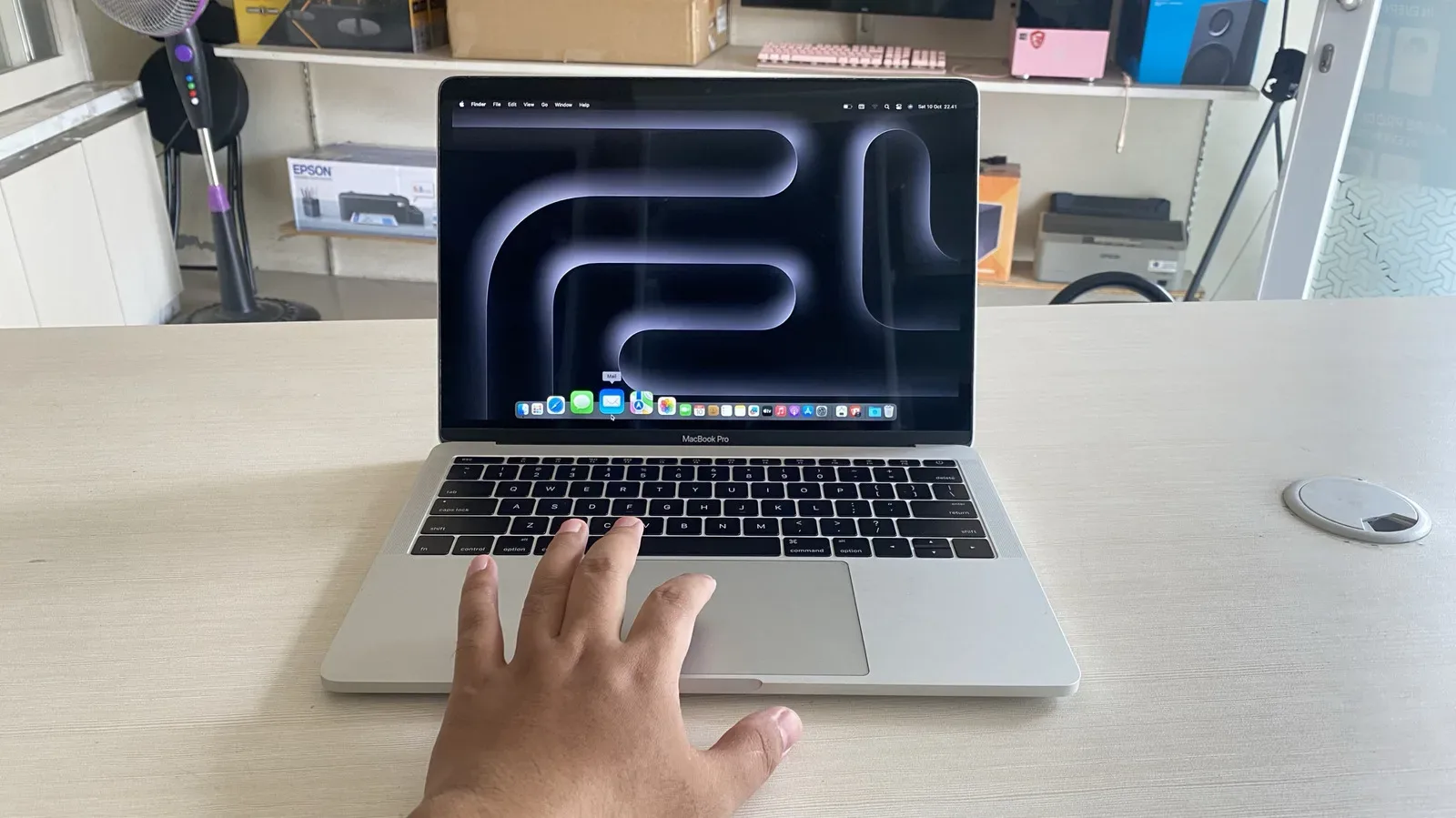
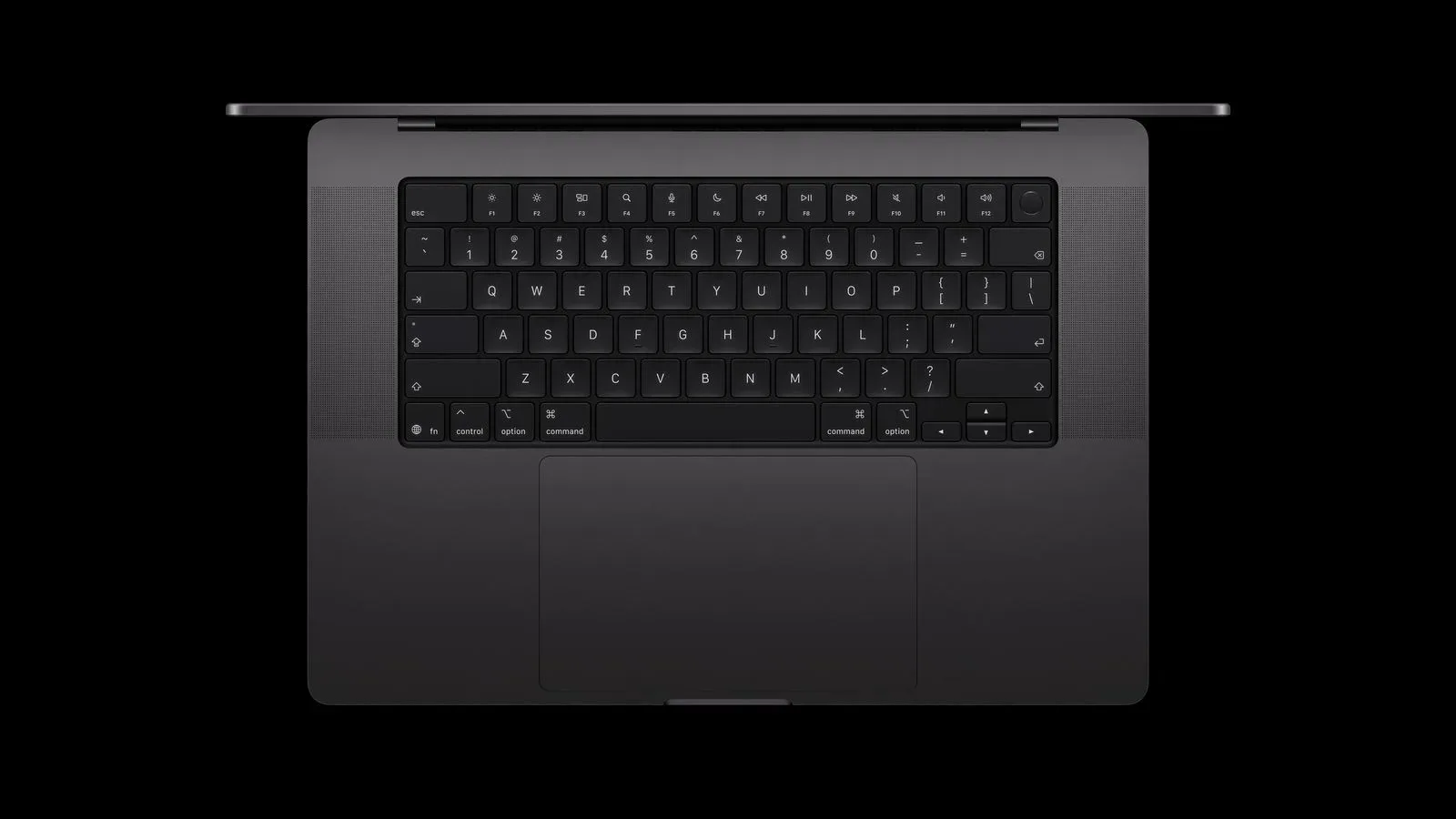
A MacBook trackpad is supposed to be the quietest member of the laptop’s input team: point, click, scroll, perhaps offer a convincing imitation of a physical click. NO SPEAKER takes a distinctly stranger route. The free, open-source project by developer Cody Collier makes a Force Touch trackpad produce audible speech and simple musical material by vibrating the glass with its existing haptic motor.
It is not a replacement for a laptop’s speakers, nor a way to secretly redirect every app’s audio through the trackpad. Instead, it is an inventive technical experiment that turns a component built for touch feedback into an extremely small and unconventional sound source. Its results are reportedly quiet and robotic, but recognizable enough to deliver typed words, melodies, beats and other deliberately prepared sounds.
How a click motor becomes a sound maker
Force Touch trackpads use a haptic motor to create the sensation of pressing down. Rather than relying on a conventional moving button in the way older trackpads did, the system produces precisely controlled vibration that feels like a click to the person using it.
NO SPEAKER changes the job of that motor. By driving it at varying frequencies, the software causes the trackpad glass to vibrate rapidly enough to make sound. In simple terms, frequency means how quickly a vibration repeats. Changing that rate changes the character and pitch of the audible result. The glass itself becomes the vibrating surface that pushes against the surrounding air.
That is why this should not be confused with a traditional speaker implementation. A normal speaker is designed around a driver and diaphragm intended to move air efficiently across a useful range of sound. Here, the trackpad’s haptic hardware is being repurposed for a task it was not publicly designed to perform. The novelty is precisely that it can make intelligible noise at all.
A demonstration shared by Collier runs for roughly a minute and a half, covering spoken output, a melody, a beat and a short rap. The project also supports a direct, tactile trick: sliding a finger across the trackpad changes a tone’s pitch. It is a fittingly literal interface for software where the surface under the player’s hand is also the thing making the noise.
Speech is simplified before it reaches the trackpad
The project’s voice mode begins with macOS text-to-speech. A user can enter text, and the tool can use another installed macOS voice as the basis for output. But the resulting voice recording is not simply sent to the haptic motor as ordinary audio.
Instead, NO SPEAKER divides the recording into very small segments and identifies the principal frequencies that make speech recognizable. It then has the motor reproduce a simplified interpretation of those sounds through the trackpad. That reduction is central to both the experiment and its limitations: the trackpad cannot reproduce sound with the range and detail of a proper audio device, so the software prioritizes the elements most useful for making words perceptible.
The reported result is a low-volume robotic voice, with words easier to follow when the accompanying text is visible. That does not make the tool an accessibility substitute or a practical audio solution. It does make the project a striking demonstration of what can happen when an operating system’s haptic controls are treated as a sound-synthesis instrument.
NO SPEAKER is best understood as a haptic audio experiment, not as an alternate speaker path for macOS.
What NO SPEAKER can and cannot do
The project’s scope matters. It can create prepared speech and sounds through its own functions, but it does not make the trackpad a general macOS audio output. Music files, game sound, video audio and sound from other applications cannot simply be played through it.
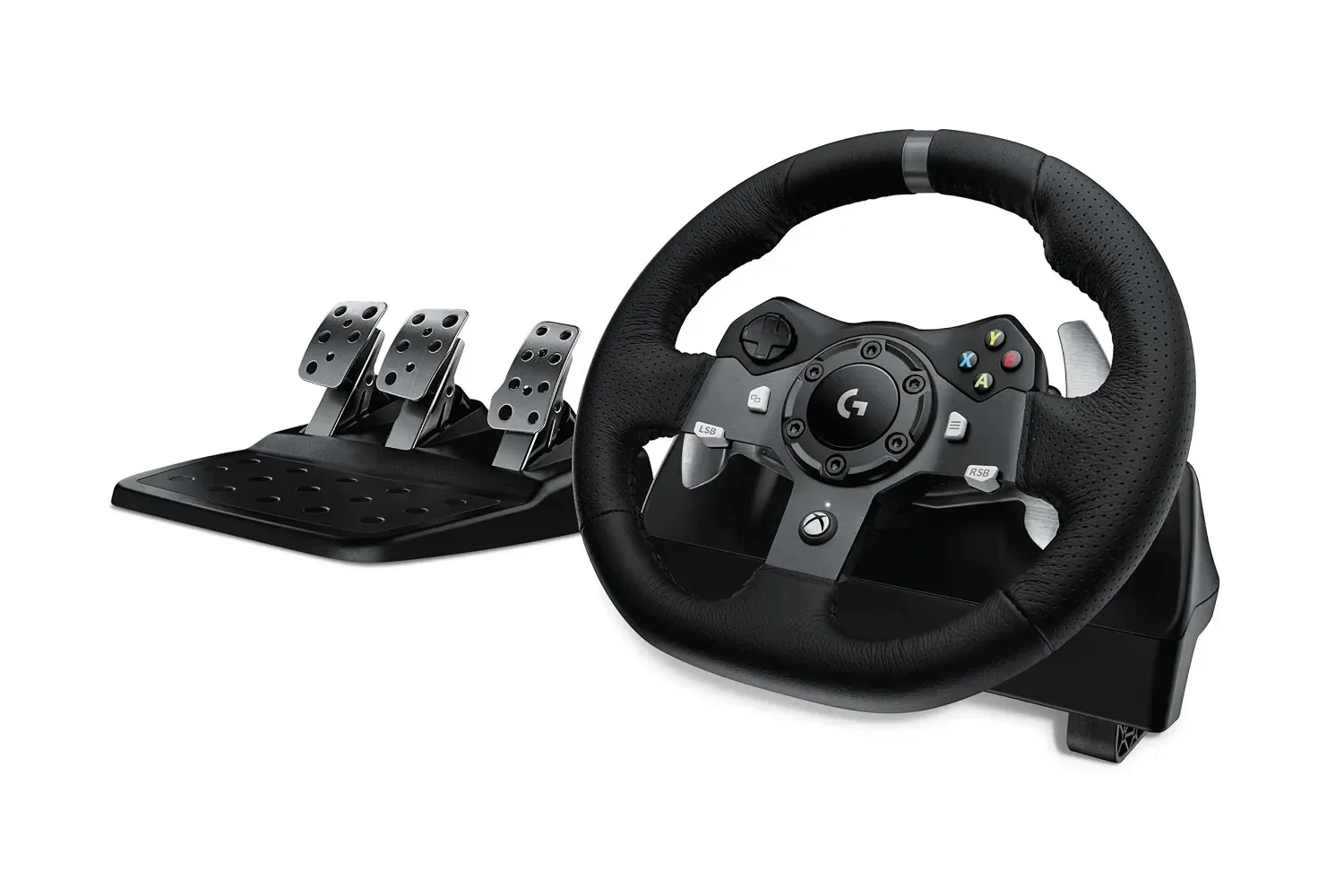
That distinction keeps expectations in the right place. This is not a fix for muted or broken speakers, and it is not a way to give a game an extra audio channel. If a player needs practical sound for a PC setup, purpose-built headphones, speakers and peripherals remain the sensible choices; a conventional option such as the Logitech G920 wheel and pedals for Xbox and PC racing fans illustrates the difference between specialized gaming hardware and a playful repurposing of laptop components.
NO SPEAKER’s appeal is in the limitations. A trackpad that speaks while the computer’s normal speakers are muted is funny, unexpected and technically revealing. A user can hear a machine’s feedback hardware behaving in a way normally hidden beneath the interface.
The table is part of the setup
Collier recommends placing the MacBook on a table to make the output easier to hear. That practical detail follows from the project’s physical nature. The sound is being produced by mechanical vibration in the trackpad glass, not by conventional speakers aimed outward from the laptop. Placement can therefore make a meaningful difference to how much of the faint output reaches a listener.
Users should still expect something modest. The audio is described as quiet, and the voice is not presented as natural-sounding. Reading the displayed text alongside playback can help make it understandable. In that sense, NO SPEAKER sits closer to an experimental desktop instrument or a clever proof of concept than an everyday communication tool.
Unsupported macOS access is the important catch
NO SPEAKER relies on a macOS component called MultitouchSupport. This framework is not made available by Apple as a supported third-party developer interface for this use. It gives the project the degree of control it needs over how strongly and how quickly the trackpad vibrates, beyond triggering a standard preset haptic click.
That technical choice is what allows the experiment to work, but it also creates uncertainty. Because the relevant access is unsupported, a future macOS update could prevent NO SPEAKER from functioning. Anyone interested in it should regard compatibility as changeable rather than guaranteed over time.
There is a second, hardware-related unknown. Collier says the tool stays within the haptic motor’s normal maximum strength. Even so, the long-term effect of extended use on a trackpad’s lifespan is not known. That does not establish that the tool causes damage; it means there is no stated evidence here to guarantee that prolonged unconventional use has no consequence.
Compatibility and practical expectations
NO SPEAKER requires a MacBook with a Force Touch trackpad. On Apple silicon Macs, it requires macOS Monterey or newer. Intel Macs need macOS Ventura or newer. The project is available free through GitHub.
- Required hardware: a Force Touch trackpad.
- Apple silicon requirement: macOS Monterey or later.
- Intel requirement: macOS Ventura or later.
- Cost: free.
- Key limitation: it cannot serve as general system audio output for other apps or media files.
- Compatibility risk: future macOS changes may break it because it depends on unsupported framework access.
For developers and hardware tinkerers, the more interesting takeaway may be broader than the software itself. Haptics are usually treated as a silent sensory layer: a click, a buzz or a small confirmation that an action happened. NO SPEAKER exposes them as controlled mechanical motion with audible potential. It makes a familiar MacBook surface feel less like a passive input panel and more like a constrained, tiny instrument.
For everyone else, the appeal is simpler. A trackpad that whispers robotic text, hums a tune and lets a finger bend pitch is an enjoyably odd use of hardware already sitting below the keyboard. Just do not expect it to take over your soundtrack.