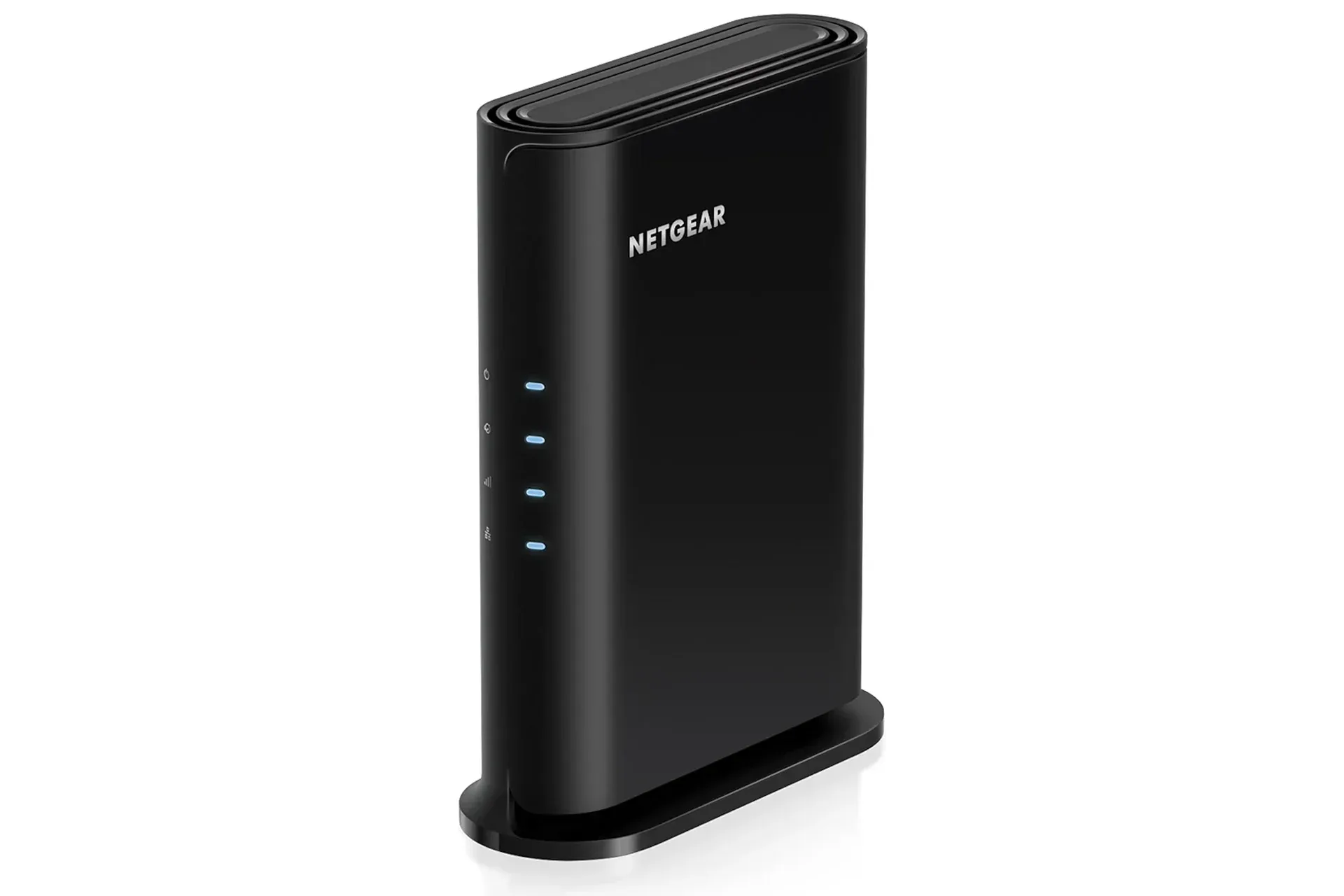
A home-network upgrade is not usually the flashiest addition to a gaming setup, but it can be one of the most practical. The NETGEAR Nighthawk Wi‑Fi 6 router is currently listed at $45 ahead of Black Friday, a $15 reduction from its stated $60 regular price. That works out to 25% off, though the listing is described as a limited-time offer, so shoppers should confirm the price before checkout.
The appeal is straightforward: the router is positioned as an affordable way to replace older home Wi‑Fi hardware with a Wi‑Fi 6, dual-band model. Its stated specifications include combined wireless speeds of up to 1.8 Gbps across the 2.4 GHz and 5 GHz bands, coverage for up to 1,500 square feet, support for up to 20 connected devices, and a single 1 Gig Ethernet LAN port for a wired device.
For players, those headline figures do not automatically promise lower latency or solve every connection problem. Internet service, the distance to the router, walls and interference, the quality of a device’s own wireless hardware, and activity from other people in the household all matter. Still, the deal presents a potentially sensible option for a household whose current router is the bottleneck—or simply no longer keeps up well with the number of phones, consoles, PCs and smart devices competing for airtime.
What Wi‑Fi 6 means in this deal
Wi‑Fi 6 is a Wi‑Fi generation, not an internet-service tier. Put another way, buying a Wi‑Fi 6 router does not raise the speed supplied by an internet provider. A household on a slower connection will remain limited by that connection. What a newer router can change is how the local wireless network handles compatible devices and traffic around the home.
That distinction matters when reading the Nighthawk’s up-to-1.8-Gbps specification. The figure describes a maximum wireless capability rather than a guarantee that every device will see that speed, at every range, on every service plan. Real-world results can be lower for numerous reasons, including physical placement and congestion. It is best treated as a capability ceiling, not a promised speed test result.
The term dual-band means the router operates on both the 2.4 GHz and 5 GHz Wi‑Fi bands. The two bands can serve different practical needs. A user may find one band works better in a particular part of the home, while another is more suitable for a closer device. The important takeaway is not that one band universally “wins,” but that the router provides two wireless bands rather than only one option.
The 1,500-square-foot coverage figure is likewise a useful planning reference, not a substitute for looking at a home’s layout. A router’s signal has to travel through whatever is actually between it and the console, PC or phone. An apartment, a compact home and a multi-room layout can all make the same quoted area feel very different. Before treating a new router as the answer to a distant dead zone, buyers should consider where the router will be placed and where they need a dependable connection most.
A gaming setup benefits most from the wired option
The most gaming-relevant hardware detail here may be the 1 Gig Ethernet LAN port. Ethernet is a wired network connection, and this router offers one such LAN port for a console or PC. For a player whose setup is close enough to the router, a cable can remove the wireless hop between the system and the router.
Related coverage includes NETGEAR Nighthawk Wi-Fi 6 Router Drops to $45 Ahead of Black Friday.
That does not change the quality of the outside internet connection, nor does it ensure that every online match will be perfect. But it can be a straightforward way to make the connection between a gaming device and the home network more direct. It is also an option for someone who streams their gameplay to Twitch or YouTube and would rather use a wired link for that particular machine.
The limitation is equally clear: one LAN port means one directly connected device through the router as described. A household with a gaming PC, multiple consoles and other equipment that all need wired networking should take note of that before buying. This model may fit a setup centered on one primary console or PC, while a more demanding wired arrangement could require a different networking plan.
Wireless remains the practical choice for plenty of devices. Handhelds, phones, tablets and systems in another room cannot always be connected by cable conveniently. In that situation, router location becomes more important than chasing a theoretical peak speed. Keeping the router in a sensible central location relative to the devices that need it is a practical starting point, while recognizing that a home’s construction and layout can affect the result.
Twenty devices is about the household, not just the game room
NETGEAR says this Nighthawk can connect up to 20 devices at once. That number can be easier to reach than it sounds. A gaming PC or console may be joined by phones, laptops, tablets, TVs and other connected gear. The value of a router upgrade is therefore often felt not in one dramatic speed-test result, but in the network remaining more usable while several things are happening at once.
It is important not to overread the claim. Support for up to 20 devices does not mean all 20 devices will simultaneously receive maximum bandwidth. Those devices still share the internet connection and the wireless environment. A 4K stream, a large game download, a video call and a multiplayer session may all compete for capacity. The number instead gives buyers a rough indication of the intended scale of the router: a normal connected household rather than a single-device setup.
For gaming families or shared homes, that context is useful. The router could be relevant if the current network struggles when multiple people are online, but it cannot manufacture bandwidth that the service plan does not provide. Someone primarily experiencing slow downloads should distinguish between a wireless-network limitation and an internet-plan limitation. Replacing the router can help in the first case, but it does not necessarily change the second.
Setup and the included security trial
NETGEAR directs users to its free Nighthawk app for setup, with availability on iOS and Android. The intended process is to install the app and follow its on-screen instructions to get the router connected. For shoppers replacing an older unit, that app-based path may be preferable to a more technical configuration process, though the exact experience will still depend on the home’s existing equipment and service arrangement.
The package also includes a 30-day trial of NETGEAR Armor, described as the company’s security service for protection against malware and identity theft. A trial is not the same as a permanent included feature, so it is worth understanding that distinction before relying on it as part of the product’s long-term value. The router’s core hardware specifications—Wi‑Fi 6, dual-band operation, stated coverage, device capacity and the Ethernet port—are the clearer basis for evaluating the purchase.
More broadly, security services and a router’s connection duties are related but separate considerations. A router is the equipment that manages a home network’s connectivity; the Armor trial is an additional service offered alongside it. Buyers deciding whether the $45 deal suits them can focus first on network needs, then consider the trial as an extra rather than the reason to buy.
Who this $45 Nighthawk offer appears to suit
At its listed sale price, the Nighthawk looks most relevant to users seeking a modest, current-generation Wi‑Fi upgrade without spending heavily. Its stated 1,500-square-foot coverage and 20-device capacity put the emphasis on an everyday home network, while the lone gigabit Ethernet port gives one console or PC a wired alternative.
- It may suit: a household wanting Wi‑Fi 6, a setup with one key wired gaming device, or a home with several everyday connected devices.
- Check carefully if: the gaming setup needs multiple wired ports, the main problem is internet-service speed rather than home Wi‑Fi, or the required coverage exceeds what a single router can realistically provide in the home’s layout.
- Remember: “up to” speed and coverage claims describe maximum-rated conditions, not guaranteed performance in every room.
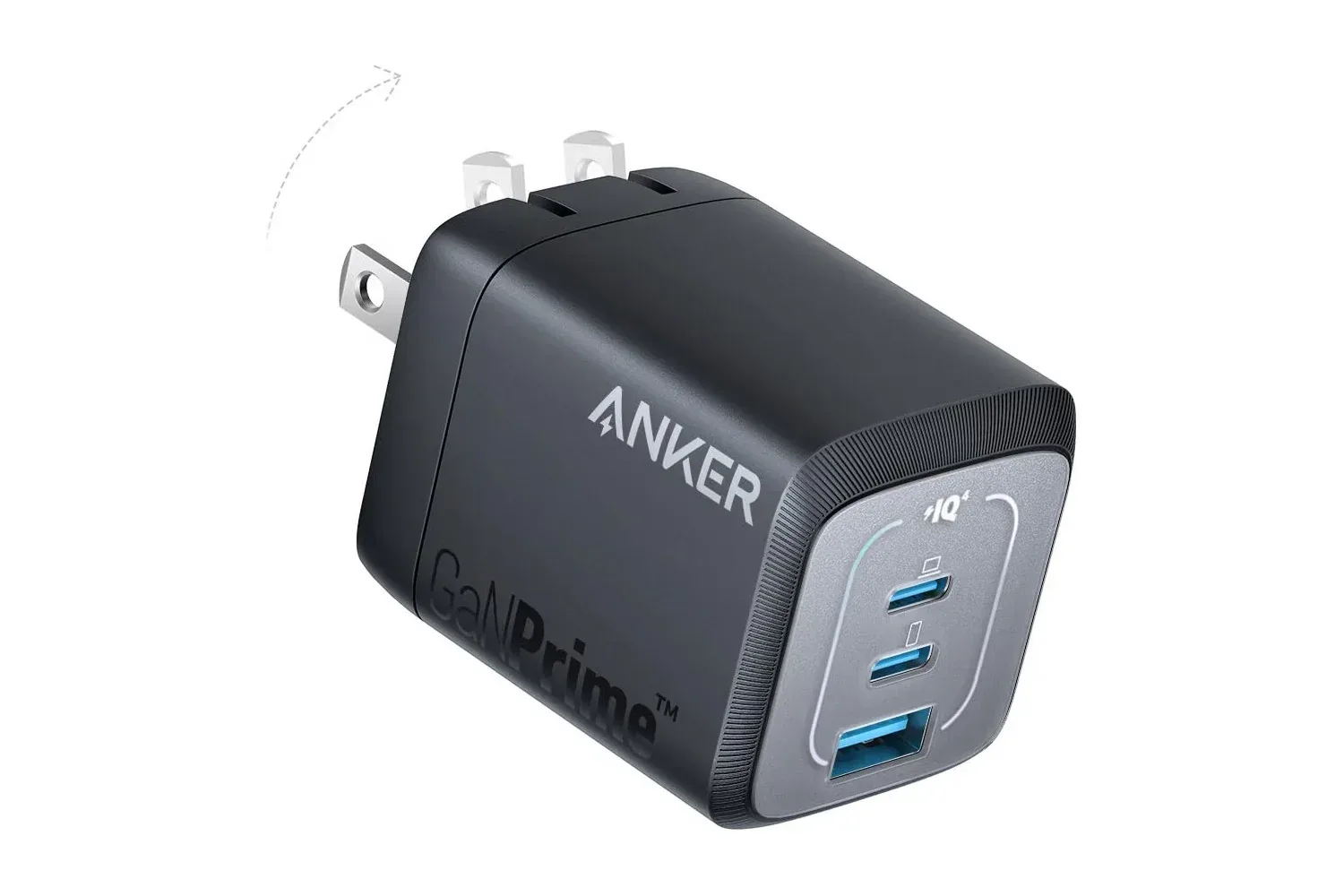
The offer lands amid a wider run of pre-Black-Friday gaming-adjacent hardware discounts, including an Anker three-port 67W charger deal aimed at gaming travel kits. But a router is a more foundational purchase: it affects the shared connection behind downloads, streaming, updates and online play.
For $45, this Nighthawk is not automatically the right answer to every sluggish connection. It does, however, put a clearly specified Wi‑Fi 6 router within low-cost-upgrade territory. Prospective buyers should verify the live price, compare its single wired-port arrangement to their own equipment, and keep expectations focused on improving the home network rather than transforming the internet service feeding it.
Shop the products
Check current price, model and availability at the retailer.