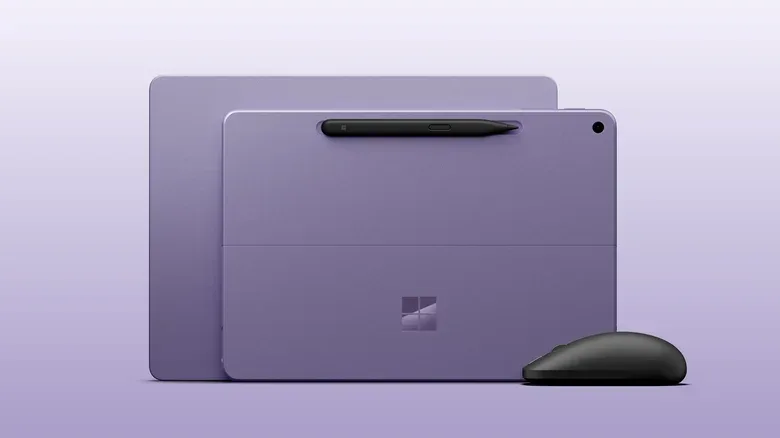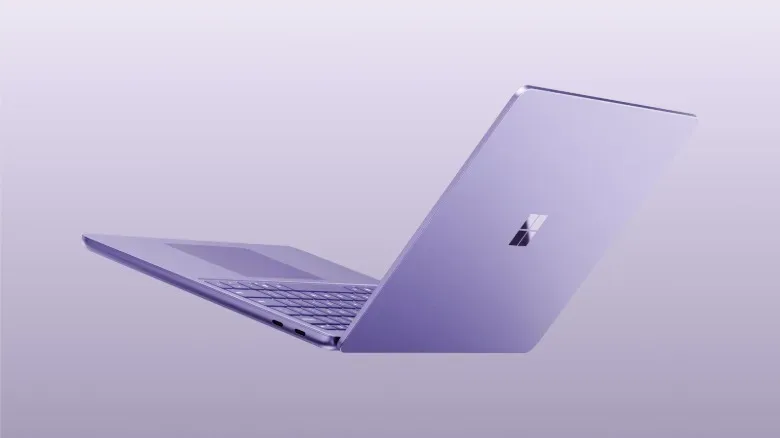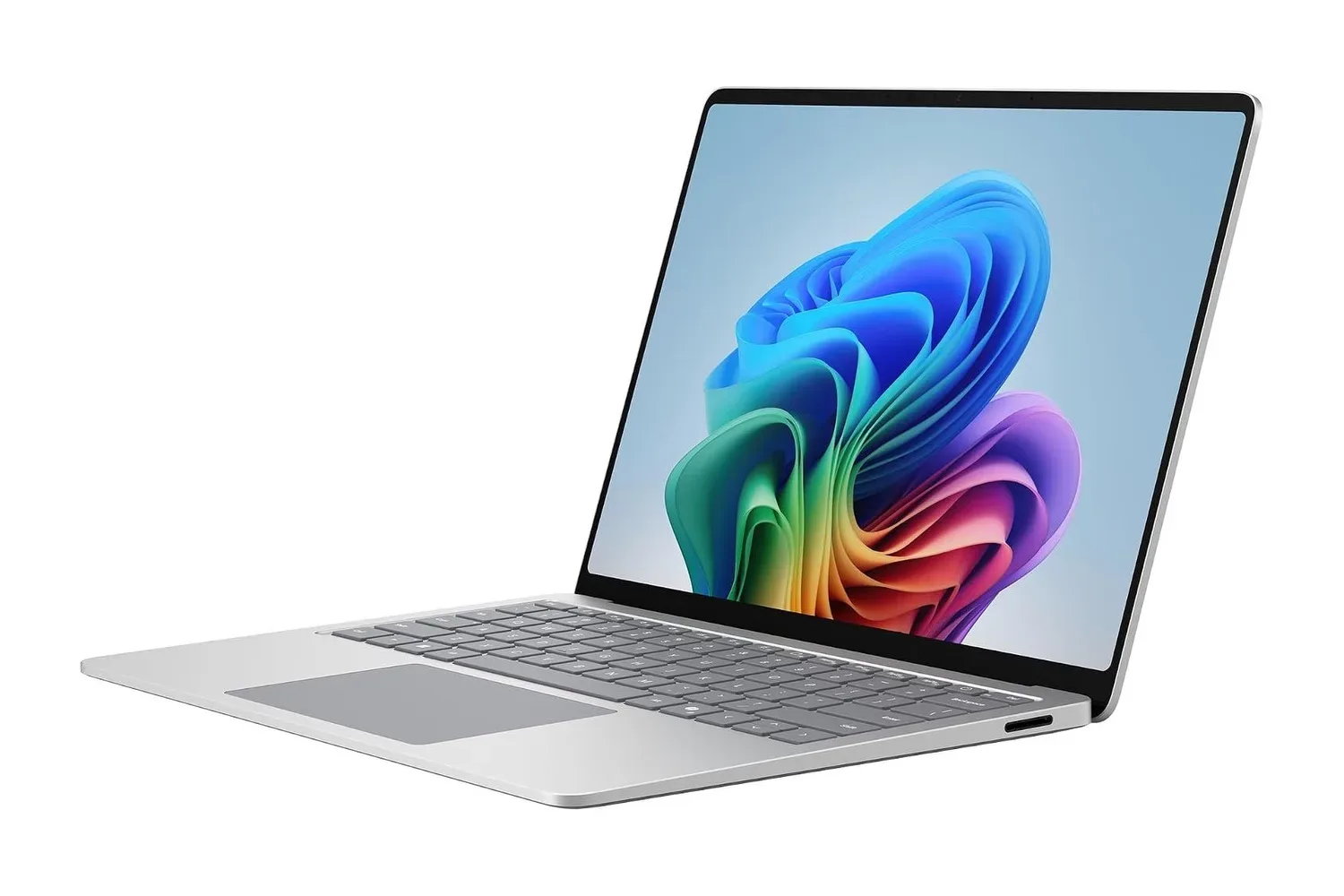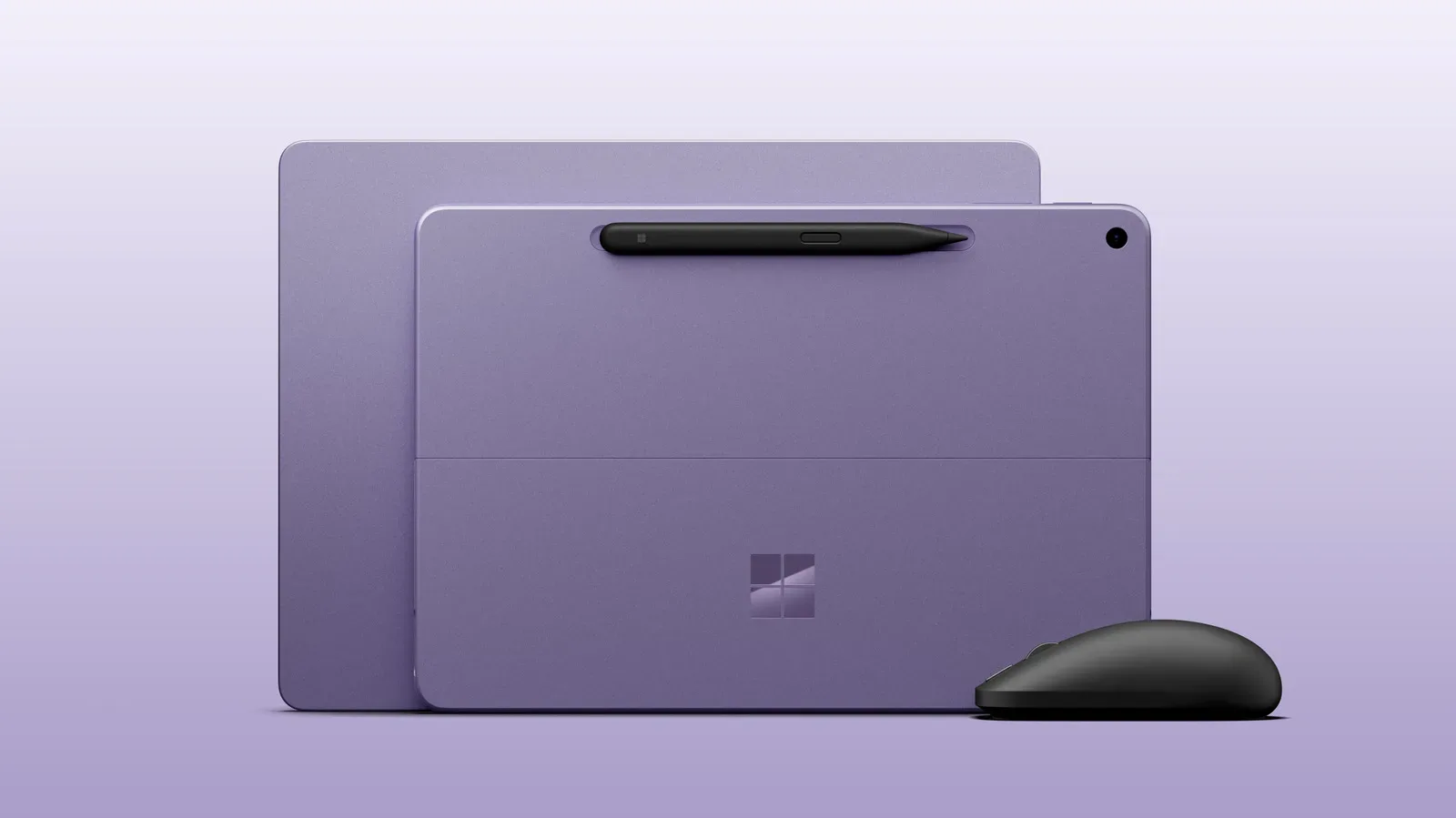
Microsoft is refreshing its compact Surface Pro 12 and Surface Laptop 13 with Qualcomm Snapdragon X2 Plus processors, placing a renewed emphasis on performance in two Windows PCs designed chiefly around portability. Both machines, along with a new haptic Surface Mouse, are scheduled to become available on October 13.
The updates keep the existing physical designs intact. Instead, the headline is the newer chip and the set of performance and efficiency gains Microsoft says it brings over the Qualcomm processors used in last year’s models. That matters because the 12-inch Surface Pro and 13-inch Surface Laptop occupy a particularly awkward but potentially useful corner of the PC market: they are intended to be small, light everyday computers, yet still need to feel responsive enough that their reduced size does not become a compromise users notice every time they open an app.
Same compact hardware, substantially different price tags
The Surface Pro 12 remains a 12-inch tablet with an integrated kickstand. It becomes laptop-like only when paired with the Surface Pro keyboard, which continues to be sold separately for $150. The Surface Laptop 13 is the conventional notebook alternative: a 13-inch-screened machine in a 2.7-pound chassis.
Neither system is being repositioned as a raw-performance replacement for a larger PC. Their core appeal is simpler: less bulk for people who want to write, browse, use Office applications, handle schoolwork, travel, or otherwise carry a full Windows machine more easily. That goal makes the processor refresh more consequential than an unchanged exterior might suggest. On a small device, slowdowns can make a laptop or tablet feel like an accessory rather than a primary computer.
There is also a notable shift in the price proposition. Last year’s models launched below $1,000, while the refreshed Surface Pro 12 starts at $1,150 and the Surface Laptop 13 starts at $1,199. The Surface Pro’s effective entry cost is higher for anyone who needs the separate keyboard. That does not erase the convenience of the tablet format, but it makes the purchase decision less straightforward for shoppers comparing it against a traditional laptop that already includes its keyboard.
Both PCs receive 500-nit displays, described as 25% brighter than the previous versions. Nits are a measurement of display brightness; a higher number can be especially helpful in brightly lit rooms or outdoors, where reflections and ambient light can make a screen harder to read. Brightness is not a direct measure of color quality or gaming speed, but it is a practical quality-of-life improvement for a machine built to leave the desk.
What Snapdragon X2 Plus is meant to change
Microsoft says the Snapdragon X2 Plus delivers 60% better graphics performance than the previous generation, 95% faster on-device AI, 18% better battery efficiency and an 18% improvement in basic Office productivity work. These are manufacturer performance claims rather than independently verified results, and they should be read as directional comparisons rather than guarantees of the same result in every program or configuration.
Even so, the categories explain what Microsoft is trying to address. Graphics performance concerns work that is rendered visually by the system, from the Windows interface and creative workloads to 3D applications and games. The claim does not establish which games will run well, what settings they may require, or how the new compact Surfaces compare with dedicated gaming laptops. It does, however, indicate an attempt to make their integrated graphics less of a limiting factor than they were on the prior small Surface models.
For players, this is best viewed as a portability story rather than a promise of a gaming machine. A lighter Windows PC can be attractive for less demanding PC games, streaming, remote play, travel, and non-gaming tasks around a gaming setup. But people whose priority is running demanding games locally should not infer a full gaming-laptop upgrade from percentage claims alone. Screen refresh rate, sustained performance, game compatibility, thermals, storage configuration and the software itself all shape the eventual experience, and those details are not established here.
That distinction is particularly relevant as PC games keep sprawling across genres and hardware types. A large online air-combat game, for instance, can have very different needs from an older or smaller title; the scale being pursued for Ace Combat 8’s campaign and online air war is a reminder that “PC gaming” is not one fixed performance target.
On-device AI refers to artificial-intelligence tasks processed locally on the computer rather than necessarily being sent to a remote server. Microsoft’s stated 95% increase concerns that type of processing. It is a large figure, but it should not be confused with a blanket claim that every AI feature becomes twice as useful or twice as fast. The benefit depends on the specific application, whether it is designed to use local processing, and the kind of task it performs.
Similarly, better battery efficiency is not the same thing as a stated battery-life figure. Efficiency describes how effectively a device uses power under comparable work, whereas actual battery life varies with workload, screen brightness, wireless use and other settings. For a 12-inch tablet and a 2.7-pound laptop, however, the emphasis is logical: battery endurance has a direct connection to the reason someone would choose a smaller machine in the first place.
A clearer split between compact and powerful Surface options
Microsoft’s own lineup makes the intended hierarchy fairly plain. Buyers wanting more power can look to the larger 13-inch Surface Pro and 13.8-inch Surface Laptop, which are also available with newer Snapdragon X2 chips, but at substantially higher prices. The refreshed Pro 12 and Laptop 13 therefore are not framed as the maximum-performance models; they are compact entries gaining a more capable foundation.
That can make the new models more appealing to a shopper who liked last year’s form factors but hesitated over their speed. At the same time, the refresh is less persuasive for someone who already owns a previous-generation version. The redesign has not changed, the keyboard situation has not changed, and the available information does not establish a single must-have new everyday function outside the revised processor and brighter screen. Existing owners should weigh their current frustrations against the higher starting prices rather than treating the headline percentage improvements as an automatic upgrade command.
Ink Canvas gives the pen a new AI-focused role
The Surface Pro 12 is launching alongside Microsoft Ink Canvas, a pen-first application intended for sketching, annotation, image generation and text summarization directly on a canvas. Microsoft positions it as an AI-powered experience, and it is a natural fit for the Surface Slim Pen and the Pro’s tablet form.
A pen-first interface is one designed around stylus input as a primary interaction method rather than treating the pen solely as a mouse substitute. In practical terms, that can mean writing notes, marking up material or drawing directly where the work is taking place. The supplied description does not detail the app’s wider workflow, supported file types or output controls, so its usefulness will depend on how well those canvas actions match an individual user’s habits.
Ink Canvas will also arrive through the Microsoft Store for other Surface devices on October 13. Its availability beyond the new 12-inch Pro is important: the app is an ecosystem feature, not an exclusive reason that current Surface owners must replace hardware. For people considering the new Pro specifically, it is better understood as an additional use for the pen-enabled format than as evidence of a changed physical design.
Surface Mouse adds haptics to Windows interactions
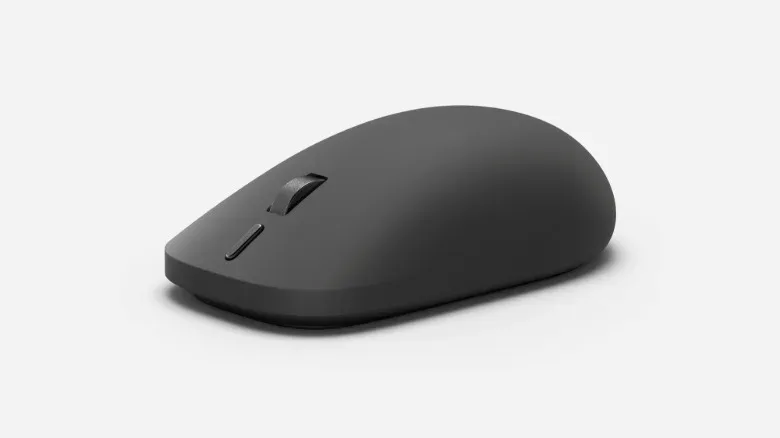
Microsoft is also introducing an $80 Surface Mouse. The ambidextrous mouse uses haptic functionality, with Microsoft saying it can let users feel certain Windows 11 actions, including snapping a window or aligning objects.
Haptic feedback is a tactile response delivered through a device, commonly a vibration or a more tailored physical sensation. Here, the stated purpose is interface confirmation: a user may feel that a window has snapped into place or that an object has aligned, rather than relying only on visual cues. It is a subtle feature, but one that could make routine desktop manipulation feel more tangible if the effect is consistent and appropriately timed.
The mouse follows the earlier Surface Mouse, a product associated with the look of Microsoft’s classic Intellimouse. It is not presented as a gaming mouse, and there are no supplied specifications on sensor performance, buttons, polling behavior or other features gamers commonly use to judge that category. Its focus is instead on Windows interaction and a symmetrical shape intended to suit either hand.
Who the refresh seems designed for
The new Surface Pro 12 and Surface Laptop 13 make their strongest case to people who value small dimensions but found last year’s performance too compromised. Microsoft’s claims suggest meaningful improvements in productivity, graphics, local AI work and efficiency, while the brighter 500-nit screens directly reinforce portable use.
The caveat is value. Starting at $1,150 for the Pro and $1,199 for the Laptop, the refreshed devices are no longer positioned by sub-$1,000 launch pricing. The Pro keyboard’s separate $150 cost compounds that calculation for anyone who wants the familiar laptop-style setup.
For prospective buyers, the choice is thus less about a new look and more about priorities. Choose the Surface Pro 12 for a small Windows tablet with a kickstand and pen-oriented software possibilities; choose the Surface Laptop 13 for a conventional 2.7-pound notebook; or consider the larger Surface options if performance is the overriding concern. The Snapdragon X2 Plus is the crucial change, but its real impact will come down to how these portability-first systems behave in the particular applications their owners rely on every day.