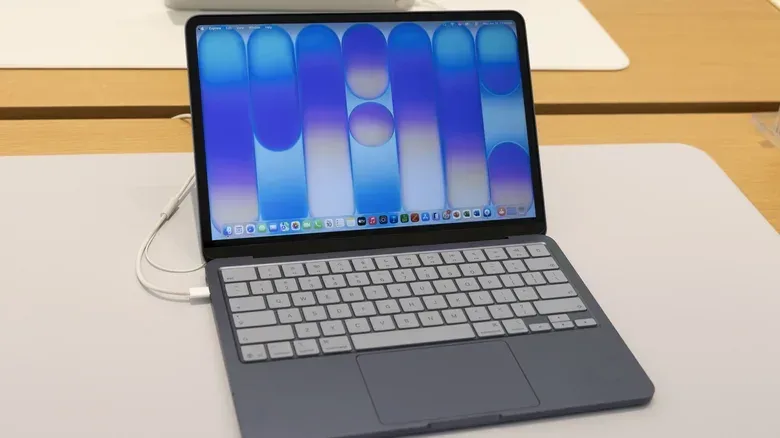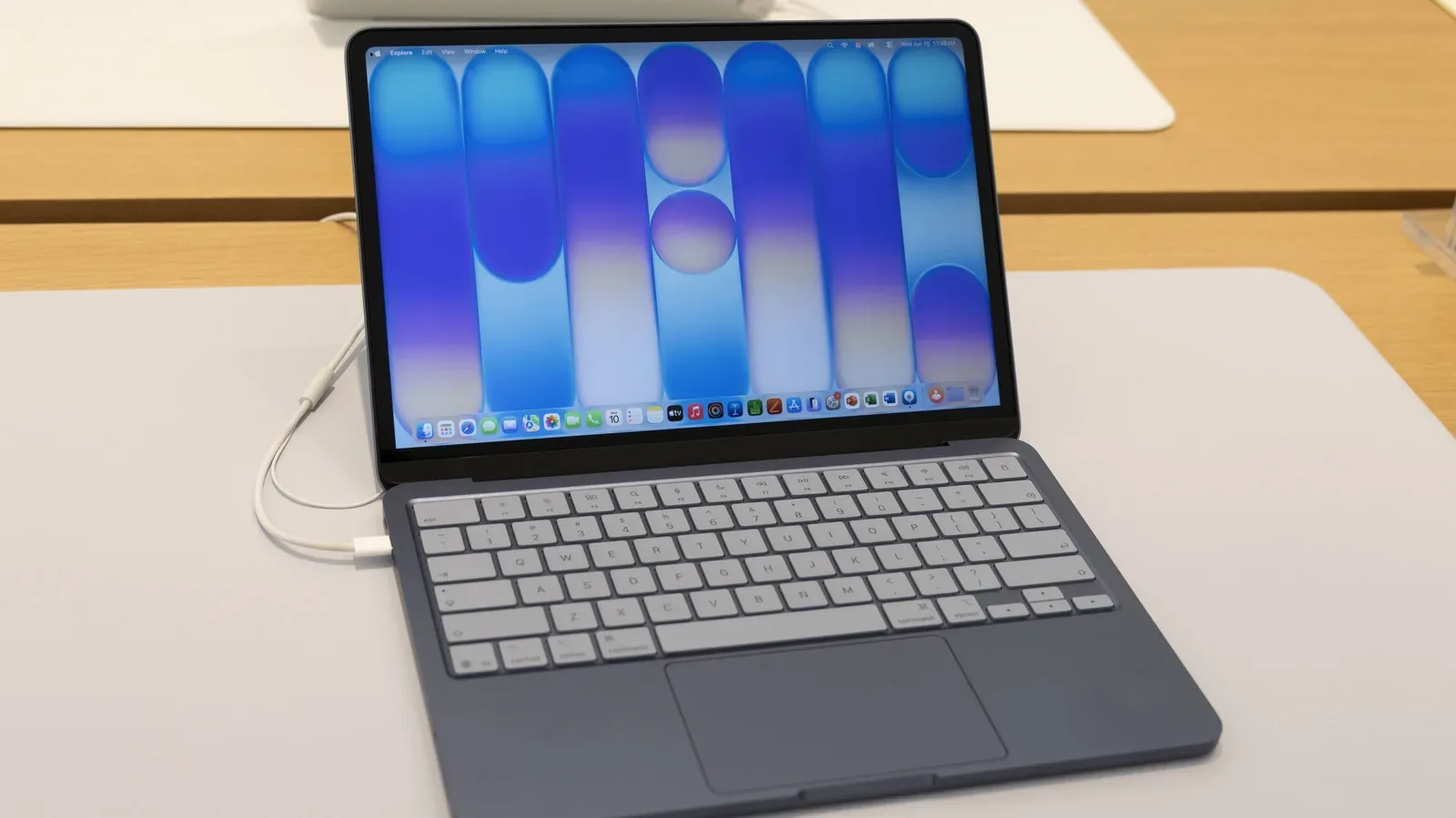
Putting an iPhone-class processor in a laptop sounds a little like asking a handheld console to run the office: potentially clever, potentially chaotic, and very likely to leave someone staring at a spinning beach ball. Yet Apple’s MacBook Neo makes a credible case for the arrangement—provided buyers understand exactly what it is buying them, and what it is not.
The 13-inch MacBook Neo launched in March 2026 at $700, a price that has become especially conspicuous after the MacBook Air’s baseline rose by $200 to $1,300. That gap is the Neo’s entire reason for existing. It is an entry point to macOS that reaches the price by choosing a repurposed iPhone processor instead of an M-series chip, keeping memory at 8GB, and offering a notably constrained collection of ports.
For everyday users, that recipe appears more functional than the spec sheet’s “phone chip in a laptop” premise suggests. For players hoping for a low-cost Mac gaming machine, editors dealing with effect-heavy 4K projects, or anyone who relies on fast external storage and Thunderbolt accessories, the details matter much more than the attractive starting price.
The MacBook Neo’s unusual engine
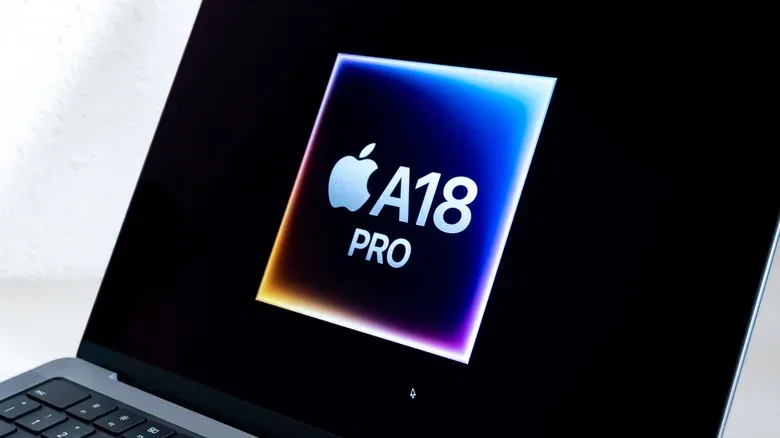
The Neo uses Apple’s A18 Pro, a processor originally designed for the 2024 iPhone 16 Pro. It is not even a direct copy of that phone configuration. The iPhone version has a six-core CPU and six-core GPU, while the Neo retains the six-core CPU but reduces the graphics portion to five GPU cores.
CPU means central processing unit: the part of a system chiefly responsible for general computing work, from keeping apps responsive to handling document and browser tasks. GPU means graphics processing unit, which takes on visual rendering and is particularly important for 3D games, effects work, and other graphically intensive software. The reduction to five GPU cores is therefore an important caveat in a machine attached to a larger 13-inch display and potentially used for workloads that are more demanding than those on a phone.
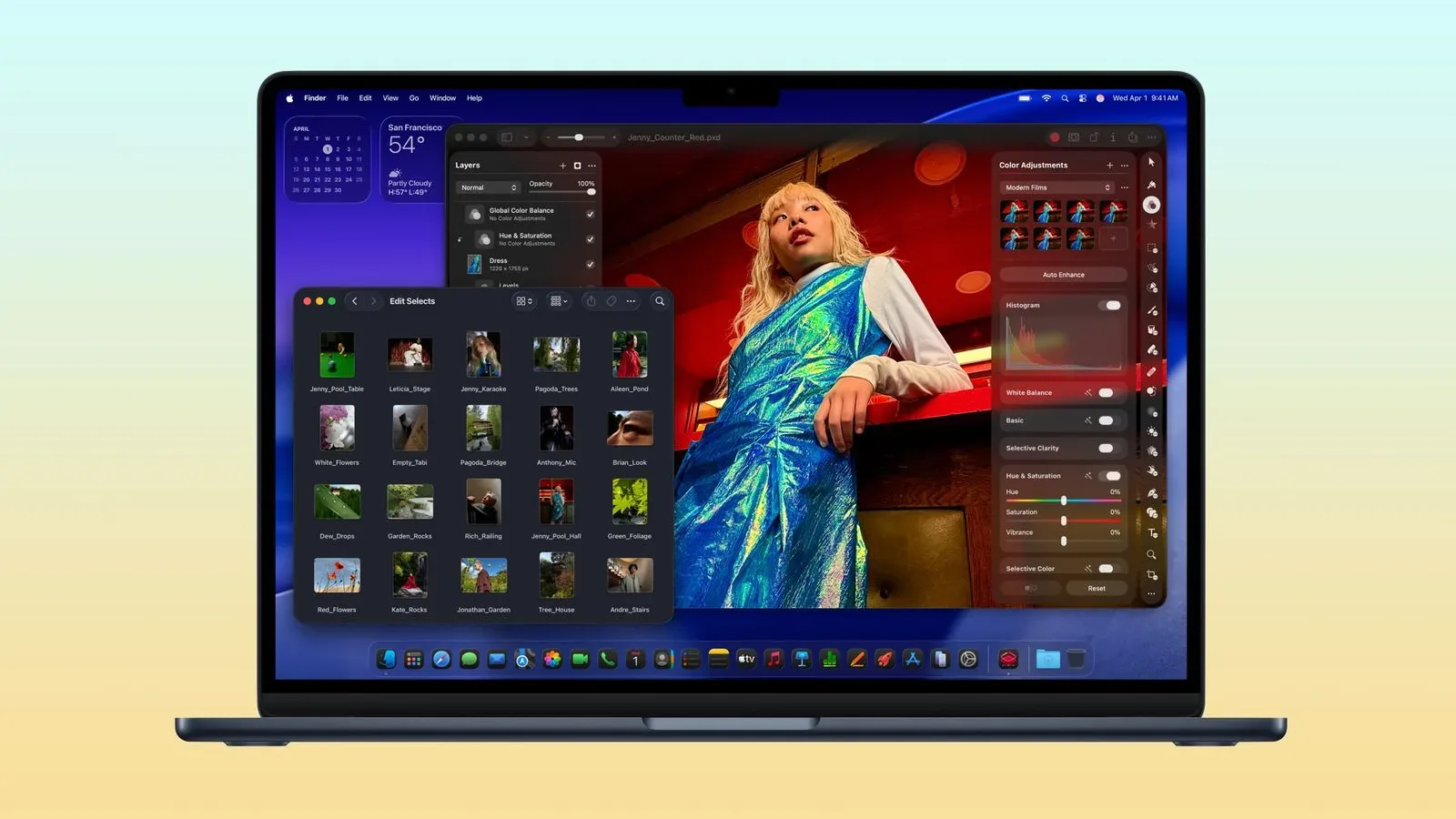
Still, the chip is not automatically out of its depth. The Neo has demonstrated that it can keep multiple web browsers, television playback, photo editing in Pixelmator Pro, and Oceanhorn 3 running without major trouble. That is a meaningful result: ordinary macOS multitasking is not reserved exclusively for higher-tier Apple silicon, and modern phone processors clearly have more headroom than their original form factor might imply.
The useful way to read that result is not “an A18 Pro equals an M-series chip.” It is that the Neo can be good enough for a broad set of lighter tasks. That distinction is the whole machine in miniature. A machine can handle a game, an image edit, a video stream, and browser tabs; it can still be the wrong pick for people whose work regularly turns any one of those jobs into a larger project.
8GB of RAM is the Neo’s harder limit
The bigger practical compromise is the Neo’s 8GB of RAM. RAM, or random-access memory, is the fast working space available to the operating system and the applications currently in use. More RAM does not replace a faster processor, but it gives software more room to stay active and manipulate larger workloads before performance suffers.
On the MacBook Neo, basic 4K video editing is possible, but special visual effects can bring the system to a crawl. That is the kind of limitation prospective buyers should take literally. “Supports 4K editing” and “is comfortable for an effect-heavy 4K workflow” are very different promises. The first says a file can be edited; the second concerns whether the job remains smooth enough to be practical. The available evidence supports the former for the Neo, not the latter.
Memory also matters for longevity because it is not upgradeable after purchase in current Mac laptops. A buyer choosing 8GB is not merely accepting a limitation for this week’s browser session. They are selecting the memory ceiling for the life of the device.
That consideration grows more pointed with Apple’s macOS 27 AI features. Some of those functions already require an M3 processor and 12GB of RAM. The A18 Neo may remain capable for the applications it supports today, especially given that it is a relatively new machine, but it cannot be assumed to keep pace with every newer macOS capability. The issue is less whether the Neo is suddenly unusable and more whether its owners may encounter a growing list of features and heavier workloads that lie beyond its hardware profile.
Mac gaming: a useful fallback, not a reason to buy
The MacBook Neo can play some games, as its handling of Oceanhorn 3 demonstrates. But it should not be viewed as a broadly future-proof gaming laptop. Its five-core GPU is a step below the A18 Pro configuration used in the iPhone 16 Pro, and application support sets a separate boundary beyond raw speed.
Some software requires an M1 processor or newer, including Assassin’s Creed Shadows. In other words, this is not solely an issue of turning visual settings down. If a game’s system requirements exclude the A18-based Neo, its presence in Apple’s ecosystem does not overcome that restriction.
Even when a game lists hardware as its minimum requirement, that wording should be treated as a compatibility threshold rather than a quality guarantee. A title can technically launch while delivering an experience compromised by graphical settings, performance dips, memory pressure, or other constraints. The Neo’s strongest gaming role is therefore selective: suitable for supported, less demanding games rather than an all-purpose ticket into contemporary Mac releases.
Buyers who want a Mac that offers more breathing room for games and other demanding software should look at the MacBook Air’s hardware advantage. The current Air carries an M5 chip and at least 16GB of RAM. It costs considerably more after its price increase, but the difference is not an abstract benchmark flex. It represents a machine aimed at smoother performance in demanding situations and a less restrictive foundation as software requirements evolve.
Ports are another real-world trade-off
The Neo’s physical connectivity is just as limited as its internal configuration. It includes one 10Gbps USB 3 port, one 480Mbps USB 2 port, and a 3.5mm headphone jack. The 10Gbps port can drive a 4K DisplayPort monitor at 60Hz, which is useful for users wanting a larger external display at a desk.
But that USB 3 connection does not support display daisy-chaining or Thunderbolt accessories. Daisy-chaining is the ability to connect certain compatible devices in sequence through a shared connection; losing it can make multi-device desk setups less flexible. Thunderbolt is a higher-bandwidth connection standard used by a range of docks, storage devices, displays, and other accessories. Its absence does not prevent a Neo from serving basic needs, but it narrows the upgrade path for users with more elaborate peripheral setups.
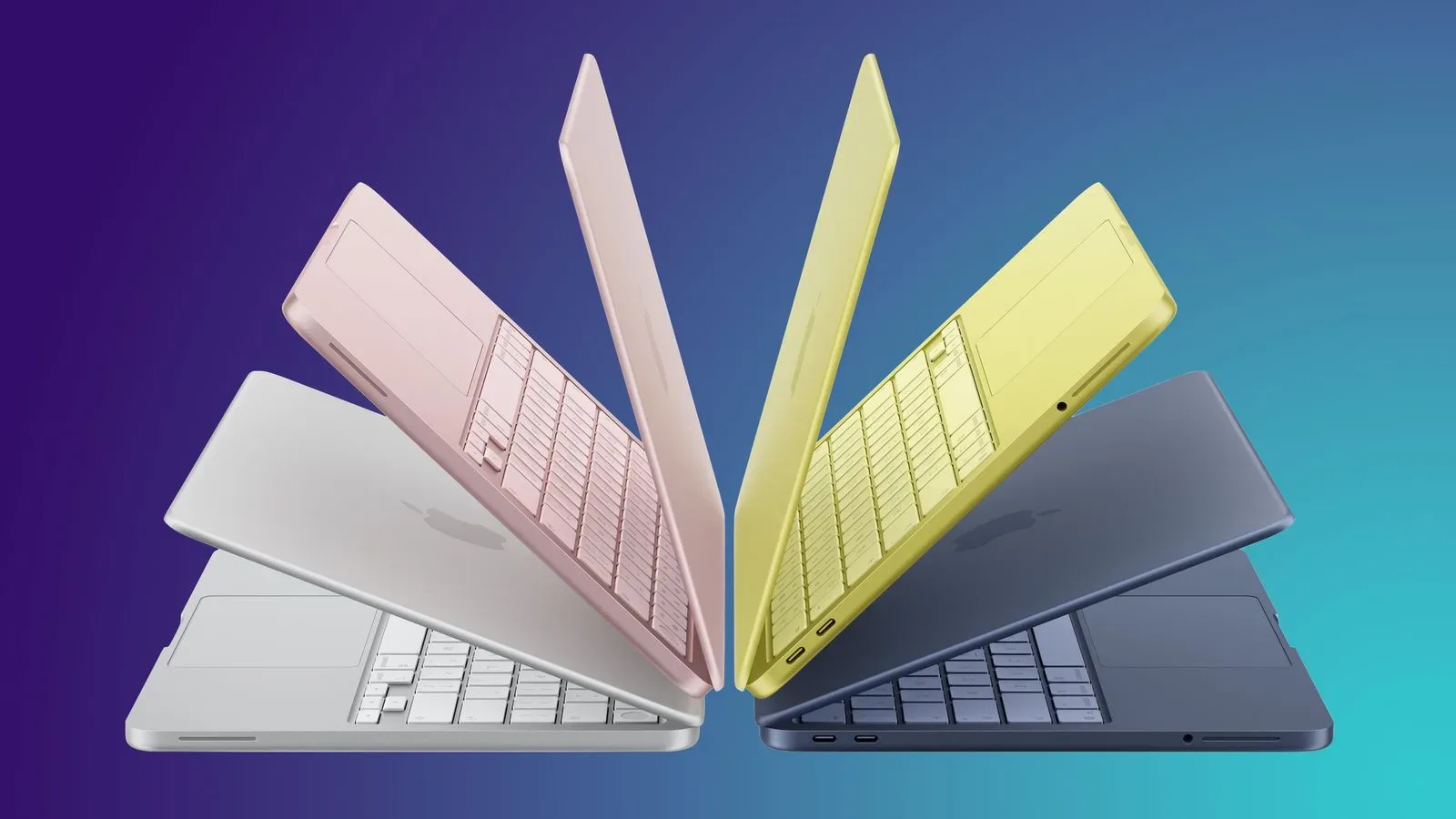
The MacBook Air has two 40Gbps USB 4 ports with Thunderbolt 4 and a separate MagSafe charging connector. That dedicated charging connection matters because it leaves the data ports available while the laptop is powered. On the Neo, prospective owners should inventory their actual accessories before treating the lower sticker price as the deciding statistic.
- The Neo fits: browsing, streaming, routine productivity, light photo work, supported lighter games, and basic 4K editing.
- The Neo demands caution for: special-effects video work, graphically intensive gaming, apps requiring M-series chips, heavy multitasking, and Thunderbolt-dependent desk setups.
- The Air justifies its premium for: buyers who need 16GB of RAM, wider app and game headroom, faster ports, Thunderbolt 4, and MagSafe charging.
A 2027 refresh may solve the most obvious weakness
A reported 2027 MacBook Neo refresh could shift the value calculation substantially. The expected model is said to move to the A19 Pro used in the iPhone 17 Pro and raise memory to 12GB. Neither detail should be treated as final until Apple confirms it, but the prospect is significant precisely because the current Neo’s limitations are so easy to identify.
An additional 4GB of RAM would not turn 12GB into the 16GB baseline found on the current MacBook Air. Nor would it make the Neo an ideal machine for heavy AutoCAD work or guarantee compatibility with every forthcoming macOS AI feature. But it could reduce the memory bottlenecks that show up in edge cases and provide a more durable floor for buyers who keep a laptop for years.
The prospective A19 Pro also matters less as a magical generational label than as another increment of performance headroom. The first-generation Neo is already viable for many common tasks; a newer processor and 12GB of memory could make its compromises less immediately noticeable. For anyone who can wait, that possibility is compelling.
There is a broader lesson in the Neo’s positioning: price, memory, software support, graphics performance, and ports are connected choices. A cheaper Mac is not necessarily a lesser purchase. It is a purchase that works best when its limitations match the buyer’s habits. Someone who mostly needs macOS, a browser, media playback, and lighter applications may find the Neo’s $700 cost difficult to ignore. Someone planning to use demanding creative apps, newer games, multiple high-speed accessories, or evolving AI tools should calculate the cost of outgrowing it.
For an immediate Mac purchase, the first Neo remains a defensible budget option, and a refurbished unit could make its value proposition stronger still. Buyers should verify the specific model’s condition and included configuration, then check their must-have apps and accessories before committing. For those with time on their side, waiting for the reported second generation is the safer move: 12GB may not be luxury territory, but it is considerably less likely to feel like bringing a phone’s snack drawer to a laptop-sized buffet.
Apple’s product strategy continues to have consequences well beyond notebook specs, as seen in ongoing scrutiny around the company’s broader business operations. In the narrower case of the MacBook Neo, though, the question is refreshingly concrete: determine whether 8GB, selective game support, and modest I/O are acceptable compromises, or wait for hardware with a little more room to breathe.